
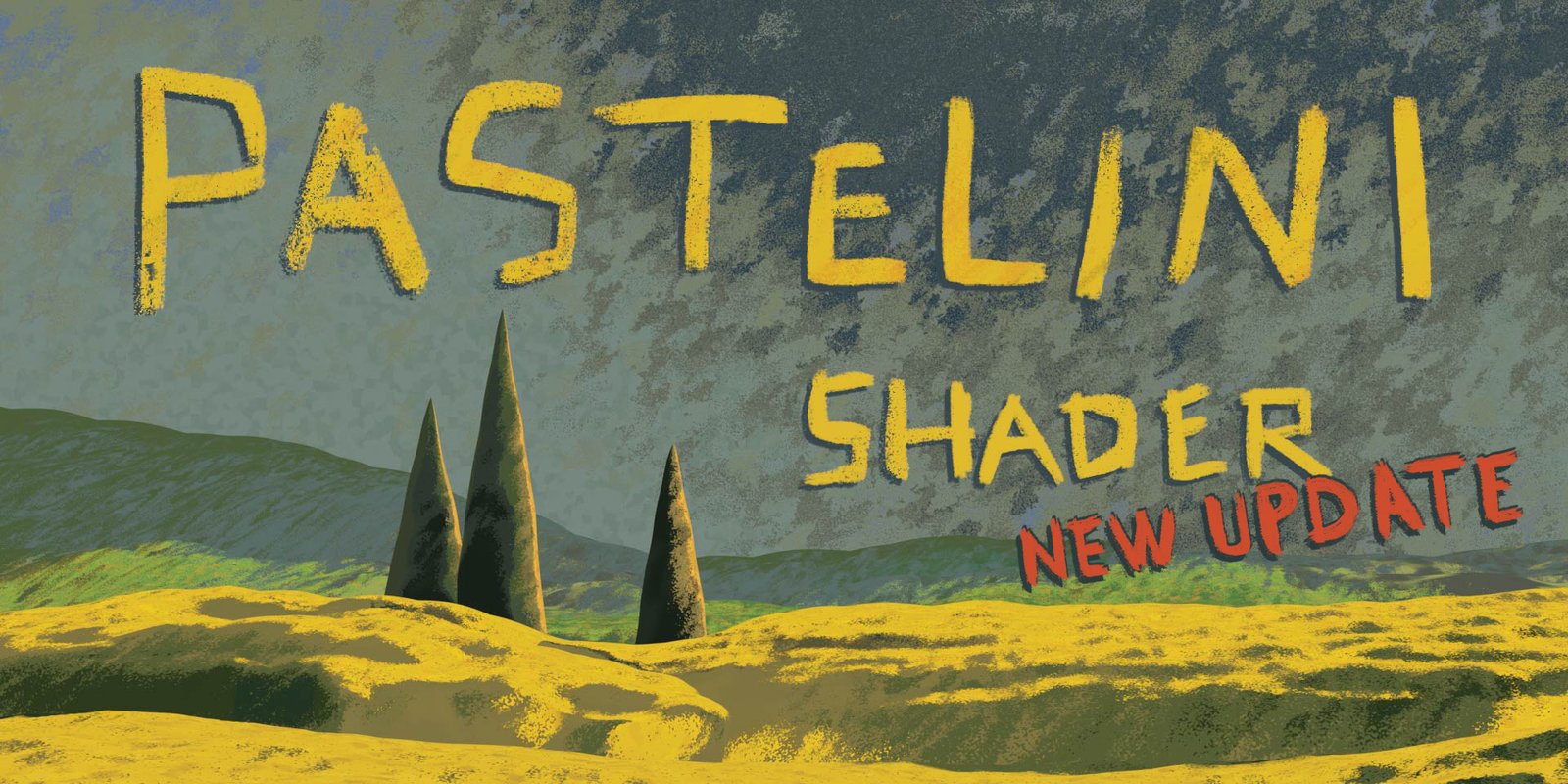
Pastelini Shader for Blender
Pastelini Shader v1.0 for Blender
The Ultimate Pastel and Soft Tone Shader System
Download the Pastelini Shader v1.0 addon today. Therefore, you can create beautiful pastel and soft-toned materials for your 3D scenes instantly. Because stylized and whimsical rendering requires specialized shading tools, you need proper solutions. However, manually creating soft pastel materials with proper lighting responses takes many frustrating hours. Consequently, this powerful addon solves that problem completely. Furthermore, it provides a dedicated pastel shader system with soft gradient controls. Thus, you can create dreamy, gentle, and aesthetically pleasing materials in seconds.
Fast Pastel Material Generation
First, the core of this addon is material creation speed. Specifically, it provides ready-to-use pastel shader presets with soft color transitions and gentle falloff controls instantly. Furthermore, you can adjust pastel intensity, saturation, and softness levels easily. Additionally, the tool supports multiple pastel styles including matte, velvety, and slightly glossy finishes seamlessly. Thus, you can create everything from cute character materials to dreamy environmental surfaces quickly. Moreover, you can customize every shader parameter perfectly. Consequently, your 3D models will feature unique and charming pastel aesthetics.
Advanced Soft Tone Features
Ultimately, soft and gentle aesthetics require specialized rendering techniques. Therefore, this addon includes advanced soft tone features. Specifically, you get subtle shadow gradients, soft rim lighting, and gentle ambient color bleeding. Furthermore, the algorithms preserve material interactions and lighting responses perfectly. Additionally, the tools support custom color palettes and gradient ramps seamlessly. Consequently, your pastel renders will feature truly beautiful and harmonious visuals. Thus, the workflow reacts beautifully to your creative input.
Real-Time Preview and Performance
However, complex shader effects can slow down viewport performance. Therefore, the addon is perfectly optimized for real-time feedback. Specifically, it utilizes efficient Eevee and Cycles shader implementations. Consequently, you can see pastel effects and soft tones instantly as you adjust parameters. Meanwhile, your viewport frame rate remains completely stable. Ultimately, this ensures a smooth and interactive shading experience.
Perfect for Stylized Artists and Character Designers
Additionally, this addon is ideal for stylized artists and character designers. Furthermore, it suits illustrators, concept artists, and whimsical scene creators perfectly. Moreover, anyone wanting soft, dreamy, or cute aesthetics will love the instant pastel results. Ultimately, it accelerates your entire stylized rendering pipeline.
System Requirements and Formats
Specifically, the addon requires Blender 3.6 or newer. Furthermore, it supports both Eevee and Cycles render engines completely. Additionally, you get regular free updates from the developer. Therefore, it works across all major operating systems. Moreover, you will need a standard workstation. Thus, 8GB of RAM is highly recommended. Consequently, a modern GPU ensures smooth real-time viewport previews.
Installation and Usage Guide
First, download the zip file from your library. Next, open Blender and go to Edit Preferences. Then, select Add-ons and click Install. After that, enable the Pastelini Shader addon. Finally, select your object, apply the pastel shader from the material panel, adjust your soft color parameters, and watch the real-time updates. Thus, your beautiful pastel material will be ready instantly.
What is Included Inside?
Specifically, the pack contains multiple pastel shader presets and color palettes. Furthermore, it includes soft gradient controls, rim lighting options, and subtle texture overlays. Additionally, you get several pre-built shader styles for different character and scene types. Moreover, there are detailed video tutorial guides. Ultimately, you receive everything for professional pastel shading.
Final Thoughts on the Addon
Ultimately, soft and dreamy aesthetics evoke profound creative freedom. Therefore, this addon provides the ultimate pastel rendering foundation. Furthermore, you can build detailed stylized characters and whimsical environments. Alternatively, you can create gentle product visualizations and charming illustrations instantly. Consequently, your pastel shading vision becomes a stunning reality.
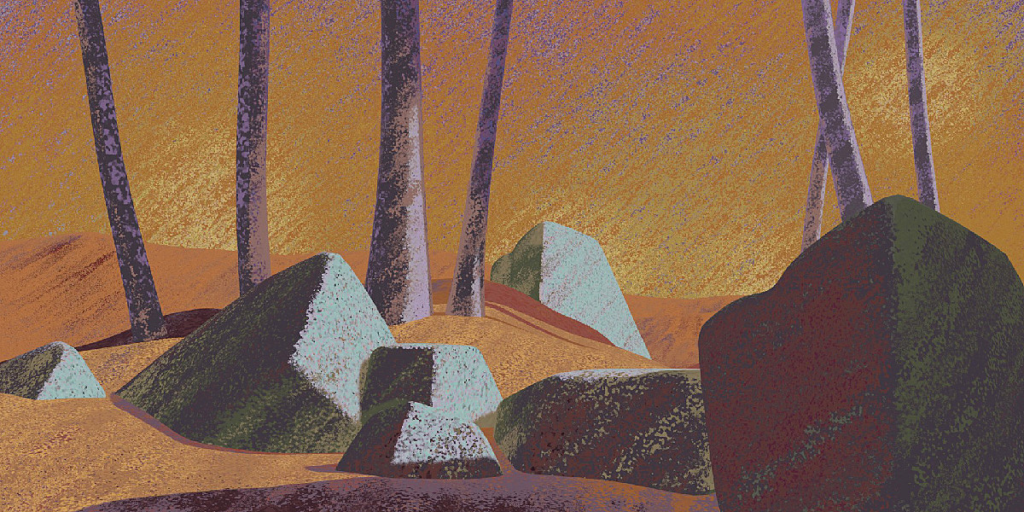
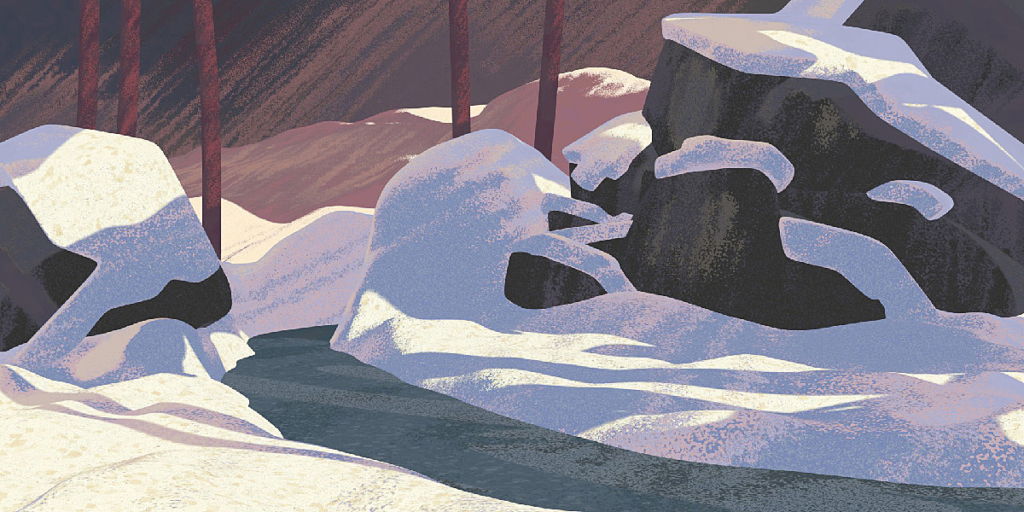
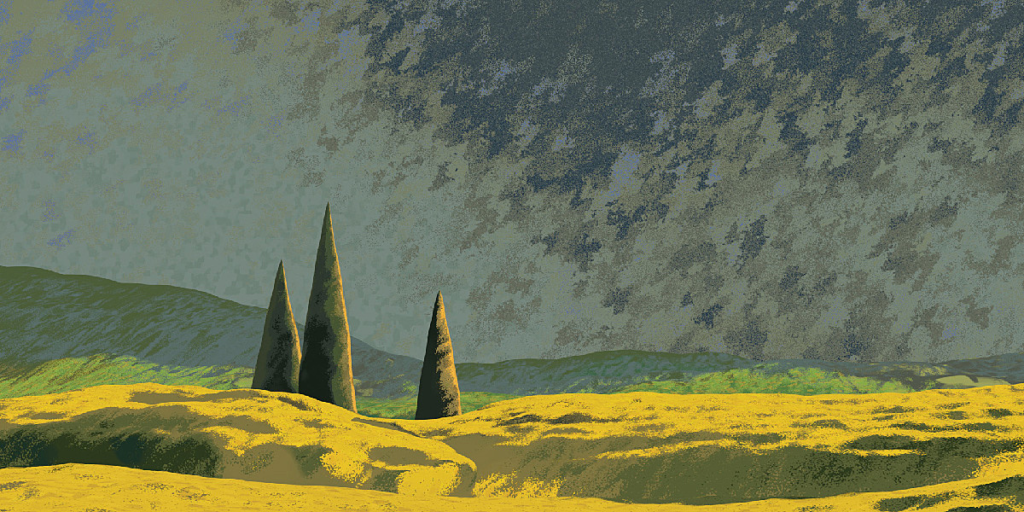
WHAT IS PASTELINI?
Pastelini recreates your Blender scenes into pastel paintings and drawings. You just choose your model, put Pastelini on it, and within a few clicks and a few minutes of playing with colors and lights you have a nice, traditional-looking artwork, which can even be easily animated. No UV’s, fully procedural, and fast.
Working very well in Blender 3.0!
I made it mainly for landscape and environment artists, who love CG but need to catch their ideas quickly. Pastel technique is a great tool for this and Pastelini is like its digital mirror, which allows the artwork to get alive – to be animated by simple sliders I prepared for you.
Of course, you can also use it for any type of art and concepts – portraits and character design, vehicles, or whatever you can imagine.
SHADER DEMONSTRATION
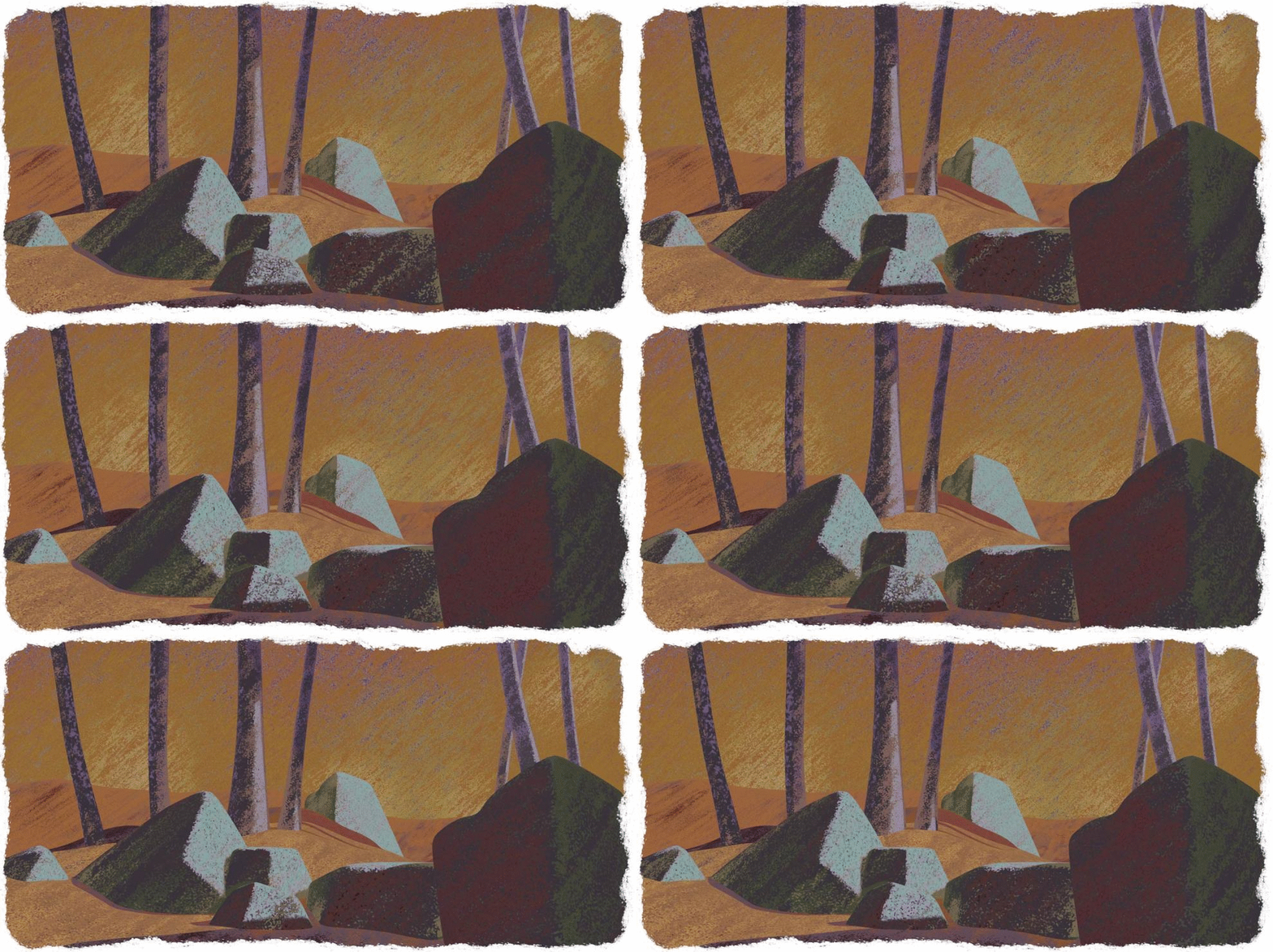
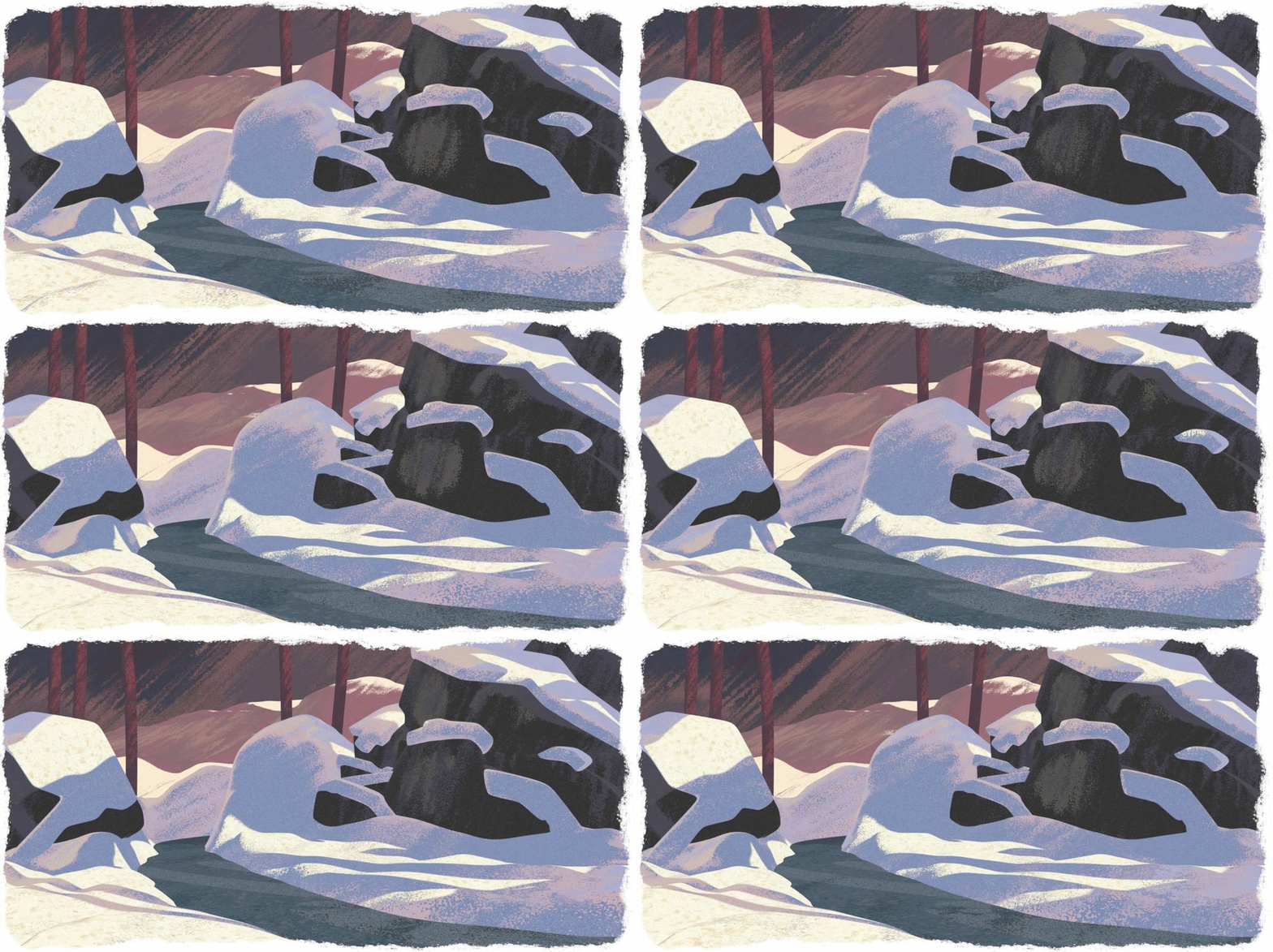
To show you some examples, I created these three pastel scenes, which are included in the pack.
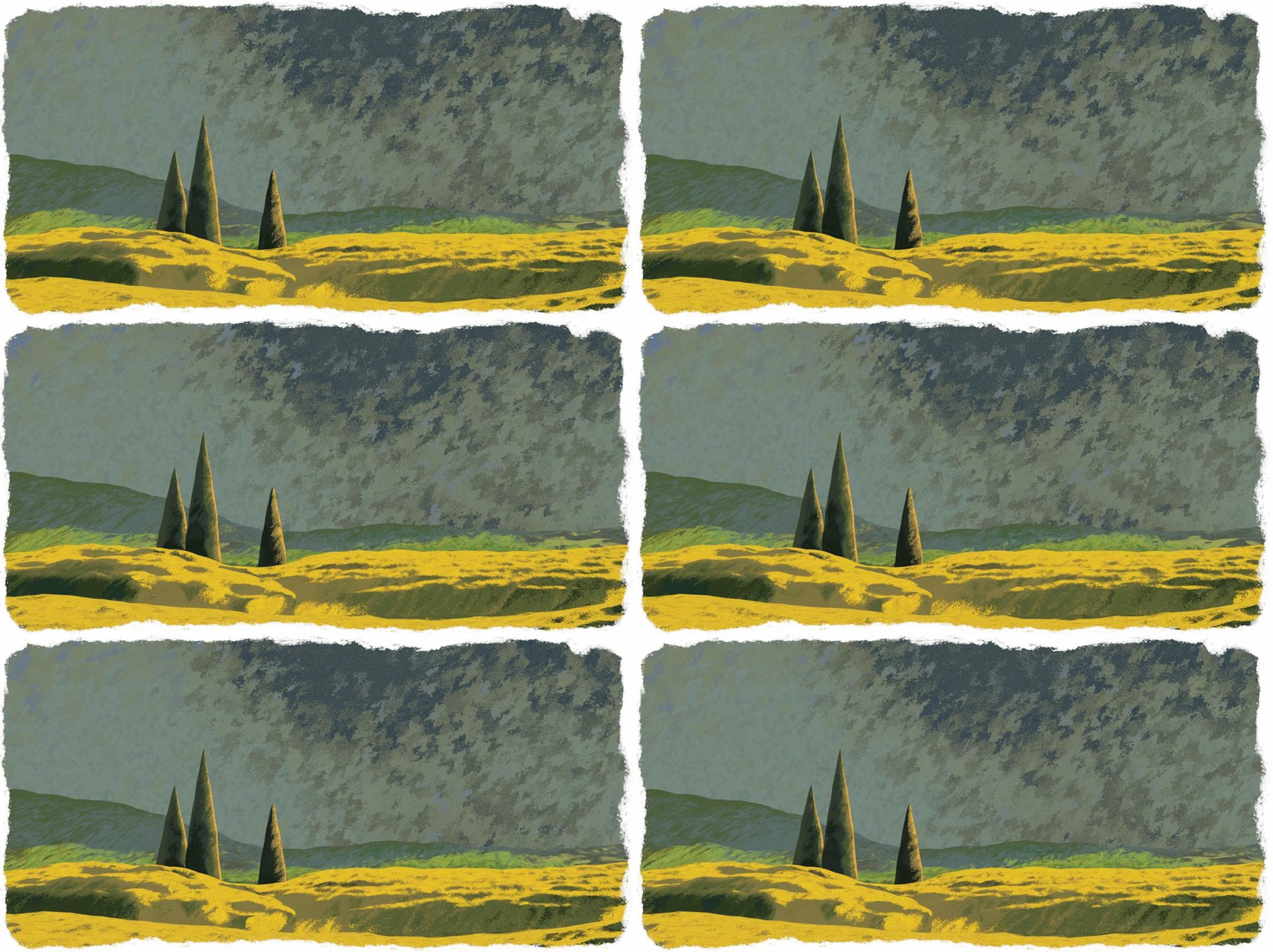
HOW TO USE IT?
- Make your composition and models
- Set Blender to Eevee and Standard View Transform
- Get a color scheme (find a picture with a mood you want or paint/shoot one)
- Import Pastelini and make as many copies as you need to get different colors of objects
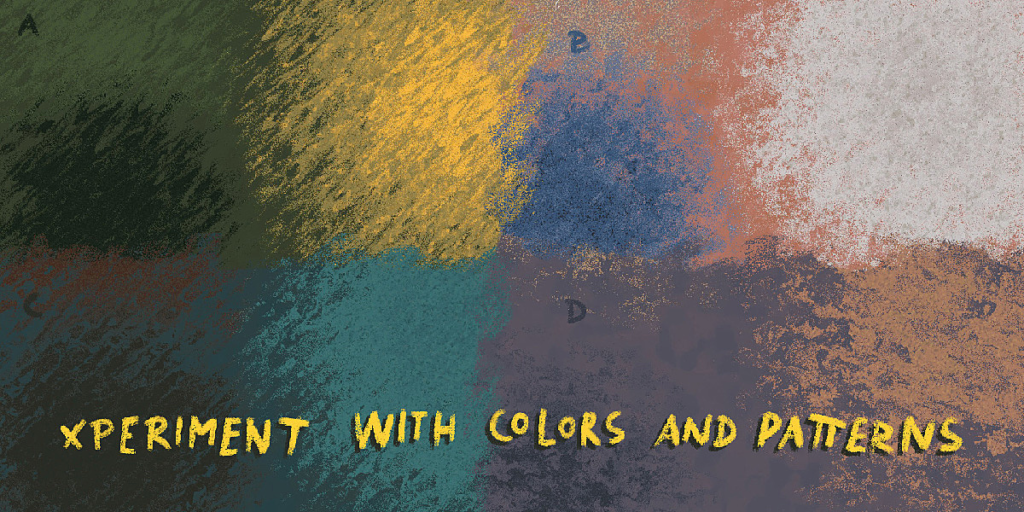
- Choose colors by intuition or color pick them from your pre-made color scheme
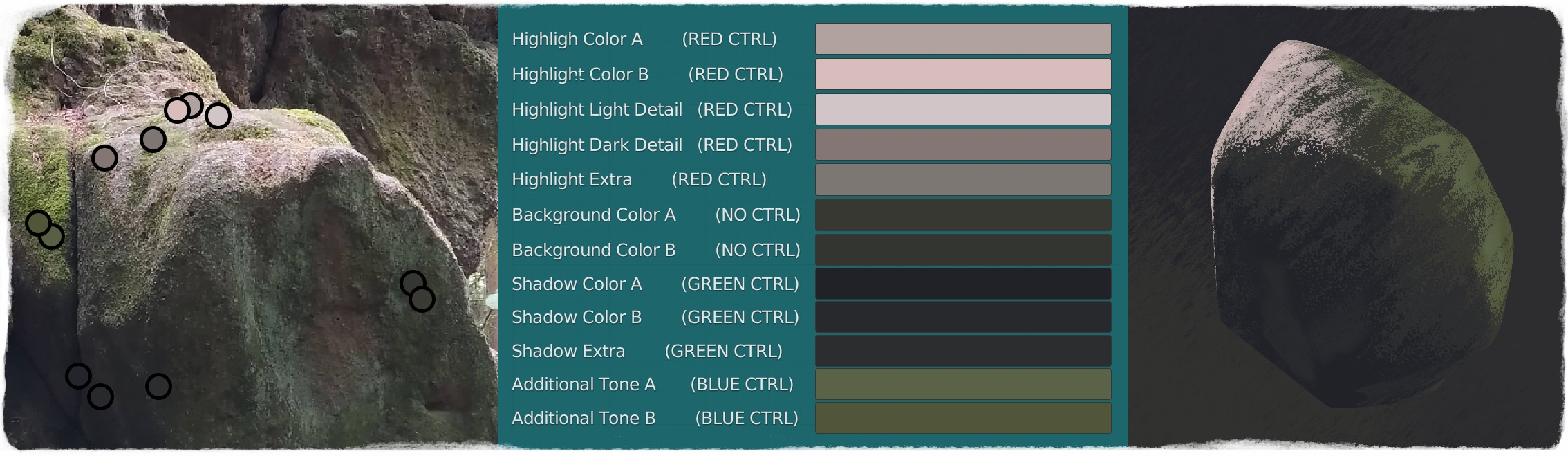
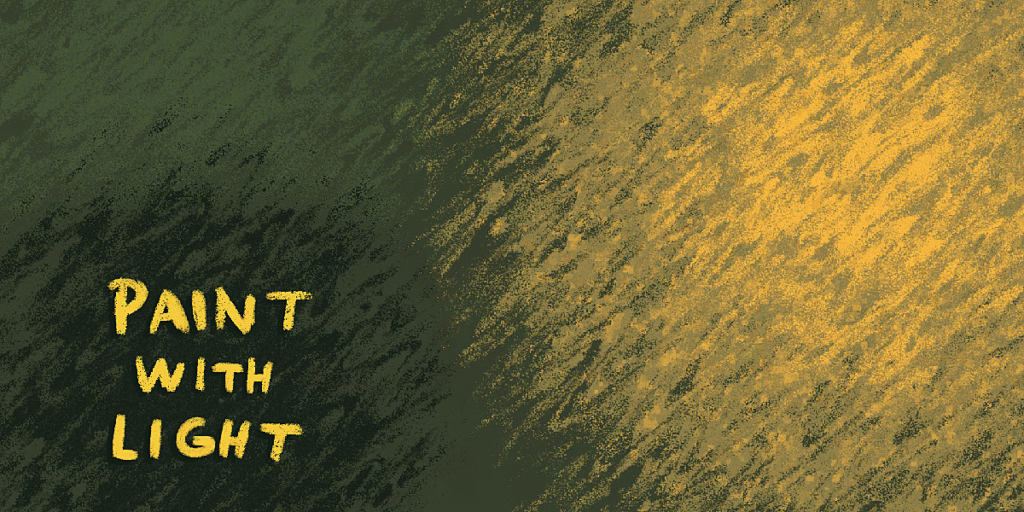
- Create a set of RED, GREEN, and BLUE lights – each of them will paint another color on your object – the default is:
RED for the main light source
GREEN for main shadows
BLUE for additional light color
NO LIGHT for a neutral background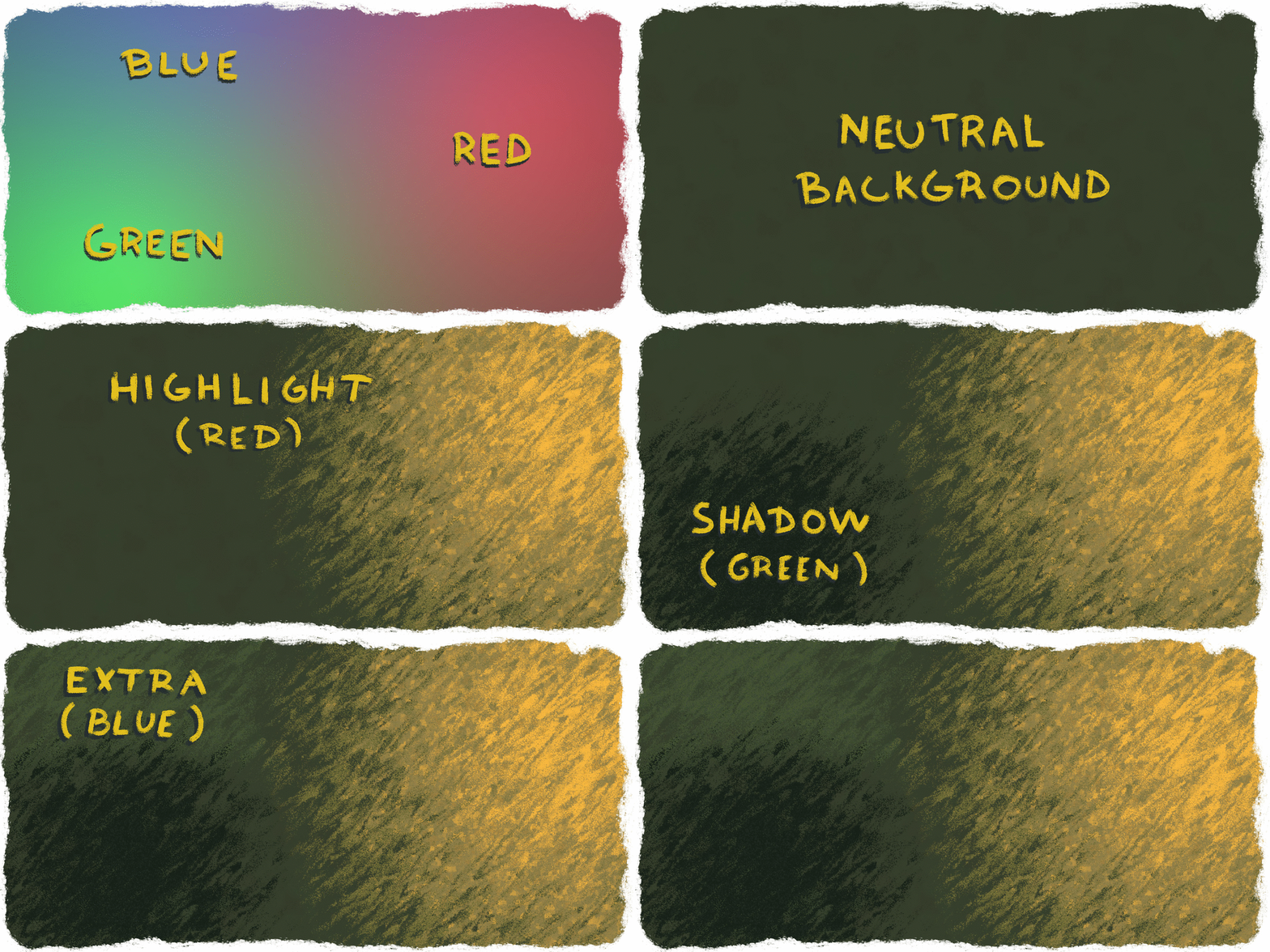
You can always change these and have NO LIGHT for the darkest values, it really just what color you assign to which light type. You have 12 colors to work within Pastelini Shader, but if you are node-friendly, you can expand the number to whatever you need and enhance the shader. - Work in real-time render view and check if everything is correct
- Hit render! or
- Press the spacebar and check the fluid animation
- Edit the animation direction, speed, and step frame
- Hit render animation!
NEW UPDATE! 2.0 + N-Menu Addon
The new 2021 update brings a brand new N-Menu Addon DarthManager, which allows you to add Pastelini materials to your scene without manual appending + offers a great Material Manager to keep track of all the imported material copies.
There are material thumbnails and there are many small features to make your work more efficient. Check out the 2.0 documentation for more details!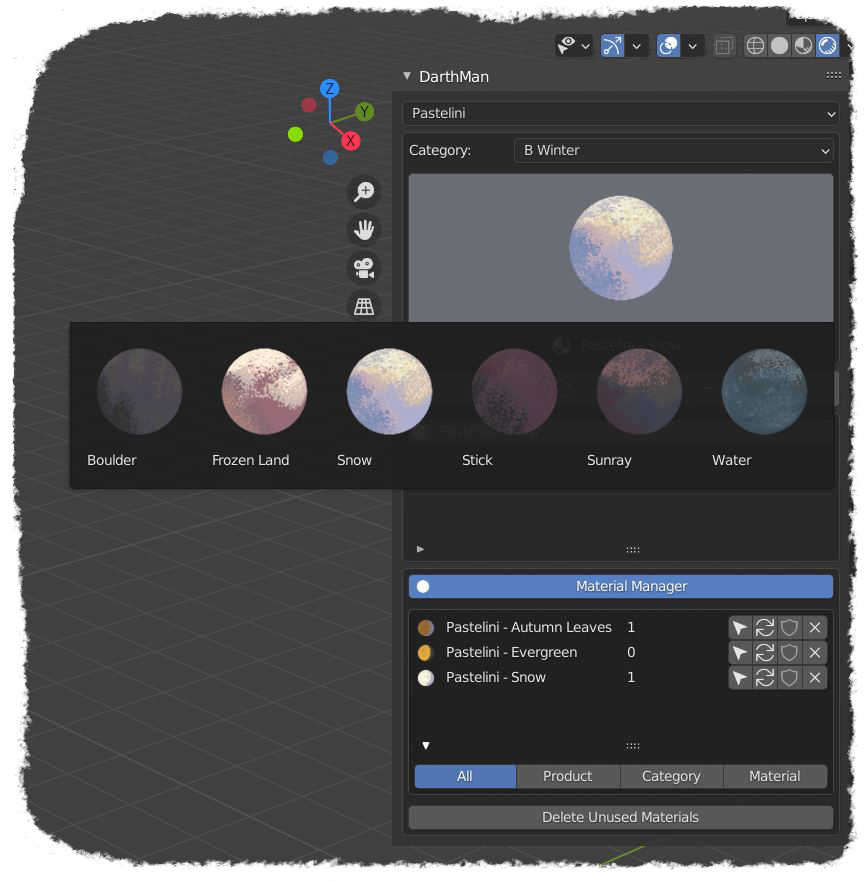
WHY YOU MAY WANT IT?
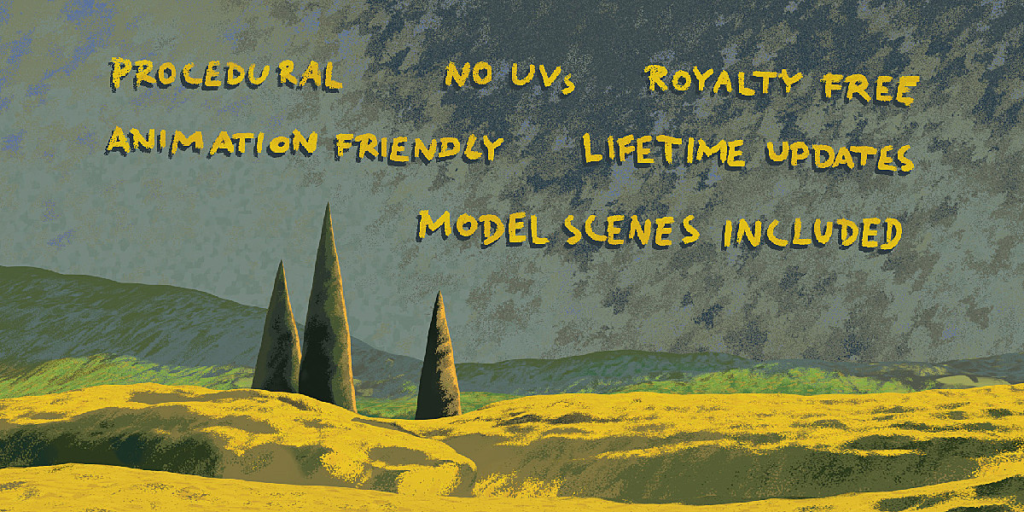
- No UV’S (camera mapping)
- Fully procedural (use it for any resolution)
- Darth Manager N-Menu Addon
- Lifetime updates
- Royalty-Free License
- Eevee – realtime
- Animation-friendly (animation attributes right in the shader)
- Great for illustrators, animators, environment artists and concept artists
- Plug’n’play
- The three model landscapes are included
ADDITIONAL INFO
Before using, please, check the documentation. It will not only help you with the installation, but it will also give you some great headstart tips.
- The shader is made in Eevee and it will NOT work in Cycles.
- The shader is only one node – so you can combine more of them and experiment!
WHAT’S INCLUDED?
- PASTELINI SHADER with 18 material presets
- DARTH MANAGER N-MENU ADDON
- FIELD SCENE (5 presets)
- WINTER SCENE (6 presets)
- FOREST SCENE (7 presets)
- PDF DOCUMENTATION
Supercharge your 3D creation workflow with premium selection of Blender Add-ons. Whether you are modeling intricate characters, sculpting realistic environments, or animating cinematic sequences, the right add-on can transform how you work inside Blender. Our curated collection includes powerful tools for UV unwrapping, procedural texture generation, rigging automation, rendering optimization, and more—each rigorously tested for compatibility with the latest Blender versions. Eliminate tedious manual processes and unlock advanced functionality that lets you focus on what matters most: bringing your creative vision to life. Explore our full range of professional Blender plugins today and take your 3D projects to the next level.
➡️ ➡️ For more Blender Plugins 😀 😀
Reviews
There are no reviews yet.