
petik for Blender
Petik v2.0.5 for Blender
The Ultimate Quick Access and Pie Menu Tool
Download the Petik v2.0.5 addon today. Therefore, you can access your most used Blender tools and operators instantly through customizable pie menus. Because efficient 3D workflow requires quick access to frequently used tools, you need proper solutions. However, navigating through endless menus and searching for operators takes many frustrating hours. Consequently, this powerful addon solves that problem completely. Furthermore, it provides an intuitive pie menu system for rapid tool access. Thus, you can streamline your workflow and keep your focus on creativity in seconds.
Fast Tool Access and Workflow Optimization
First, the core of this addon is tool access efficiency. Specifically, it allows you to create custom pie menus with your most frequently used operators and tools instantly. Furthermore, you can organize tools by category, assign keyboard shortcuts, and customize menu layouts easily. Additionally, the tool supports context-sensitive menus that adapt to your current mode and selection seamlessly. Thus, you can access exactly what you need when you need it quickly. Moreover, you can customize every menu parameter perfectly. Consequently, your workflow will become significantly faster and more intuitive.
Advanced Customization Features
Ultimately, personalized workflows require flexible customization options. Therefore, this addon includes advanced customization features. Specifically, you get menu editing, operator grouping, and custom icon assignment. Furthermore, the algorithms preserve your custom layouts across Blender sessions perfectly. Additionally, the tools support multi-level menus and nested pie menus seamlessly. Consequently, your tool access will remain perfectly tailored to your needs. Thus, the workflow reacts beautifully to your creative input.
Real-Time Feedback and Performance
However, complex menu systems can sometimes introduce lag or clutter. Therefore, the addon is perfectly optimized for speed and simplicity. Specifically, it utilizes efficient menu generation and hotkey response algorithms. Consequently, you can access tools instantly without any noticeable delay. Meanwhile, your viewport performance remains completely stable. Ultimately, this ensures a smooth and responsive workflow experience.
Perfect for All Blender Users
Additionally, this addon is ideal for beginners learning Blender workflows. Furthermore, it suits experienced professionals wanting faster tool access perfectly. Moreover, anyone wanting to reduce menu navigation time will love the instant pie menus. Ultimately, it accelerates your entire 3D production pipeline.
System Requirements and Formats
Specifically, the addon requires Blender 3.6 or newer. Furthermore, it supports all Blender modes including object, edit, sculpt, and paint modes. Additionally, you get regular free updates from the developer. Therefore, it works across all major operating systems. Moreover, you will need a standard workstation. Thus, 8GB of RAM is highly recommended. Consequently, a modern GPU ensures smooth interface responsiveness.
Installation and Usage Guide
First, download the zip file from your library. Next, open Blender and go to Edit Preferences. Then, select Add-ons and click Install. After that, enable the Petik addon. Finally, open the Petik preferences, customize your pie menus, assign your keyboard shortcuts, and start accessing tools instantly. Thus, your optimized workflow will be ready immediately.
What is Included Inside?
Specifically, the pack contains multiple default pie menu presets and tool categories. Furthermore, it includes menu editing tools, shortcut management, and layout presets. Additionally, you get several pre-built menu setups for common workflows. Moreover, there are detailed video tutorial guides. Ultimately, you receive everything for professional tool access management.
Final Thoughts on the Addon
Ultimately, efficient tool access evokes profound creative freedom. Therefore, this addon provides the ultimate workflow foundation. Furthermore, you can build customized tool layouts for any task. Alternatively, you can streamline your entire production process instantly. Consequently, your tool access vision becomes a stunning reality.
PETIK
PETIK for Blender 2.93 and up
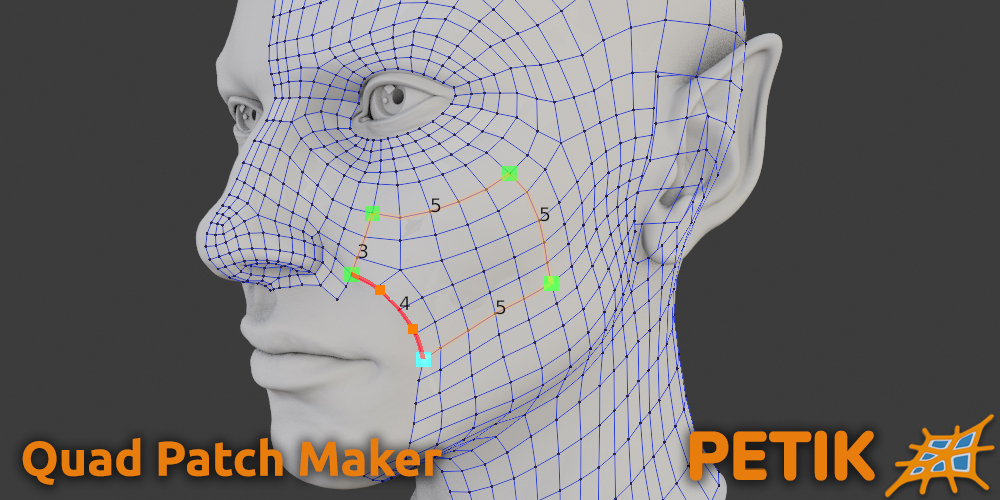
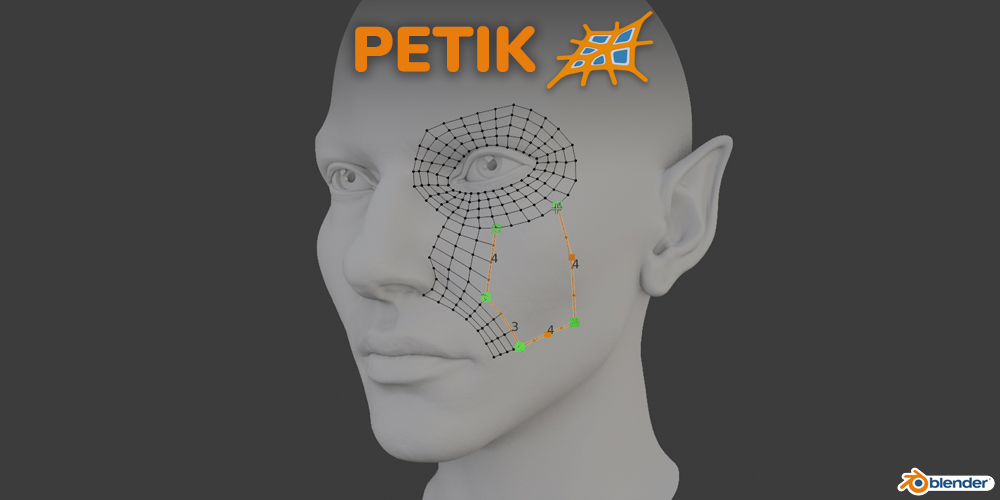
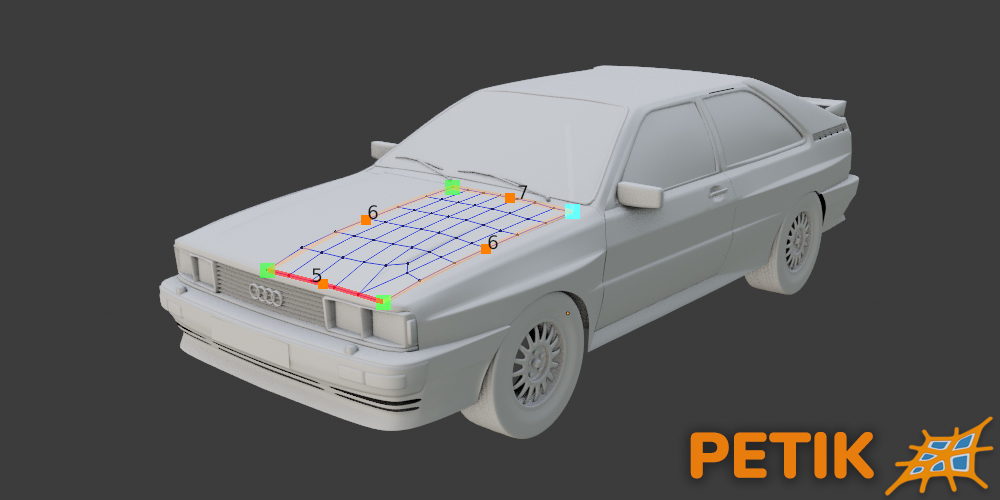
Version 2.0 is up and running! The biggest feature is the multi patch! Now you can create and control multiple patches at a time. Just place the control lines and Petik will figure out the rest.
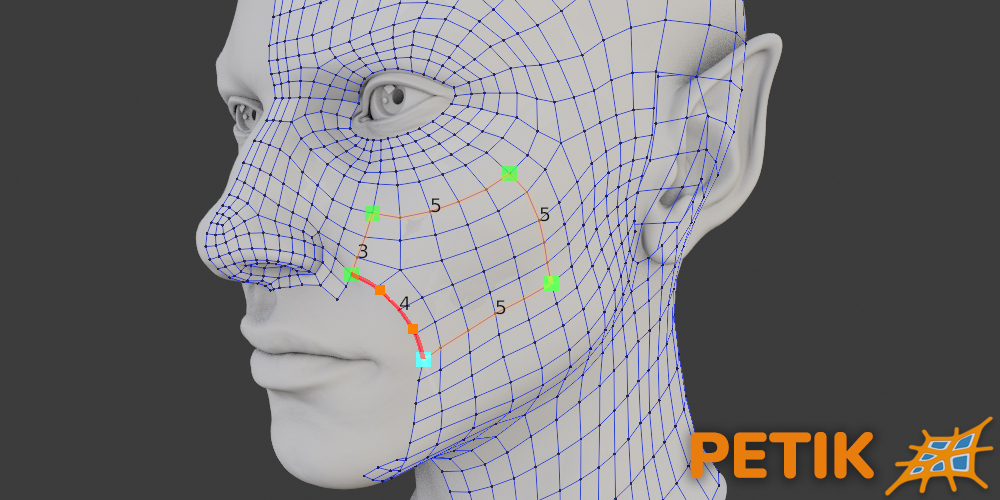
To select the active control point just Ctrl+Right Click the desired point and then Click for a new control point or Right Click an existing vertex. Petik will create a control line between the points. If there are loops defined by the control lines it will automatically create a patch.
You can also use H hotkey to toggle hide the UI.
***NOTE:***
Petik version 2.0.4 adds a new stand alone feature: Petik Line. Now you can use the control line for any edge loops and easily control and smooth multiple vertices with just a few control points. Think of it like a lattice for edge loops. The shortcut is Ctrl + Shift + Alt + Z

***NOTE:***
From Petik version 2.0.3 and up the installation process doesn’t need running Blender in Administrator mode. Just install Petik like any other addon/extension.
For Blender 4.0 download 1_2_x version for single patch and 2_0_x_b4 for multi patch.
Petik 2 is in beta for now, please report any bugs if you can.
Petik helps you create low-poly quad mesh in half the time
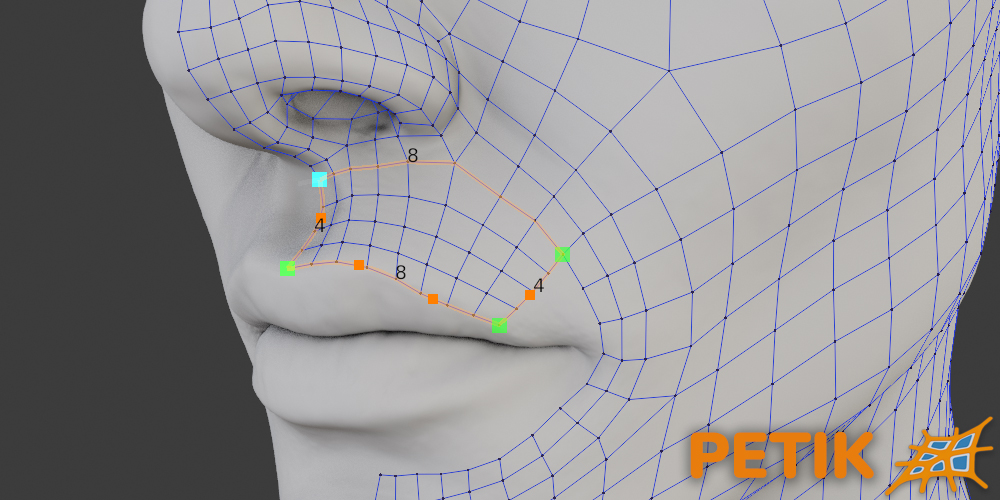
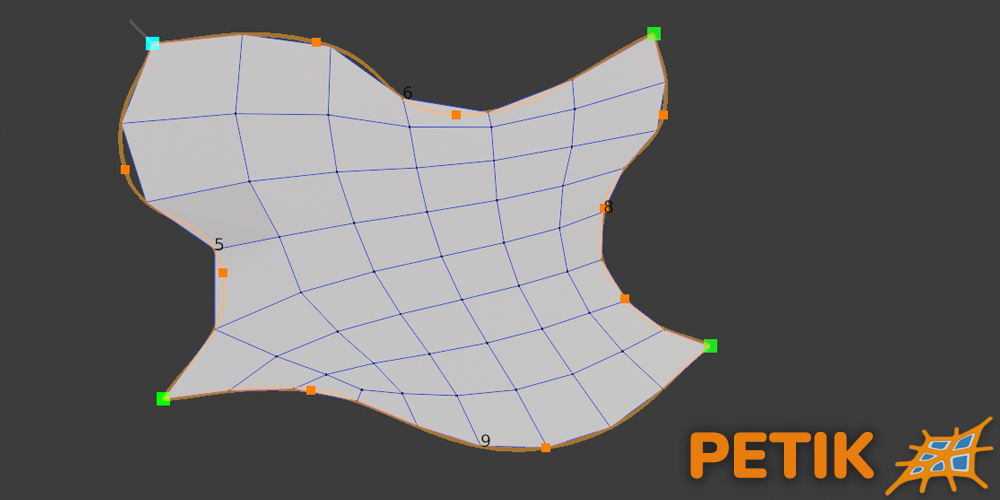
Petik is an effortless tool for retopology. It allows you to define your own geometry patches precisely the way you need them. You get up to six sides to one patch and a variable number of vertices on each side. This will hopefully give you a flexible tool that fits all particular use cases.
You can make your mesh from scrap or connect mesh pieces to your preexisting geometry. Petik integrates perfectly with what you already have in place and creates an amazing edge flow.
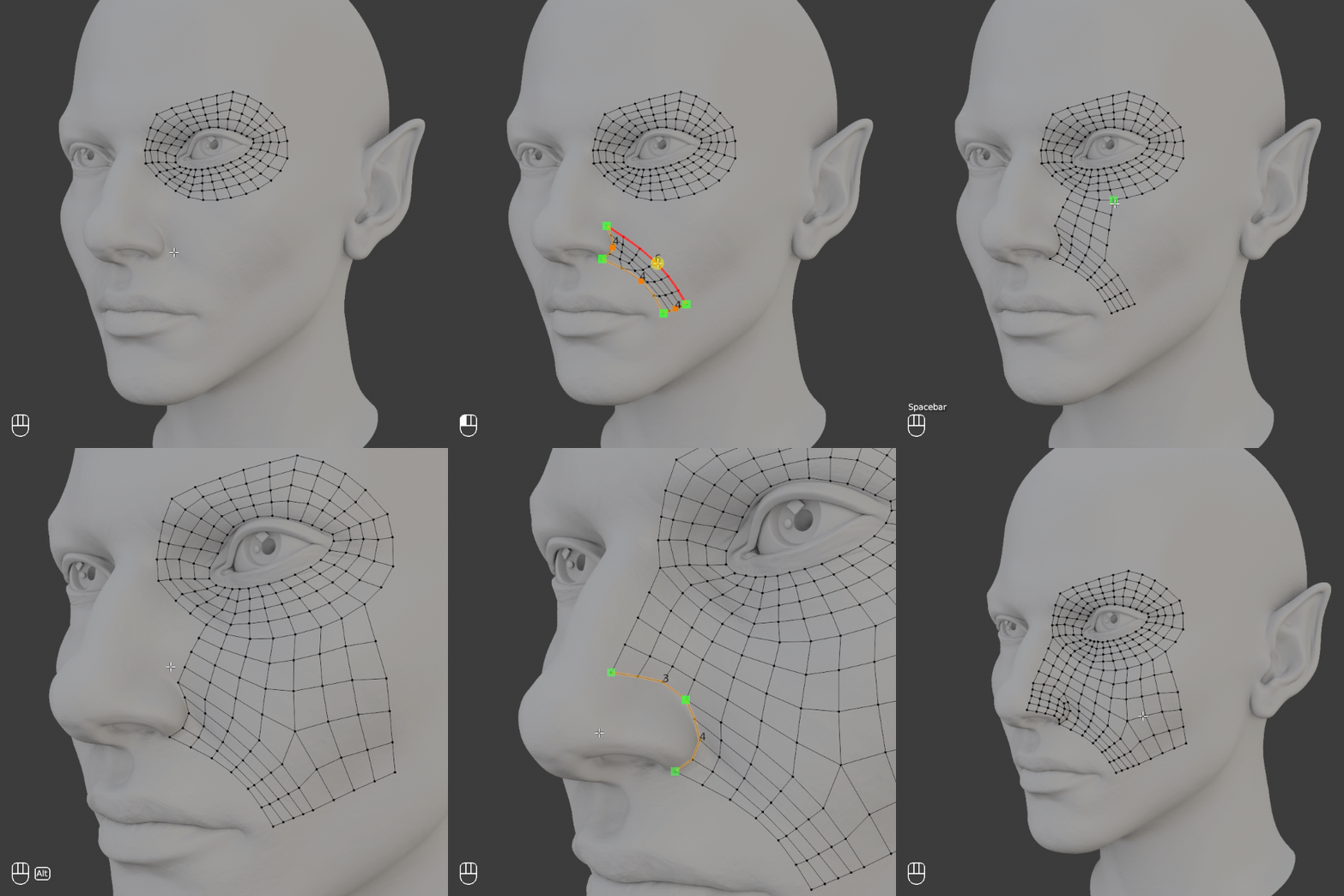
- Simply click on the high-poly surface to create a neat geometry patch. Define large areas instead of one polygon at a time and allow the tool to accurately fill in the space.
- Scroll for a variable number of vertices on each newly-created side. This allows you to create a denser or more airy mesh with a simple scroll of the mouse.
- Drag corners around to adjust features without pinching or stretching the geometry.
- Modify patch edges using curves with variable number of control points. Define the lines by clicking end-points and modify them with multiple bezier points, instead of dragging and drawing. This gives you better precision and speed when using your mouse.
Here is PETIK in action
You can watch Paddy Gaunt’s video for a quick introduction https://youtu.be/MMl8bMmwPU0
See Documentation
Supercharge your 3D creation workflow with premium selection of Blender Add-ons. Whether you are modeling intricate characters, sculpting realistic environments, or animating cinematic sequences, the right add-on can transform how you work inside Blender. Our curated collection includes powerful tools for UV unwrapping, procedural texture generation, rigging automation, rendering optimization, and more—each rigorously tested for compatibility with the latest Blender versions. Eliminate tedious manual processes and unlock advanced functionality that lets you focus on what matters most: bringing your creative vision to life. Explore our full range of professional Blender plugins today and take your 3D projects to the next level.
➡️ ➡️ For more Blender Plugins 😀 😀
Reviews
There are no reviews yet.