
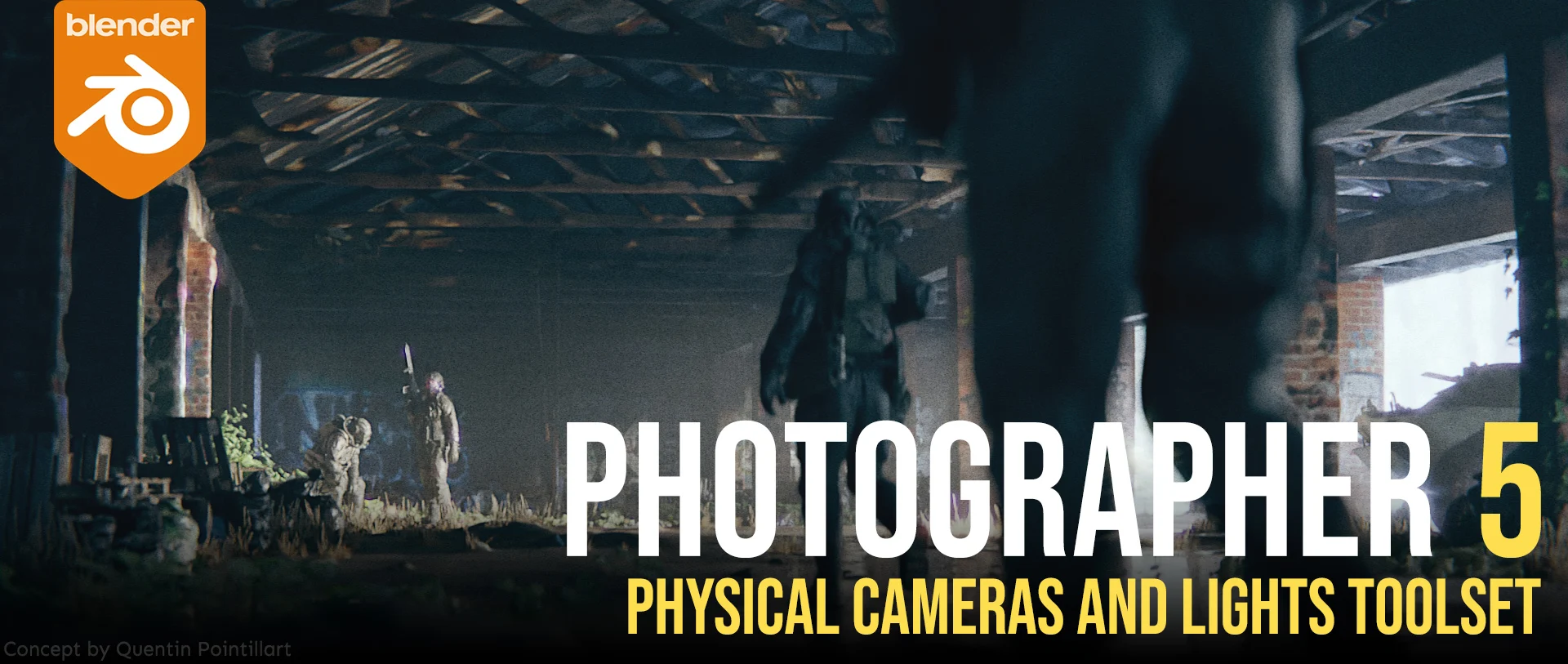
photographer for Blender
photographer addon
Photographer v5.4.1 for Blender – Professional Camera & Lighting Toolkit
Version : V5.4.1
File Size: 50 MB
Download Photographer v5.4.1 for Blender on Windows, Mac, and Linux, a comprehensive camera and lighting add-on that brings professional photography tools to Blender. Control exposure, aperture, shutter speed, ISO, white balance, and depth of field with real camera controls—perfect for product visualization, architectural rendering, and cinematic lighting .
Key Features of Photographer v5.4.1:
- Physical Camera Controls: Real-world camera settings—aperture (f-stop), shutter speed, ISO, exposure compensation
- Depth of Field: Visual focus picking with real-time aperture preview and bokeh shape controls
- White Balance: Temperature and tint controls with real-time color preview
- Exposure Metering: Auto-exposure, manual exposure, and exposure compensation modes
- Camera Presets: Save and load camera settings as presets for consistent results
- Light Manager: Centralized control for all scene lights—intensity, color, temperature, and visibility
- HDRI Environment Control: Easy HDRI rotation, intensity, and blending controls
- Render Settings: Integration with Eevee and Cycles render settings
- Real-Time Preview: See camera and lighting changes update instantly
- Animation Ready: Keyframe all camera controls for animated shots
- v5.4.1 Updates: Enhanced camera controls, improved light management, and compatibility with Blender 4.0+
Perfect For:
- Product visualization artists needing real camera controls
- Architectural visualization professionals lighting interior and exterior scenes
- Cinematographers matching real-world camera settings
- VFX artists integrating 3D elements with live-action footage
- Anyone wanting professional camera and lighting tools in Blender
System Requirements:
- Blender 3.6, 4.0, 4.1, 4.2, 4.3
- Windows 10/11 (64-bit), macOS, or Linux
- 4GB RAM minimum (8GB+ recommended)
- 50MB available disk space
Installation:
- Download the add-on zip file
- In Blender, go to Edit > Preferences > Add-ons
- Click “Install” and select the downloaded zip file
- Enable the add-on by checking the box next to “Photographer”
Note: Photographer brings professional photography controls to Blender’s camera system, making it easy to achieve realistic exposure, depth of field, and lighting . The physical camera controls and centralized light management make it essential for product visualization, architectural rendering, and cinematic lighting . Version 5.4.1 includes full compatibility with Blender 4.0 and above . Designed for Blender 3.6 and above . Perfect for artists who need real-world camera and lighting controls . Essential for any realistic rendering workflow .
Photographer is the most complete Camera and Lighting add-on for Blender 3, 4 and 5.x, compatible with EEVEE and Cycles.
It vastly expands your camera and lighting toolset with Physical Camera properties like Shutter Speed, ISO, Bokeh textures, Post FX like ST maps and Film grain, Physical Lights with photometric units, Gobos and IES…
It also includes Render Queue manager, Mixer interfaces for Lights, Emissive materials and Worlds.
NOTE: This is the official page from the developer of the addon. Please make sure to only buy and download content from this page in order to get proper support and safe, virus-free files. There are some fake resellers out there.
If you own Photographer 4, check out your Photographer content files to find an upgrade coupon. You should only pay for the upgrade, not the full price.
Photographer 5 exclusive features:
- Camera and Lens Effects, adds Lens distortion, Chromatic Aberration, Fringing, Sharpen, Bloom, Film Grain and more… (works best with Blender 3.5 and its realtime Viewport Compositor)
- Bloom Kernel textures for Blender 5.0
- Light Gobos and IES (Cycles only), add textures to your lights in a couple of clicks to break up that perfect CGI look. A small library of textures is included and will keep growing.
- Light Placement Modal, quickly create a Light on the object under the mouse, or create faster character lighting using a target and orbit controls.
- Photographer Main Camera, introducing a hierarchy where one camera will define the default settings for the scene.
- Improved Light Mixer and World Mixer UI, now more usable with many lights in your scene and more controls.
- World HDRI ground meshes, that receives shadows, lighting and reflections for great integration results.
- Camera Position Bookmarks to store several locations per camera.
- Collection Snapshots, to store different versions of your scene per camera.
- Camera Portal one-click creation.
- Camera Sensor and Resolutions Database from https://physicallybased.info/
- More accurate Field of View calculation with a smarter Sensor Fit.
- Many other user experience improvements and bug fixes.
Includes previous version features:
- Light Mixer, a user-friendly interface to manage the lights in your scene, using collections and light groups.
- World Mixer, a user-friendly interface to manage your HDRI and World materials per-camera.
- Emissive Mixer, a user-friendly interface to manage the emissive materials in your scene.
- Optical Vignetting and Bokeh textures support for cameras.
- Exposure using real camera settings (ISO, Aperture, Shutter Speed) or more artist-friendly controls (EV value)
- Physical Light units (Lumen, Candela, Lux) with Color temperature and Presets
- Viewport Auto Exposure
- Lens Shift and Automatic Shift to fix vertical perspective for Archviz renders
- Dolly Zoom
- Motion Blur control using Shutter Speed or Shutter Angle
- White Balancing with viewport picker
- Resolution per camera with artist-friendly presets
- View Layers per camera
- Autofocus (Single, Continuous or Tracking)
- Focus Plane and Depth of Field limits
- Camera list and Master Camera that can switch between cameras
- Easy-to-use Camera Targets
- Render Queue to render one or all cameras at once, incrementally saving your images as well as storing them in new render slots
Supercharge your 3D creation workflow with premium selection of Blender Add-ons. Whether you are modeling intricate characters, sculpting realistic environments, or animating cinematic sequences, the right add-on can transform how you work inside Blender. Our curated collection includes powerful tools for UV unwrapping, procedural texture generation, rigging automation, rendering optimization, and more—each rigorously tested for compatibility with the latest Blender versions. Eliminate tedious manual processes and unlock advanced functionality that lets you focus on what matters most: bringing your creative vision to life. Explore our full range of professional Blender plugins today and take your 3D projects to the next level.
➡️ ➡️ For more Blender Plugins 😀 😀
Reviews
There are no reviews yet.