
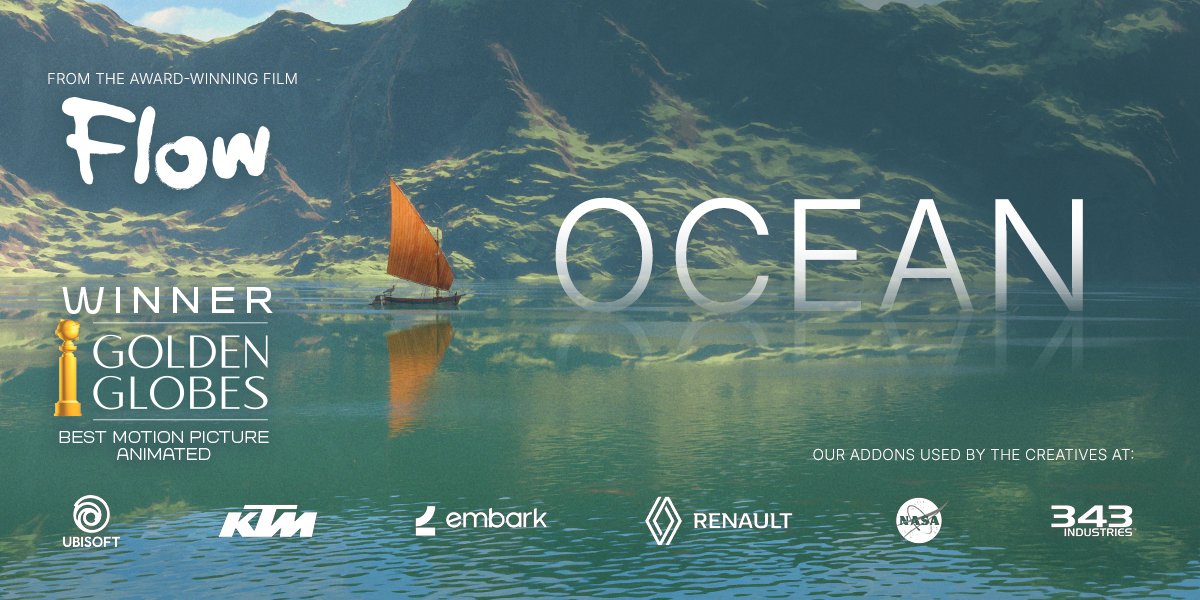
Physical Open Waters for Blender
Physical Open Waters v1.2.1 for Blender – The Ultimate Real-Time Ocean & Water Simulation Suite
Versions: v2.0
File Size: 1.57 MB
Download Physical Open Waters v1.2.1 for Blender on Windows and Mac, the most advanced real-time ocean and water simulation addon for Blender, setting a new standard for high-quality, unlimited water. Developed by Mārtiņš Upītis—the technical artist responsible for the breathtaking water effects in the acclaimed animated feature film Flow—this powerful plugin simplifies the creation of realistic ocean scenes. Whether you are building vast open seas, stormy coastlines, or calm lakes, Physical Open Waters provides photorealistic, animated water surfaces that are lightweight enough to run in real time.
Key Features of Physical Open Waters v1.2.1:
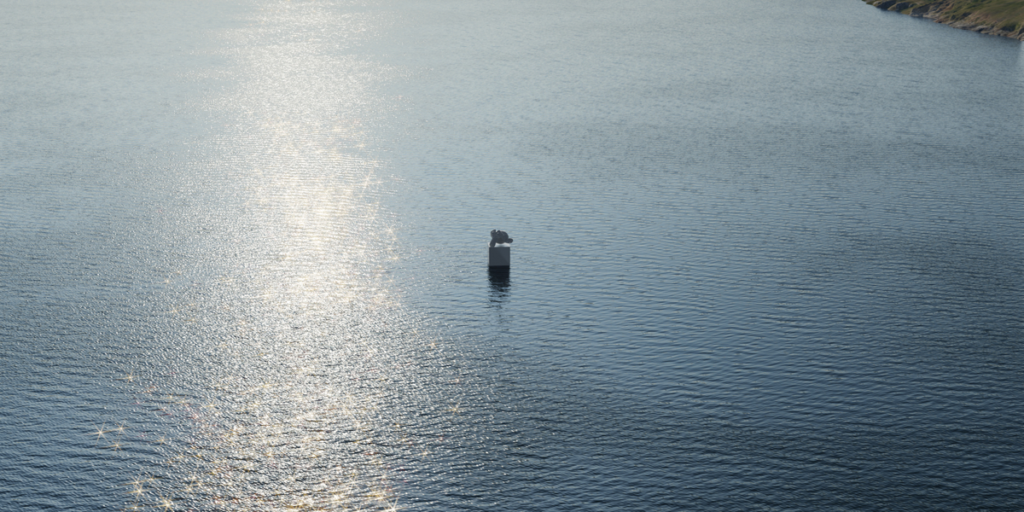
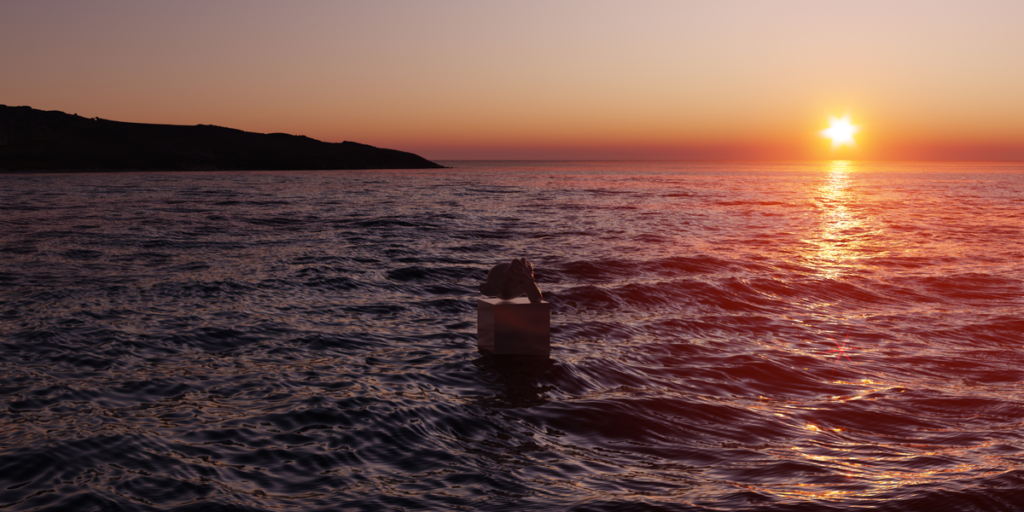
- Real-Time Ocean Generation: Generates photorealistic animated ocean surfaces suitable for motion graphics, concept art, or VFX work, all while remaining lightweight enough for real-time viewport playback.
- Infinite, Seamless Water: Creates vast, unlimited water bodies without the ugly tiling, seams, or repetition found in traditional texture-based oceans.
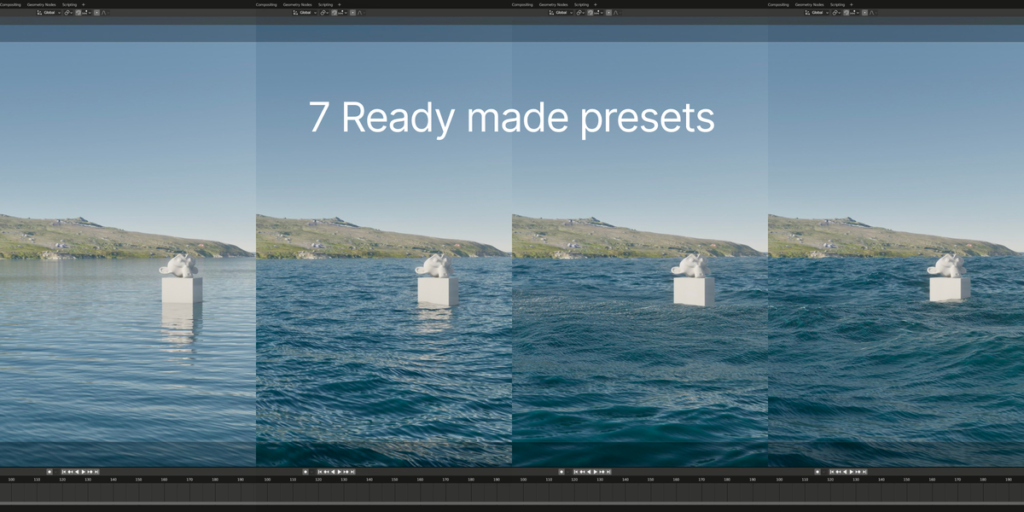
- Cinematic Preset Library: Includes 7 ready-to-use, production-tested presets (including styles inspired by the movie Flow) to get you up and running in seconds.
- Advanced Procedural Foam: Dynamic foam and whitewater generation that reacts accurately to wave peaks and physics, with full support for Blender 4.2+ shader updates.
- Volumetric & Underwater Rendering: Enables Blender volumetrics directly in the ocean shader, allowing for realistic per-light interactions, subsurface scattering, and underwater shadows.
- Keyframe Animation Support: Fully animate wave intensity, wind direction, swell, and foam density over time to create dynamic, story-driven water sequences.
- Eevee & Cycles Compatibility: Seamlessly switch between Eevee for rapid look-dev and real-time rendering, and Cycles for final, physically accurate path-traced frames.
- Interactive Wave Controls: Intuitive sliders to adjust wave height, frequency, wind speed, and chop, giving artists direct control over the ocean’s mood and behavior.
- Optimized Geometry: Generates highly efficient mesh displacement or uses advanced shader-based displacement to keep polycounts manageable while maintaining crisp wave silhouettes.
- Non-Destructive Workflow: All water parameters are fully adjustable at any time, allowing you to tweak the ocean’s look from pre-vis to final render without rebuilding the scene.
Perfect For:
- VFX Artists creating cinematic ocean shots, stormy seas, and coastal environments for film and animation.
- Environment Artists populating scenes with realistic lakes, rivers, and open waters without heavy fluid simulations.
- Motion Designers generating smooth, abstract, or dramatic water backgrounds for commercials and title sequences.
- Concept Artists rapidly blocking out maritime scenes with high-quality, real-time water feedback.
- Game Developers creating stunning water planes for real-time engines (via Eevee or baked displacement maps).
- Anyone who has struggled with Blender’s native ocean modifier and needs a more powerful, seamless, and cinematic solution.
System Requirements:
- Blender: 3.6, 4.0, 4.1, 4.2, 4.3+ (v1.2.1 includes critical fixes for Blender 4.2+ compatibility).
- OS: Windows 10/11 (64-bit) or macOS 10.15+.
- RAM: 8GB minimum (16GB+ recommended for high-resolution displacement and volumetric rendering).
- Render Engine: Fully compatible with Cycles and Eevee.
Installation:
- Download the Physical Open Waters v1.2.1
.zipfile. - Open Blender and go to Edit > Preferences > Add-ons.
- Click Install…, select the downloaded file, and enable the checkbox next to Add Mesh: Physical Open Waters.
- Access via the Add Menu > Mesh > Physical Open Waters or the dedicated panel in the 3D Viewport Sidebar (N-panel) under the Ocean tab.
What’s New in v1.2.1?
- Blender 4.2+ Foam Fix: Resolved critical shader node issues that prevented foam from displaying correctly in Blender 4.2 and newer versions.
- Enhanced Volumetric Performance: Optimized the underwater volume density calculations, reducing render times while maintaining accurate light scattering and caustics.
- Refined Wave Physics: Tweaked the underlying Gerstner wave algorithms for more natural, chaotic wave interference and sharper wave peaks.
- Improved Eevee Next Support: Better compatibility with Blender 4.2’s Eevee Next rendering engine, ensuring accurate reflections and refractions in real-time.
- UI Polish: Streamlined the sidebar controls for faster access to wave, foam, and volumetric settings.
Note:
Physical Open Waters v1.2.1 brings the same cinematic water technology used in the award-winning animated film Flow directly into the hands of everyday Blender creators. Unlike traditional ocean modifiers that rely on repeating textures or limited bounding boxes, this addon generates truly infinite, physically plausible water surfaces that look incredible from any angle. Whether you are directing a dramatic naval battle, designing a serene lakeside cabin, or just need a stunning hero background for your portfolio, Physical Open Waters delivers Hollywood-quality oceans with unprecedented speed and ease.
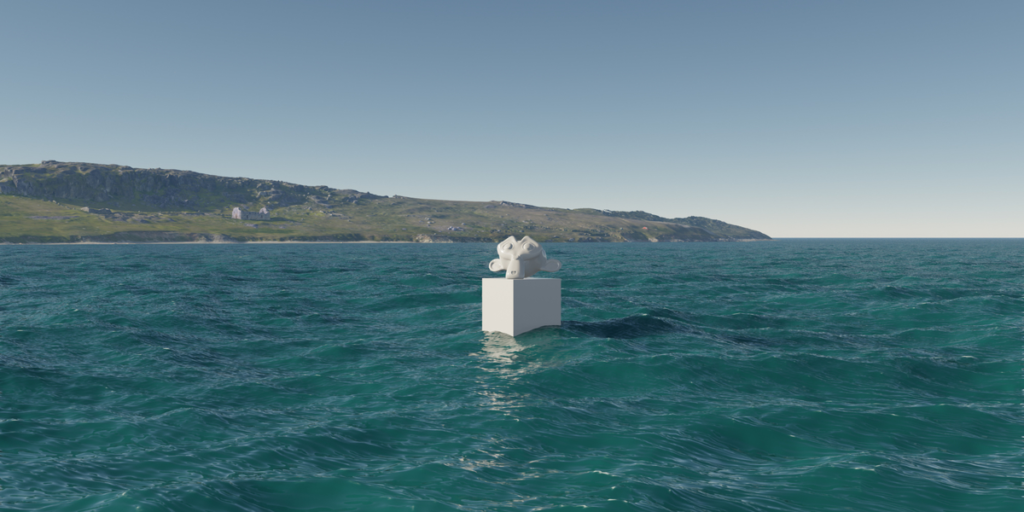
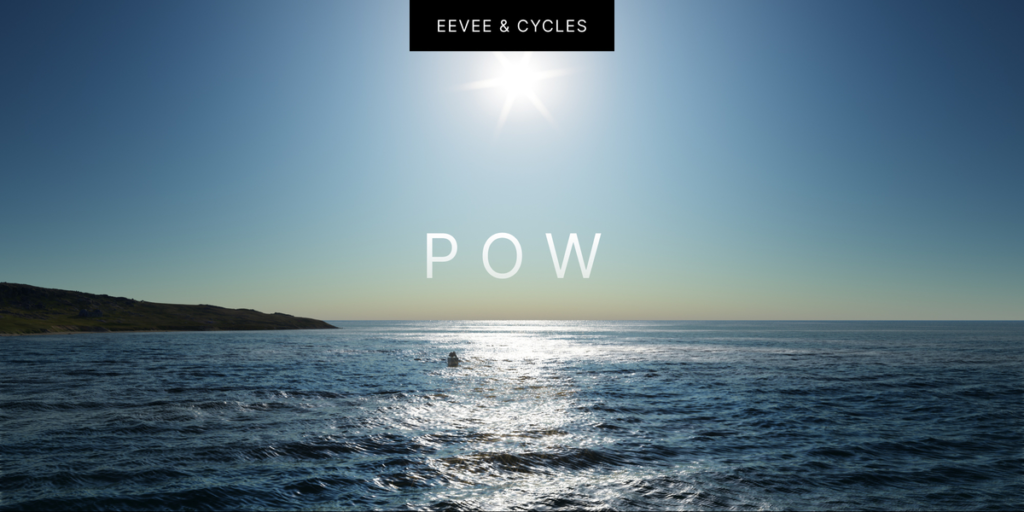
Cinematic Waters
in a single click
Physical Open Waters is the most advanced real-time ocean and water simulation addon for Blender, setting a new standard for high-quality, unlimited water environments.

Our products are used by creators from:
Why did 1500+ users
choose POW?
Pre-made presets.
Save time and effort with pre-made presets, providing you with a list of ready-to-use settings that can instantly transform your scene and serve as a starting point for further customization.
Seamless water transitions.
Achieve smooth and natural transition between the world above and below, with precise waterline rendering, lifelike light scattering underwater, and underwater atmosphere.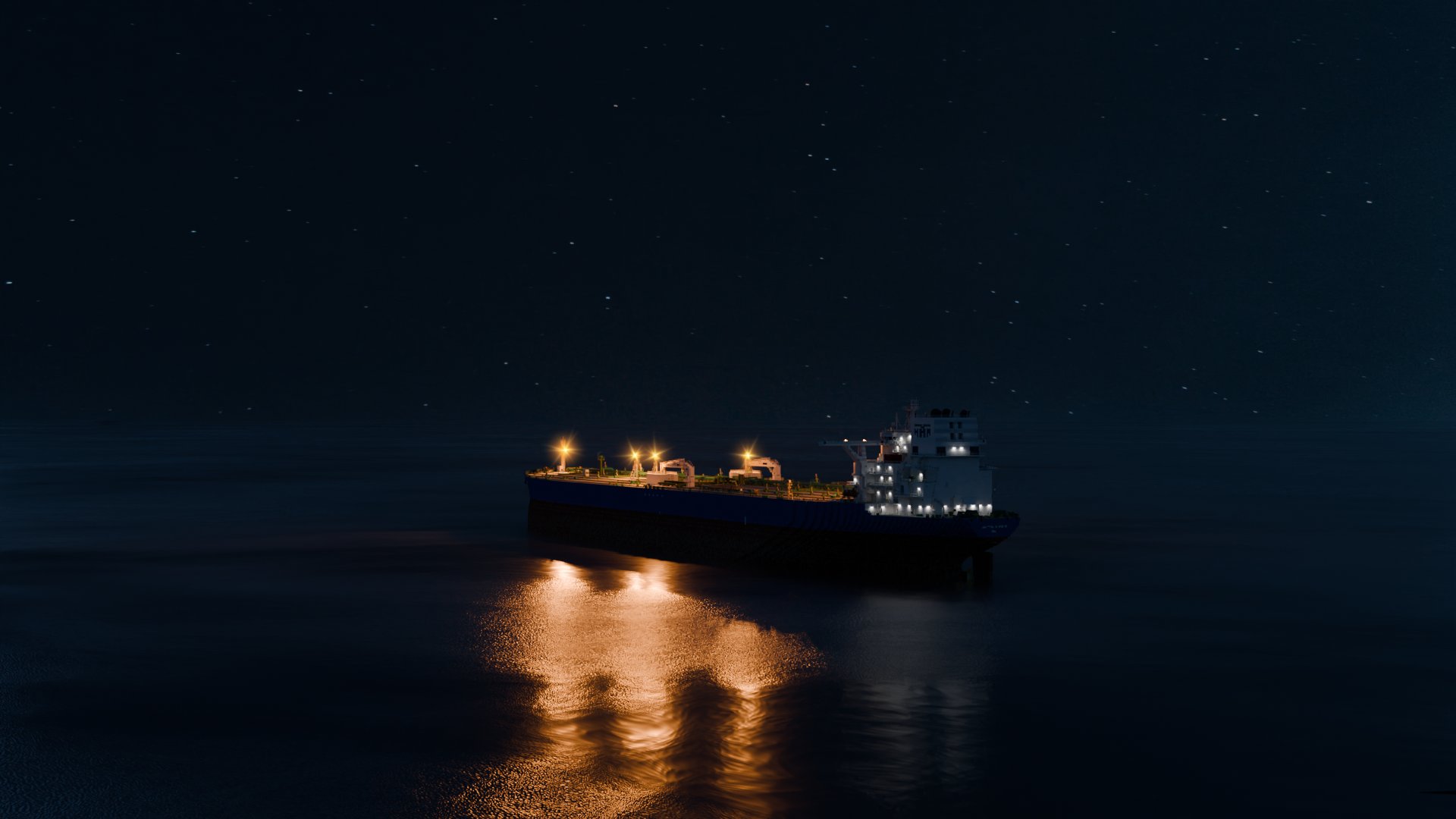
Works on Eevee & Cycles.
Our addon seamlessly integrates with both Eevee and Cycles render engines, ensuring compatibility and consistent results across your favorite rendering platforms.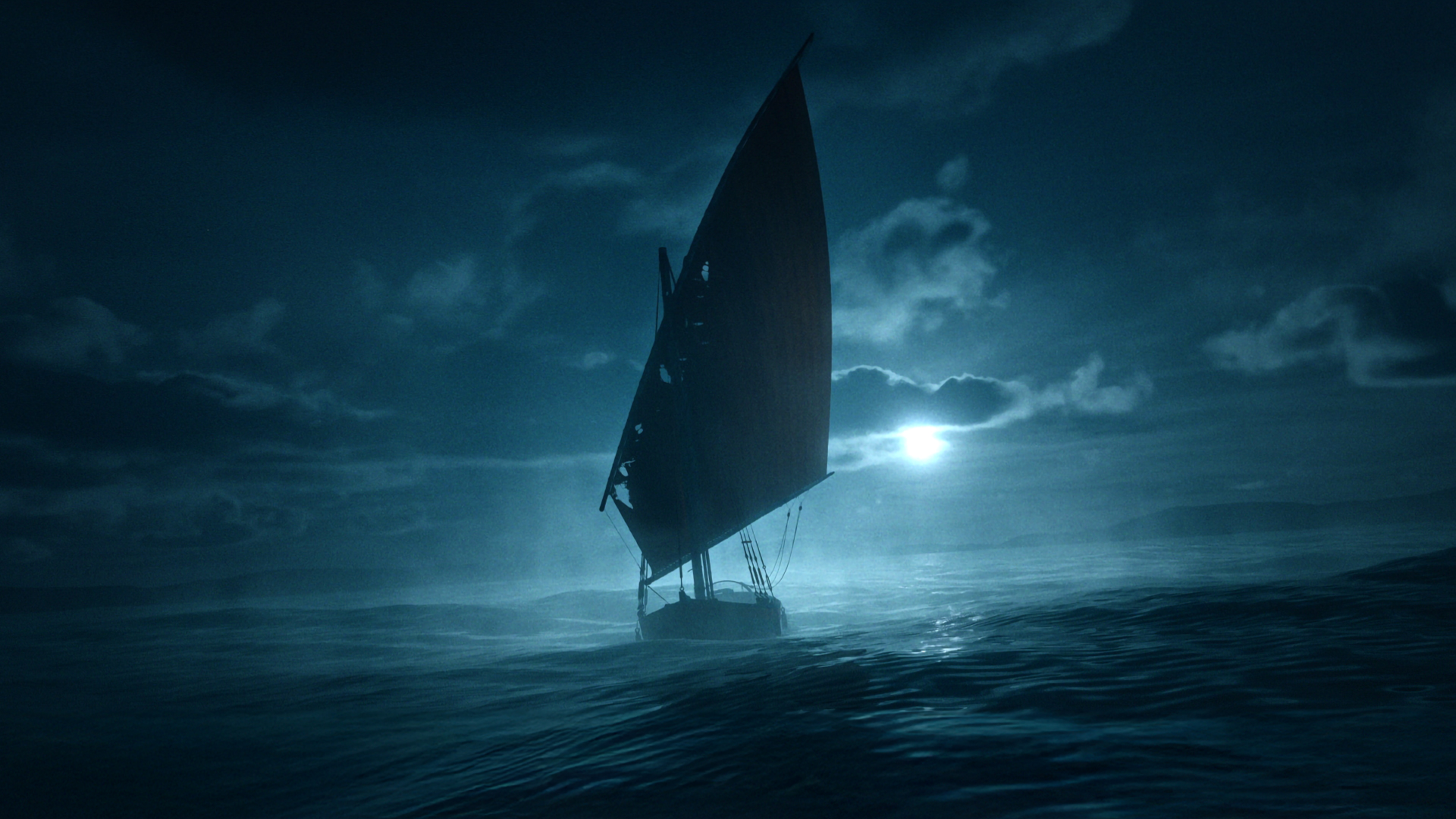
Full creative freedom.
User-friendly interface, allowing even beginners to create stunning oceans with ease. Adjust the settings, and watch your scene transform in real time.
Artwork by
Gints Zilbalodis
Realtime speed and performance.
Experience unparalleled speed and efficiency with real-time rendering, ensuring smooth performance during both editing and playback of your oceans.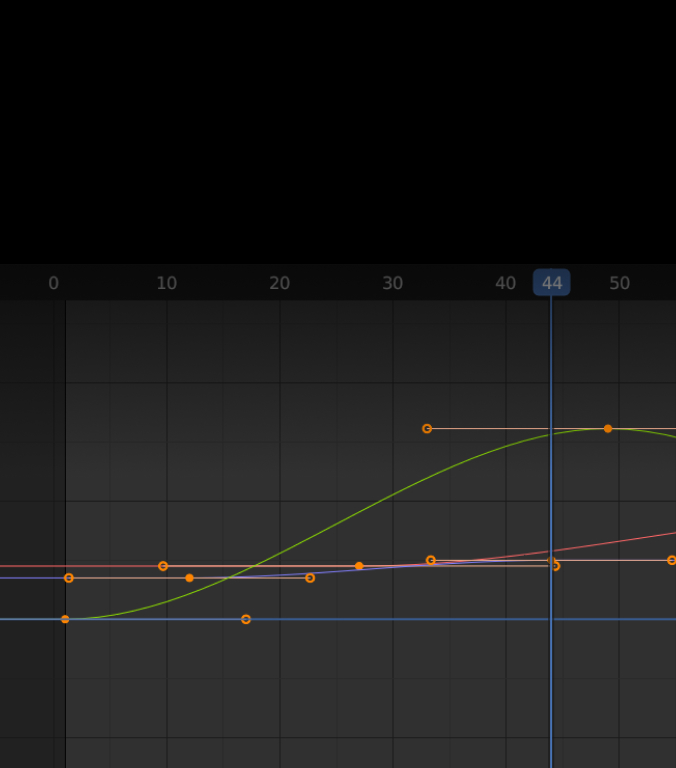
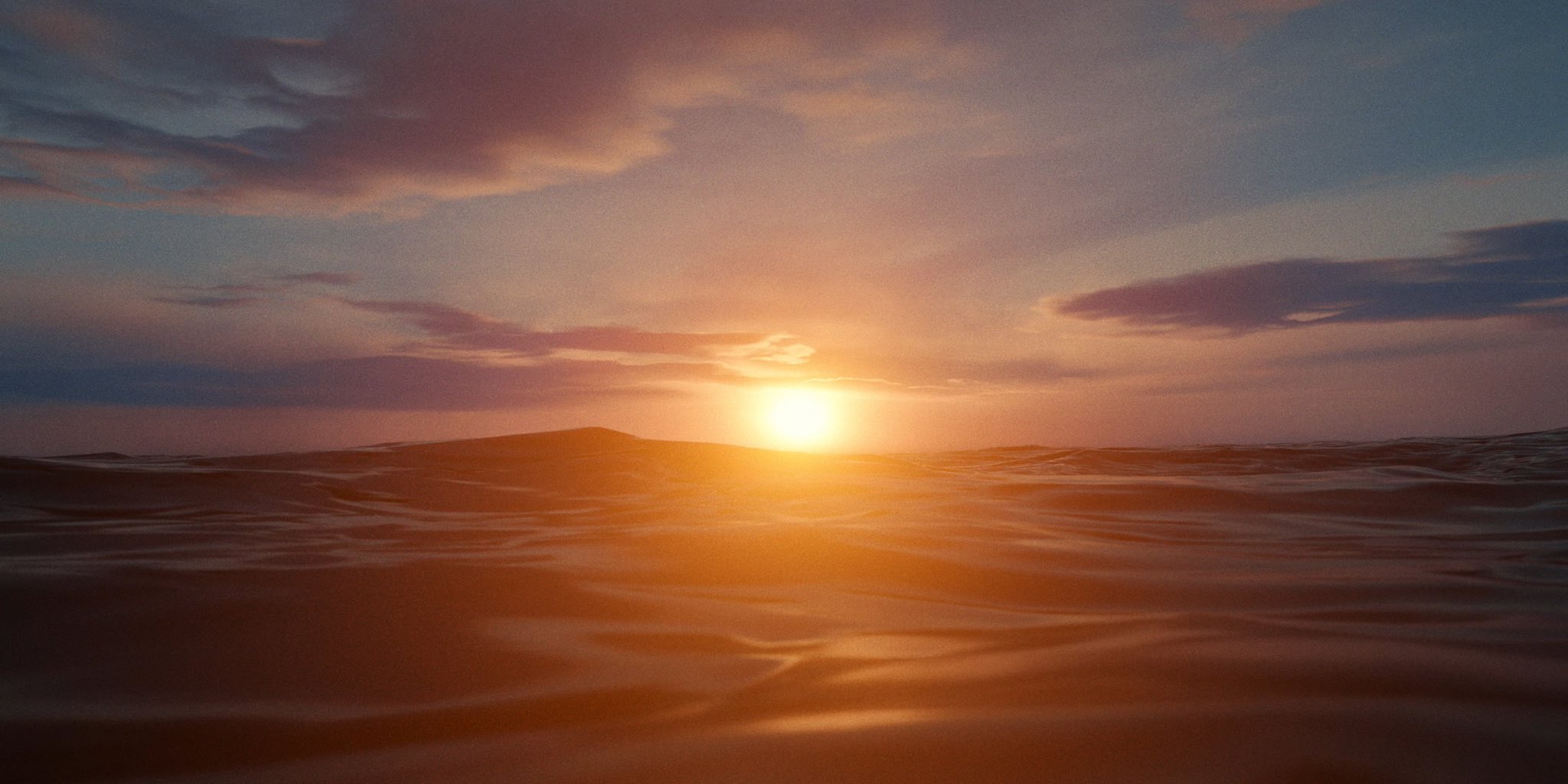
Animate everything.
Use keyframes to effortlessly animate each feature and bring your ocean to life.
Supercharge your 3D creation workflow with premium selection of Blender Add-ons. Whether you are modeling intricate characters, sculpting realistic environments, or animating cinematic sequences, the right add-on can transform how you work inside Blender. Our curated collection includes powerful tools for UV unwrapping, procedural texture generation, rigging automation, rendering optimization, and more—each rigorously tested for compatibility with the latest Blender versions. Eliminate tedious manual processes and unlock advanced functionality that lets you focus on what matters most: bringing your creative vision to life. Explore our full range of professional Blender plugins today and take your 3D projects to the next level.
➡️ ➡️ For more Blender Plugins 😀 😀
Reviews
There are no reviews yet.