
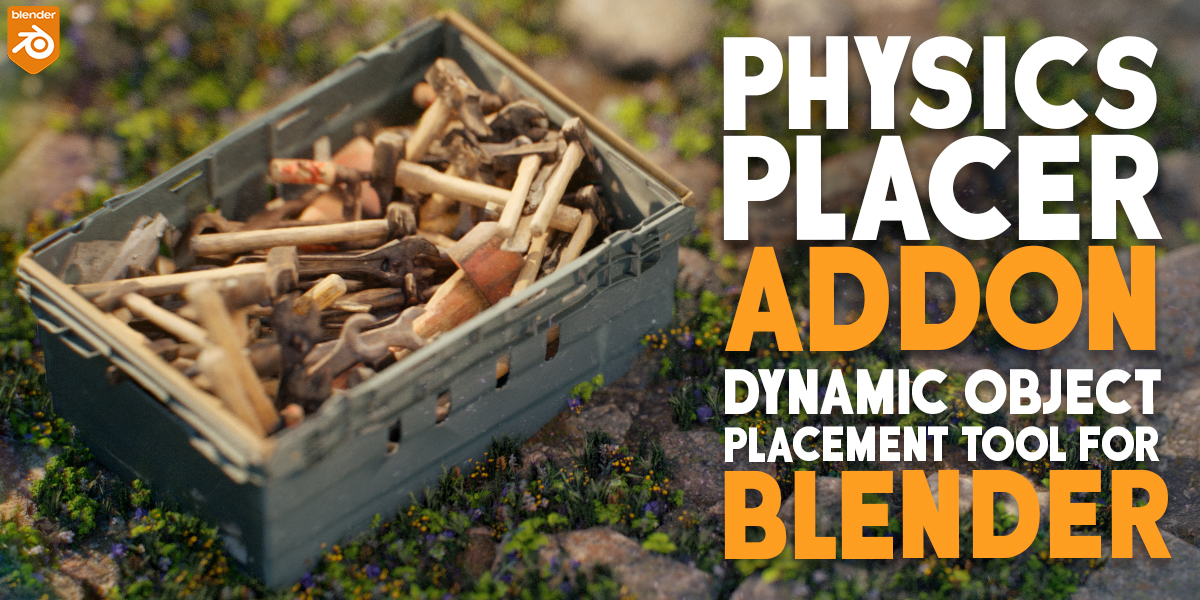
physics placer for Blender
Physics Placer v1.0.2 for Blender – The Ultimate Natural Object Arrangement Tool
Versions: v1.0.2
File Size: 9 KB
Download Physics Placer v1.0.2 for Blender on Windows and Mac, a streamlined utility addon designed to solve the “floating object” problem in 3D scenes by using real-time rigid body physics to naturally settle objects onto surfaces. Whether you are scattering rocks on a terrain, placing books on a shelf, or dropping debris into a ruin, Physics Placer automates the tedious process of manual positioning, rotation, and alignment. It ensures that every asset interacts correctly with gravity and collisions, creating organic, believable arrangements without the need for complex simulation setups or manual vertex snapping.
Key Features of Physics Placer v1.0.2:
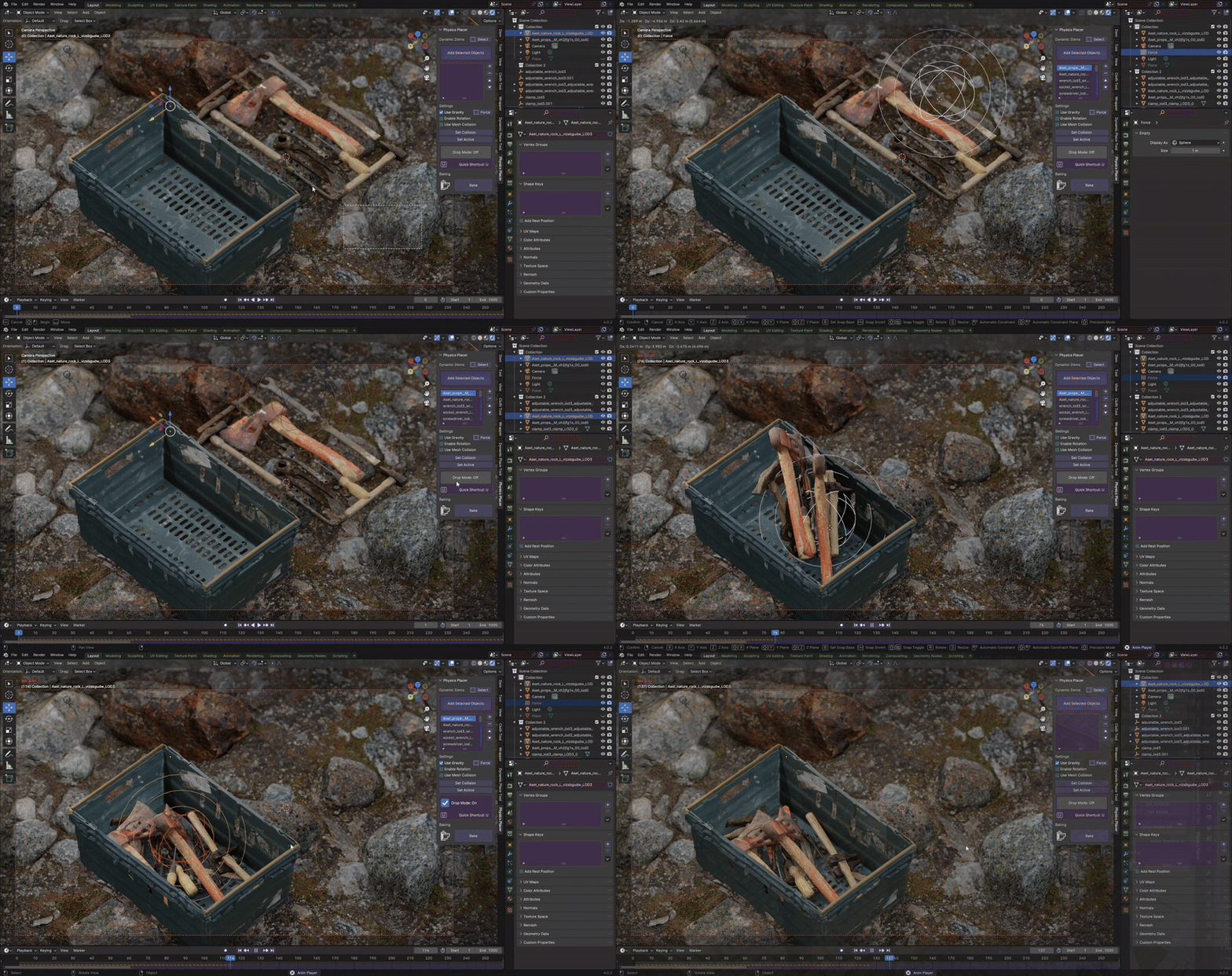
- One-Click Drop & Settle: Select any group of objects and a target surface, then hit “Place.” The addon automatically enables rigid bodies, drops the objects from a calculated height, and lets them bounce, roll, and stack until they come to a complete rest.
- Smart Surface Detection: Automatically identifies the active object as the “ground” or “container,” ensuring objects fall onto the correct geometry even if it is uneven, sloped, or complex.
- Collision Shape Automation: Intelligently assigns the most efficient collision shape (Convex Hull, Box, Sphere, or Mesh) to each object based on its geometry, balancing simulation accuracy with viewport performance.
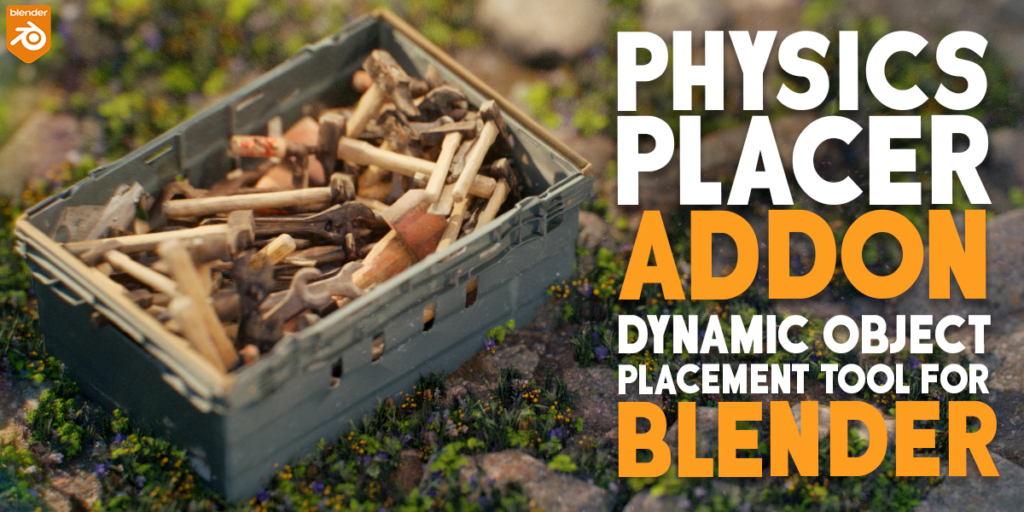
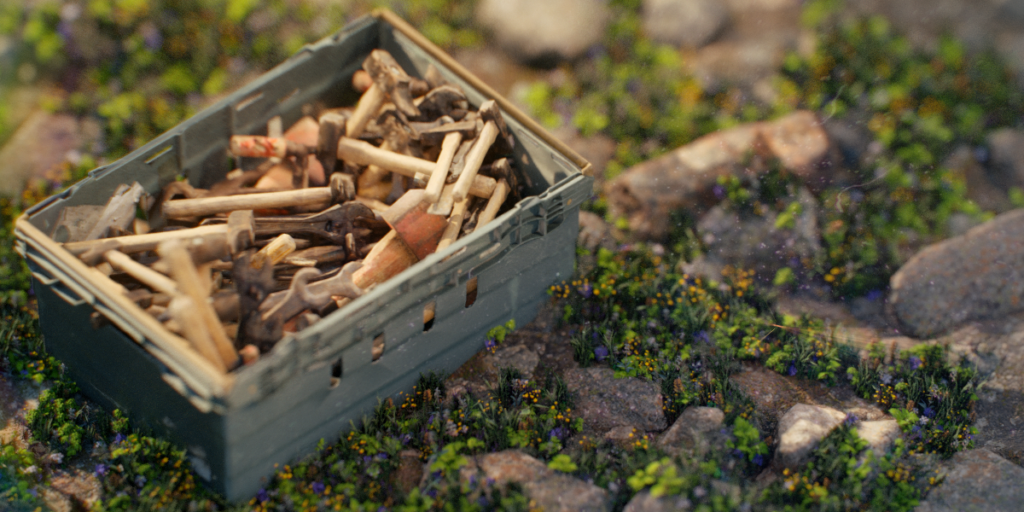
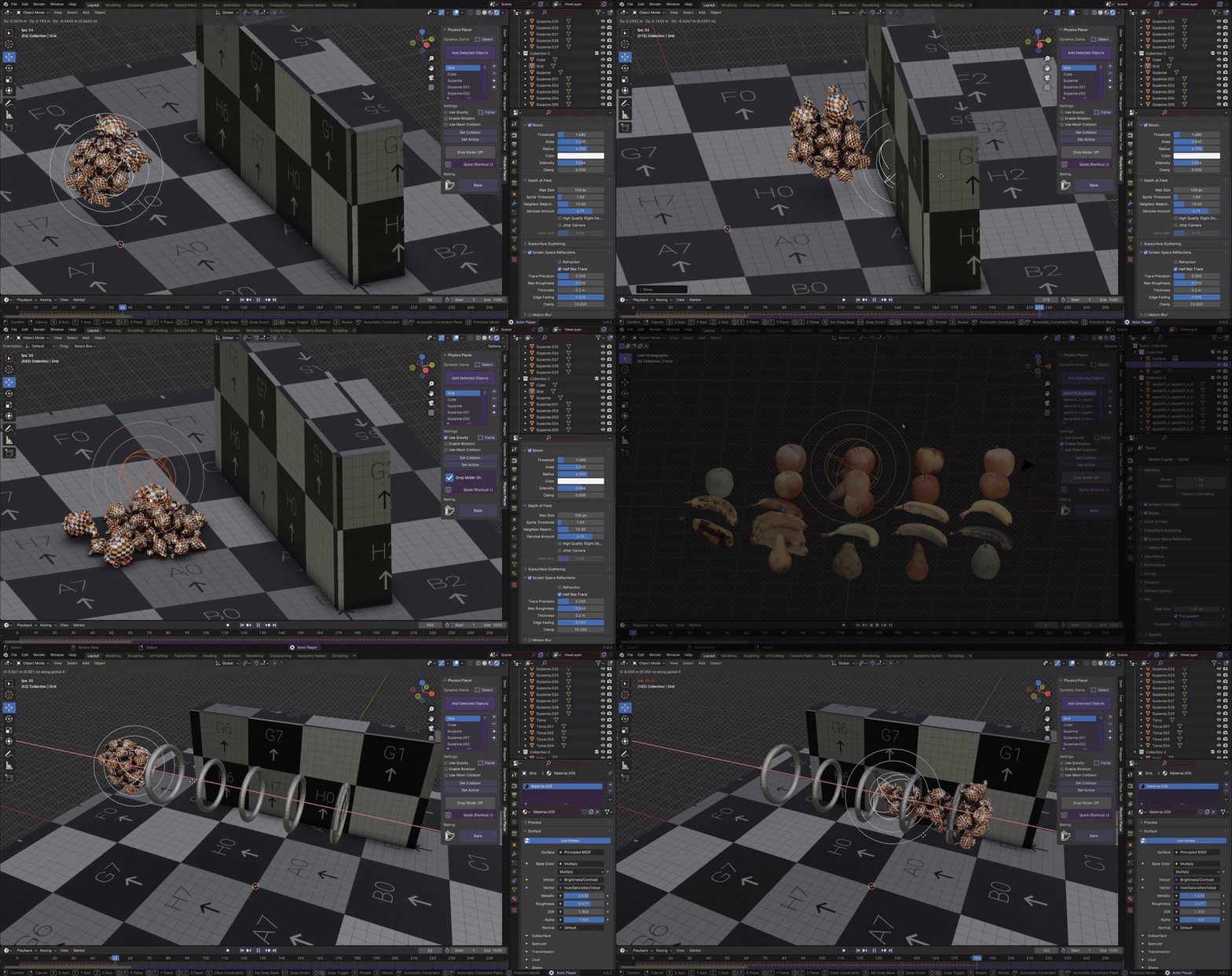
- Collection-Based Variation: Drop entire collections of varied assets (e.g., a mix of different rock models, fruits, or tools) simultaneously. The physics engine treats each instance uniquely, preventing repetitive, uniform patterns.
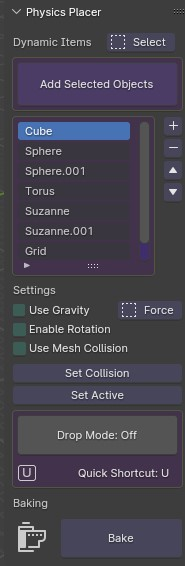
- Adjustable Physical Properties: Fine-tune mass, friction, bounciness (restitution), and damping globally or per-object to simulate different materials, from heavy stone blocks to light plastic toys.
- Bake & Freeze Workflow: Once the objects have settled into a natural arrangement, one-click baking converts the physics simulation into static transforms. This locks the objects in place, allowing you to disable the physics engine and save resources.
- Overlap & Penetration Cleanup: Includes a post-placement tool that slightly separates objects that are intersecting too deeply, ensuring clean geometry for rendering and normal map baking.
- Real-Time Viewport Preview: Scrub through the simulation timeline to find the perfect frame where the objects look most natural. If the result isn’t right, simply reset and tweak the random seed or drop height.
- Terrain Adaptation: Objects naturally slide down slopes and settle into crevices, respecting the underlying topology of the ground mesh rather than just resting on a flat plane.
- Non-Destructive Setup: All physics parameters remain editable until you bake. You can change the drop height, adjust friction, or swap out objects in the collection and re-run the placement instantly.
Perfect For:
- Environment Artists naturally scattering rocks, logs, debris, and clutter across landscapes and ruins.
- ArchViz Professionals realistically arranging books on shelves, fruits in bowls, cushions on sofas, or clothes in a basket.
- Game Developers quickly blocking out levels with naturally placed props without spending hours manually rotating each item.
- VFX Artists settling shattered glass, concrete chunks, and dust after a destruction event.
- Product Visualizers creating dynamic product shots where items drop into the frame and settle into a pleasing composition.
- Beginners who struggle with manual alignment and want a quick way to make their scenes look grounded and realistic.
System Requirements:
- Blender: 3.6, 4.0, 4.1, 4.2, 4.3, 4.4+ (Optimized for Blender 4.x Rigid Body engine).
- OS: Windows 10/11 (64-bit) or macOS 10.15+.
- RAM: 8GB minimum (16GB+ recommended for dropping hundreds of high-poly objects).
- No external dependencies required.
Installation:
- Download the Physics Placer v1.0.2
.zipfile. - Open Blender and go to Edit > Preferences > Add-ons.
- Click Install…, select the downloaded file, and enable the checkbox next to Object: Physics Placer.
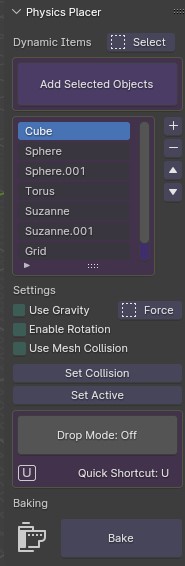
- Access via the 3D Viewport Sidebar (N-panel) under the Physics Placer tab, or the Object Context Menu (Right-Click) > Place Objects.
What’s New in v1.0.2?
- Improved Slope Handling: Refined friction calculations ensure objects slide more realistically down steep inclines rather than sticking awkwardly to vertical or near-vertical surfaces.
- Auto-Collision Fix: Added a safety check that automatically disables collision for objects that are completely inside other objects before the drop starts, preventing explosion-like glitches.
- Faster Bake Times: Optimized the keyframe generation process during the “Freeze” step, reducing wait time for scenes with many small objects.
- UI Polish: Streamlined the sidebar panel for clearer controls, grouping “Drop Settings,” “Physical Properties,” and “Cleanup” into collapsible sections.
- Blender 4.4 Compatibility: Full support for the latest rigid body world updates and dependency graph changes in Blender 4.4.
Note:
Physics Placer v1.0.2 is the antidote to the “CG Perfection” look. When you manually place objects, they often look too clean, perfectly aligned, and artificial. By letting a physics engine handle the placement, you introduce natural chaos—objects lean against each other, overlap realistically, and settle into the microscopic imperfections of your terrain. The addon is entirely non-destructive until you choose to bake, meaning you can experiment freely. Whether you are building a messy artist’s desk or a post-apocalyptic wasteland, Physics Placer ensures your scene is grounded in physical reality with minimal effort.

Supercharge your 3D creation workflow with premium selection of Blender Add-ons. Whether you are modeling intricate characters, sculpting realistic environments, or animating cinematic sequences, the right add-on can transform how you work inside Blender. Our curated collection includes powerful tools for UV unwrapping, procedural texture generation, rigging automation, rendering optimization, and more—each rigorously tested for compatibility with the latest Blender versions. Eliminate tedious manual processes and unlock advanced functionality that lets you focus on what matters most: bringing your creative vision to life. Explore our full range of professional Blender plugins today and take your 3D projects to the next level.
➡️ ➡️ For more Blender Plugins 😀 😀
Reviews
There are no reviews yet.