

Pixel Galactic for After Effects
Pixel Galactic v1.3.9 for After Effects and Premiere Pro
The Ultimate Motion-Aware Pixel Distortion and Glitch Trail Plugin
Download Pixel Galactic v1.3.9 today. Consequently, you can transform ordinary motion into dreamy, pixelated trails, glitchy echoes, and flowing digital distortions that make it look as though time itself is unraveling through noise . Because modern motion design and music videos constantly demand distinctive, eye-catching visual treatments that convey speed and energy, having access to a dedicated motion-aware pixel distortion tool is absolutely essential. Nevertheless, achieving authentic datamosh and pixel-trail effects typically requires complex export-reimport workflows or external encoding tools. Fortunately, Pixel Galactic eliminates this bottleneck completely. Moreover, it works natively inside both After Effects and Premiere Pro, delivering real-time, GPU-accelerated results that respond instantly as you adjust parameters . In short, you can create stunning, glitchy pixel trails with unprecedented speed and creative control.
Motion-Aware Pixel Trail Engine
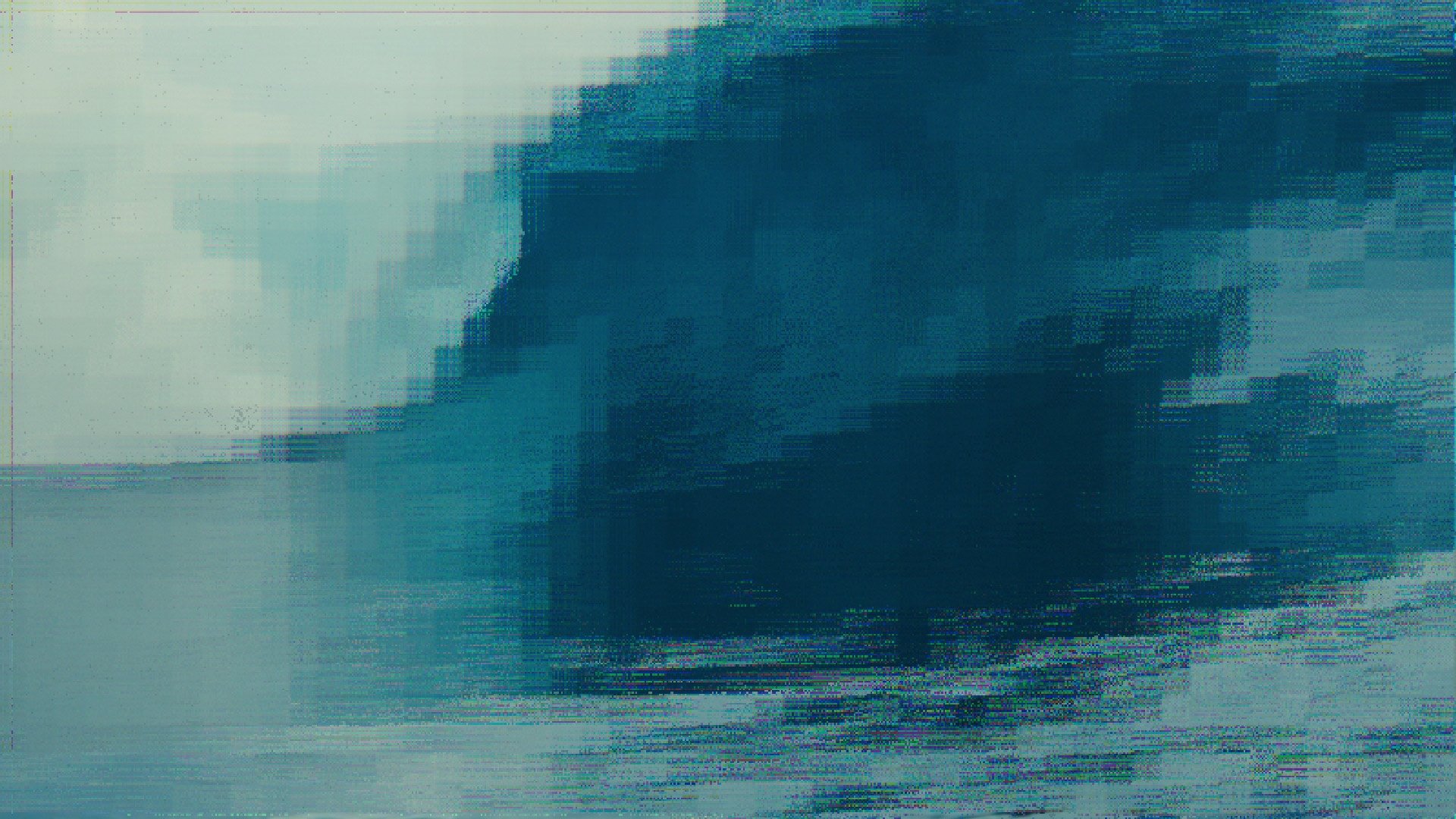
The core of this plugin lies in its intelligent analysis of movement within your footage. For instance, Pixel Galactic shrinks each frame into a low-resolution buffer, then scrambles that buffer across previous frames in blocks of pixels that drift in a direction you choose . Furthermore, the plugin adds a little color separation per channel, creating subtle chromatic fringing that enhances the digital aesthetic. Additionally, each new frame fades in on top of the previous buffer, producing streaming, pixelated trails that follow the actual motion in your scene . Since the effect is driven by movement, static areas remain clean while moving elements leave behind beautiful, flowing artifacts. Consequently, your footage gains the organic, glitchy energy of datamosh without the technical headache.
Comprehensive Trail and Block Controls
Professional glitch work demands precise control over every artifact. Therefore, Pixel Galactic provides a comprehensive suite of parameters. For example, you can adjust Trail Frames to control how many previous frames feed the trail, from 2 to 400, with higher values producing longer, more persistent smears . Furthermore, the Trail Fade slider determines how strongly each new frame overwrites the buffer, letting you dial in anything from subtle ghosting to bold, aggressive trails. Additionally, Block Size and Buffer Size controls let you shape the granularity of the pixelation, from fine digital noise to chunky, retro blocks. You can also control Block Drift to direct the flow of the trails, and Chromatic Offset to separate the color channels for that signature glitch fringing . Thus, you maintain complete authority over the final appearance of your distortion.
Motion Masking and Noise Injection
Professional workflows often require surgical precision over where effects appear. Accordingly, Pixel Galactic includes a powerful Motion Mask Blending system. For instance, you can enable Blend With Source to show the effect only where something moves, keeping the rest of your shot completely clean . Furthermore, the Motion Threshold and Motion Feather controls let you define exactly how much movement is required and how soft the mask edges should be. Additionally, a Mask Preview mode shows the motion mask in grey, making it easy to fine-tune your settings. The plugin also includes Noise Injection controls that add static noise into the first iterations of the trail, further enhancing the digital, corrupted aesthetic . Consequently, you can achieve targeted, polished results without affecting areas you want to preserve.
GPU Acceleration and Real-Time Performance
Creative exploration demands immediate visual feedback, and Pixel Galactic delivers on this front. The plugin is fully GPU-accelerated, using Metal on Mac and DirectX 12 or Vulkan on Windows, ensuring that every parameter adjustment updates in real-time within your composition . Furthermore, this responsiveness lets you experiment freely with different trail configurations without waiting for renders. Additionally, every parameter is fully keyframable, allowing you to animate the effect in and out or shift between different distortion styles over time . Since the entire workflow is interactive, your creative momentum never breaks. Consequently, you can iterate faster and achieve polished results in a fraction of the time.
Perfect for Music Video Editors, Motion Designers, and Content Creators
This plugin is particularly well-suited for music video editors creating edgy, energetic visuals for electronic, hip-hop, and experimental tracks. Similarly, motion designers working on title sequences, transitions, and glitch-based graphics will appreciate the authentic digital artifacts. Additionally, content creators and social media producers can use Pixel Galactic to add a premium, eye-catching touch to their videos with minimal effort. The plugin ships with ready-to-use presets that demonstrate different ways to use the effect, making it easy to get started immediately . Ultimately, Pixel Galactic v1.3.9 accelerates your entire motion design and post-production pipeline.
System Requirements and Compatibility
Pixel Galactic supports After Effects versions 2020 through 2025, as well as Premiere Pro versions 2020 through 2025 . The plugin is compatible with both Windows and macOS, including native support for Apple Silicon Macs running macOS 12.0 or newer . GPU rendering requires Metal on Mac or DirectX 12 / Vulkan on Windows . You will need a standard workstation with at least 8GB of RAM, though longer trails at high Buffer Size settings may require additional memory .
Installation and Usage Guide
To install, first download the plugin installer from your library. If you purchased through aescripts + aeplugins, the Manager App installs Pixel Galactic for you automatically . For manual installation on macOS, copy the .plugin file to /Library/Application Support/Adobe/Common/Plug-ins/7.0/MediaCore/. On Windows, copy the .aex file to C:\Program Files\Adobe\Common\Plug-ins\7.0\MediaCore\ . After installation, launch After Effects or Premiere Pro and locate Pixel Galactic in the Pixel Sorter Studio effect category. Finally, apply the effect to your footage, select a preset from the menu or adjust the trail and block parameters manually, and watch as your motion transforms into flowing, glitchy pixel trails. To activate your license, click Register at the top of the effect in Effect Controls and paste your license key . Thus, your professional pixel distortion workflow will be ready instantly.
What is Included Inside?
The pack contains the complete Pixel Galactic v1.3.9 plugin for After Effects and Premiere Pro. Furthermore, it includes the motion-aware pixel trail engine, comprehensive trail and block controls, motion mask blending for targeted application, and noise injection for enhanced digital artifacts . Additionally, you receive a collection of ready-to-use presets and full GPU-accelerated real-time performance . Ultimately, you receive everything needed for professional motion-aware pixel distortion and glitch trail effects.
Final Thoughts on the Plugin
Effortless pixel distortion creation evokes profound creative freedom. Therefore, this plugin provides the ultimate foundation for your glitch and motion design workflows. You can transform ordinary motion into stunning, dreamy pixel trails with unprecedented speed and control. Consequently, your creative vision becomes a stunning reality.
Are we living in a simulation? Pixel Galactic is a GPU-accelerated plugin for After Effects and Premiere that transforms motion into dreamy trails, glitchy echoes, and flowing pixel distortions — like watching time unravel through digital noise.
DOCUMENTATIONInstallation, presets and every parameter explained→
Motion-aware Glitch
Pixel Galactic is a GPU-accelerated plugin for After Effects and Premiere that transforms motion into dreamy trails, glitchy echoes, and flowing pixel distortions — like watching time unravel through digital noise.

* Multi-user, floating and upgrades not included. Cannot be combined with other discounts.
Discount applied automatically at checkout
GPU Accelerated
Pixel Galactic offers an interactive experience. The GPU accelerated plugin responds live, so you can design your glitch effects and see the result immediately. Everything is also, of course, keyframable.
Tutorial
Requirements
✅ After Effects
✅ Windows
✅ Mac Intel & Silicon, with MacOs 12.0+
❌ Computers with no OpenCL/OpenGL support
Elevate your motion graphics workflow with premium collection of After Effects plugins. Whether you are a seasoned professional or just starting your VFX journey, powerful tools designed to streamline complex tasks, unlock creative possibilities, and save you hours of rendering time. From stunning glitch effects and seamless transitions to advanced 3D extrusion and text animation tools, each plugin in our library is rigorously tested for compatibility with the latest versions of Adobe after Effects. Enhance your video production value today and download industry-leading plugins that help you create breathtaking visuals without the technical headaches. Browse our full range and find the perfect extension to supercharge your editing suite now.
➡️ ➡️ For more after effects Plugins 😀 😀
➡️ ➡️ System requirements AE
Reviews
There are no reviews yet.