
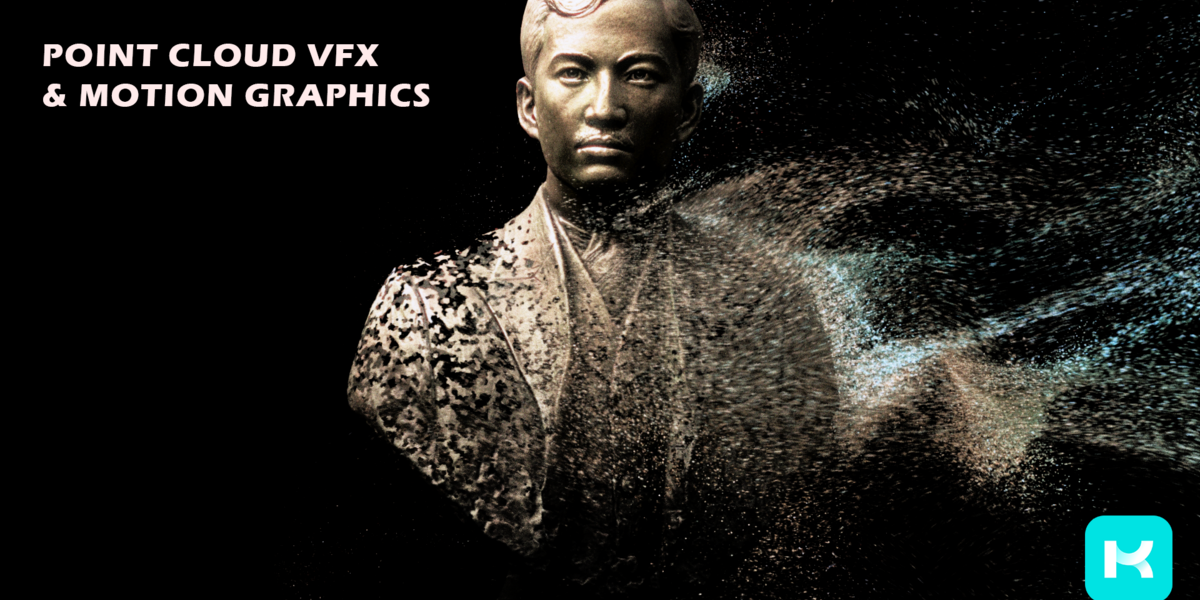
Point Animate by Kiri Engine for Blender
Point Animate by Kiri Engine v1.0.0 for Blender – The Ultimate Point Cloud & Scan Animation Toolkit
Versions: v1.0.3
File Size: 86 MB
Download Point Animate by Kiri Engine v1.0.0 for Blender on Windows and Mac, a specialized addon designed to bring static 3D scans and point cloud data to life. Developed by the team behind Kiri Engine, a leader in photogrammetry and 3D scanning, this tool bridges the gap between reality capture and animation. It allows artists to easily animate scanned objects, create dynamic particle effects from point clouds, and simulate organic movement on rigid scan data without the need for complex rigging or manual vertex manipulation.
Key Features of Point Animate v1.0.0:
- Scan-to-Animation Workflow: Specifically optimized for assets created via photogrammetry or LiDAR scanning. It automatically detects mesh density and structure to apply smooth, natural-looking animations to otherwise static scan data.
- Procedural Point Cloud Motion: Convert static point clouds into dynamic, flowing systems. Add wind, turbulence, or gravitational pull to thousands of points instantly, creating effects like dissolving dust, magical particles, or digital data streams.
- Smart Deformation Engine: Uses advanced algorithmic smoothing to bend, twist, and stretch scanned meshes while preserving their original high-frequency detail and texture fidelity, preventing the “melting” look common in standard deformers.
- One-Click Loop Generation: Automatically creates seamless animation cycles for walking, rotating, or floating scans, perfect for AR/VR applications, game assets, and social media content.
- Vertex Color Preservation: Ensures that the rich color data captured during the scanning process is maintained throughout the animation pipeline, with no loss in vibrancy or accuracy.
- Lightweight Performance: Optimized to handle high-poly scan data efficiently, allowing for real-time viewport playback even with millions of vertices or points.
- Integration with Kiri Engine Assets: Seamlessly imports and prepares models exported directly from the Kiri Engine app, with automatic scaling and orientation correction.
- Export Ready for AR/VR: Includes presets for exporting animated scans in formats compatible with major AR/VR platforms (USDZ, GLB), ensuring your animated reality captures work perfectly in immersive environments.
- Non-Destructive Modifiers: All animations are applied via modifiers, allowing you to tweak intensity, speed, and direction at any time before final baking or export.
Perfect For:
- AR/VR Developers creating interactive, animated 3D scans for augmented reality experiences.
- Game Artists adding subtle life to static environment props and scanned assets.
- VFX Artists creating digital dissolution effects, particle transitions, and magical transformations using real-world object data.
- Motion Designers incorporating realistic scanned elements into abstract animations and title sequences.
- Heritage & Museum Professionals animating historical artifacts for educational displays and virtual tours.
- Anyone using photogrammetry who wants to move beyond static models and add dynamic movement to their reality captures.
System Requirements:
- Blender: 3.6, 4.0, 4.1, 4.2, 4.3, 4.4+ (Latest LTS recommended).
- OS: Windows 10/11 (64-bit) or macOS 10.15+.
- RAM: 8GB minimum (16GB+ recommended for high-density point clouds and complex scans).
- No external dependencies required.
Installation:
- Download the Point Animate by Kiri Engine v1.0.0
.zipfile. - Open Blender and go to Edit > Preferences > Add-ons.
- Click Install…, select the downloaded file, and enable the checkbox next to Object: Point Animate.
- Access via the 3D Viewport Sidebar (N-panel) under the Kiri Animate tab, or the Object Properties panel.
Note:
Point Animate v1.0.0 is a groundbreaking tool for the photogrammetry community. While traditional animation requires clean topology and rigs, scanned data is often messy and dense. Point Animate bypasses these hurdles by using procedural and point-based techniques to generate movement that respects the original scan’s geometry. Whether you are making a statue wave hello in an AR app or turning a rock scan into a swirling cloud of debris, this addon provides the specialized tools needed to animate reality itself.
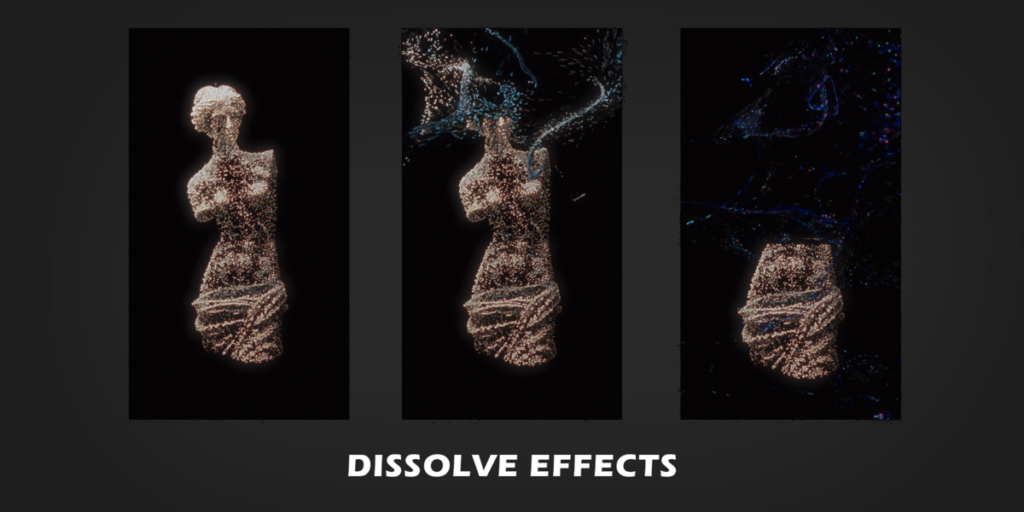
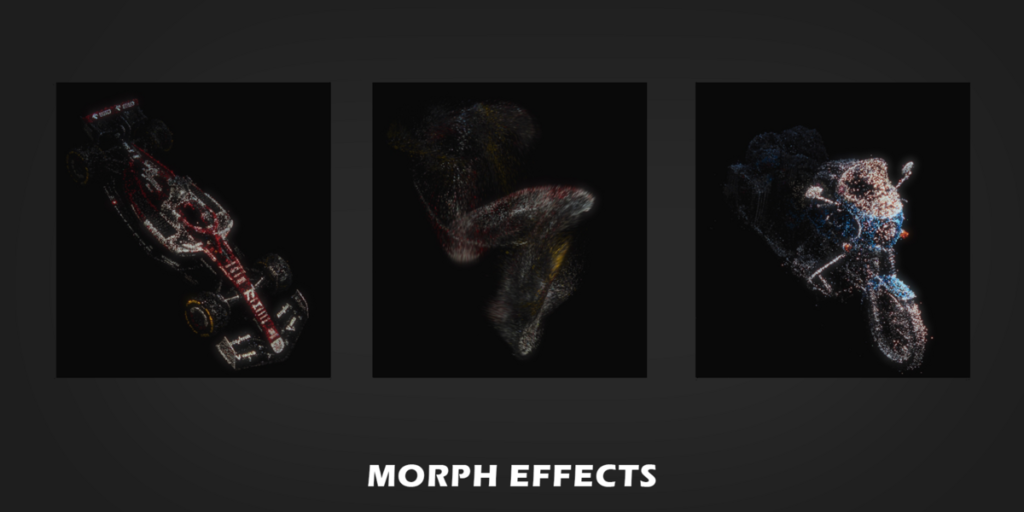
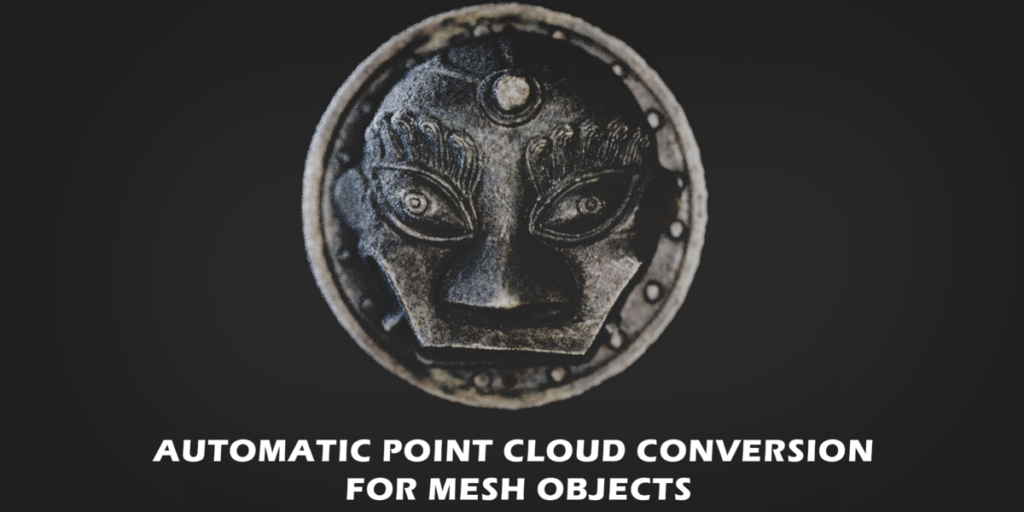
Transform your static 3D models into dynamic motion graphics and VFX point cloud animations in just a few clicks.
🎨 Built for beginners
- Add animations to objects in less than 5 clicks.
- Quick Presets available to get you started quickly.
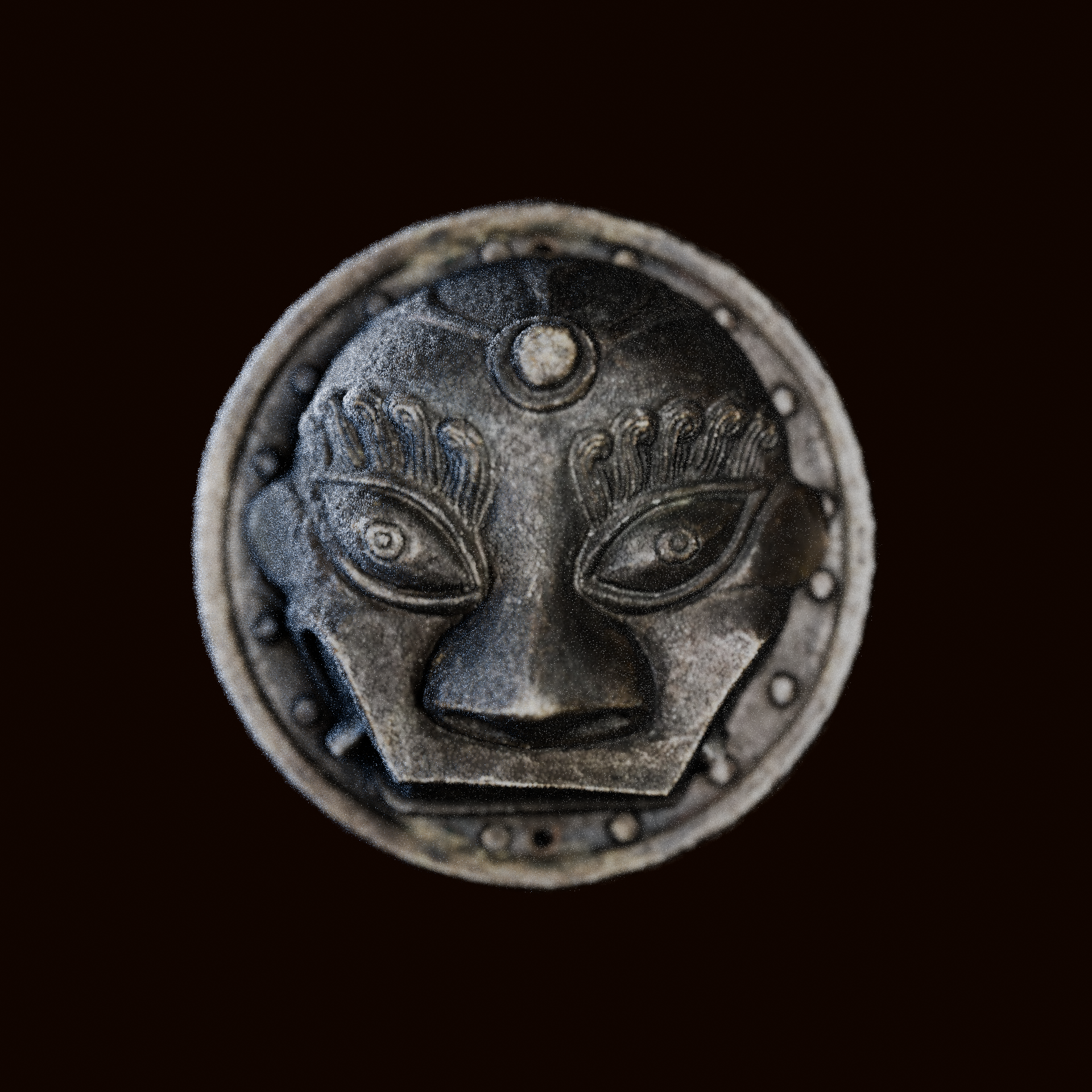
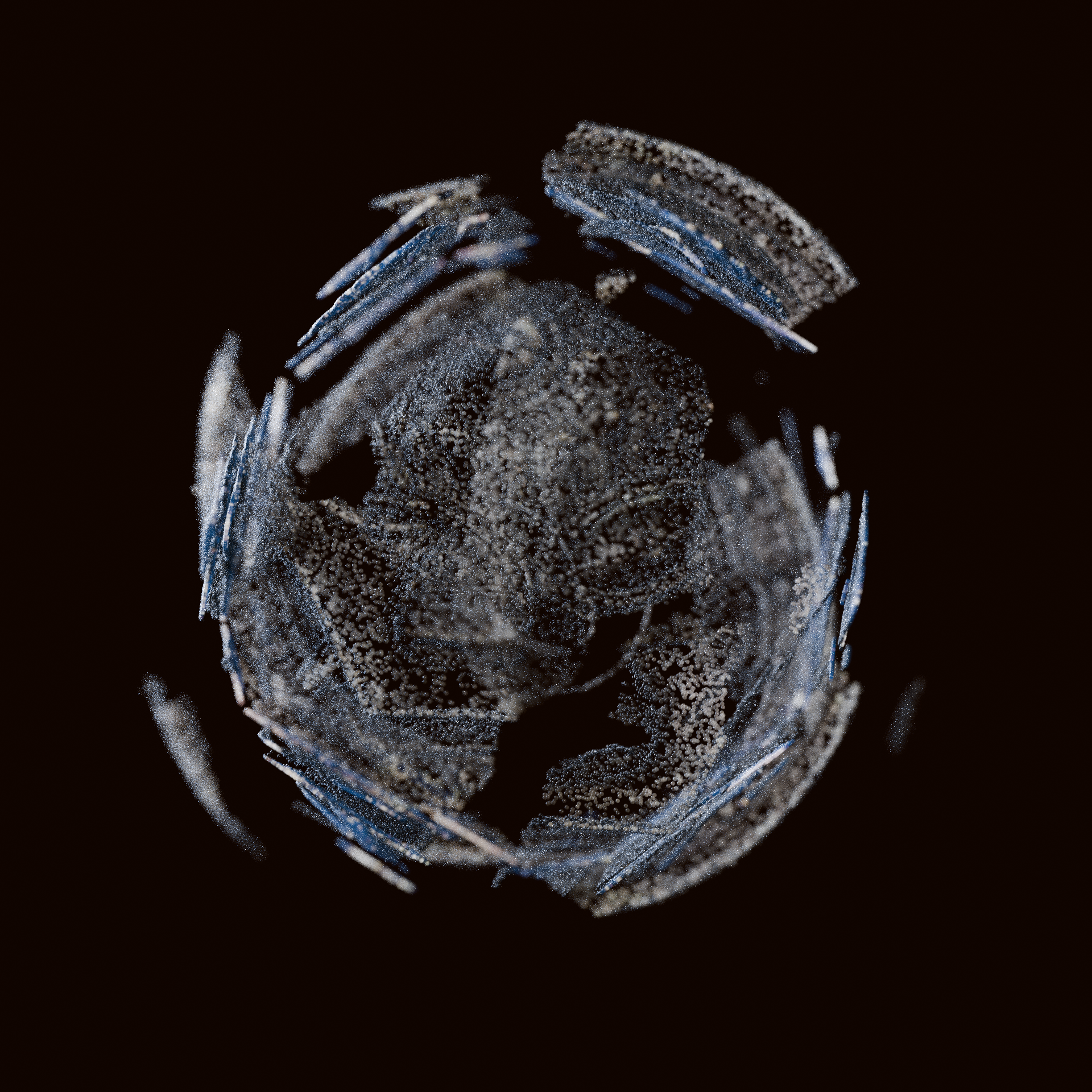
🛠️ Expanded for advanced users
- All modifiers have expansive settings.
- Modifiers can be driven by attributes, masked by objects and stacked on top of each other.
- Bake functions are available.
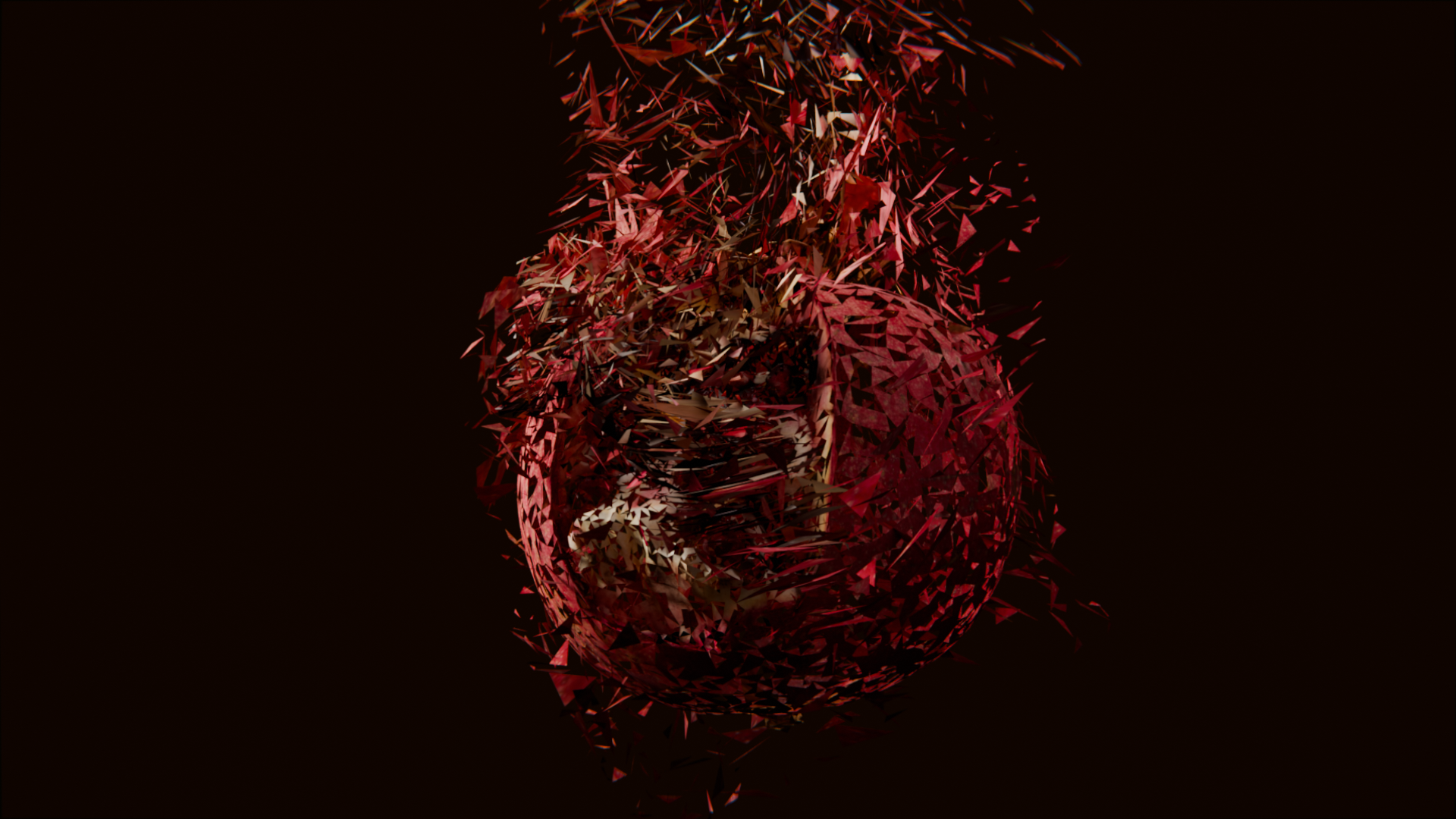
🔄 Versatile Model Support
- Animations can be point cloud based, or include the input mesh
🖌️ Quick Stylization
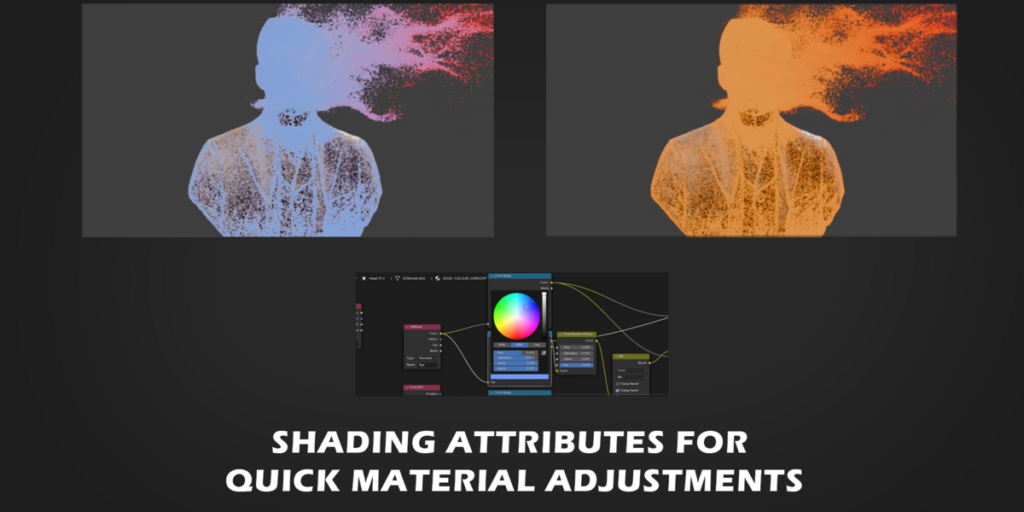
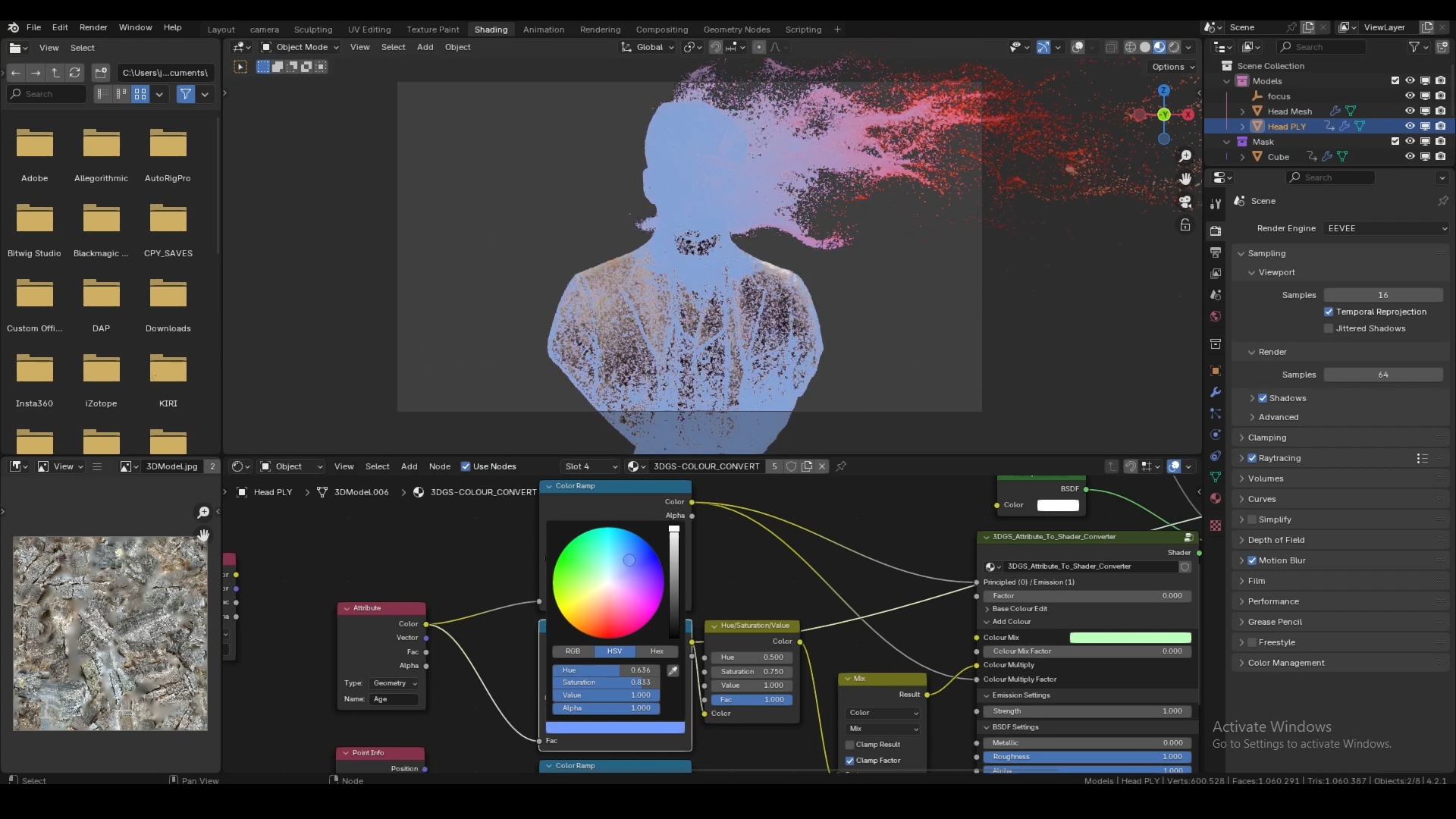
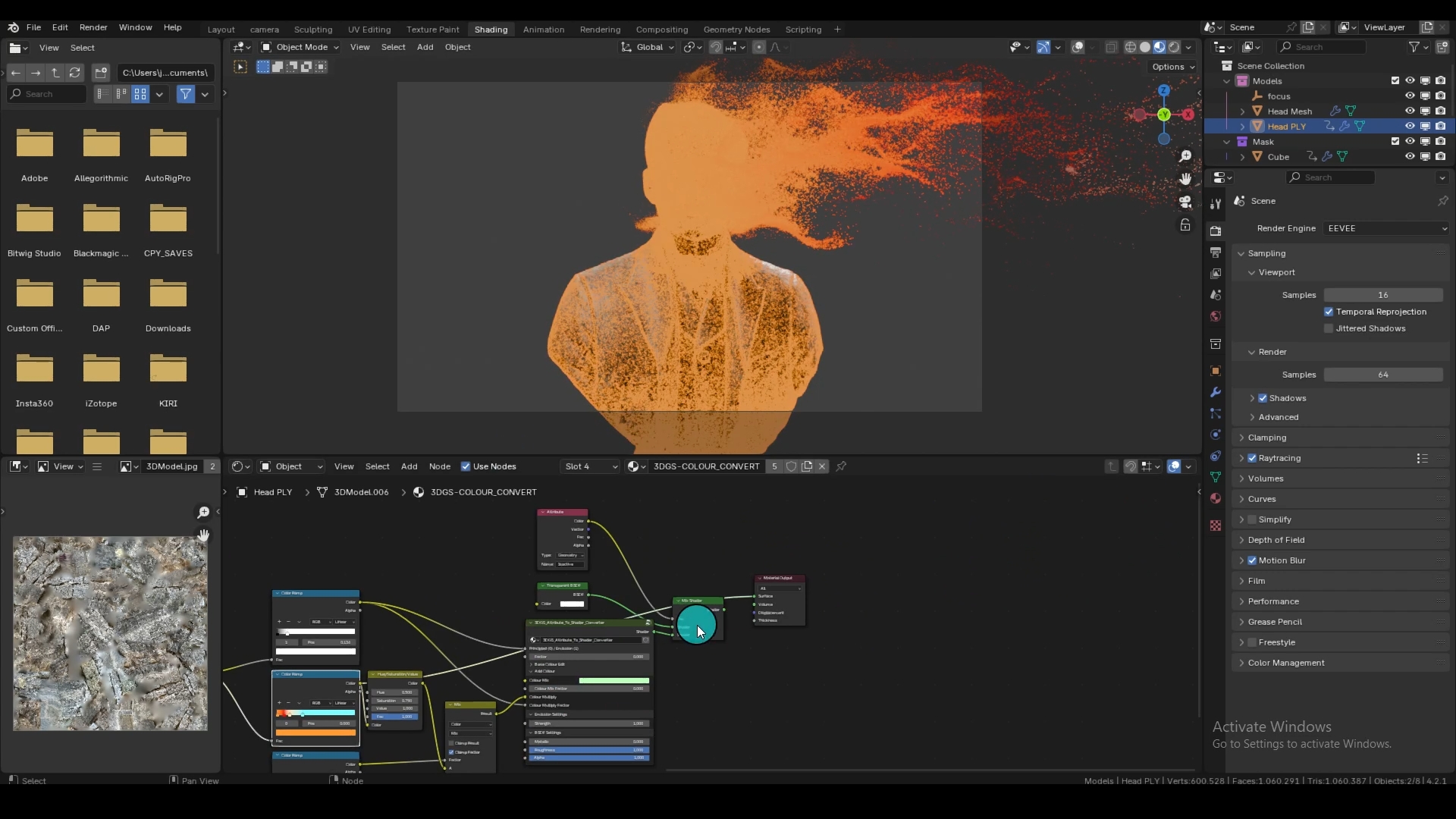
- The appended shader comes pre-loaded with useful attributes.
- Easily adjust point appearance without complex node setups
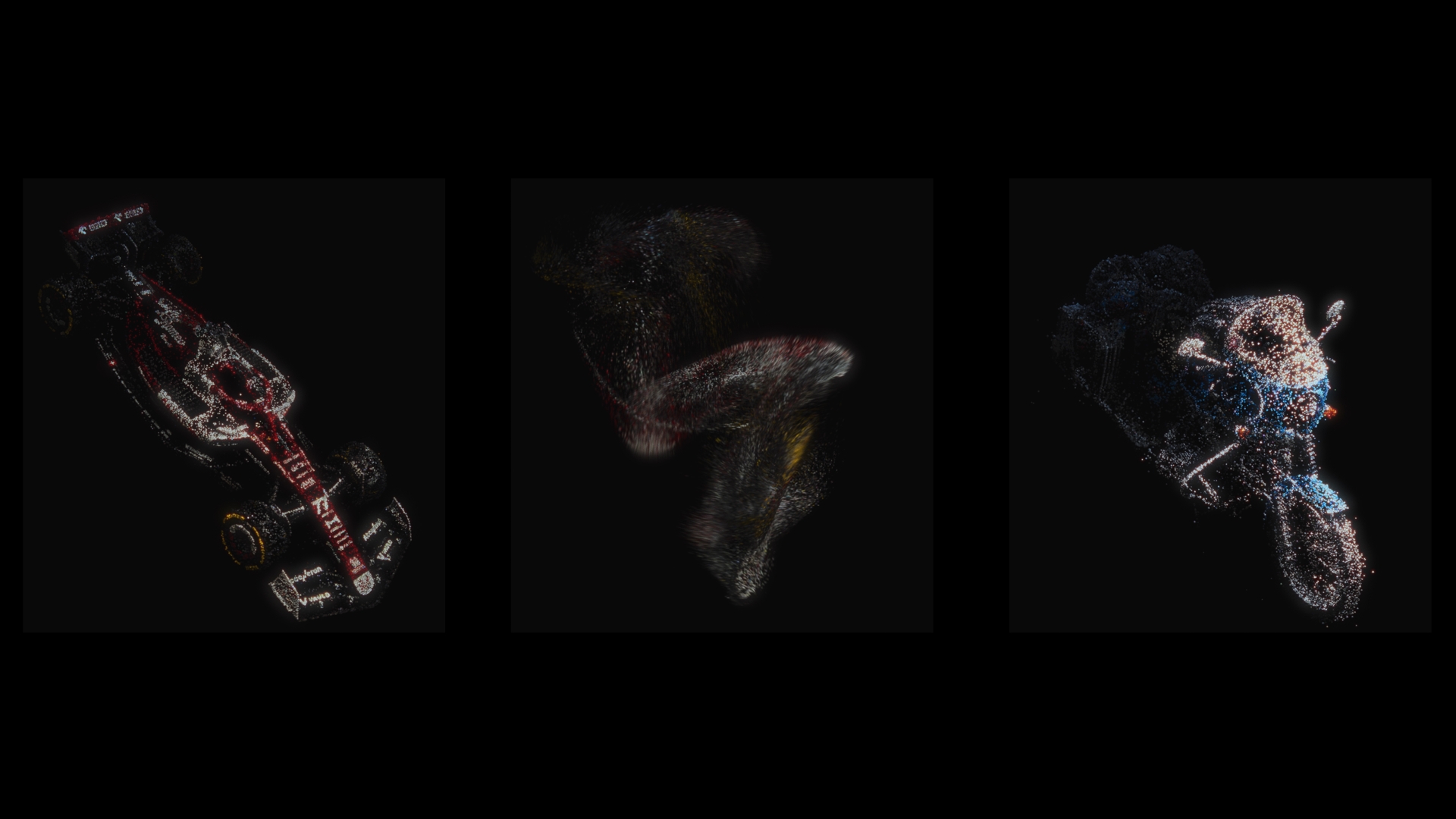
🌟 Multiple presets and tools included:
- Decimate
- Crop Box
- Morph
- Wind
- Noise
- Snap To Shape
- Wireframe
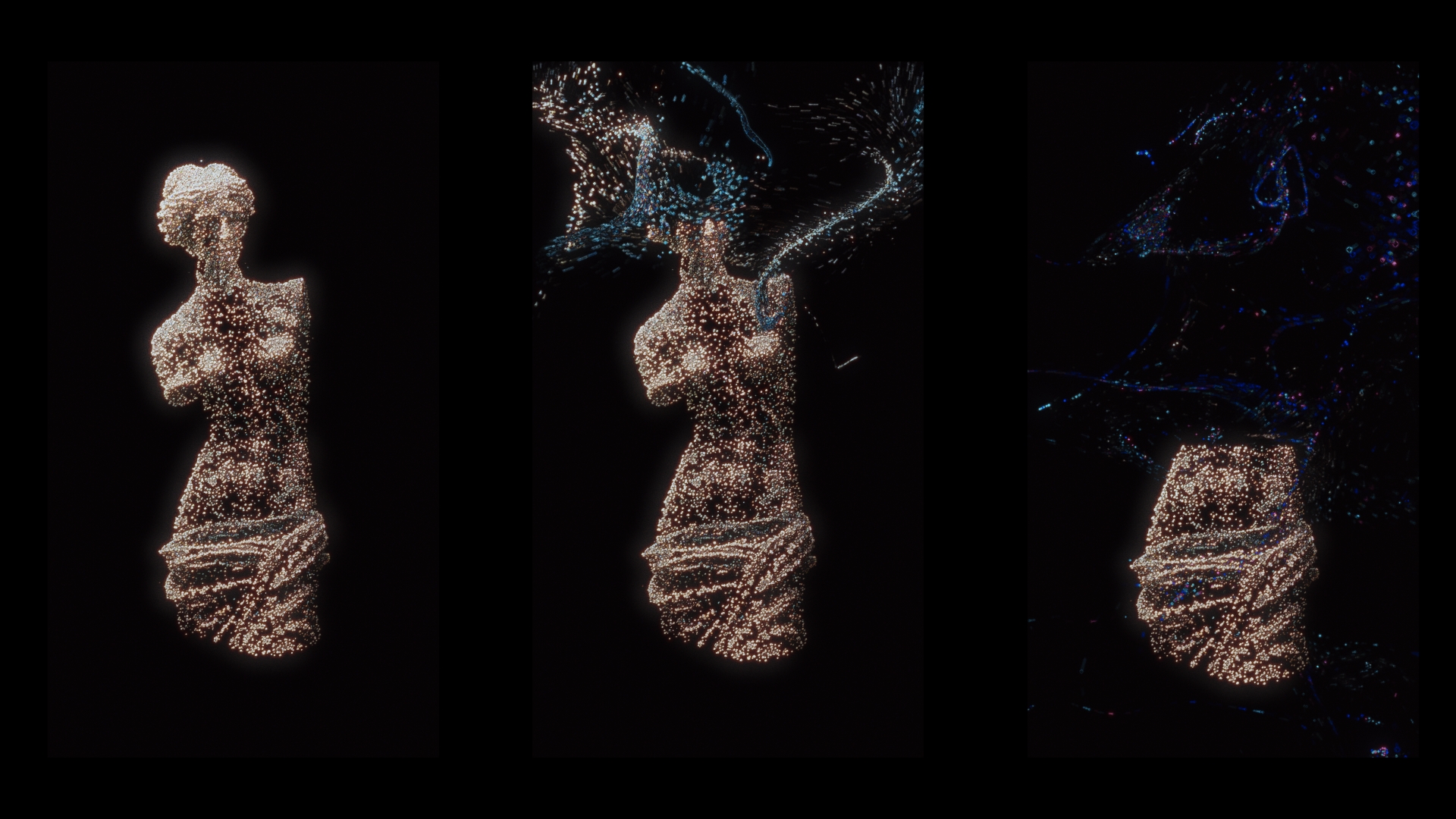
🎭 Masking
- Mask animations to create intricate, layered effects
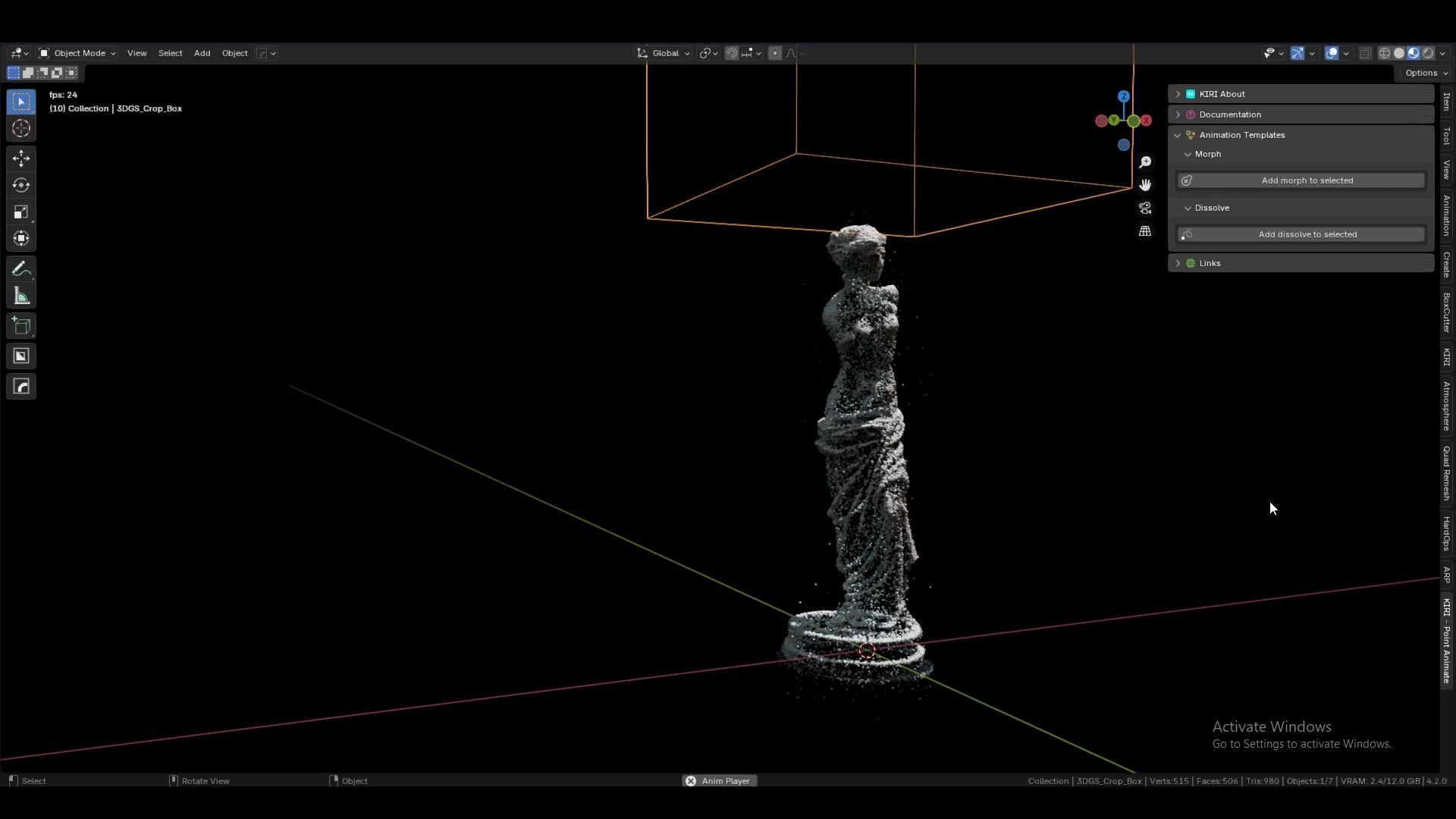
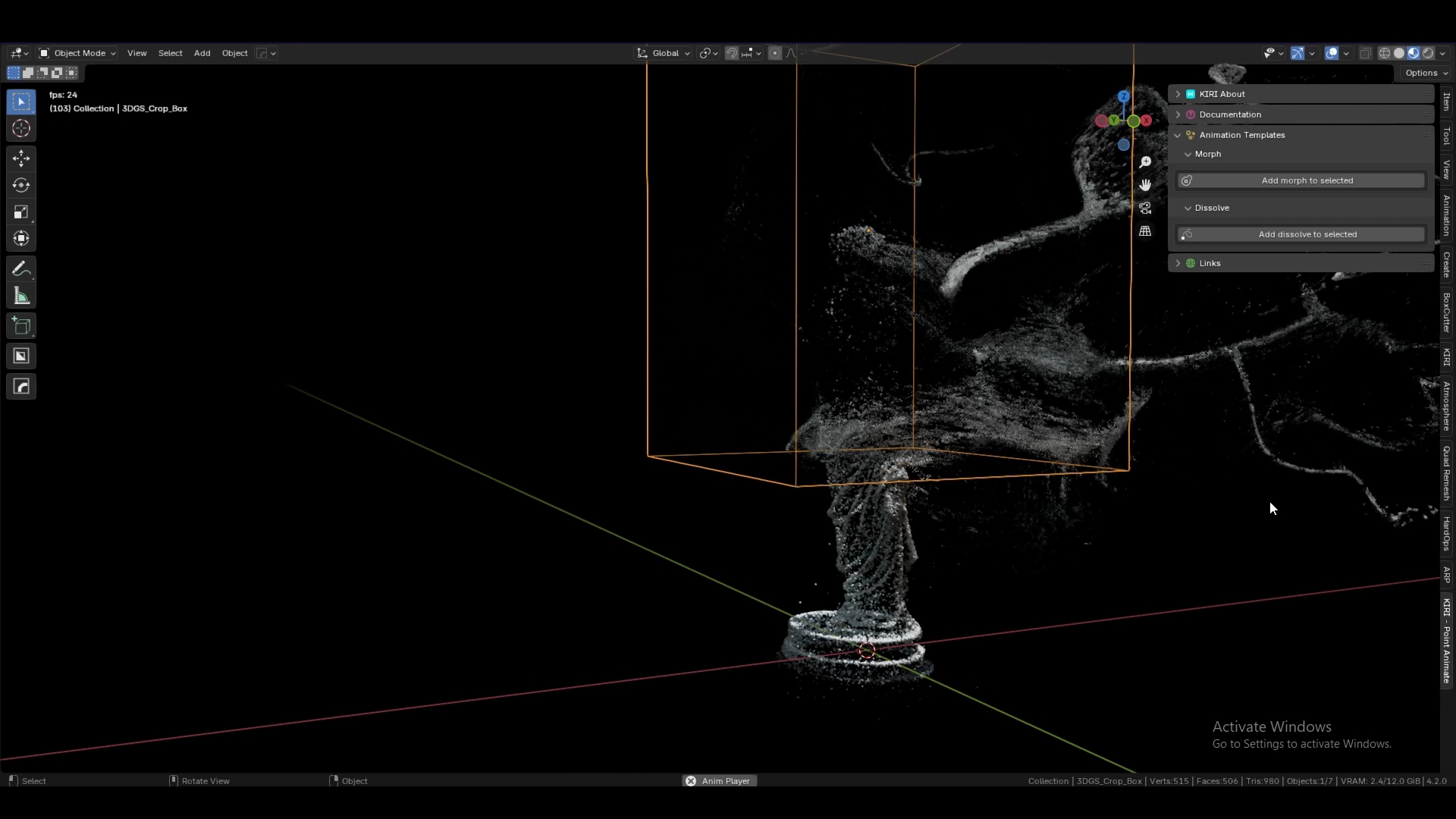
Why Use Point Animate?
- Time-Saving: Automatic setup and presets let you focus on creativity, not technicalities.
- Versatile: Works with mesh and point cloud objects, no need for conversion.
- Layered Approach: Modifiers can be stacked and masked for complex effects.
Compatible with:
Blender 4.2+
To get started making point cloud animations – you will need some high quality mesh models or .ply files.
Supercharge your 3D creation workflow with premium selection of Blender Add-ons. Whether you are modeling intricate characters, sculpting realistic environments, or animating cinematic sequences, the right add-on can transform how you work inside Blender. Our curated collection includes powerful tools for UV unwrapping, procedural texture generation, rigging automation, rendering optimization, and more—each rigorously tested for compatibility with the latest Blender versions. Eliminate tedious manual processes and unlock advanced functionality that lets you focus on what matters most: bringing your creative vision to life. Explore our full range of professional Blender plugins today and take your 3D projects to the next level.
➡️ ➡️ For more Blender Plugins 😀 😀
Reviews
There are no reviews yet.