
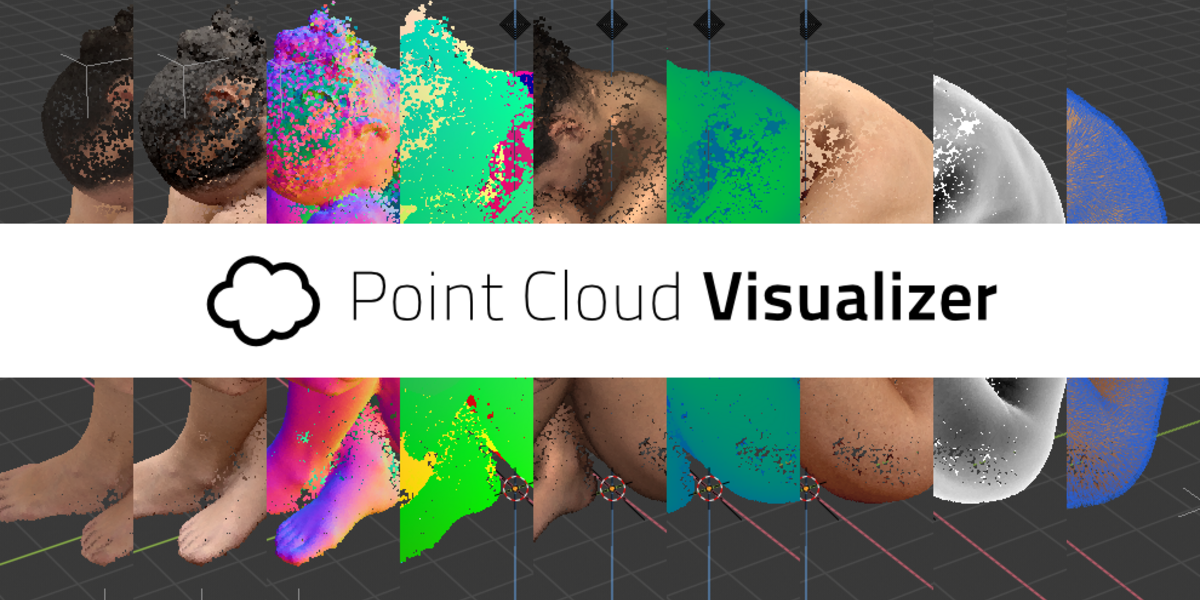
Point Cloud Visualizer for Blender
point cloud visualizer addon
Point Cloud Visualizer v3.0.0.11 for Blender – Professional LiDAR & Point Cloud Rendering Toolkit
Versions: v3.0.0.12
File Size: 1 MB
Download Point Cloud Visualizer v3.0.0.11 for Blender on Windows, Mac, and Linux, a powerful add-on for importing, visualizing, and rendering massive point cloud datasets. Load PLY, LAS, LAZ, XYZ, and other point cloud formats—perfect for LiDAR data visualization, photogrammetry, architectural scanning, and VFX workflows .
Key Features of Point Cloud Visualizer v3.0.0.11:
- Multi-Format Import: Supports PLY, LAS, LAZ, XYZ, and other common point cloud formats
- Massive Dataset Handling: Optimized for rendering billions of points with efficient memory management
- Point Size Control: Adjust point size for optimal visualization and render quality
- Color Attributes: Display point clouds with embedded color data from LiDAR or photogrammetry
- Attribute Visualization: Visualize intensity, classification, and other point attributes
- Real-Time Preview: Interactive viewport display for large point clouds
- Render Engine Support: Works with Eevee and Cycles render engines
- Clipping Tools: Isolate specific regions of point clouds for detailed inspection
- Export Options: Export selected point cloud regions as mesh or points
- v3.0.0.11 Updates: Enhanced LiDAR support, improved performance, and compatibility with Blender 4.0+
Perfect For:
- VFX artists integrating LiDAR scans into visual effects
- Architects visualizing site scans and existing conditions
- Game developers creating environments from photogrammetry
- Researchers presenting point cloud data
- Anyone working with LiDAR, photogrammetry, or 3D scan data
System Requirements:
- Blender 3.6, 4.0, 4.1, 4.2, 4.3
- Windows 10/11 (64-bit), macOS, or Linux
- 8GB RAM minimum (16GB+ recommended for large datasets)
- GPU recommended for optimal performance
- 50MB available disk space
Installation:
- Download the add-on zip file
- In Blender, go to Edit > Preferences > Add-ons
- Click “Install” and select the downloaded zip file
- Enable the add-on by checking the box next to “Point Cloud Visualizer”
Note: Point Cloud Visualizer brings professional LiDAR and point cloud capabilities to Blender, making it possible to visualize and render massive datasets for VFX, architecture, and research applications . The optimized performance and multi-format support make it essential for anyone working with 3D scan data . Version 3.0.0.11 includes full compatibility with Blender 4.0 and above . Designed for Blender 3.6 and above . Perfect for LiDAR visualization, photogrammetry display, and VFX integration . Essential for any point cloud workflow .
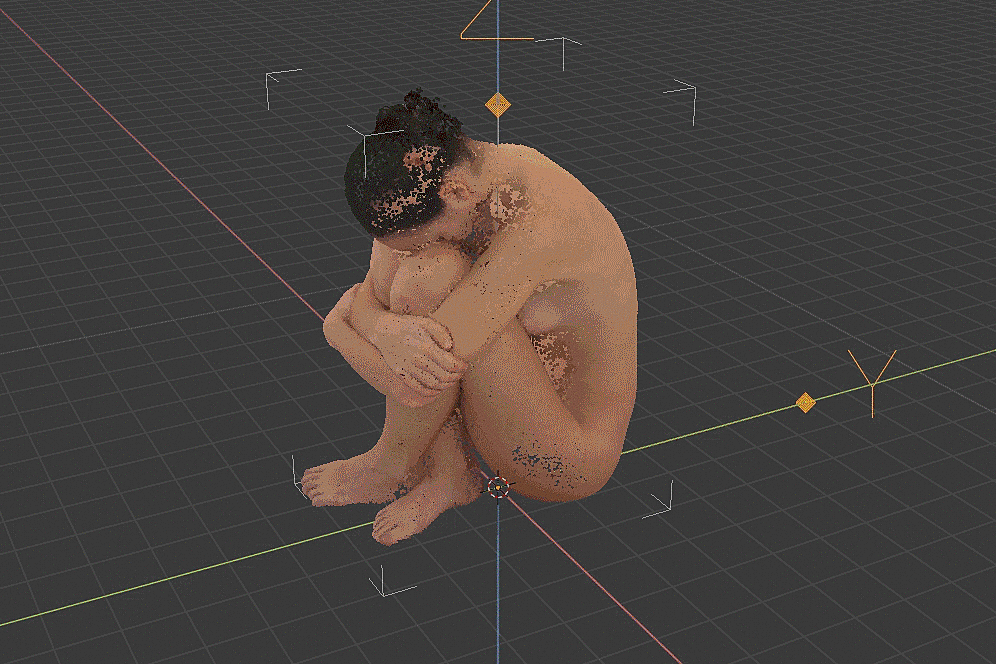
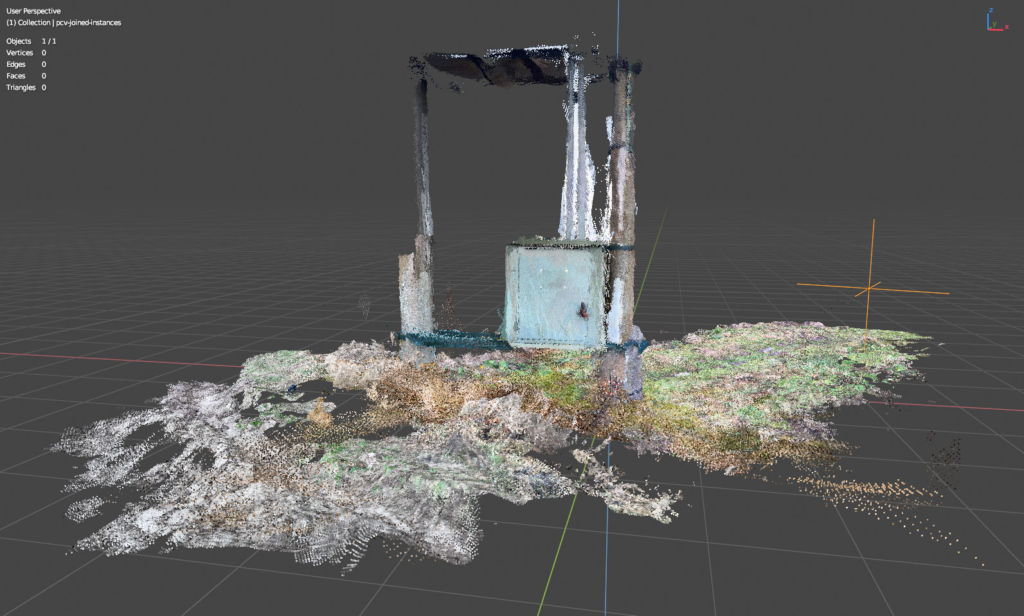
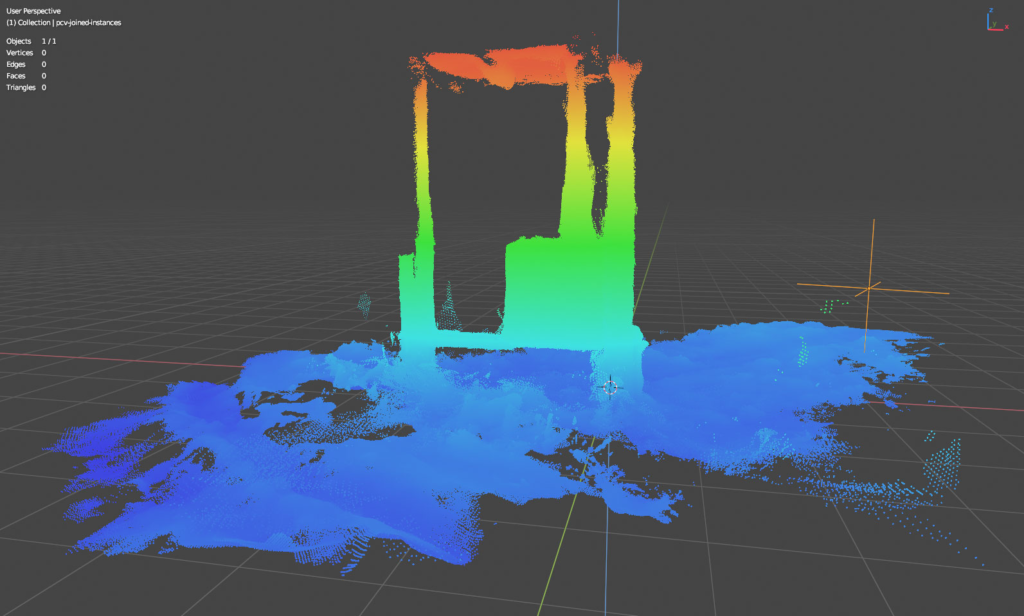
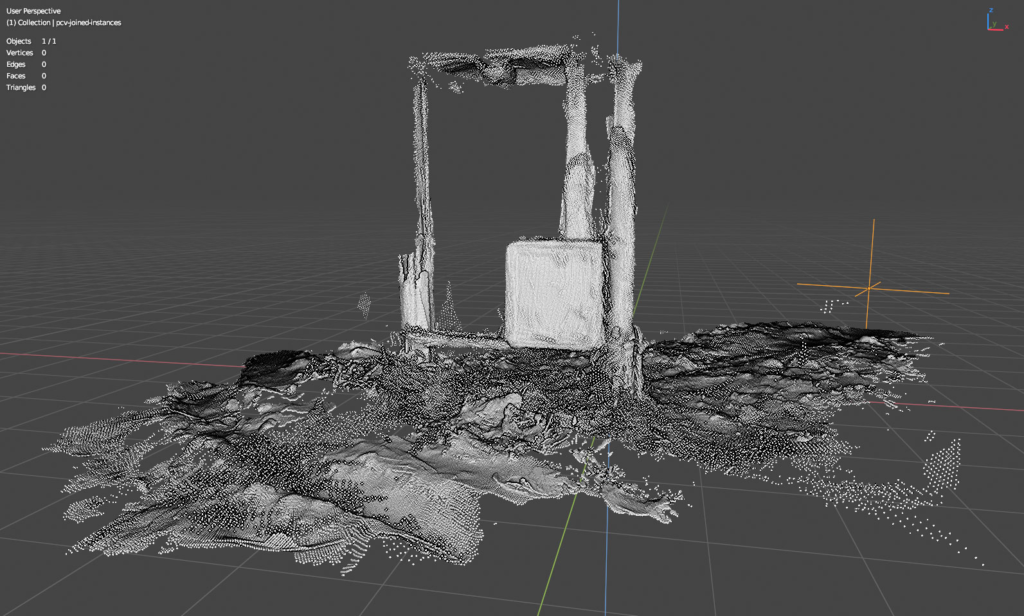
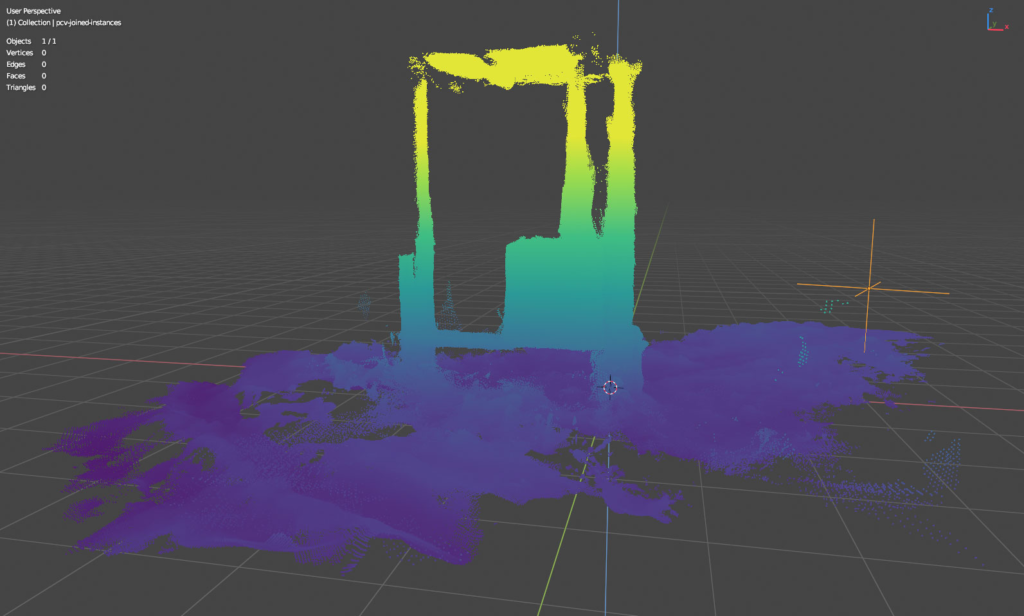
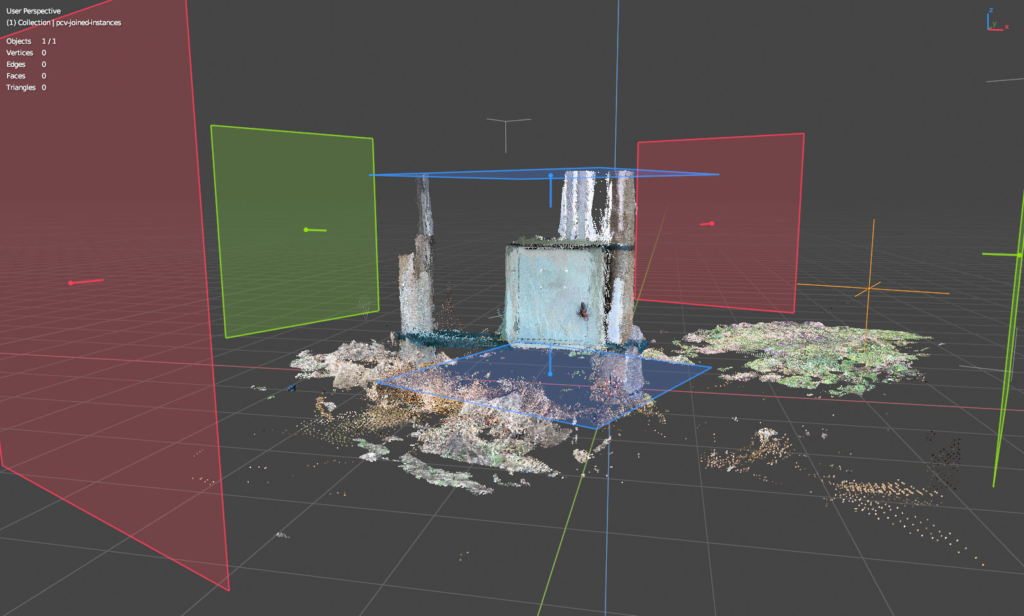
Display, edit, filter, render, convert, generate and export colored point cloud files.


Key Features:
- Display hundreds of millions of colored points in 3d viewport, limited only by system and gpu memory.
- Any Blender object can be used as container for points, points are not part of Blender data (until converted to) for maximal performance.
- Supported file formats – read: PLY, LAS/LAZ, E57, PCD, any text based file format such as PTS, XYZ, TXT, CSV etc., write: PLY, LAS/LAZ, E57 and PTS.
- Custom PLY reader/writer optimized for point data and performance.
- Supports loading/editing/writing of 3D Gaussian Splatting PLY files, can reconstruct points colors from spherical harmonics and convert to Blender mesh that can be rendered in Cycles engine approximating 3DGS effect.
- Display points with many shading options that can be mixed together, display points with analytic shaders, display point normals, use clipping planes, display scalar values (value remapping in range, color schemes).
- Fast Navigation option that draws subsampled points into 3d viewport while is being navigated for smooth working with very large datasets.
- Cleanup points directly with modal selection tools or by using Blender edit mode with temporary mesh linked with points using Blender tools.
- Mesh Retopology tools that utilize vertices snapping to points and mesh drawn with custom shaders over points.
- Clip planes gizmos to interact with clipping planes visually, store/restore clip planes named states.
- Abundance of editing filters: subsample/voxelize/slice points, crop, boolean, join, split, color adjustment, remove by color or value, project on mesh, remove duplicates, estimate normals, point set registration, surface reconstruction and many more.
- Builtin gpu rendering to image or images sequence with viewport or transparent background.
- Convert points to various Blender mesh (and vdb volume) data for use with Geometry Nodes and rendering with any render engine while preserving all loaded scalar fields and normals.
- Generate point clouds from mesh surface, mesh volume, Geometry Nodes vertices with attributes and generate point clouds from whole scene by simulating lidar scanner or photogrametry.
- Working with PLY sequences, playback, batch convert, filter and export. Sequence can also be generated from mesh or scene.
- Can be used as debugging tool to display 3d location/normal/color data with easy to use python api.
- Extension, all libraries bundled, supported platforms Windows (x64), Linux (x64) and macOS (arm64 & x64)


Key Features:
- All Features as Standard edition
- Tiles mode that allows loading of huge datasets stored in multiple files with real LOD and octree
- Measure tools in Tiles mode
- Special shading options in Tiles mode optimized for datasets without colors
Supercharge your 3D creation workflow with premium selection of Blender Add-ons. Whether you are modeling intricate characters, sculpting realistic environments, or animating cinematic sequences, the right add-on can transform how you work inside Blender. Our curated collection includes powerful tools for UV unwrapping, procedural texture generation, rigging automation, rendering optimization, and more—each rigorously tested for compatibility with the latest Blender versions. Eliminate tedious manual processes and unlock advanced functionality that lets you focus on what matters most: bringing your creative vision to life. Explore our full range of professional Blender plugins today and take your 3D projects to the next level.
➡️ ➡️ For more Blender Plugins 😀 😀
Reviews
There are no reviews yet.