
Poly Source for Blender
poly source addon
Poly Source v4.0.6-2 for Blender – Premium 3D Asset Import & Management System
Download Poly Source v4.0.6-2 for Blender on Windows, Mac, and Linux, a powerful add-on that connects Blender to the Poly Haven asset library and other online 3D content sources. Browse, download, and import thousands of high-quality models, materials, and HDRI environments directly into your scene—perfect for artists who need fast, professional assets without manual downloading and importing .
Key Features of Poly Source v4.0.6-2:
- Poly Haven Integration: Direct access to Poly Haven’s library of CC0-licensed PBR materials, HDRI environments, and 3D models
- Asset Browser: Visual browsing with thumbnails, categories, and search functionality
- One-Click Import: Download and import assets directly into your Blender scene
- Material Library: Thousands of PBR materials—metal, wood, stone, fabric, plastic, and more
- HDRI Environments: High-quality sky and environment maps with one-click application
- 3D Models: Ready-to-use models for scene composition
- Favorite System: Save frequently used assets for quick access
- Offline Cache: Downloaded assets are cached for offline use
- Quality Control: Filter assets by resolution and quality settings
- v4.0.6-2 Updates: Enhanced asset browser, improved download speeds, and compatibility with Blender 4.0+
Perfect For:
- 3D artists who need fast access to professional assets
- Architectural visualization professionals seeking PBR materials
- Game developers prototyping scenes with placeholder assets
- Motion designers adding high-quality elements to scenes
- Anyone who wants to speed up scene creation with professional assets
System Requirements:
- Blender 3.6, 4.0, 4.1, 4.2, 4.3
- Windows 10/11 (64-bit), macOS, or Linux
- 4GB RAM minimum (8GB+ recommended)
- Internet connection required for asset downloads
- 100MB available disk space (plus space for downloaded assets)
Installation:
- Download the add-on zip file
- In Blender, go to Edit > Preferences > Add-ons
- Click “Install” and select the downloaded zip file
- Enable the add-on by checking the box next to “Poly Source”
Note: Poly Source provides instant access to thousands of high-quality CC0 assets from Poly Haven, dramatically speeding up scene creation and material setup . The visual browser and one-click import make it essential for artists who need professional assets without complex downloading and importing workflows . Version 4.0.6-2 includes full compatibility with Blender 4.0 and above . Designed for Blender 3.6 and above . Perfect for fast, professional scene creation . Essential for any asset-intensive workflow .
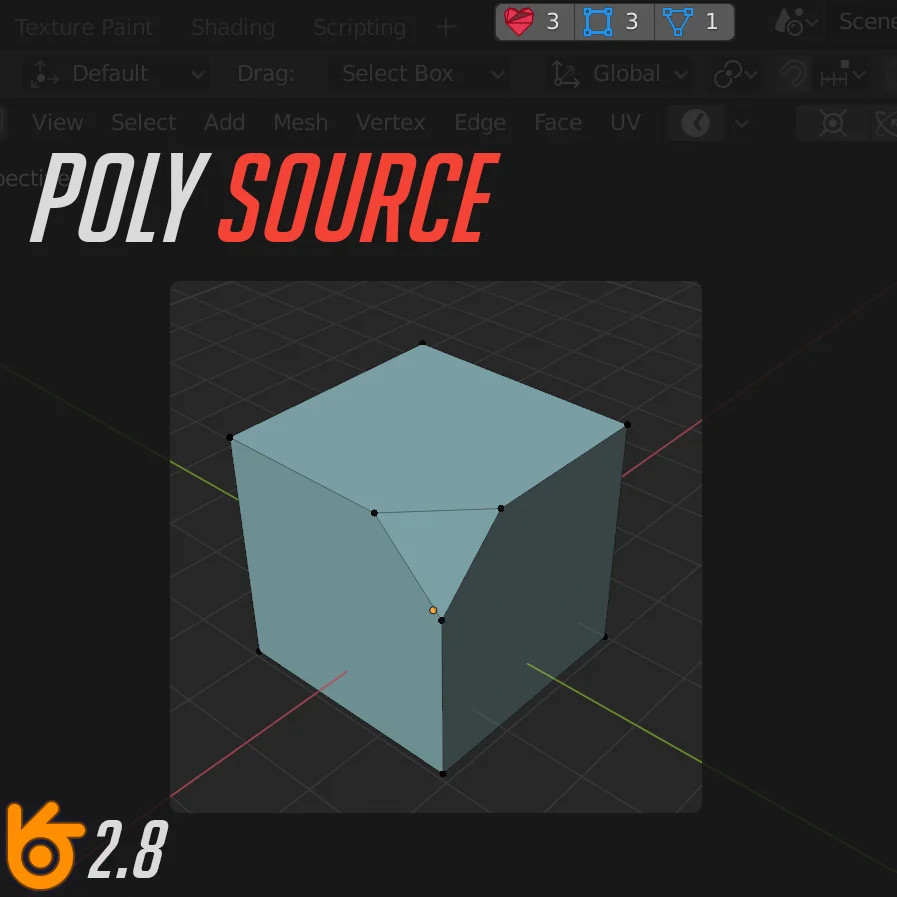
The addon is designed to simplify the control of the number of different types of polygons. You can see how many NGone, Quad and Tris are on the active object. You can also quickly select them by clicking on the corresponding button.
Supercharge your 3D creation workflow with premium selection of Blender Add-ons. Whether you are modeling intricate characters, sculpting realistic environments, or animating cinematic sequences, the right add-on can transform how you work inside Blender. Our curated collection includes powerful tools for UV unwrapping, procedural texture generation, rigging automation, rendering optimization, and more—each rigorously tested for compatibility with the latest Blender versions. Eliminate tedious manual processes and unlock advanced functionality that lets you focus on what matters most: bringing your creative vision to life. Explore our full range of professional Blender plugins today and take your 3D projects to the next level.
➡️ ➡️ For more Blender Plugins 😀 😀
Reviews
There are no reviews yet.