
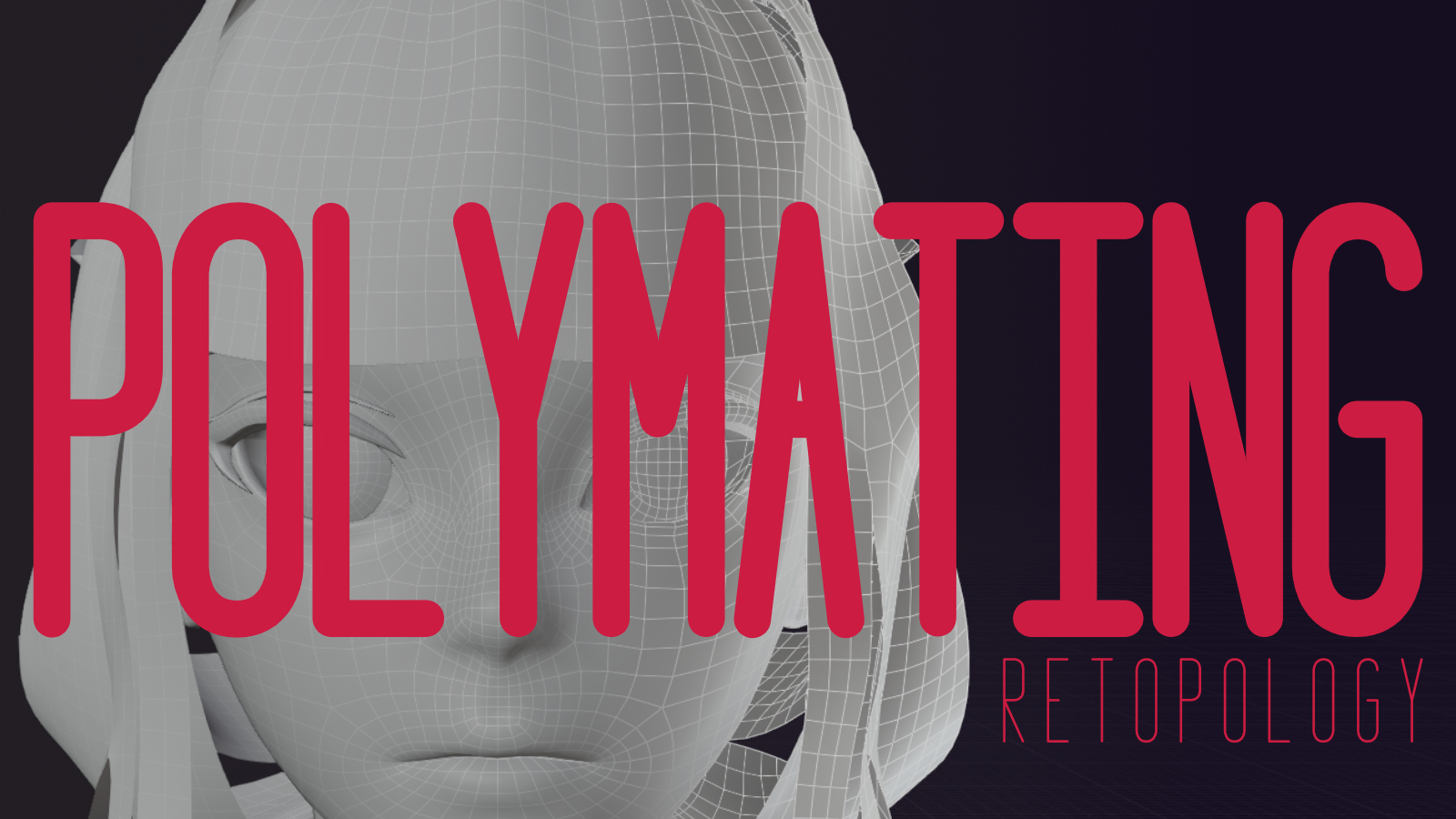
polymating for Blender
Polymating v1.1.2 for Blender
The Ultimate Hard-Surface Modeling and Retopology Tool
Download the Polymating v1.1.2 addon today. Therefore, you can create clean, efficient geometry for hard-surface modeling and retopology instantly. Because professional 3D modeling requires precise polygonal control and clean topology, you need proper tools. However, manually creating and optimizing polygon structures takes many frustrating hours. Consequently, this powerful addon solves that problem completely. Furthermore, it provides intelligent polygonal modeling and retopology assistance. Thus, you can achieve clean, production-ready topology in seconds.
Fast Polygonal Modeling and Retopology
First, the core of this addon is polygonal efficiency. Specifically, it allows you to create and manipulate polygon structures with precision and speed instantly. Furthermore, you can retopologize complex meshes, create clean edge flows, and optimize geometry easily. Additionally, the tool supports various polygonal techniques including bridging, filling, and edge-loop management seamlessly. Thus, you can create everything from mechanical parts to organic forms with clean topology quickly. Moreover, you can customize every modeling parameter perfectly. Consequently, your 3D models will maintain professional-quality polygon structures.
Advanced Geometry Management Features
Ultimately, complex modeling projects require sophisticated geometry management. Therefore, this addon includes advanced geometry features. Specifically, you get intelligent edge-loop creation, polygon reduction, and symmetry tools. Furthermore, the algorithms preserve UV maps and vertex colors where applicable perfectly. Additionally, the tools support polygonal patterning, extrusion controls, and bevel management seamlessly. Consequently, your geometry workflow will remain efficient and organized. Thus, the workflow reacts beautifully to your creative input.
Real-Time Preview and Precision Control
However, precise polygonal modeling can be challenging without proper visual feedback. Therefore, the addon includes real-time preview and feedback tools. Specifically, it displays edge-flow indicators, polygon count, and symmetry guides instantly. Consequently, you can see exactly how your geometry will look as you build it. Meanwhile, your viewport performance remains completely stable. Ultimately, this ensures a smooth and accurate modeling experience.
Perfect for Hard-Surface Modelers and Technical Artists
Additionally, this addon is ideal for hard-surface modelers and vehicle artists. Furthermore, it suits technical artists and game developers perfectly. Moreover, anyone requiring clean topology for animation or game engines will love the intelligent tools. Ultimately, it accelerates your entire modeling and production pipeline.
System Requirements and Formats
Specifically, the addon requires Blender 3.6 or newer. Furthermore, it supports all mesh types and polygonal structures completely. Additionally, you get regular free updates from the developer. Therefore, it works across all major operating systems. Moreover, you will need a standard workstation. Thus, 8GB of RAM is highly recommended. Consequently, a modern GPU ensures smooth viewport performance.
Installation and Usage Guide
First, download the zip file from your library. Next, open Blender and go to Edit Preferences. Then, select Add-ons and click Install. After that, enable the Polymating addon. Finally, select your mesh, open the Polymating panel, choose your modeling or retopology tools, adjust your parameters, and apply. Thus, your clean polygonal model will be ready instantly.
What is Included Inside?
Specifically, the pack contains multiple polygonal modeling and retopology tools. Furthermore, it includes edge-loop management, polygon optimization, and symmetry controls. Additionally, you get several pre-built modeling setups for common use cases. Moreover, there are detailed video tutorial guides. Ultimately, you receive everything for professional polygonal modeling.
Final Thoughts on the Addon
Ultimately, clean topology and efficient geometry evoke profound creative freedom. Therefore, this addon provides the ultimate modeling foundation. Furthermore, you can build detailed mechanical parts with perfect edge flow. Alternatively, you can create organic characters with optimal topology for animation instantly. Consequently, your polygonal modeling vision becomes a stunning reality.
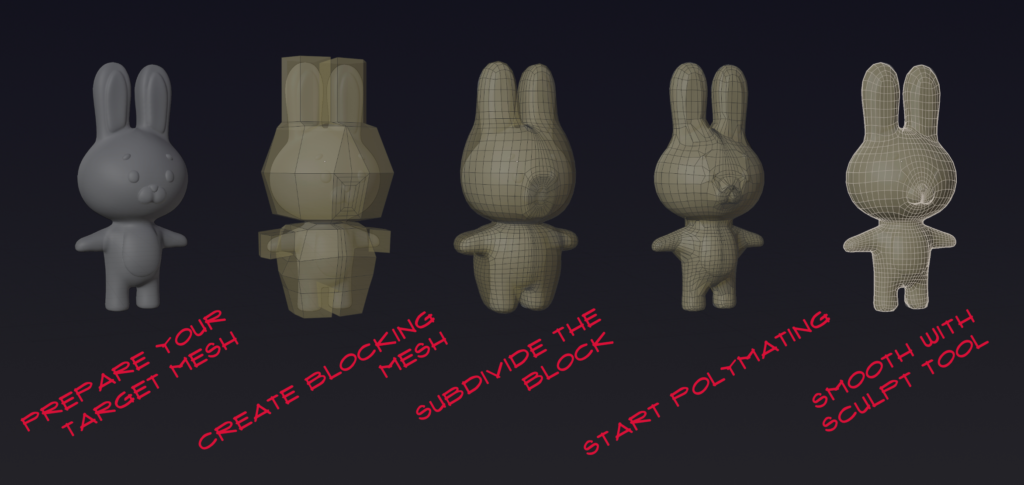
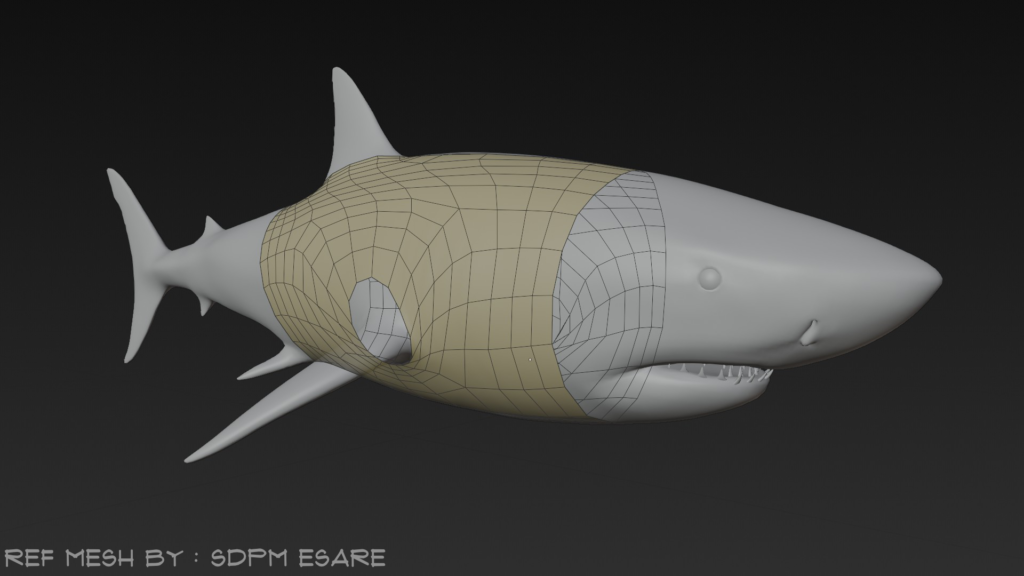
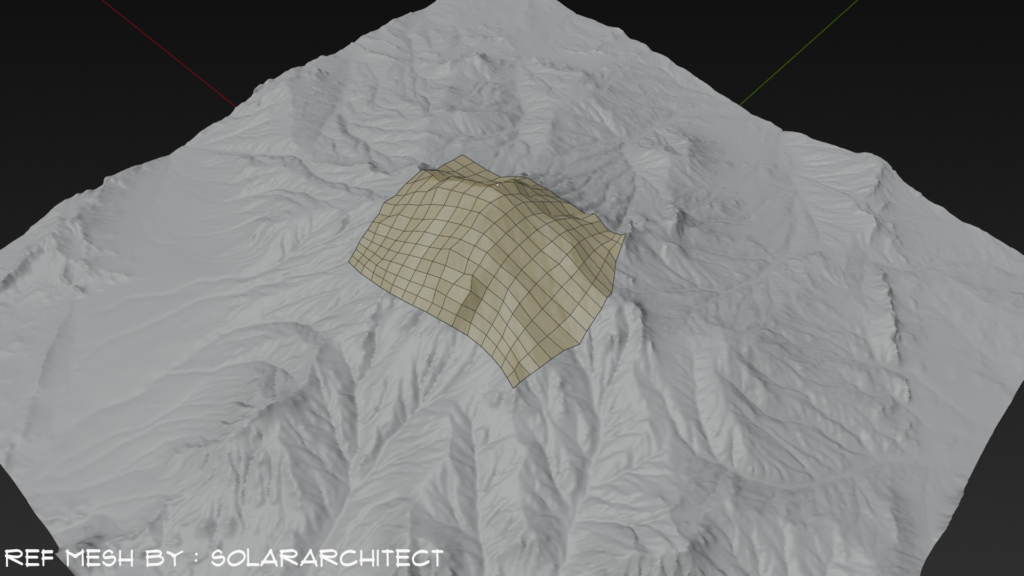
Polymating — Real-time Retopology
A retopology addon that integrates with Blender’s existing tools using a fast projection system similar to Shrinkwrap—continuously re-applied in the background.
RetopologyEdit/SculptProjection Solvers
“Simple, concise and minimal learning curve to use the addon”
“Tis but a realtime shrinkwrap on steroids”
“1% Code savvy, 99% Marketing” — “Performance!!! Performance!!! Performance!!!”
User Guide (1.4) • BlenderArtists.org Thread
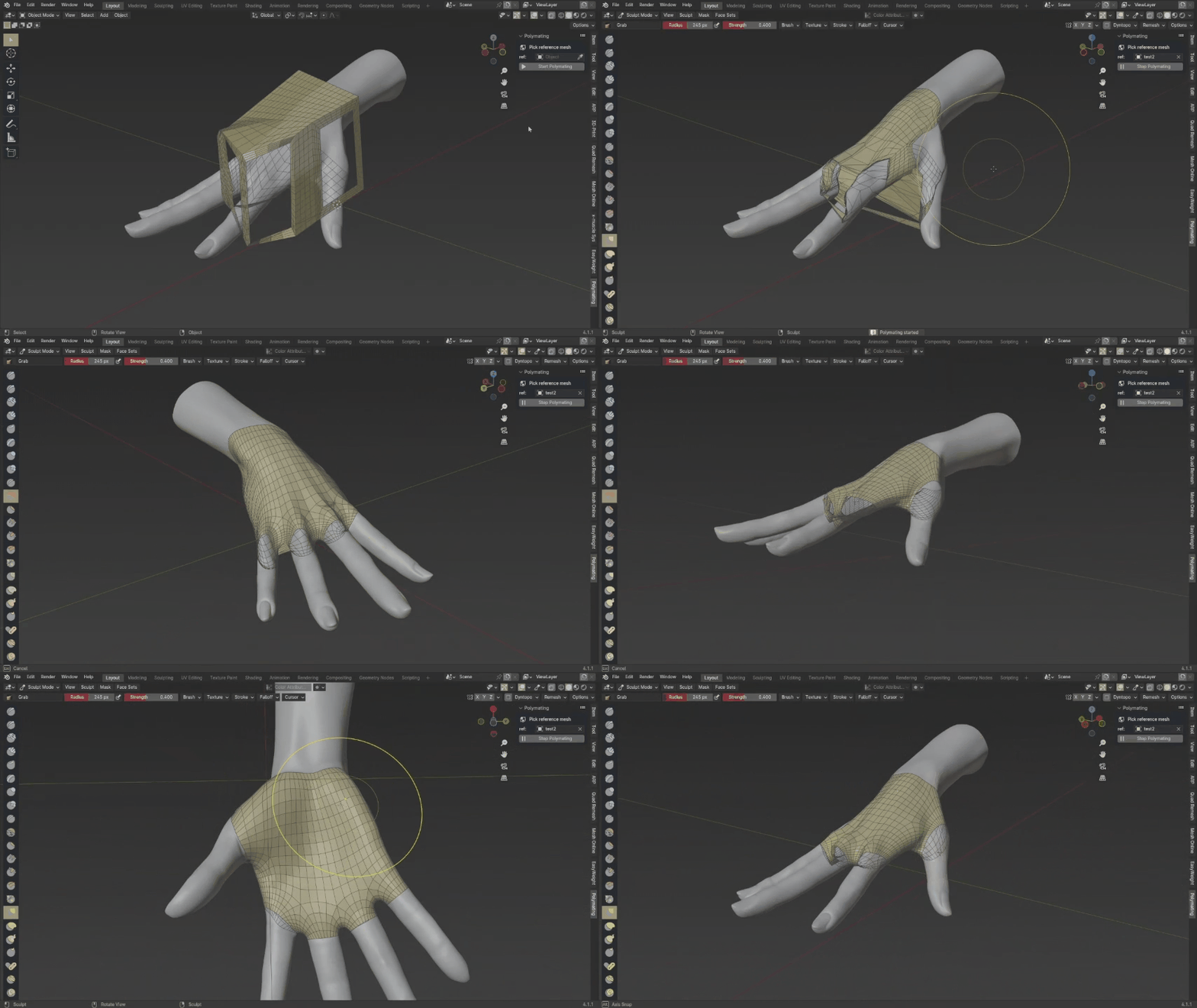
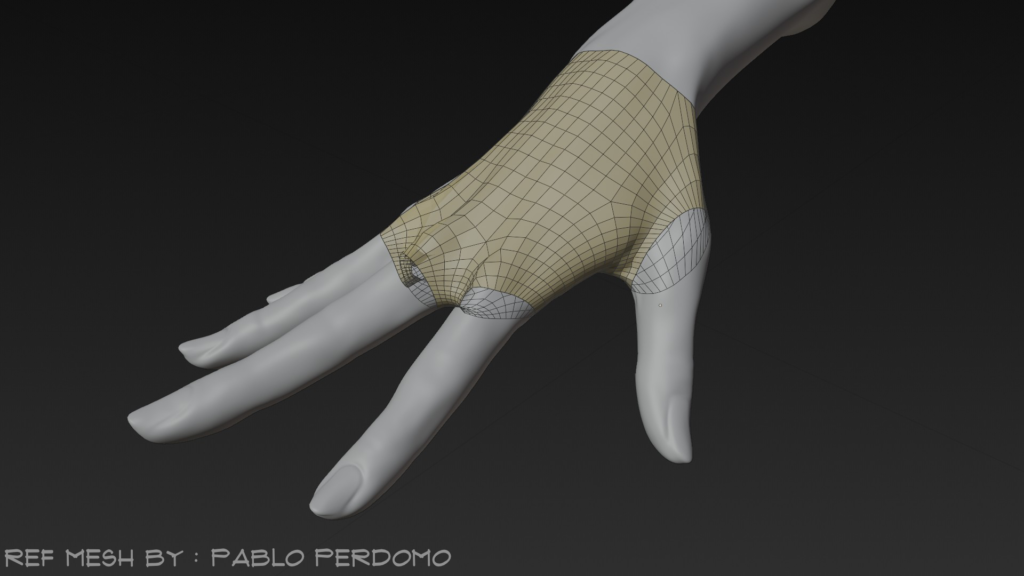
Reference mesh by Pablo Perdomo
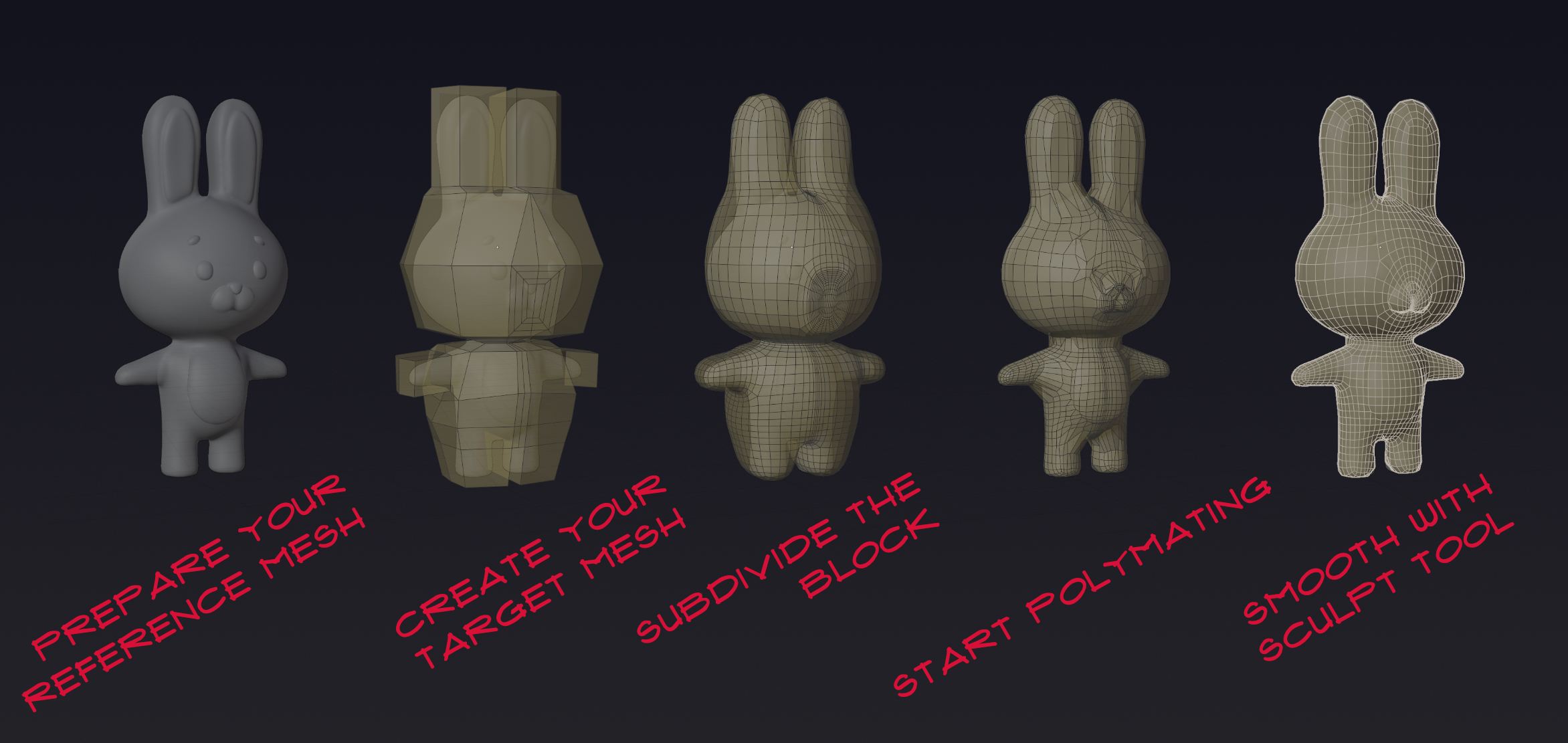
Reference mesh by Qiara M
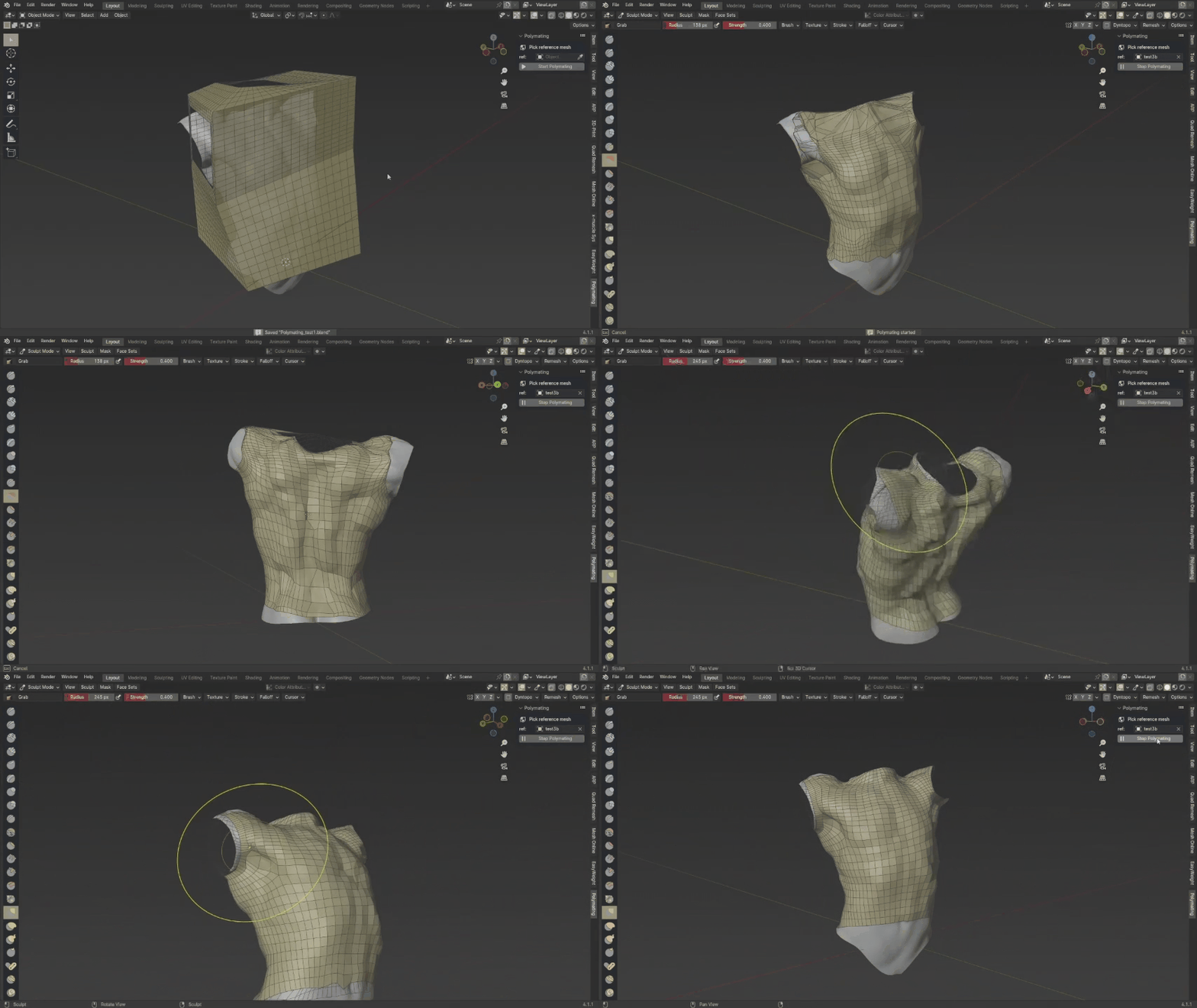
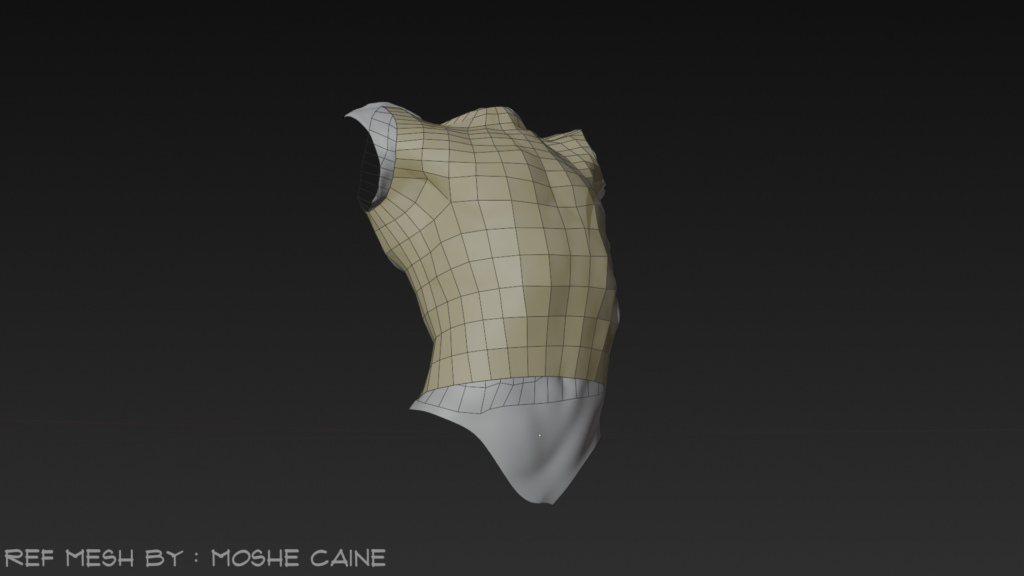
Reference mesh by Moshe Caine
Highlights
- ✔Realtime vertex projection with solver-based logic (Force Project, Raycast; Multi-hit integrated).
- ✔Works alongside Blender’s native tools—focus on quad flow, let Polymating handle wrapping.
- ✔Vertex Locking (experimental) and global overlay controls.
- ✔Cache and performance optimizations for smooth interaction.
Roadmap
- Broader tools integration
- Better user experience
- Cutting-edge performance
- Proper research and development environment
Join the journey to a more fun, concise, and hassle‑free retopology workflow!
Supercharge your 3D creation workflow with premium selection of Blender Add-ons. Whether you are modeling intricate characters, sculpting realistic environments, or animating cinematic sequences, the right add-on can transform how you work inside Blender. Our curated collection includes powerful tools for UV unwrapping, procedural texture generation, rigging automation, rendering optimization, and more—each rigorously tested for compatibility with the latest Blender versions. Eliminate tedious manual processes and unlock advanced functionality that lets you focus on what matters most: bringing your creative vision to life. Explore our full range of professional Blender plugins today and take your 3D projects to the next level.
➡️ ➡️ For more Blender Plugins 😀 😀
Reviews
There are no reviews yet.