

Procedural Air Dust for Blender
procedural air dust addon
Procedural Air Dust v1.03 for Blender – Realistic Atmosphere & Volumetric Dust Generator
Versions: v1.03
File Size: 135 KB
Download Procedural Air Dust v1.03 for Blender on Windows, Mac, and Linux, a powerful shader-based add-on that adds realistic atmospheric dust, haze, and floating particles to any scene. Create volumetric lighting, god rays, atmospheric depth, and floating dust motes—perfect for architectural visualization, cinematic lighting, and environmental storytelling .
Key Features of Procedural Air Dust v1.03:
- Atmospheric Dust: Procedural floating dust particles visible in light beams—adds depth and realism
- Volumetric Haze: Adjustable atmospheric haze with density, falloff, and color controls
- God Rays Enhancement: Enhances existing volumetrics with dust particles catching light
- Camera-Adaptive: Dust density automatically adjusts with camera distance for consistent appearance
- Animation Ready: Animate dust movement, density, and light interaction over time
- Performance Optimized: Efficient shader-based particles for real-time viewport performance
- Easy Setup: One-click application to any scene—no complex volumetric settings required
- Eevee & Cycles Compatible: Works in both render engines
- Customizable: Adjust dust size, density, brightness, and color
- v1.03 Updates: Enhanced performance, improved dust appearance, and compatibility with Blender 4.0+
Perfect For:
- Architectural visualization adding realism to interior scenes
- Cinematic lighting creating atmospheric depth
- Sci-fi environments with visible light beams
- Horror scenes with floating dust particles
- Anyone wanting realistic atmospheric effects without heavy volumetrics
System Requirements:
- Blender 3.6, 4.0, 4.1, 4.2, 4.3
- Windows 10/11 (64-bit), macOS, or Linux
- 4GB RAM minimum (8GB+ recommended)
- 15MB available disk space
Installation:
- Download the add-on zip file
- In Blender, go to Edit > Preferences > Add-ons
- Click “Install” and select the downloaded zip file
- Enable the add-on by checking the box next to “Procedural Air Dust”
Note: Procedural Air Dust adds realistic atmospheric depth to any scene with lightweight, shader-based dust particles that catch light and enhance volumetric effects . The easy setup and efficient performance make it essential for architectural visualization, cinematic lighting, and environmental storytelling . Version 1.03 includes full compatibility with Blender 4.0 and above . Designed for Blender 3.6 and above . Perfect for adding realistic atmosphere without heavy render costs . Essential for any scene needing atmospheric depth .

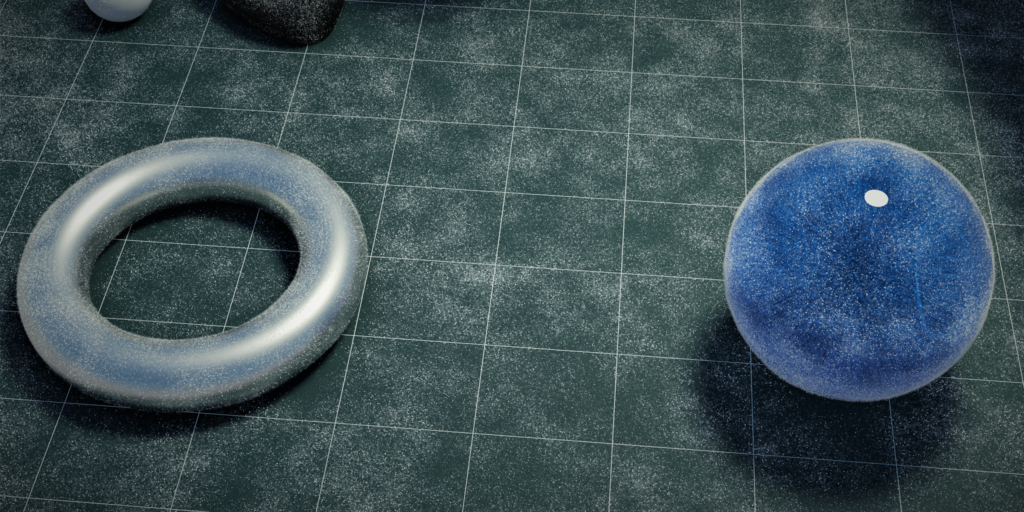

These two procedural generators for Blender make it easy to add realistic dust to your scenes.
The first generator creates dust in the air, while the second generator creates dust on the surface of objects.
Both generators are highly customizable, so you can create the perfect dust effect for your scene.
These generators are perfect for artists of all skill levels, from beginners to professionals.
Air Dust
This unique tool allows you to quickly generate aerial dust particles.
Works pretty well with Depth of Field and gives you that extra realism to your shots.
As you are emitting from a mesh, you doesn’t even need to simulate, just create a box in the area want the dust particles, and you are ready to render.
As it uses instances, you can use an insane amount of particles without using too much memory.
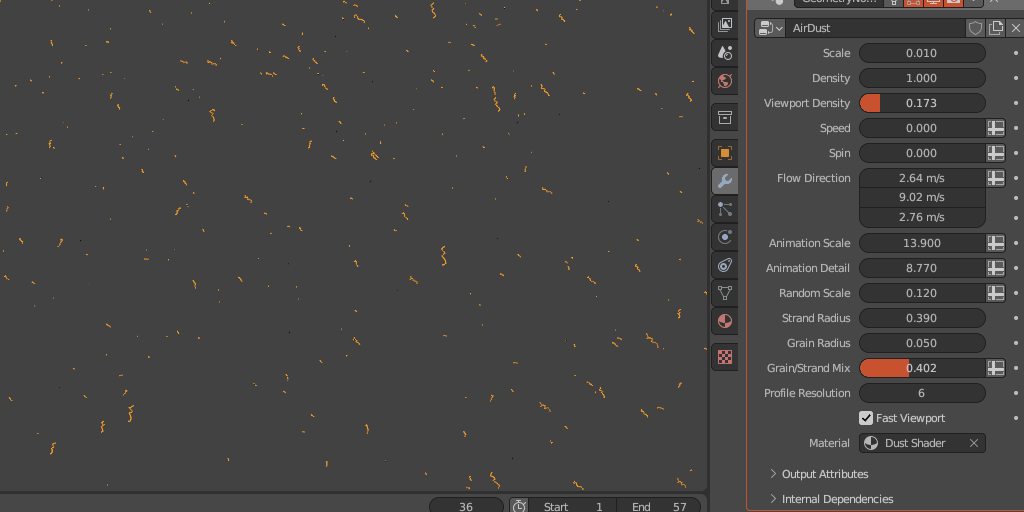
It also allows you to simplify how those particles is shown on the viewport, so you don’t have a huge impact on the performance while working on the scene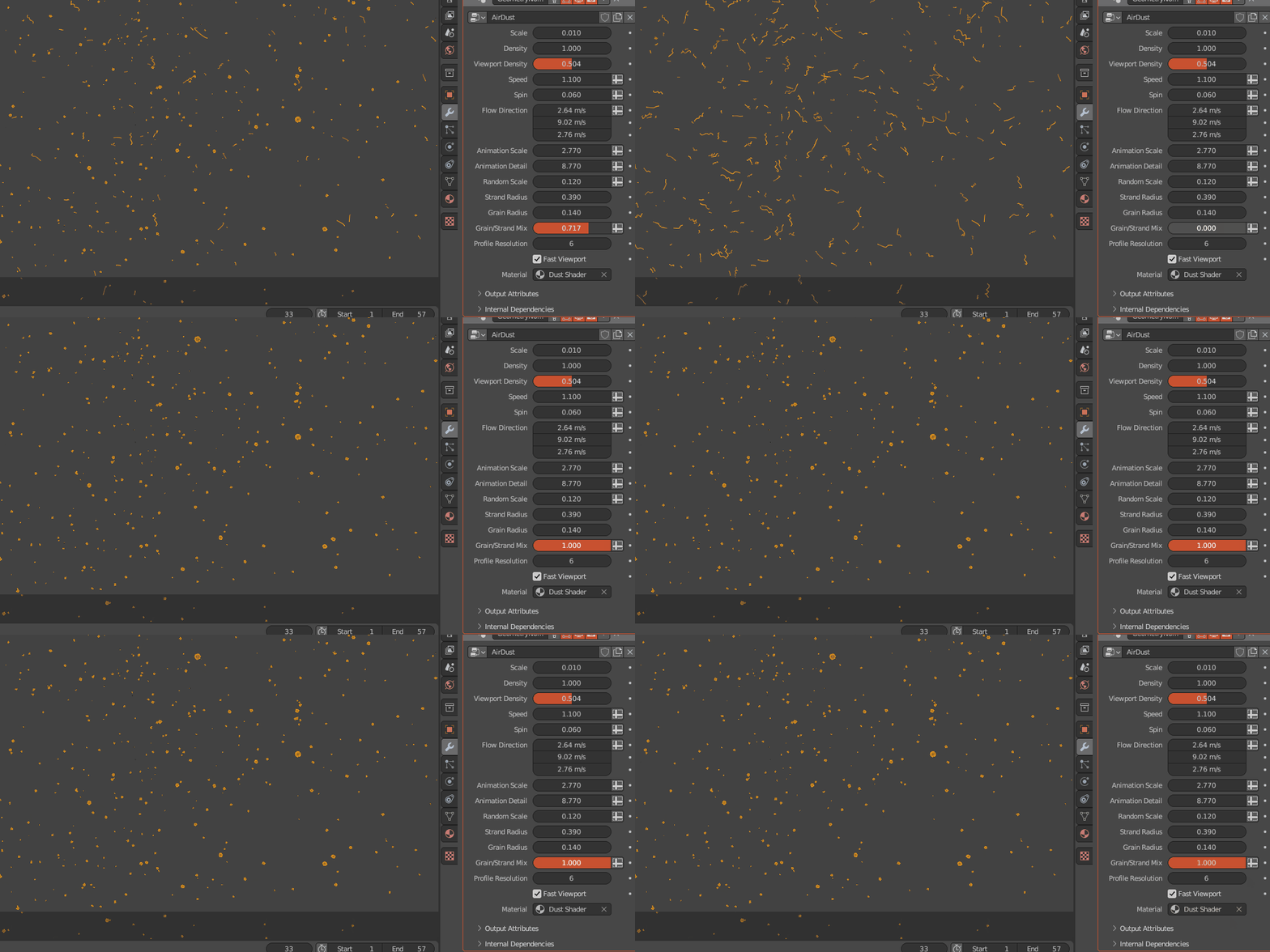
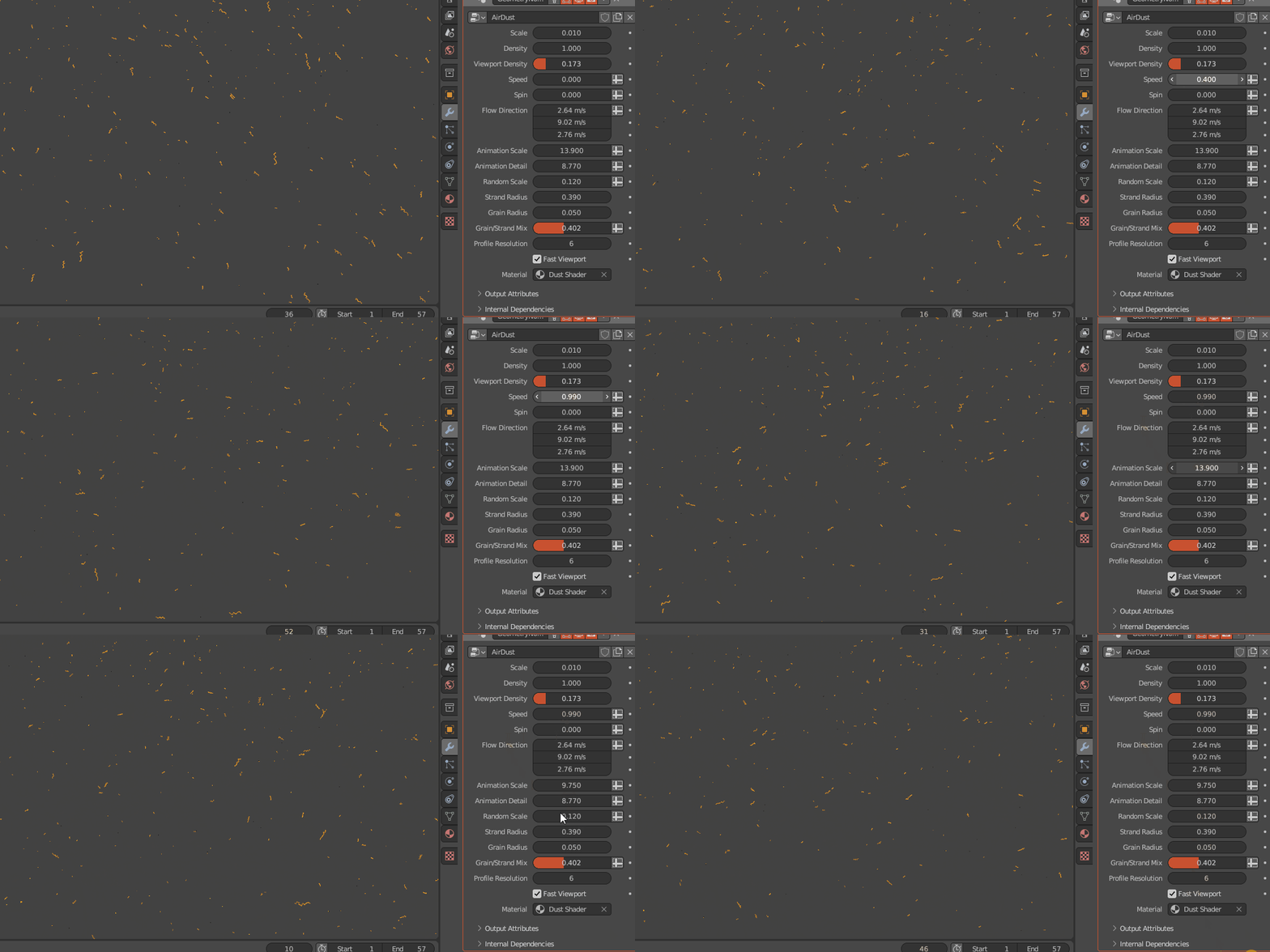
You just need to Append the .Blend File to your scene, selecting the AirDust Inside the Nodetree folder.
Select a object to emit the particles and load the AirDust Geometry Node on the Modifiers tab.
More Info: https://blendermarket.com/products/airdust
Dust Gen
This tool allows allows you to quickly scatter a layer of geometry dust on the surface in a very realistic way. As it uses instances, you can scatter millions of dust instances without using too much memory.
This is far better them using just textures because it allows you to apply the effect to an entire collection and this is not resolution dependent, so you will get crisp renders even on low res models.
Using particles to do this will for sure make you waste a lot of time and even them you will not gonna have the same result.
You can go really crazy with this, because the tool has settings to show a lighter version on the viewport so you can work on this without having performance issues.
It comes with a control to determine lower the amount of instances on the viewport while keeping the full density at the render time.
You can mask a region to preview the full density in an area without exploding your pc while you are working and it has a checkbox that let you to show only basic points on the viewport, with also increases performance.
You can even use a roughness map to control this.
More Info; https://blendermarket.com/products/dustgen


Both generators are very optimized and you can even remove particles that are out of the camera view.
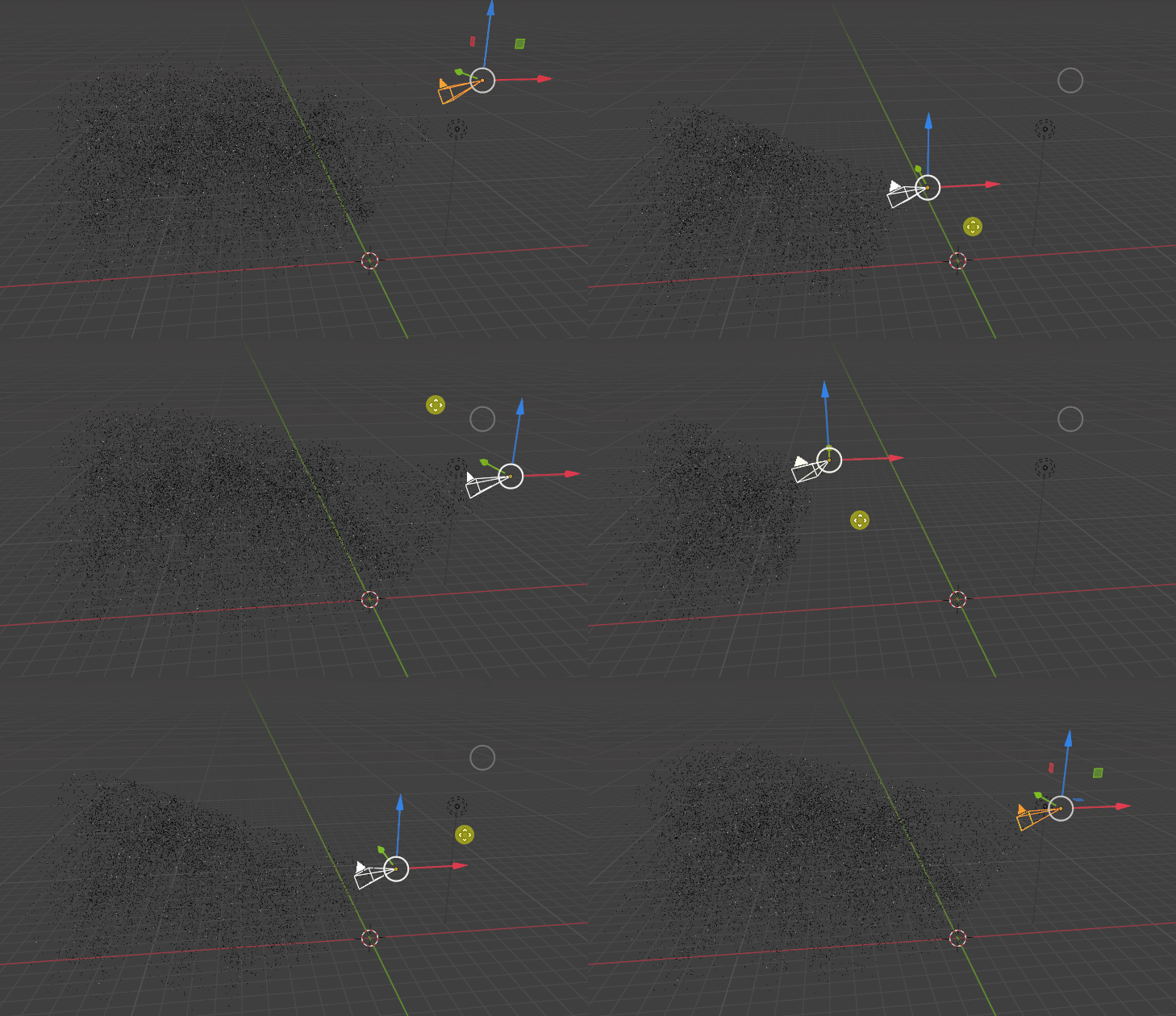
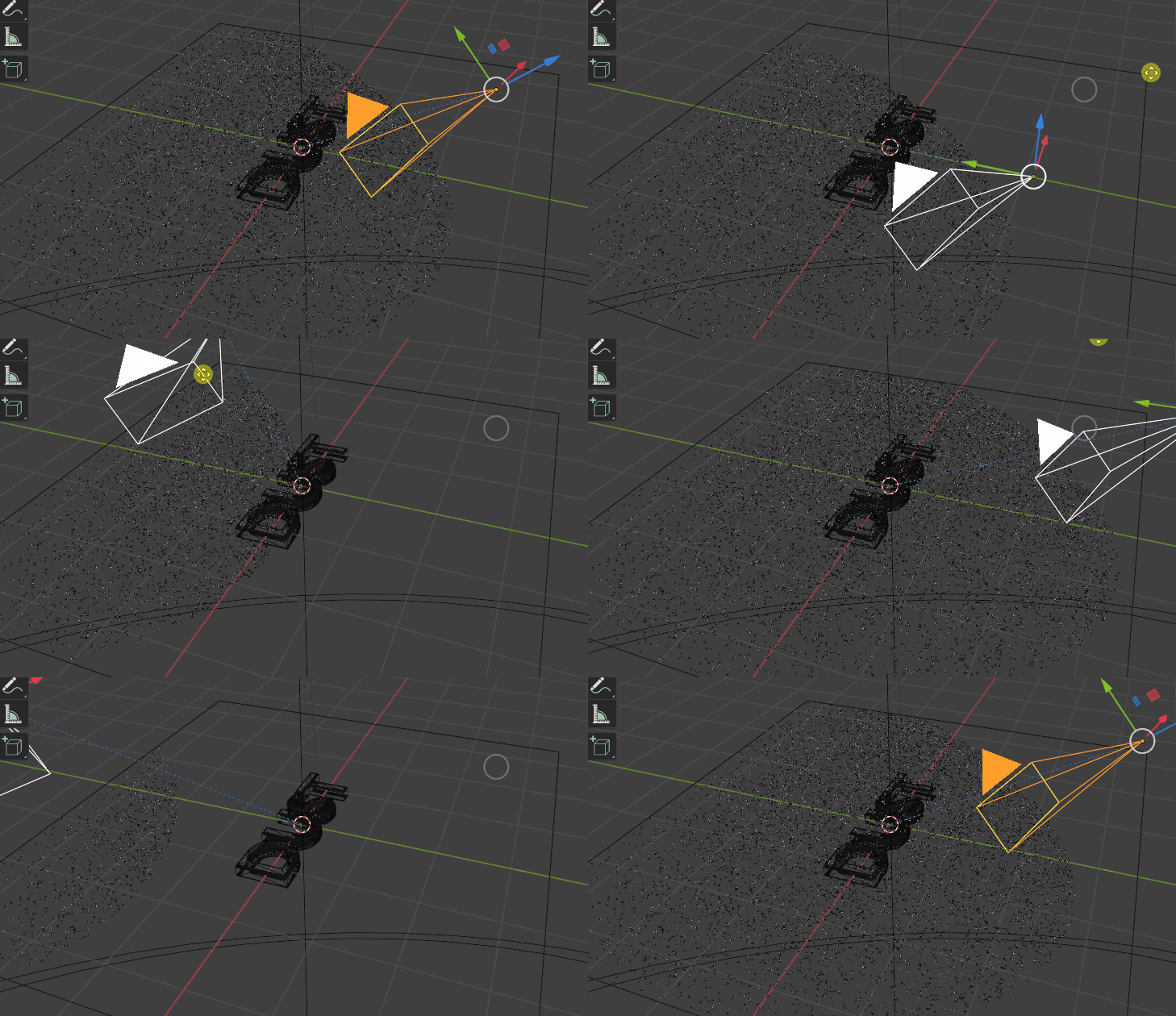
To use this you just need to append the “DustGen” to your scene while selecting the “DUSTGEN” inside the “NodeTree” folder. Apply the transformations of the object and add the Geometry Node “DUSTGEN” modifier to your object.
You can follow the video above to see how to use this.
Supercharge your 3D creation workflow with premium selection of Blender Add-ons. Whether you are modeling intricate characters, sculpting realistic environments, or animating cinematic sequences, the right add-on can transform how you work inside Blender. Our curated collection includes powerful tools for UV unwrapping, procedural texture generation, rigging automation, rendering optimization, and more—each rigorously tested for compatibility with the latest Blender versions. Eliminate tedious manual processes and unlock advanced functionality that lets you focus on what matters most: bringing your creative vision to life. Explore our full range of professional Blender plugins today and take your 3D projects to the next level.
➡️ ➡️ For more Blender Plugins 😀 😀
Reviews
There are no reviews yet.