
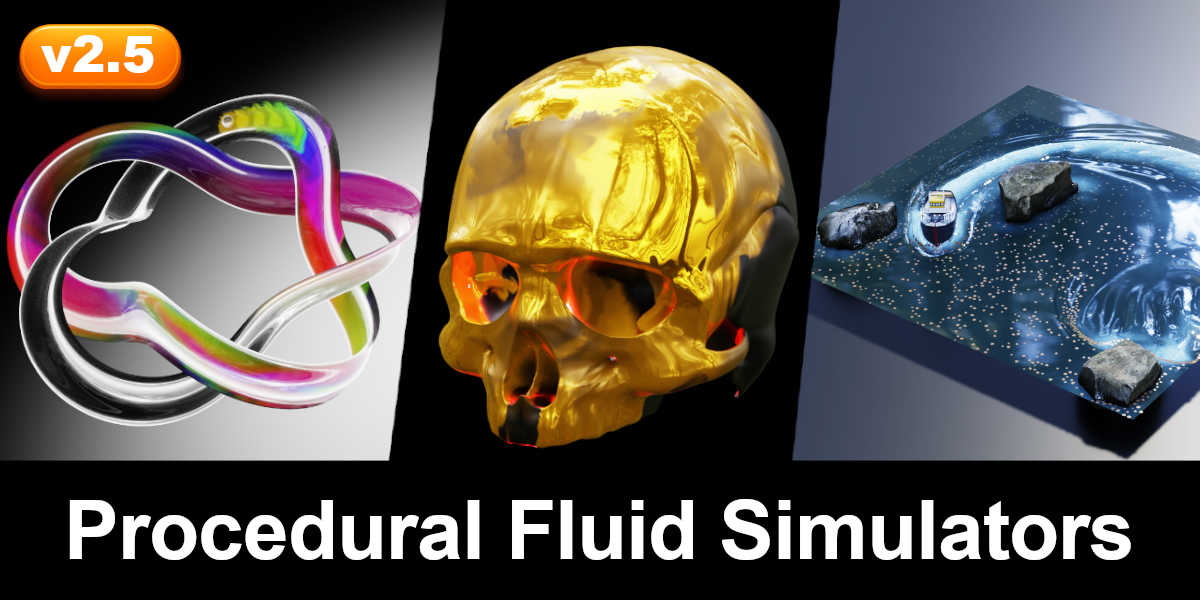
Procedural Fluid Simulators for Blender
Procedural Fluid Simulators v2.1 for Blender
The Ultimate Geometry Nodes Fluid Simulation Toolset
Download the Procedural Fluid Simulators v2.1 addon today. Therefore, you can simulate realistic fluid behavior on any surface within Blender instantly. Because motion graphics and visual effects require dynamic fluid effects, you need proper tools. However, traditional fluid simulation can be slow and complex, taking many frustrating hours to set up and bake . Consequently, this powerful addon solves that problem completely. Furthermore, it provides a fully procedural node-based workflow . Thus, you can create breathtaking fluid effects with full artistic control in seconds.
Versatile Fluid Simulation on Any Surface
First, the core of this addon is its flexibility. Specifically, it allows you to simulate fluid on any grid, curve-grid, or mesh surface, whether open or closed . Furthermore, you can work with various mesh topologies like triangles and quads easily . Additionally, the tool supports multiple boundary types, including Open, Wrap, and Solid (Wall), giving you control over how fluid behaves at the edges . Thus, you can create everything from simple 2D liquid effects to complex 3D surface flows quickly. Moreover, you can customize every simulation parameter perfectly . Consequently, your fluid effects will be highly dynamic and visually stunning.
Advanced Fluid Control and Dynamics
Ultimately, professional VFX requires sophisticated control over fluid behavior. Therefore, this addon includes advanced features. Specifically, you get Fast and Exact solver types, letting you choose between real-time previews or higher accuracy . Furthermore, the algorithms simulate realistic viscosity and vorticity (turbulence) for authentic fluid motion . Additionally, the system provides seven customizable force nodes, including wind, gravity, and vortex, to precisely shape the fluid’s motion . Consequently, your simulations will react beautifully to your creative input.
Particle Advection and Dynamic Interaction
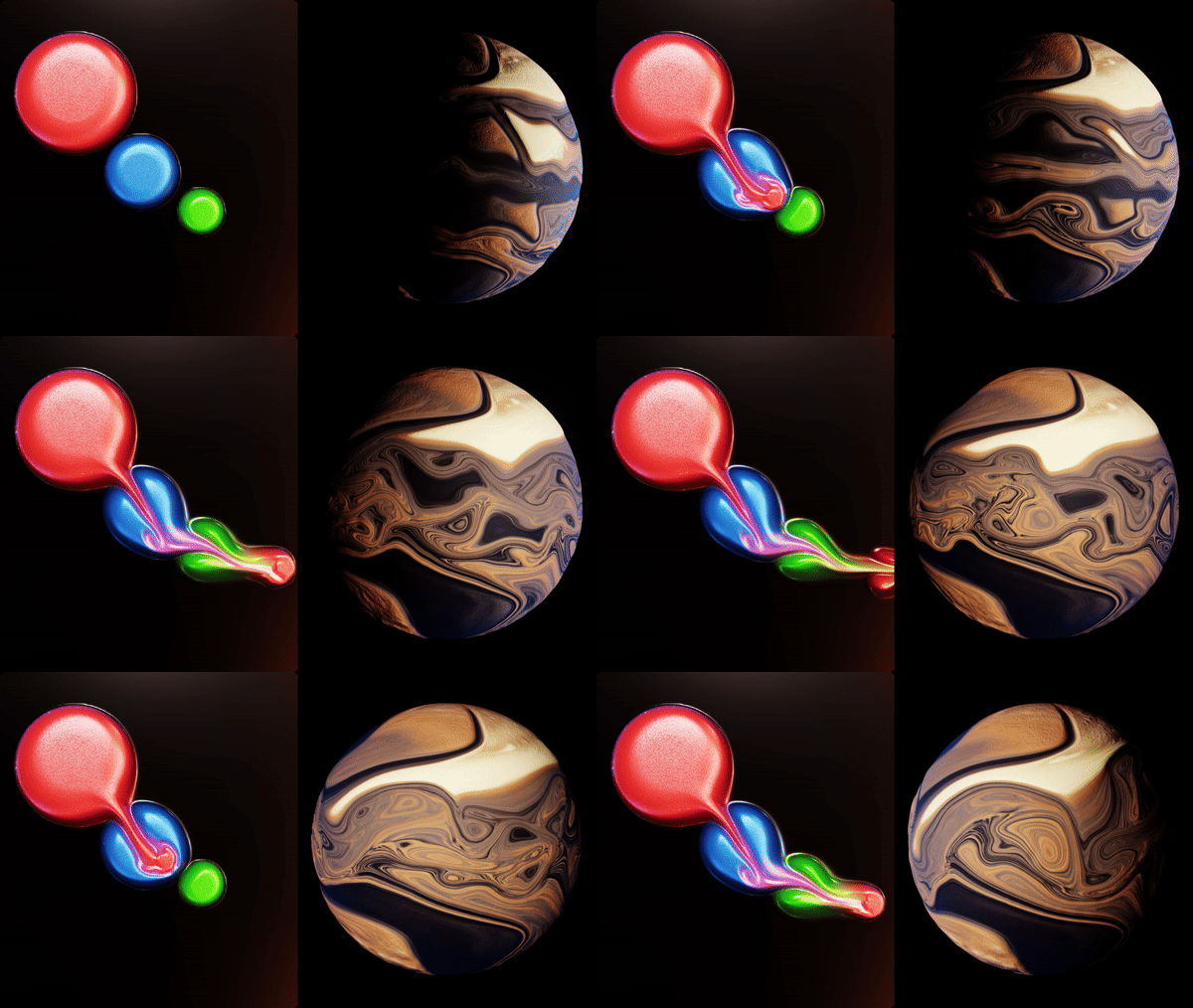
However, fluid simulations are often enhanced by particle effects. Therefore, the addon includes a built-in Particle Advector . Specifically, it allows particles to be advected by the fluid flow, creating stunning effects like bubbles, foam, and drifting elements . Furthermore, particles can collide with external geometry and with each other, adding depth and realism . Additionally, the fluid itself reacts dynamically to collider objects, changing color and velocity upon impact . Thus, you can create complex, interactive simulations that feel alive and responsive.
Real-Time Workflow and Performance
However, complex calculations can slow down workflow. Therefore, the addon is designed for performance. Specifically, it utilizes Blender’s Simulation Nodes, allowing for efficient real-time iteration . Furthermore, it supports baking within the Simulation Nodes for Blender 3.6 and above, so you can save and reuse your simulation cache . Consequently, you can preview and refine effects without lengthy waiting times. Ultimately, this ensures a smooth and productive creative experience.
Perfect for Motion Graphics and VFX Artists
Additionally, this addon is ideal for motion graphics artists and VFX professionals. Furthermore, it suits game developers and concept artists perfectly . Moreover, anyone wanting to add dynamic fluid elements to their projects will love the control and power of this toolset. Ultimately, it accelerates your entire VFX and motion graphics pipeline.
System Requirements and Formats
Specifically, the addon requires Blender 3.6 through 4.4 . Furthermore, it is built entirely on Geometry Nodes and requires a basic understanding of the Geometry Nodes workflow to use effectively . Additionally, you get free lifetime updates from the developer . Therefore, it works across all major operating systems. Moreover, you will need a standard workstation. Thus, 8GB of RAM is highly recommended. Consequently, a modern GPU ensures smooth viewport performance.
Installation and Usage Guide
First, download the zip file from your library. Next, open Blender and go to Edit Preferences. Then, select Add-ons and click Install (for Blender 4.1 and above, select “Install from Disk” from the dropdown menu). After that, enable the Procedural Fluid Simulators addon. Finally, append the node setup to your project, select your surface or mesh, and begin adjusting parameters to craft your simulation . Thus, your professional fluid effect will be ready instantly.
What is Included Inside?
Specifically, the pack contains complete node setups for grid, curve, and mesh fluid simulation . Furthermore, it includes the Particle Advector system and a library of customizable force nodes . Additionally, you get sample project files to help you get started quickly . Moreover, there are detailed documentation and tutorial guides . Ultimately, you receive everything for professional fluid simulation.
Final Thoughts on the Addon
Ultimately, powerful and controllable fluid simulation evokes profound creative freedom. Therefore, this addon provides the ultimate motion graphics foundation. Furthermore, you can build dynamic and complex fluid effects. Alternatively, you can create subtle, realistic surface flows for your projects instantly. Consequently, your fluid simulation vision becomes a stunning reality.
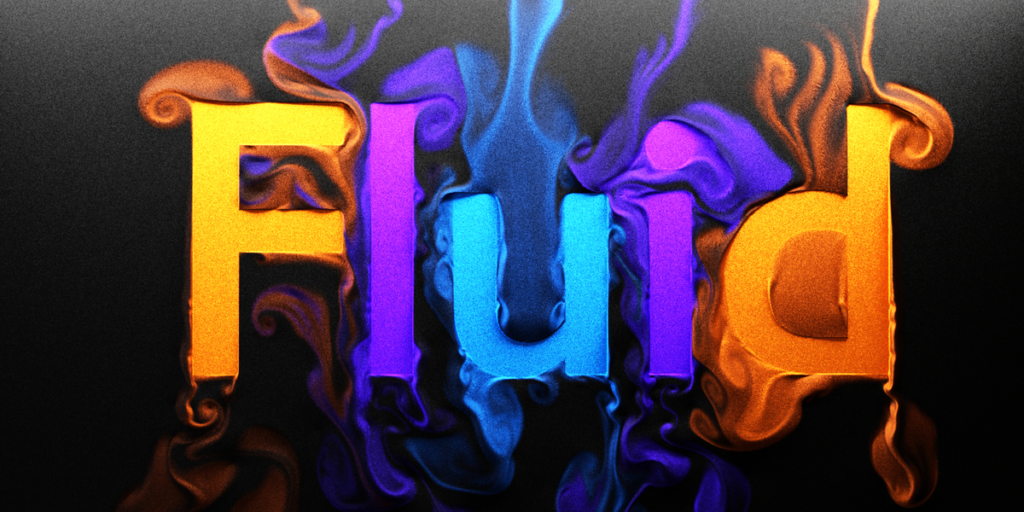
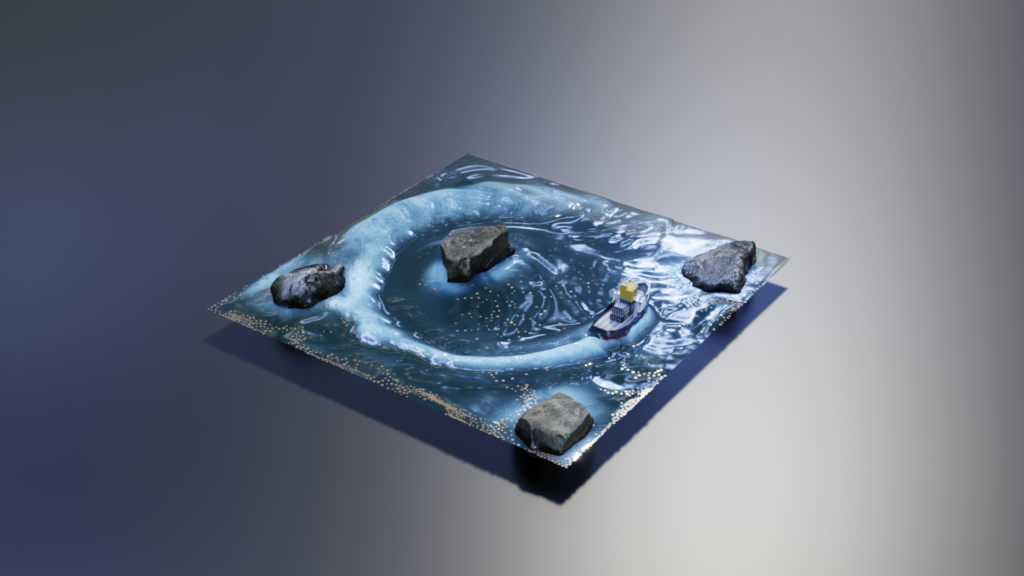
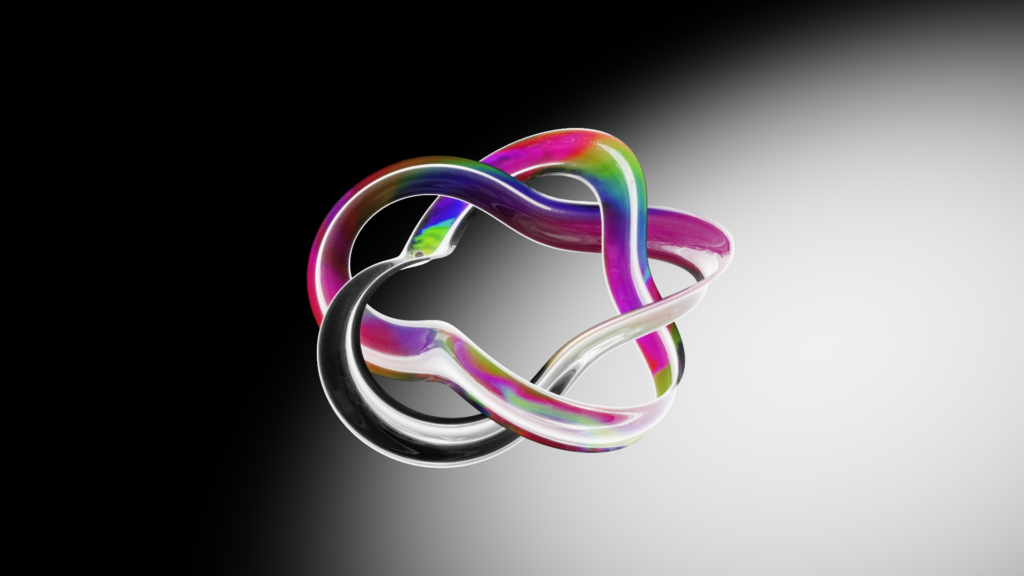
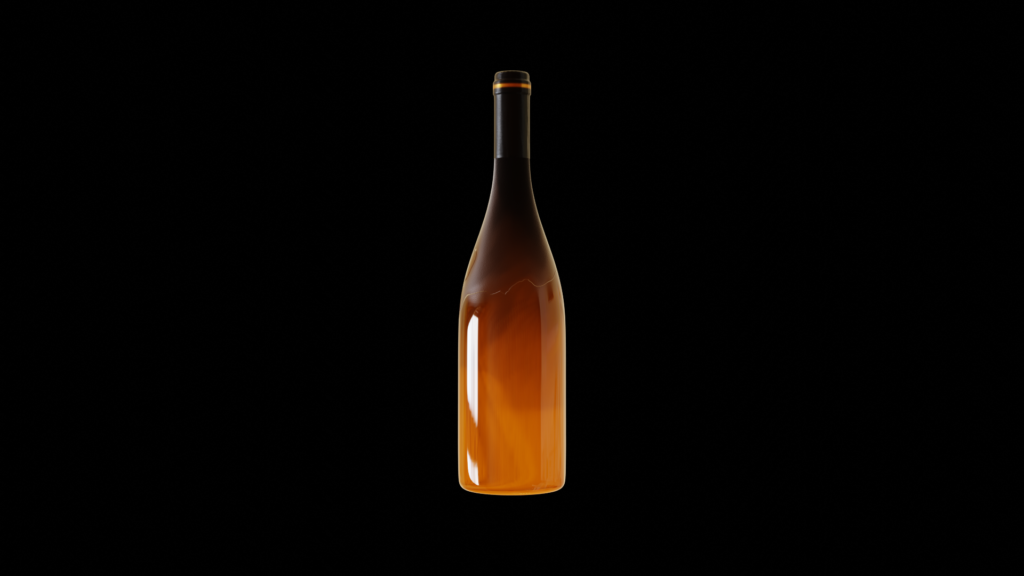

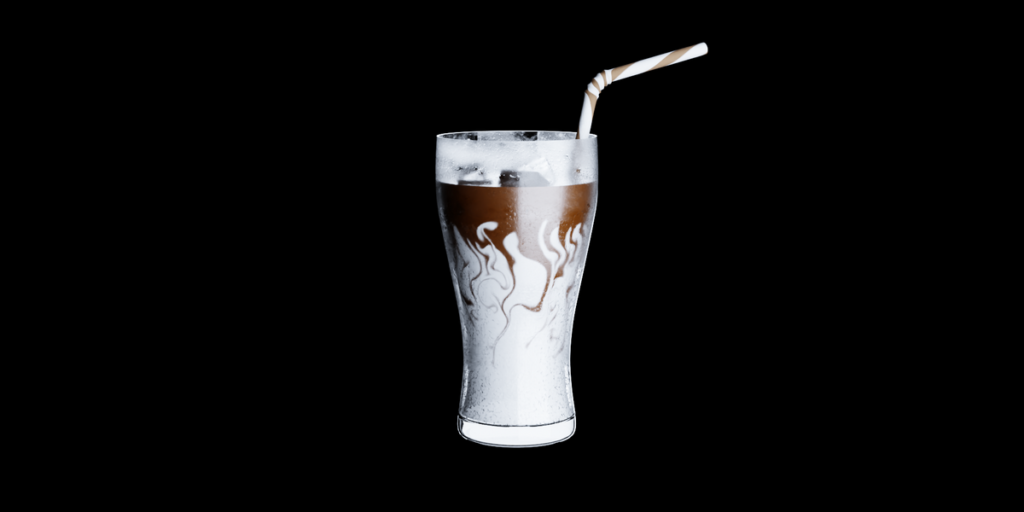
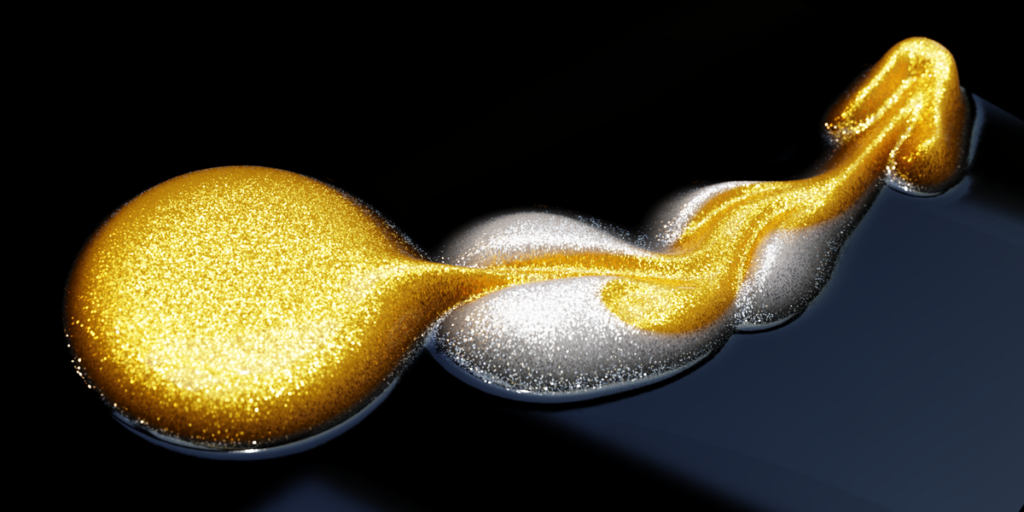
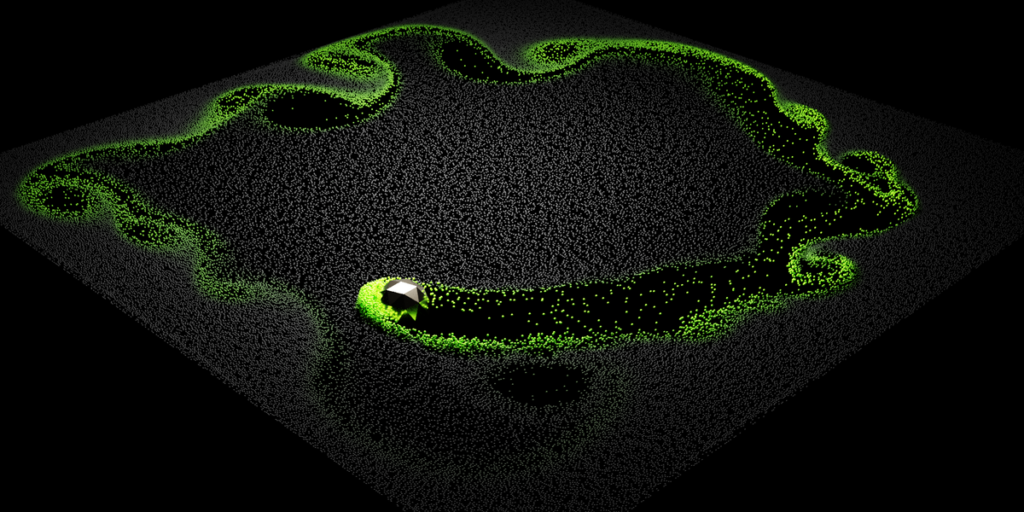
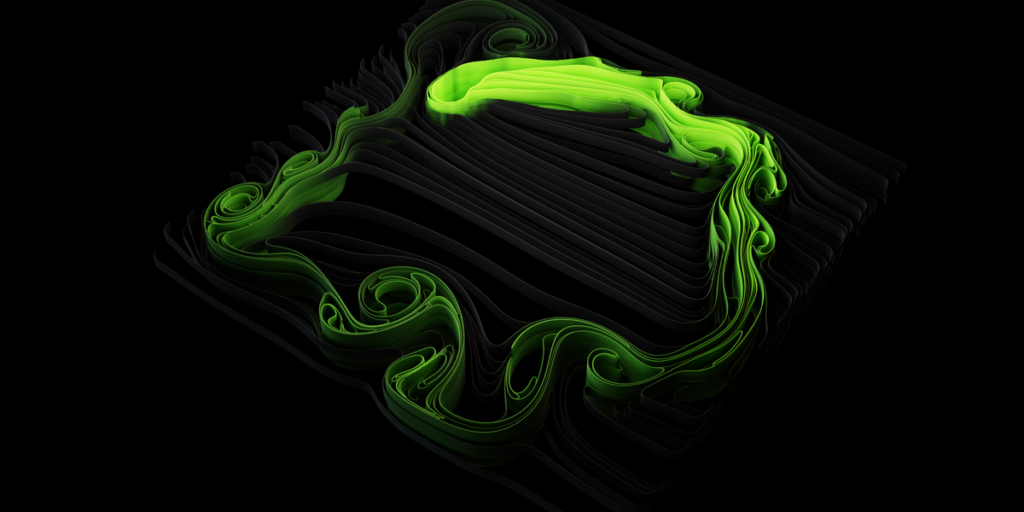
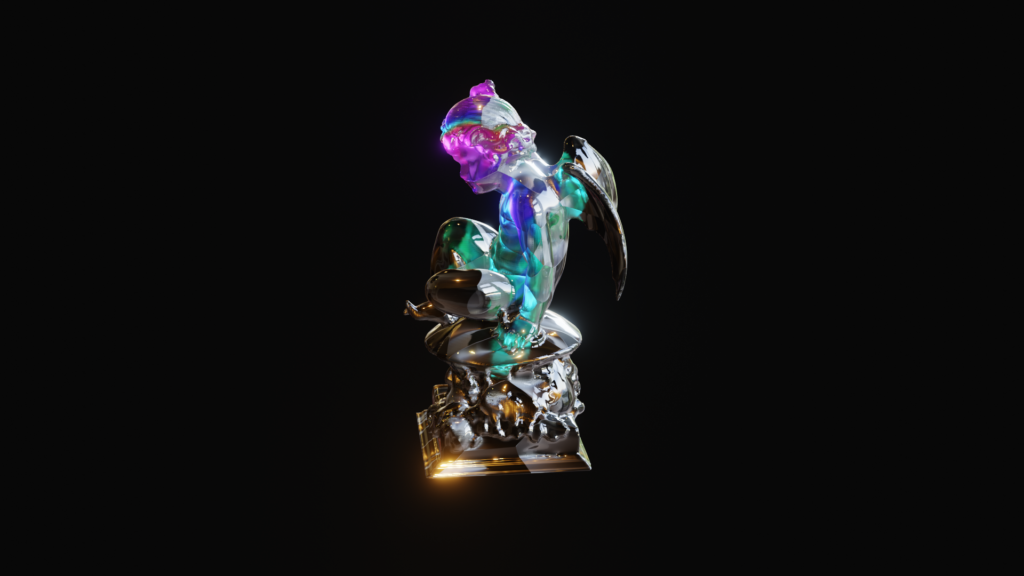
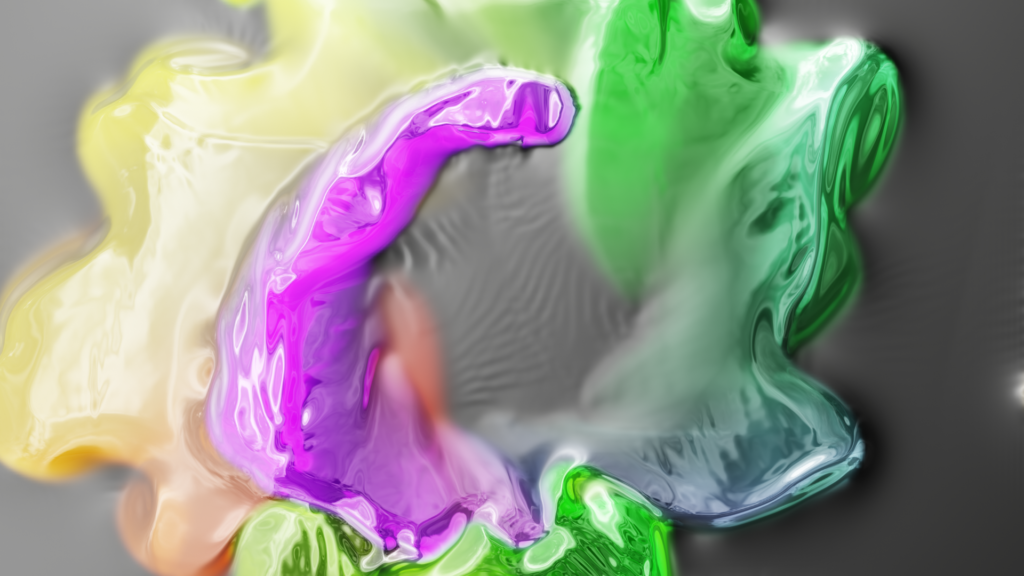
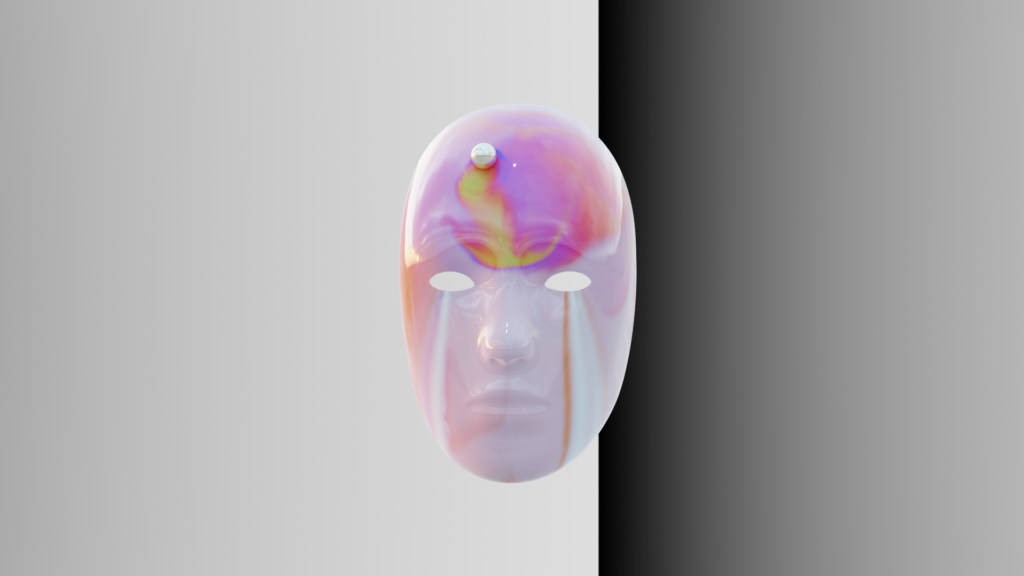
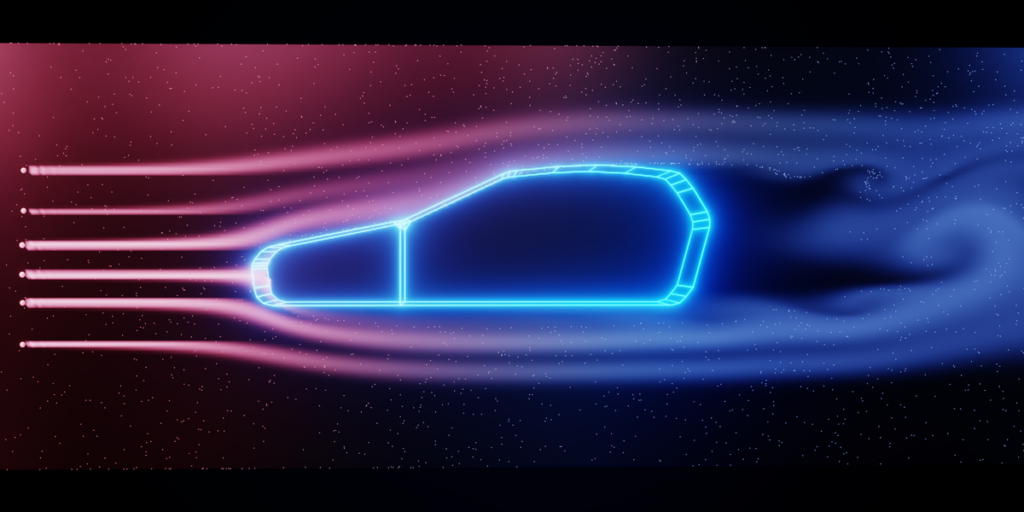
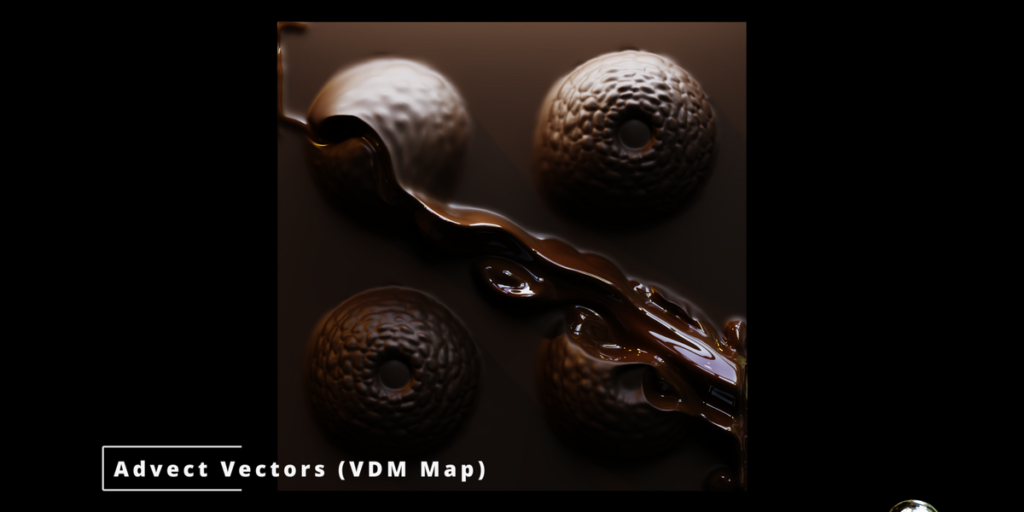
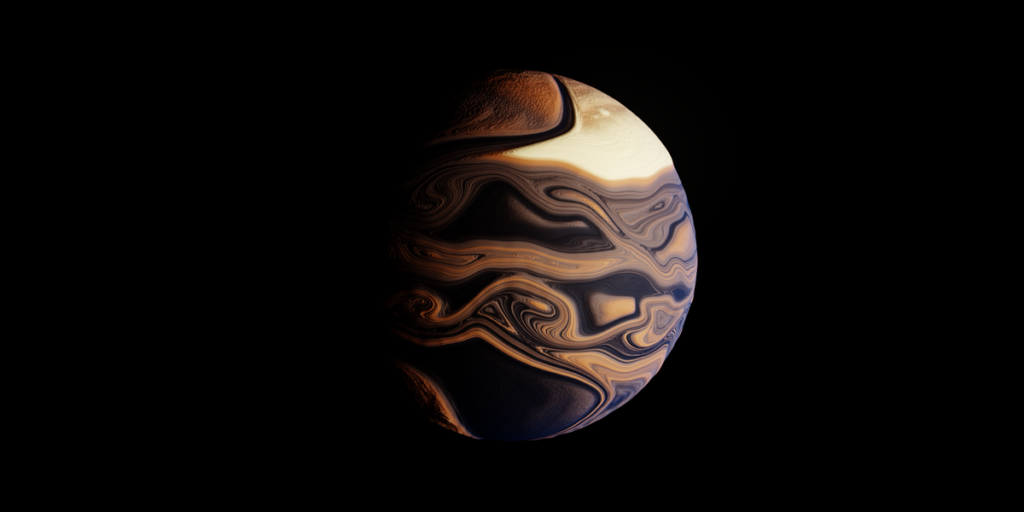
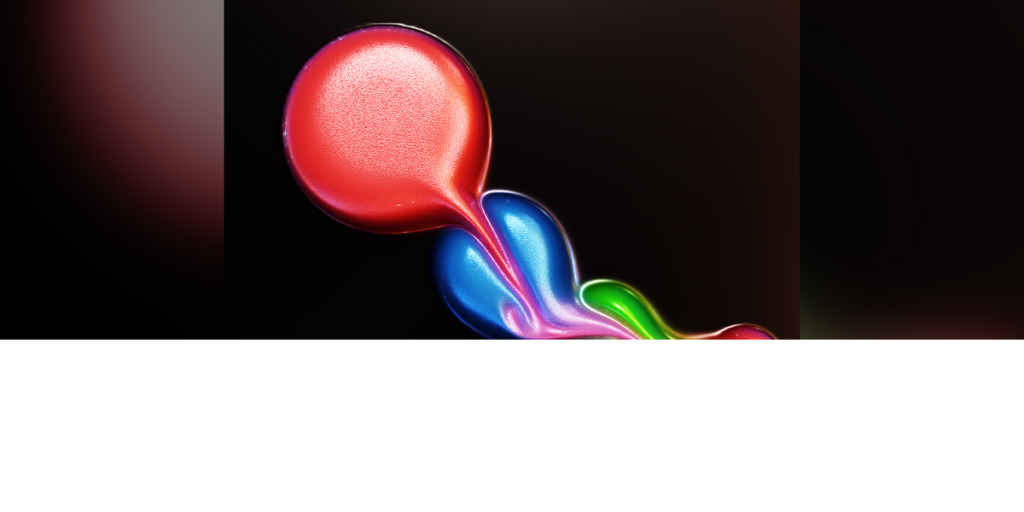
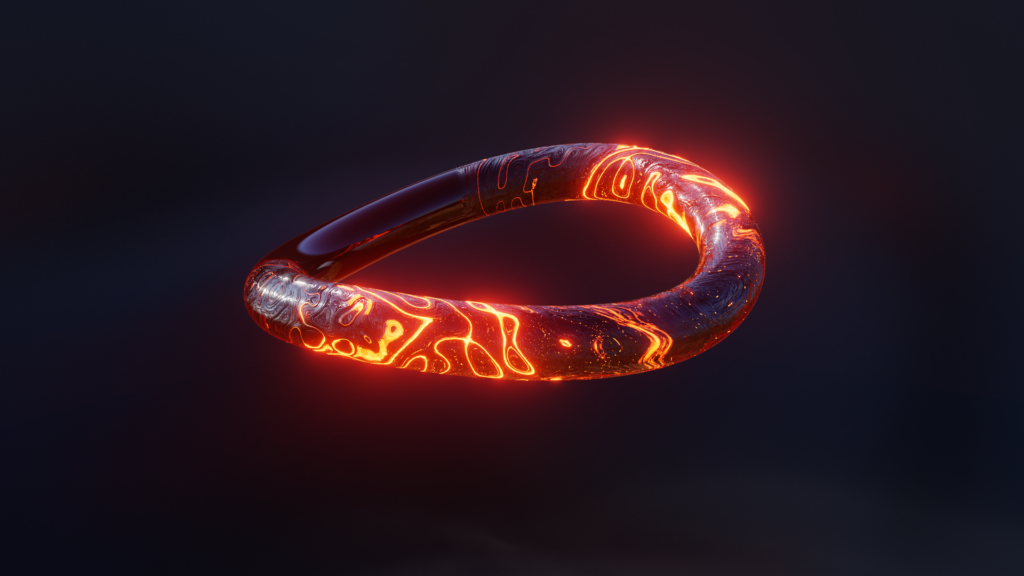
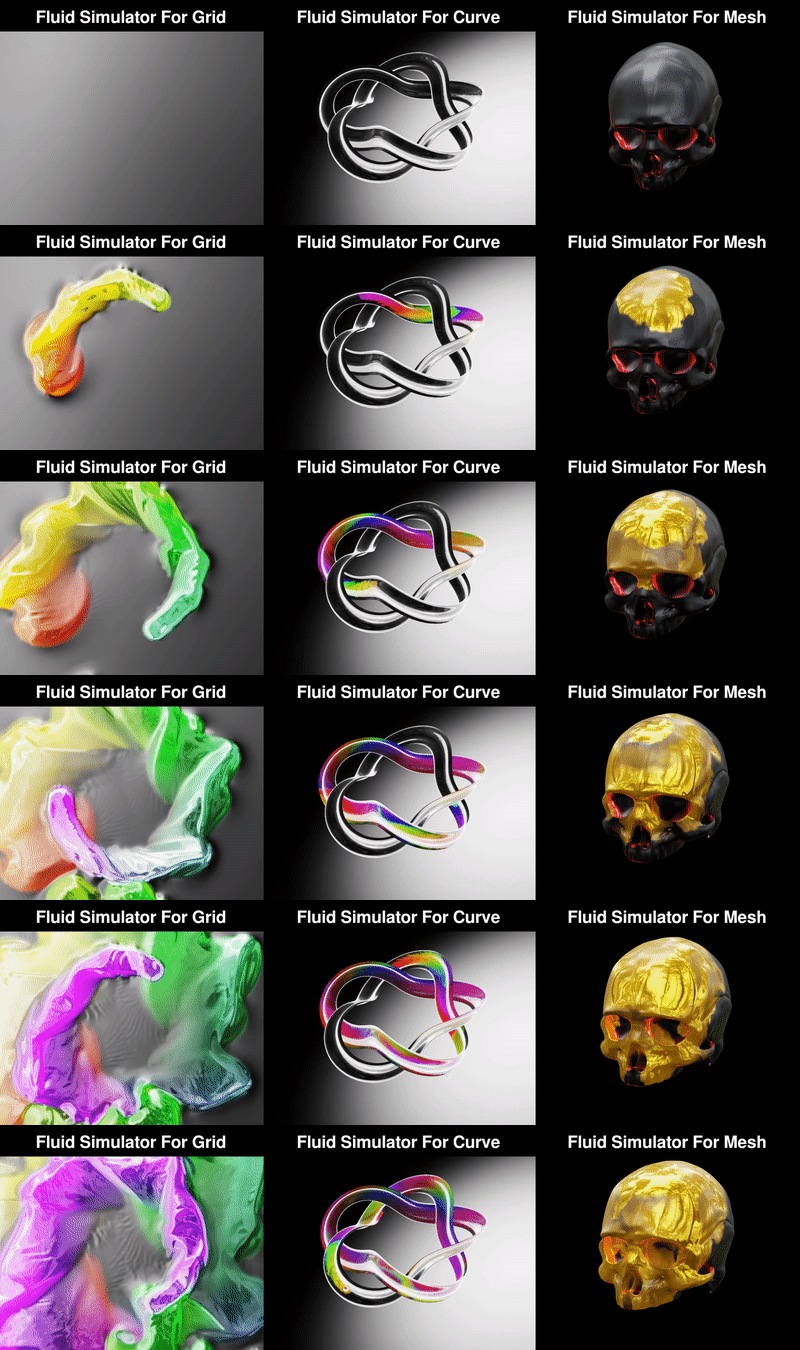
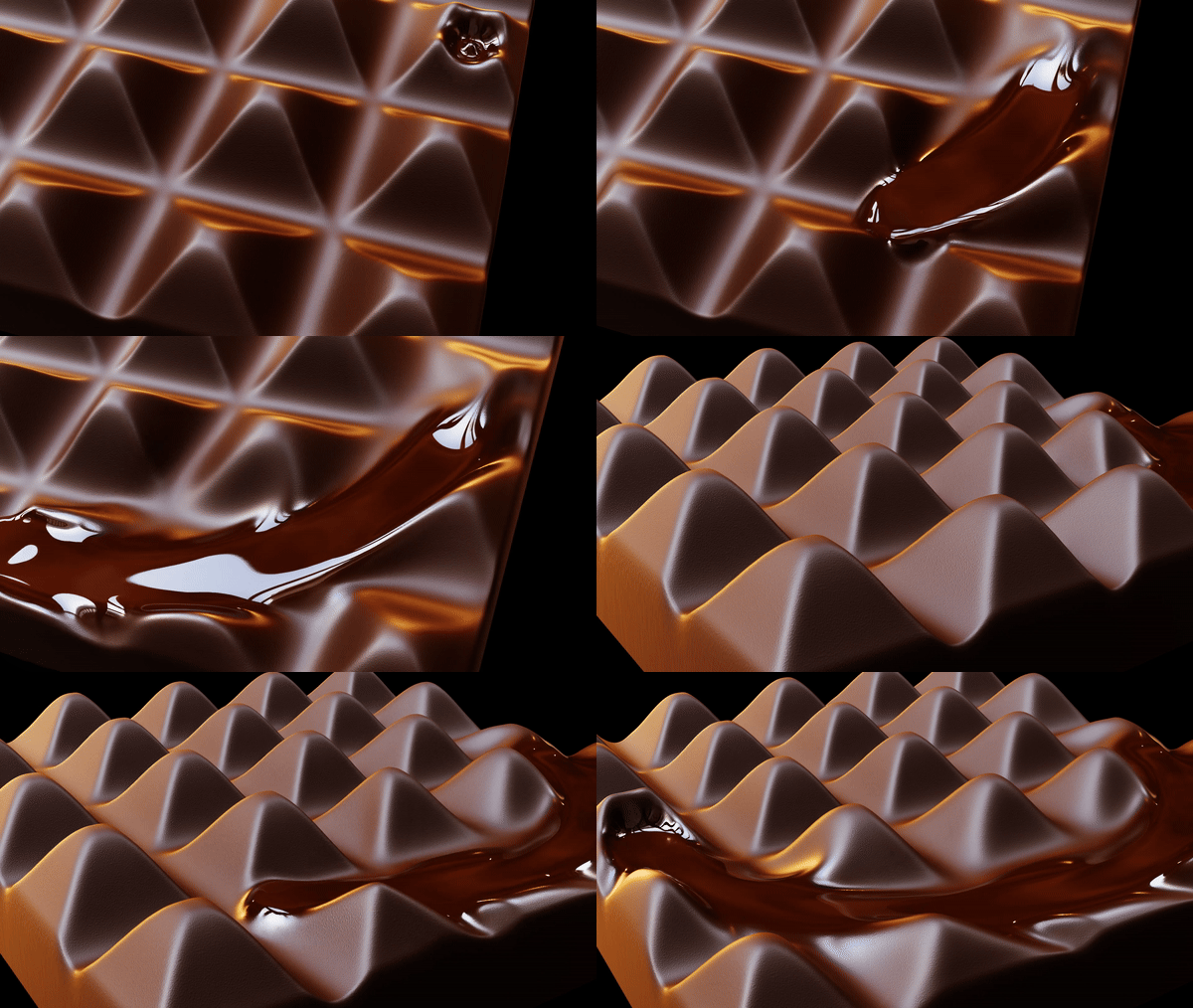
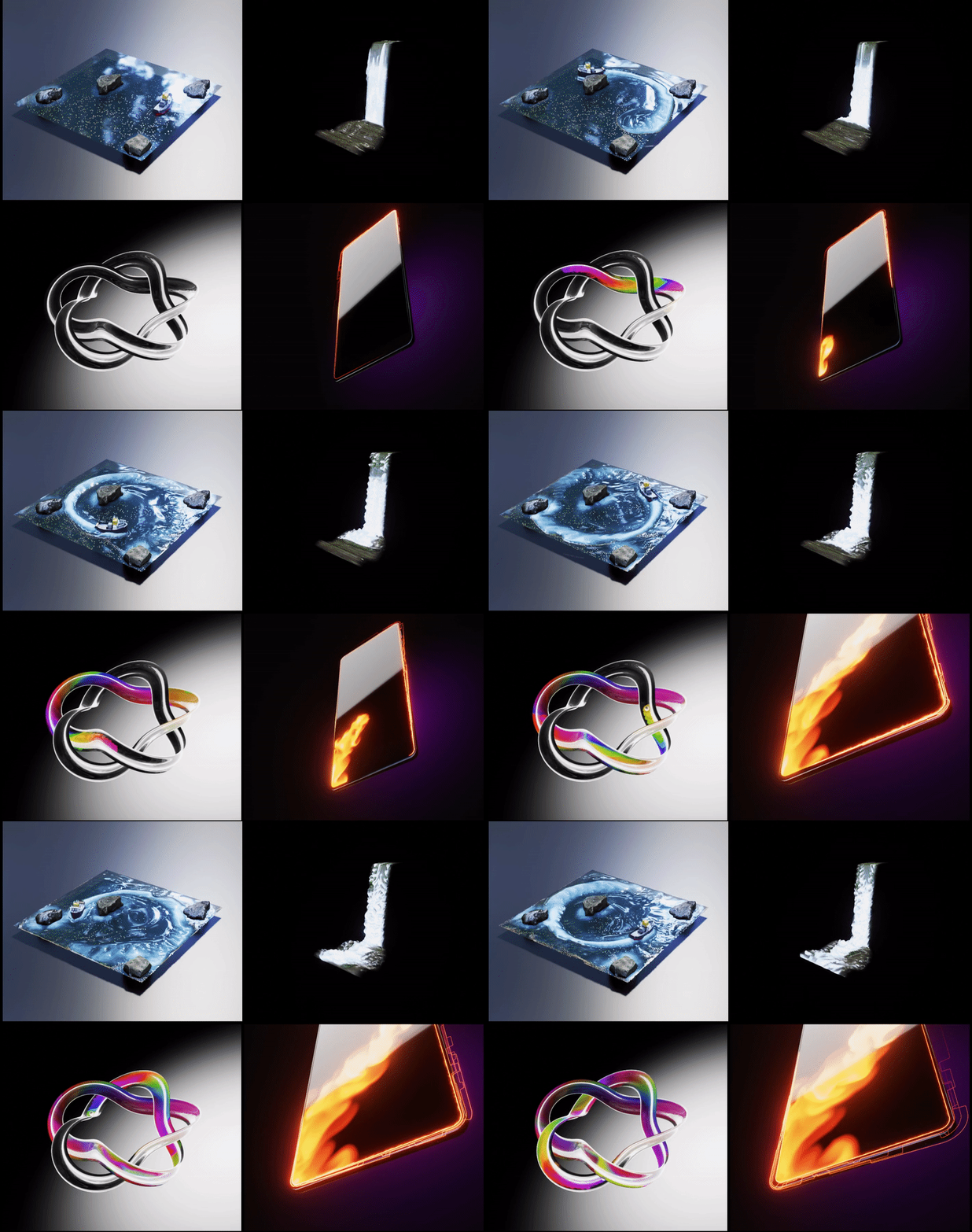
Introducing full Procedural Fluid Simulators powered by Geometry Nodes. Simulate fluids on grids, curve-grids, and mesh surfaces (open or closed) with any topology (triangles or quads). Enjoy complete control through the field-based workflow of geometry nodes, featuring six force nodes to shape the fluid’s behavior. Features multiple solvers, advanced advection, forces, inertia, collisions, and dynamic boundaries for precise artistic control. The built-in Particle Advector, Curve Advector, and Curve Tracer nodes to drive particles and curves directly with fluid motion. Perfect for motion graphics and VFX, this simulator empowers artists to craft breathtaking visuals with ease.


Fluid Simulator for Grid and Curve (New v2.5):
- Fluid Simulation on Grid, Curve – Realistic fluid motion on grids and curve-driven grid surfaces.
- Multiple Solver Types – Choose between Fast (real-time) and Exact (high-accuracy) solvers.
- Advanced Advection – High-quality advection with Semi-Lagrangian, MacCormack, BFECC, and higher-order methods.
- Custom Profiles – Add custom profiles to control specific areas of the fluid simulation for curve(s) based grid.
- Multiple Boundary Types – Open, Wrap, and Solid (No-Slip) boundaries with selection-based control.
- Viscosity and Vorticity – Realistic fluid behavior with field-based viscosity and vorticity.
- Dynamic Externals – Drive density, temperature, color, pressure, and velocity using dynamic external sources.
- Collision Handling – Enable fluid to interact dynamically with animated external objects.
- Geometry Displacement – Bring life to your fluid by displacing geometry using attributes like color, velocity, etc.
- Seven Forces Nodes – Precise motion control with seven customizable force nodes, including buoyancy for smoke-like effects.
- Transformable Fluid Domain – Move grids or curve-grids during simulation with inertia transfer to the fluid.
- Field-based Dynamic Settings – Artistic control using field-based settings for the entire simulation.
Fluid Simulator for Mesh (New v2.5):
- Fluid Simulation on Any 3D Mesh- Simulate fluid on any 3D mesh surface, including open, closed, quads, and triangles.
- Multiple Solver Types – Choose between Fast (real-time) and Exact (high-accuracy) solvers.
- Advanced Advection – High-quality advection with Semi-Lagrangian, MacCormack, BFECC, and higher-order methods.
- Easy Mesh Boundary Definition- Define the mesh boundary easily using attributes, providing control and customization.
- Viscosity and Vorticity – Realistic fluid behavior with field-based viscosity and vorticity.
- Dynamic Externals – Drive density, temperature, color, pressure, and velocity using dynamic external sources.
- Collision Handling – Enable fluid to interact dynamically with animated external objects.
- Geometry Displacement – Bring life to your fluid by displacing geometry using attributes like color, velocity, etc.
- Seven Forces Nodes – Precise motion control with seven customizable force nodes, including buoyancy for smoke-like effects.
- Transformable Fluid Domain – Move mesh surfaces during simulation with inertia transfer to the fluid.
- Field-based Dynamic Settings – Artistic control using field-based settings for the entire simulation.
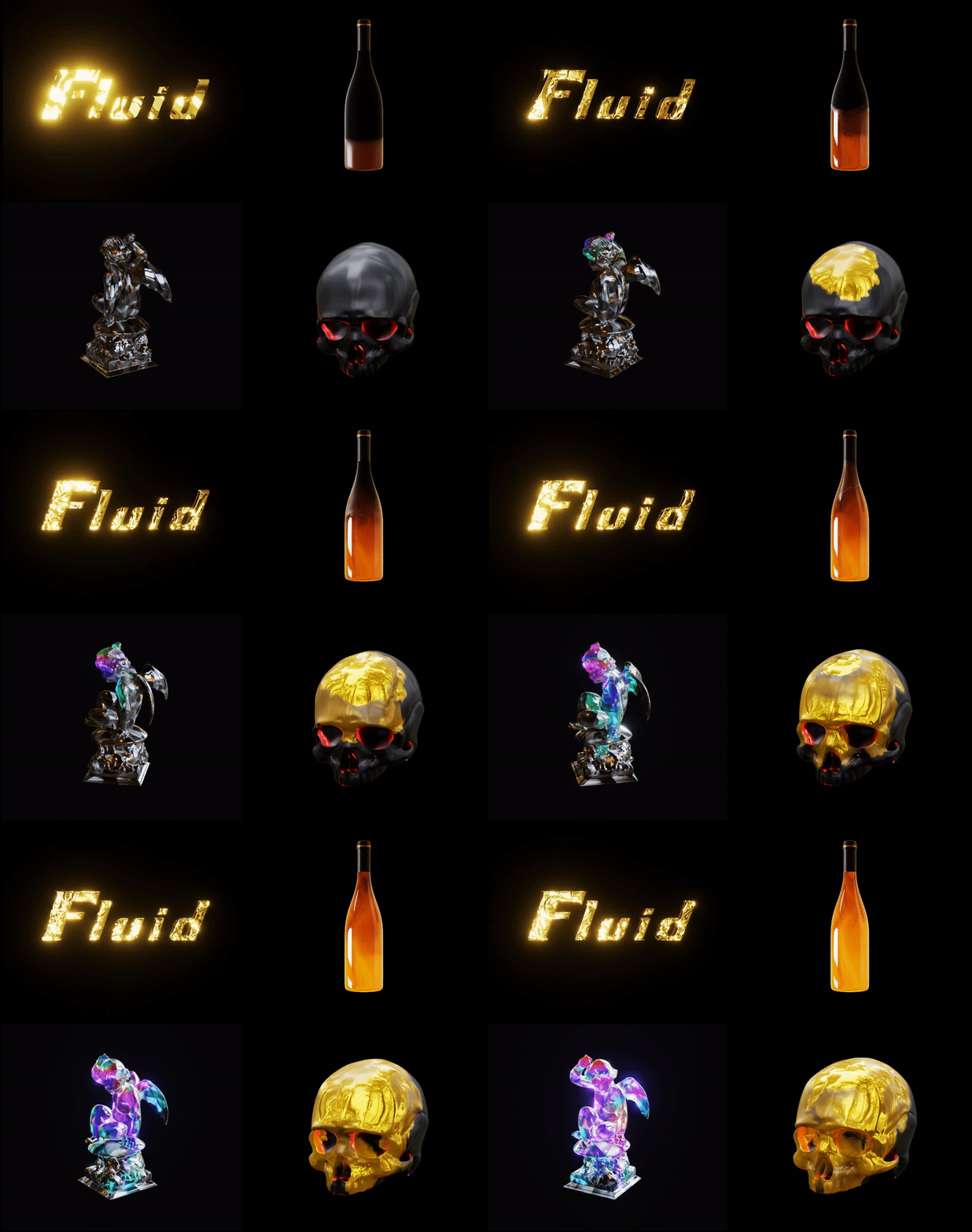

Fluid Particle Advector for Fluid Simulators (New v2.5):
- Particle Advection- Seamlessly advect particles with fluid simulators on grids, curve-grids, or meshes.
- Particle Attributes- Enjoy versatile emission modes, dynamic particle density, and customizable particle lifetime.
- Damping Factor- Use field-based damping factors to fine-tune particle movement for realistic behavior.
- Dynamic Color and Velocity- Adjust particle color and velocity dynamically, responding to collider objects like meshes and curves.
- Force Integration- Add fluid surface forces or custom forces to shape particle motion effortlessly.
- Collision Handling- Enable particle collisions with external geometries or even with other particles.
- Instancing Made Easy- Instance custom geometry onto particles for added creativity and complexity.
- Field-based Dynamic Settings- Take full artistic control with field-based settings, unlocking endless possibilities for particle simulations.
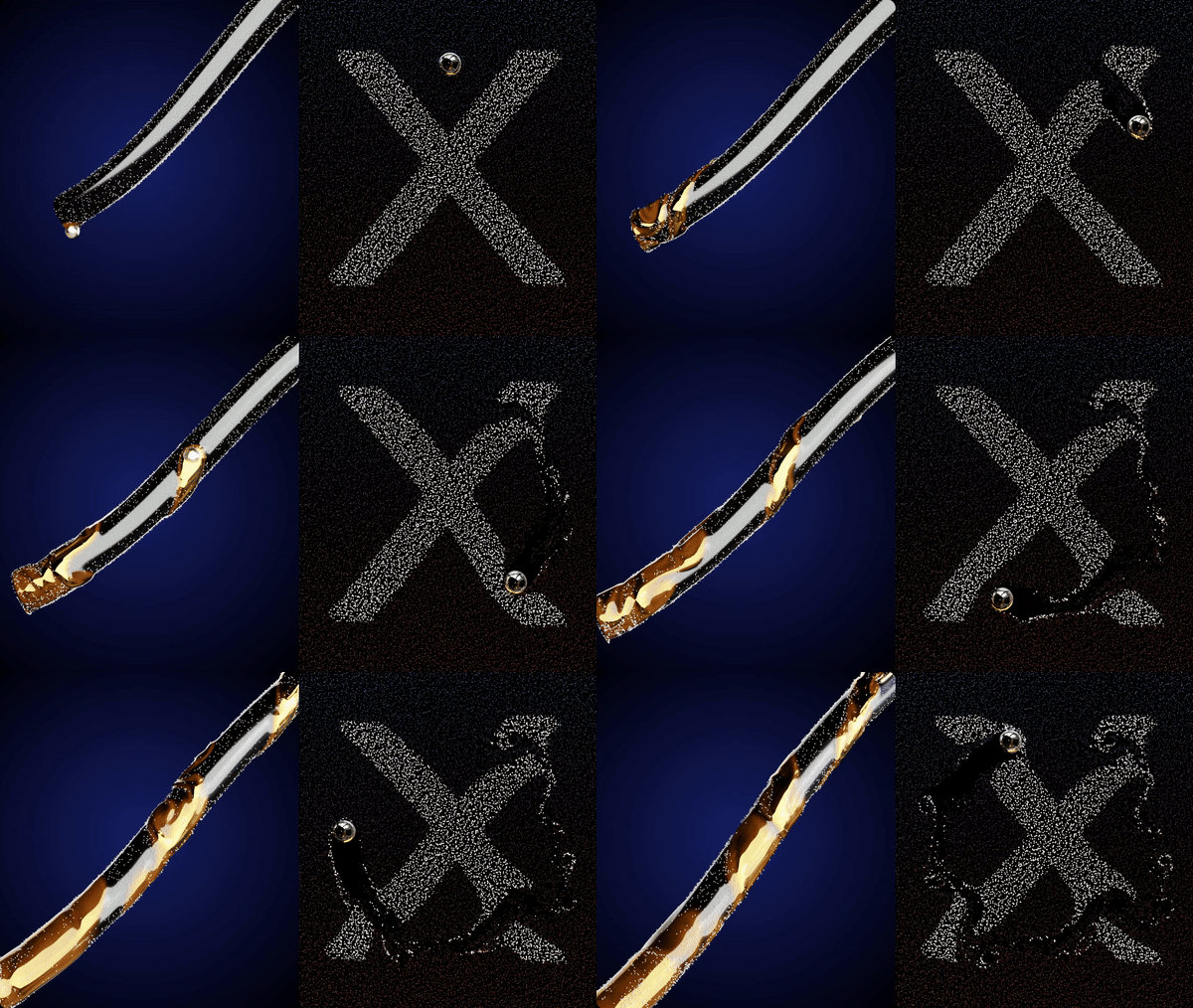


Fluid Curve Advector for Fluid Simulators (New v2.5):
- Curve Advection – Advect curves seamlessly using fluid motion on grids, curve-grids, or meshes.
- Curve Attributes – Drive curve position, velocity, color, and custom attributes directly from the fluid simulation.
- Dynamic Resolution – Control curve resampling and detail dynamically during advection.
- Damping Factor – Fine-tune curve motion using field-based damping for smooth or energetic behavior.
- Dynamic Color – Inherit color from fluid attributes or collider objects such as meshes and curves.
- Force Integration – Apply fluid surface forces or custom forces to shape curve motion precisely.
- Collision Handling – Enable curve interaction with external geometry for more believable results.
- Field-Based Dynamic Settings – Full artistic control through Geometry Nodes’ field-based workflow.
Fluid Curve Advector for Fluid Simulators (New v2.5):
- Flow Tracing – Generate tracer curves that visualize fluid flow direction and motion paths.
- Velocity-Based Tracing – Create curves driven by fluid velocity for clear flow visualization.
- Time-Based Trails – Control trail length, persistence, and decay over time.
- Dynamic Coloring – Color tracer curves using fluid attributes such as velocity, pressure, or custom fields.
- Resolution Control – Adjust tracer curve detail and smoothness dynamically.
- Artistic Control – Ideal for motion graphics, data visualization, and stylized fluid effects.
- Field-Based Workflow – Fully controllable using field-based settings for flexible, procedural results.

Bake
The Blender 3.6 – 5.0 has the baking feature for the Simulation Nodes of the Geometry Nodes. To bake: Select the Object having the simulation nodes -> Physics Tab -> Simulation Nodes (Bottom) -> Press Bake. It will bake and store the cache next to the project file.
Free updates forever
New v2.5 for Blender 4.4 – 5.0
Project Files
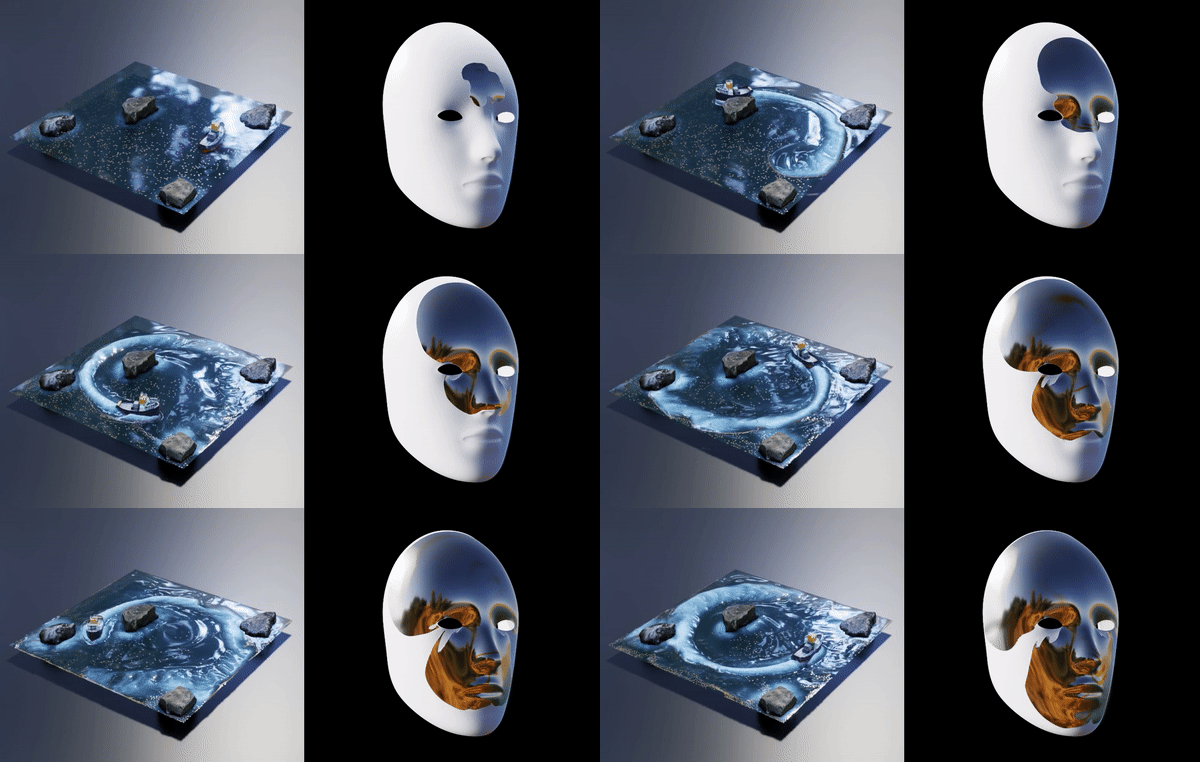
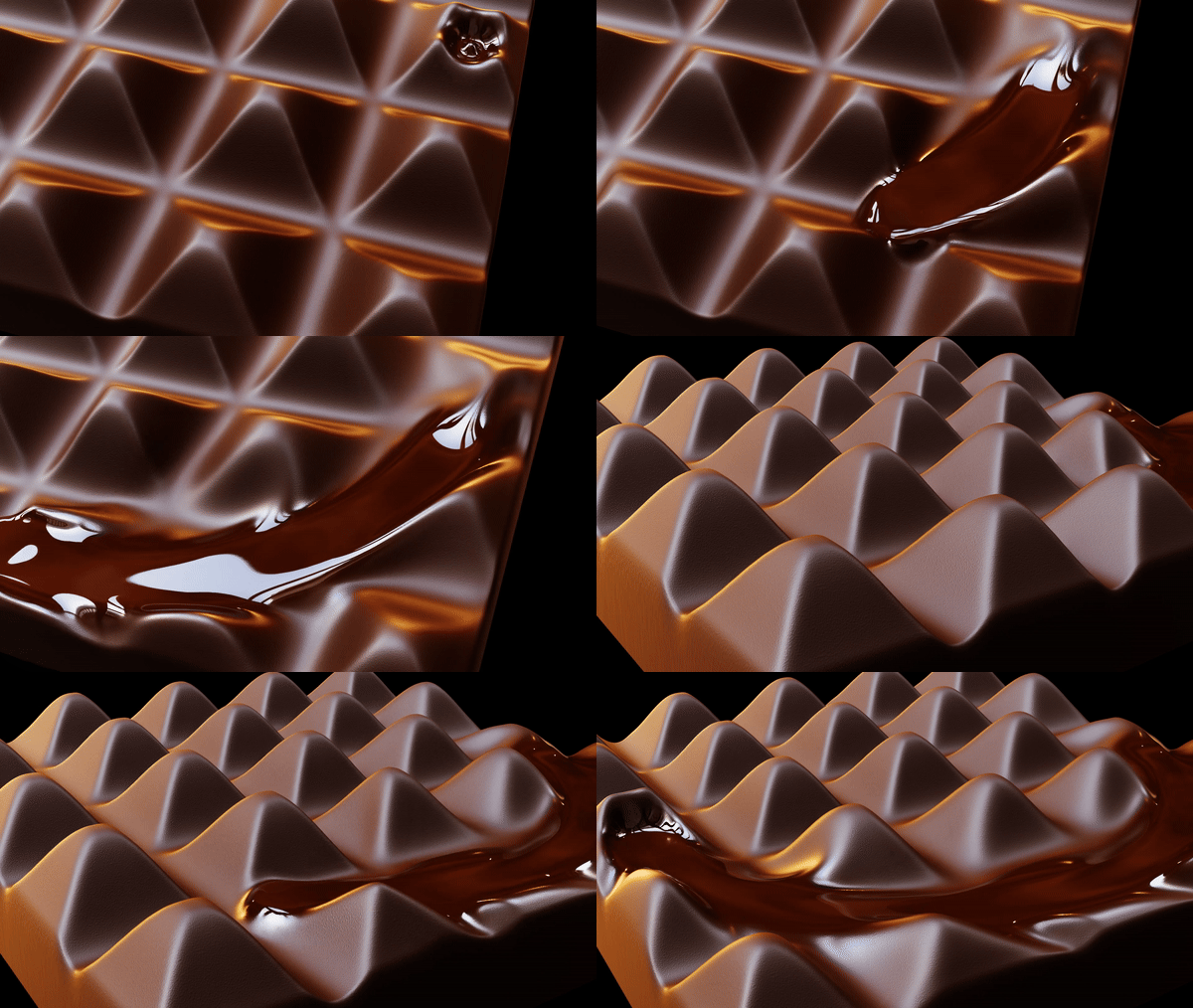
You’ll get 24 project files with the preset.

How to Use
You can use these tools as assets by assigning the Fluid Simulator folders as Asset Libraries in the Blender Preferences.
Documentation
Learn the node-based workflow of Procedural Fluid Simulators with our “Fluid Simulators Series” tutorials.
Topics include:
- Using Fluid Simulators as Assets
- Fluid Simulator Nodes’ Settings
- Particle Advector, Velocity Setter, and Forces Nodes
- How to use Fluid Simulation for Grid-Curve
- How to use Fluid Simulation for Mesh
Start your journey to mastering Fluid Simulators today.
Link: Fluid Simulators Series
For more comprehensive information (about nodes and settings) you can also read the documentation.
A video demo for settings is also available on my YouTube channel: 3D Singh VFX
Demo
These are node-setups made with simulation nodes of the geometry nodes for Blender 3.6 – 5.0. So, basic knowledge of geometry nodes is needed to use this tool.
License
You can use this tool in any of your projects (non-commercial or commercial).
You may not redistribute the geometry node group itself, for free or commercially.
Happy Noding… 🙂
Kuldeep Singh (3D Singh VFX)
Query / Support
Updates
05/01/2026:
Release of Procedural Fluid Simulators v2.5 (Curve, Grid, Mesh) for Blender 4.4, 4.5, and 5.0.
🔥 Major updates in v2.5
- 🚀 Adaptive Simulation System
Adaptive time steps and adaptive solver behavior for improved stability and performance. - 🌊 Advanced Advection Schemes
Choose from Semi-Lagrangian, Mid-Point, RK3, RK4, MacCormack, and BFECC for precise control over fluid motion and detail. - 🌀 Enhanced Vorticity Confinement
Stronger and cleaner vortices in both Fast and Exact solvers, overcoming numerical dissipation. - 🧠 Memory System for Fluid Attributes
Store and reuse velocity, pressure, density, temperature, and color over time for advanced effects and transitions. - 🔄 Transformable Fluid Grids with Inertia
Move grids, curves, or meshes during simulation, with inertia transfer from grid motion to the fluid. - 🧱 Improved Boundaries & Collisions
Cleaner solid, wrap, open, and selection-based boundaries, improved no-slip conditions, and more stable collision handling. - 🎨 Visual Enhancement Tools
New Displace, Smooth, Marching, and Material panels for shaping and rendering fluid geometry. - 🧩 New Curve Advector & Curve Tracer Nodes
Create flowing curve-based effects, tracers, and stylized motion driven directly by fluid motion. - 💠 Upgraded Particle Advector System
Particle collisions, surface forces, custom instancing, multiple emission modes, and color sampling from fluid attributes. - ⚙️ Cleaner UI & Workflow Improvements
Refined panels, consistent naming, smarter defaults, and fully field-based control across all nodes.🧩🧩 Added 24 Project Files
Added 24 project files made with v2.5 for Blender 5.0.
🌊 Solver Improvements
- Improved Fast Solver with more accurate pressure calculations.
- Added Trace Steps support for Fast and Exact solvers.
- Sharpness control for smooth or highly detailed fluid looks.
- Added dissipation and conservation methods for all advected fields.
- Removed Max Velocity option (internally clamped for stability).
🌀 Forces & Dynamics
- Added Buoyant Force with multiple field-based controls for smoke simulation.
- Added Weight controls to all forces (velocity, density, temperature, color, etc.).
🔄 Transform & Motion
- Added Transform option for Grid-based Fluid Simulator.
- Added External Advanced Transform
- Supports Grid, Curve, and Mesh simulators.
- Transfers inertia from grid motion to fluid.
- Includes Inertia Time Step and Inertia Weight options.
- Added external Pressure option.
🧱 Boundary & Collision Enhancements
- Improved Solid Boundary (No-Slip Condition).
- Fixed and refined Wrap Boundary behavior.
- Added Clean Boundary Conditioning.
- Introduced Selection-Based Boundaries (static & dynamic).
- Fixed velocity behavior at boundaries.
- Boundary mask is now exposed for use in the Fluid Info Node.
- Collision selection mask is removed when collision is disabled.
- Improved collider selection (collision & boundary regions excluded).
- Added Velocity Max limiter in collision to prevent spikes.
- Renamed Velocity Scale → Velocity Multiplier.
🎨 Displacement & Visual Refinements
- Memory System for Fluid Attributes – Store and reuse velocity, pressure, density, temperature, and color over time to create advanced effects, trails, and smooth transitions.
- Refined Displacement UI – Cleaner, more intuitive displacement settings with the Smooth Weight option now fully exposed for better control.
- New Displacement Modes – Added Geometry Displacement, Vector Displacement, and Color Mode for color-based displacement workflows.
- Dedicated Smooth Panel & Node – Smooth any fluid attribute with precision, improving visual quality and stability for rendering and shading.
🎯 Particle, Curve & Tracer Systems
- Added Curve Advector and Curve Tracer nodes.
- Improved Particle Advector with:
- Multiple emission modes, density, and lifetime control.
- Particle color sampling from fluid attributes.
- Cube and Curve Line instance options.
- Unified UI across Particle, Curve Advector, and Tracer systems.
- Added important attributes of the advectors to the Fluid Info Material node.
🧩 New Curve Advector & Curve Tracer Nodes
- Added Fluid Marching node to get the geometry based on the fluid attributes.
- Added Fluid Transfer Attribute node allows to transfer any fluid attribute(s) to any mesh geometry.
🎨 Materials & Attributes
- Added Density, Temperature, and UV outputs to Fluid Info Material node.
- Refined attribute naming and ordering.
- Renamed Color Fadeness → Fade Rate.
- All core fluid attributes now use the prefix:
ks_fluid_ks_fluid_particle_ks_fluid_curve_ks_fluid_tracer_
- Ensures correct usage in Eevee and Cycles shaders.
🧼 UI & Workflow Improvements
- Cleaner Time Step and Collision settings.
- Viscosity exposed as a factor slider.
- Advanced settings reorganized for clarity and consistency.
- General UI cleanup and refinements across all nodes.
🐞 Fixes & Stability
- Fixed curve collider color issues.
- Improved boundary velocity handling.
- Fixed wrap boundary behavior.
- Numerous internal fixes and stability improvements.
Supercharge your 3D creation workflow with premium selection of Blender Add-ons. Whether you are modeling intricate characters, sculpting realistic environments, or animating cinematic sequences, the right add-on can transform how you work inside Blender. Our curated collection includes powerful tools for UV unwrapping, procedural texture generation, rigging automation, rendering optimization, and more—each rigorously tested for compatibility with the latest Blender versions. Eliminate tedious manual processes and unlock advanced functionality that lets you focus on what matters most: bringing your creative vision to life. Explore our full range of professional Blender plugins today and take your 3D projects to the next level.
➡️ ➡️ For more Blender Plugins 😀 😀
Reviews
There are no reviews yet.