
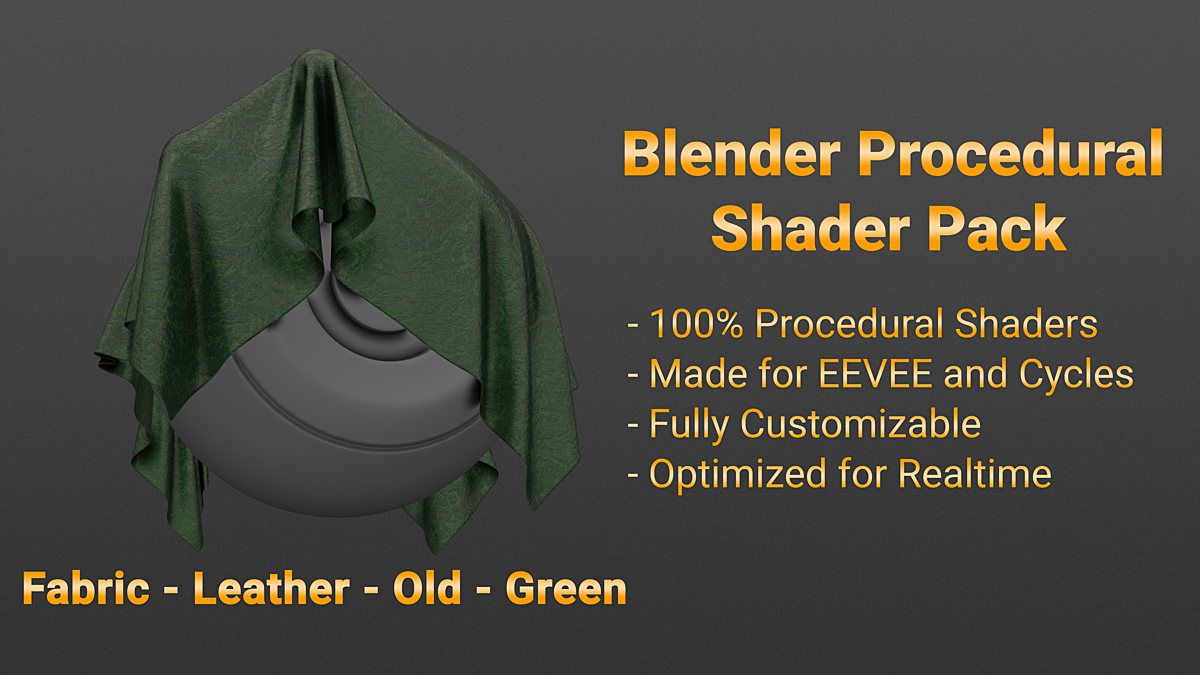
Procedural Shader for Blender
Procedural Shader v4.2 for Blender – The Ultimate Node-Based Material Library & Generator
Versions: v4.2+
File Size: 1.2 MB
Download Procedural Shader v4.2 for Blender on Windows and Mac, a massive collection of over 500+ fully procedural, non-destructive materials designed to cover every conceivable surface type. From photorealistic wood grains and weathered concrete to stylized toon shaders and complex sci-fi holograms, this addon eliminates the need for external texture maps, UV unwrapping, or manual node wiring. By leveraging Blender’s native math and noise functions, Procedural Shader provides infinite resolution, seamless tiling, and complete artistic control, allowing you to create production-ready materials in seconds rather than hours.
Key Features of Procedural Shader v4.2:
- Massive Material Library: Instantly access categorized presets for Organic (Wood, Stone, Skin), Industrial (Metal, Plastic, Rubber), Fabric (Leather, Cotton, Silk), Environmental (Grass, Water, Sand), and Stylized (Toon, Low-Poly, Cyberpunk).
- 100% Procedural & Seamless: Every material is generated mathematically, ensuring perfect tiling without visible seams and infinite scalability. Zoom in as close as you want—there are no pixels, only pure vector-like precision.
- Smart Parameter Controls: Each shader exposes intuitive sliders for key properties like Color, Roughness, Bump Depth, Scale, Distortion, and Wear, allowing you to customize any preset to fit your specific scene needs without touching a single node.
- Dynamic Weathering & Aging: Built-in layers for rust, dust, scratches, and edge wear that react automatically to object geometry and lighting, adding instant realism and storytelling to pristine models.
- Tri-Planar Mapping Support: All materials use automatic tri-planar projection, meaning they look correct on any shape—spheres, cubes, or complex organic meshes—without requiring UV coordinates.
- PBR Accuracy: Strictly follows Physically Based Rendering standards, ensuring correct energy conservation, metallic workflow compatibility, and realistic light interaction in both Cycles and Eevee.
- Animation Ready: Many shaders include time-based drivers for animated effects like flowing water, pulsating neon, shifting clouds, or growing moss, perfect for motion graphics and VFX.
- Node Group Modularity: Materials are built from reusable, well-organized node groups. You can easily extract specific components (like a unique noise pattern or a color ramp) to build your own custom shaders.
- Performance Optimized: Despite their complexity, the node trees are optimized for fast evaluation, ensuring smooth viewport performance even when applied to high-poly meshes.
- Non-Destructive Workflow: Change any aspect of the material at any time. Swap a wood type for marble, adjust the scratch intensity, or change the color palette instantly without re-texturing or re-baking.
Perfect For:
- Generalist Artists who need a wide variety of high-quality materials for diverse projects without specializing in shading.
- Architectural Visualizers creating realistic floors, walls, and furnishings with accurate physical properties.
- Game Developers generating seamless, tileable textures for environments and props that work well in real-time engines.
- Motion Designers needing dynamic, animated backgrounds and abstract surfaces for commercials and title sequences.
- Product Designers prototyping materials for consumer goods with precise control over finish and texture.
- Beginners learning how shaders work by deconstructing the clean, commented node trees included in every preset.
System Requirements:
- Blender: 3.6, 4.0, 4.1, 4.2, 4.3, 4.4+ (Latest LTS recommended).
- OS: Windows 10/11 (64-bit) or macOS 10.15+.
- RAM: 8GB minimum (16GB+ recommended for scenes with many complex procedural materials).
- Render Engine: Fully compatible with Cycles and Eevee.
Installation:
- Download the Procedural Shader v4.2
.zipfile or.blendasset library. - If an addon: Go to Edit > Preferences > Add-ons, click Install, select the file, and enable Shader: Procedural Shader.
- If an asset library: Add the folder to Blender’s Asset Browser preferences, then drag-and-drop material presets directly onto your objects.
- Access via the Shader Editor Add Menu > Shader > Procedural Shader or the Asset Browser.
What’s New in v4.2?
- New “Biological” Category: Added 20+ new shaders for organic surfaces like Snake Scales, Feathers, Mushroom Caps, Bark, and Cellular Tissues, with advanced subsurface scattering setups.
- Enhanced Noise Algorithms: Introduced new Voronoi and Wavelet noise variations for more natural, less repetitive patterns in stone, fabric, and cloud shaders.
- Improved Eevee Next Compatibility: Optimized all shaders for Blender 4.2’s Eevee Next engine, ensuring accurate reflections, refractions, and screen-space effects in real-time.
- Smart Color Harmonizer: A new utility node group that automatically adjusts secondary colors to match the primary hue, ensuring visually pleasing palettes with minimal effort.
- Performance Boost: Rewrote several heavy node groups to reduce evaluation time by 30%, making the viewport snappier when switching between complex materials.
- Blender 4.4 Support: Full compatibility with the latest shader node updates and AgX color management features.
Note:
Procedural Shader v4.2 is built on the philosophy of flexibility and purity. Because it uses no image textures, your files remain small, portable, and free from missing link errors. The addon includes a “Randomize” button for every material, which shuffles the noise seeds and color values to generate infinite unique variations instantly. Whether you need a single brick wall or an entire forest of unique tree barks, Procedural Shader provides the tools to create them efficiently, realistically, and with complete artistic freedom.
Introduction
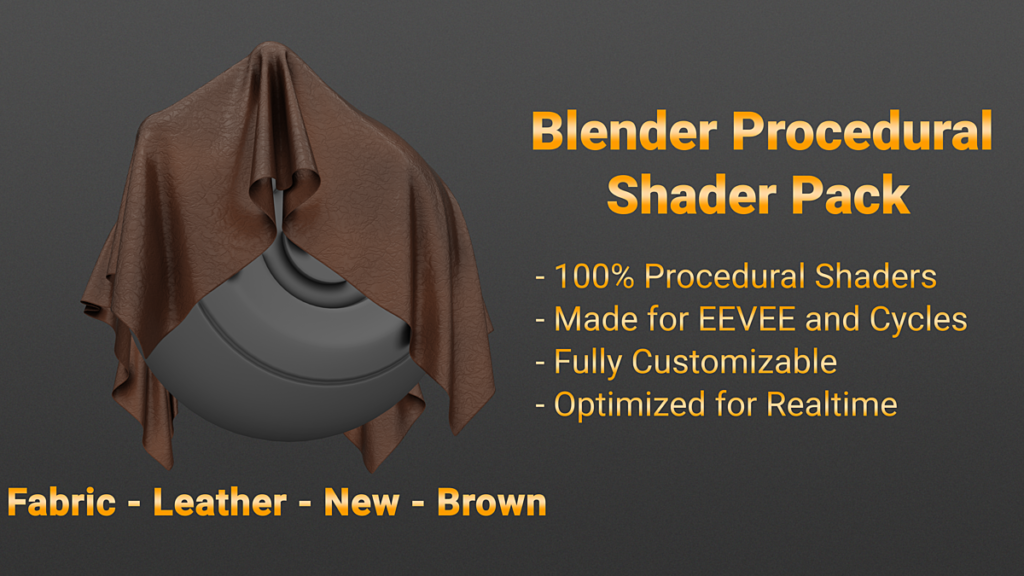
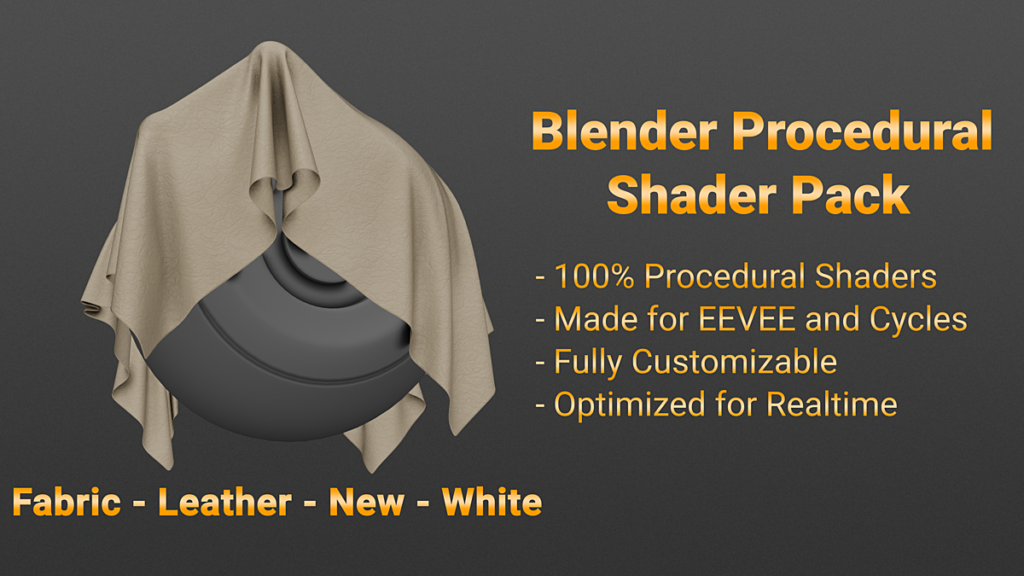
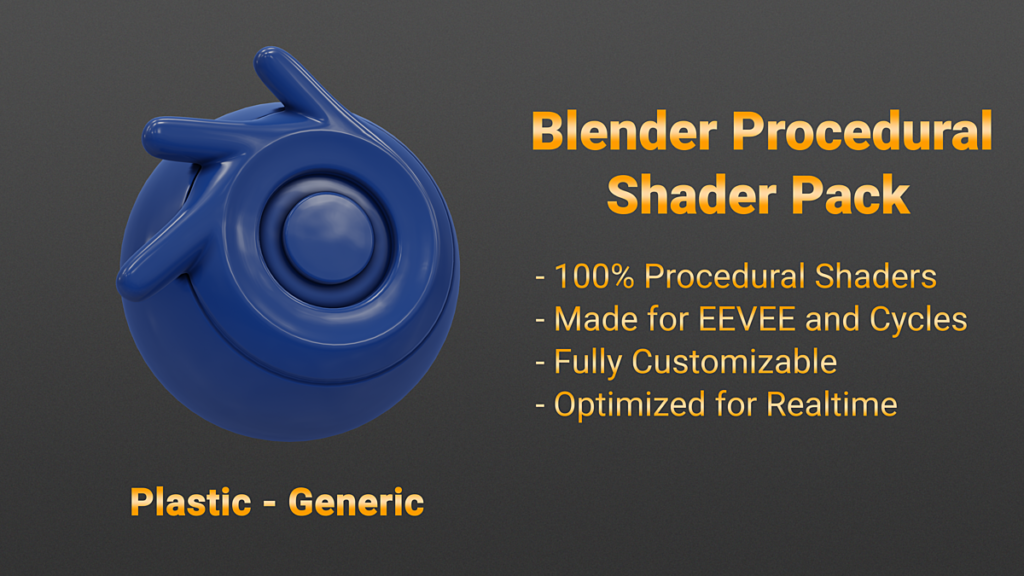
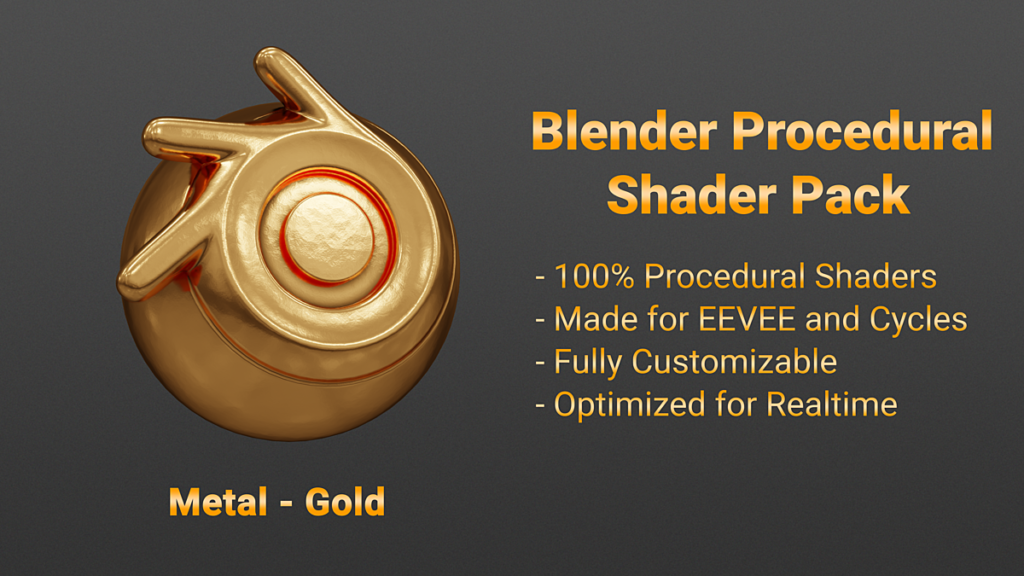
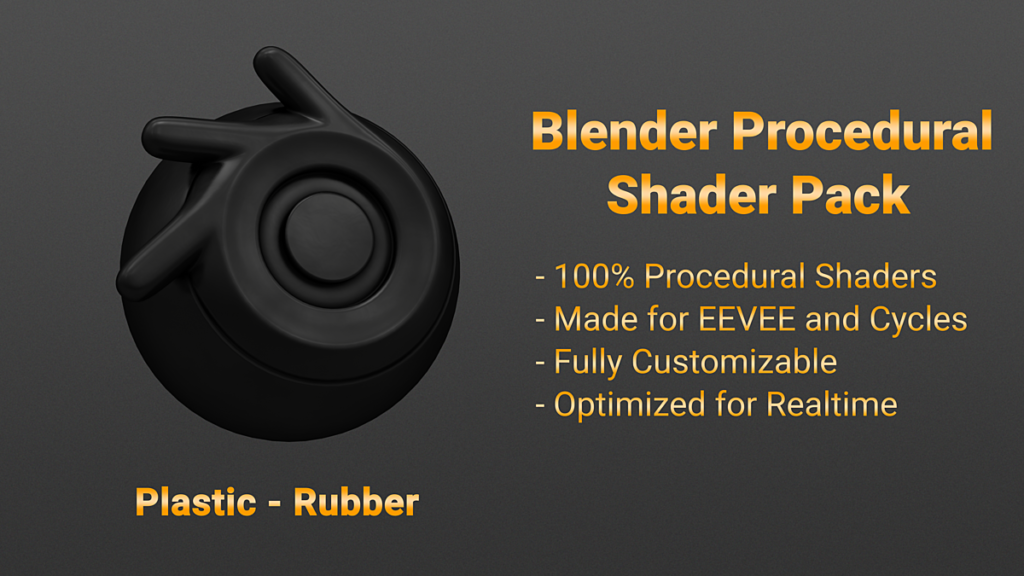
100% Procedural Shaders for both EEVEE and Cycles, great for architectural renderings.
We will continue to add more procedural shaders and the price will gradually increase. Purchase it now and get these updates for FREE.
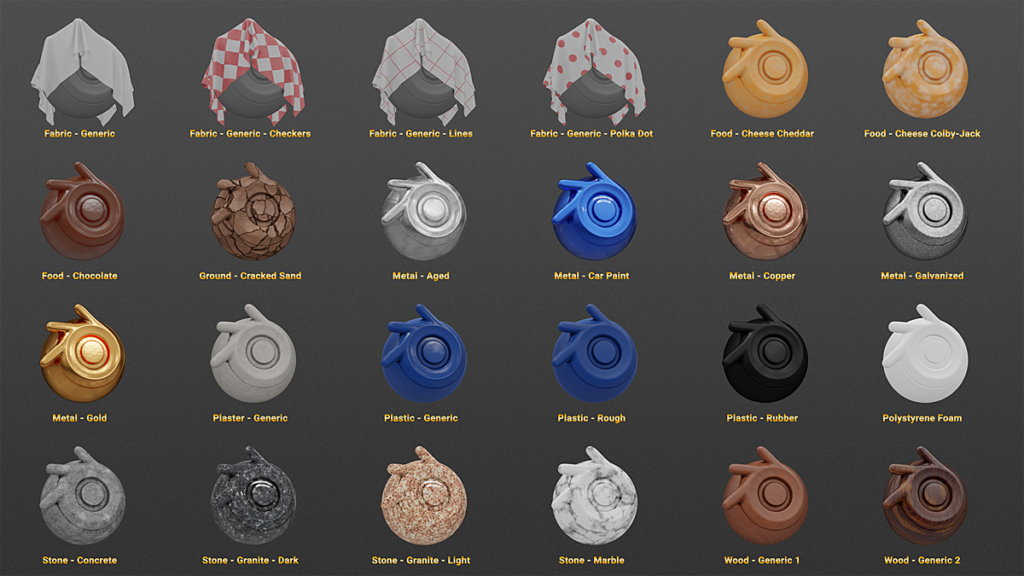
This pack currently includes 48 procedural shaders.
SHADERS:
- Clay – Play-Doh
- Clay – Play-Doh – Mixed
- Fabric – Generic
- Fabric – Generic – Checkers
- Fabric – Generic – Camouflage
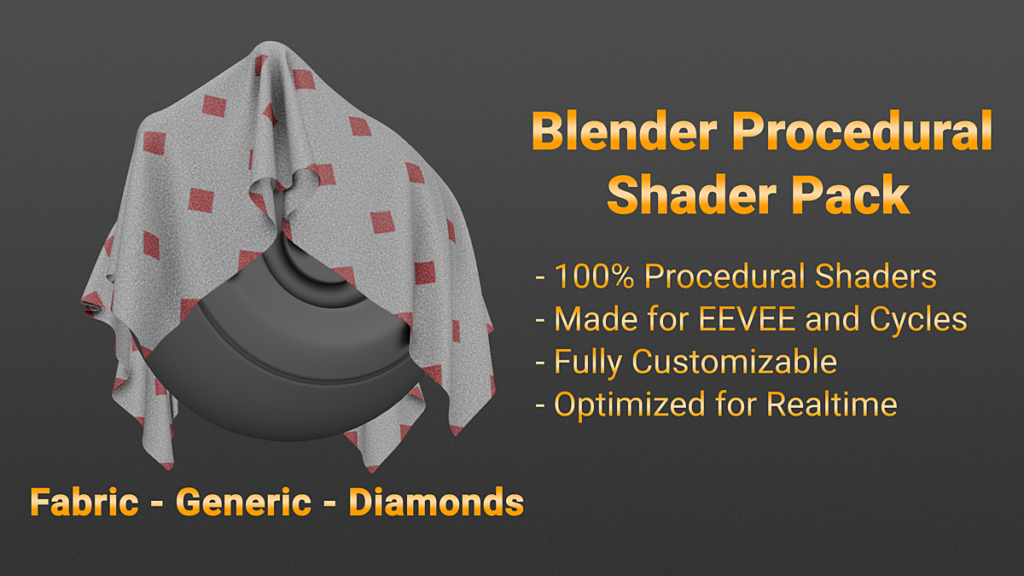
- Fabric – Generic – Diamonds
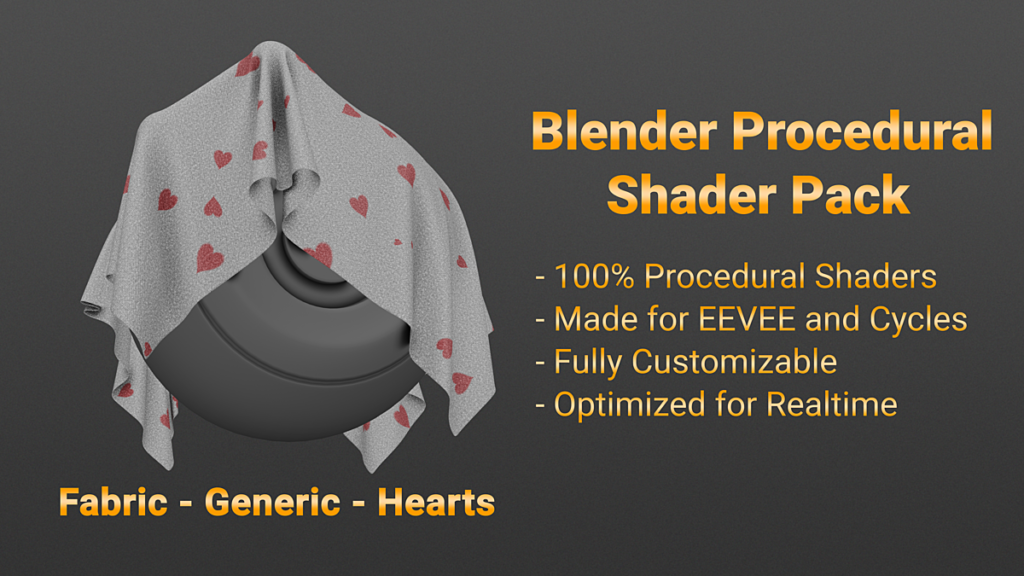
- Fabric – Generic – Hearts
- Fabric – Generic – Lines
- Fabric – Generic – Polka Dot
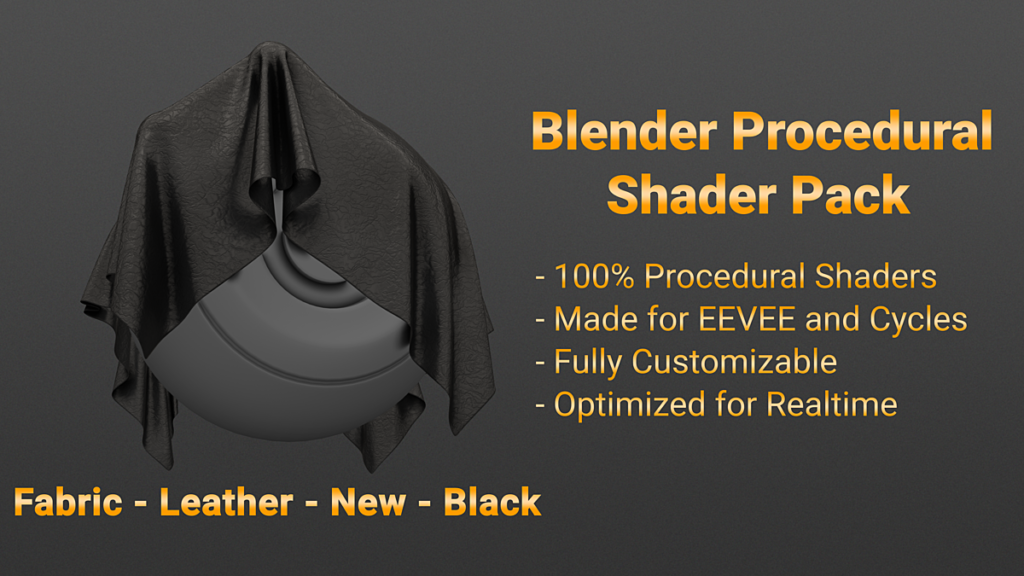
- Fabric – Leather – New – Black
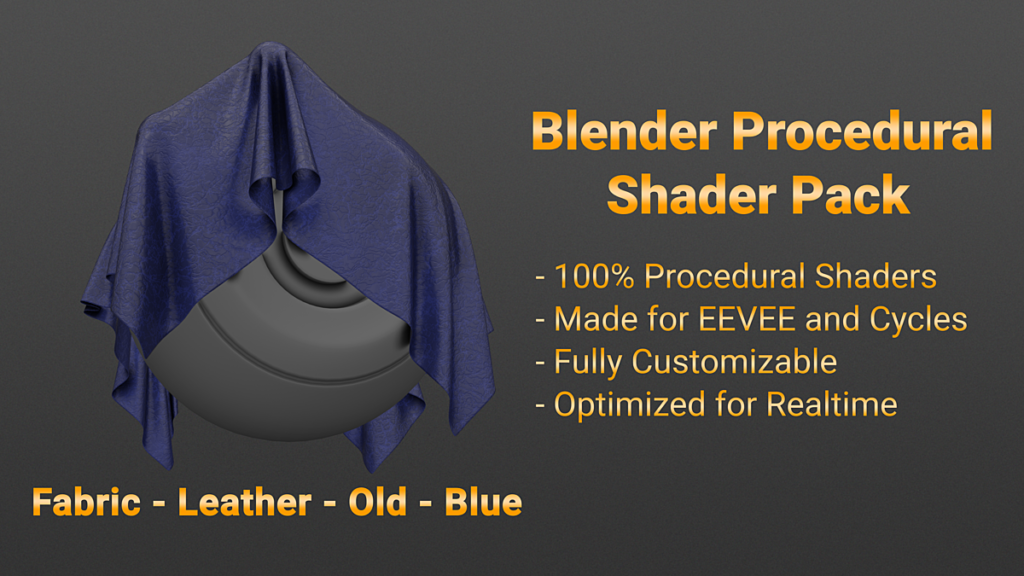
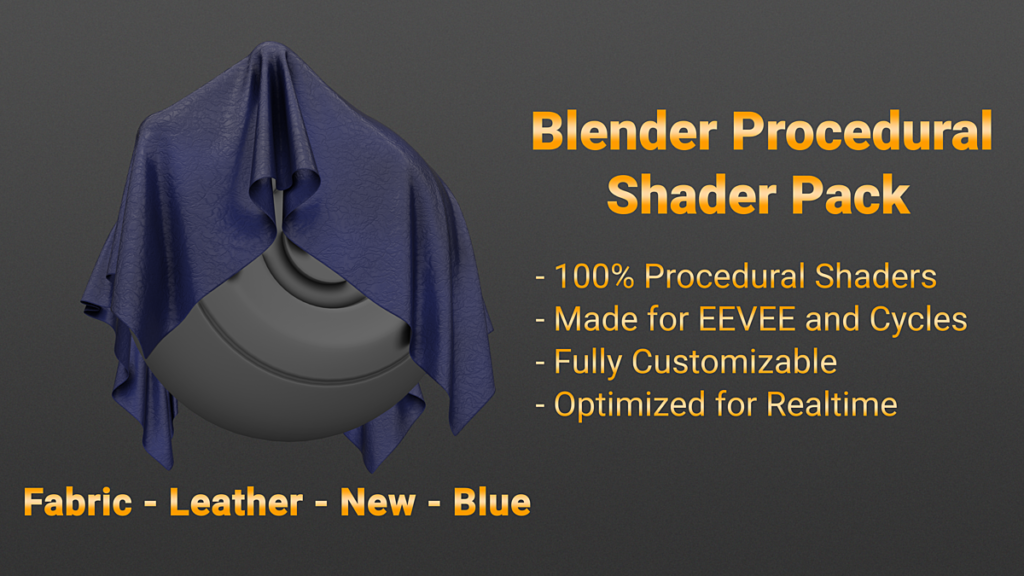
- Fabric – Leather – New – Blue
- Fabric – Leather – New – Brown
- Fabric – Leather – New – Dark Brown
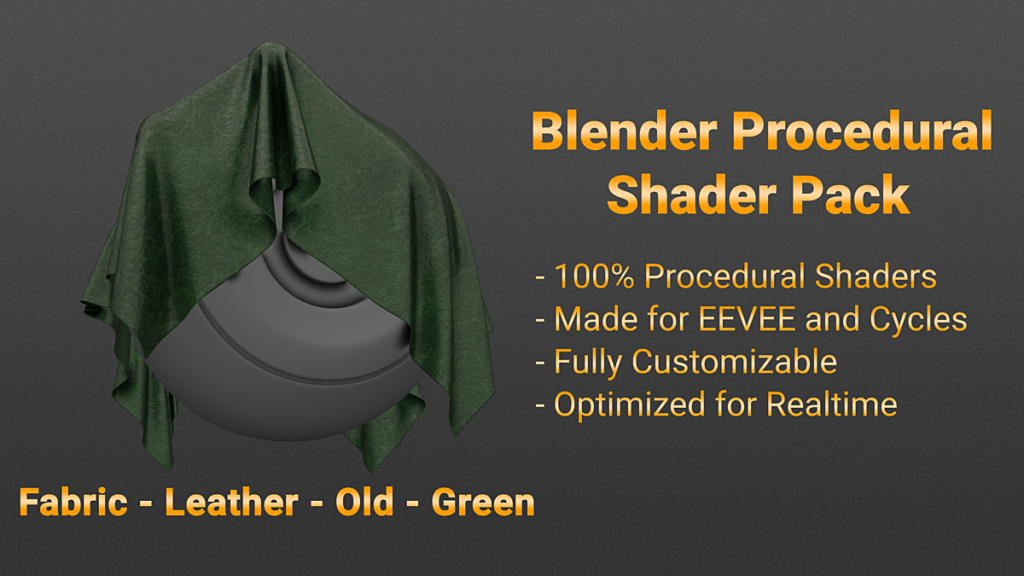
- Fabric – Leather – New – Green
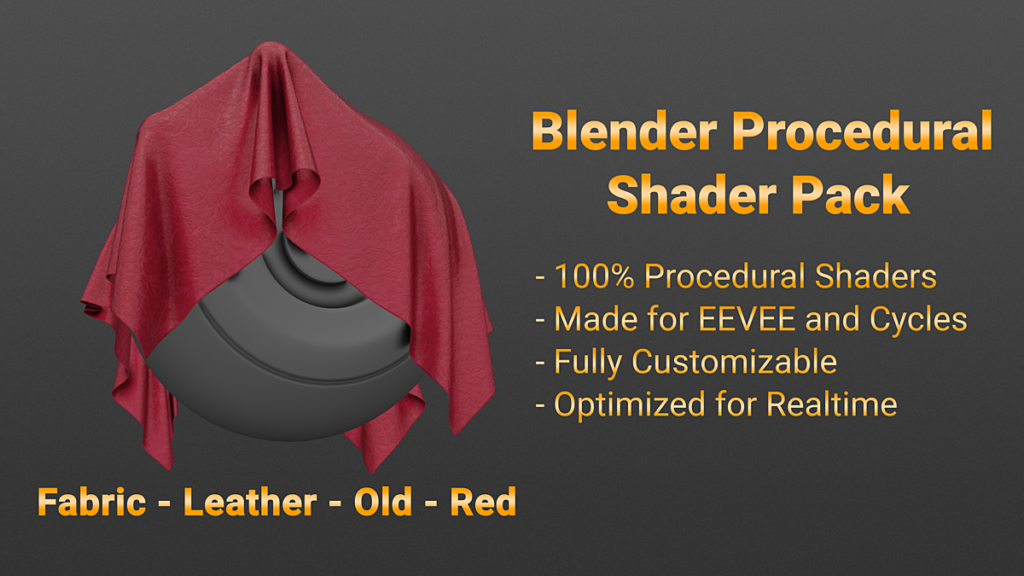
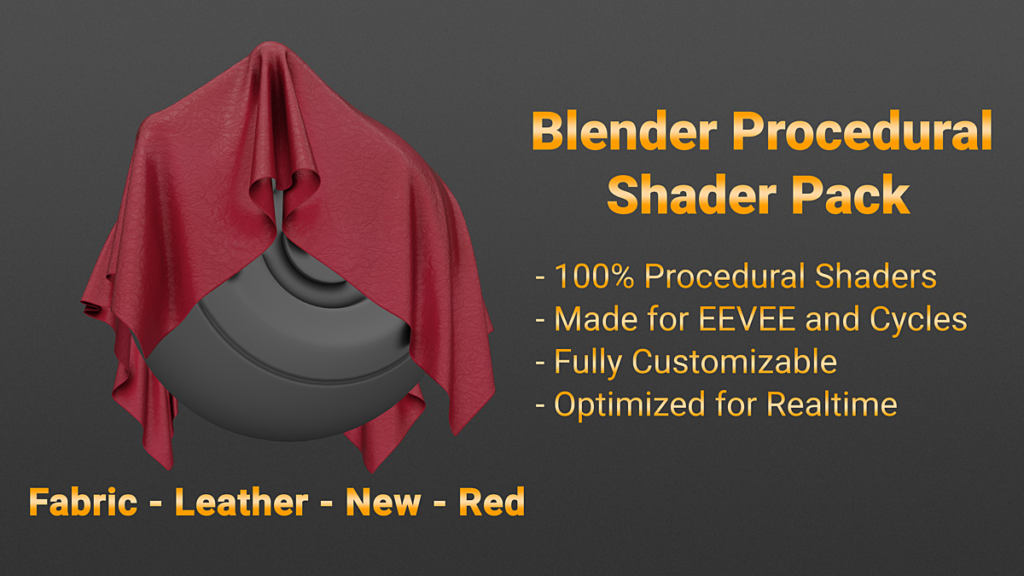
- Fabric – Leather – New – Red
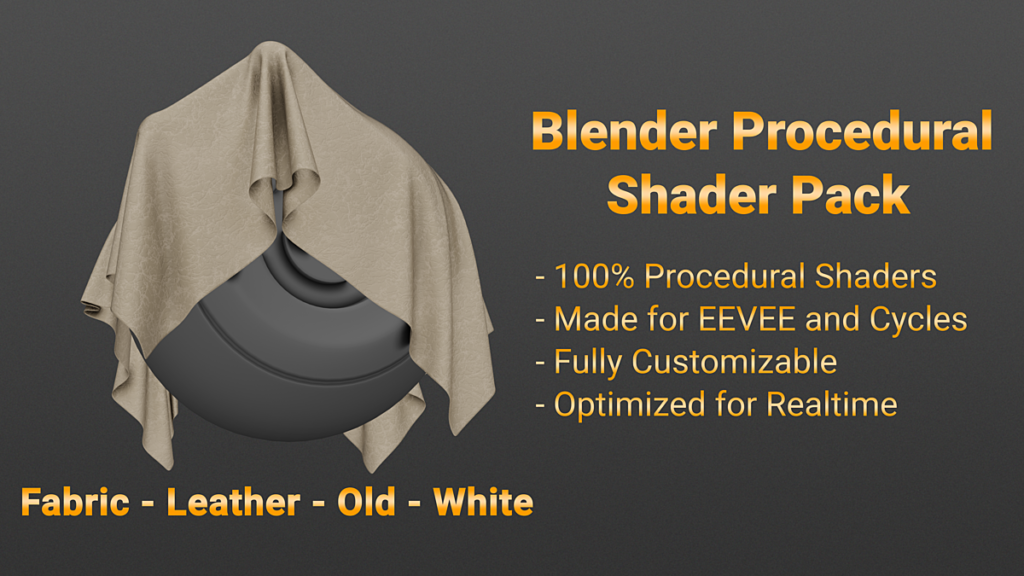
- Fabric – Leather – New – White
- Fabric – Leather – Old – Black
- Fabric – Leather – Old – Blue
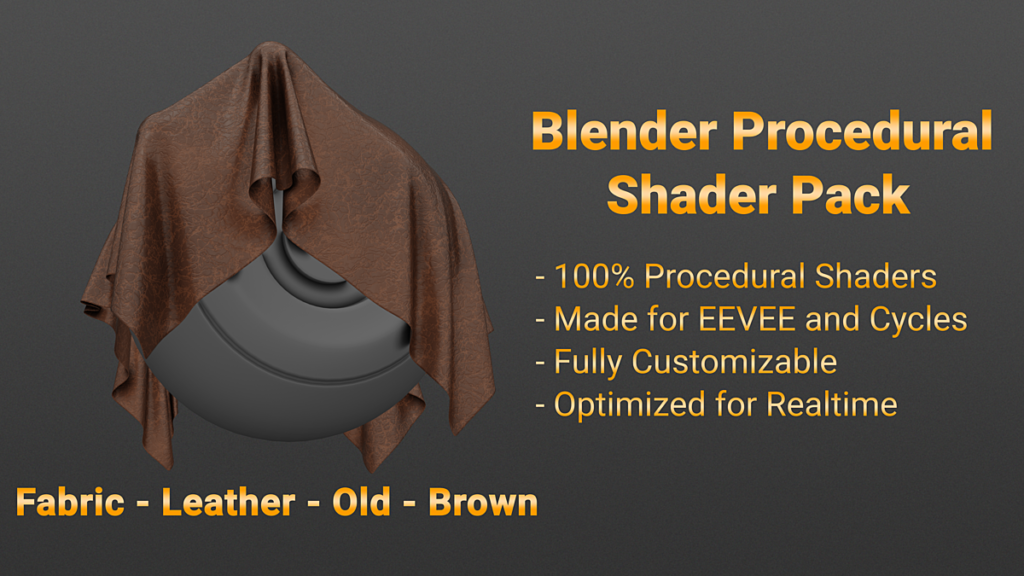
- Fabric – Leather – Old – Brown
- Fabric – Leather – Old – Dark Brown
- Fabric – Leather – Old – Green
- Fabric – Leather – Old – Red
- Fabric – Leather – Old – White
- Food – Cheese Cheddar
- Food – Cheese – Colby-Jack
- Food – Chocolate
- Ground – Cracked Sand
- Metal – Aged
- Metal – Brass
- Metal – Bronze
- Metal – Car Paint
- Metal – Copper
- Metal – Galvanized
- Metal – Gold
- Metal – Silver
- Paper
- Plaster – Generic
- Plastic – Generic
- Plastic – Rough
- Plastic – Rubber
- Polystyrene Foam
- Stone – Concrete
- Stone – Granite – Dark
- Stone – Granite – Light
- Stone – Marble
- Wall – Colored – Generic
- Wood – Generic 1
- Wood – Generic 2
NODES:
- Albedo – Camouflage
- ColorRamp x2
- ColorRamp x3
- ColorRamp x4
- ColorRamp x5
- Mask – Checkers
- Mask – Diamonds
- Mask – Fingerprints
- Mask – Hearts
- Mask – Leather Pattern
- Mask – Lines
- Mask – Polka Dot
Specifications
- Faces: NA
- Verts: NA
- UV Mapped: NA
- Textured: Yes (procedural)
- Rigged: No
- Animated: NA
- Texture Size: NA (procedural)
- Render Size: NA
- Formats: BLEND for EEVEE and Cycles
Benefits of Procedural Materials
These materials do not use image files as textures. Textures are generated procedurally. This means you can scale these materials without losing quality.
Changelog
- 2020-10-16: Added 24 more shaders
Clay – Play-Doh
Clay – Play-Doh – Mixed
Fabric – Generic – Camouflage
Fabric – Generic – Diamonds
Fabric – Generic – Hearts
Fabric – Leather – New – Black
Fabric – Leather – New – Blue
Fabric – Leather – New – Brown
Fabric – Leather – New – Dark Brown
Fabric – Leather – New – Green
Fabric – Leather – New – Red
Fabric – Leather – New – White
Fabric – Leather – Old – Black
Fabric – Leather – Old – Blue
Fabric – Leather – Old – Brown
Fabric – Leather – Old – Dark Brown
Fabric – Leather – Old – Green
Fabric – Leather – Old – Red
Fabric – Leather – Old – White
Metal – Brass
Metal – Bronze
Metal – Silver
Paper
Wall – Colored – Generic - 2020-09-21: Added 12 more shaders
Fabric – Generic
Fabric – Generic – Checkers
Fabric – Generic – Lines
Fabric – Generic – Polka Dot
Food – Cheese – Colby-Jack
Metal – Car Paint
Metal – Gold
Plaster – Generic
Plastic – Generic
Polystyrene Foam
Stone – Granite – Light
Wood – Generic 2 - 2019-05-03: Initial release with 12 shaders
Food – Cheese Cheddar
Food – Chocolate
Ground – Cracked Sand
Metal – Aged
Metal – Copper
Metal – Galvanized
Plastic – Rough
Plastic – Rubber
Stone – Concrete
Stone – Granite – Dark
Stone – Marble
Wood – Generic 1
How to Use
Append the desired shader into your scene
Compatibility
Blender 2.8x
Supercharge your 3D creation workflow with premium selection of Blender Add-ons. Whether you are modeling intricate characters, sculpting realistic environments, or animating cinematic sequences, the right add-on can transform how you work inside Blender. Our curated collection includes powerful tools for UV unwrapping, procedural texture generation, rigging automation, rendering optimization, and more—each rigorously tested for compatibility with the latest Blender versions. Eliminate tedious manual processes and unlock advanced functionality that lets you focus on what matters most: bringing your creative vision to life. Explore our full range of professional Blender plugins today and take your 3D projects to the next level.
➡️ ➡️ For more Blender Plugins 😀 😀
Reviews
There are no reviews yet.