

Procedural Thread Simulator for Blender
Procedural Thread Simulator v1.0 for Blender – The Ultimate Realistic Sewing & Stitching Generator
Versions: v1.0
File Size: 37.8 MB
Download Procedural Thread Simulator v1.0 for Blender on Windows and Mac, a specialized Geometry Nodes-based addon designed to create hyper-realistic sewing stitches, embroidery, and fabric seams directly on 3D models. Unlike simple texture overlays that fail at close-up range, this tool generates actual 3D thread geometry that follows the curvature of your mesh, complete with physical thickness, tension, and interlocking loop logic. It transforms how fashion designers, character artists, and product visualizers create textile details, eliminating the need for manual curve modeling or relying on flat normal maps that lack depth and parallax.
Key Features of Procedural Thread Simulator v1.0:
- True 3D Stitch Geometry: Generates individual thread loops (Lockstitch, Chainstitch, Overlock) as actual geometry, providing realistic silhouettes, shadows, and self-occlusion even in extreme macro shots.
- Smart Path Following: Automatically projects stitch patterns along selected edges, curves, or face boundaries, maintaining consistent stitch length and spacing regardless of the underlying mesh topology.
- Thread Physics & Tension: Adjustable controls for thread tension, allowing you to simulate tight, pulled stitches or loose, relaxed seams. Includes options for thread “puckering” where the fabric slightly deforms around the stitch line.
- Material Variation Library: Includes presets for Cotton, Silk, Polyester, Wool, Metallic, and Nylon threads, each with correct anisotropic highlights, fuzziness, and subsurface scattering properties.
- Multi-Layer Embroidery: Stack multiple stitch layers to create complex embroidered logos, patterns, or monograms with varying heights and densities, all fully procedural.
- Dynamic Breakage & Fraying: Procedurally simulate worn-out seams by introducing random thread breaks, loose ends, and fraying effects based on vertex weights or distance from stress points.
- Color Gradient Support: Apply smooth color gradients or patterned variations along the length of the thread, perfect for decorative stitching or fading effects.
- Fabric Displacement Integration: Optionally displaces the underlying mesh slightly along the stitch path to mimic the natural indentation and raising of fabric caused by sewing, adding extra realism.
- Optimized for Rendering: Uses efficient curve profiling and instancing to keep polygon counts manageable while maintaining smooth, round thread shapes for high-quality renders.
- Non-Destructive Workflow: All parameters (stitch type, thread thickness, color, density) are fully editable at any time. Change the seam path or swap thread styles instantly without re-modeling.
Perfect For:
- Fashion Designers prototyping garment details, seams, and decorative embroidery for digital clothing collections.
- Character Artists adding realistic stitching to costumes, shoes, bags, and accessories for games and films.
- Product Visualizers showcasing high-end leather goods, upholstery, sneakers, and textiles with accurate manufacturing details.
- Architectural Visualizers detailing curtains, cushions, and soft furnishings with precise seam lines and thread textures.
- Motion Designers animating sewing processes, unraveling effects, or dynamic textile transformations.
- Anyone who needs convincing thread details that hold up under 8K resolution and macro photography.
System Requirements:
- Blender: 3.6, 4.0, 4.1, 4.2, 4.3, 4.4+ (Geometry Nodes required; optimized for Blender 4.x).
- OS: Windows 10/11 (64-bit) or macOS 10.15+.
- RAM: 8GB minimum (16GB+ recommended for dense embroidery patterns).
- Render Engine: Fully compatible with Cycles (for accurate anisotropic shading and displacement) and Eevee.
Installation:
- Download the Procedural Thread Simulator v1.0
.zipfile. - Open Blender and go to Edit > Preferences > Add-ons.
- Click Install…, select the downloaded file, and enable the checkbox next to Geometry Nodes: Procedural Thread Simulator.
- Access via the Add Menu > Curve > Thread Stitch or the dedicated panel in the 3D Viewport Sidebar (N-panel) under the Textiles tab.
Note:
Procedural Thread Simulator v1.0 solves the “flat stitch” problem that plagues most 3D clothing workflows. By generating actual geometry, it ensures that light interacts with the thread correctly, casting tiny shadows on the fabric below and catching specular highlights on the fiber twists. The addon includes a “Stitch Density” slider that automatically adjusts the number of stitches per centimeter based on the scale of your object, ensuring consistency whether you are working on a miniature doll’s dress or a full-sized sofa. Whether you are designing haute couture or rugged outdoor gear, this tool provides the precision and realism needed to make your digital textiles feel tangible.

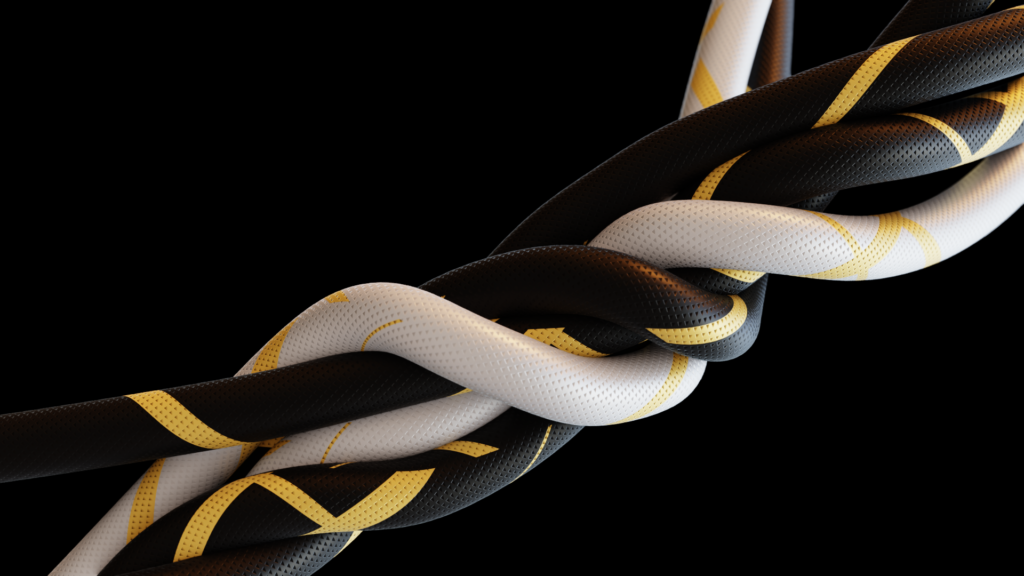



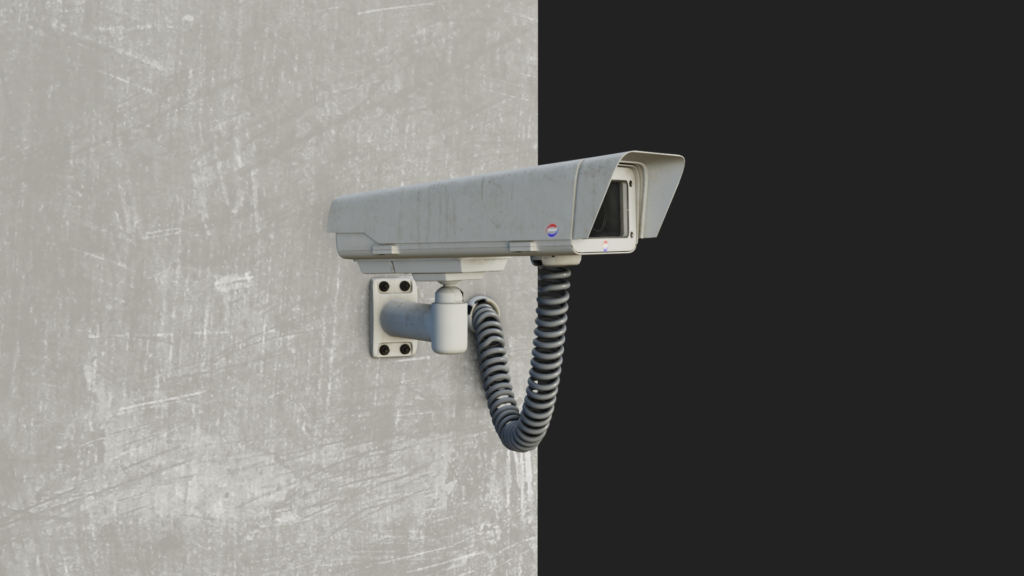
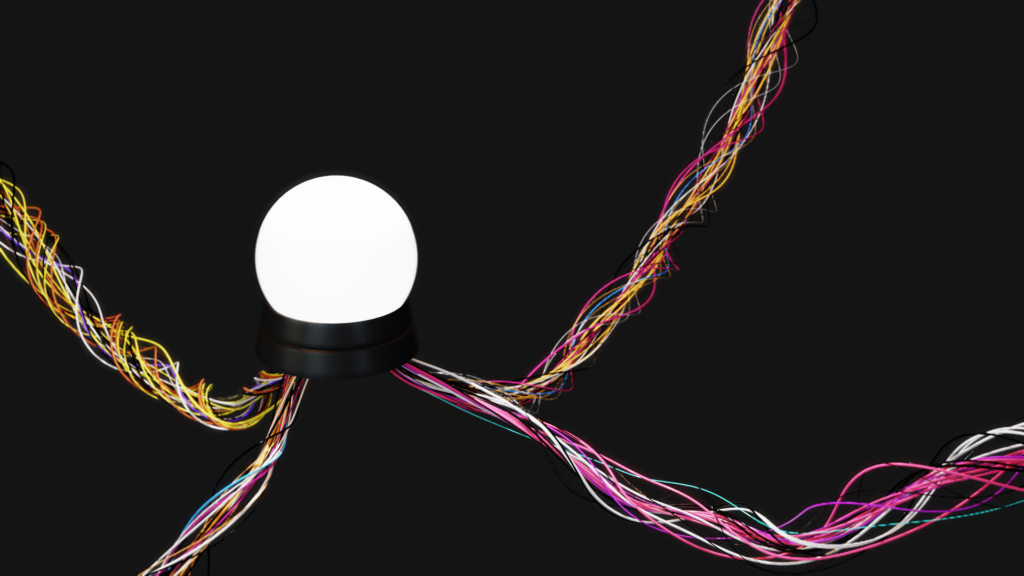
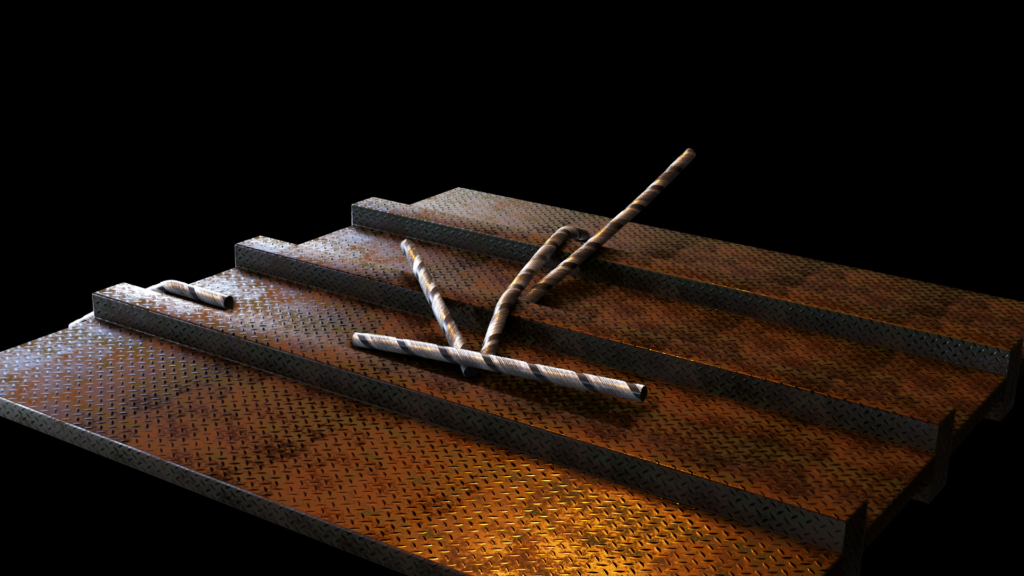


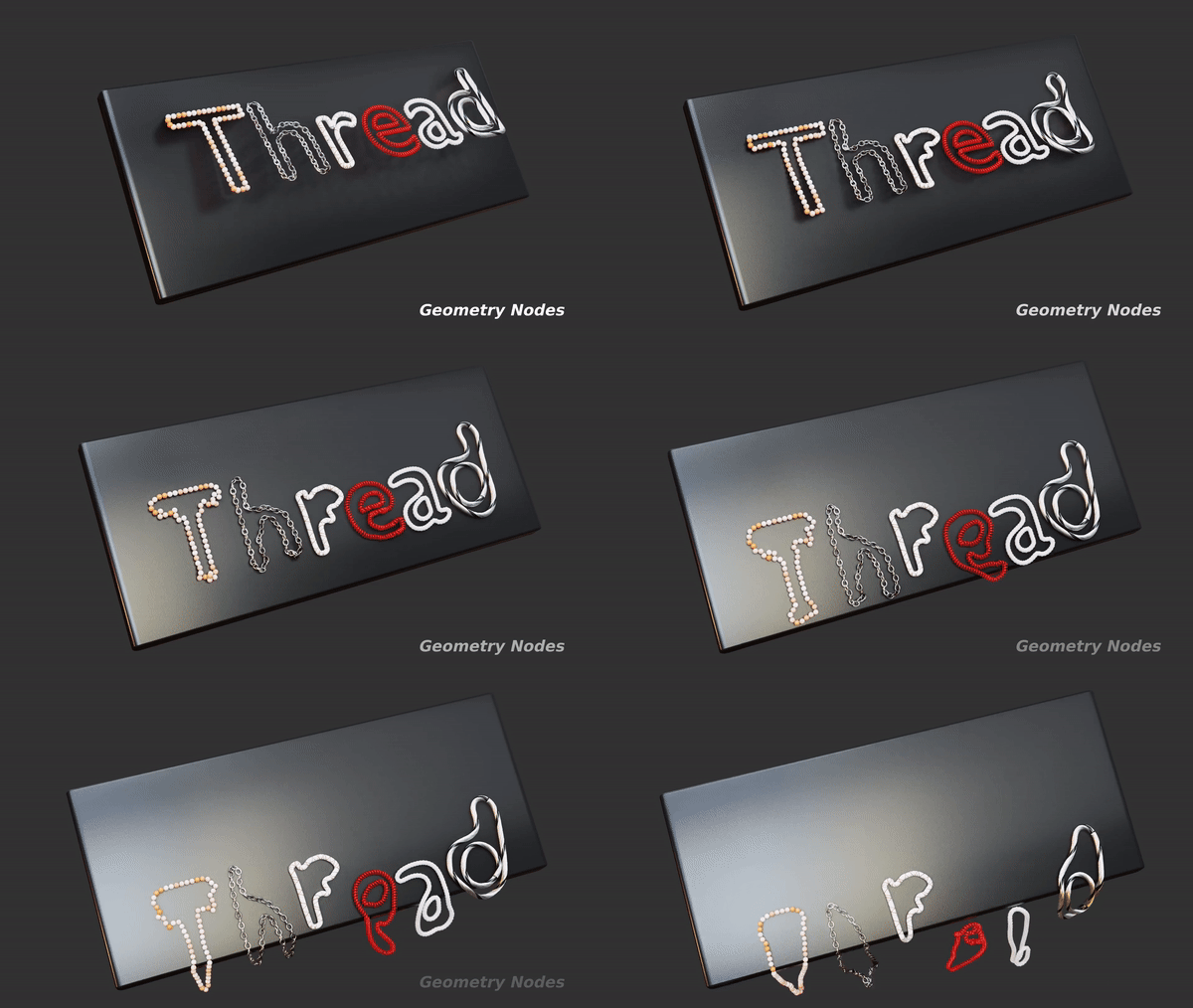
Generate and simulate threads with nodes!

About
Introducing our innovative Geometry Nodes-based thread generator! Whether you’re working with ropes, chains, wires, or other similar elements, this powerful tool lets you create and simulate them with ease. Completely procedural and highly customizable, it offers full artistic control over every aspect of your design. With 11 unique presets you can quickly achieve various effects and styles, streamlining your workflow and enhancing your creativity. Perfect for both beginners and advanced users, this thread generator is your go-to solution for dynamic and realistic thread simulations.
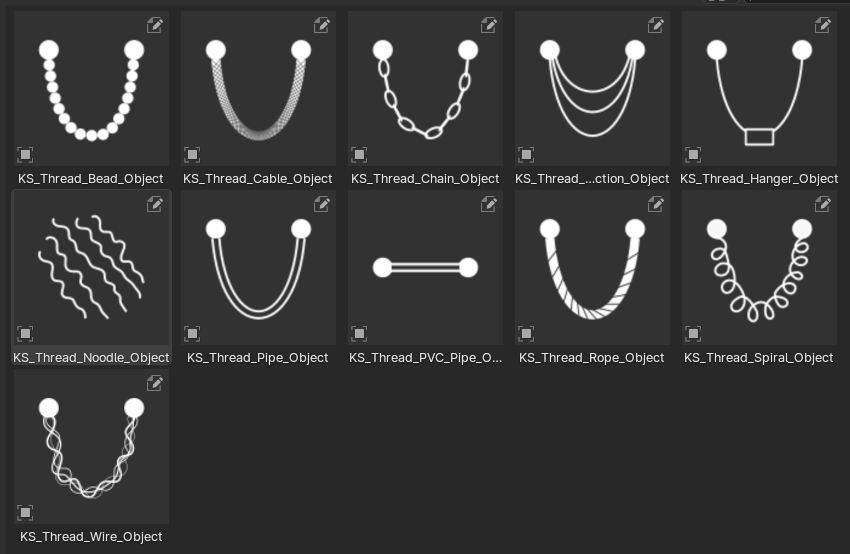
Procedural Thread Simulator
- Thread Solver for Curve- Create realistic thread simulations using curves as the base
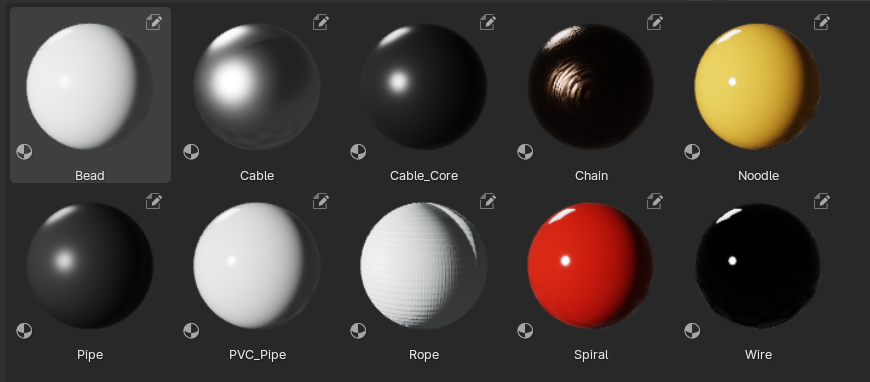
- Thread Presets- Choose from 11 unique thread-type presets. Simply click and drag them into your scene.
- Custom Profiles- Access 7 different curve profiles, usable with the thread solver or any other curve for added versatility.
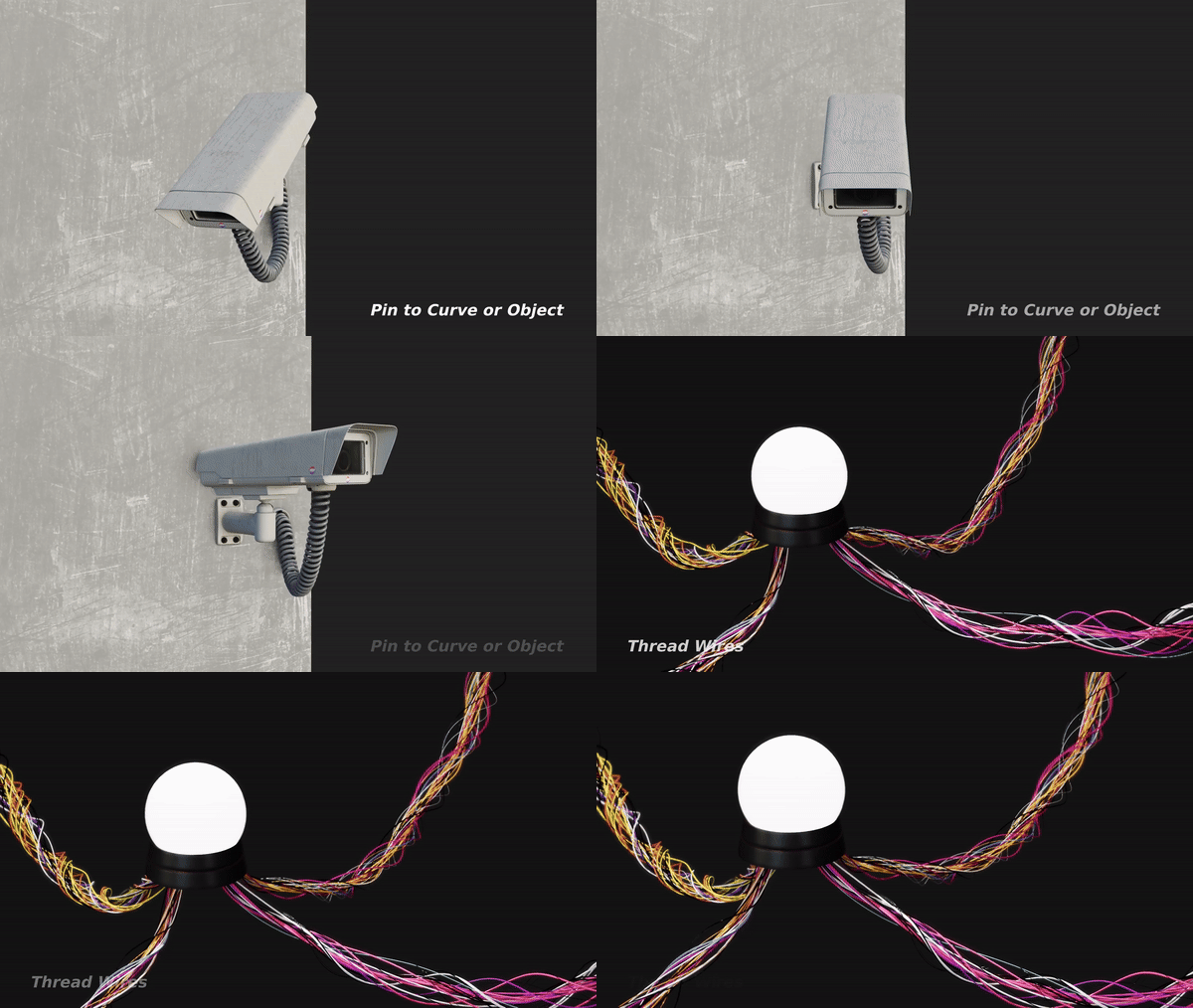
- Pinning Types- Select from Initial, Current, and Custom pinning options for precise control over your simulations.
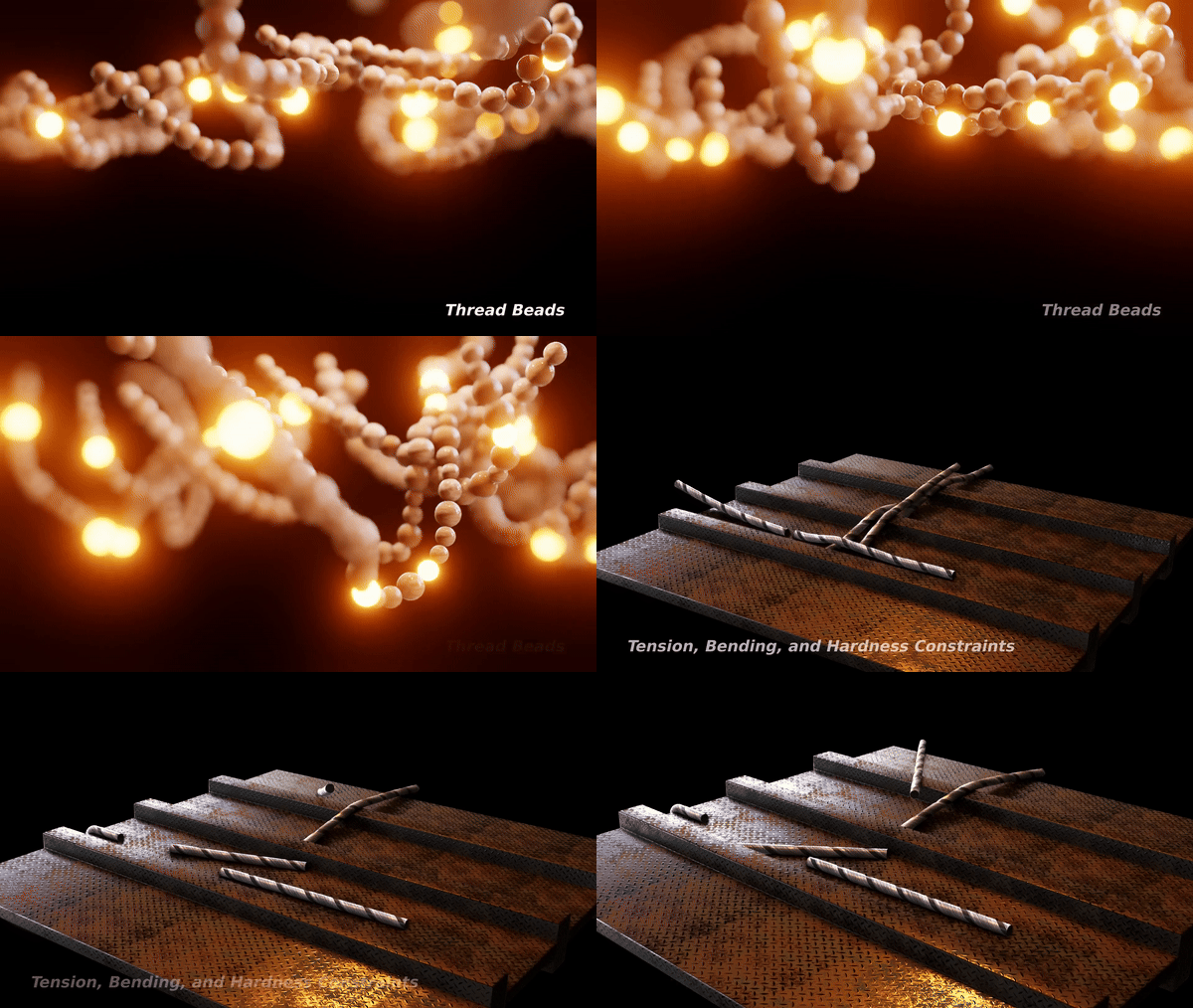
- Stiffness Parameters- Simulate any thread type with three adjustable parameters: Tension, Bending, and Hardness, ensuring accurate and realistic behavior.
- Forces- Incorporate a variety of forces such as Gravity, Turbulence, Wind, and more to enhance your simulations.
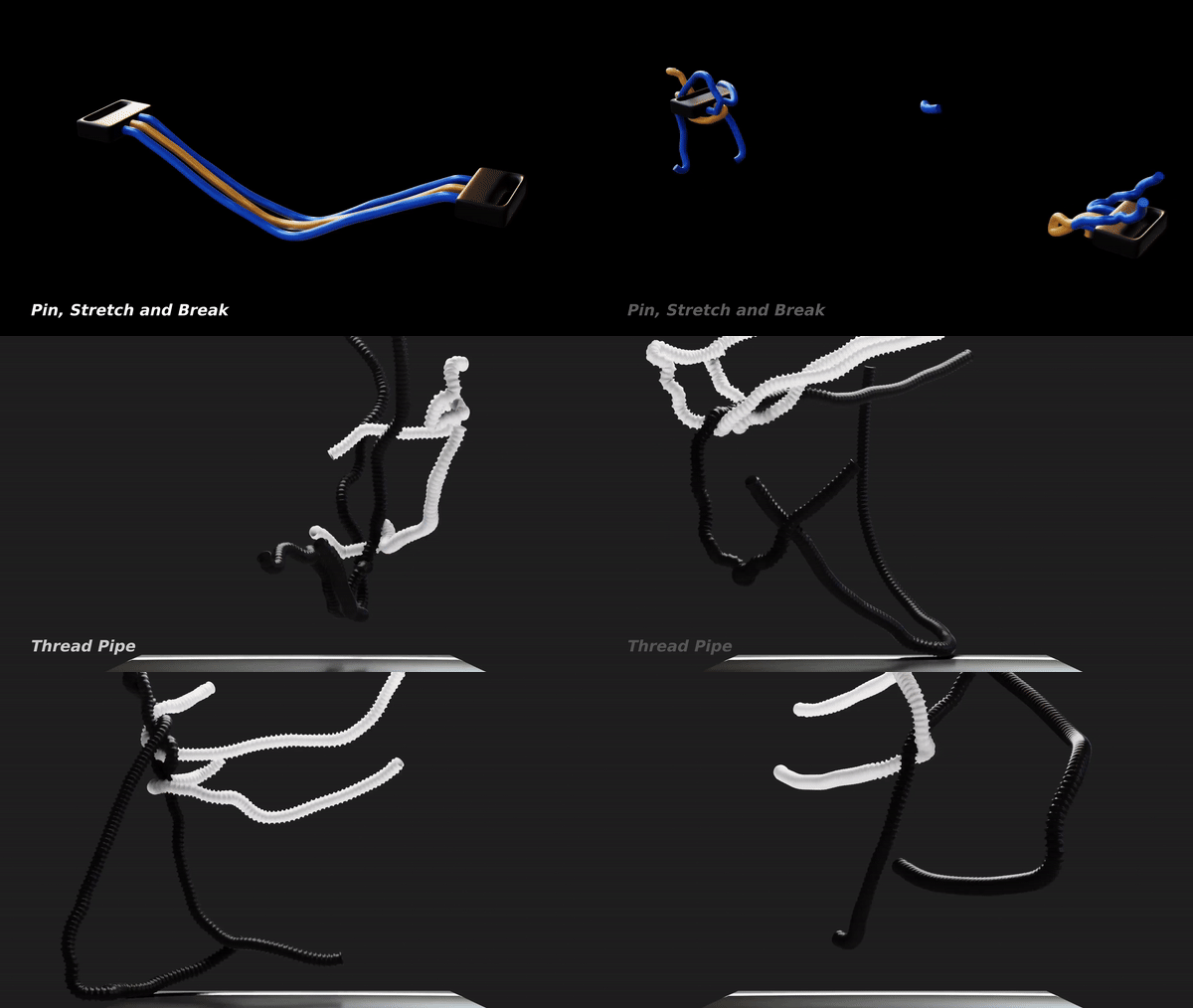
- Break- Controlled breaking of threads with threshold and selection.
- Cut- Use any mesh object to cut threads.
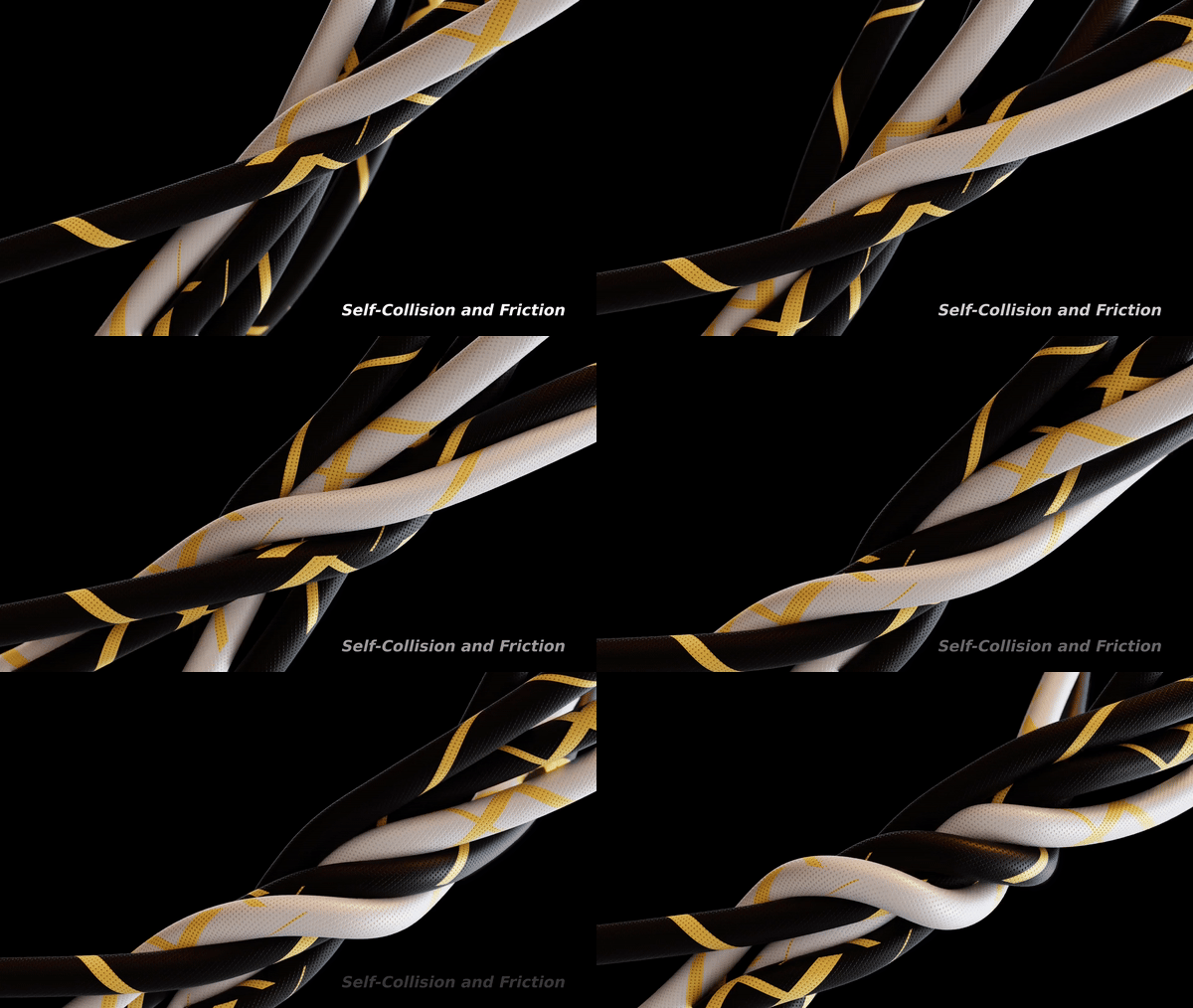
- Collision- Use self-collision and external object collision options for more dynamic interactions.
- Friction- Benefit from self-friction and external object friction capabilities for realistic movement and resistance.
Utilities Nodes


Thread Materials

Bake
The Blender 3.6 – 4.4 have the baking feature for the Simulation Nodes of the Geometry Nodes. To bake: Select the Object having the simulation nodes -> Physics Tab -> Simulation Nodes (Bottom) -> Press Bake. It will bake and store the cache next to the project file.
Free updates forever
Project Files
You’ll get four project files: Thread Chop, Thread Break, Thread Noodles, and Thread Role.

How to Use
You can use these tools as assets by assigning the Thread folders as Asset Libraries in the Blender Preferences. Or you can append this thread-objects/setup to your project file (read documentation).
DocumentationFor more comprehensive information (about thread solver nodes and settings) read the documentation.
A video demo for settings is also available on my YouTube channel: 3D Singh VFX
Supercharge your 3D creation workflow with premium selection of Blender Add-ons. Whether you are modeling intricate characters, sculpting realistic environments, or animating cinematic sequences, the right add-on can transform how you work inside Blender. Our curated collection includes powerful tools for UV unwrapping, procedural texture generation, rigging automation, rendering optimization, and more—each rigorously tested for compatibility with the latest Blender versions. Eliminate tedious manual processes and unlock advanced functionality that lets you focus on what matters most: bringing your creative vision to life. Explore our full range of professional Blender plugins today and take your 3D projects to the next level.
➡️ ➡️ For more Blender Plugins 😀 😀
Reviews
There are no reviews yet.