
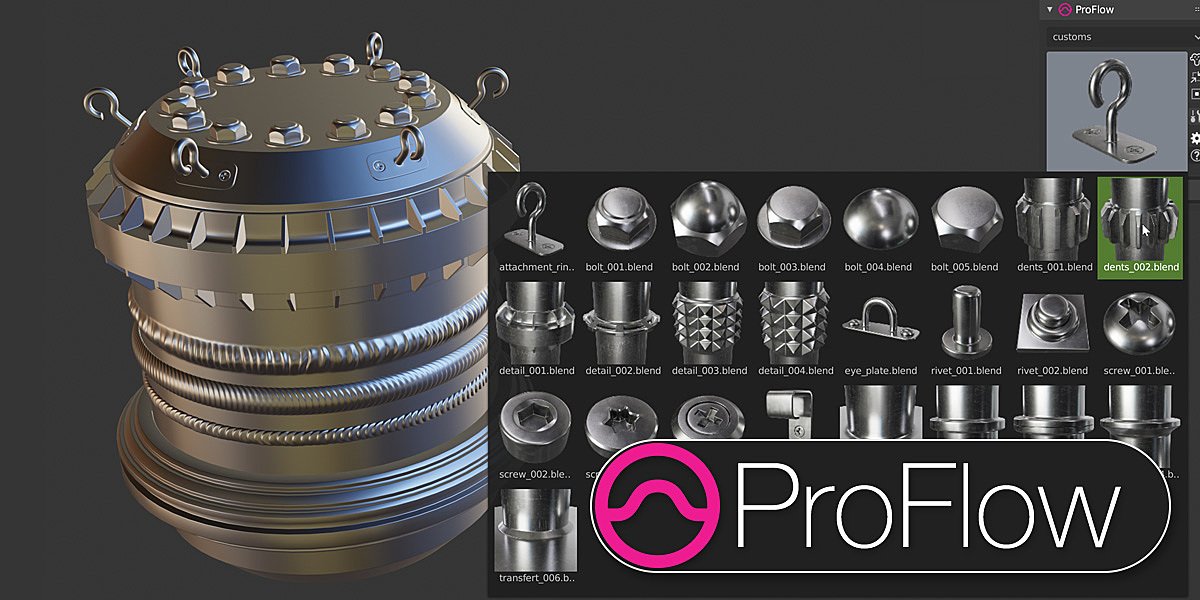
ProFlow for Blender
proflow addon
ProFlow v0.1.4 for Blender – Professional Asset Library & Scene Building System
Versions: v0.1.4
File Size: 13.5 MB
Download ProFlow v0.1.4 for Blender on Windows, Mac, and Linux, a comprehensive asset management and scene building add-on that helps you organize, preview, and place 3D assets with drag-and-drop simplicity. Build custom asset libraries, add assets to your scenes visually, and maintain organized projects—perfect for environment artists, game developers, and architectural visualization professionals .
Key Features of ProFlow v0.1.4:
- Visual Asset Browser: Browse and preview assets with thumbnails before adding to your scene
- Drag-and-Drop Placement: Drag assets from the browser directly into your 3D viewport
- Custom Asset Libraries: Create organized libraries for different asset categories—props, vegetation, furniture, vehicles, characters
- Scene Building Tools: Efficient tools for quickly populating scenes from asset libraries
- Material & Texture Library: Quick access to materials and textures for asset customization
- Asset Tags & Search: Find assets quickly with custom tags and powerful search
- Performance Optimized: Asset previews load efficiently for large libraries
- Library Import/Export: Share asset libraries across team members
- Blender Asset Browser Integration: Works alongside Blender’s native asset system
- v0.1.4 Updates: Enhanced performance, improved thumbnail generation, and compatibility with Blender 4.0+
Perfect For:
- Environment artists building scenes from asset libraries
- Game developers managing props and environment assets
- Architectural visualization professionals creating detailed interiors
- Motion designers using asset kits for scene creation
- Anyone who needs organized asset management in Blender
System Requirements:
- Blender 3.6, 4.0, 4.1, 4.2, 4.3
- Windows 10/11 (64-bit), macOS, or Linux
- 4GB RAM minimum (8GB+ recommended)
- 30MB available disk space (plus space for asset libraries)
Installation:
- Download the add-on zip file
- In Blender, go to Edit > Preferences > Add-ons
- Click “Install” and select the downloaded zip file
- Enable the add-on by checking the box next to “ProFlow”
Note: ProFlow streamlines asset management and scene building in Blender with visual browsing and drag-and-drop placement . The custom library system and efficient scene population tools make it essential for environment artists, game developers, and architectural visualization professionals . Version 0.1.4 includes full compatibility with Blender 4.0 and above . Designed for Blender 3.6 and above . Perfect for fast, organized scene creation . Essential for any asset-intensive workflow .
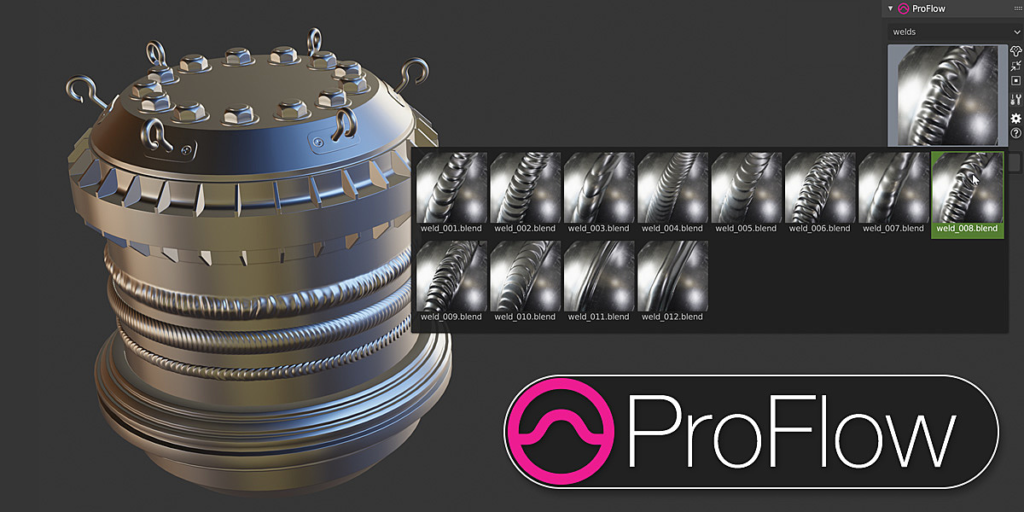
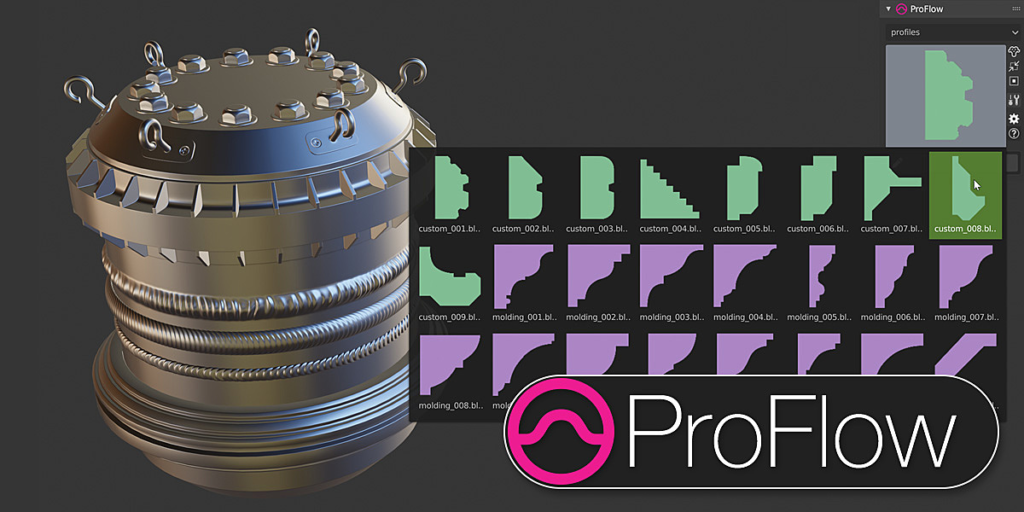
ProFlow is a tool to add floaters to your objects.
You can add Welds, Custom Assets, Moldings, etc.
The Addon is simple and powerful, you will like it 😉
WORKFLOW
- Select the asset you want to use in the library
- Select the object on which you want to place your asset
- Choose the tool you will use
FEATURES
- Add Assets at the intersection of several objects
- Set up your assets to have predictable results
- Replace assets with assets in the library or in the scene
- Create your own assets and add them to The Asset Management
- Cut your asset with the Cut tool
- Extract edges from objects to use them
- Use Asset from your scene
- Create and Use Collection Instances
- Create Transfert Assets
- Convert with Random values
And More…
SOFTWARE
Blender 2.82
FILES INCLUDED
1 blender script with a bunch of useful assets
INSTALLATION
– Open the user preferences
– Go to add-ons
– Click on Install from Files
– Select the addon ZIP
– Activate it
– the addon is located in the Property Panel (press N in the 3dview)
– Enjoy
Supercharge your 3D creation workflow with premium selection of Blender Add-ons. Whether you are modeling intricate characters, sculpting realistic environments, or animating cinematic sequences, the right add-on can transform how you work inside Blender. Our curated collection includes powerful tools for UV unwrapping, procedural texture generation, rigging automation, rendering optimization, and more—each rigorously tested for compatibility with the latest Blender versions. Eliminate tedious manual processes and unlock advanced functionality that lets you focus on what matters most: bringing your creative vision to life. Explore our full range of professional Blender plugins today and take your 3D projects to the next level.
➡️ ➡️ For more Blender Plugins 😀 😀
Reviews
There are no reviews yet.