
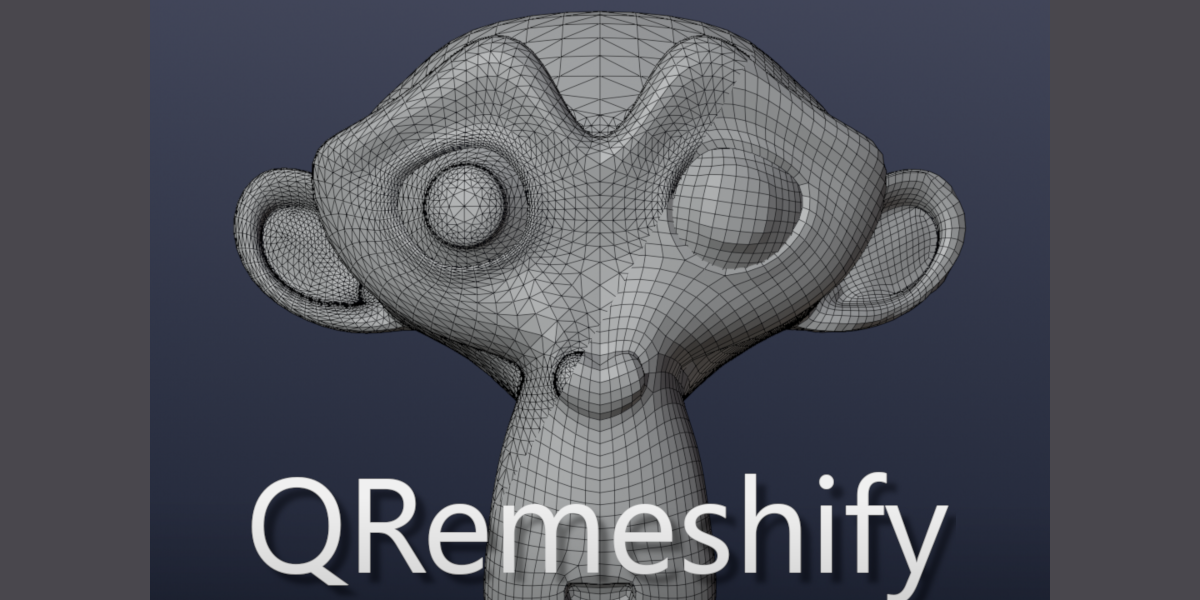
QRemeshify for Blender
QRemeshify v1.1.0 for Blender
The Ultimate One-Click Quad Remeshing and Retopology Tool
Download QRemeshify v1.1.0 today. Consequently, you can convert complex, high-polygon sculpts and scan data into clean, animation-ready quad topology with a single click. Because professional 3D production demands efficient, high-quality retopology, having access to reliable automation tools is essential. Nevertheless, traditional manual retopology is a notoriously slow, painstaking process that can consume days of production time . Fortunately, QRemeshify completely transforms this workflow. Moreover, it integrates directly into Blender’s interface, eliminating the need for any external programs or cumbersome import-export steps . In short, you can generate production-ready quad meshes from even the most challenging high-poly models in a fraction of the usual time.
The Powerful QuadWild Engine
QRemeshify is built upon the sophisticated QuadWild framework with Bi-MDF solver, a proven algorithm designed specifically for high-quality quadrangulation . The core strength of this approach lies in its ability to automatically generate remarkably uniform, evenly distributed quad topology with minimal user input. Furthermore, v1.1.0 delivers significant performance improvements over previous versions, ensuring faster processing times even for demanding assets. Since the entire system runs locally within Blender, you maintain complete control over your data without relying on cloud-based services . Consequently, the results are consistently clean, well-structured quad meshes that are ideal for sculpting, animation, UV mapping, and game-ready asset creation.
Intelligent Edge Flow Guidance
Achieving optimal topology often requires directing the algorithm to follow specific surface features. Therefore, QRemeshify includes powerful guidance controls. For instance, you can now guide edge flow using material boundaries and face set boundaries, ensuring that your mesh topology respects important surface zones . Additionally, the tool supports edges marked as sharp, UV seams, or creases . This means you can influence the placement of edge loops, hard edges, and overall flow of the quad mesh to match your model’s anatomical or mechanical structure. Consequently, even automated results can be tailored to achieve professional, subject-specific topology.
Advanced Controls and Performance Optimization
Professional workflows require flexibility, especially when handling complex assets. Accordingly, QRemeshify provides a comprehensive suite of adjustable settings to fine-tune the remeshing process . For example, the visibility of the Scale Factor (density) option has been increased in v1.1.0, making it easier to control polygon density for low-poly (LOD) or high-precision requirements . Moreover, the tool includes robust support for symmetry, enabling perfectly mirrored topology across the X, Y, or Z axes, which is essential for character work . Furthermore, a Debug Mode is available for troubleshooting, and a Use Cache feature can significantly shorten processing time when you are tweaking advanced settings . Thus, you maintain complete creative control at every stage of the process.
Perfect for Character Artists and Game Developers
This addon is particularly well-suited for character artists who need clean, deformable topology for sculpting and rigging . Similarly, game developers will appreciate the ability to quickly and efficiently generate optimized assets with controlled poly counts. Additionally, anyone working with 3D scan data or complex organic models will find the automatic retopology capabilities invaluable. Ultimately, QRemeshify accelerates your entire 3D production pipeline.
System Requirements and Compatibility
The addon requires Blender 4.2.0 or newer . Furthermore, it has been extensively tested on Windows, with Linux and macOS versions still being validated . You will need a standard workstation with at least 8GB of RAM, though 16GB is recommended for complex scenes. Disk space requirements are minimal, with the add-on using approximately 20MB . For optimal processing speed, it’s recommended to decimate complex meshes to around 100,000 triangles before running the tool .
Installation and Usage Guide
To begin, download the appropriate zip file for your operating system from your library. Next, open Blender and navigate to Edit > Preferences > Add-ons. Then, click the arrow in the top right corner and select “Install from Disk…” . After that, locate and select the downloaded zip file, and ensure the checkbox is ticked to enable QRemeshify. Finally, in Object Mode, press N to open the sidebar, select the QRemeshify tab, configure your desired settings, and click the Remesh button to generate your clean quad topology . Thus, your professional mesh will be ready instantly.
What is Included Inside?
The pack contains the complete QRemeshify v1.1.0 addon. Furthermore, it includes the full QuadWild with Bi-MDF solver engine. Additionally, you receive all guidance controls for material and face set boundaries, and performance improvements . Ultimately, you receive everything needed for professional quad retopology.
Final Thoughts on the Addon
Effortless, high-quality quad remeshing evokes profound creative freedom. Therefore, this addon provides the ultimate foundation for your retopology workflows. You can generate clean, animation-ready topology with unprecedented ease. Consequently, your retopology vision becomes a stunning reality.
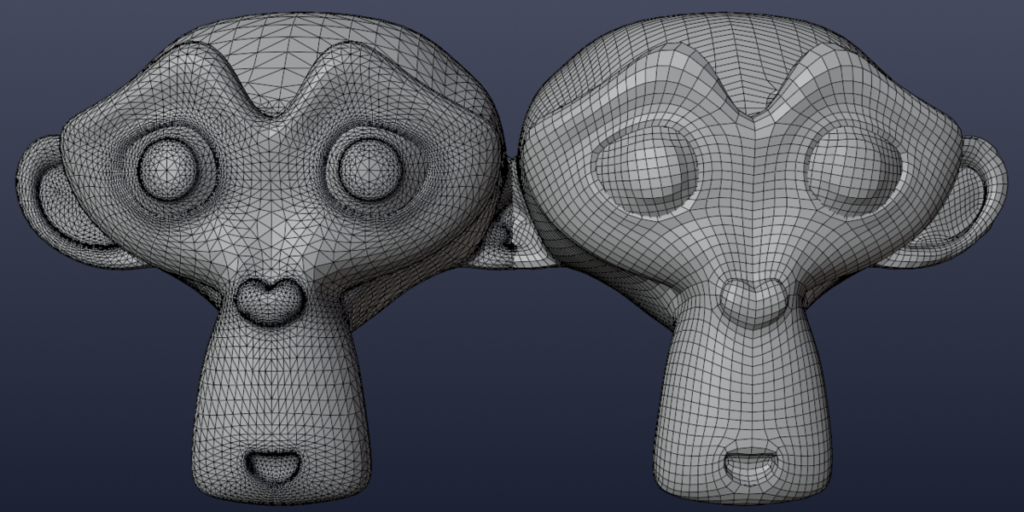
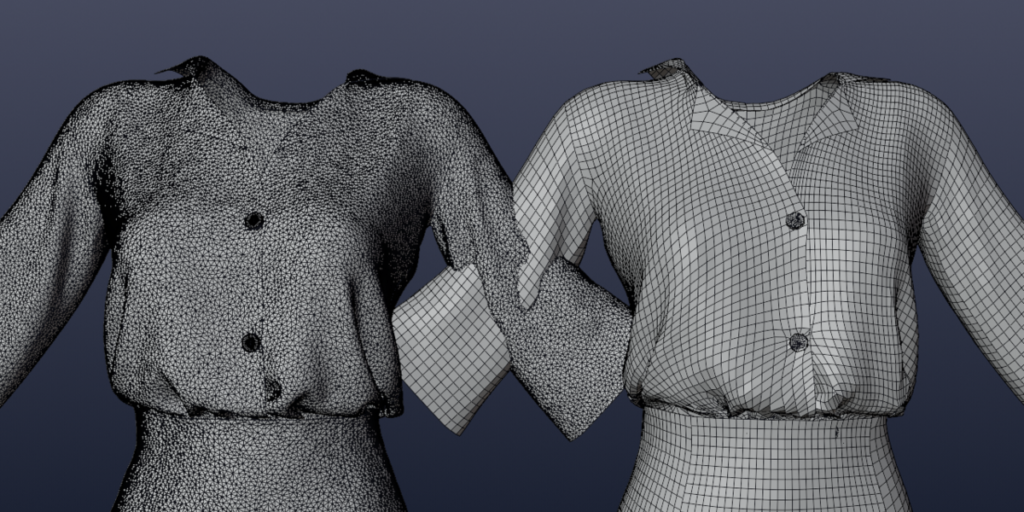
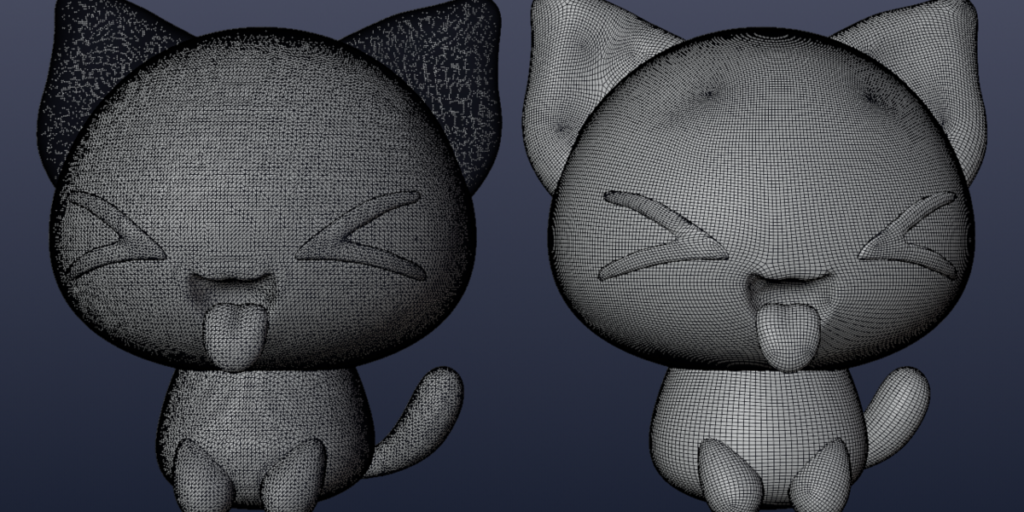
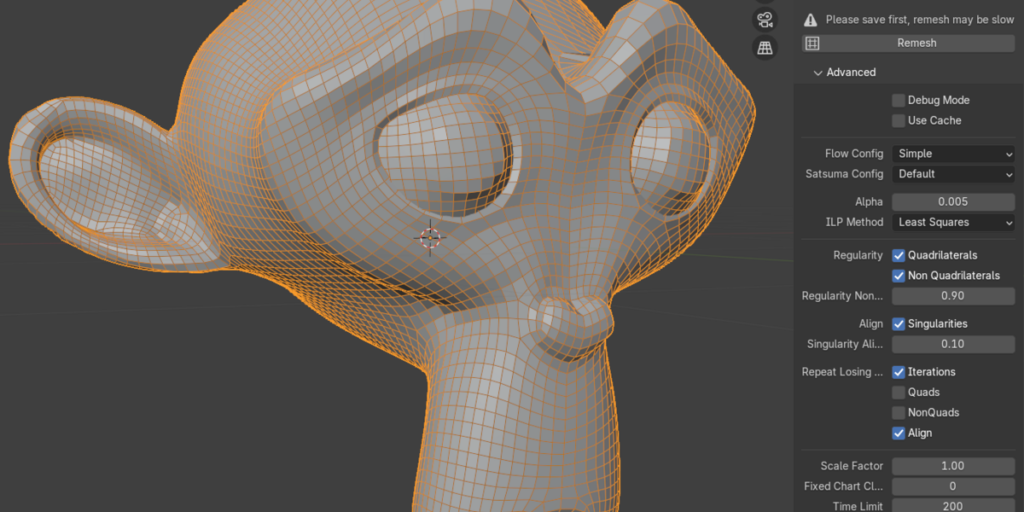
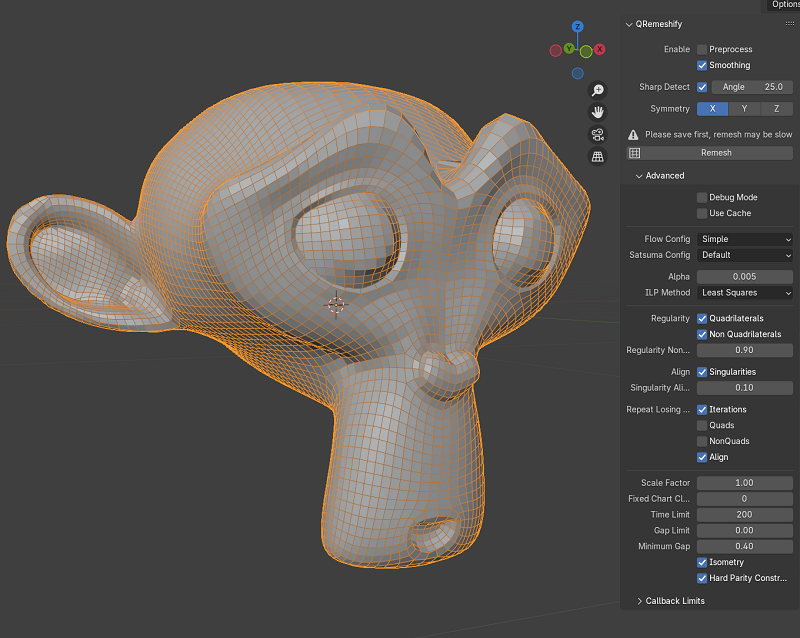
Features
- Good-quality quad topology even with basic usage
- Supports symmetry
- Guide edge flow with edges marked seams/sharp or from material/face set boundaries
- Options for advanced fine-tuning available
- No external programs to download or run
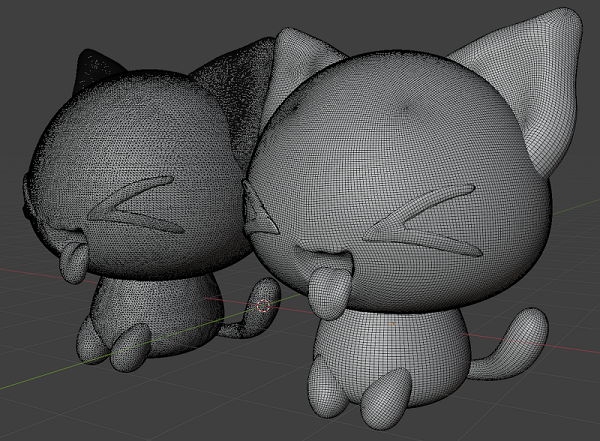
Model from Wildreamz
Requirements
- Blender 4.2 and above
- Windows/Linux/macOS
Installation
- Download the zip file
- For Blender 4.2 and above, go to Edit > Preferences > Addons and click the arrow pointing down on the top right
- Click on Install from disk… and select the downloaded zip file
- Ensure the checkbox is ticked to enable QRemeshify
Usage
QRemeshify can be accessed from the 3D view N-Panel (Press N in 3D view) while in Object mode
Please remember to save often, time taken for remeshing is dependent on many factors and may take an unexpectedly long time
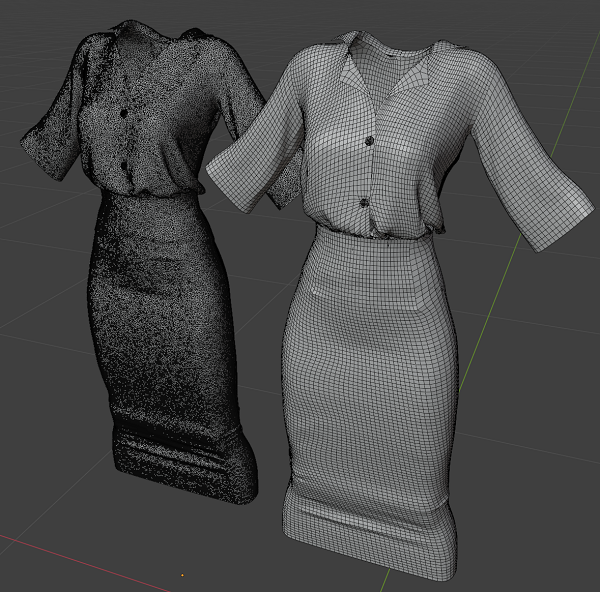
Supercharge your 3D creation workflow with premium selection of Blender Add-ons. Whether you are modeling intricate characters, sculpting realistic environments, or animating cinematic sequences, the right add-on can transform how you work inside Blender. Our curated collection includes powerful tools for UV unwrapping, procedural texture generation, rigging automation, rendering optimization, and more—each rigorously tested for compatibility with the latest Blender versions. Eliminate tedious manual processes and unlock advanced functionality that lets you focus on what matters most: bringing your creative vision to life. Explore our full range of professional Blender plugins today and take your 3D projects to the next level.
➡️ ➡️ For more Blender Plugins 😀 😀
Reviews
There are no reviews yet.