
quadrateFX for After Effects
Download quadrateFX V1.50, a powerful After Effects script designed to generate random patterns of vector tiled rectangles, simulating the data visualization method known as treemapping . This versatile tool now features luminance-based quad splitting, allowing you to create dynamic, image-driven compositions perfect for creative backgrounds, data visualization, and even generating textures for 3D displacement maps .
Generate random patterns of vector tiled rectangles in After Effects, simulating the data visualization method also known as treemapping. NEW: Use a custom layer for splitting and sampling
Key Features of quadrateFX V1.50:
- Luminance-Based Quad Splitting (NEW): Use a custom layer as a source to split quads based on image brightness. Darker areas remain larger while brighter areas subdivide into smaller quads, creating a structured, image-like composition .
- Dual Generation Modes: Choose between the new luminance-based splitting or generate quads in a completely randomized pattern for diverse creative options .
- Extensive Customization: Adjust the total number of boxes, size randomness, horizontal vs. vertical generation ratio, and color selection percentages dynamically .
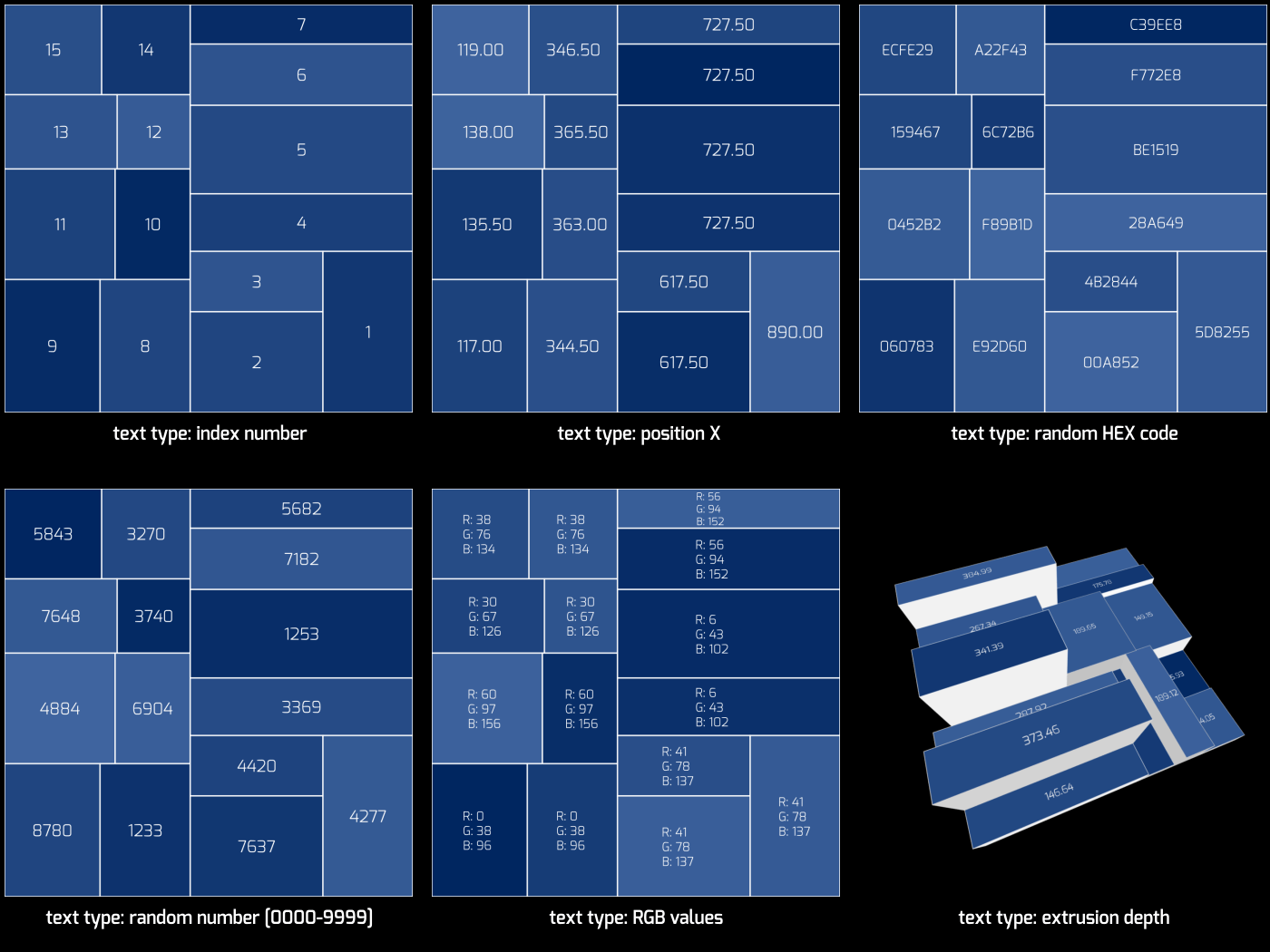
- Dynamic Text Generation: Create a text layer for each box with 12 dynamic text types, ranging from layer position values to random HEX codes .
- 3D & External Tool Integration: Generate an additional solid layer with primary boxes as masks, ideal for use as a source layer with third-party plugins like Video Copilot’s Element 3D. Also perfect for creating complex textures for displacement maps in 3D modeling software .
- Full Animation Control: Custom effect controls let you adjust and animate any aspect of the generated boxes .
- Updated UI & Compatibility: Features an updated interface reflecting new features and supports After Effects 2025 down to CC 2014 (support for CS6 and CC removed) .
Perfect For:
- Motion graphics artists creating unique, generative backgrounds
- Data visualization designers needing treemapping aesthetics
- VFX artists generating procedural textures
- Anyone wanting to create complex, customizable vector rectangle patterns
System Requirements:
- Adobe After Effects CC 2014 through 2025 (Windows and Mac)
- 4GB RAM minimum (8GB+ recommended)
- 50MB available disk space
Version 1.50 Updates (Feb 17, 2025):
- Added functionality to use a custom layer as a source for splitting quads with X+Y grid, sampling radius, split randomness, exaggerate, and luminance settings
- Added functionality to sample luminance values or RGB color values
- Removed support for After Effects CS6 and CC
- Updated UI to reflect all changes
- Updated license framework to v4.3.2 + fix for empty error on startup
quadrateFX is a tool for Adobe After Effects, specifically designed to generate random patterns
of tiled vector rectangles, simulating the data visualization method also known as treemapping.
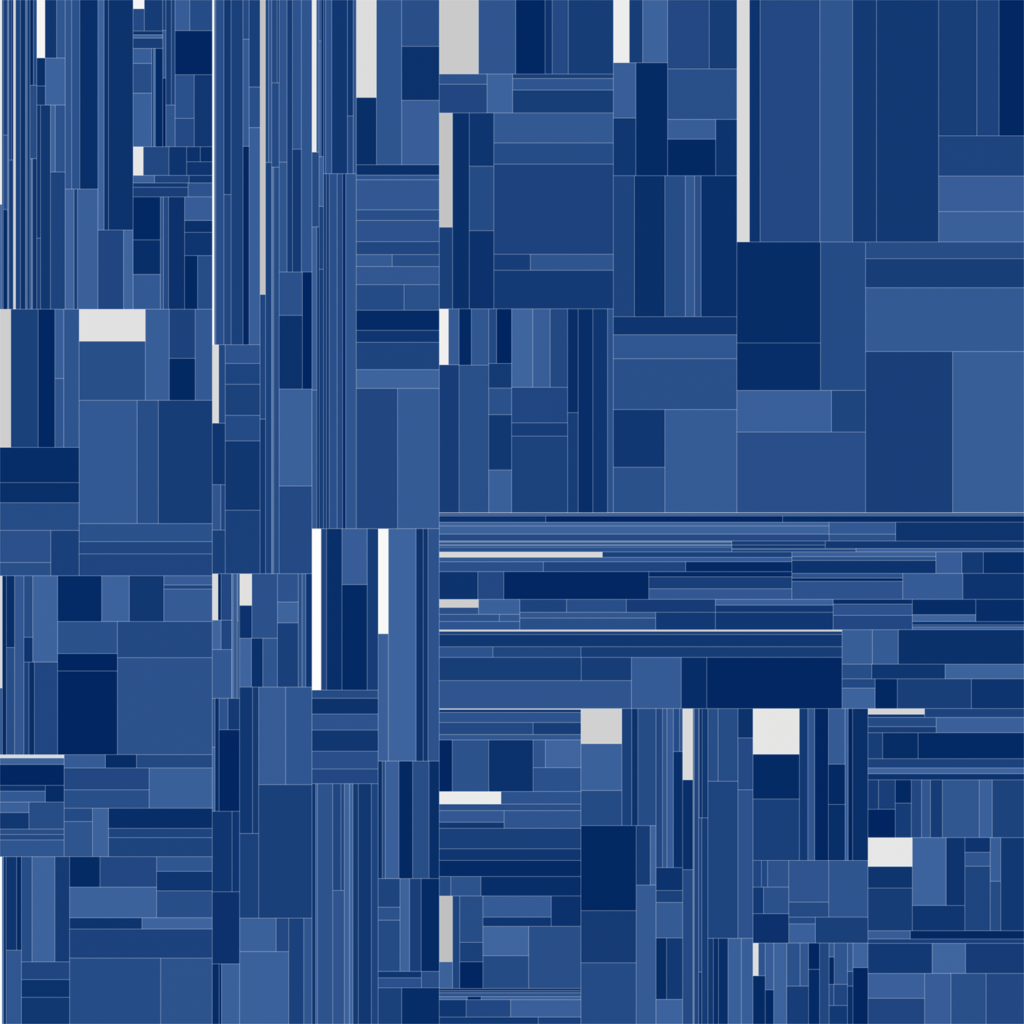
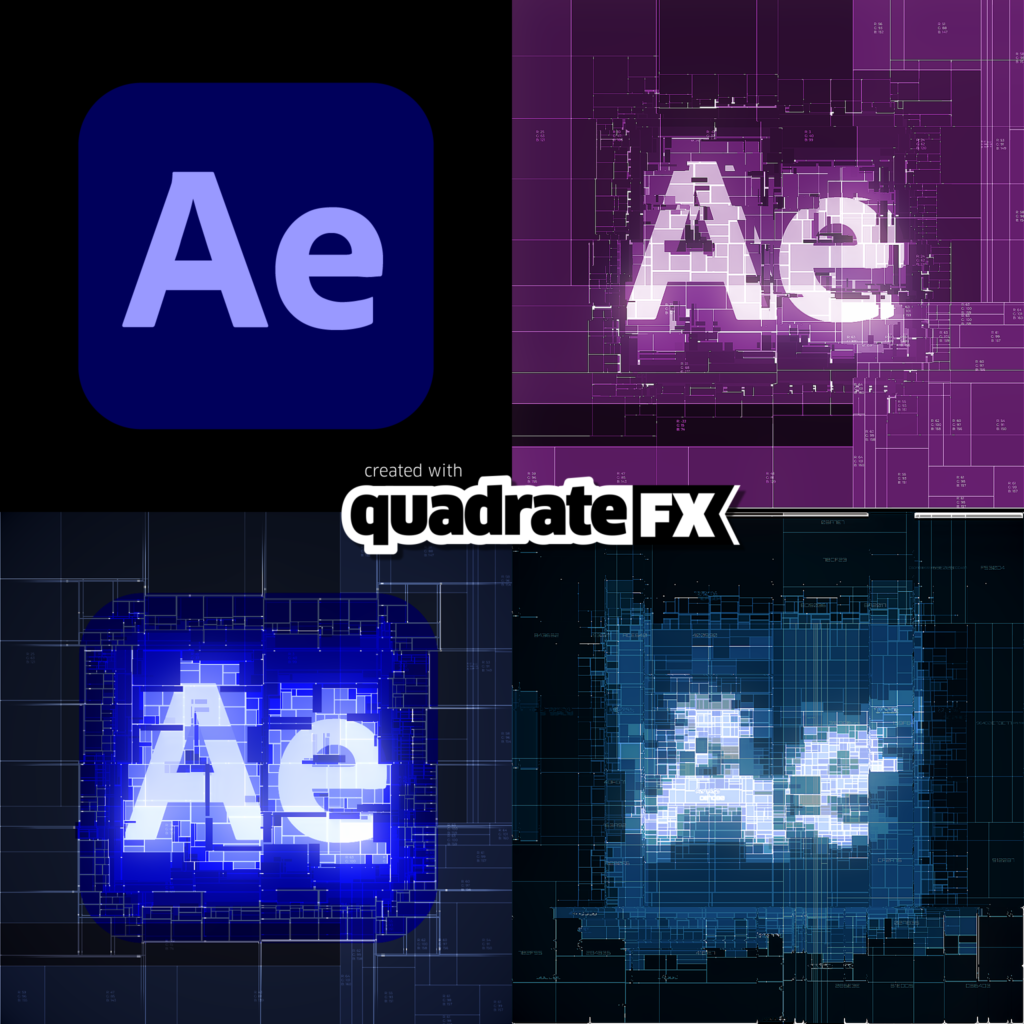
| NEW in v1.50 – Luminance-Based Quad Splitting The luminance-based splitting feature in quadrateFX v1.50 allows users to generate quads that dynamically adapt to the brightness of a selected source image. Instead of random placement, the script analyzes the luminance values and recursively divides the composition into quads, ensuring that darker areas remain larger, while brighter areas are subdivided into smaller quads. This results in a structured, image-like composition that captures the source’s contrast and detail. Users can fine-tune the process using parameters such as grid resolution, split randomness, sample radius, exaggeration, and luminance threshold, offering precise control over the final aesthetic.Here are a few examples of luminance-based quad splitting 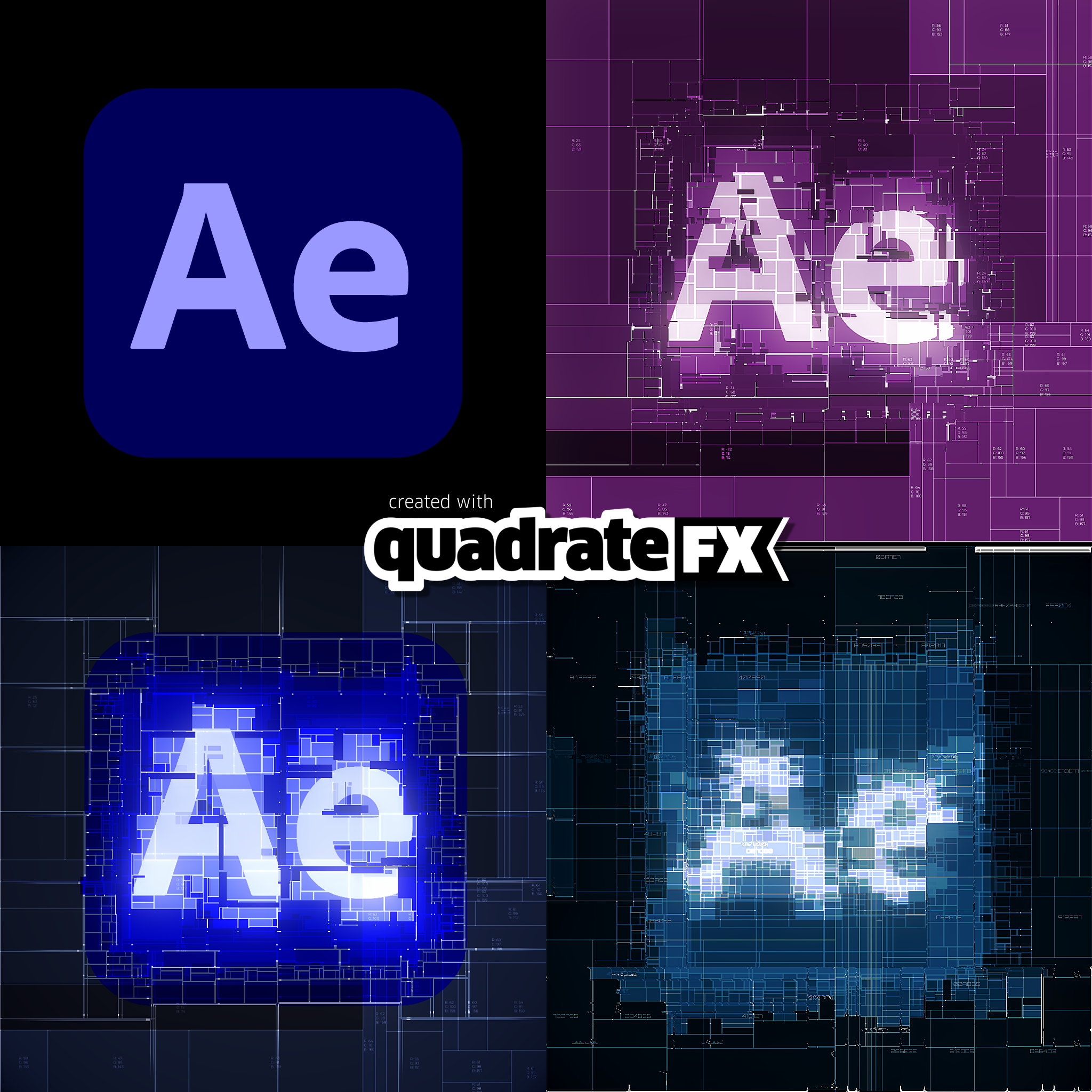 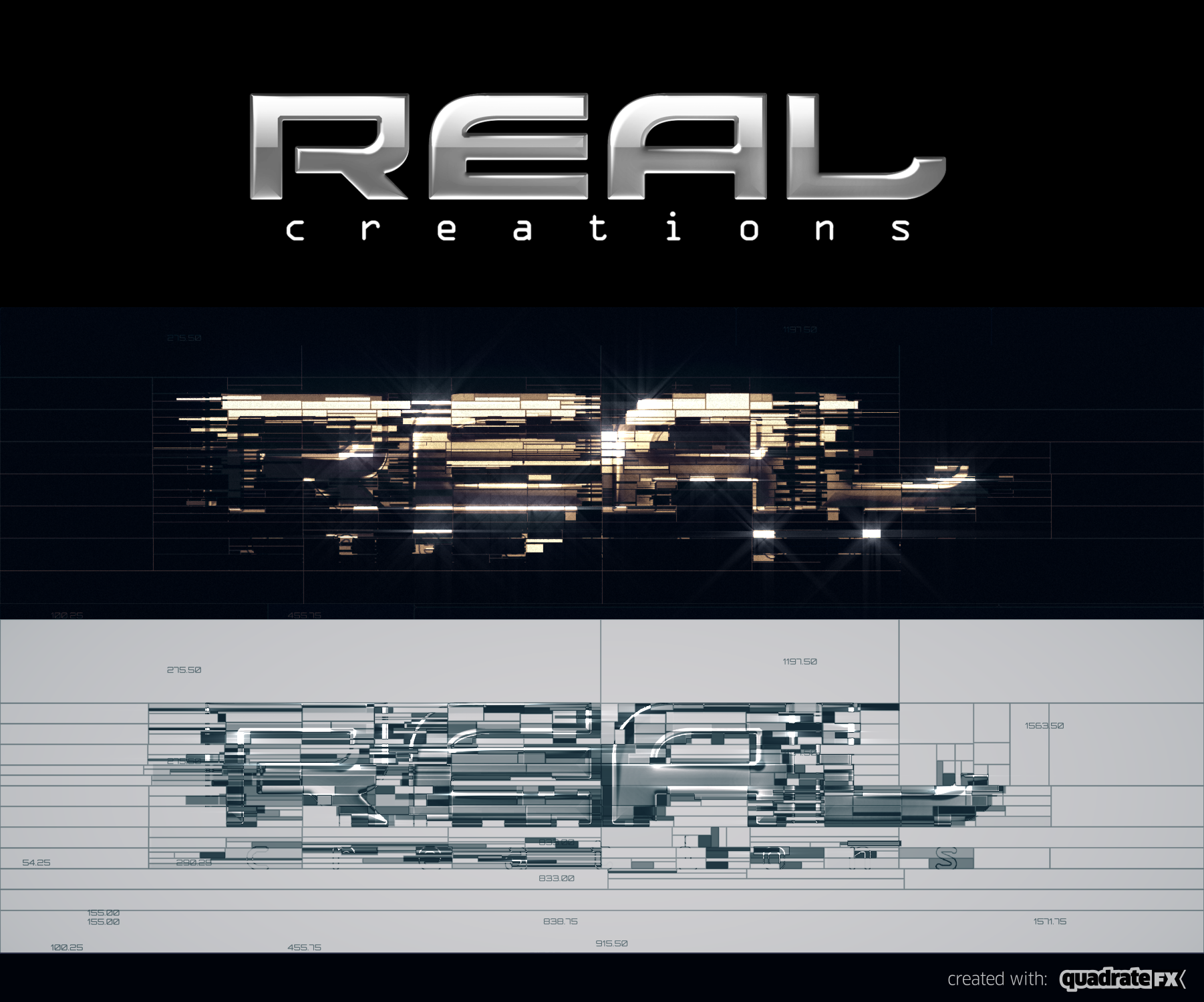 |
| Besides the luminance-based quad splitting you can also generate quads in a randomised pattern. Here are a few of the settings available. |
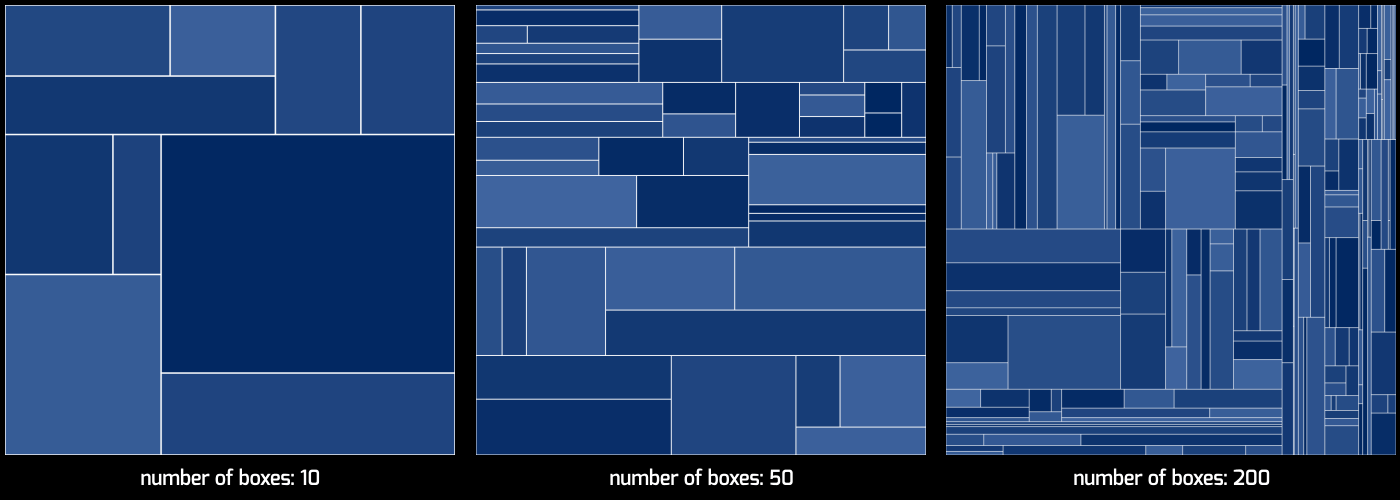
| Setting the total number of the generated boxes is as easy as moving a slider. |
 |
| You can adjust the size randomness % of the generated boxes |
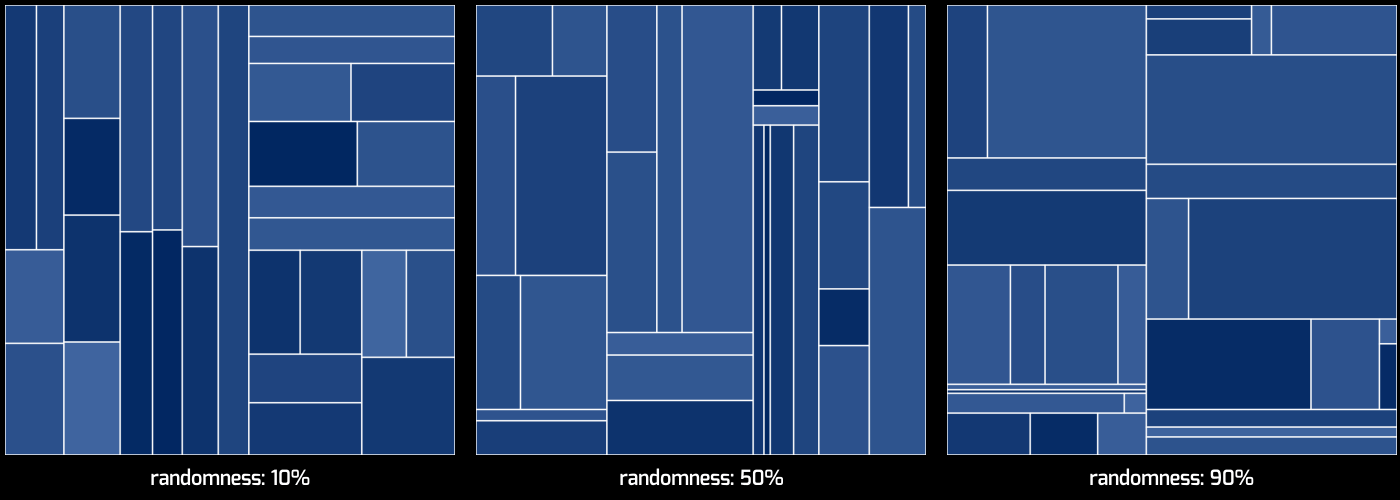 |
| You can also adjust the horizontal versus vertical boxes generation ratio. |
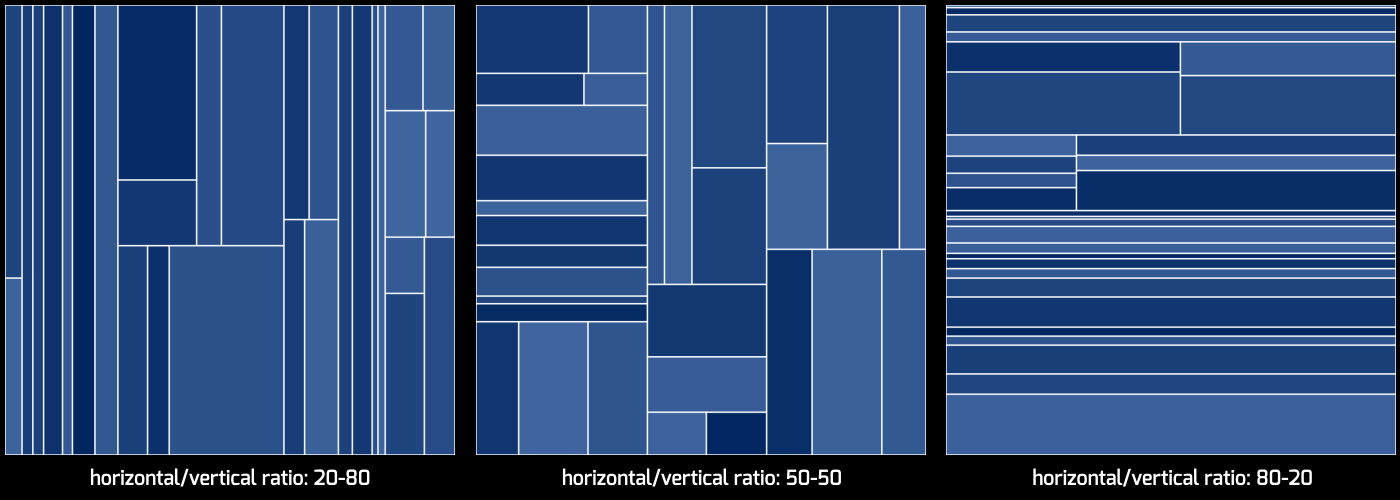 |
 |
| There is a handy effect slider to adjust the color selection percentage for each box, between colors A and B dynamically. |
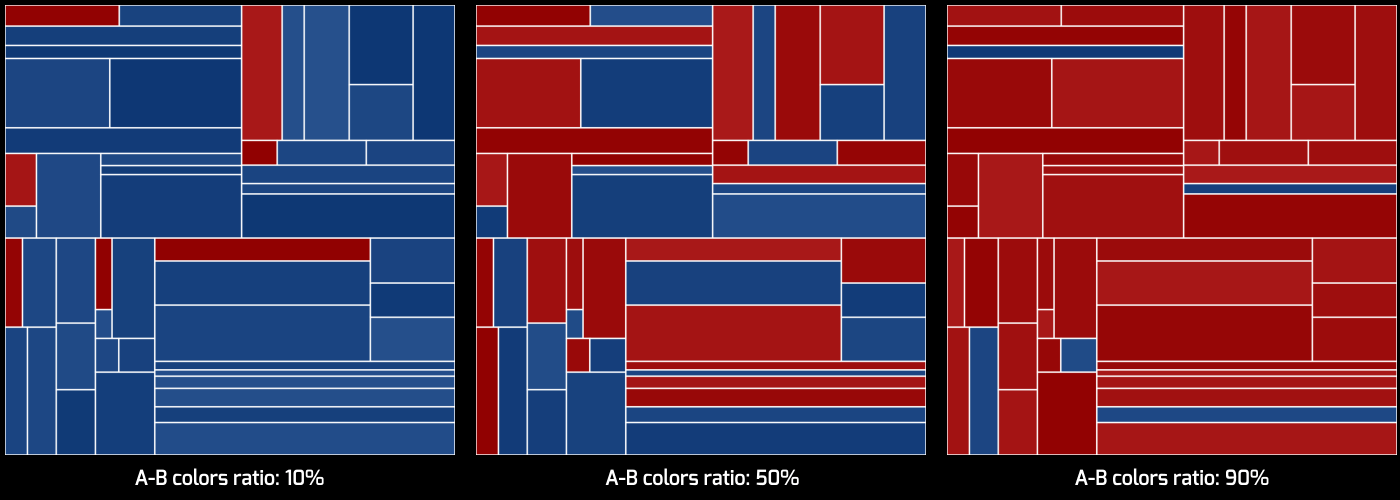 |
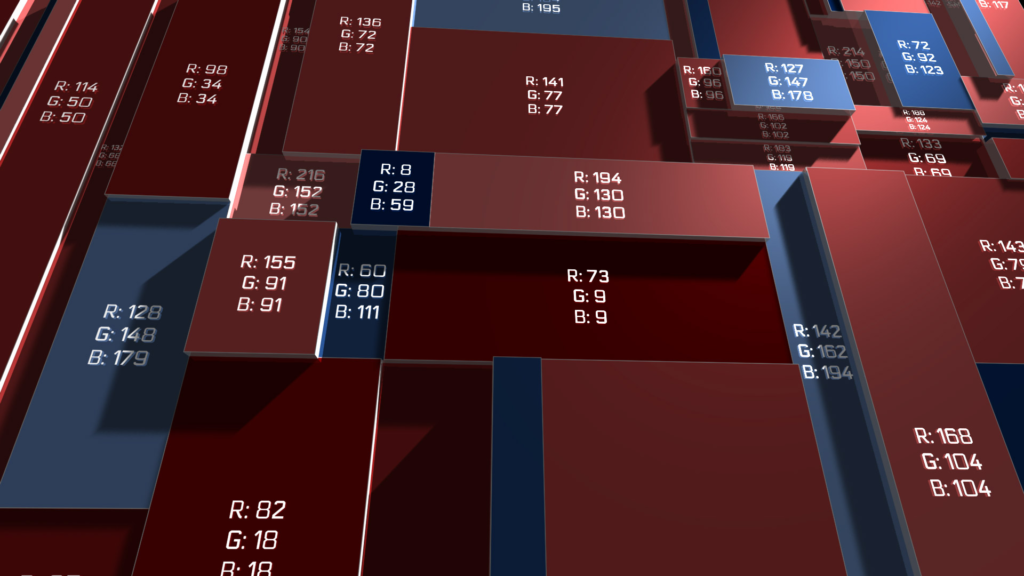
| quadrateFX can also generate a text layer for each box. You can select between 12 dynamic text types ranging from the layer’s position X and Y values to random HEX codes. Below are a few examples. |
 |
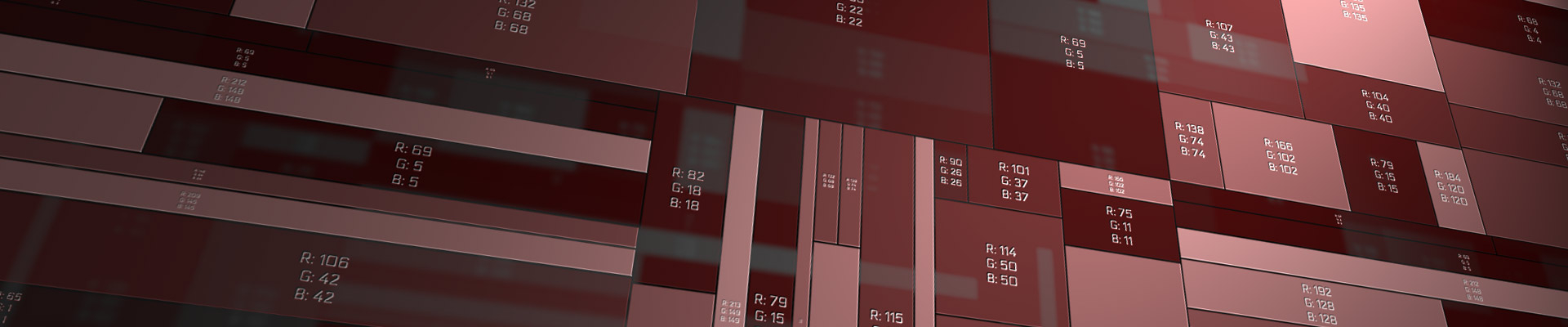
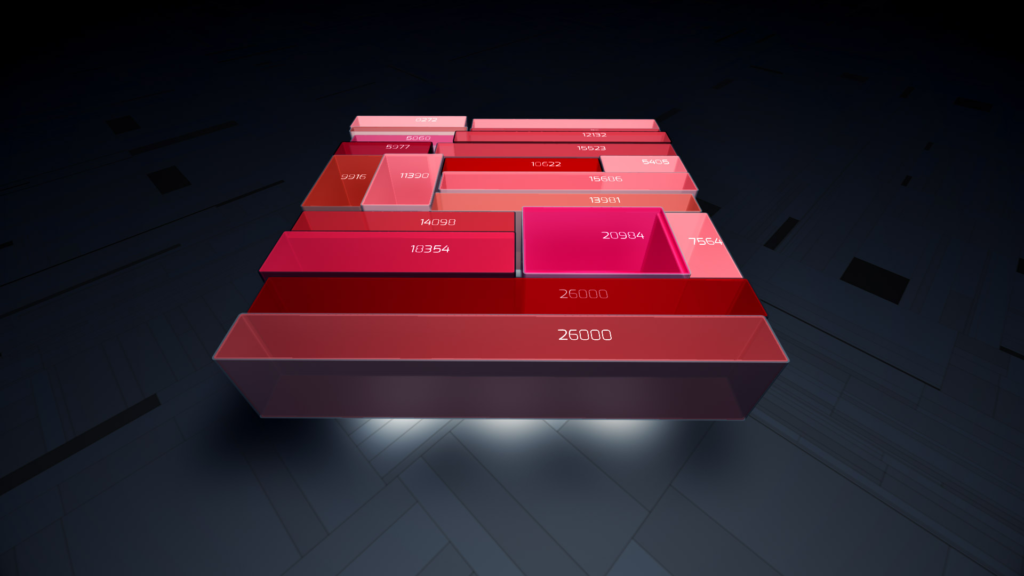
| Working with large number of boxes can make After Effects behave quite slow and sluggish. Especially, when working with extruded 3D layers you must be prepared to wait a while for After Effects to interact, render or preview the composition. The image below was created by using quadrateFX and generating over 1.000 rectangles. 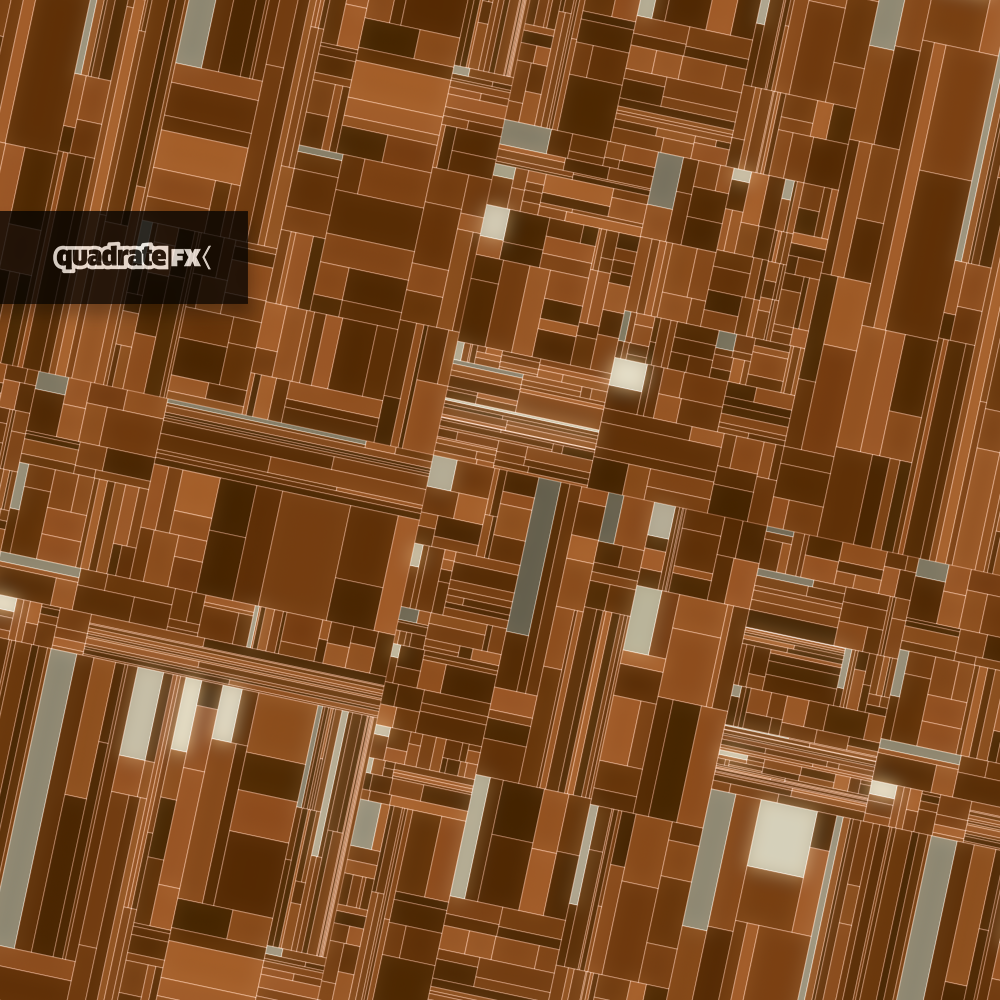 |
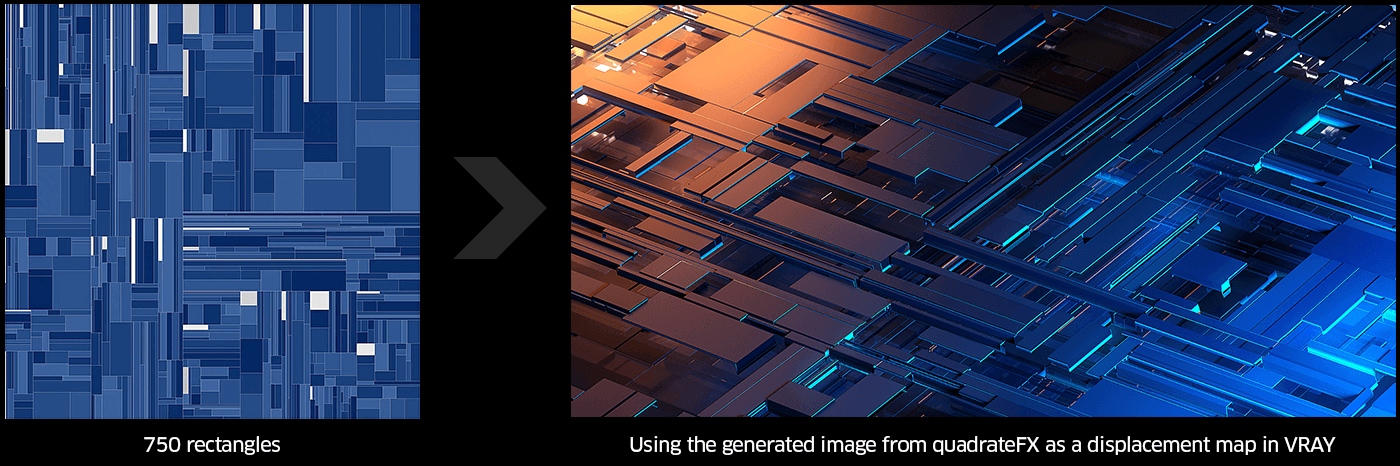
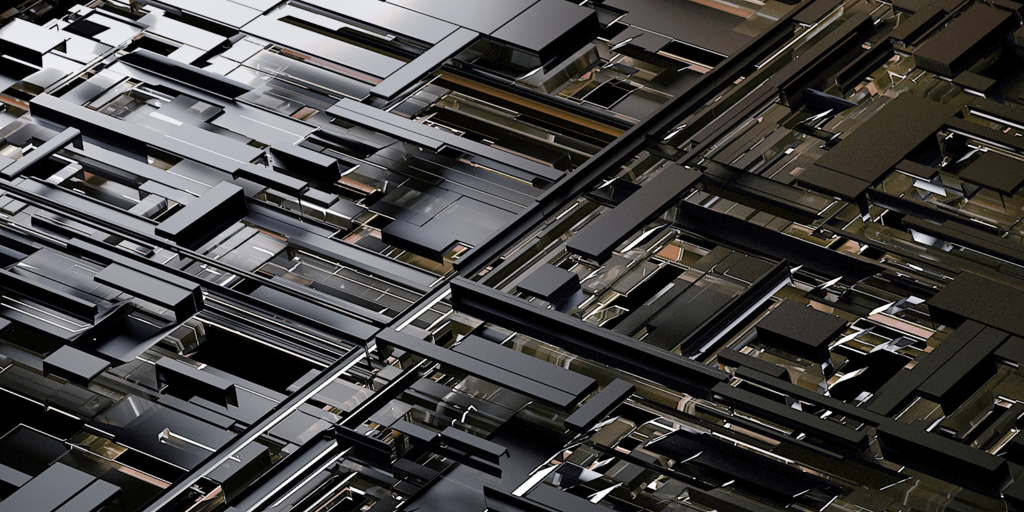
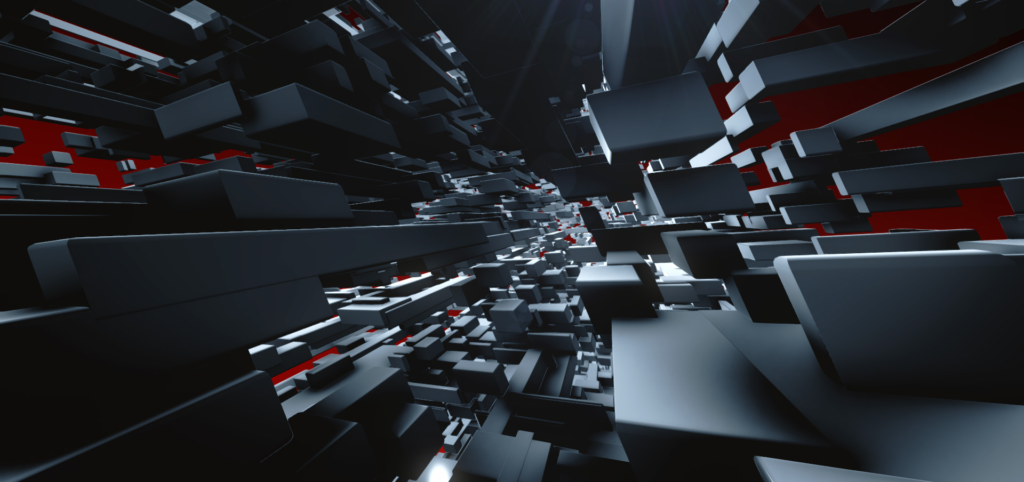
You can use quadrateFX to generate large complicated textures to be used as a displacement map on 3D modelling software. The image on the right was rendered in 3D Studio MAX and Vray. |
 |
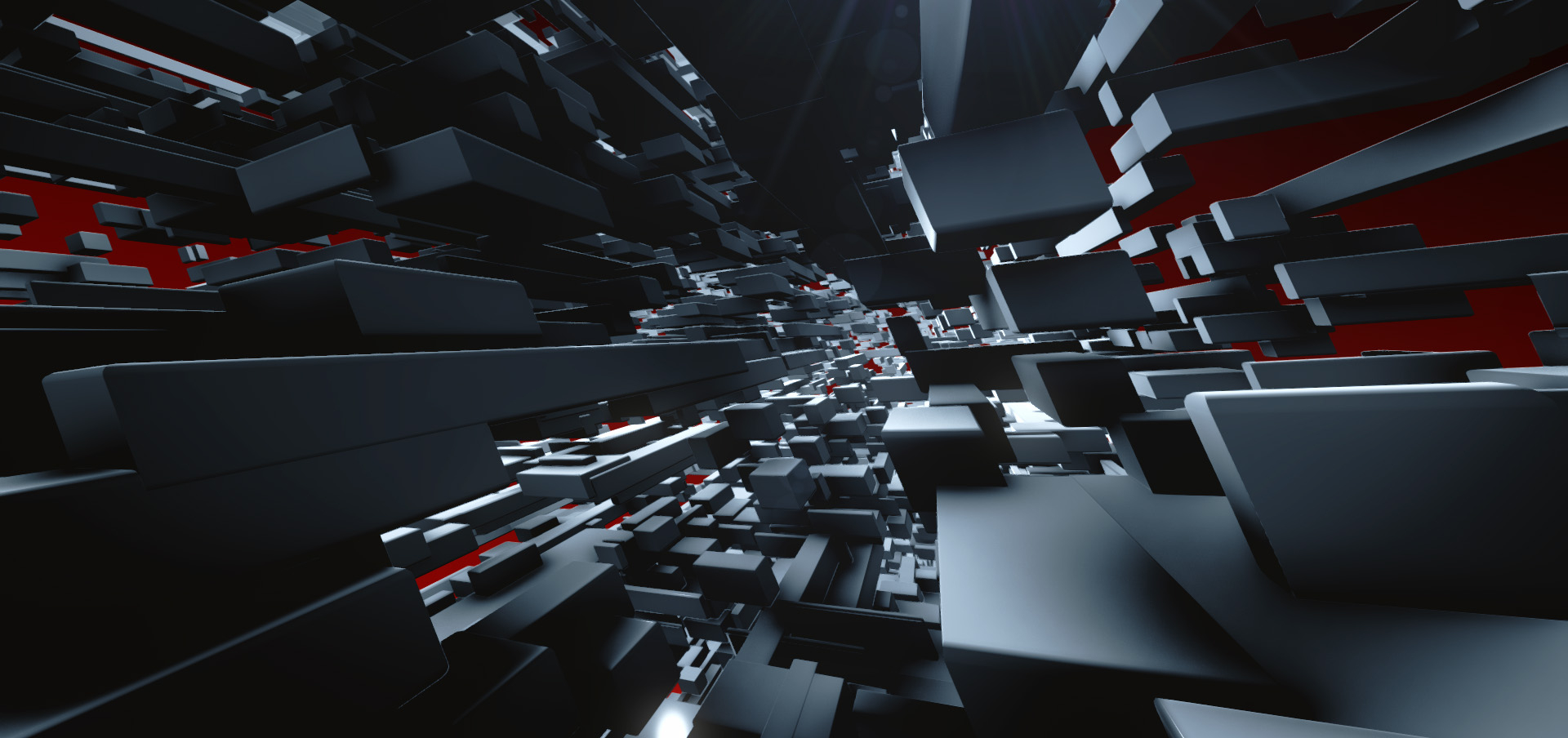
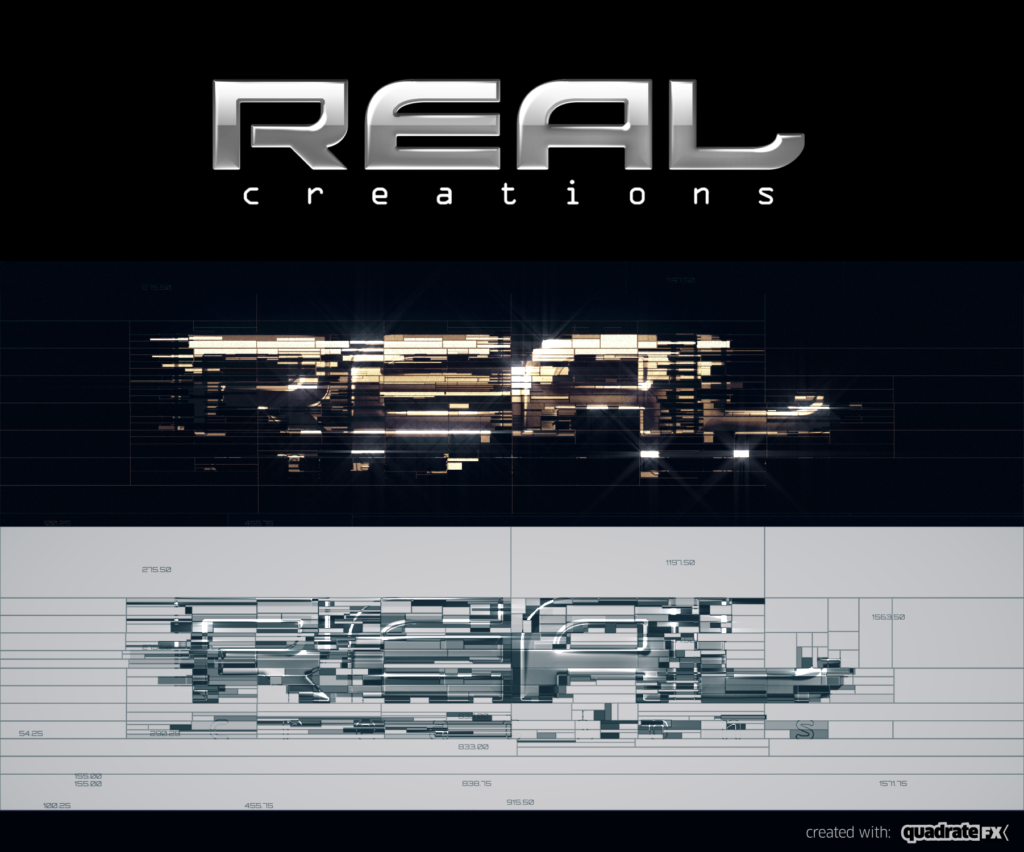
quadrateFX has also the ability to generate an additional solid layer, with all the primary boxes as masks. Its intended use is to function as a source layer for third-party plug-ins such as Videocopilot’s Element3D. |
 |
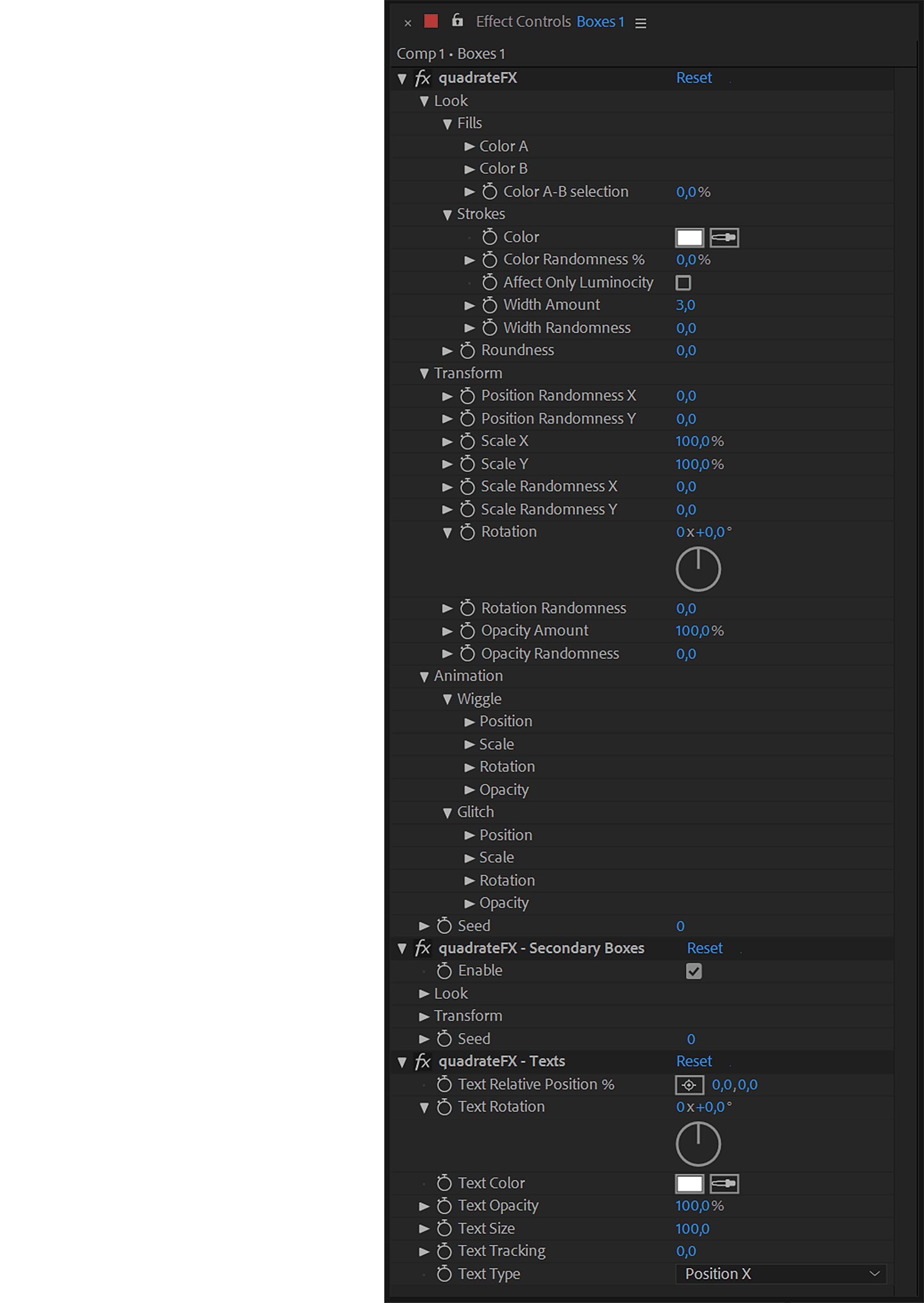
Custom effect controls let you control, adjust and animate any aspect of the generated boxes. |
 |

Elevate your motion graphics workflow with premium collection of After Effects plugins. Whether you are a seasoned professional or just starting your VFX journey, powerful tools designed to streamline complex tasks, unlock creative possibilities, and save you hours of rendering time. From stunning glitch effects and seamless transitions to advanced 3D extrusion and text animation tools, each plugin in our library is rigorously tested for compatibility with the latest versions of Adobe after Effects. Enhance your video production value today and download industry-leading plugins that help you create breathtaking visuals without the technical headaches. Browse our full range and find the perfect extension to supercharge your editing suite now.
➡️ ➡️ For more after effects Plugins 😀 😀
➡️ ➡️ System requirements AE
Reviews
There are no reviews yet.