
Quick Baker for Blender
Quick Baker v2.4.0 for Blender – The Ultimate Fast & Automated Texture Baking Suite
Versions: v2.4.0
File Size: 3.53 MB
Download Quick Baker v2.4.0 for Blender on Windows and Mac, a powerful and highly optimized addon designed to eliminate the most frustrating and time-consuming part of the 3D pipeline: texture baking. Whether you are transferring high-poly sculpt details to a low-poly game mesh, baking ambient occlusion, or packing PBR channels, Quick Baker automates the complex setup of cages, ray distances, and image nodes. It transforms the baking process from a tedious, error-prone chore into a lightning-fast, one-click workflow, ensuring your assets are game-ready or render-ready in seconds.
Key Features of Quick Baker v2.4.0:
- One-Click PBR Baking: Instantly bake all essential texture maps—including Normal, Albedo, Roughness, Metallic, Ambient Occlusion, and Curvature—with a single click, automatically setting up the correct Cycles render settings.
- Smart High-to-Low Poly Projection: Automatically generates and optimizes the “cage” mesh for baking. The addon intelligently calculates the perfect ray distance and inflation, eliminating the dreaded black artifacts and skewed normals caused by manual cage adjustments.
- Automatic Channel Packing: Save valuable texture memory and game engine draw calls by automatically packing multiple grayscale maps (like Roughness, Metallic, and AO) into a single RGB or RGBA image.
- Multi-Object Batch Baking: Select dozens of objects and add them to a bake queue. Quick Baker will process them sequentially in the background, allowing you to continue working while your textures bake.
- Margin & Bleed Control: Automatically adds customizable pixel padding (margins) around UV islands to prevent texture bleeding and black seams when the asset is mipmapped in a game engine.
- Built-In Bake Denoiser: Includes a specialized denoising pass that cleans up fireflies and noise in your baked maps without blurring the crisp, high-frequency details of your normal maps.
- Custom Bake Profiles: Save your favorite baking settings (resolution, margin, samples, map types) as reusable profiles. Switch instantly between “Hero Asset” (8K, high samples) and “Background Prop” (1K, fast bake) presets.
- Real-Time Viewport Preview: Instantly apply the baked maps to your low-poly object in the viewport to verify the quality of the projection before finalizing the export.
- Node Tree Automation: Automatically generates a clean, organized Principled BSDF node setup connected to your newly baked images, keeping your shader editor tidy.
- Non-Destructive Workflow: All baking operations are non-destructive. You can tweak your high-poly sculpt, adjust UVs, or change bake settings and re-bake at any time without breaking your scene setup.
Perfect For:
- Game Artists rapidly transferring ZBrush or high-poly Blender sculpts to low-poly, real-time ready meshes.
- Hard-Surface Modelers baking perfect normal maps and edge wear for mechanical assets, weapons, and vehicles.
- Architectural Visualizers quickly baking ambient occlusion and dirt maps to add depth and realism to interior scenes.
- Technical Artists enforcing consistent texture resolutions and channel packing across large asset libraries.
- Indie Developers optimizing their game’s performance by baking complex lighting and material data into lightweight texture atlases.
- Beginners who are overwhelmed by Blender’s native baking settings and want a guided, automated solution.
System Requirements:
- Blender: 3.6, 4.0, 4.1, 4.2, 4.3, 4.4+ (Latest LTS recommended).
- OS: Windows 10/11 (64-bit) or macOS 10.15+.
- RAM: 8GB minimum (16GB+ recommended for high-resolution batch baking).
- Render Engine: Uses Cycles for the baking process (required for accurate ray-traced baking), but outputs are compatible with both Cycles and Eevee.
Installation:
- Download the Quick Baker v2.4.0
.zipfile. - Open Blender and go to Edit > Preferences > Add-ons.
- Click Install…, select the downloaded file, and enable the checkbox next to Render: Quick Baker.
- Access via the 3D Viewport Sidebar (N-panel) under the Quick Baker tab, or the Object Context Menu (Right-Click) > Quick Bake.
What’s New in v2.4.0?
- Blender 4.4 Compatibility: Fully updated to support the latest Cycles baking API and UI scaling changes in Blender 4.4, ensuring rock-solid stability.
- Advanced Cage Inflation: Rewritten the automatic cage generation algorithm to better handle complex, intersecting high-poly meshes, drastically reducing projection errors on hard-surface models.
- Smart Denoise 2.0: Improved the built-in denoiser to preserve micro-details (like skin pores or fabric weaves) while aggressively removing background noise.
- Faster Batch Queue: Optimized the background processing logic, reducing the overhead time between individual bakes in a multi-object queue by 30%.
- UI Refinement: Redesigned the bake queue panel for better readability, with clear progress bars and easy access to cancel or pause specific jobs.
- Bug Fix: Resolved a rare issue where image nodes would occasionally disconnect during rapid batch processing.
Note:
Quick Baker v2.4.0 is designed to give you your time back. Every 3D artist knows the pain of spending an hour tweaking ray distances and cage offsets just to get a clean normal map without black spots. Quick Baker completely abstracts this technical headache away. Its Smart Projection engine analyzes the bounding boxes and geometry of both your high and low poly meshes to calculate the exact mathematical parameters needed for a flawless bake. Combined with its Channel Packing and Batch Processing capabilities, it is an indispensable tool for anyone who needs to produce high-quality, optimized textures quickly and consistently.
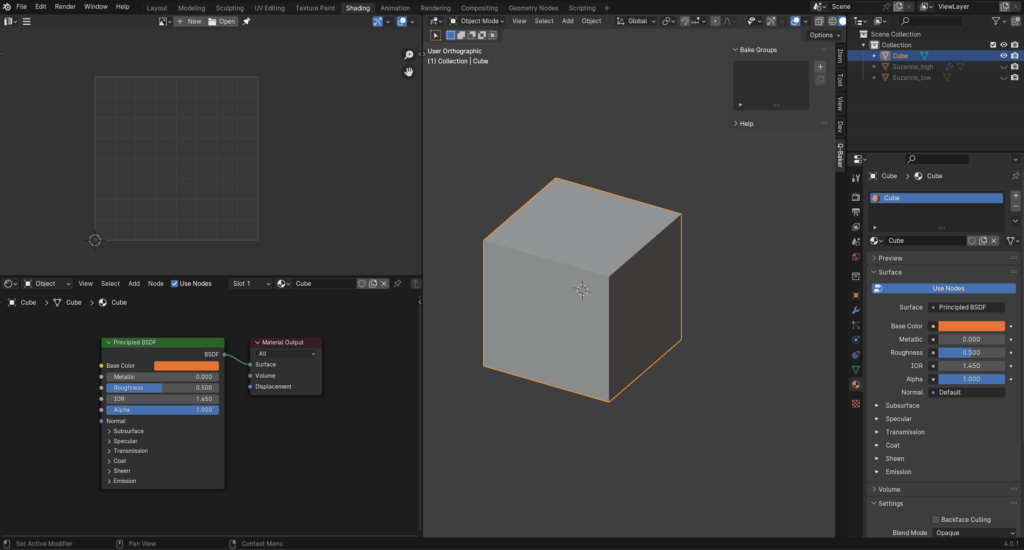
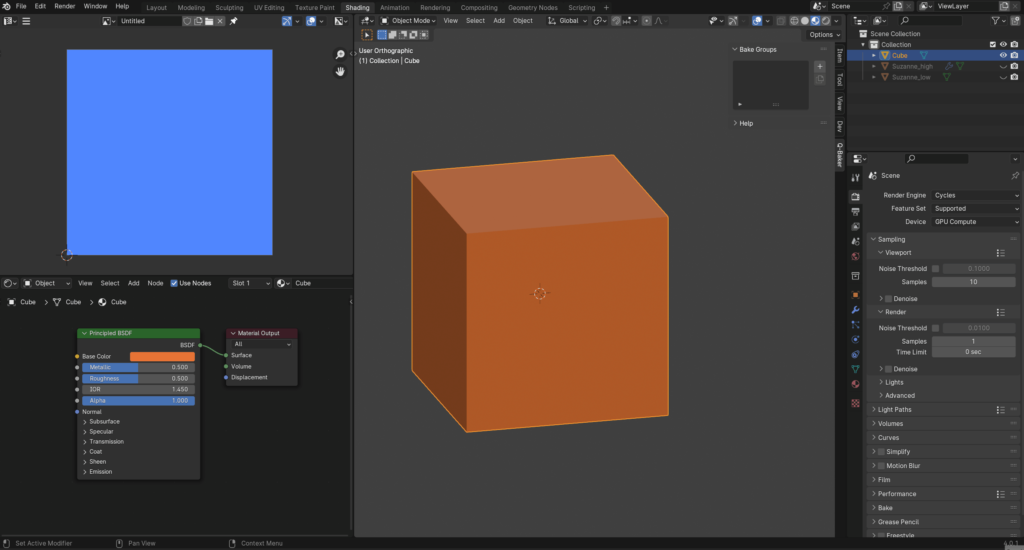
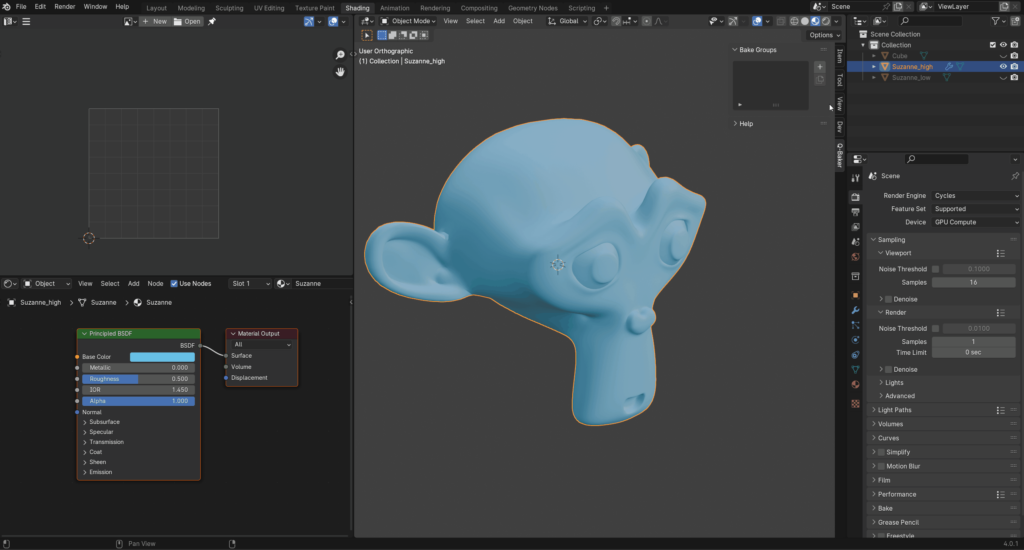
Introduction
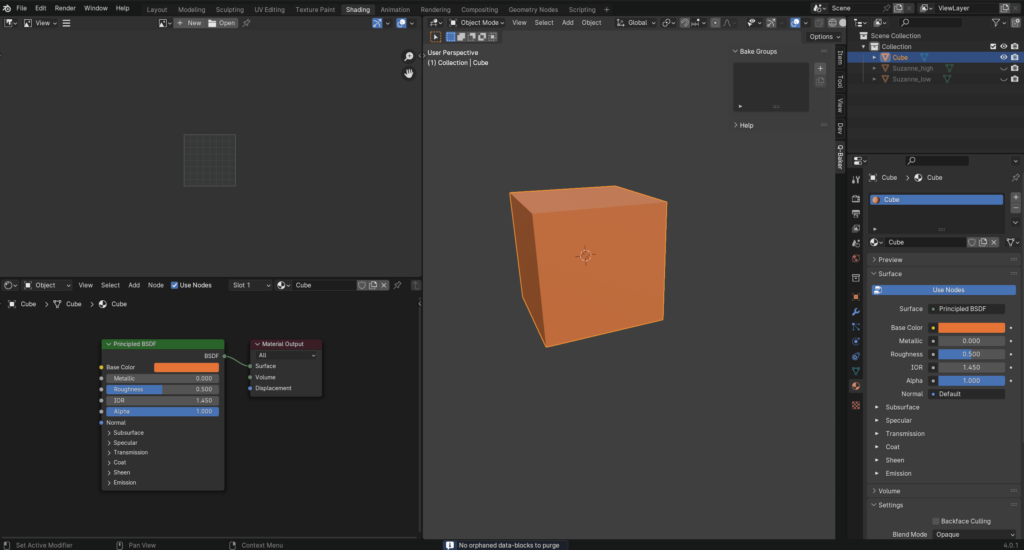
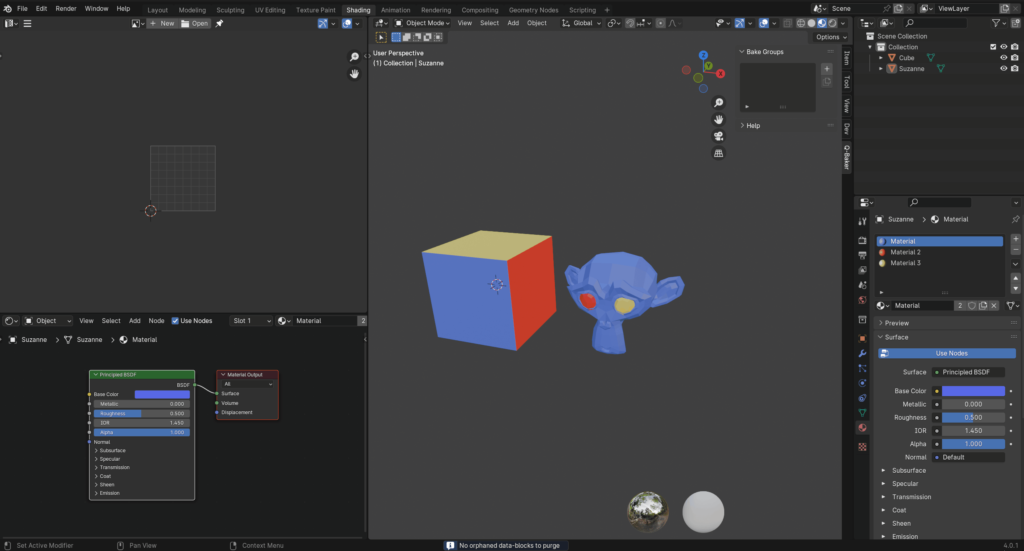
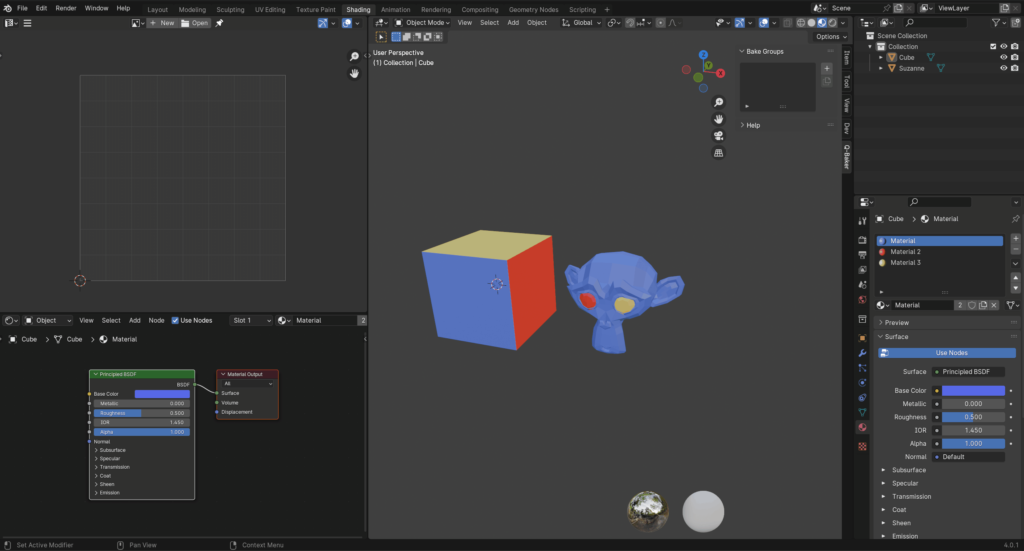
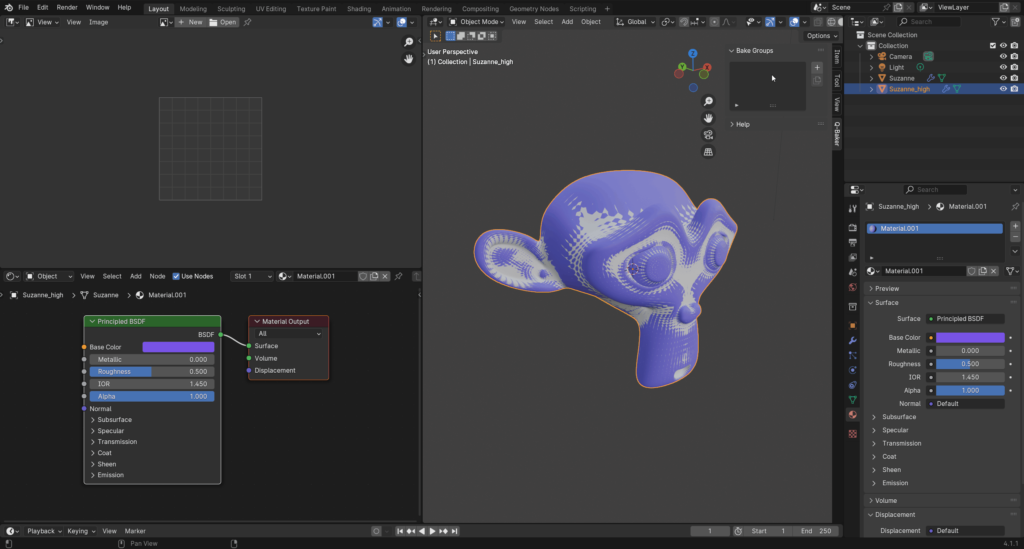
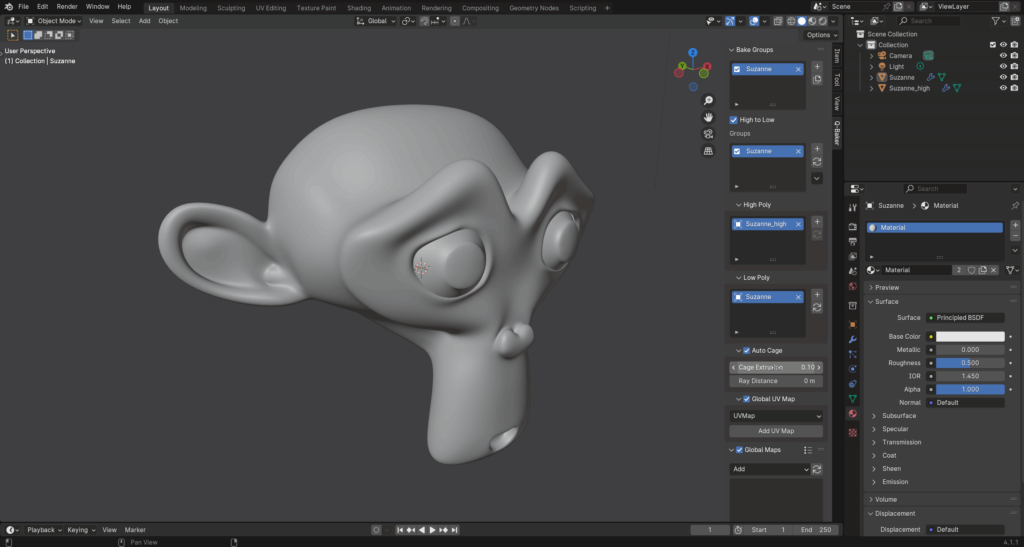
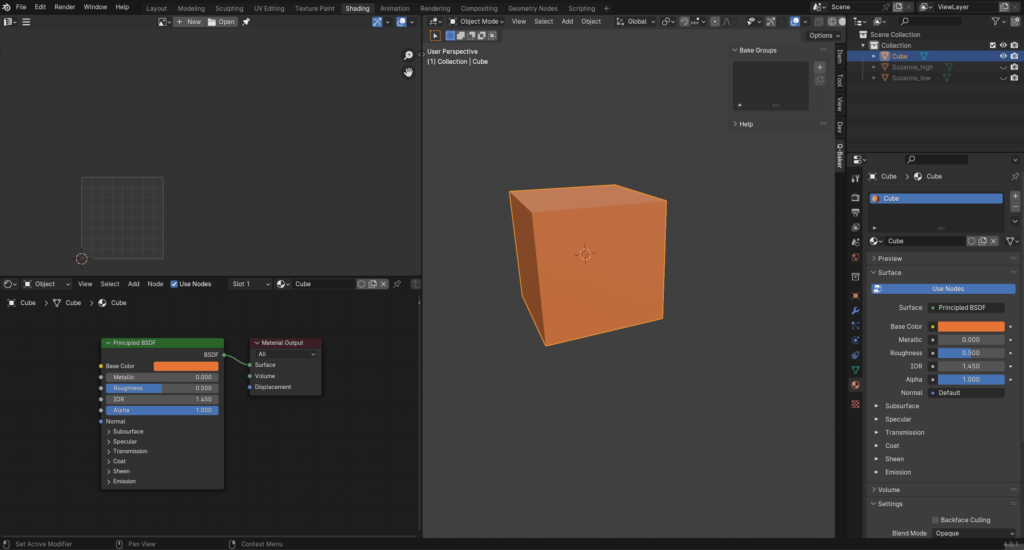
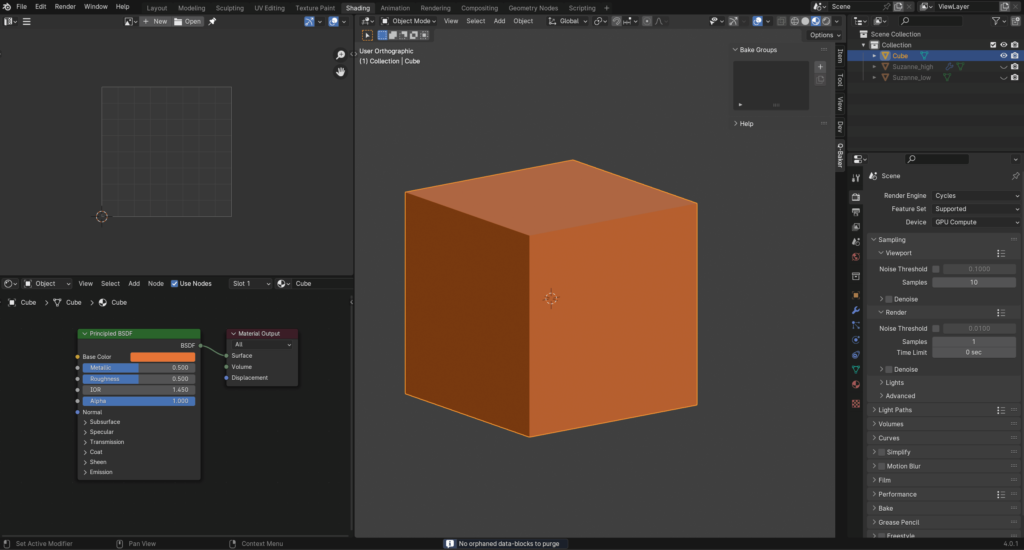
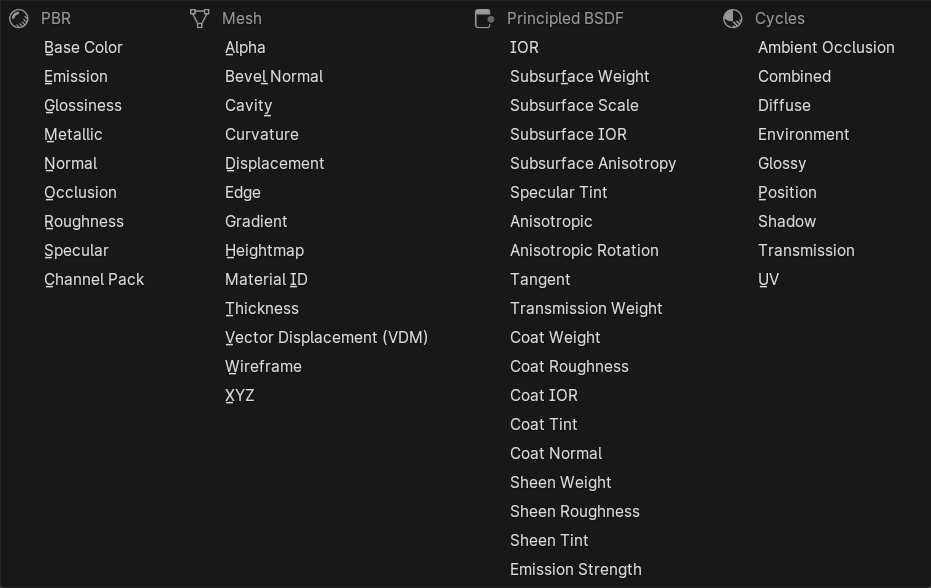
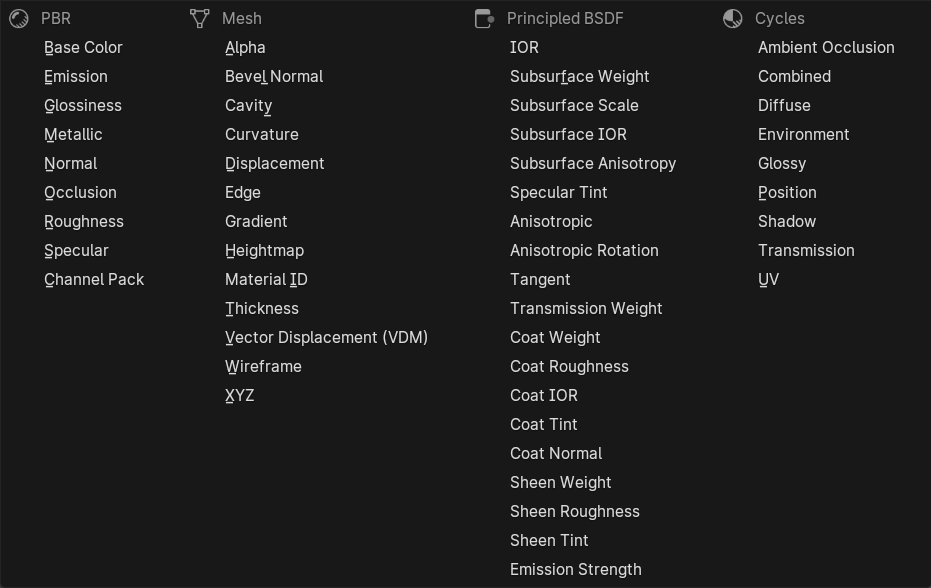
Quick Baker is an exceptional PBR texture-baking addon that brilliantly utilizes Blender’s native baking operator for baking PBR, Mesh, Principled BSDF, and Cycles maps. It significantly enhances the Blender baking process for multiple objects with multiple materials, offering unparalleled efficiency. Capable of baking both high-to-low and low-to-low poly objects. It simplifies the baking process with an ingenious automatic cage setup. Designed with speed and ease-of-use in mind, Quick Baker stands out as the ultimate tool for your baking needs.
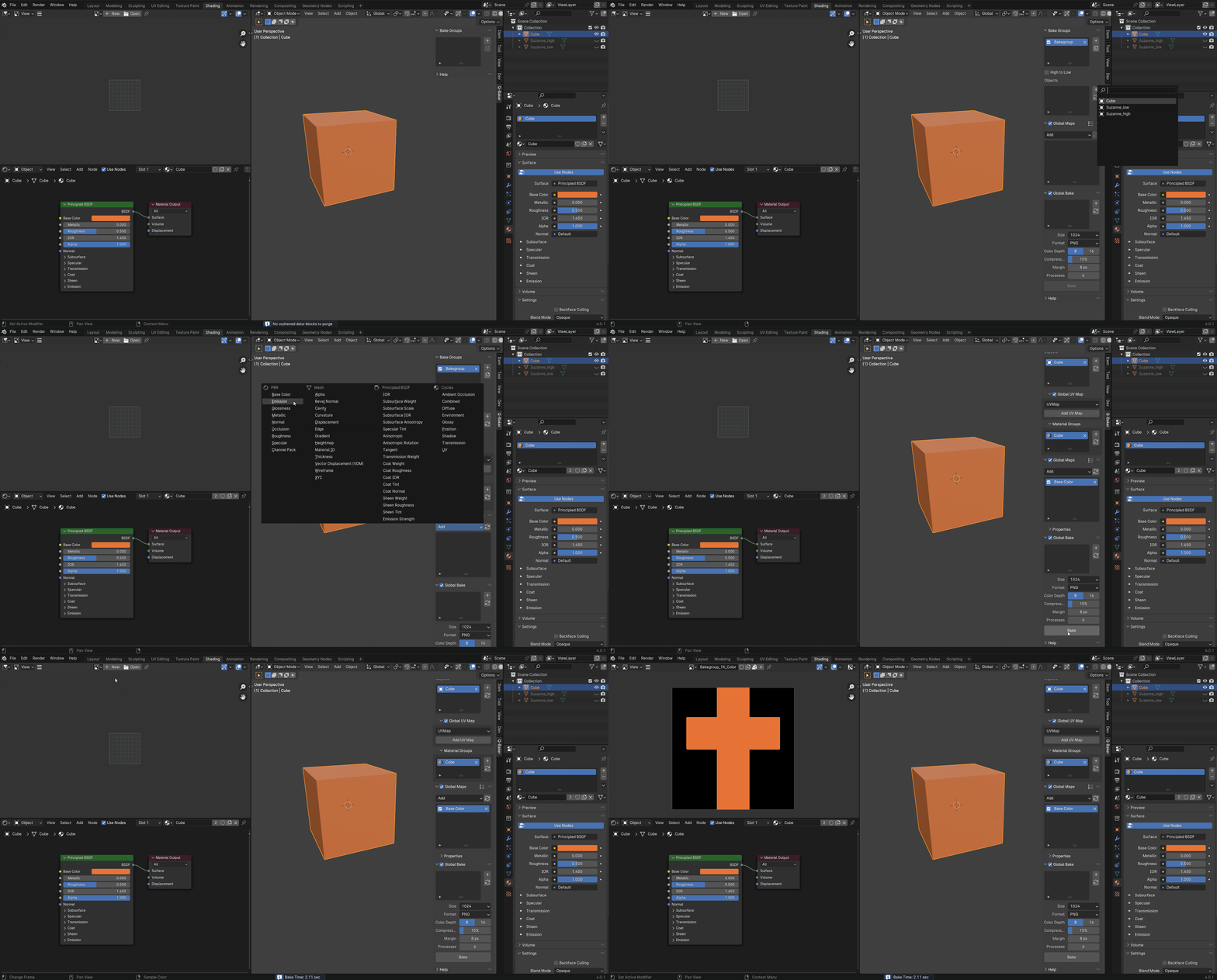
Object Bake
Bake single or multiple objects.
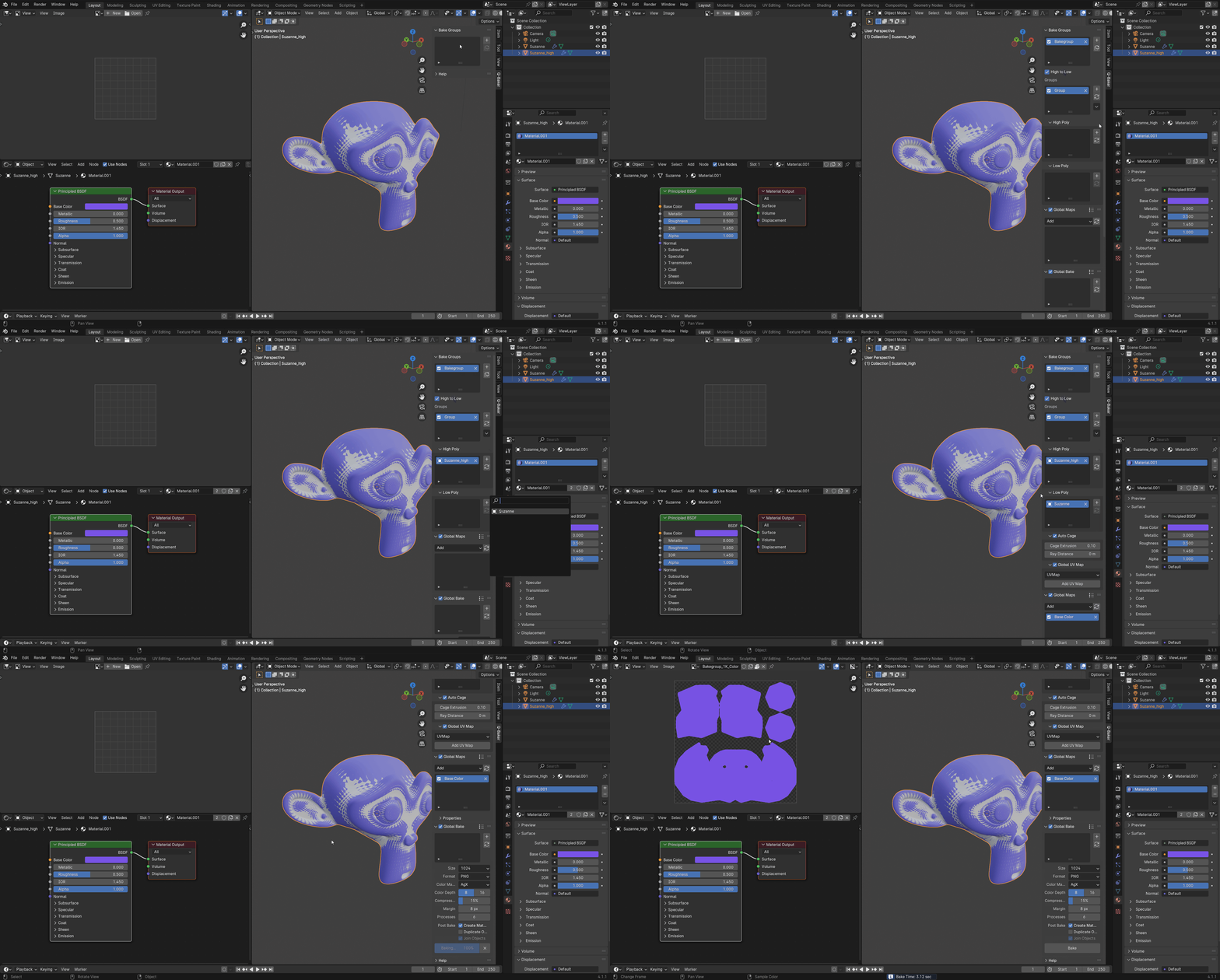
High-to-Low Poly Bake
Bake high-to-low or low-to-low objects.
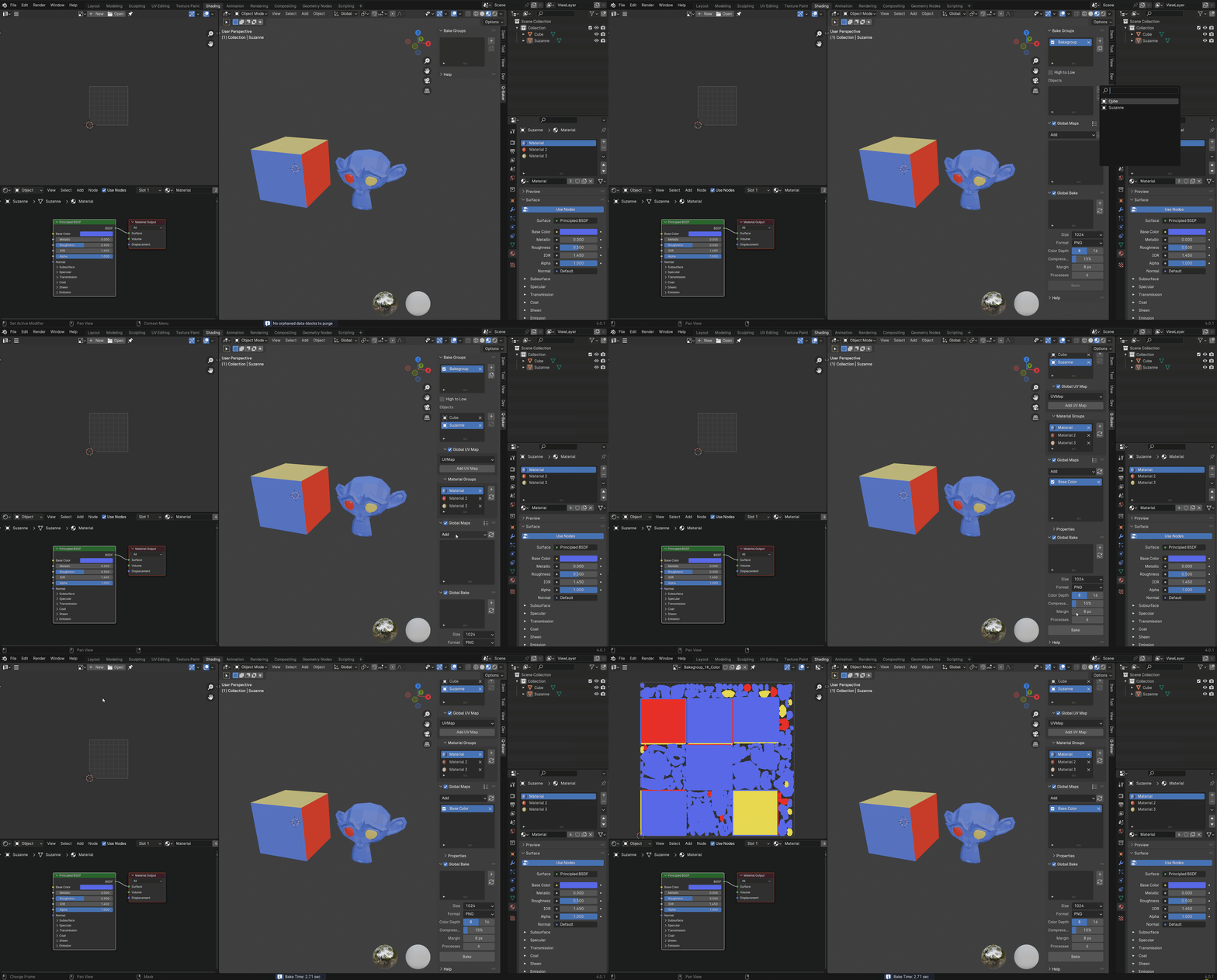
Single Texture Set
Bake multiple objects and materials into single texture set.
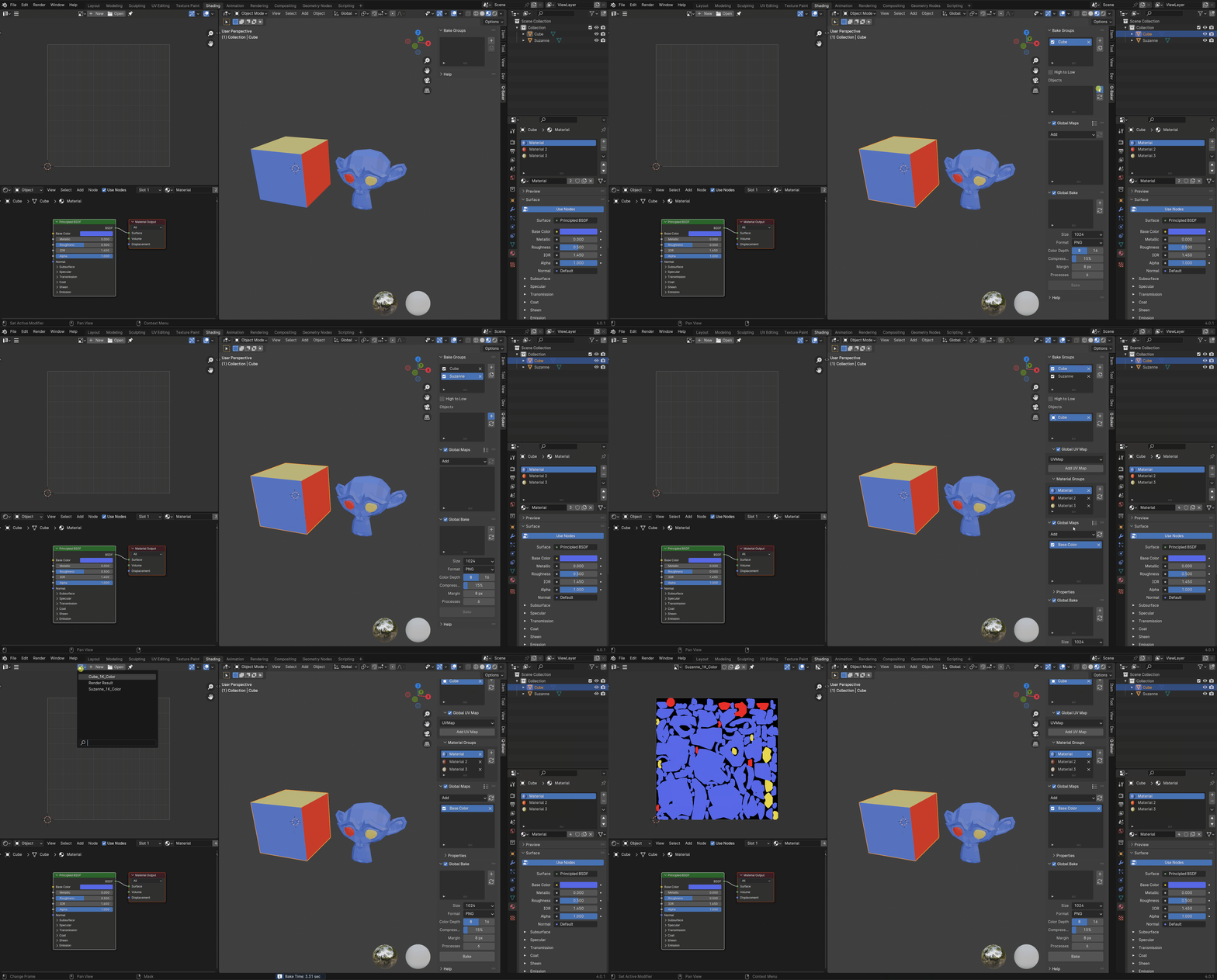
Multiple Texture Set
Bake multiple objects and materials into separate texture set.
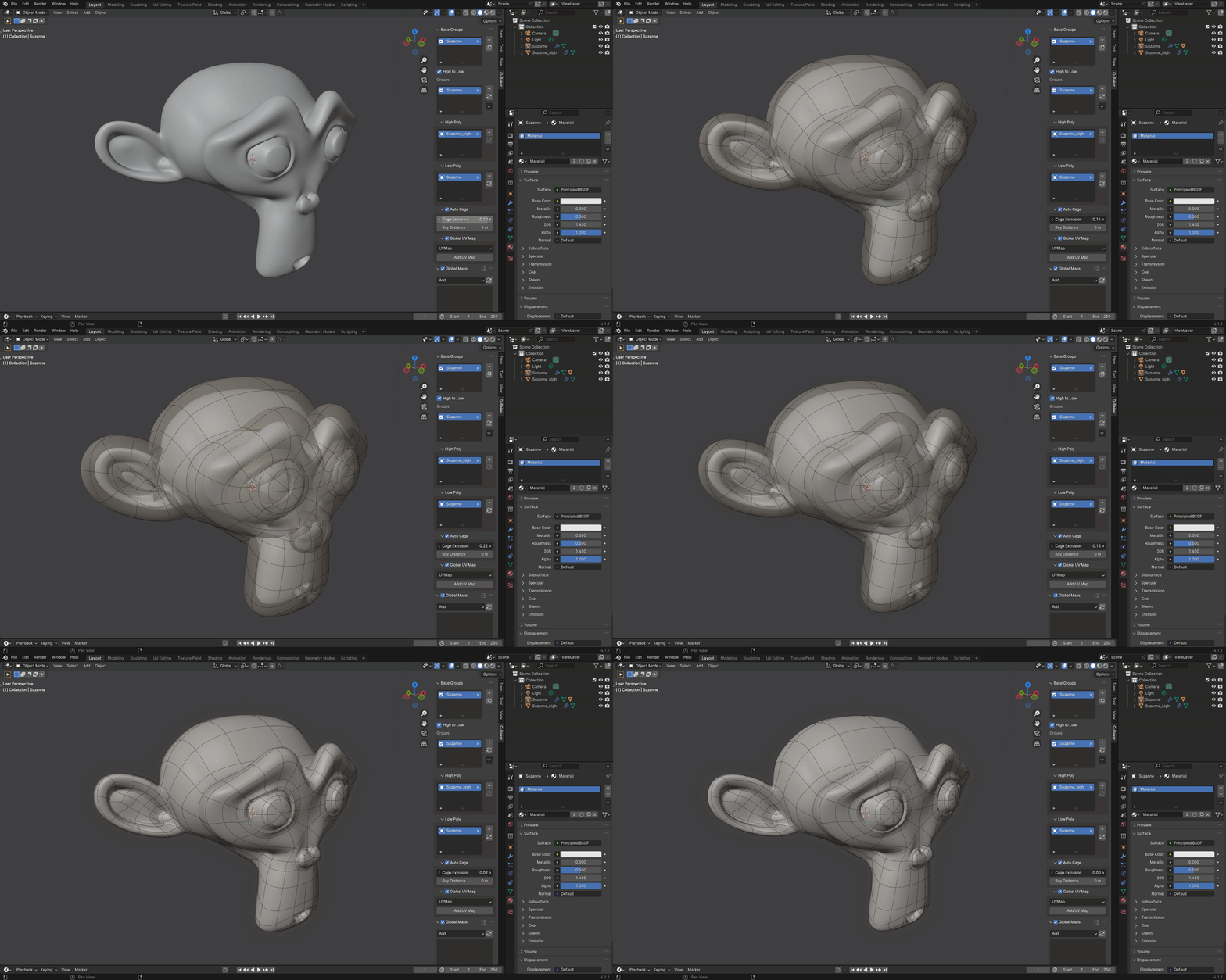
Auto Cage
Automatically create/adjust cage objects for high-to-low bake.
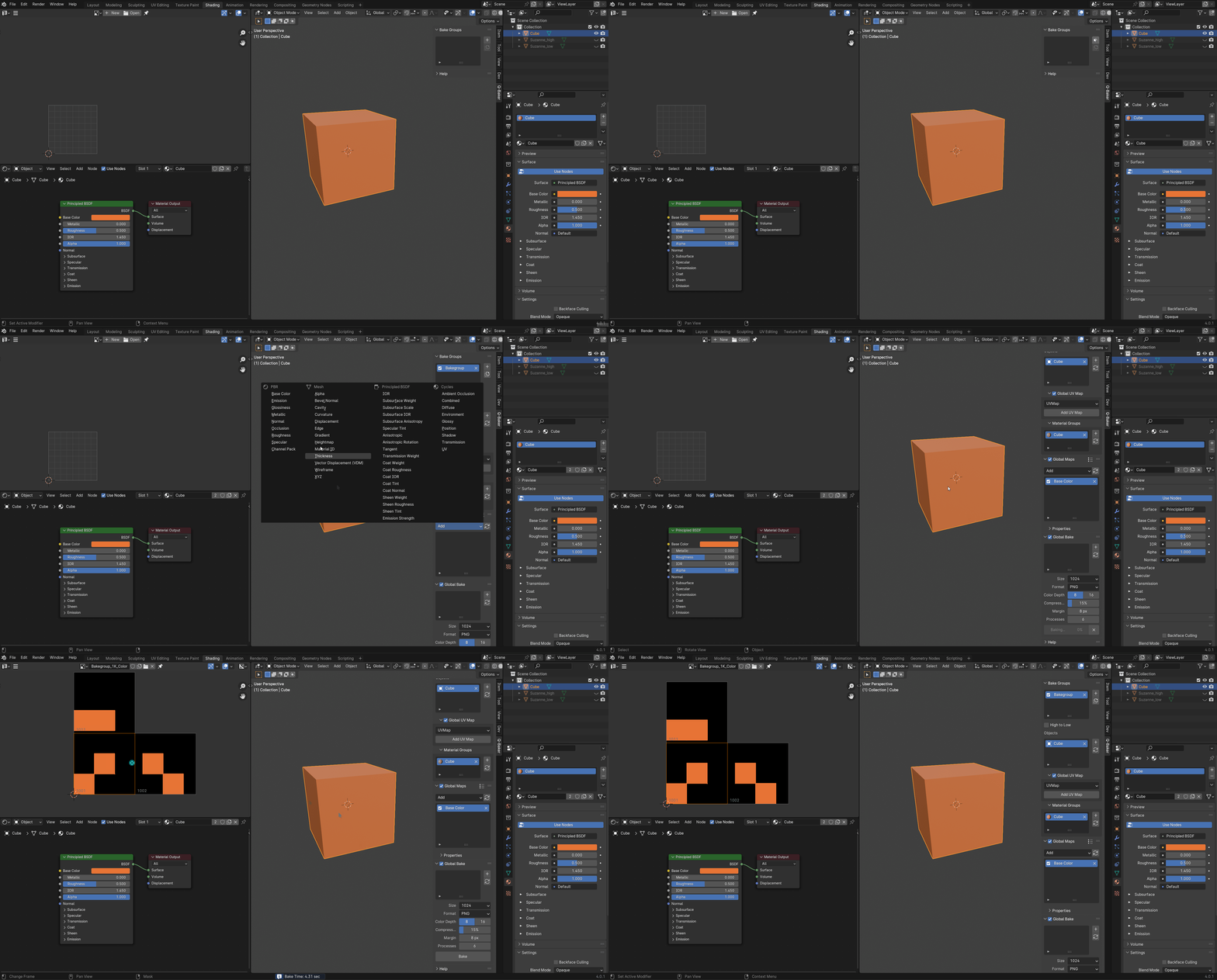
Auto UDIM Bake
Automatically bake UDIM maps based on UV layout.
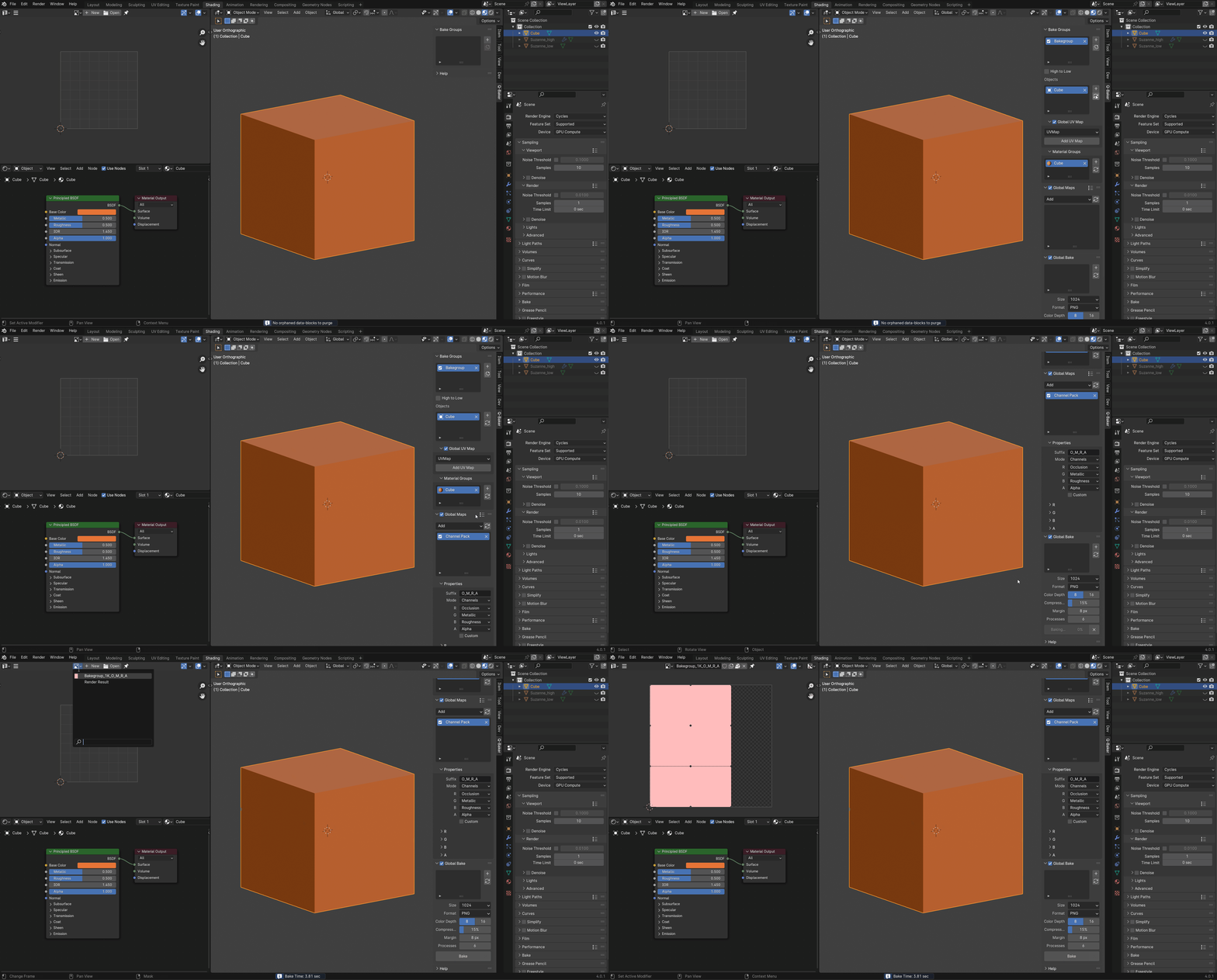
Channel Packing
Pack multiple maps into one image (ideal for game engines).
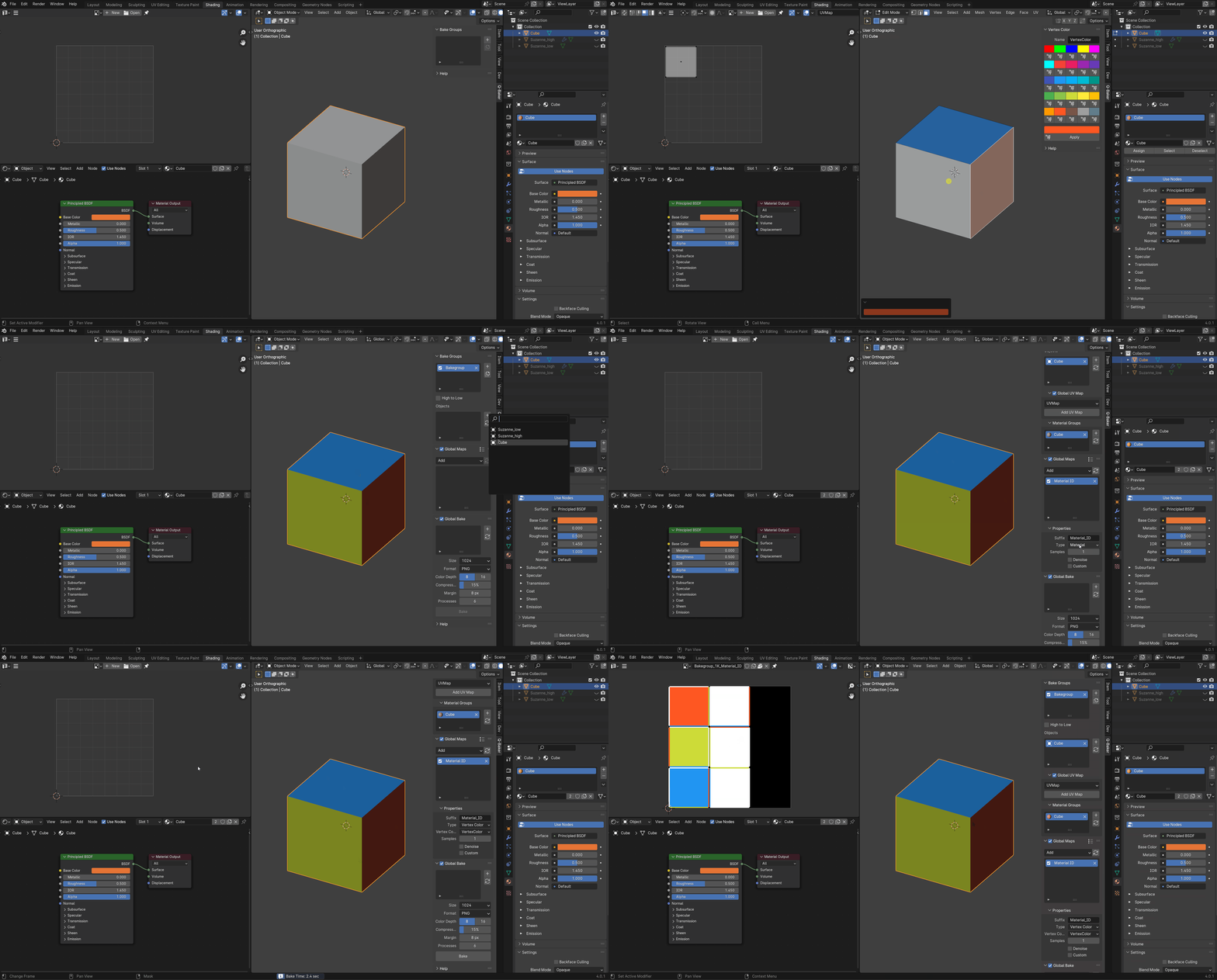
Vertex Color for Material ID
Create vertex color for material id map.
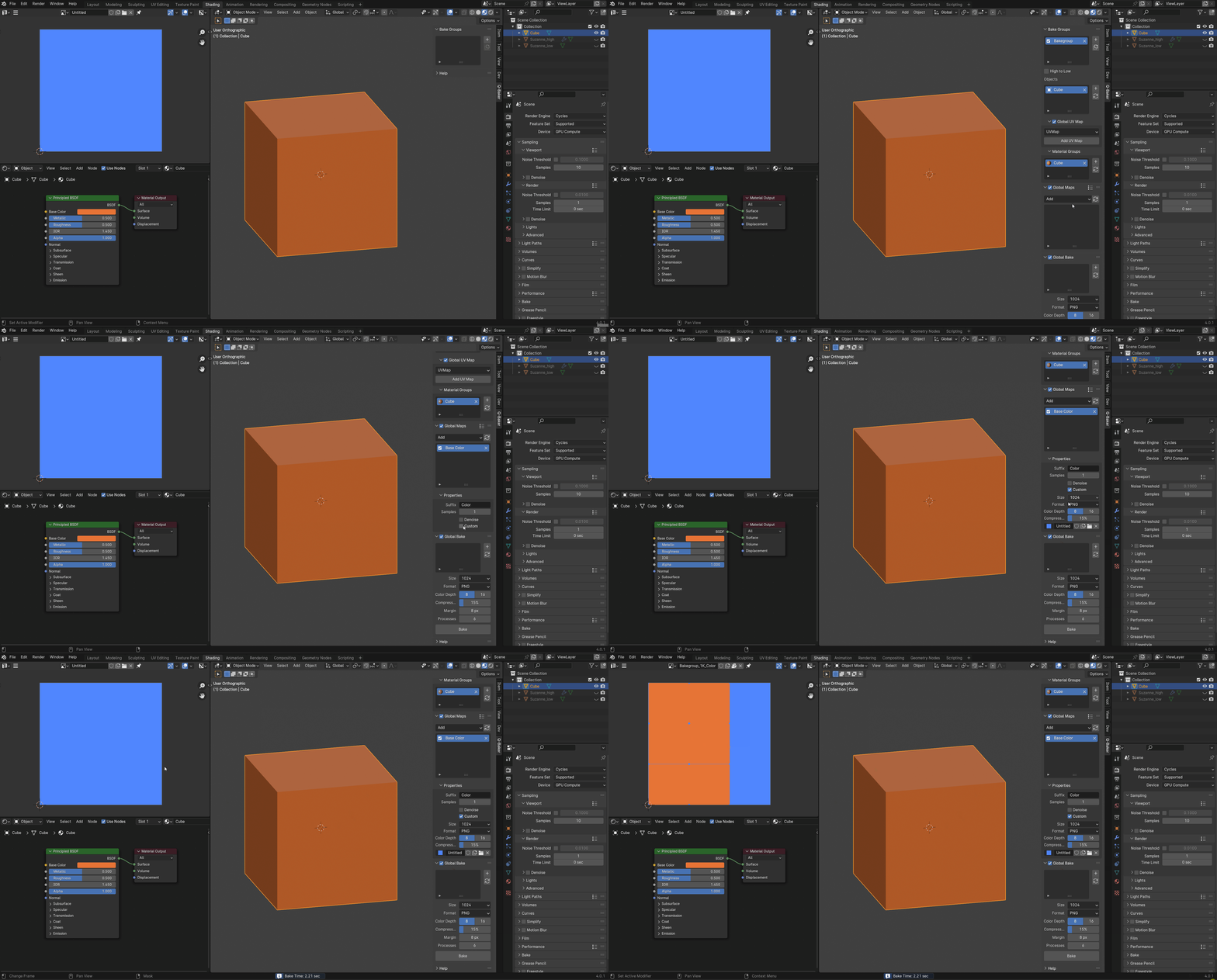
Existing Texture Bake
Bake on existing texture map.
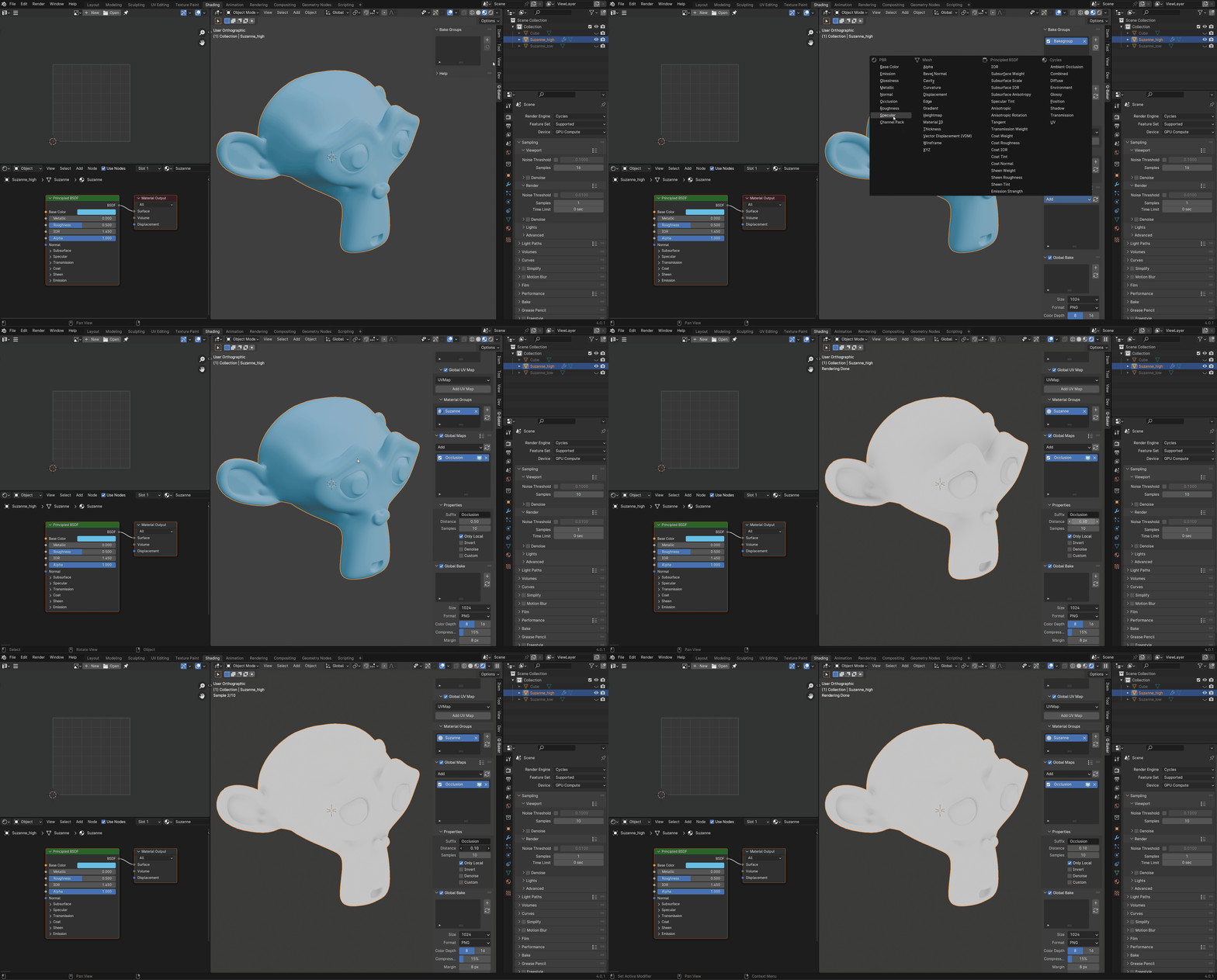
Map Preview
Preview maps before baking (e.g. AO, Curvature, etc).
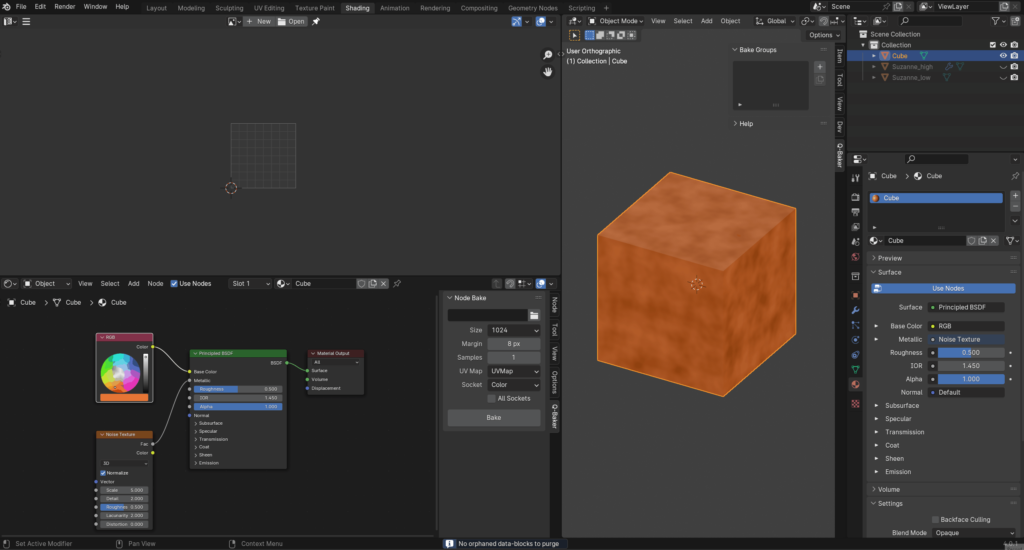
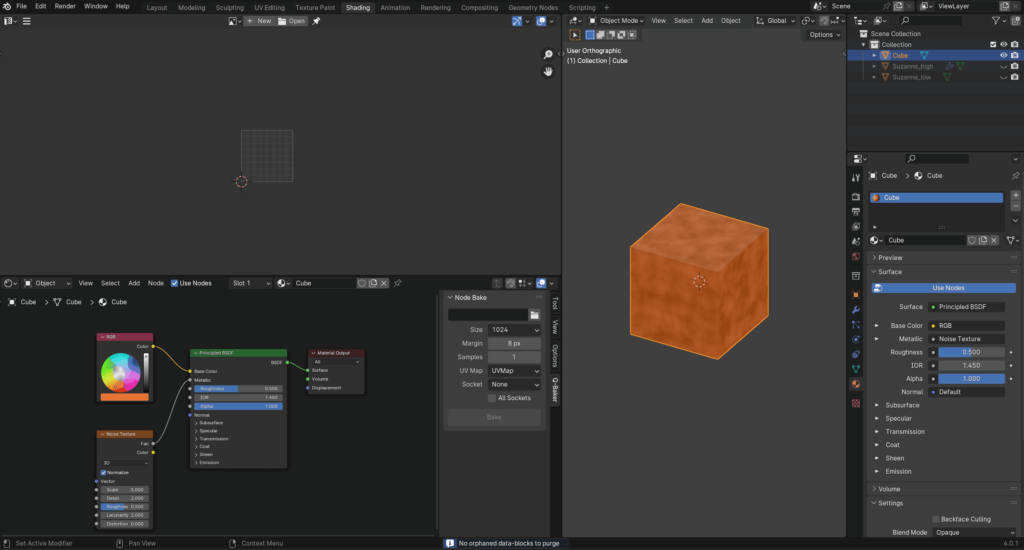
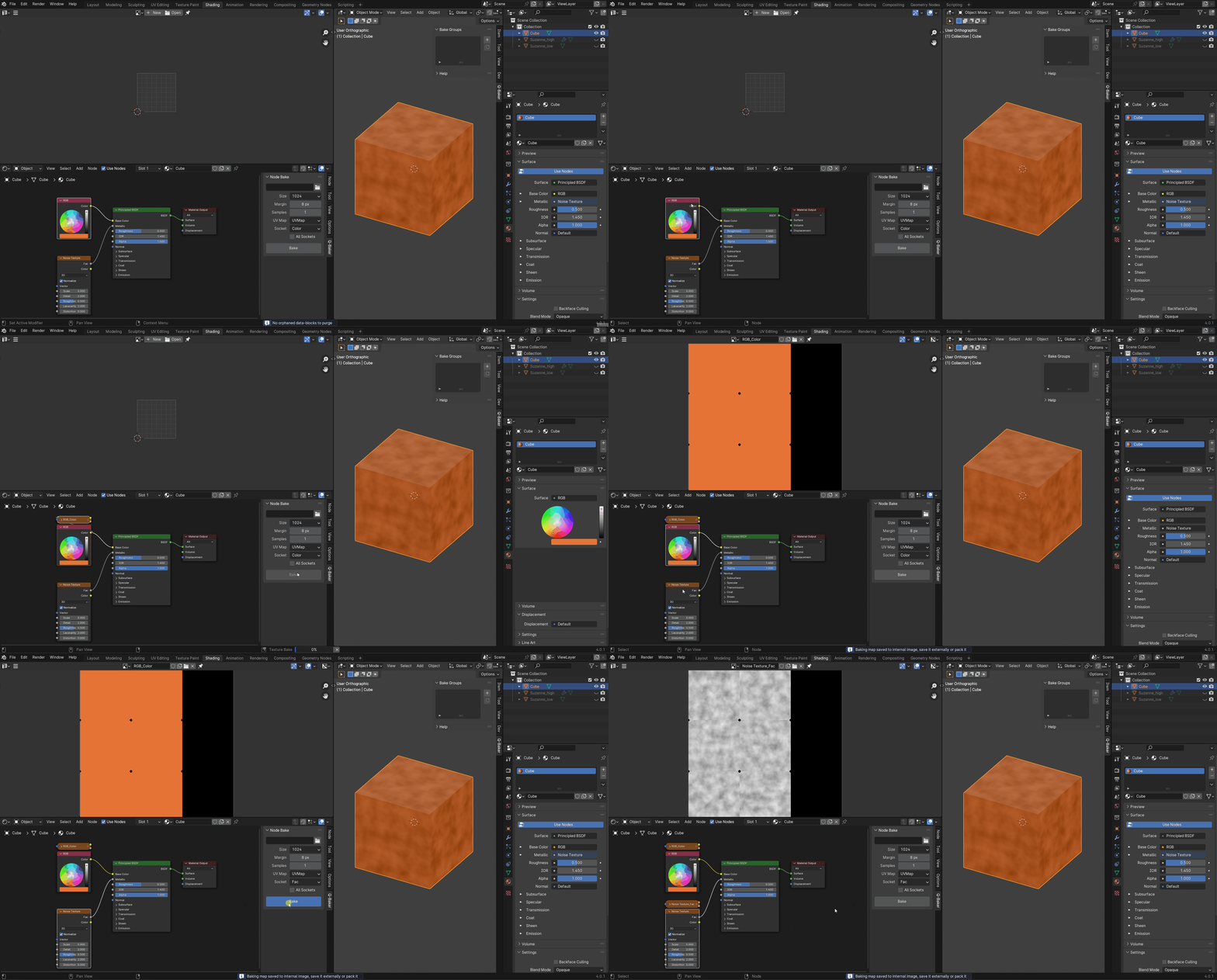
Node Bake
Bake shader nodes into image.
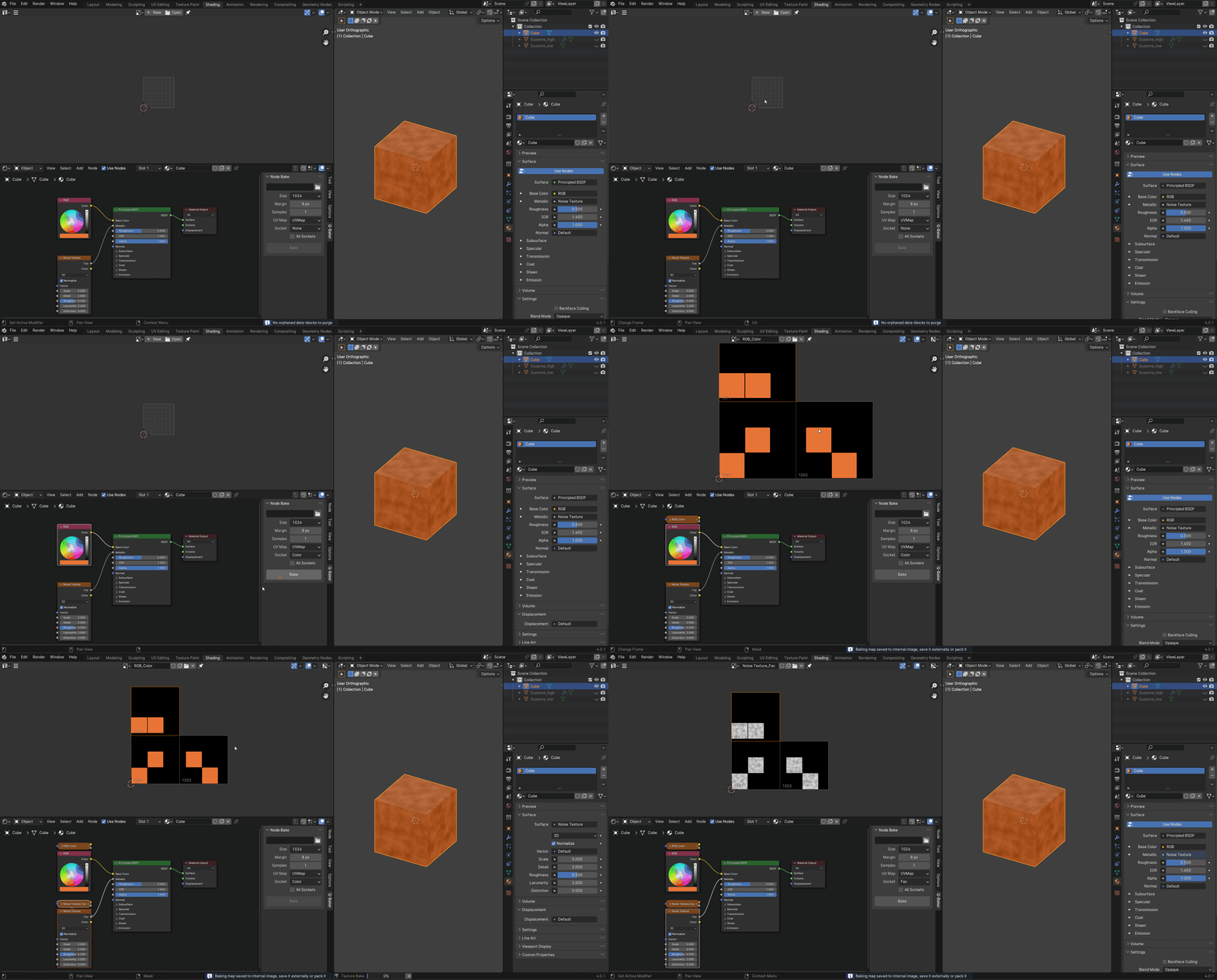
UDIM Node Bake
Bake shader nodes into image for UDIM object.
50 Unique Maps
Bake 50 unique maps
Limitations
Only works with Principled BSDF, Mix Shader, and Add Shader nodes.
Supercharge your 3D creation workflow with premium selection of Blender Add-ons. Whether you are modeling intricate characters, sculpting realistic environments, or animating cinematic sequences, the right add-on can transform how you work inside Blender. Our curated collection includes powerful tools for UV unwrapping, procedural texture generation, rigging automation, rendering optimization, and more—each rigorously tested for compatibility with the latest Blender versions. Eliminate tedious manual processes and unlock advanced functionality that lets you focus on what matters most: bringing your creative vision to life. Explore our full range of professional Blender plugins today and take your 3D projects to the next level.
➡️ ➡️ For more Blender Plugins 😀 😀
Reviews
There are no reviews yet.