
QuickZurface for Blender
quickzurface addon
QuickZurface v2.1.3 for Blender – Professional Quicksurface & Retopology Toolkit
Version: v2.1.3
File Size: 14 MB
Download QuickZurface v2.1.3 for Blender on Windows, Mac, and Linux, a powerful retopology and quicksurface add-on that automatically generates clean, low-poly surfaces over high-poly models. Perfect for game developers, sculptors, and VFX artists who need efficient, high-quality mesh retopology without manual work .
Key Features of QuickZurface v2.1.3:
- Auto-Retopology: Automatically generates clean, efficient low-poly meshes over high-poly sculpts and scans
- Edge Flow Control: Adjustable edge flow that follows surface curvature for optimal deformation
- Multi-Resolution Support: Generate multiple LODs (Levels of Detail) for game asset optimization
- Surface Detection: Intelligent surface analysis for accurate retopology on complex shapes
- Real-Time Preview: See retopology results update as you adjust parameters
- UV Generation: Automatic UV unwrapping for retopologized meshes
- Bake Support: Transfer high-poly details to low-poly models with baking features
- Batch Processing: Retopologize multiple objects simultaneously
- Sculpt-Ready Output: Create base meshes for further sculpting refinement
- v2.1.3 Updates: Enhanced edge flow, improved surface detection, and compatibility with Blender 4.0+
Perfect For:
- Game developers optimizing high-poly assets for real-time engines
- Sculptors creating low-poly game-ready meshes
- VFX artists preparing models for animation
- 3D scanning professionals cleaning up high-density scans
- Anyone needing efficient, professional retopology in Blender
System Requirements:
- Blender 3.6, 4.0, 4.1, 4.2, 4.3
- Windows 10/11 (64-bit), macOS, or Linux
- 4GB RAM minimum (8GB+ recommended)
- 50MB available disk space
Installation:
- Download the add-on zip file
- In Blender, go to Edit > Preferences > Add-ons
- Click “Install” and select the downloaded zip file
- Enable the add-on by checking the box next to “QuickZurface”
Note: QuickZurface provides professional retopology capabilities in Blender, making it possible to convert high-poly sculpts into clean, game-ready low-poly meshes with efficient edge flow . The automatic retopology and baking features make it essential for game developers, sculptors, and VFX artists . Version 2.1.3 includes full compatibility with Blender 4.0 and above . Designed for Blender 3.6 and above . Perfect for efficient, high-quality retopology . Essential for any game asset optimization workflow .
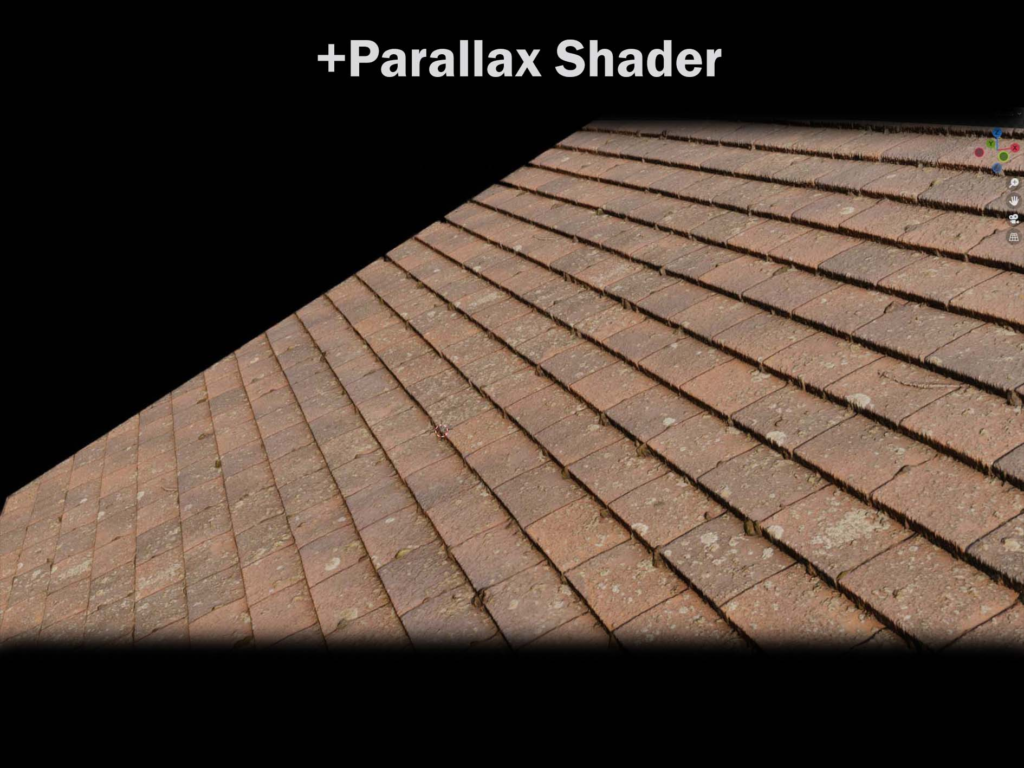
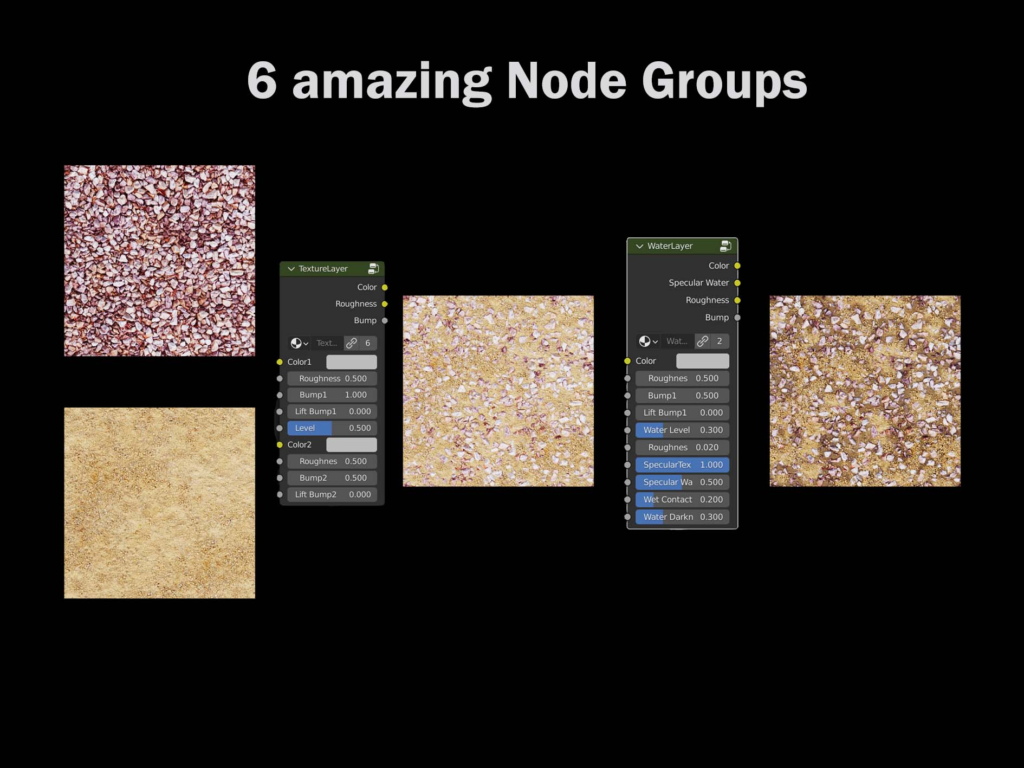
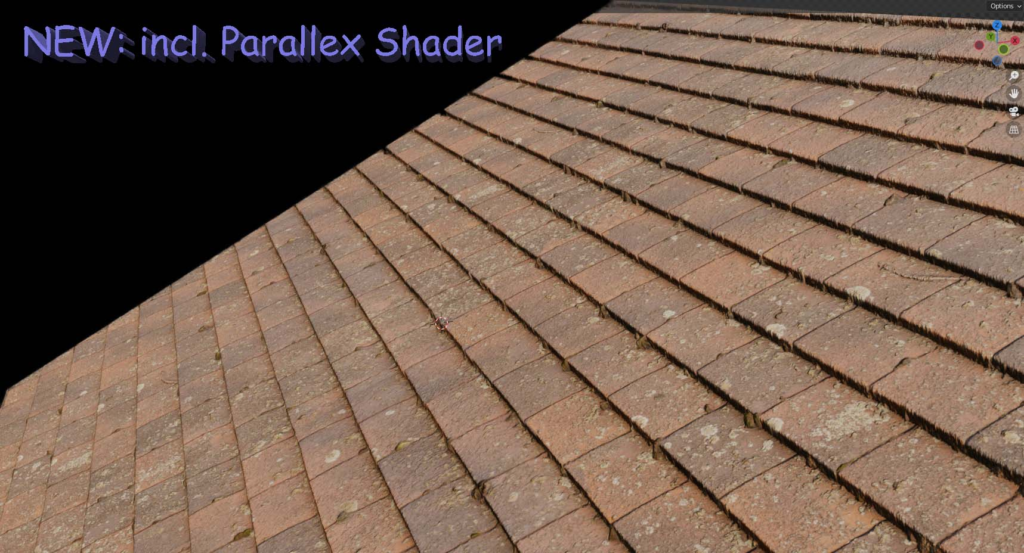
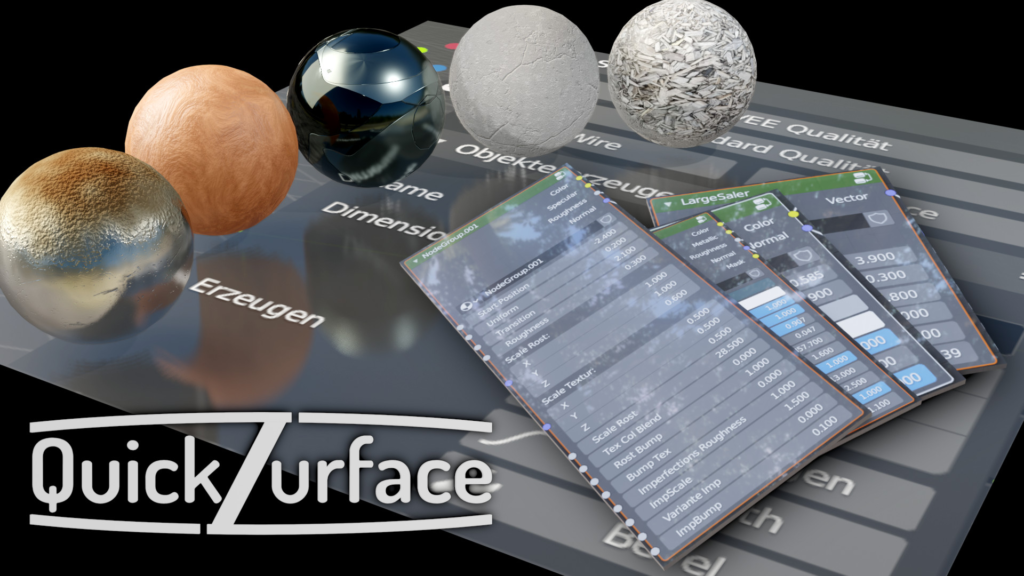
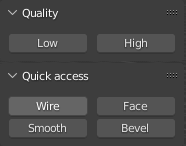
This addon includes features like:
viewport quality
smooth bevel on one click
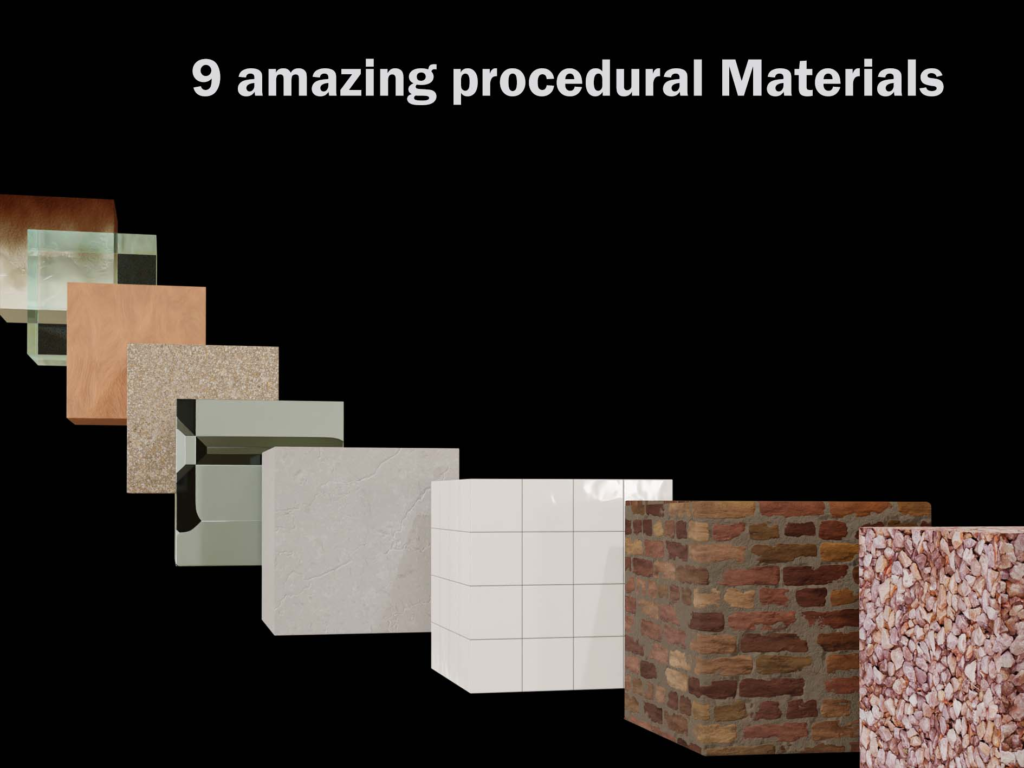
In the node editor and in the viewport, it offers 9 smart materials,
which have various setting options. It also provides 6 useful node groups.
Supercharge your 3D creation workflow with premium selection of Blender Add-ons. Whether you are modeling intricate characters, sculpting realistic environments, or animating cinematic sequences, the right add-on can transform how you work inside Blender. Our curated collection includes powerful tools for UV unwrapping, procedural texture generation, rigging automation, rendering optimization, and more—each rigorously tested for compatibility with the latest Blender versions. Eliminate tedious manual processes and unlock advanced functionality that lets you focus on what matters most: bringing your creative vision to life. Explore our full range of professional Blender plugins today and take your 3D projects to the next level.
➡️ ➡️ For more Blender Plugins 😀 😀
Reviews
There are no reviews yet.