
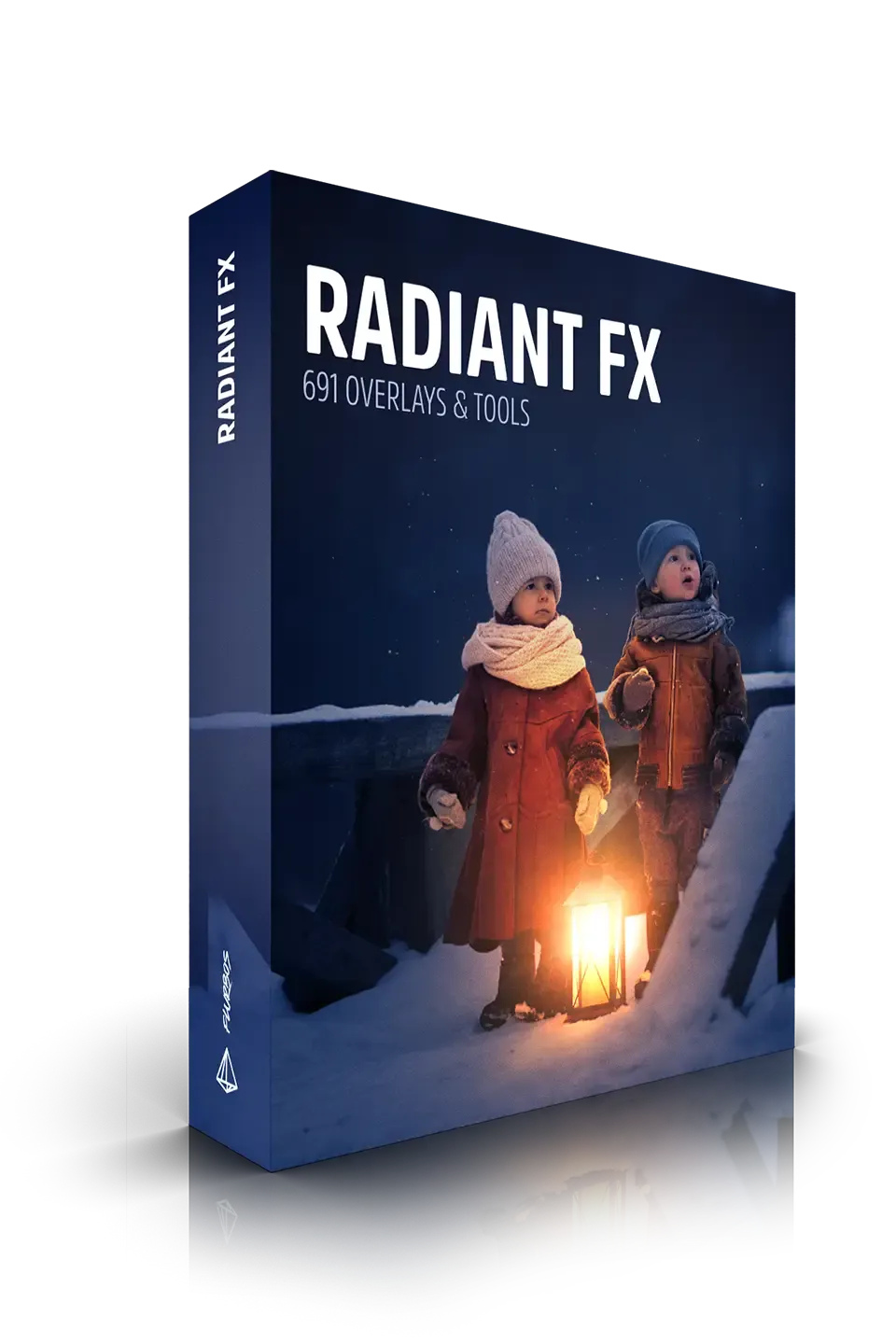
Radiant FX Flurblos
Radiant FX Flurblos for Photoshop – The Ultimate Glowing, Organic Light & Fluid Bokeh Overlay Suite
File Size:15 GB
Download Radiant FX Flurblos for Adobe Photoshop, a premium, high-luminance visual effects toolkit designed to inject breathtaking, fluid, and organic light into your digital compositions. Building upon the revolutionary “Flurblos” aesthetic—moving away from rigid, geometric circles into liquid, anamorphic, and dream-like light shapes—Radiant FX focuses purely on pure luminescence, energy, and radiant glow. Whether you are crafting magical spell effects, adding luxury rim-lighting to a beauty portrait, or designing a neon-drenched synthwave poster, this pack provides the exact glowing overlays and brushes you need to make your artwork literally shine.
Key Features of Radiant FX Flurblos:
- Fluid “Flurblos” Light Orbs: The core of the pack. Over 150 high-resolution, pre-rendered light shapes that mimic liquid light, plasma, and organic energy. These aren’t just blurred circles; they feature dynamic, asymmetrical, and flowing edges that interact beautifully with the background.
- High-Luminance Core & Soft Falloff: Every overlay is engineered with a blindingly bright, hot core that smoothly fades into a soft, colorful aura. This creates a highly realistic “bloom” effect that mimics how real light overexposes camera sensors.
- Custom Radiant Brushes: A massive library of 50+ custom Photoshop brushes (.ABR) calibrated with dynamic pressure, spacing, and transfer settings. Paint your own fluid light trails, magical dust, energy fields, and glowing neon strokes with absolute precision.
- Anamorphic & Cinematic Streaks: Includes horizontal and vertical anamorphic light streaks that perfectly complement the Flurblos orbs, allowing you to create complex, multi-directional lens flares and energy bursts.
- Holographic & Iridescent Variants: Beyond standard neon colors, the pack includes stunning, color-shifting holographic light shapes that mimic the look of light reflecting off soap bubbles, oil slicks, or prismatic glass.
- One-Click “Bloom & Glow” Actions: Custom Photoshop Actions that automatically duplicate your light layers, apply the perfect Gaussian Blur, and set the Blend Mode to Linear Dodge (Add) to instantly multiply the glowing intensity of your effects.
- Color-Gradeable Smart Objects: All overlays are provided as high-bit-depth
.PNGfiles. Because they are pure light data, you can non-destructively change their color, hue, and saturation using standard Adjustment Layers without losing the quality of the glow. - Seamless Blending Optimization: Every asset is pre-tested and optimized to work flawlessly with Photoshop’s light-based blend modes (Screen, Linear Dodge, Color Dodge), ensuring zero muddy artifacts or dark halos.
Perfect For:
- Fantasy & Sci-Fi Concept Artists creating magical auras, energy portals, spell effects, and futuristic UI holograms.
- High-End Beauty & Fashion Retouchers adding subtle, luxurious rim-lighting, glowing skin highlights, and ethereal atmospheric halos to portraits.
- Music & Event Poster Designers crafting vibrant, neon-drenched graphics for raves, synthwave albums, and modern gig posters.
- Photo Manipulators & Matte Painters adding magical dust, fairy lights, cinematic lens flares, and atmospheric glowing fog to complex composites.
- Product Visualizers adding premium, glowing reflections and light leaks to luxury goods, perfume bottles, and tech gadgets.
- UI/UX & Web Designers creating modern, glassmorphism-inspired glowing buttons, active states, and vibrant app interfaces.
System Requirements:
- Software: Adobe Photoshop CC 2020 or newer (Required for advanced blending modes, Smart Objects, and brush engine compatibility).
- OS: Windows 10/11 (64-bit) or macOS 10.15+.
- File Formats Included: High-Res
.PNG(Transparent Overlays),.ABR(Custom Brushes),.ATN(Actions), and.PSD(Master Templates). - RAM: 8GB minimum (16GB+ recommended for handling multiple high-res glow layers and complex composites).
- Storage: Approximately 1.5GB – 3GB for the fully uncompressed master files.
Installation / How to Use:
- Download and extract the Radiant FX Flurblos
.ziparchive to your designated design assets folder. - Install Brushes: In Photoshop, open the Brushes panel, click the hamburger menu, select Import Brushes, and load the included
.ABRfile. - Install Actions: Open the Actions panel, click the hamburger menu, select Load Actions, and load the
.ATNfile. - Applying Overlays: Drag and drop your desired Flurblos
.PNGoverlay directly onto your canvas. - Pro-Tip for Maximum Glow: Change the overlay layer’s Blend Mode to Linear Dodge (Add) or Screen.
- Creating the “Bloom” Effect: Duplicate the light layer. Apply a Gaussian Blur (10px – 30px) to the bottom layer to create a soft, wide aura, and leave the top layer sharp for the hot core. Group them together and set the group to Linear Dodge.
- Colorizing: Add a Hue/Saturation Adjustment Layer above your light layers, check “Colorize,” and tweak the colors to perfectly match your scene’s palette.
What’s Included in the Pack?
- The Flurblos Core Library: 150+ fluid, organic, and asymmetrical glowing light shapes in various sizes and densities.
- The Radiant Brush Set: 50+ custom brushes for painting energy trails, magic sparks, and neon lines.
- Anamorphic Flare Kit: 30+ horizontal and vertical light streaks with adjustable intensity.
- Holographic & Prism Pack: 40+ iridescent, color-shifting light overlays for a futuristic, prismatic look.
- The “Bloom & Glow” Action Set: 10 one-click actions to instantly generate multi-layered, cinematic bloom effects from any flat shape or text.
Note:
Radiant FX Flurblos is built on the philosophy that light is the ultimate storytelling tool in digital art. Standard, perfectly round bokeh and basic lens flares can often feel sterile and overused. The “Flurblos” aesthetic breaks those rules, introducing fluid, organic, and unpredictable light shapes that feel alive and energetic. By combining these unique shapes with high-luminance cores and optimized blending modes, this toolkit allows you to add a level of magical, cinematic radiance to your work that instantly grabs the viewer’s eye. Whether you are illuminating a dark fantasy landscape or adding a subtle, luxurious glow to a commercial beauty shot, Radiant FX Flurblos ensures your light doesn’t just sit on the canvas—it radiates through it.
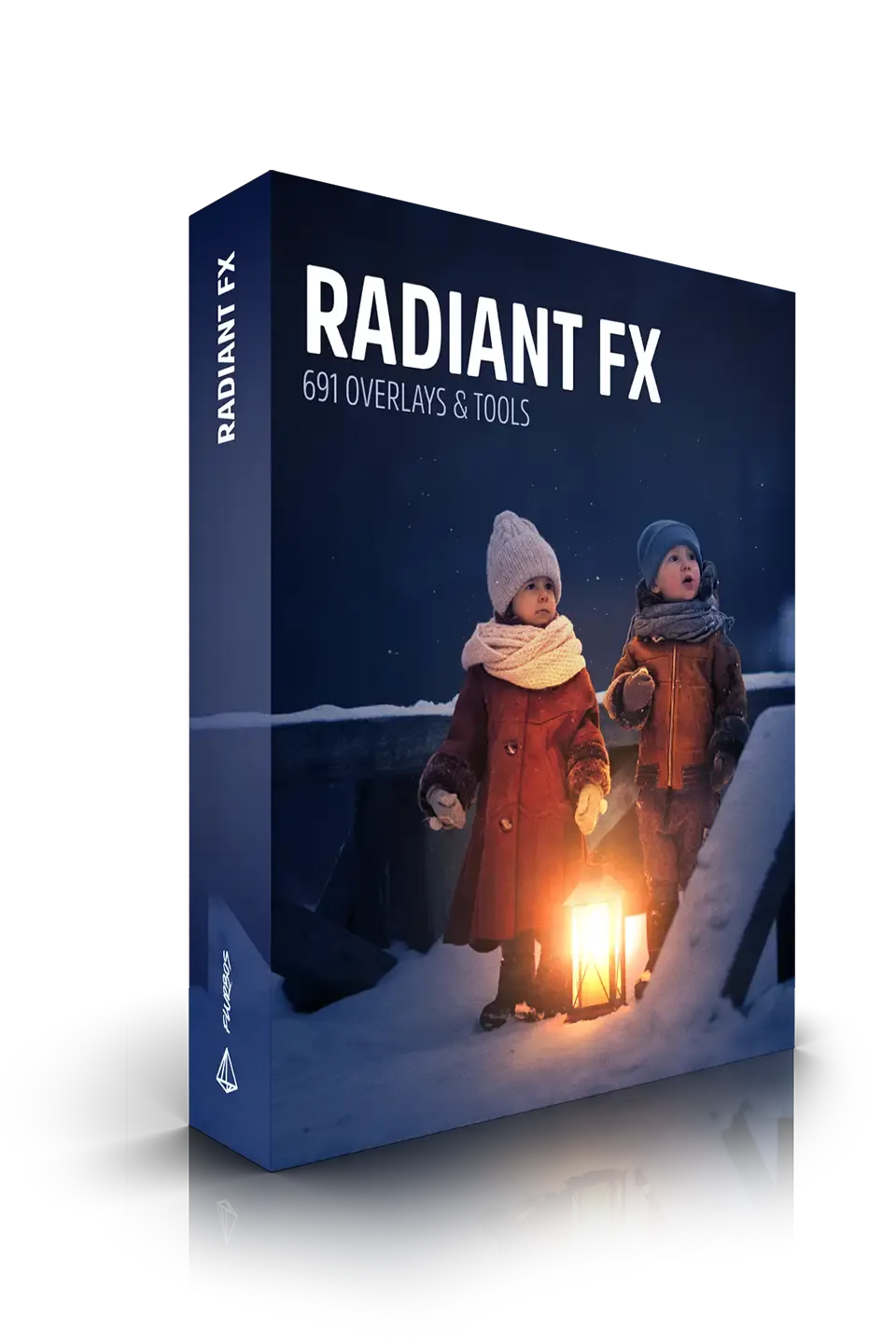
Transform your ordinary images into works of art with Radiant FX™. Professional photographer, graphic designer, or simply an enthusiast looking to enhance your visuals, this powerful tool is your key to adding light and radiance to your images.
Over 720 effects!
Why Choose Radiant FX™?


Unparalleled Light Enhancement
Elevate your images to new heights with our revolutionary overlays and brushes designed to add light, radiance, glows, and mood. Watch as your flat images come alive with captivating visual depth and dimension.
Effortless Integration
Radiant FX™ seamlessly integrates with Adobe Photoshop on Mac and Windows computers, allowing you to access a wide range of powerful tools directly within your favorite editing software. Enhance your workflow as you bring your creative visions to life.


Easy-to-Use Interface
No complicated techniques or extensive training required! Radiant FX™ boasts a user-friendly interface that makes it accessible to beginners and professionals alike. Simply select your desired overlay or brush, adjust the settings to your preference, and watch as your images transform effortlessly.
Customizable Effects
Take full control of your creative process with our extensive customization options. Adjust the opacity, blend modes, and colors of the overlays and brushes to achieve the perfect balance and create unique atmospheres that match your artistic vision.
Image Gallery


What’s Inside Radiant FX™?
Radiant FX™ contains tools to create over 720 effects in Photoshop.

101 Fire & Ember effects

46 Halo & Refraction effects

20 Lens Flare effects

79 Light Ray effects

22 Reflection effects

26 Lens Distortion effects

55 Bokeh effects

42 Light Motion effects

265 Light Special effects
Elevate your creative projects instantly with our premium collection of high-quality Photoshop assets. Whether you are a seasoned graphic designer or a budding photo editor, our meticulously crafted bundles offer everything from dynamic lighting overlays and realistic shadows to versatile textures and custom shapes. Save countless hours of tedious work and unlock a new realm of professional possibilities without breaking your budget. Each download is fully layered, easy to install, and compatible with the latest Photoshop versions, ensuring a seamless workflow. Stop wrestling with complex edits and start producing jaw-dropping results that will impress your clients and elevate your portfolio. Browse our library today to find the perfect tools for photo manipulation, digital art, web design, and transform your creative process with assets trusted by thousands of designers worldwide.
Reviews
There are no reviews yet.