
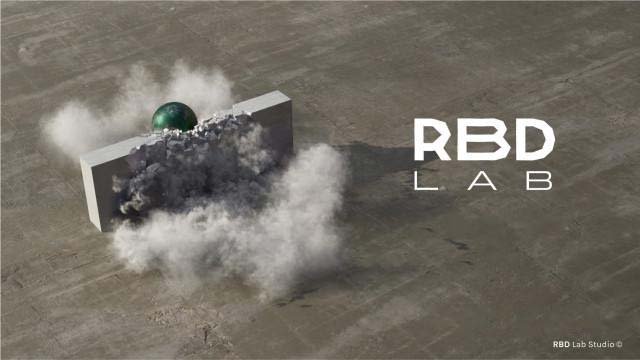
RBDLab for Blender
rbd lab addon
RBDLab v1.3.3 for Blender – Professional Rigid Body Dynamics & Destruction Toolkit
Version : V1.3.3
Download RBDLab v1.3.3 for Blender on Windows, Mac, and Linux, a comprehensive rigid body dynamics add-on for creating realistic destruction, fracturing, and physics simulations. Perfect for VFX artists, game developers, and motion designers who need professional-grade physics effects—create crumbling buildings, exploding objects, and complex fracture simulations with intuitive controls .
Key Features of RBDLab v1.3.3:
- Advanced Fracturing: Fracture meshes into multiple pieces with customizable patterns—Voronoi, cellular, brick, or custom fracture maps
- Physics Simulation: Full rigid body dynamics with gravity, collisions, constraints, and force fields
- Multi-Object Support: Simulate complex scenes with hundreds of fractured pieces
- Constraints System: Create structural connections between fractured pieces—glue, hinges, springs, and breakable connections
- Explosion Control: Trigger fractures and physics with keyframed activation and sequential fracture cascades
- Performance Optimized: Efficient simulation for large-scale destruction scenes
- Baking System: Bake simulations to keyframes for consistent playback and export
- Material Transfer: Maintain material assignments on fractured pieces
- Real-Time Preview: See physics updates instantly in the viewport
- v1.3.3 Updates: Enhanced fracturing algorithms, improved constraint system, and compatibility with Blender 4.0+
Perfect For:
- VFX artists creating building collapses and destruction sequences
- Game developers prototyping destruction physics
- Motion designers adding impact effects to animations
- Technical artists simulating complex rigid body interactions
- Anyone needing professional fracture and physics in Blender
System Requirements:
- Blender 3.6, 4.0, 4.1, 4.2, 4.3
- Windows 10/11 (64-bit), macOS, or Linux
- 4GB RAM minimum (8GB+ recommended)
- 50MB available disk space
Installation:
- Download the add-on zip file
- In Blender, go to Edit > Preferences > Add-ons
- Click “Install” and select the downloaded zip file
- Enable the add-on by checking the box next to “RBDLab”
Note: RBDLab brings professional rigid body destruction and fracturing capabilities to Blender, making it possible to create realistic building collapses, exploding objects, and complex fracture simulations . The advanced constraint system and multi-object support make it essential for VFX artists, game developers, and motion designers . Version 1.3.3 includes full compatibility with Blender 4.0 and above . Designed for Blender 3.6 and above . Perfect for destruction and physics simulations . Essential for any rigid body dynamics workflow .
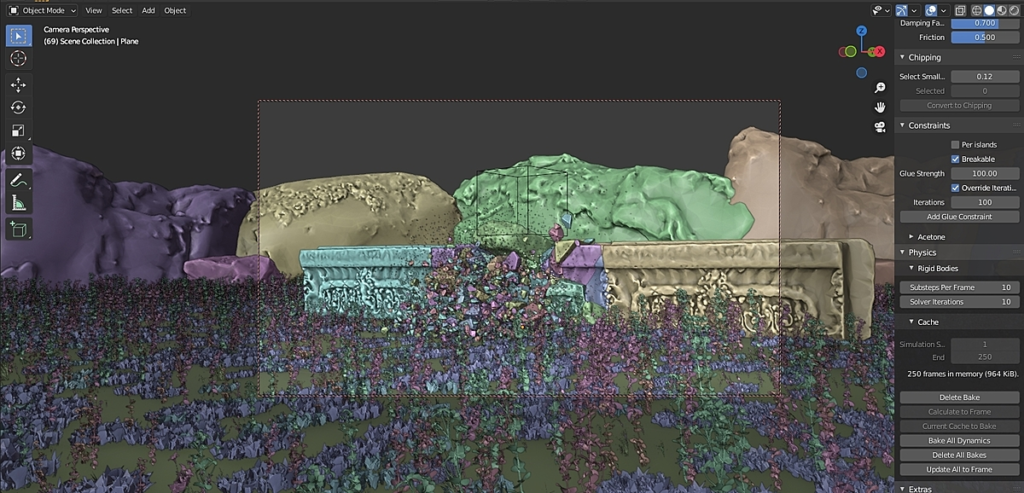
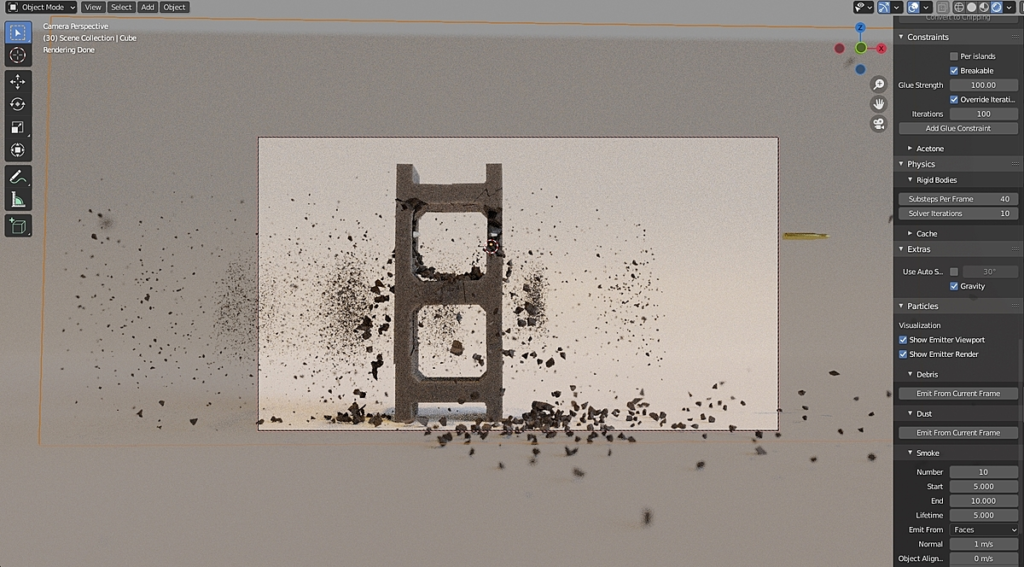
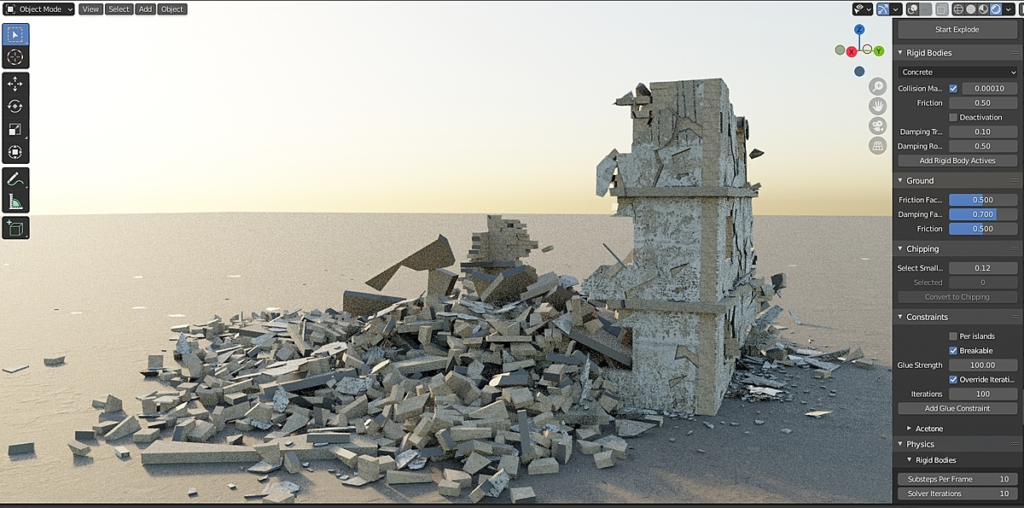
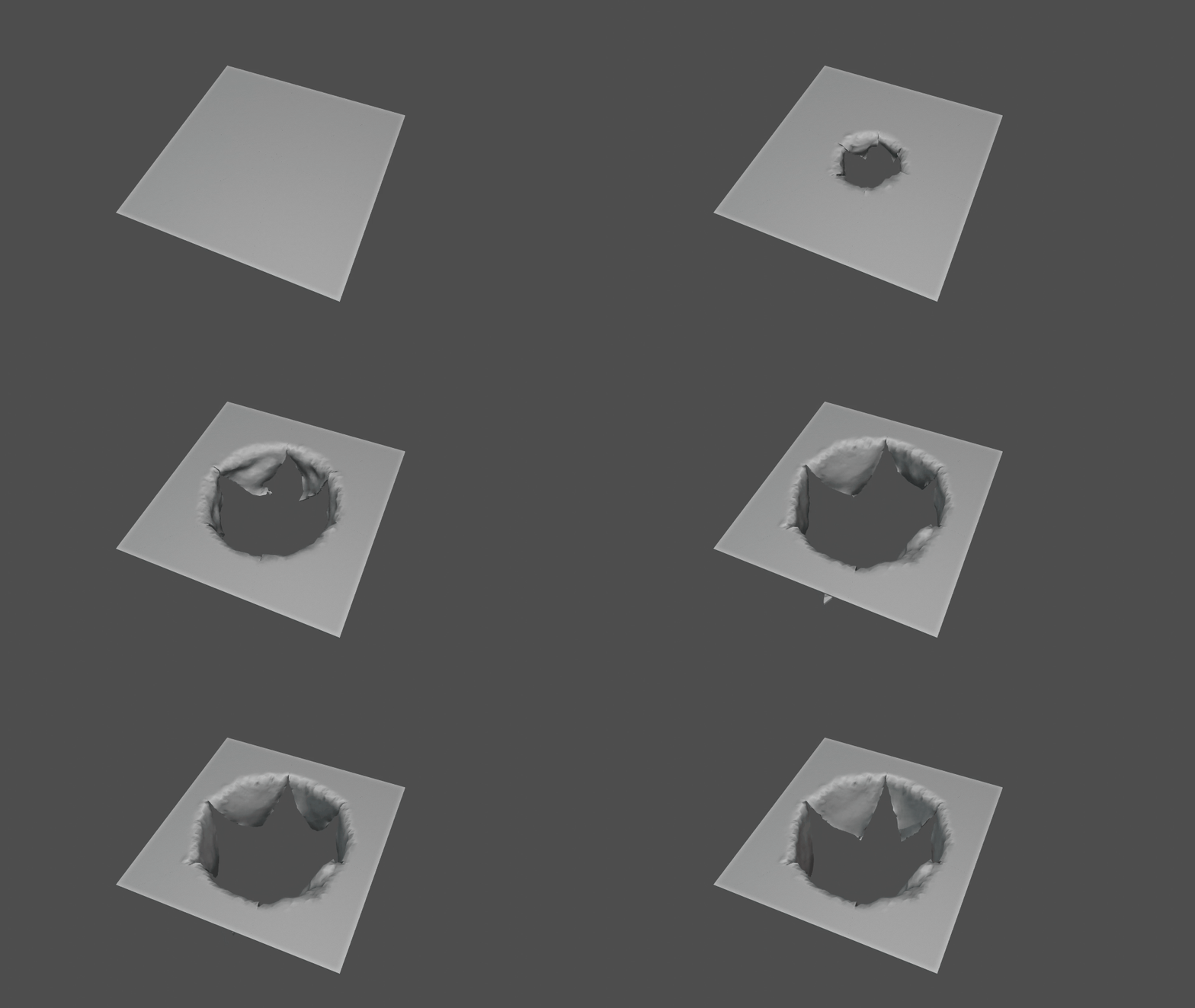
Fractures
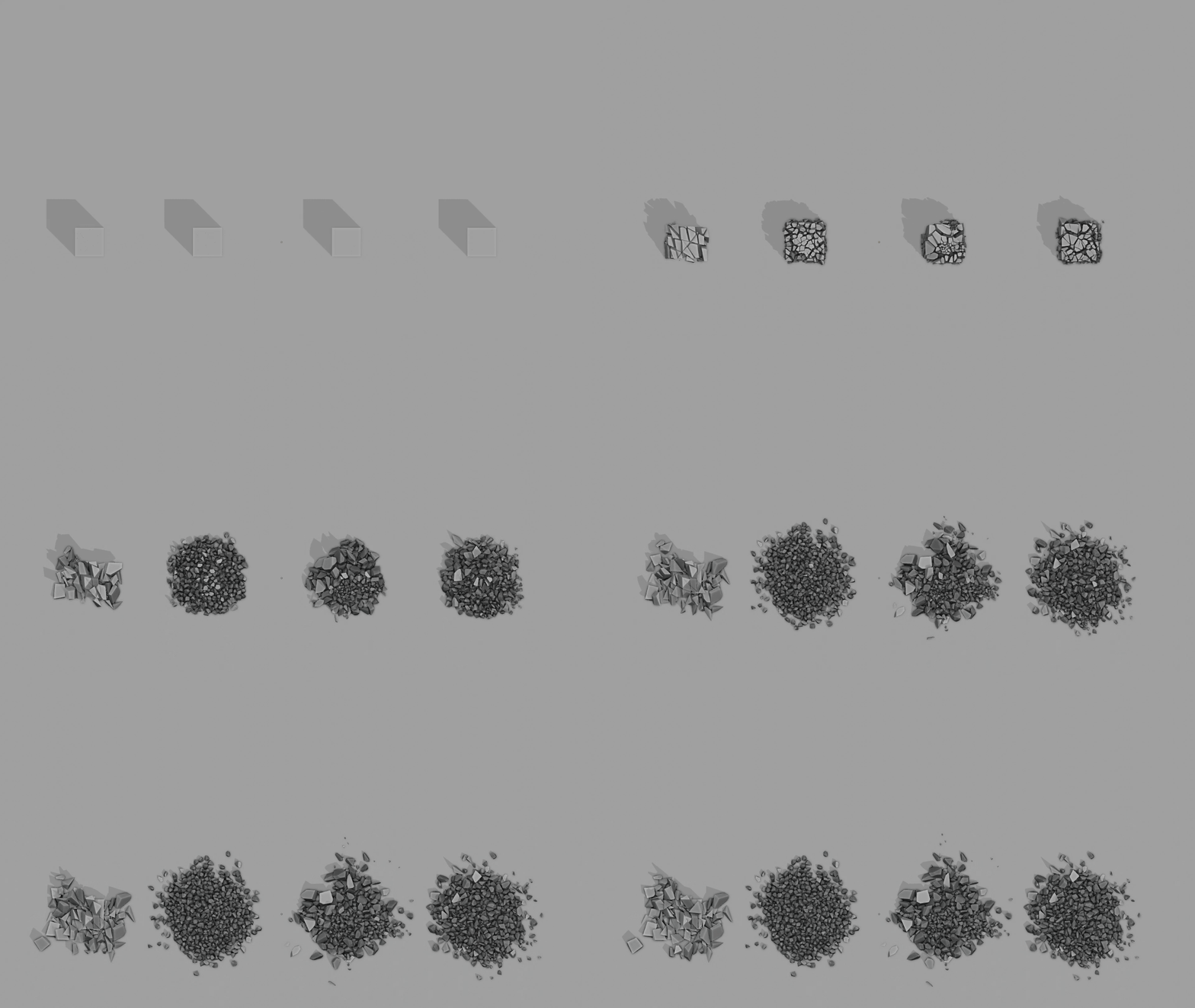
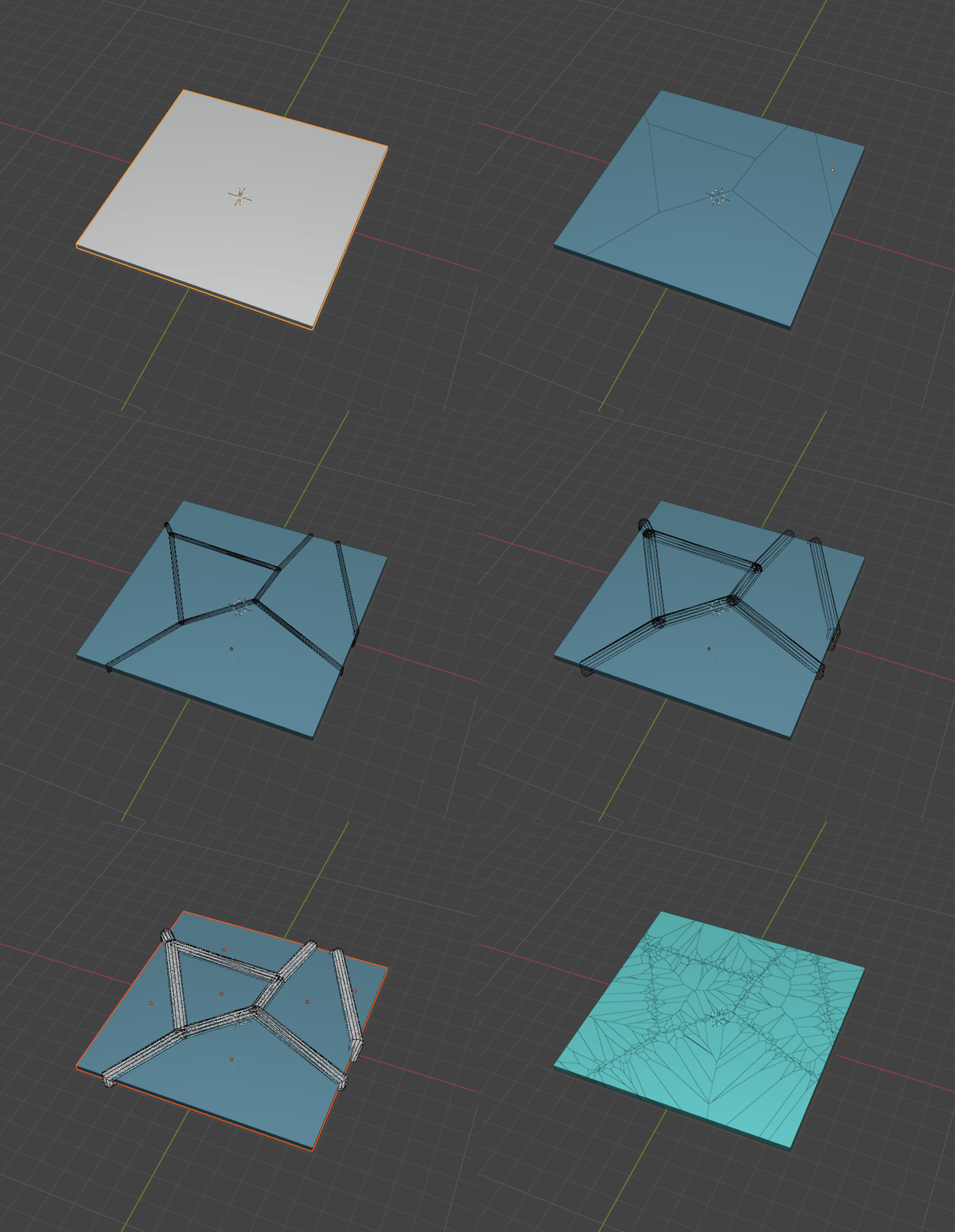
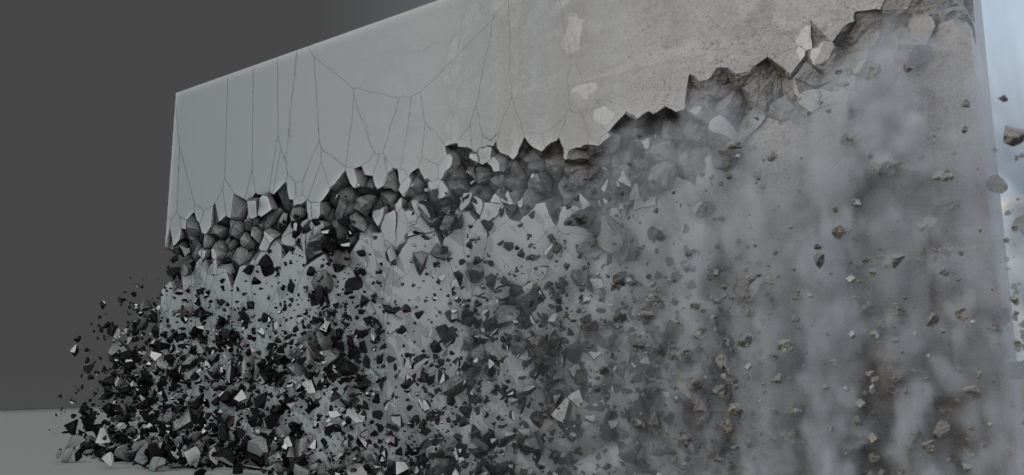
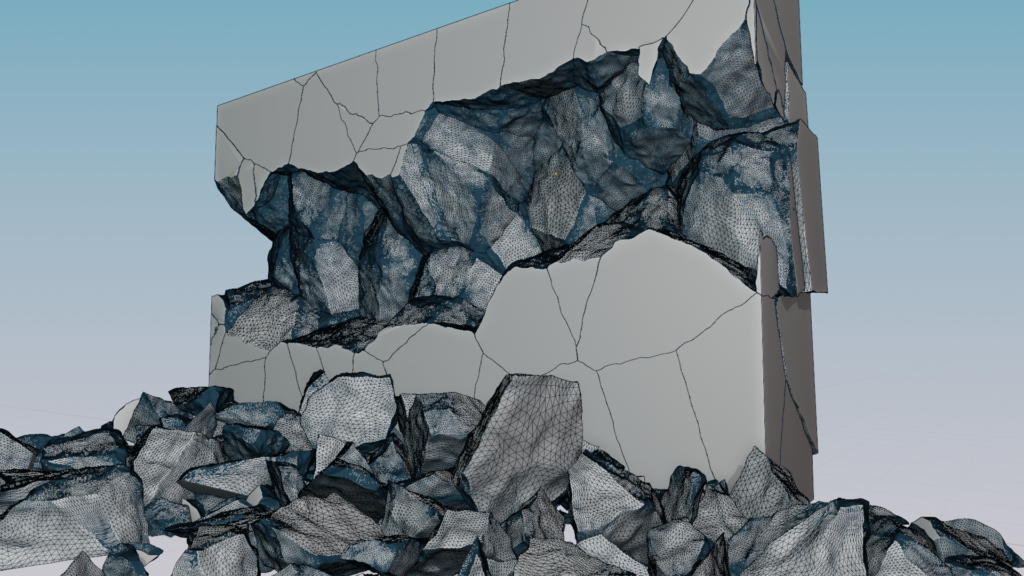
Thank to RBDLab’s tools, you will be able to create any type of fracture you desire quickly and in great detail.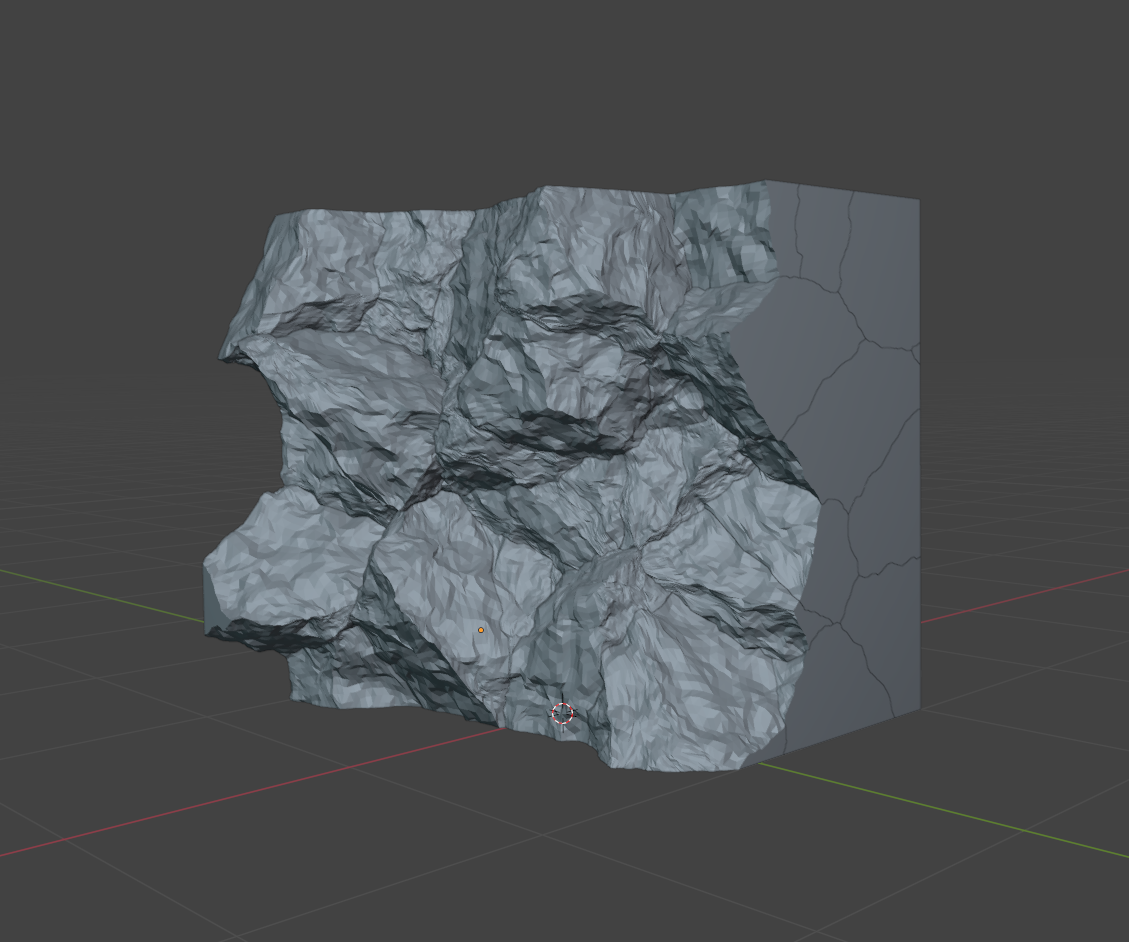
You can add intricate details to your fractures with the internal detailing tool.
RBD Simulation
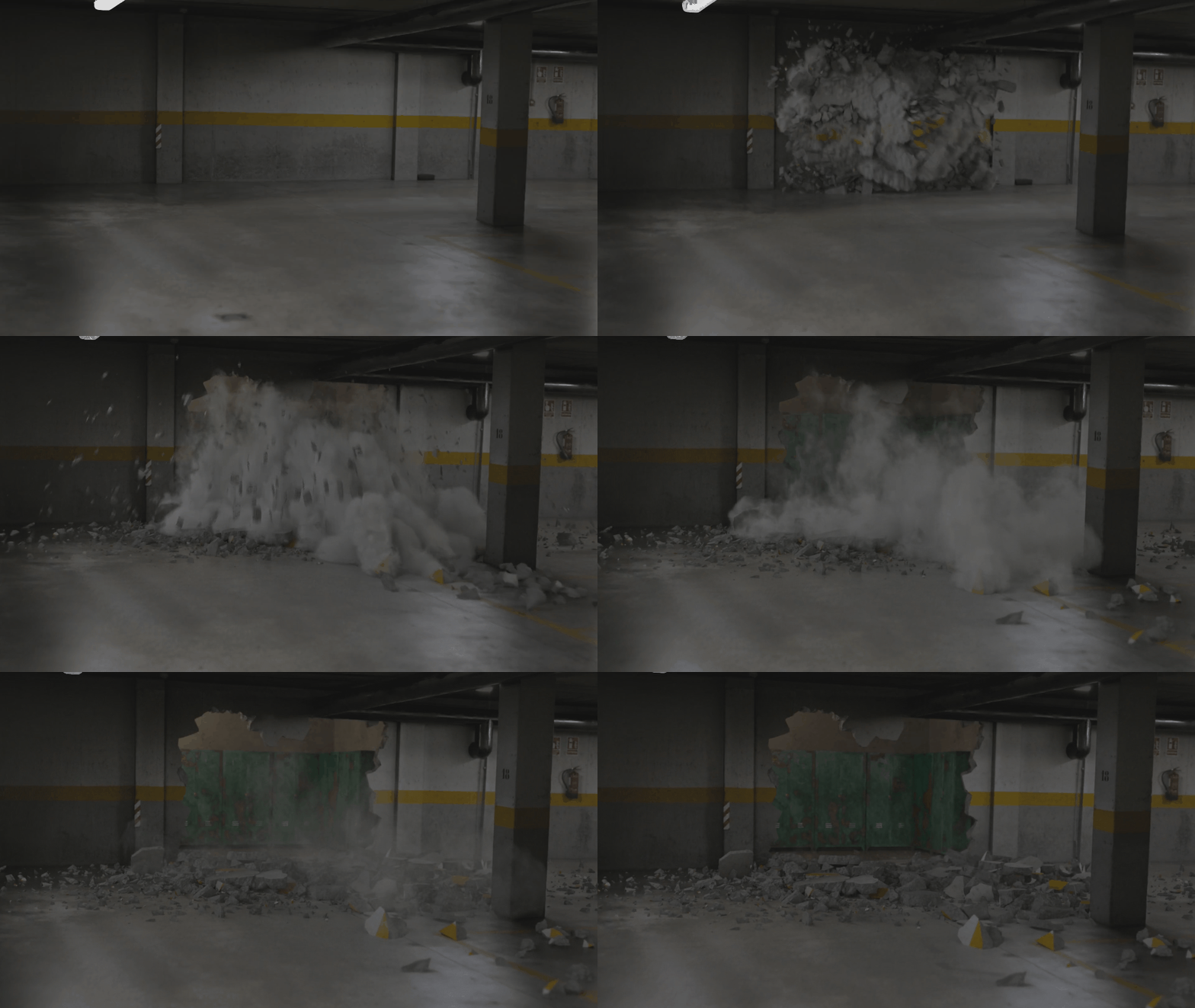
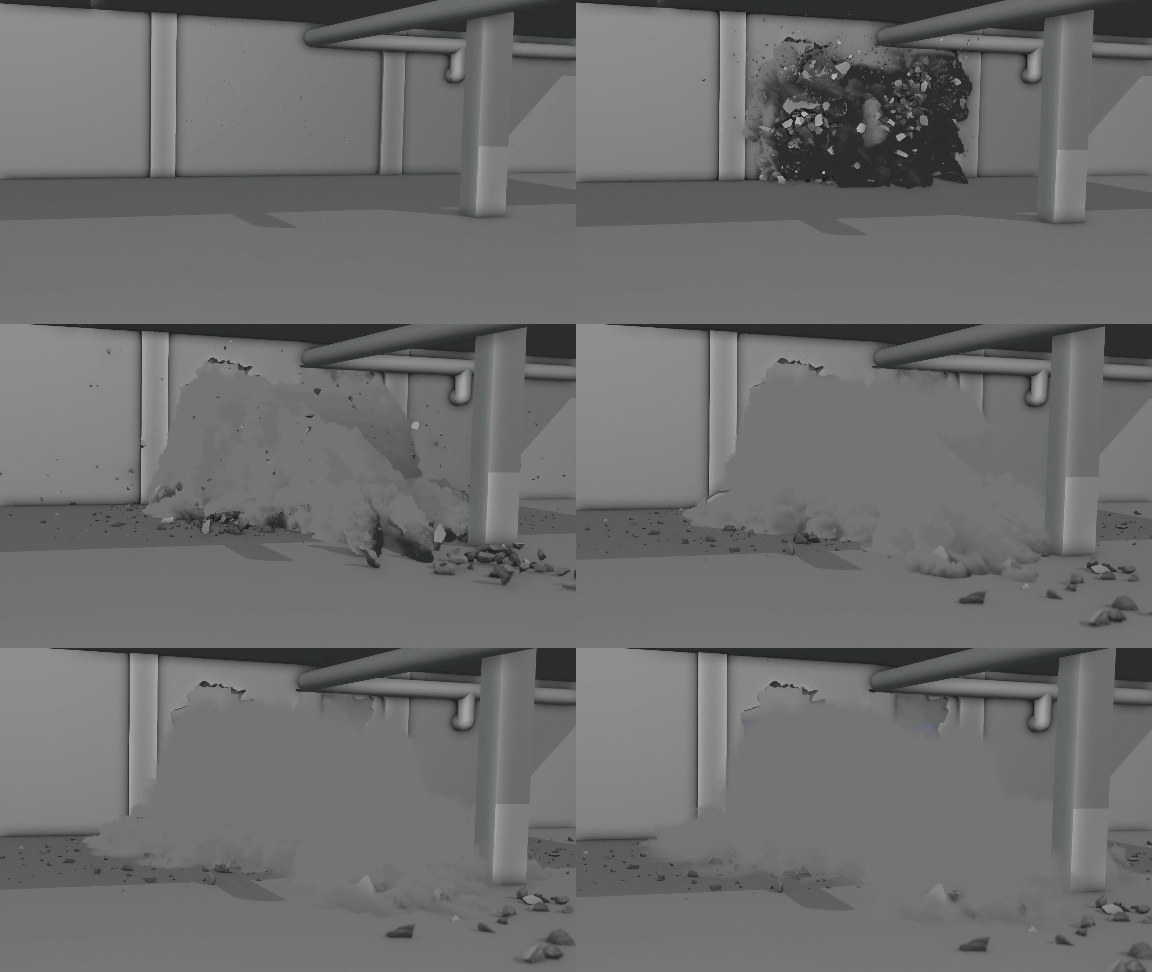
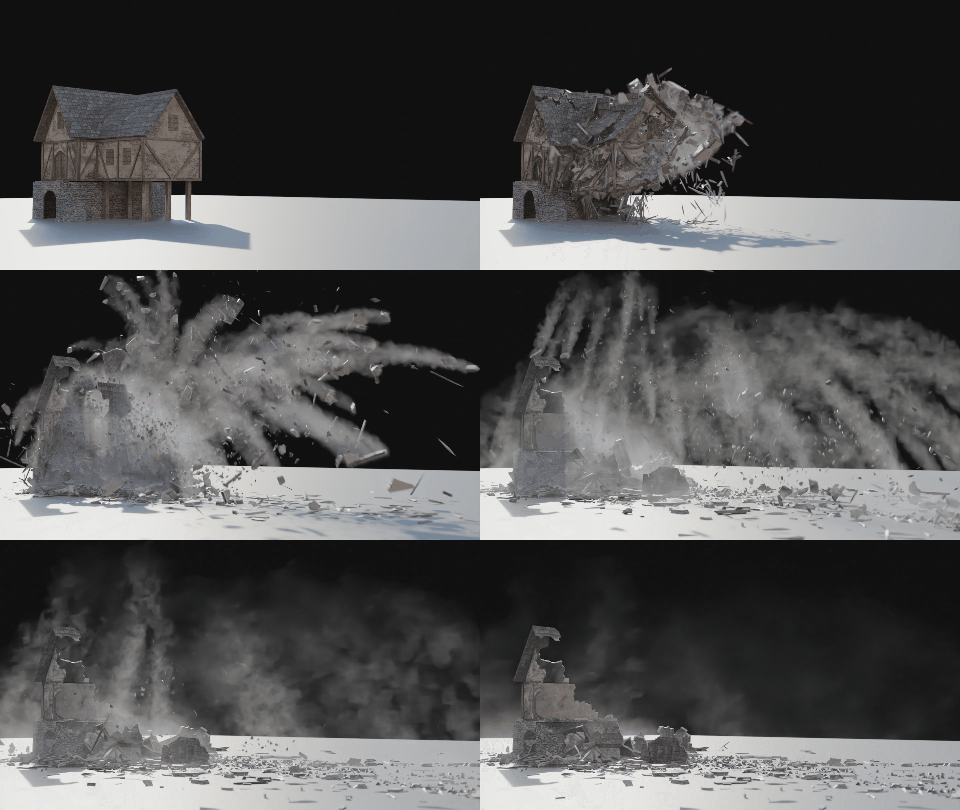
You’ll be able to create complex and realistic simulations. RBDLab offers a vast array of tools, including Debris, Dust, Smoke, and many others, allowing you to push your simulation to the highest level of realism.
MetalSoft Module
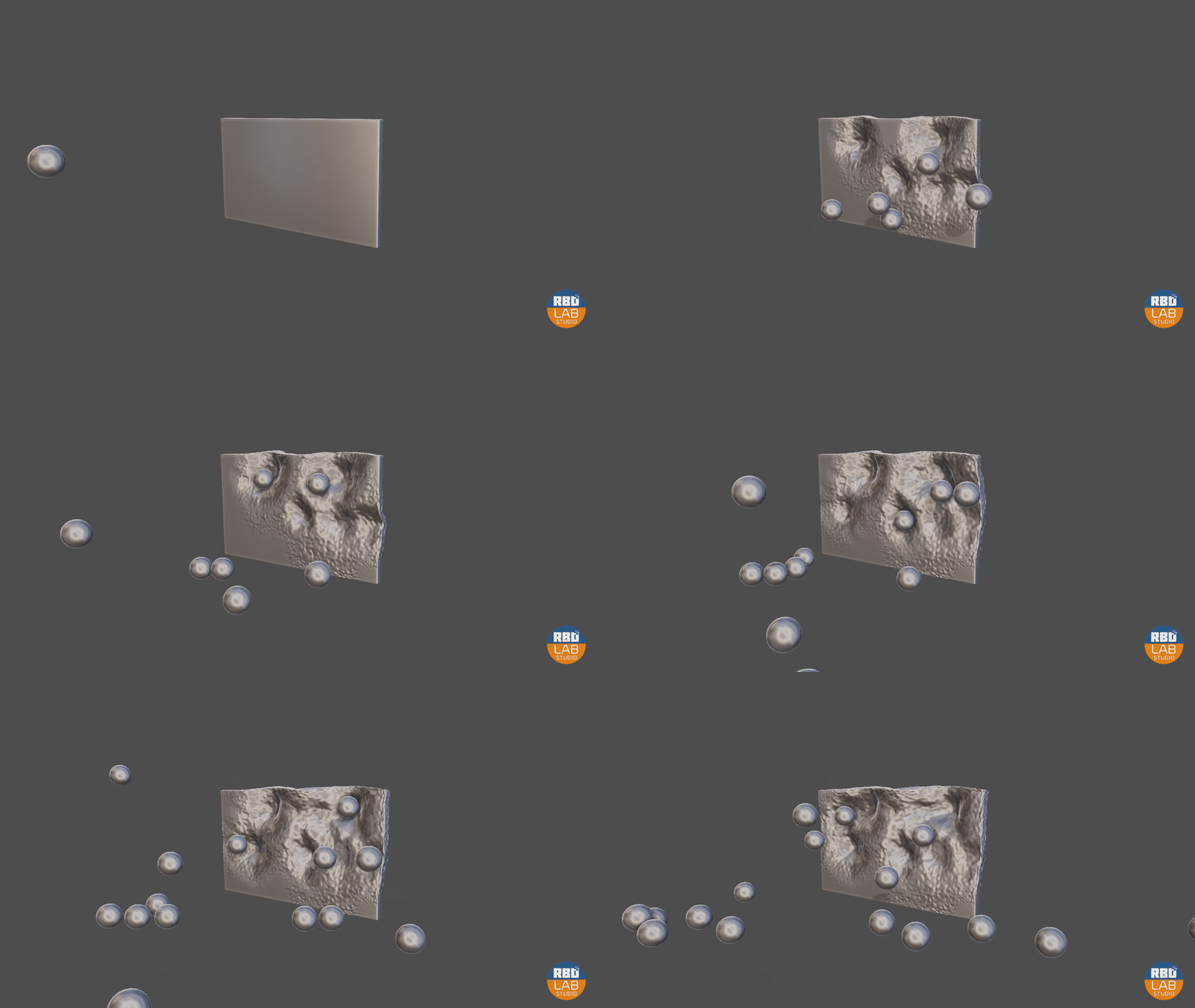
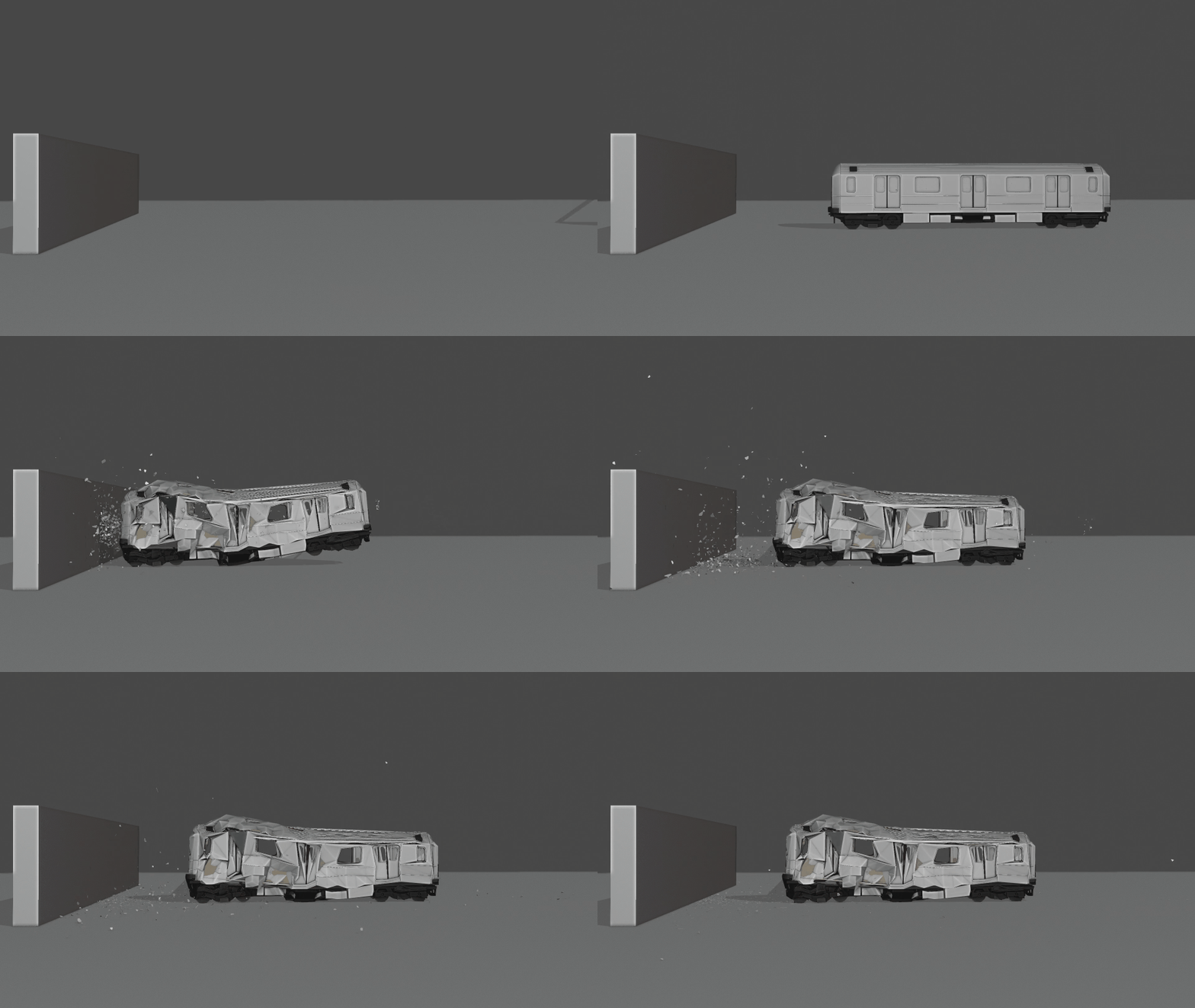
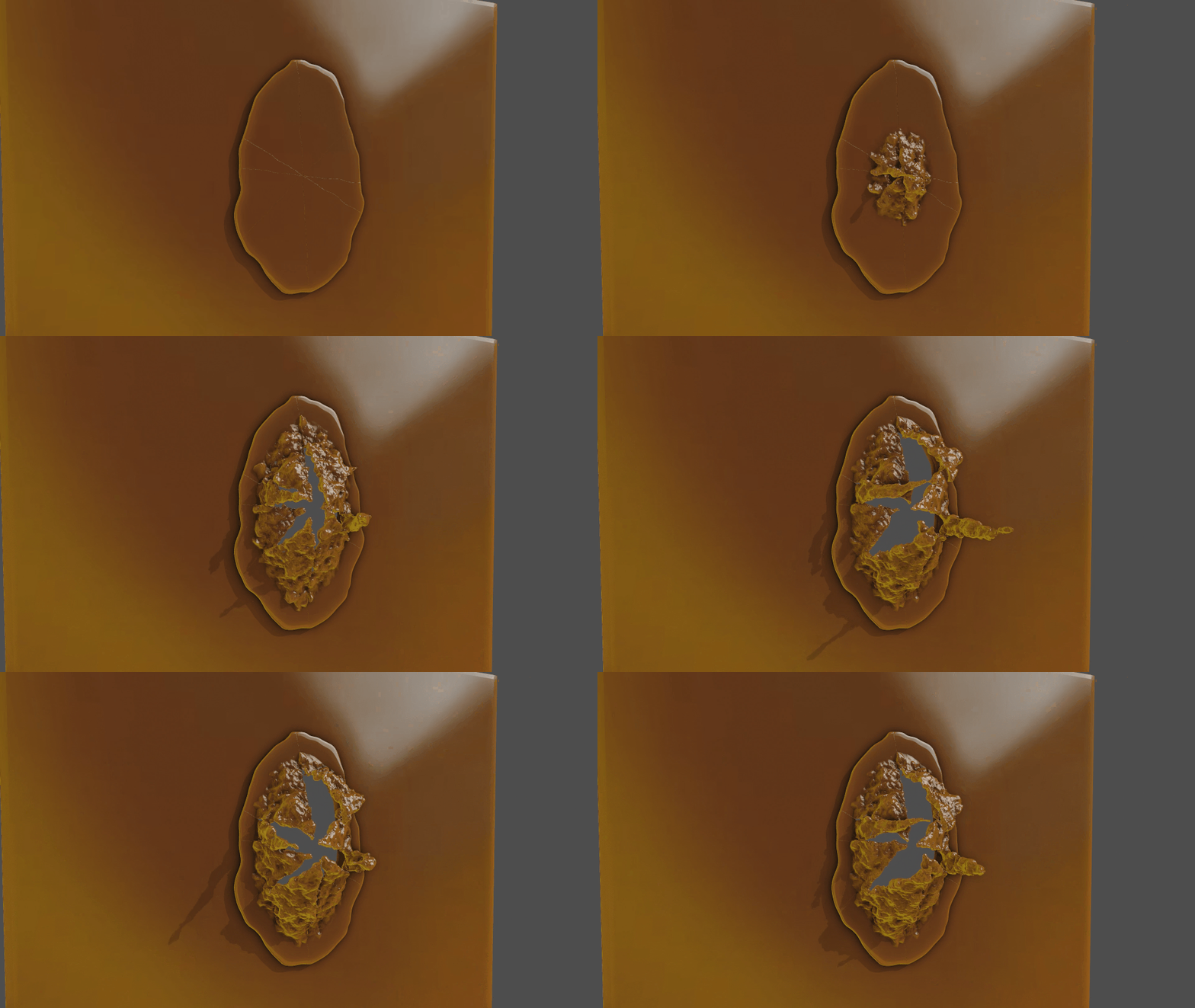
Deform Metal! Starting from RBDLab version 1.5, you can deform or shatter metal. It’s a workflow never before seen in Blender, enabling incredibly realistic simulations of metal deformation or even breaking it!
Making Cloth with Rigidbodies
Create cloth simulations with Rigidbodies using SoftConstraints in RBDLab! You’ll be able to create amazing cloth simulations that interact with rigidbodies. In Blender, it has never been possible to make a rigid body work together with a cloth simulation. Now, it’s possible with RBDLab, and this opens incredible creative possibilities.
Softbodies with Rigidbodies
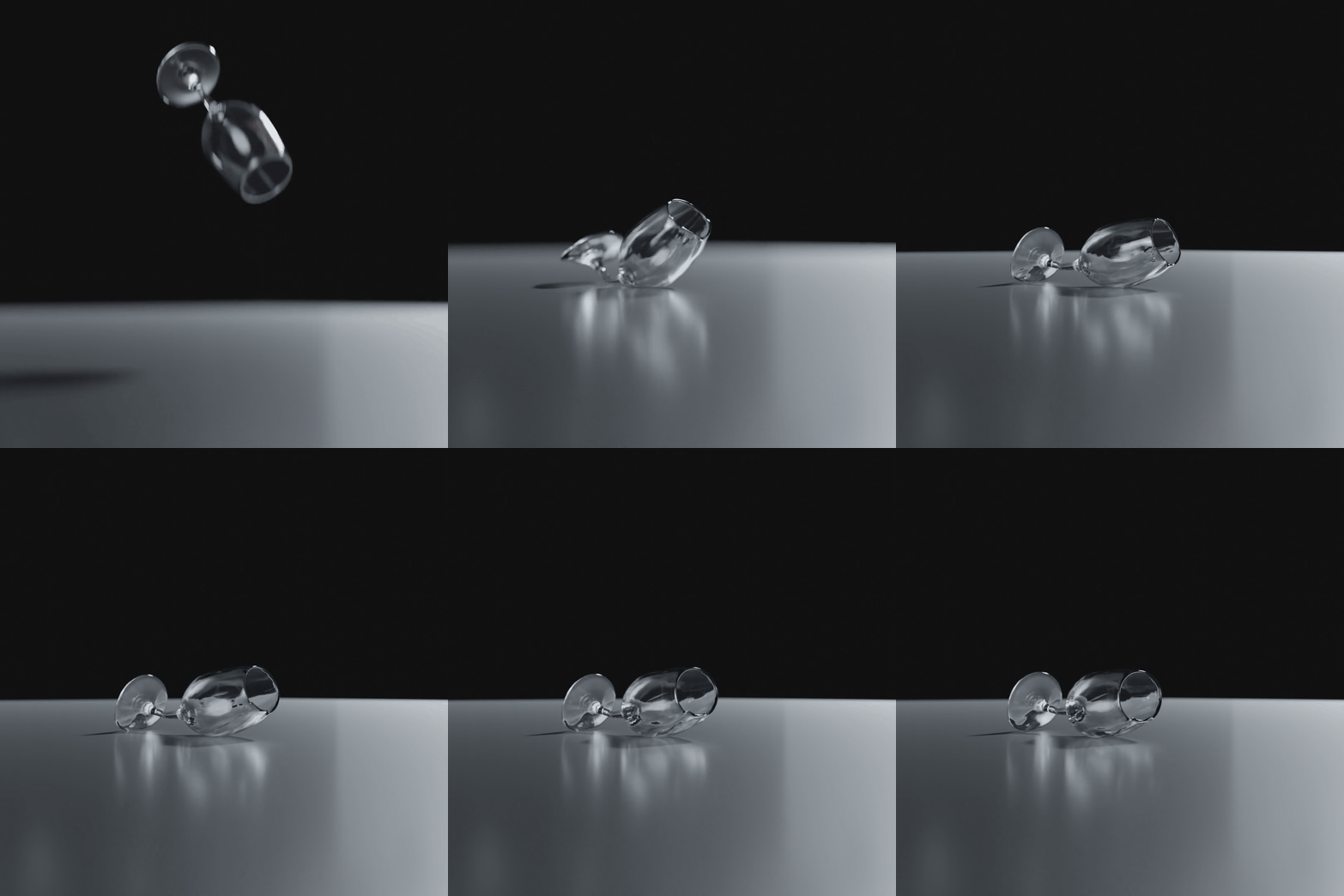
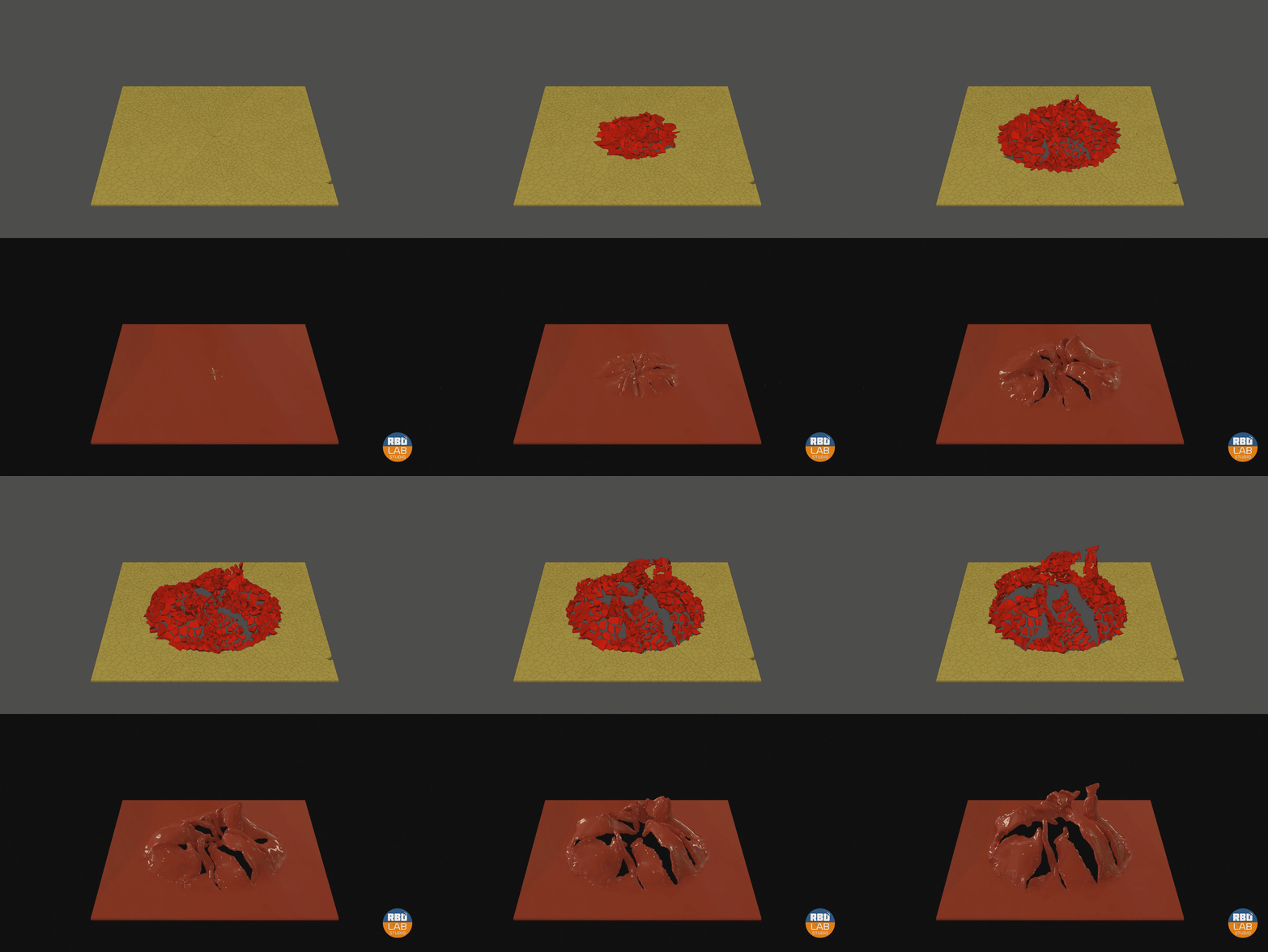
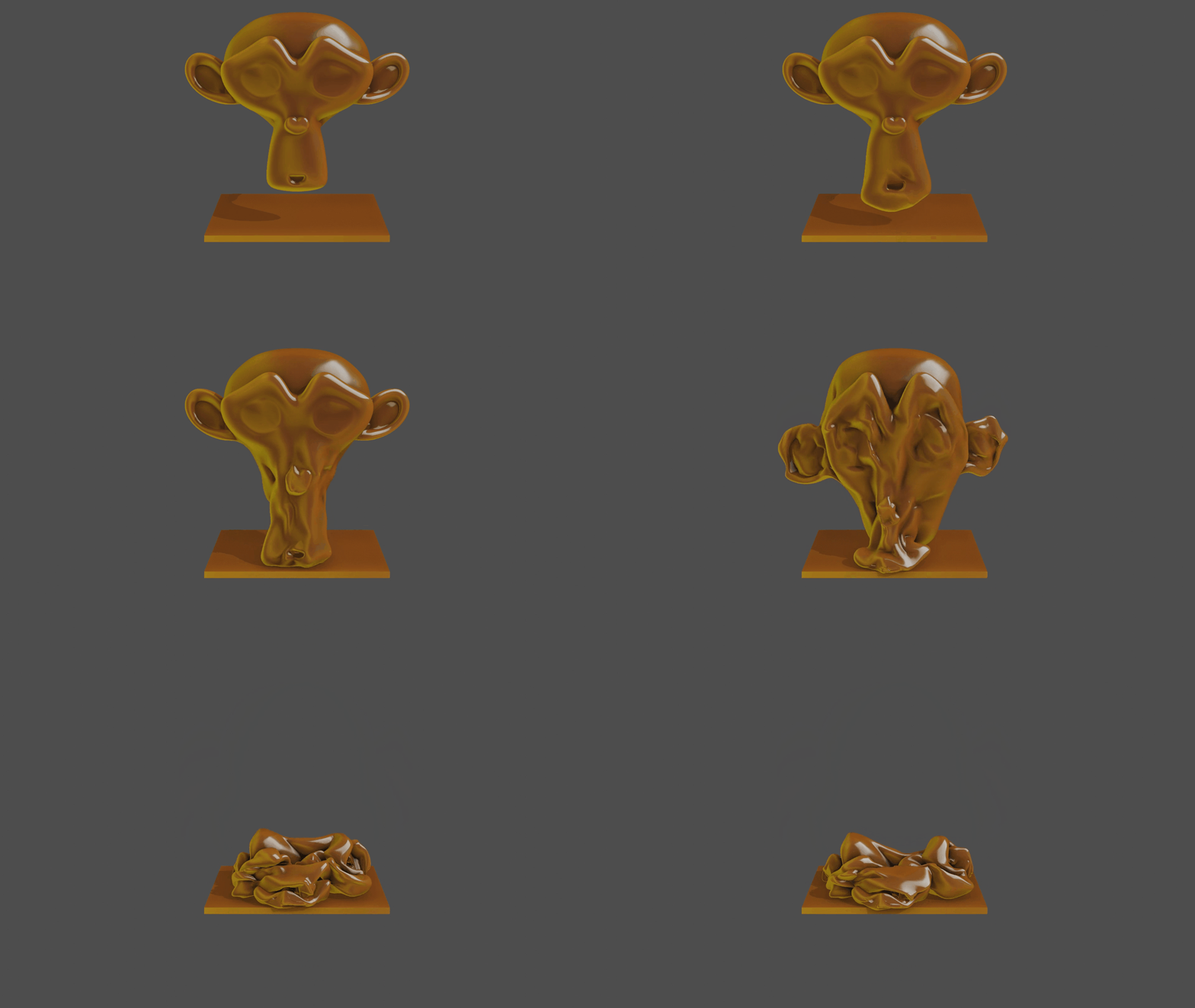
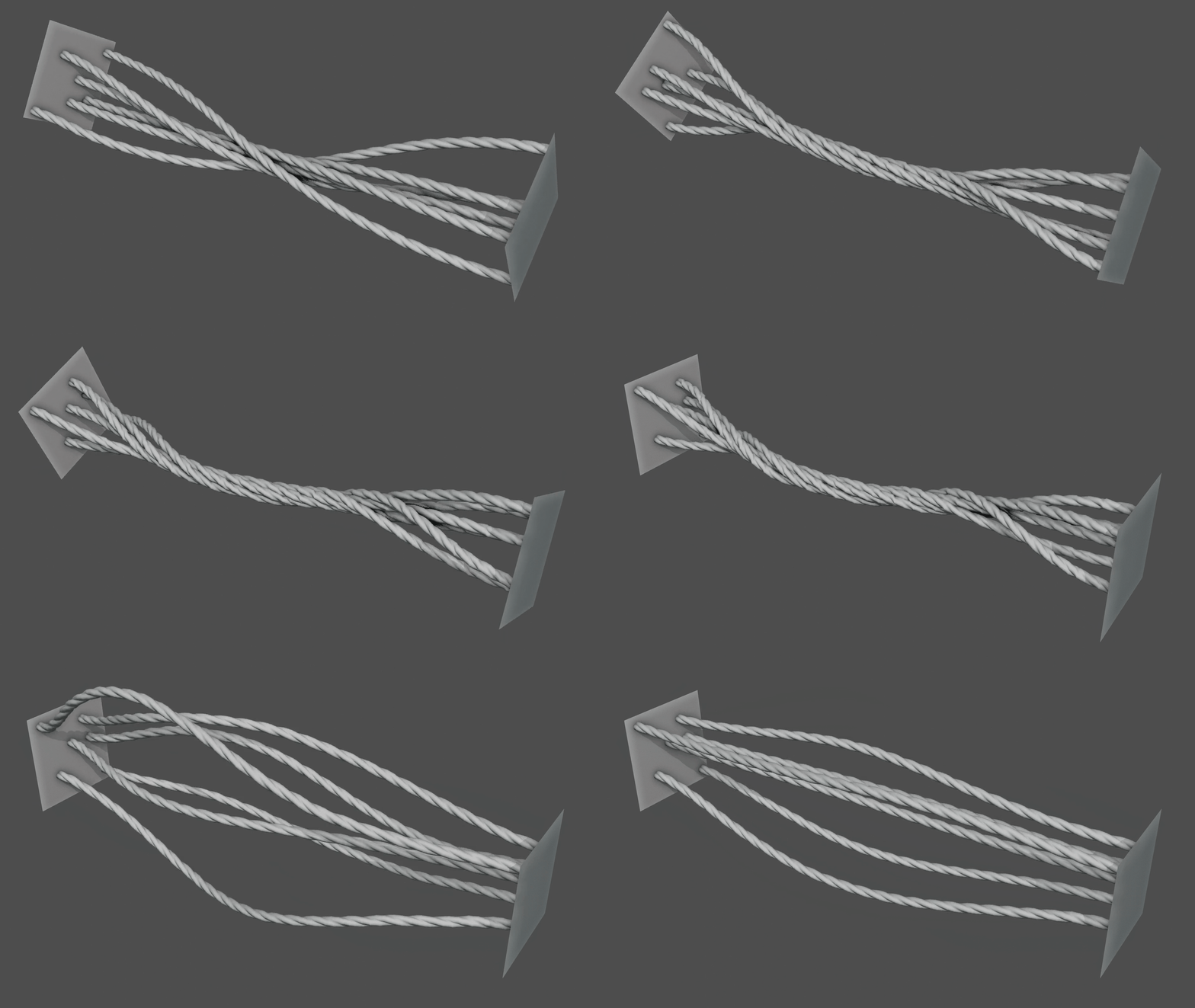
Create amazing soft body simulations with RBDLab. Just like the new constraints allow you to generate cloth simulations, they also enable you to create all kinds of soft body simulations.
Ropes, melting… your imagination is the limit!
Supercharge your 3D creation workflow with premium selection of Blender Add-ons. Whether you are modeling intricate characters, sculpting realistic environments, or animating cinematic sequences, the right add-on can transform how you work inside Blender. Our curated collection includes powerful tools for UV unwrapping, procedural texture generation, rigging automation, rendering optimization, and more—each rigorously tested for compatibility with the latest Blender versions. Eliminate tedious manual processes and unlock advanced functionality that lets you focus on what matters most: bringing your creative vision to life. Explore our full range of professional Blender plugins today and take your 3D projects to the next level.
➡️ ➡️ For more Blender Plugins 😀 😀
Reviews
There are no reviews yet.