
React 2.0.2
react script
Download React 2.0.2 for After Effects on Windows and Mac, a powerful script that creates dynamic reactions between layer properties for sophisticated, interconnected animations . Build complex motion systems where one property’s changes automatically trigger reactions in others—perfect for character rigging, data visualizations, and responsive motion graphics.
Key Features of React 2.0.2:
- Property Reaction System: Create relationships where changes in one property (position, scale, rotation, etc.) automatically affect other properties
- Multiple Reaction Types: Choose from various reaction behaviors including linear mapping, exponential scaling, and custom curve-based responses
- Intuitive Connection Interface: Visually link properties and define reaction curves without writing complex expressions
- Real-Time Updates: See reactions adjust instantly as you modify source properties
- Non-Destructive Workflow: All reactions remain fully editable without baking to keyframes
- Expression-Based Results: Creates clean, portable expressions that work even without the script installed
- Multi-Layer Support: Build complex reaction networks across multiple layers
- Cross-Platform Support: Works on both Windows and Mac systems
Perfect For:
- Character animators creating complex rigs with interconnected body parts
- Motion designers building responsive UI elements and data visualizations
- VFX artists needing property relationships for complex effects
- Anyone wanting to create sophisticated reaction-based animations without manual keyframing
- Studios looking to build reusable animation systems with built-in responsiveness
System Requirements:
- Adobe After Effects 2025, 2024, 2023, 2022
- Windows 10/11 (64-bit) or macOS
- 4GB RAM minimum (8GB+ recommended)
- 25MB available disk space
- Enable “Allow Scripts to Write Files and Access Network” in Preferences > Scripting & Expressions
Installation:
Copy the script file to your After Effects ScriptUI Panels folder:
- Windows:
C:\Program Files\Adobe\Adobe After Effects [version]\Support Files\Scripts\ScriptUI Panels\ - Mac:
/Applications/Adobe After Effects [version]/Scripts/ScriptUI Panels/
Access via Window menu > React
Note: Version 2.0.2 includes performance improvements and enhanced reaction curve controls . The script is essential for creating sophisticated, interconnected animations that respond dynamically to property changes .
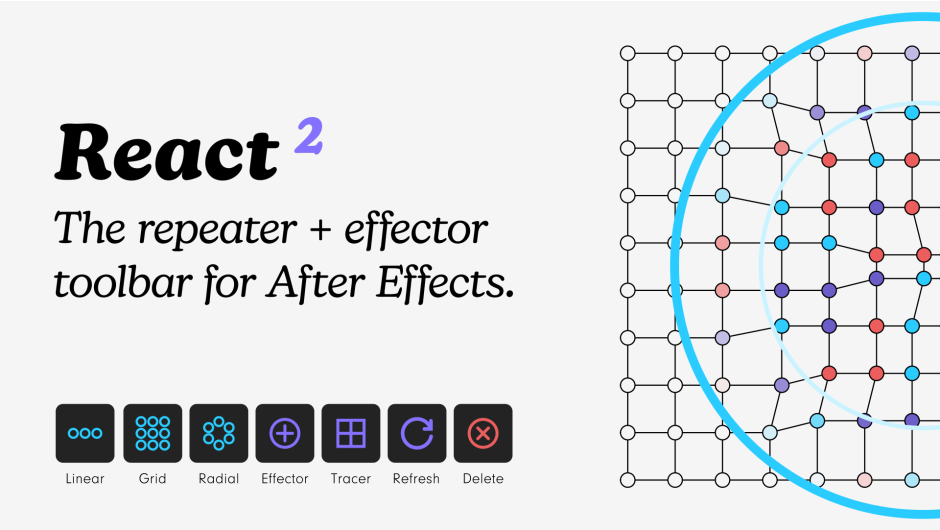
The repeater + effector toolbar for After Effects.
Like Cinema 4D’s cloner system…but for After Effects
New in v2 -• Apply effectors to any property• Sorting Modes• The Tracer feature• Much faster
Description
React 2
The repeater + effector
toolbar for After Effects.
1Select your layers.
2Pick a repeater.
3Add an effector (or more).
4Play with the modifiers.
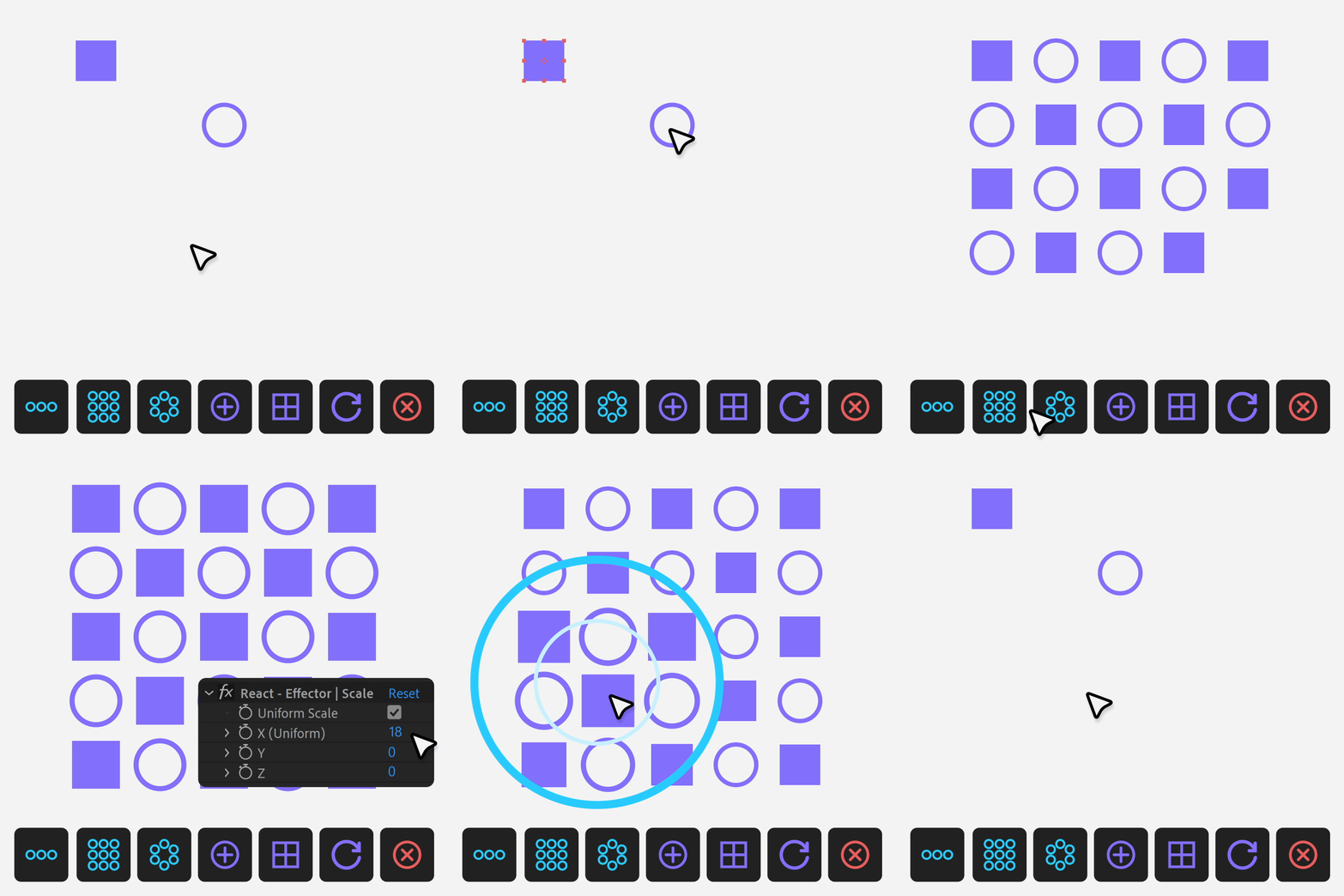
Pick a repeater…
Choose from three powerful repeater types to quickly create complex layouts.
New for v2 Update the amount of layers and the sorting mode with the Refresh button.
Change spacing dynamically with sliders.
Grid

Includes honeycomb functionality.
Radial

Start and end point functionality.
Linear

Add an effector
New for v2 Apply effectors to any property that allows keyframes.*
Choose a Falloff shape – Circle, Box, Linear.
Stack multiple effectors for complex animations.
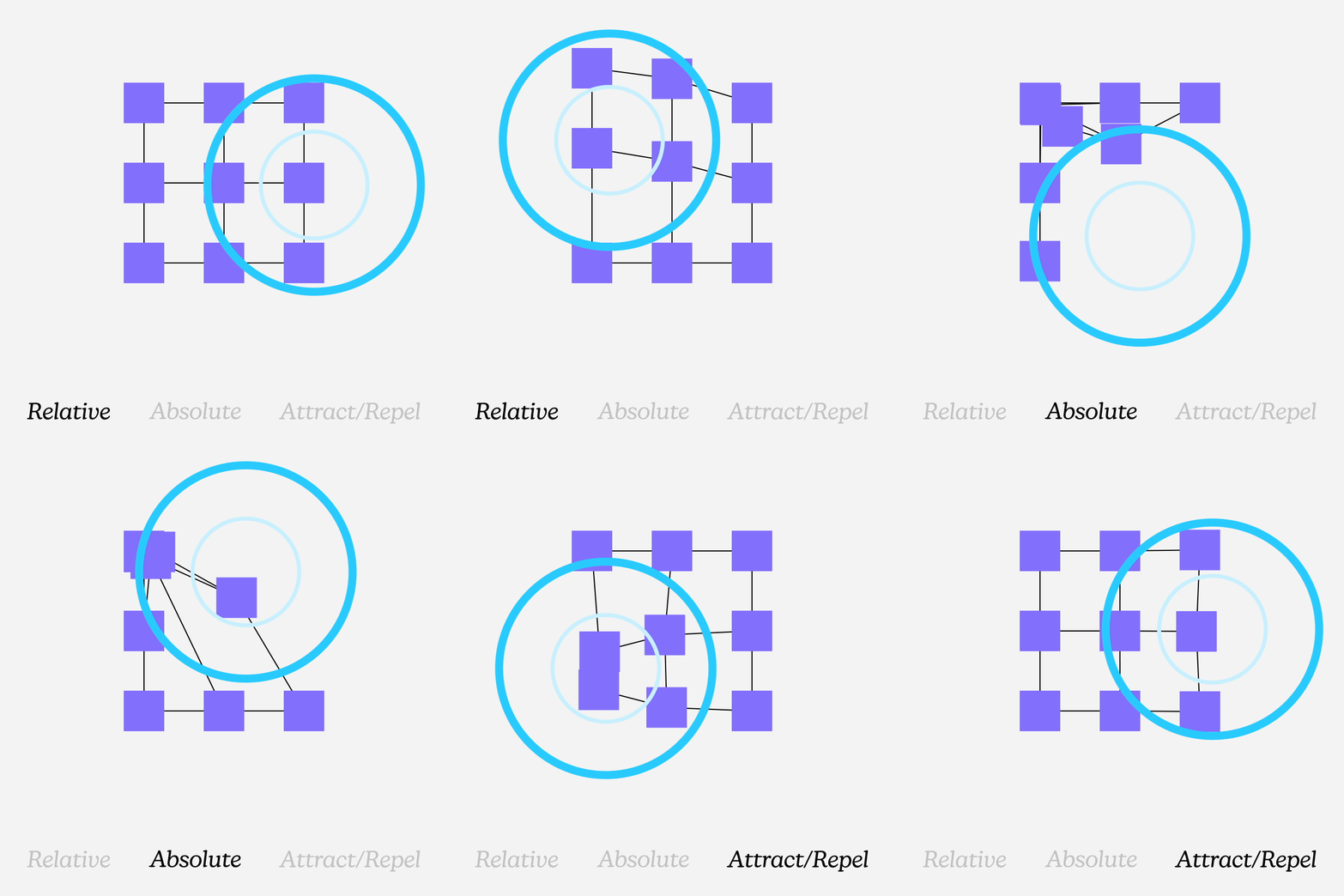
Position
Three powerful modes for precise control:
• Relative – Offset from original position
• Absolute – Set exact coordinates
• Attract/Repel – Push or pull layers towards a target.
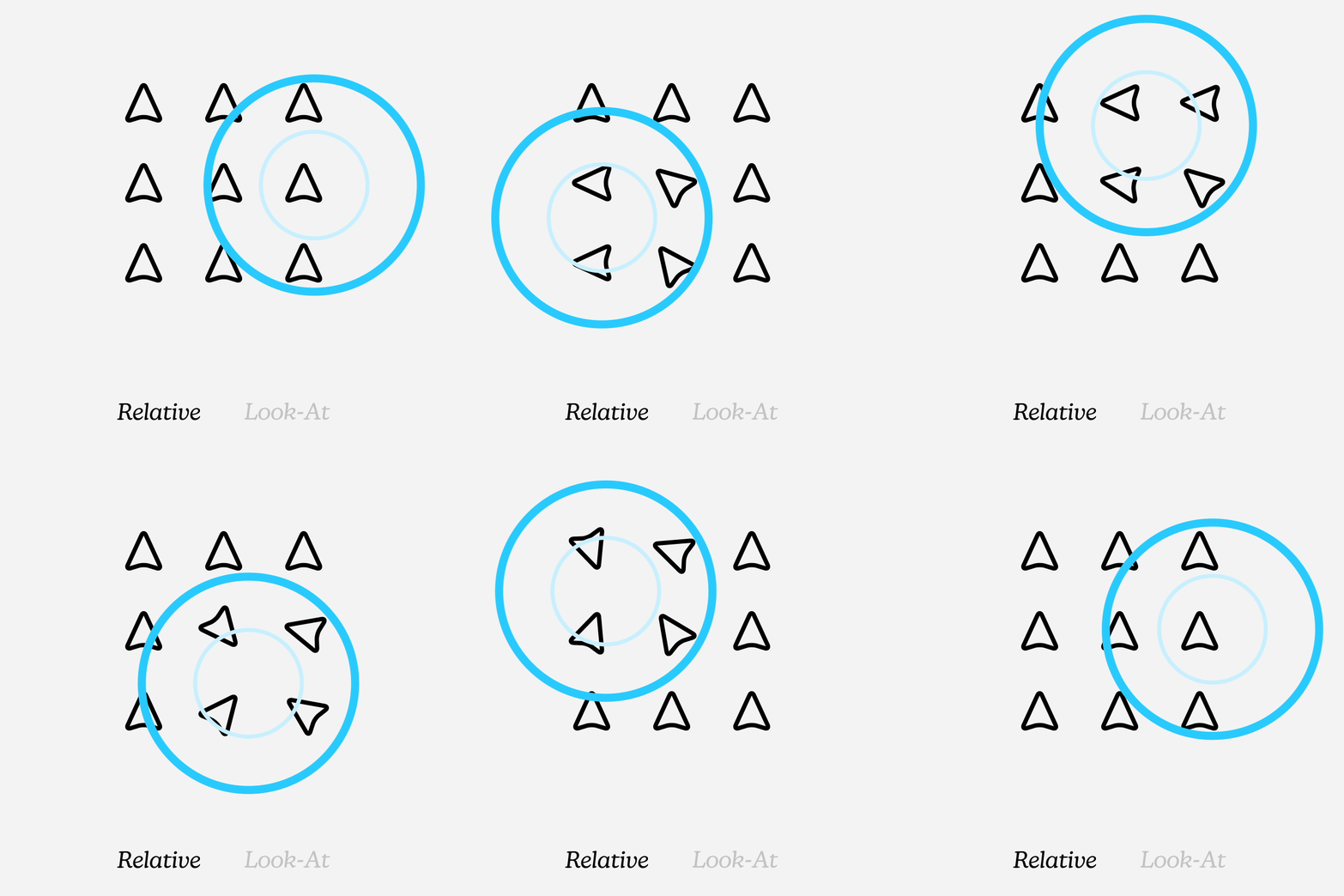
Rotation
Two rotation modes for dynamic movement:
• Relative – Simple degree rotation
• Look At – Automatic orientation to target
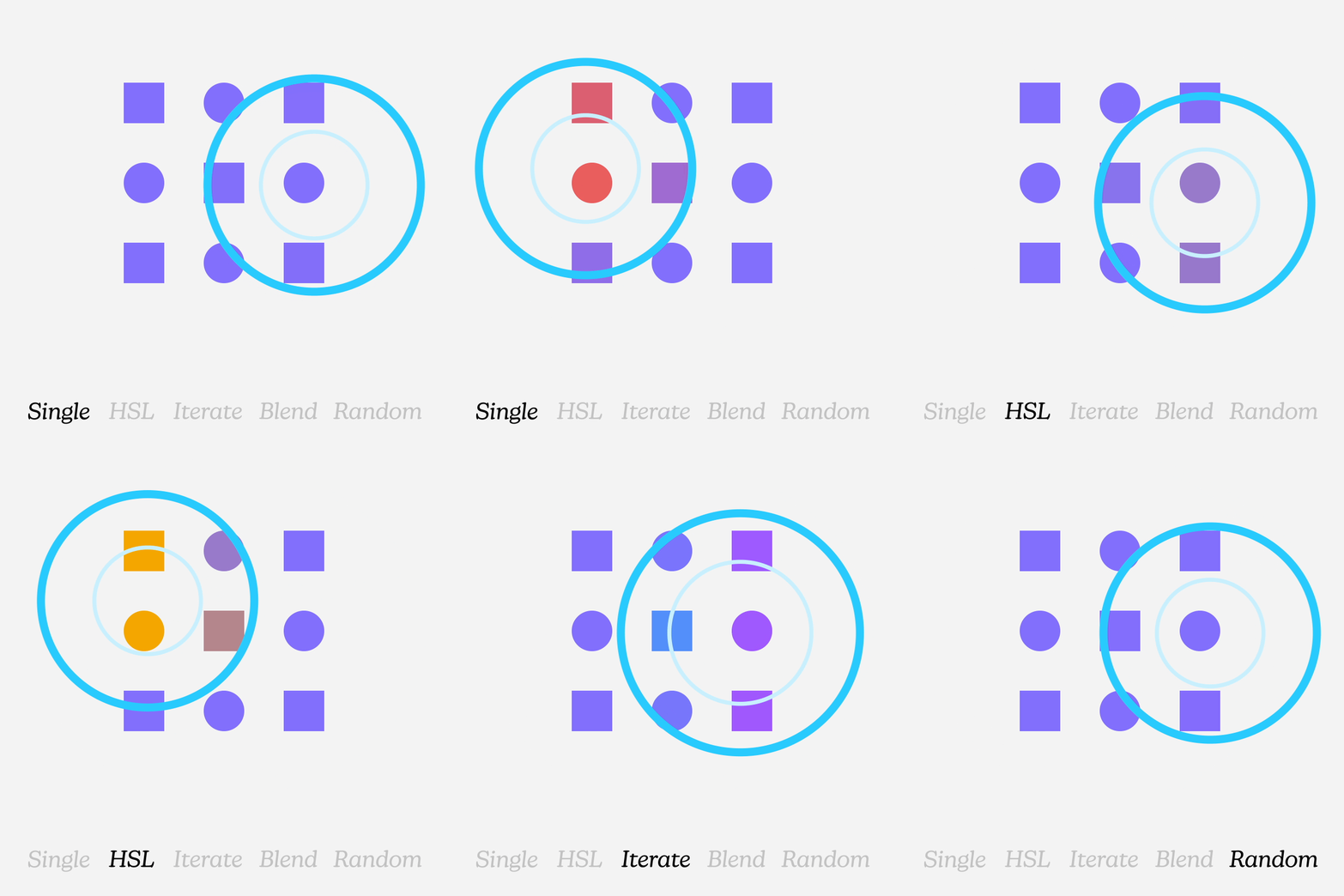
Color
New color effector with five modes:
• Single Color
• HSL (Hue/Saturation/Lightness)
• Multiple Colors – Iterate
• Multiple Colors – Blend
• Multiple Colors – Random
Everything Else
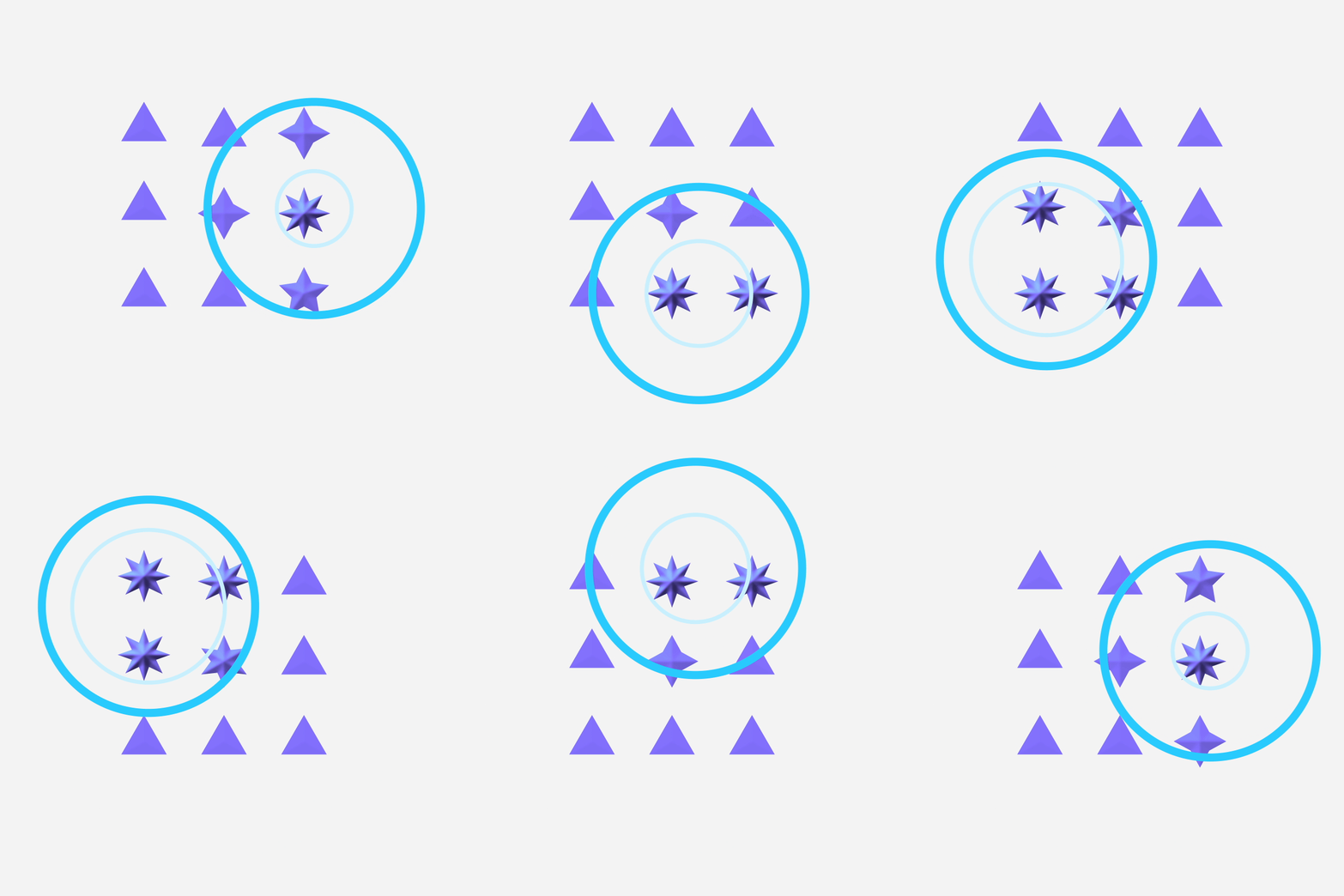
If it can be keyframed, React can control it!
• Scale – Uniform or individual dimensions
• Opacity – Create fade effects
• Any property that allows keyframes*
Three Falloff shapes
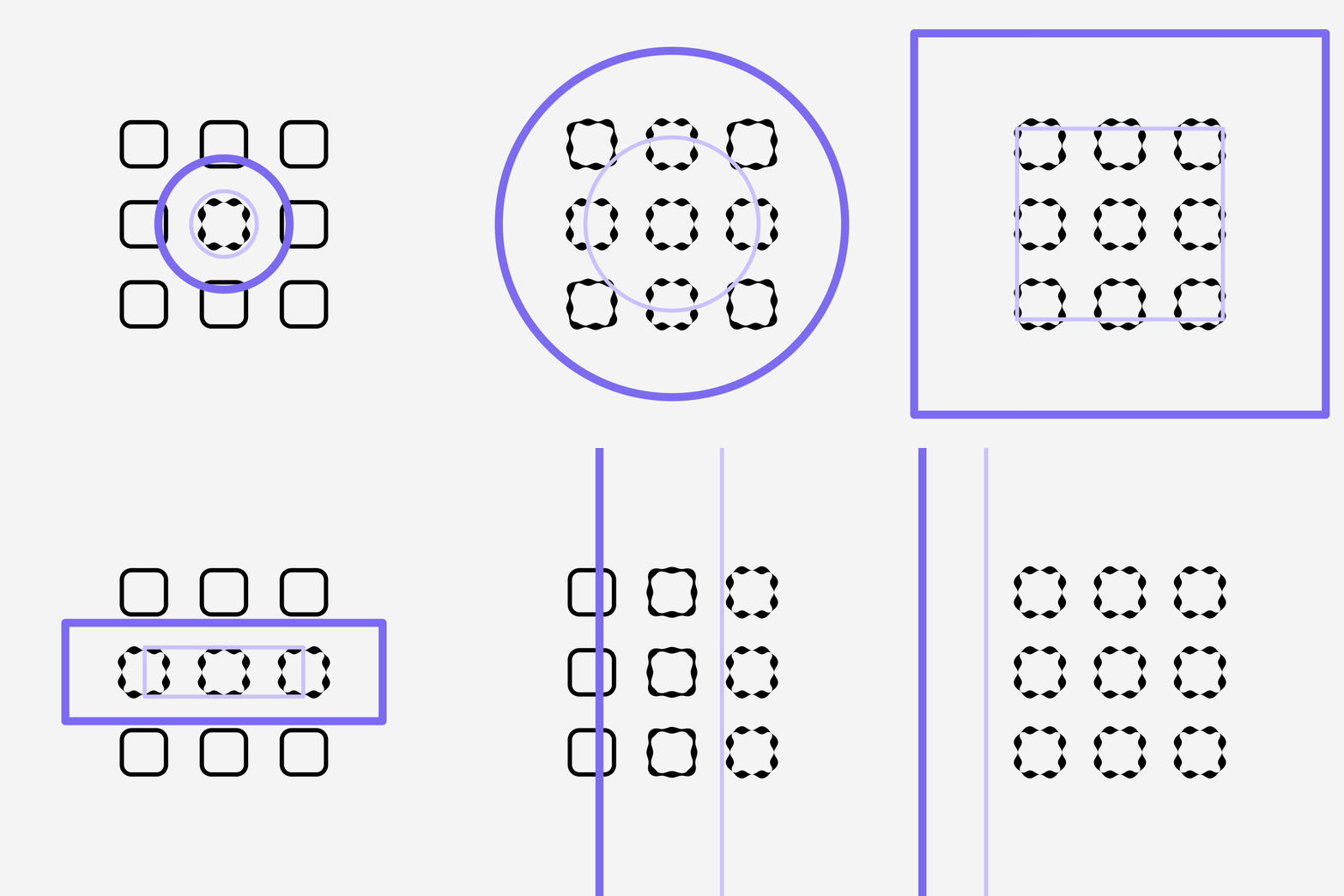
Affect all layers or choose a falloff shape –
• Circle
• Box
• Linear
Introducing the all-new Tracer…
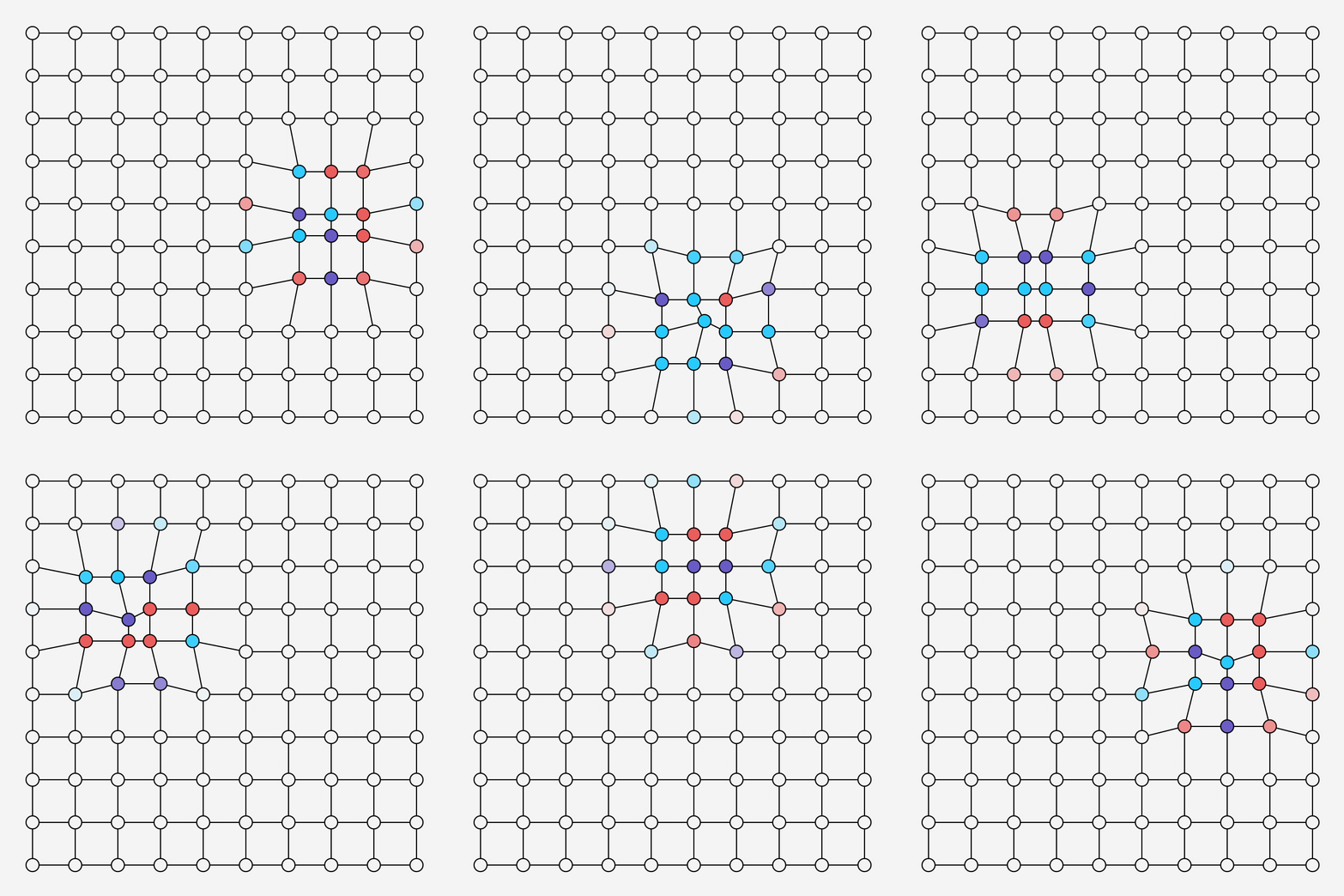
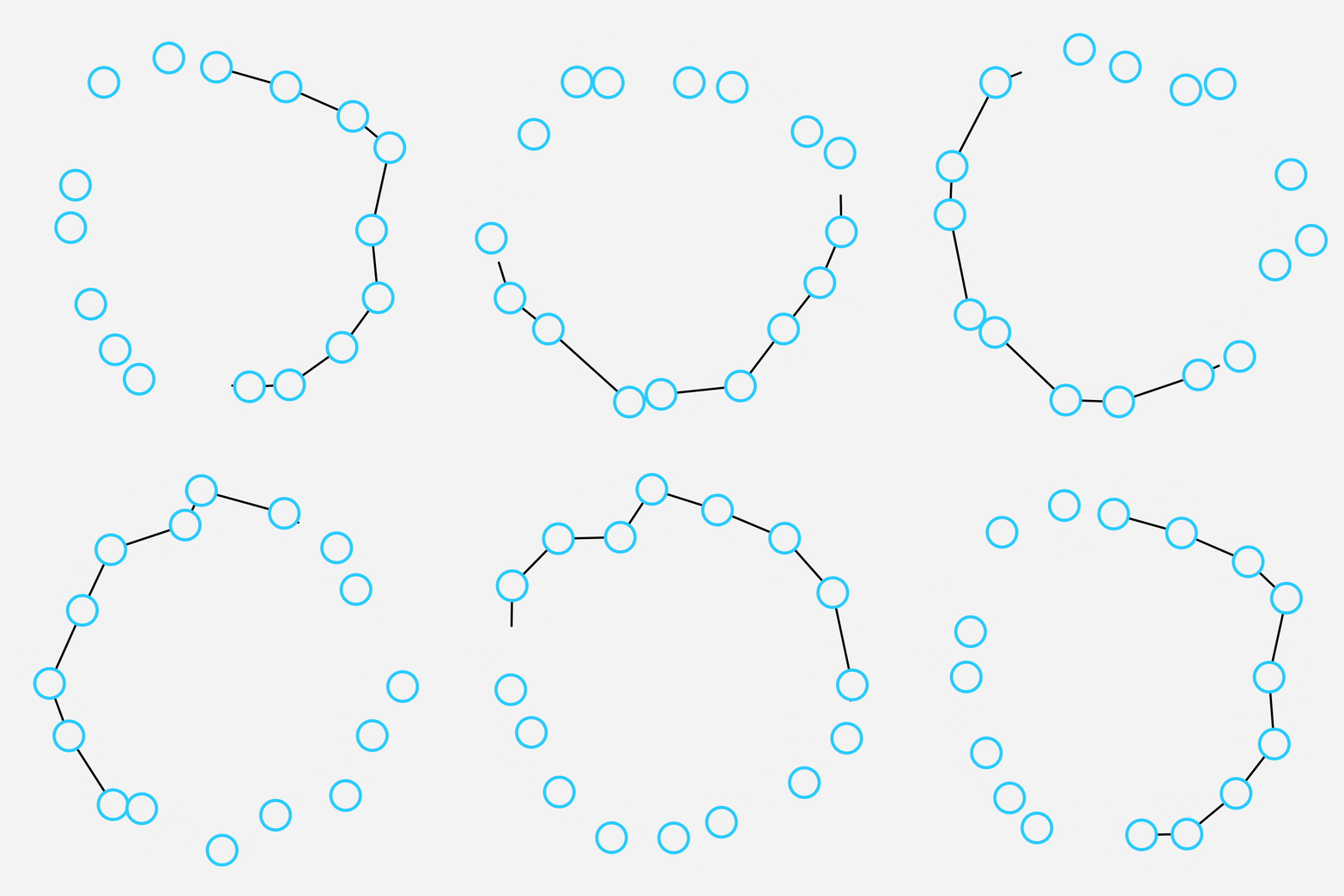
Connect repeated layers with dynamic lines or grids.
The tracer updates with effectors to add a new dimension to your animations.
Choose Grid, Snake or Zig-Zag settings when applied to a Grid Repeater.
Just a heads-up – React v2 has a ton of speed + feature upgrades since this video.
Smart Modifiers
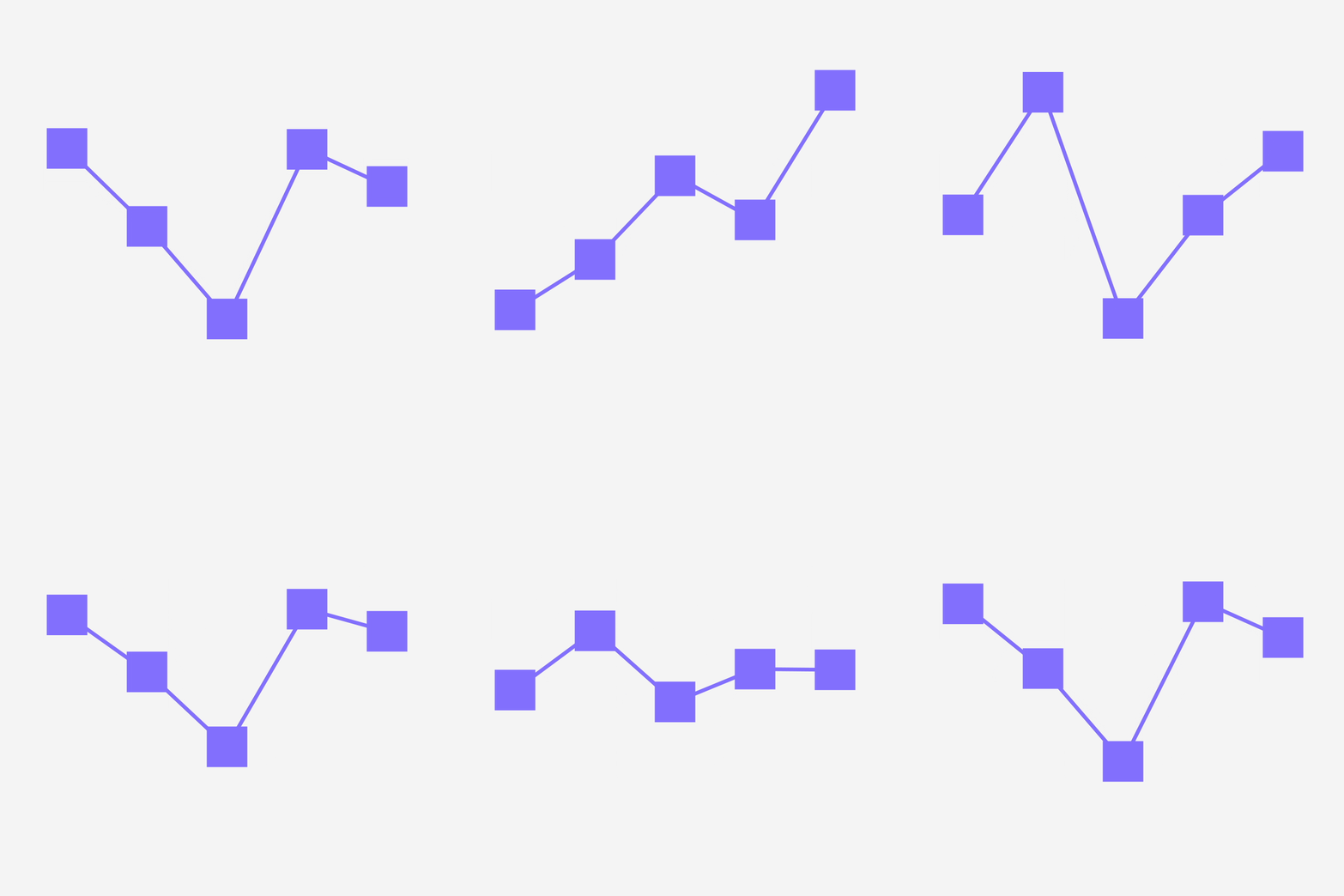
Every effector has 3 smart modifiers – Random, Step + Sticky.*
New for v2 The Random modifier now has evolution controls for loopable randomness.
*(excludes the Color effector, which has its own rules.)
Random
Adjust Random Seed, Evolution, and Evolution Steps parameters to control the intensity of randomization.
From subtle variations to dramatic changes, you can now loop random animations and define how many steps in a loop.
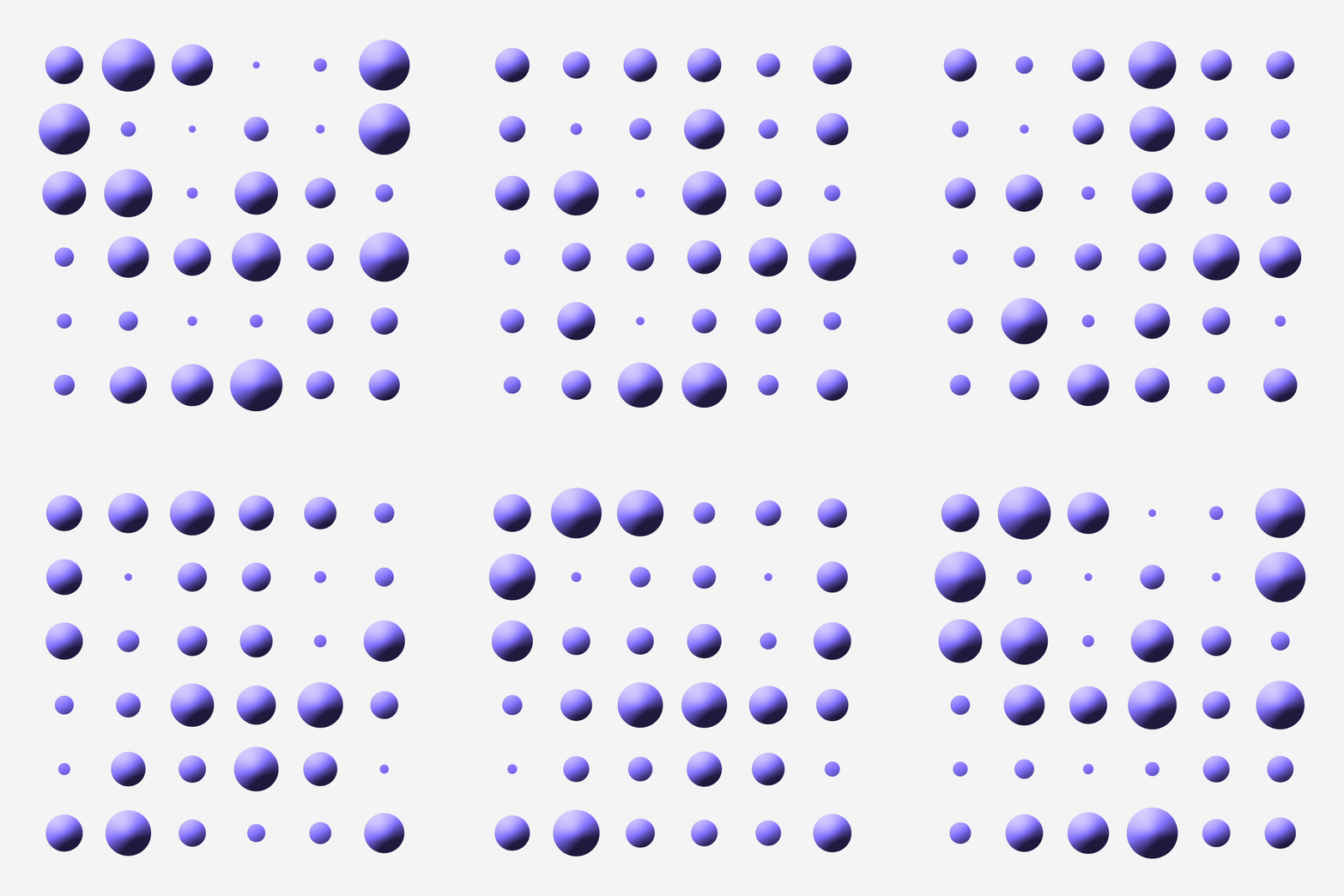
Step
Multiplies the index number of your repeated
layer to create step-by-step increments.
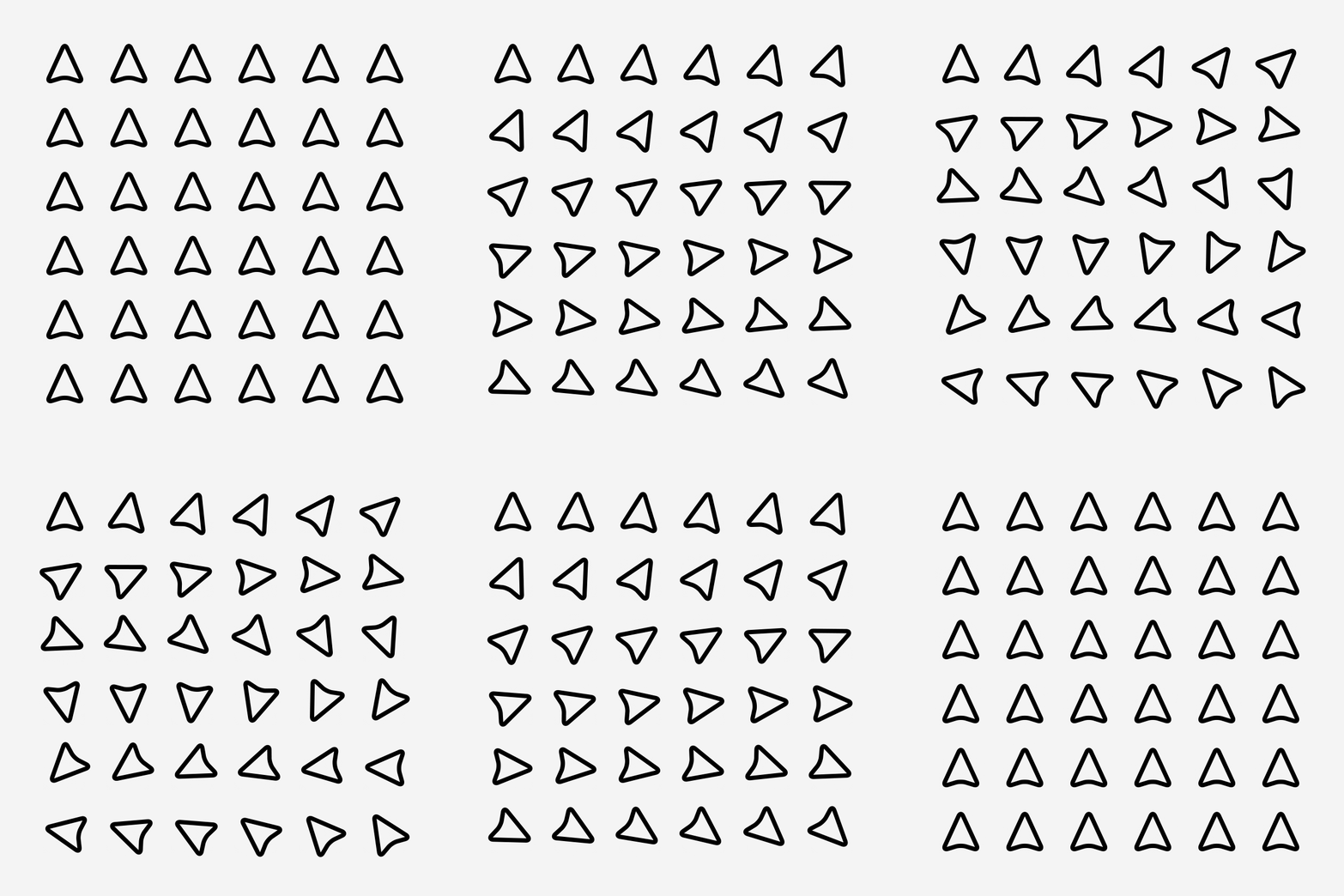
Sticky
Sticky is what we like to call the ’rounding’ modifier
– it snaps values to the nearest user-defined number.
Set it to 45 to create geometric patterns.
Or set it to 1 and snap points on a star.

Thanks to Boone Loves Video for featuring React
And that’s not it…
Works with text layers
Add a repeater to a text layer and split into –
• Letters
• Words
• Lines
Your repeated layers update as you type
with the dynamic text guide.
Add an effector to create unique animations.
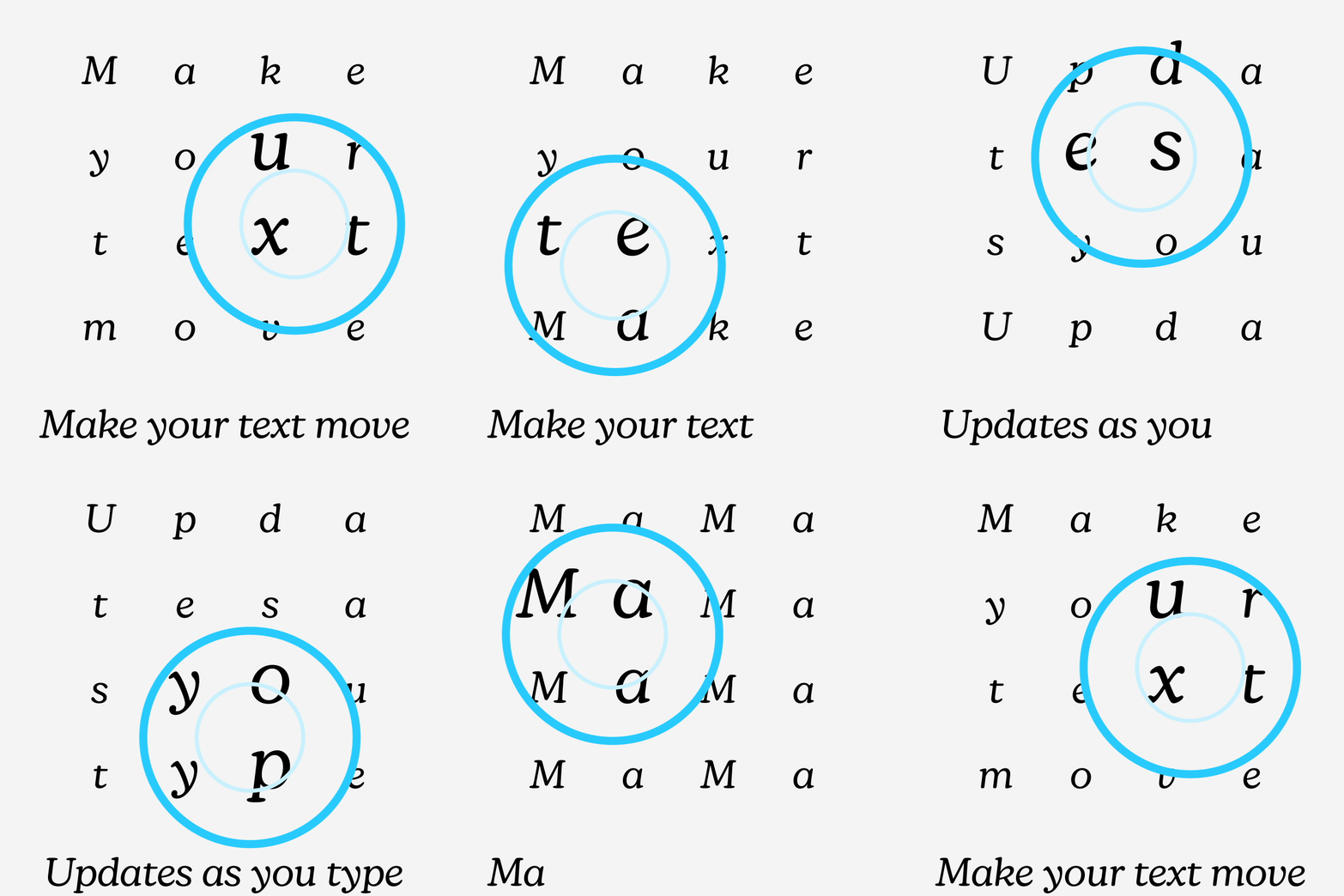
Stack multiple effectors
More effectors = more fun!
Stack two or more effectors to create
ripple effects or more complex animations.

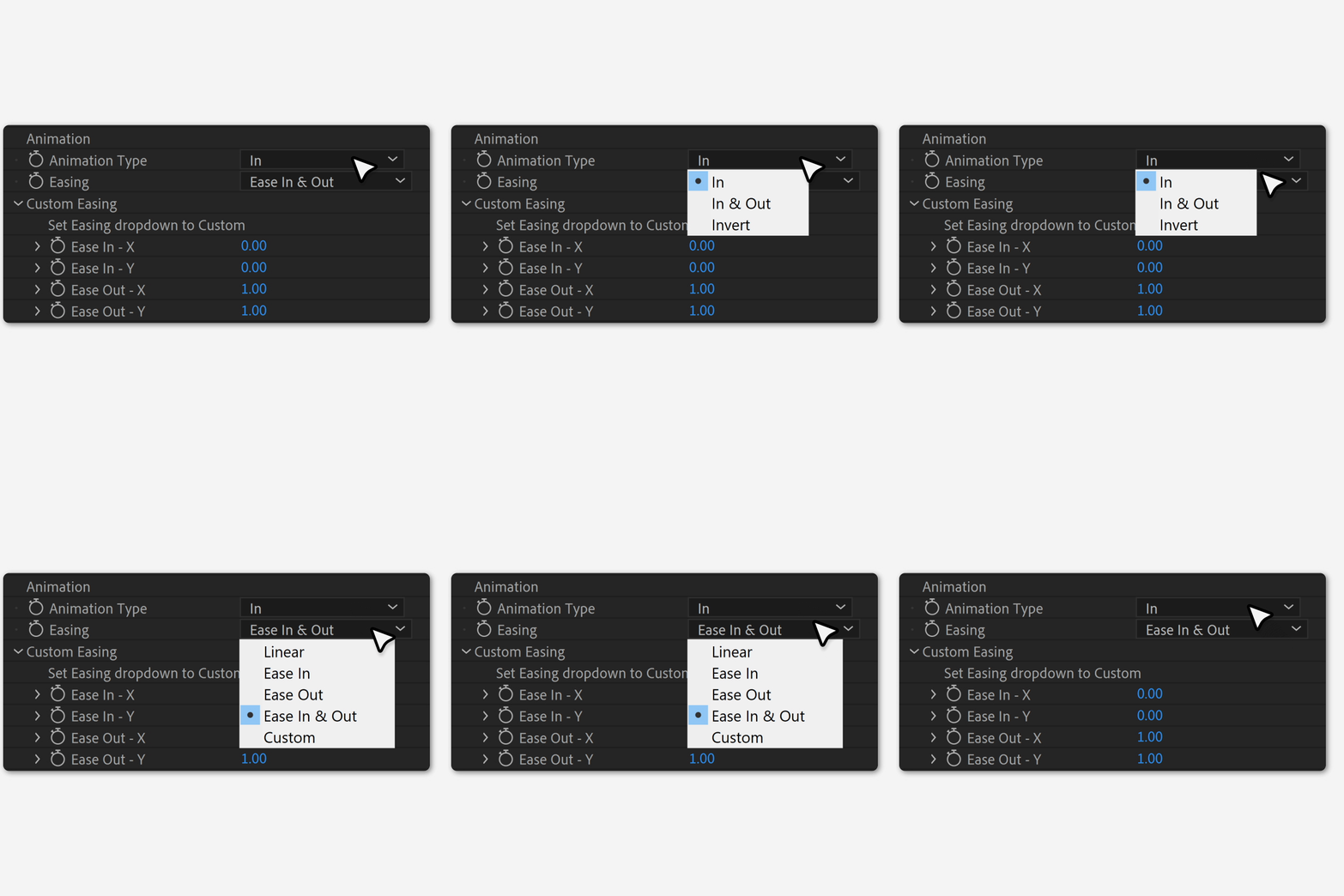
Custom easing
Fine-tune your interpolation with React’s
custom easing settings.
Or use one of the in-built easing settings –
• Linear
• Ease In + Out
• Ease In
• Ease Out
New in Version 2
Control Any Property
Apply effects to any property that allows keyframes.*
Much, much faster
We’ve rebuilt a lot of the workflow and expressions to make v2 a lot faster.
The Refresh button
Need to add more layers to a repeater?
No problem, dial in the quantity and hit Refresh to add them in.
Smart sorting options
You can now sort the layers in a repeater.
Iterate, cluster, random, row and columns – pick a sorting mode and hit Refresh.
The all-new Tracer feature
Connect repeated layers with dynamic lines or grids.
The tracer updates with effectors to add a new dimension to your animations.
The Random modifier has evolved
No longer just a Random Seed setting…
Loop random animations seamlessly with Evolution and Evolution Steps.
Attract/Repel – X + Y multipliers
You can now attract in one dimension and repel in the other with X + Y multipliers.
*(excludes custom properties, like histograms)
Elevate your motion graphics workflow with premium collection of After Effects plugins. Whether you are a seasoned professional or just starting your VFX journey, powerful tools designed to streamline complex tasks, unlock creative possibilities, and save you hours of rendering time. From stunning glitch effects and seamless transitions to advanced 3D extrusion and text animation tools, each plugin in our library is rigorously tested for compatibility with the latest versions of Adobe after Effects. Enhance your video production value today and download industry-leading plugins that help you create breathtaking visuals without the technical headaches. Browse our full range and find the perfect extension to supercharge your editing suite now.
➡️ ➡️ For more after effects Plugins 😀 😀
➡️ ➡️ System requirements AE
Reviews
There are no reviews yet.