
Redshift PBR Material for Blender
redshift pbr material
Redshift PBR Material v1.0 – Professional Physically-Based Material Library
Versions: v1.0.11
File Size: 8 KB
Download Redshift PBR Material v1.0 on Windows and Mac, a comprehensive collection of physically-based materials optimized for the Redshift render engine. This professional material library provides hundreds of ready-to-use PBR materials—metals, woods, plastics, fabrics, glass, and more—for photorealistic rendering with Redshift’s GPU-accelerated engine.
What’s Included in the PBR Material Collection:
- Metals (50+ materials): Polished steel, brushed aluminum, copper, brass, gold, silver, chrome, titanium, and weathered metals
- Woods (40+ materials): Oak, mahogany, walnut, maple, cherry, pine, teak, bamboo, and aged woods
- Plastics (30+ materials): Glossy, matte, textured, colored, carbon fiber, and industrial plastics
- Fabrics & Textiles (30+ materials): Cotton, wool, silk, velvet, denim, canvas, leather, and felt
- Stones & Concrete (30+ materials): Marble, granite, limestone, slate, concrete, brick, and cobblestone
- Glass & Crystals (25+ materials): Clear glass, frosted glass, stained glass, crystal, and ice
- Organic Materials (20+ materials): Skin, wood, leaves, vegetation, and natural surfaces
- Stylized Materials (15+ materials): Toon, cel-shaded, artistic, and non-photorealistic materials
- Special Effects (15+ materials): Glow, emission, holographic, and sci-fi surfaces
Key Features:
- Redshift Optimized: Materials designed specifically for Redshift’s physically-based rendering pipeline
- Drag-and-Drop Ready: Simple application through Cinema 4D’s material manager
- 4K Textures: High-resolution PBR texture sets included for close-up detail
- Fully Editable: All materials are customizable to match specific project needs
- Commercial License: Ready for professional film, broadcast, and game production
- Cross-Platform Support: Works on both Windows and Mac systems
Perfect For:
- Motion graphics artists using Redshift render engine
- Product designers creating photorealistic visualizations
- VFX professionals requiring high-quality materials
- Architectural visualization artists
- Anyone needing professional PBR materials for Redshift
System Requirements:
- Cinema 4D R20 and above
- Redshift render engine installed (sold separately)
- Windows 10/11 (64-bit) or macOS
- 8GB RAM minimum (16GB+ recommended)
- 1GB available disk space
- GPU recommended for Redshift performance
Installation:
Copy the material library to your Cinema 4D browser folder or import individual materials through the material manager.
Note: Redshift PBR Material v1.0 provides a comprehensive library of professional-grade materials for the Redshift render engine, saving hours of shader setup time. The 4K textures and organized categories make it essential for motion graphics artists, product designers, and VFX professionals working with Redshift.
What Does It Do?
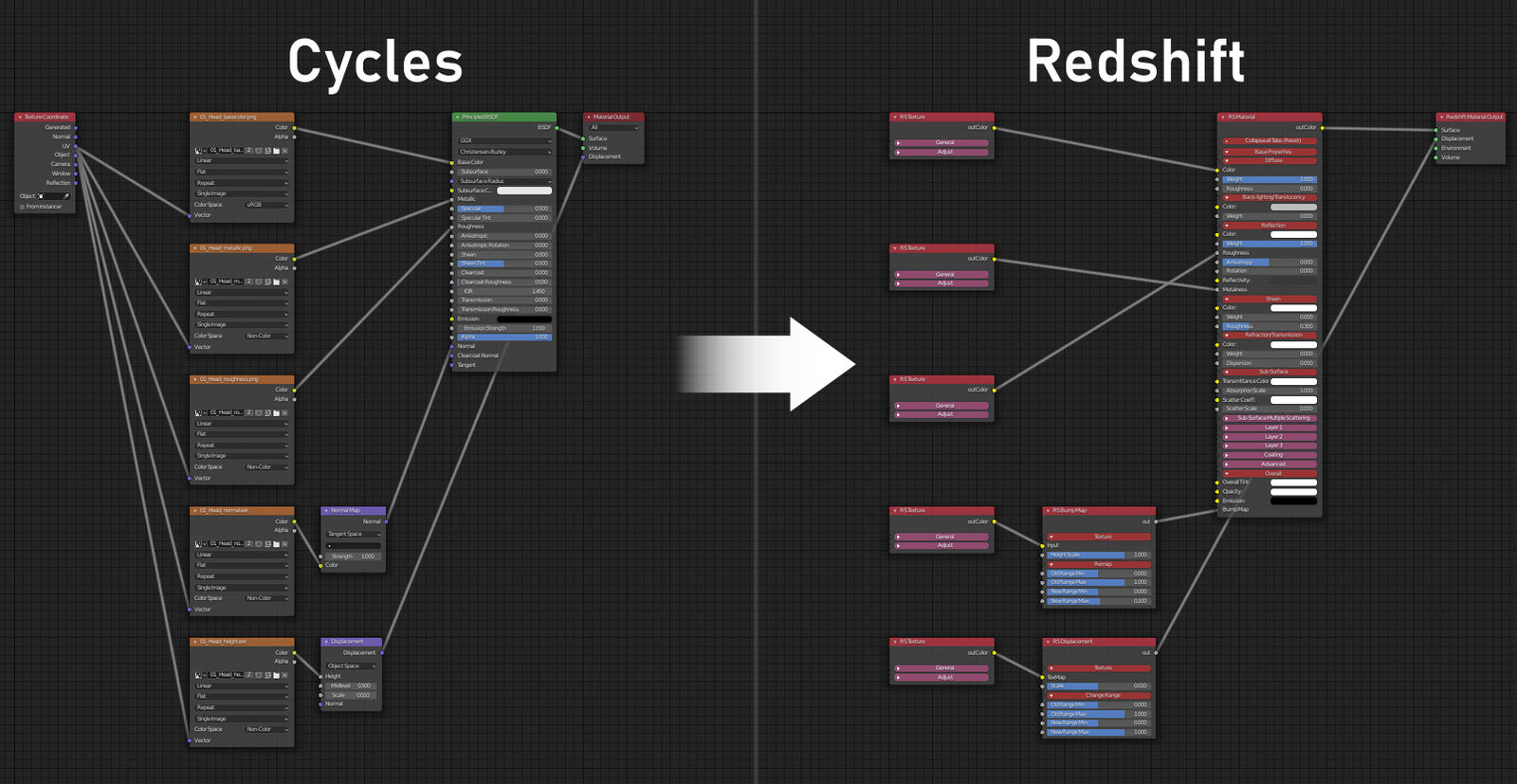
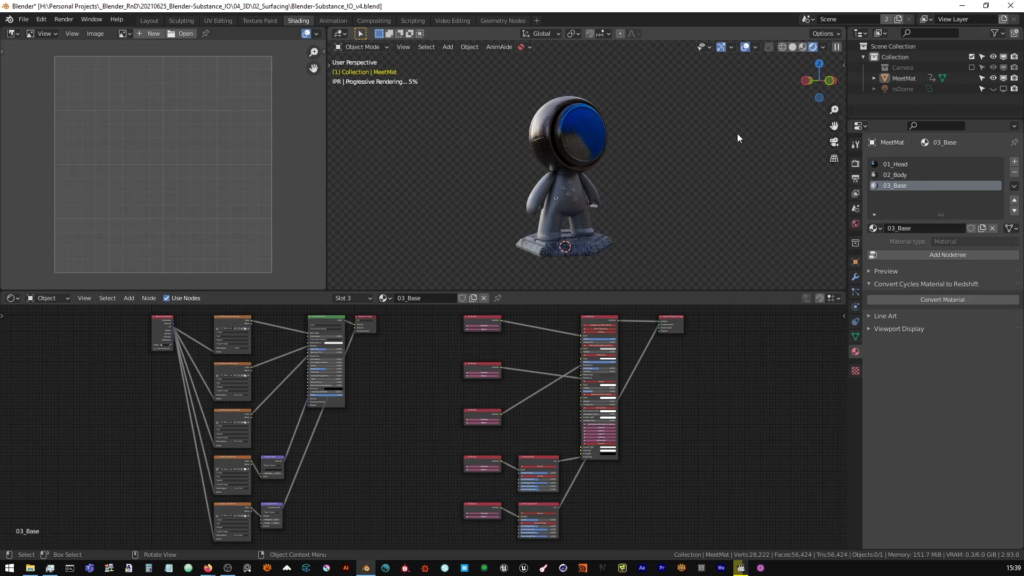
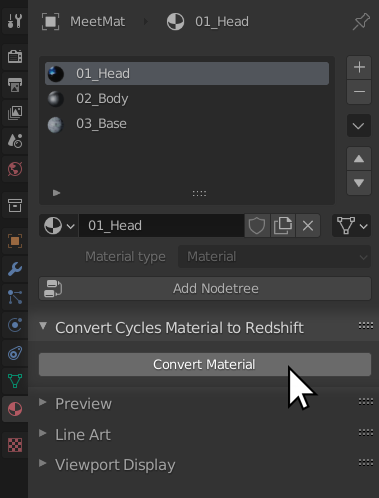
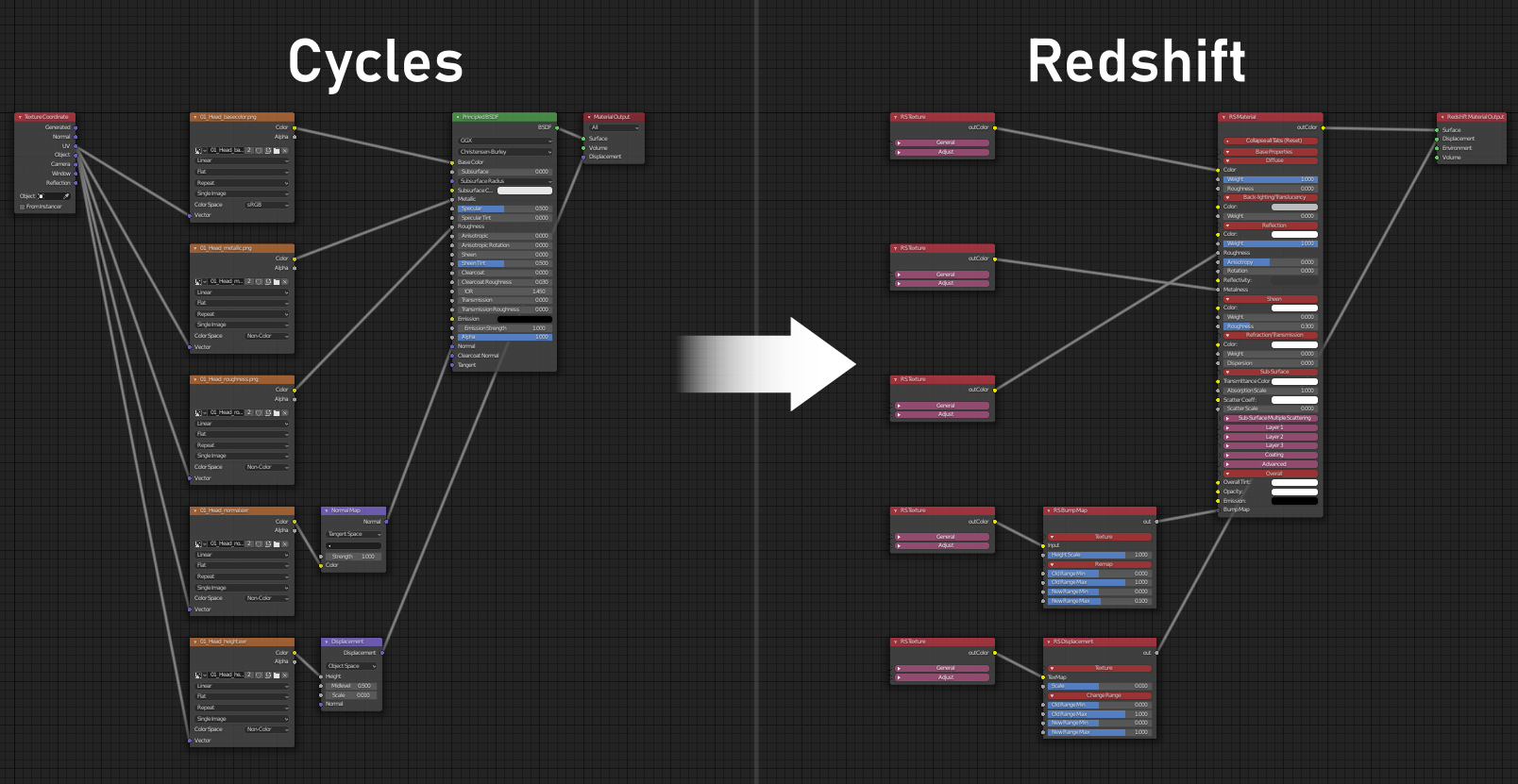
Use this addon to convert Cycles and Eevee based PBR materials, utilizing texture maps from popular tools such as Substance, Quixel Megascans or Polligon; to Redshift materials in Blender in 1-click.
Specifically developed for PBR based workflows. This addon automatically converts map based Cycles and Eevee materials to their Redshift equivalents at the click of a button. With additional support for your own custom maps.
Use it in combination with third party tools such as Quixel Bridge and Xolotl Substance Painter Live Link to revolutionize your shading and rendering workflow in Redshift for Blender!
Screen Shots
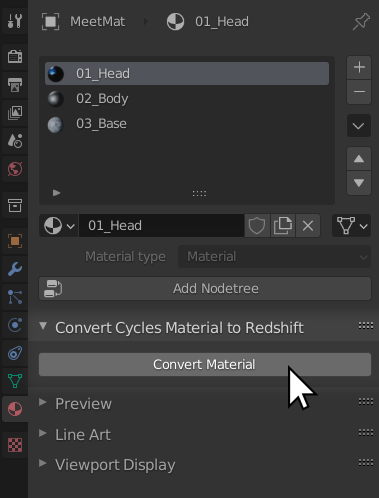
See it in Action
Technical Specification
The addon works with both PBR Metalness and PBR Spec-Gloss workflows and automatically sets up the equivalent Redshift shader based on name detection of the maps used in the source Cycles/Eevee material.
Maps supported
- Diffuse/Base Color/Albedo
- Roughness
- Metallic
- Gloss
- Specular
- Normal
- Height/Displacement
- Opacity
- Translucency
- Ambient Occlusion
The addon should automatically detect your PBR textures based on their name. However to ensure a successful conversion, make sure your texture nodes or maps include their respective map type in the name. For example – to detect a roughness map, either the texture on disk or the name of the respective texture node in the Cycles material should have the word “roughness” in its name.
Please Note
This addon will not convert ALL Eevee or Cycles based materials. It is currently only intended for PBR map based materials using linked texture maps. Other types of materials and a wider range of map types will be added in future.
It’s very easy to learn and you can create different looks using the settings and different materials.
Supercharge your 3D creation workflow with premium selection of Blender Add-ons. Whether you are modeling intricate characters, sculpting realistic environments, or animating cinematic sequences, the right add-on can transform how you work inside Blender. Our curated collection includes powerful tools for UV unwrapping, procedural texture generation, rigging automation, rendering optimization, and more—each rigorously tested for compatibility with the latest Blender versions. Eliminate tedious manual processes and unlock advanced functionality that lets you focus on what matters most: bringing your creative vision to life. Explore our full range of professional Blender plugins today and take your 3D projects to the next level.
➡️ ➡️ For more Blender Plugins 😀 😀
Reviews
There are no reviews yet.