
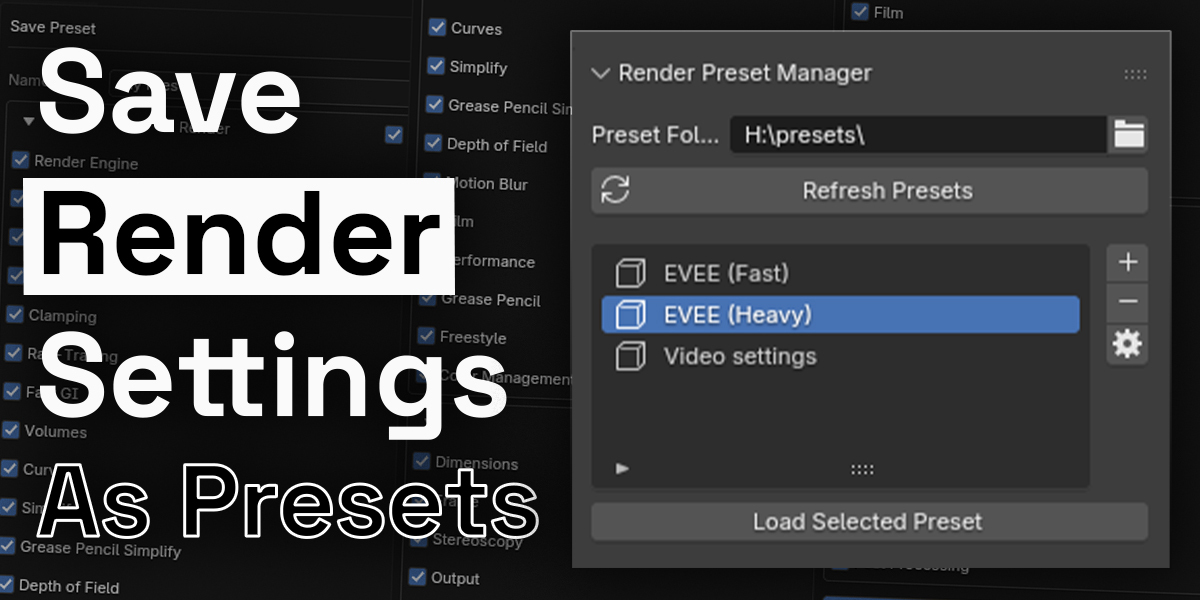
Render Preset Manager for Blender
Render Preset Manager V3.0.0 for Blender
The Ultimate Render Setting Automation and Management Solution
Download the Render Preset Manager V3.0.0 addon today. Consequently, you can save, load, and manage complete render configurations for Cycles, EEVEE, EEVEE NEXT, and Workbench with just a few clicks . Because efficient rendering workflows demand quick and consistent setup switching, having access to a reliable preset system is absolutely essential. Nevertheless, manually adjusting sample counts, resolution, and specialized features like ambient occlusion (AO) and screen space reflections (SSR) every time you switch tasks consumes countless hours of creative time . Fortunately, this addon completely eliminates that frustrating bottleneck. Moreover, it enables you to instantly switch between setups tailored for distinct scenarios—from rapid test renders to high-quality final productions—using only one or two clicks . In short, you can focus entirely on your creative work while the technical configuration handles itself.
Comprehensive Render and Output Management
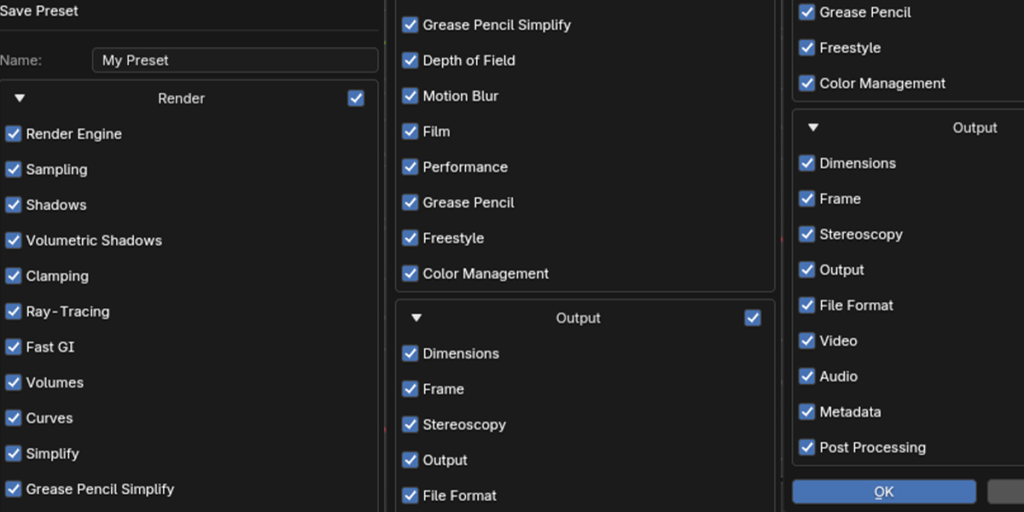
The core of this addon lies in its exhaustive support for both render properties and output properties. For instance, you can save configurations encompassing the entire Render tab and Output tab, including file paths, resolution, frame range, and frame rate . Furthermore, the addon provides full compatibility across a wide spectrum of render engines. This includes support for Cycles, EEVEE, EEVEE NEXT, Workbench, and even third-party engines like Octane in some versions . Since V3.0.0 specifically targets Blender 4.2 and above, it seamlessly integrates the new EEVEE NEXT engine, ensuring your presets work flawlessly with the latest features . Consequently, your entire rendering ecosystem is preserved and recallable at a moment’s notice.
Intelligent Preview and Safety Systems
Committing to a preset can be daunting if you’re unsure what will change. Therefore, the addon addresses this with a detailed, collapsible preview window that appears before applying any preset . This feature shows you exactly which settings will be altered and what their new values will be, eliminating guesswork. Moreover, a robust verification pass ensures that all loaded settings are correctly applied to the scene, drastically reducing the chances of missed updates . Additionally, a convenient one-click Undo button appears after loading a preset, allowing you to instantly revert all settings to their previous state . Thus, you can experiment freely without fear of permanently losing your current configuration.
Flexible Library and Automation-Ready Architecture
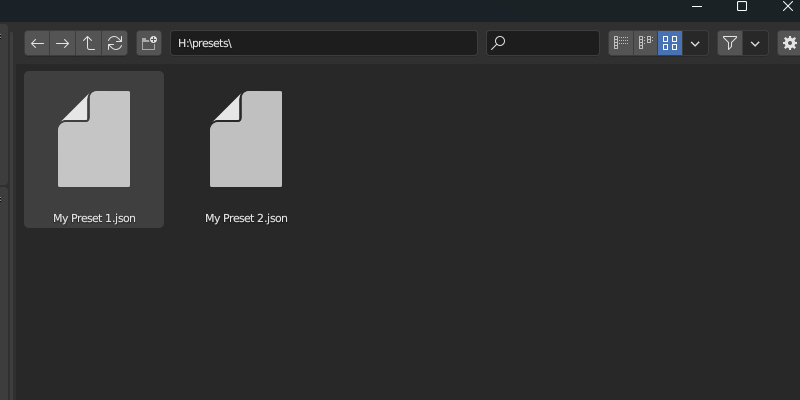
Professional production often demands a structured, shareable approach to settings. Accordingly, the addon features a highly flexible repository system. You can save presets directly to a custom user library for quick access, or export them as portable .json files to share with team members or import into other projects . Furthermore, the system is built for automation. It includes operators that can be called from scripts or other addons, enabling automated workflows such as applying a preview preset, rendering, and then reverting to the previous settings . Ultimately, this transforms the addon from a simple interface tool into a cornerstone of a sophisticated pipeline.
Perfect for Solo Artists and Studio Teams
This addon is particularly well-suited for freelance artists who need to maximize their efficiency. Similarly, studio teams working collaboratively will benefit from the ability to standardize configurations across multiple workstations. Additionally, technical directors and production managers will appreciate the automation capabilities and the .json format for version control. Ultimately, whether you are managing your personal settings or an entire studio’s render farm, this tool accelerates your entire production pipeline.
System Requirements and Compatibility
The addon requires Blender 4.2 or newer for V3.0.0, as it is specifically designed to support the new EEVEE NEXT render engine . Furthermore, it works across all major operating systems including Windows, macOS, and Linux. You will need a standard workstation with at least 8GB of RAM, though system requirements are minimal given the tool’s lightweight nature.
Installation and Usage Guide
To install, first download the zip file from your library. Next, open Blender and navigate to Edit Preferences. Then, select Add-ons and click Install. After that, locate and select the downloaded zip file, then enable the Render Preset Manager addon. Finally, navigate to the Properties Panel, open the Render Properties tab, find the Render Preset Manager panel, configure your render and output settings, give your preset a name, and click save to create your first preset . Thus, your automated render workflow will be ready instantly.
What is Included Inside?
The pack contains the complete Render Preset Manager addon with all features from V3.0.0. Furthermore, it includes full support for the EEVEE NEXT renderer and Blender 4.2+ compatibility. Additionally, you receive the .json import/export system and complete integration for Cycles, EEVEE, EEVEE NEXT, and Workbench. Ultimately, you receive everything needed for professional render preset management.
Final Thoughts on the Addon
Effortless render setting management evokes profound creative freedom. Therefore, this addon provides the ultimate foundation for your rendering workflows. You can switch between test and final render setups with unprecedented ease. Consequently, your rendering workflow vision becomes a stunning reality.
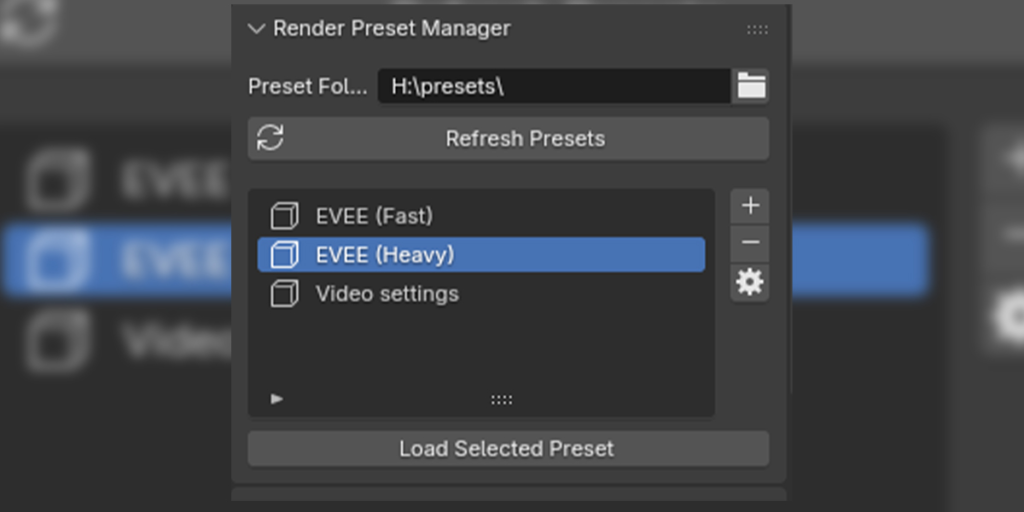
Blender Render Preset Manager

Introducing the “Blender Render Preset Manager” – your solution for effortless management of rendering and output settings.
Tired of manually adjusting rendering parameters every time you switch tasks? This add-on simplifies the process by allowing you to save and load your render settings with ease. Whether it’s sample counts, resolutions, rendering engines, or specialized features like ambient occlusion (AO) and screen space reflections (SSR), you can create presets for various scenarios – from quick tests to detailed final renders.
Say goodbye to the hassle of recreating settings from scratch. With the Blender Render Preset Manager, you can focus more on your creative work and spend less time on technical adjustments.
Enhance your Blender workflow today with the Render Preset Manager – a practical tool for anyone seeking efficiency in their rendering process.
Features
- Save Render Tab settings (Cycles, EEVEE, EEVEE NEXT, Workbench)
- Save Output Tab settings
- Load
- Modify
- Delete
Check out the full Documentation


Supercharge your 3D creation workflow with premium selection of Blender Add-ons. Whether you are modeling intricate characters, sculpting realistic environments, or animating cinematic sequences, the right add-on can transform how you work inside Blender. Our curated collection includes powerful tools for UV unwrapping, procedural texture generation, rigging automation, rendering optimization, and more—each rigorously tested for compatibility with the latest Blender versions. Eliminate tedious manual processes and unlock advanced functionality that lets you focus on what matters most: bringing your creative vision to life. Explore our full range of professional Blender plugins today and take your 3D projects to the next level.
➡️ ➡️ For more Blender Plugins 😀 😀
Reviews
There are no reviews yet.