
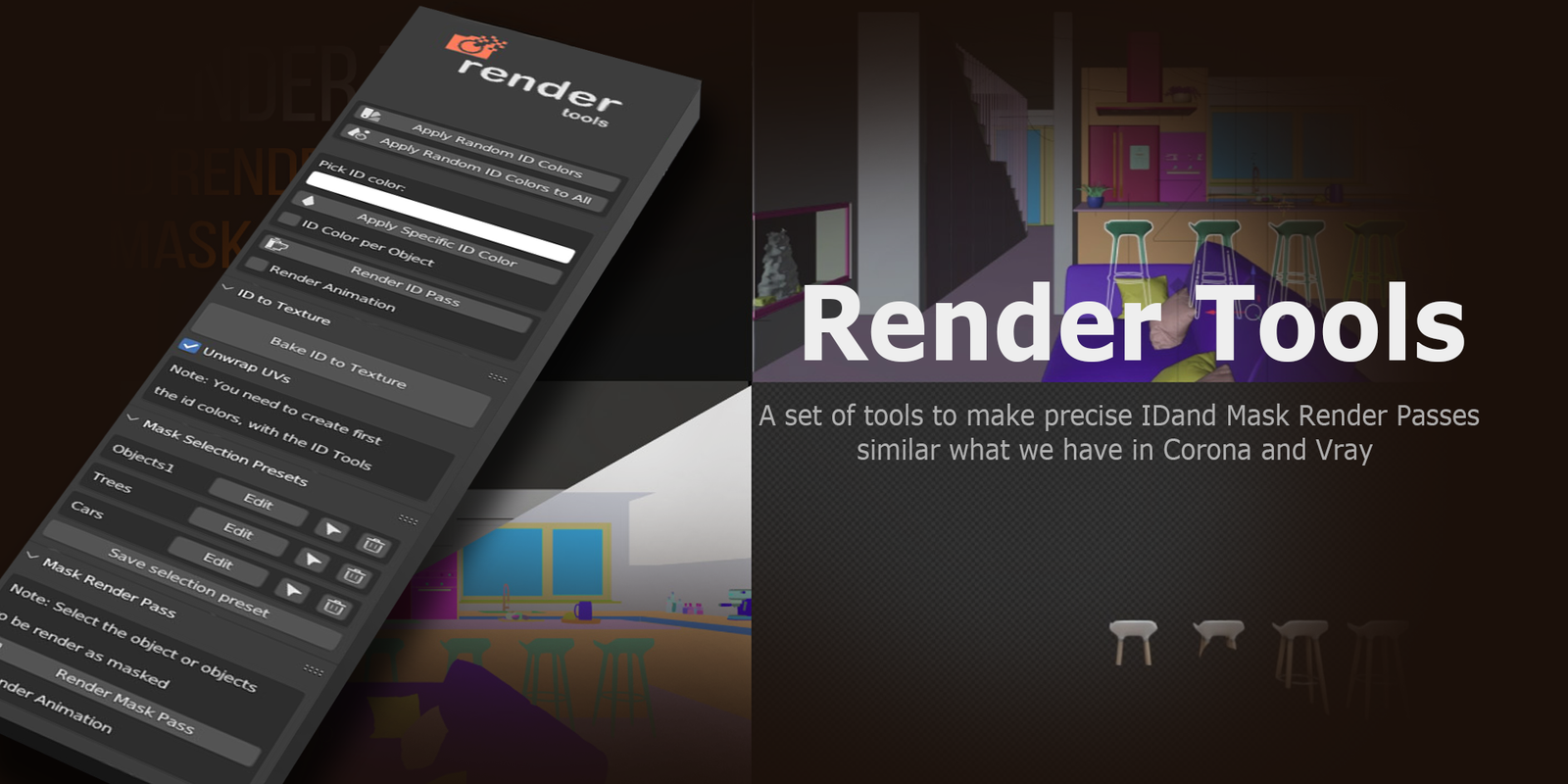
Render Tools for Blender
Render Tools for Blender – The Ultimate Rendering Optimization & Batch Management Suite
Versions: v1.7
File Size: 1.28 MB
Download Render Tools for Blender for Windows and Mac, a comprehensive utility addon designed to streamline, optimize, and manage your entire rendering workflow. Whether you are managing a massive batch of frames, optimizing Cycles samples for faster renders, or setting up complex AOV passes for compositing, this toolkit eliminates the guesswork and tedious menu diving. It acts as your central command center for everything related to outputting your final frames, ensuring you spend less time waiting and more time creating.
Key Features of Render Tools:
- Smart Sample Optimizer: Analyzes scene noise and automatically reduces render samples where the image is already clean, cutting render times by up to 50% without visible quality loss in flat or simple areas.
- Batch Render Queue Manager: Organize, prioritize, and schedule multiple render jobs. Render different cameras, resolutions, or engines sequentially or simultaneously in the background while you continue working.
- One-Click AOV/Pass Setup: Instantly configure complex render passes (Cryptomatte, Z-Depth, Normal, Mist, Ambient Occlusion) with correctly named output nodes, perfectly formatted for After Effects, Nuke, or Fusion.
- Render Time & Cost Estimator: Calculates the exact time and estimated cost (if using a cloud render farm) for your current scene based on a quick 10-sample test render.
- Denoising & Post-FX Presets: Pre-configured OptiX and OpenImageDenoise setups, along with compositor tweaks, to get the cleanest final image with minimal effort and zero artifacts.
- Resolution & Aspect Ratio Manager: Quickly switch between standard presets (16:9, 1:1, 9:16, 4K, 1080p) with automatic camera sensor adjustments to prevent framing and cropping issues.
- Memory & VRAM Monitor: Real-time viewport overlay showing VRAM usage, warning you before a scene crashes your GPU due to out-of-memory errors during heavy rendering.
- Automated File Naming: Smart naming conventions for output files based on scene name, camera, date, and render engine, keeping your hard drive perfectly organized.
- Tile Size & Hardware Optimizer: Automatically calculates the perfect render tile size for your specific GPU or CPU to maximize hardware utilization and prevent memory bottlenecks.
- Non-Destructive Render Profiles: Save and apply entire render configurations (samples, light bounces, denoising, color management) as reusable profiles for different project types (e.g., “ArchViz Draft,” “Final Animation”).
Perfect For:
- Freelance Animators & Studios managing tight deadlines, overnight renders, and large batch queues.
- Architectural Visualizers needing quick, optimized interior and exterior stills with perfect pass setups for client presentations.
- VFX Compositors who rely on clean, correctly labeled AOVs and Cryptomattes for seamless post-production integration.
- Technical Directors optimizing scenes for render farms, managing VRAM limits, and troubleshooting render crashes.
- Content Creators quickly exporting videos for YouTube, Instagram, and TikTok with correct aspect ratios and encoding settings.
- Beginners who are overwhelmed by Blender’s extensive render properties and want guided, optimized defaults.
System Requirements:
- Blender: 3.6, 4.0, 4.1, 4.2, 4.3, 4.4+ (Latest LTS recommended).
- OS: Windows 10/11 (64-bit) or macOS 10.15+.
- RAM: 8GB minimum (16GB+ recommended for large batch queues and high-res compositing).
- Render Engine: Fully compatible with Cycles and Eevee.
Installation:
- Download the Render Tools
.zipfile. - Open Blender and go to Edit > Preferences > Add-ons.
- Click Install…, select the downloaded file, and enable the checkbox next to Render: Render Tools.
- Access via the Render Properties panel > Render Tools tab, or the dedicated panel in the 3D Viewport Sidebar (N-panel) under the Render section.
Key Highlights of the Latest Update:
- Blender 4.4 Compatibility: Full support for the latest Cycles and Eevee Next API changes, ensuring rock-solid stability and correct UI scaling.
- AI Sample Reduction: Introduced a machine-learning-based noise detection tool that intelligently lowers samples in untextured areas while preserving detail in complex zones.
- Render Farm Integration: Added direct export presets for popular cloud render services, automatically packaging your
.blendfile and textures into a ready-to-upload.zip. - VRAM Leak Prevention: Added an automatic cache-clearing tool that flushes unused data between batch renders to prevent GPU crashes during long overnight jobs.
- “Night Render” Mode: A new feature that automatically puts your computer to sleep or shuts it down once the entire render queue is finished, saving power and hardware wear.
- UI Overhaul: Redesigned the render panel for a cleaner, more logical grouping of optimization, output, and queue management tools.
Note:
Render Tools is built on the philosophy of working smarter, not harder. While Blender’s native render settings are incredibly powerful, they can be scattered and difficult to optimize for specific hardware. This addon centralizes everything you need to get from a finished scene to a final image sequence as efficiently as possible. The Smart Sample Optimizer alone can save you hours of compute time on large animations, while the Batch Queue Manager ensures you never have to babysit your computer overnight. Whether you are rendering a single hero shot or a 10,000-frame animation, Render Tools gives you the professional pipeline management you need to deliver on time.
Render Tools
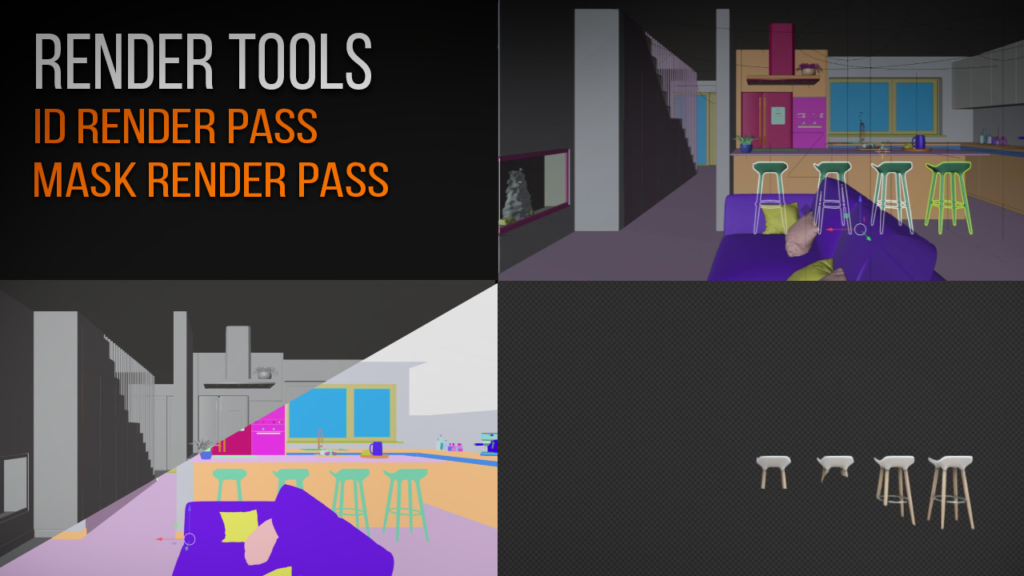
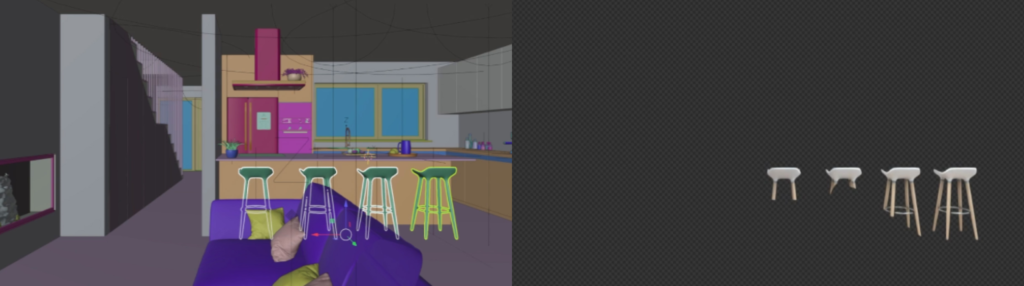
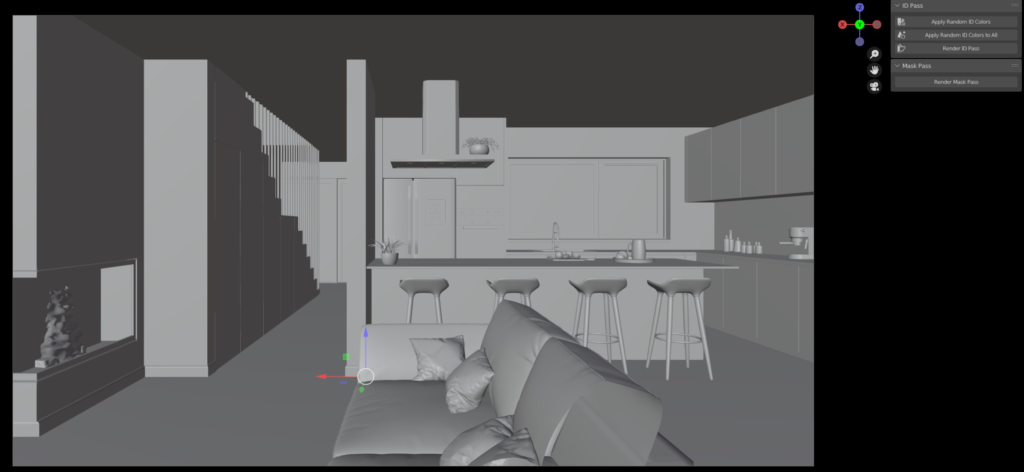
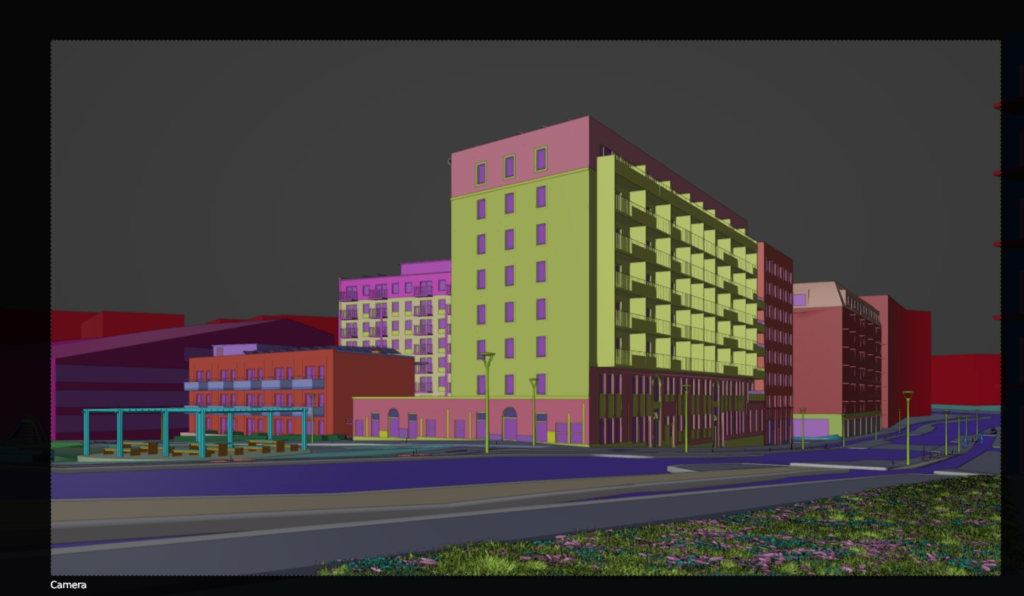
Render Tools: is an set of tools very handy for Blender users can get ID Render pass and Mask Render Selected Objects. Similar what we have in Corona Render and Vray to have control in pos-production!
Blender Version Supported: Also work with the the upcoming Blender 4.0
Installation:
Go to Edit > Preferences >1- Choose Install and select the render_tools.zip file
2- Activate it
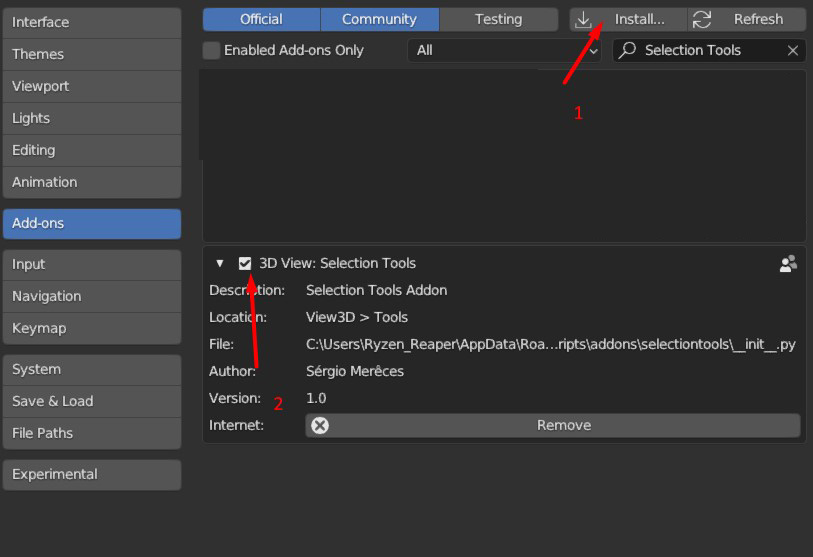
3- In the side Panel you should have now a tab with the name Selection Tools where all the tools will be available.
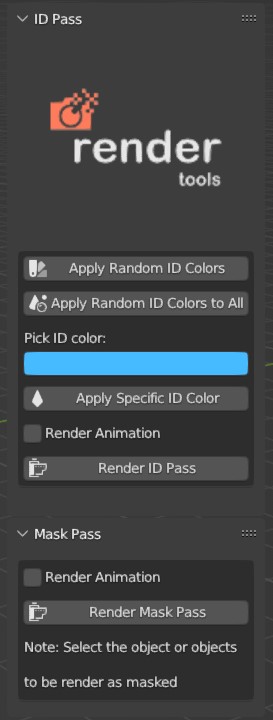
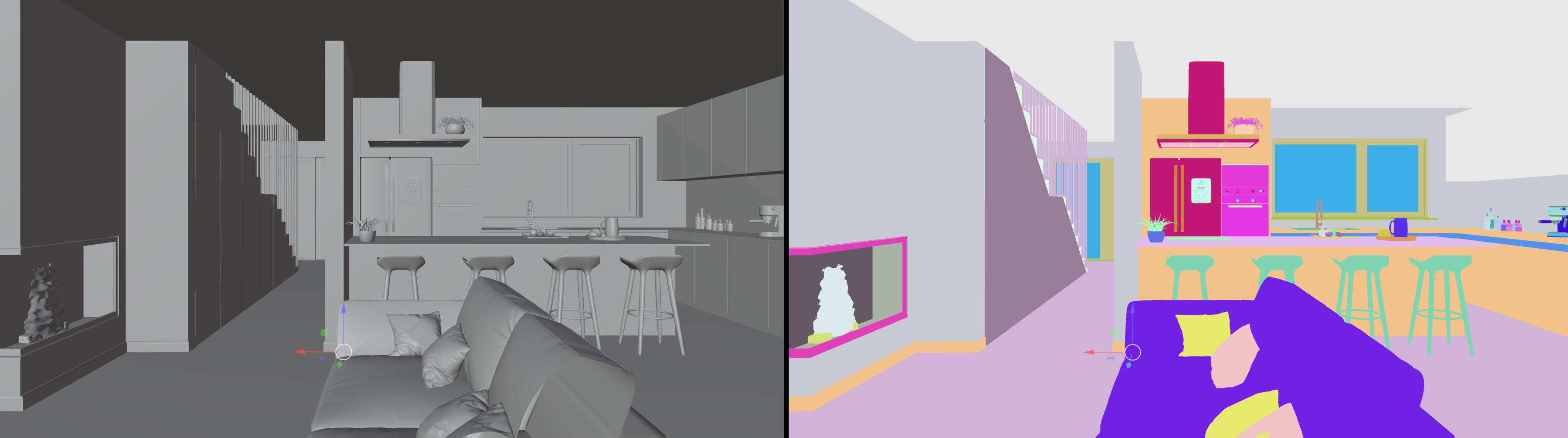
ID Pass Tool:
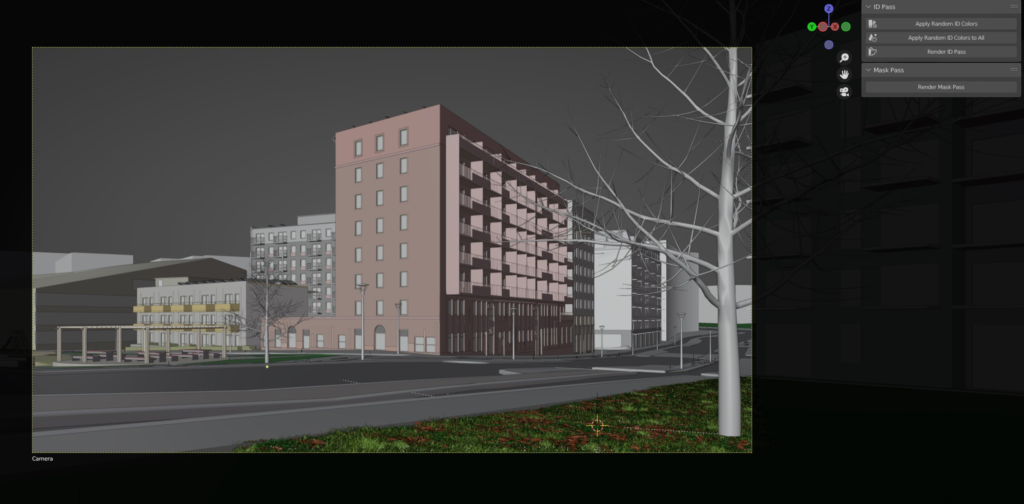
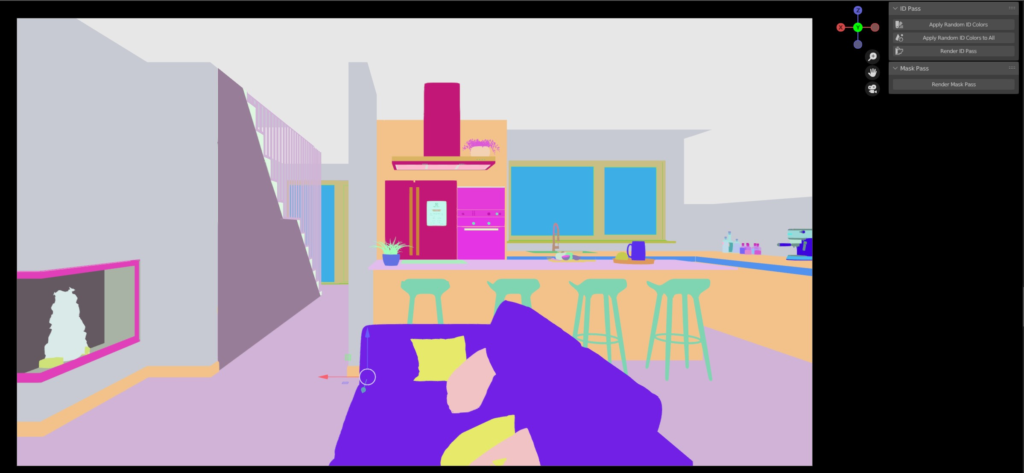
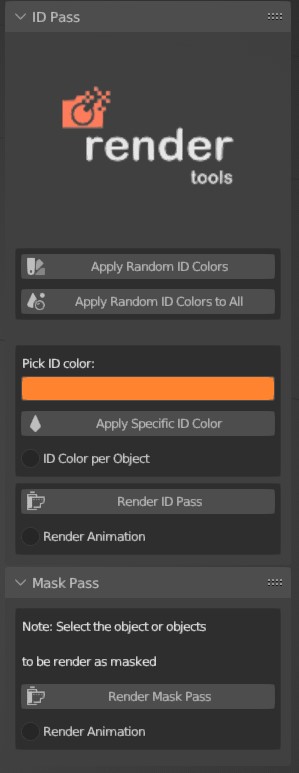
With 2 clicks! you will be able to add randomly to the entire scene ID colors and render the final ID Pass image. You also have the possibility to add individually to each object a ID color.
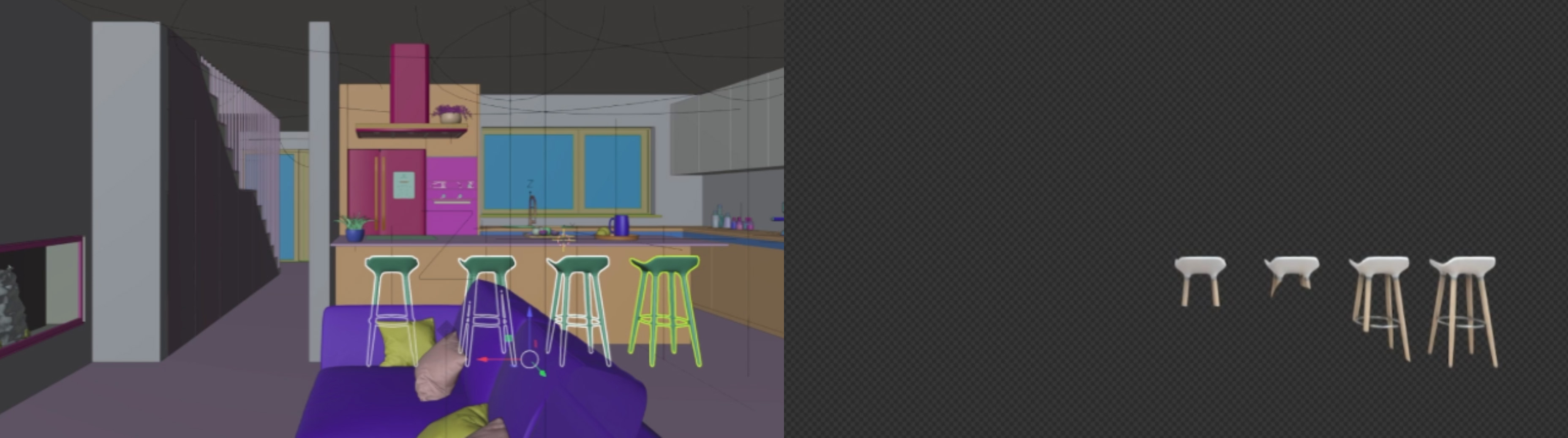
Mask Pass Tool:
This is a very useful tool to quick select the object or objects that you want to render individually and press “Render Mask Pass”, and you will get the final render only for the selected objects with transparency ready to compose in the final image. This too is similar what we find in Corona and Vray to quick render mask objects to fix things or update the final image without to have to render the entire image again!
Support: Also Motion Blur and Depth of field objects for the render Mask pass, for Still images as well for Sequence animation.
Updates
When install a update, after you install it please always restart Blender.
1.1 Update
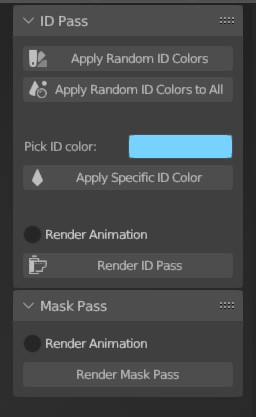
– Added : Apply a specific id color to the selected objects
– Added : The feature to render animation for ID Pass and for Render Mask Pass
1.2 Update
Some Bugs Fix
– UI Improvements
1.3 Update
– Render Mask animation Bug Fix
– New feature added “ID color per object”, when activated apply´s specific id color per object instead per material
– UI Improvements
1.4 Update
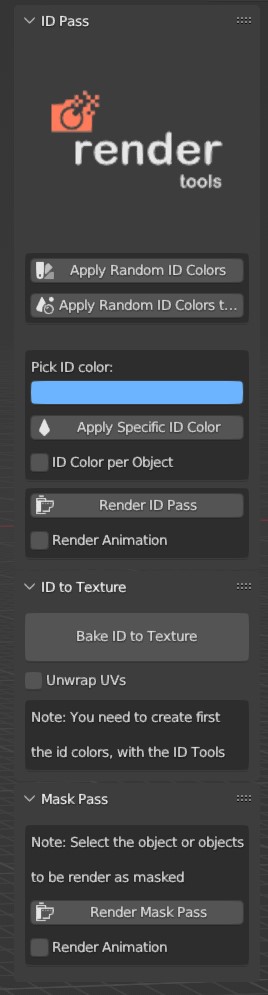
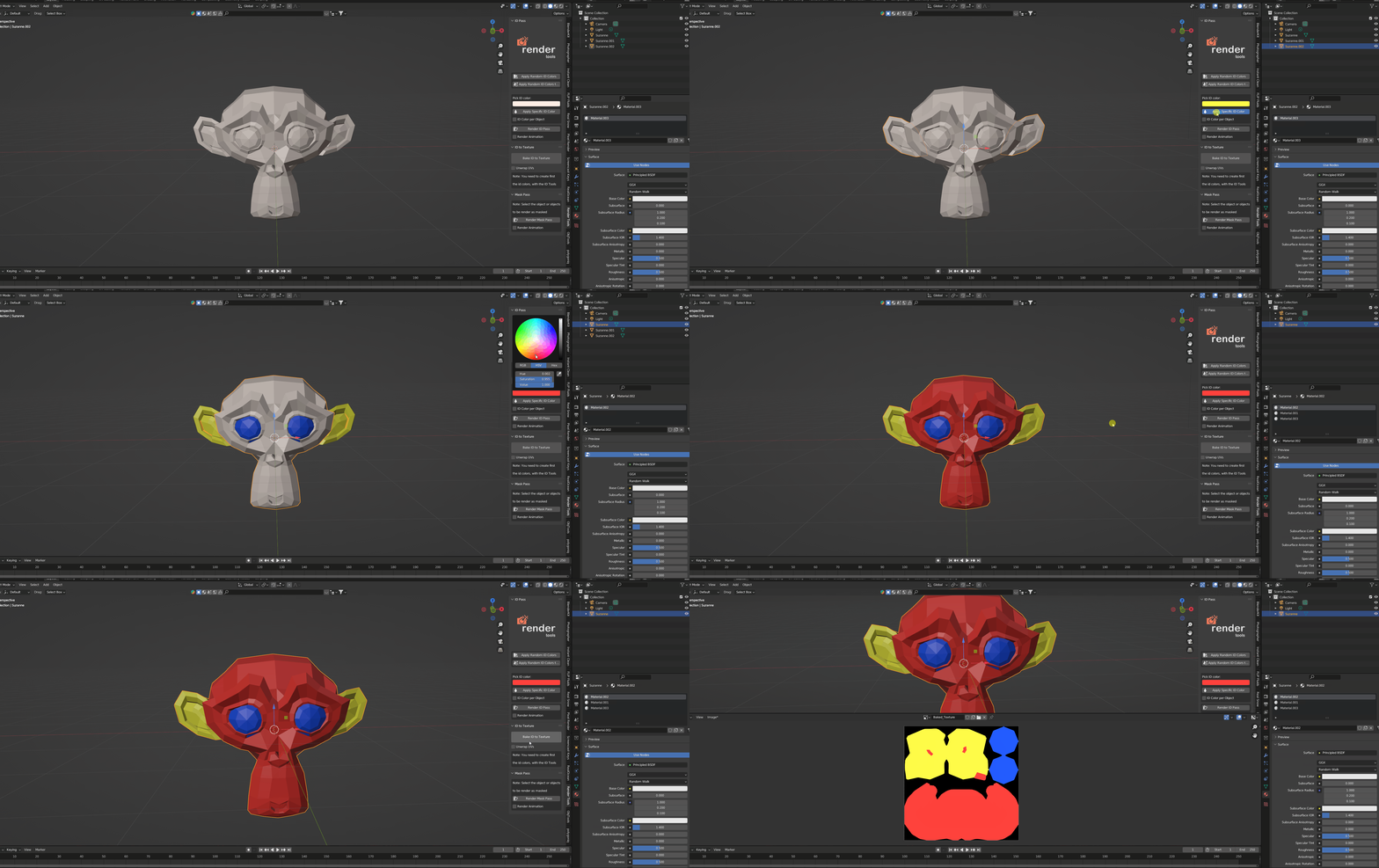
– New Tool added “Bake ID to Texture” This tool bakes the id colors created with the id color tools into the texture in the existent uv´s or with the option Unwrap enabled, it will automatically unwrap you model and bake the id colors.
– UI Improvements
1.5 Update
– Minor Bug´s fix
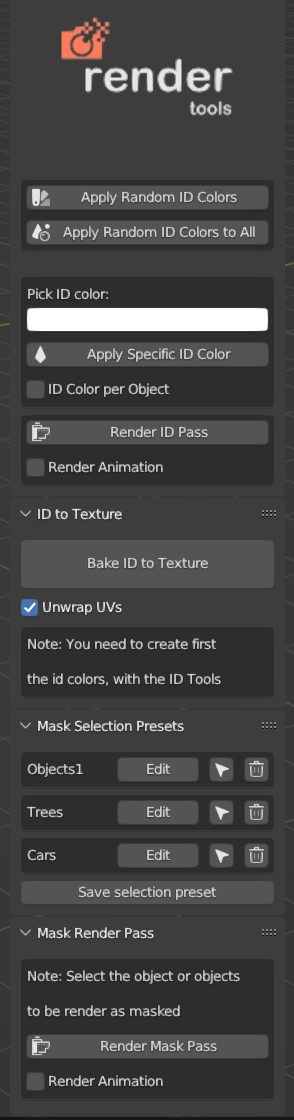
– Feature added ” Mask Selection Presets” now you can save your mask selections
1.6 Update
– Some Bug´s fix
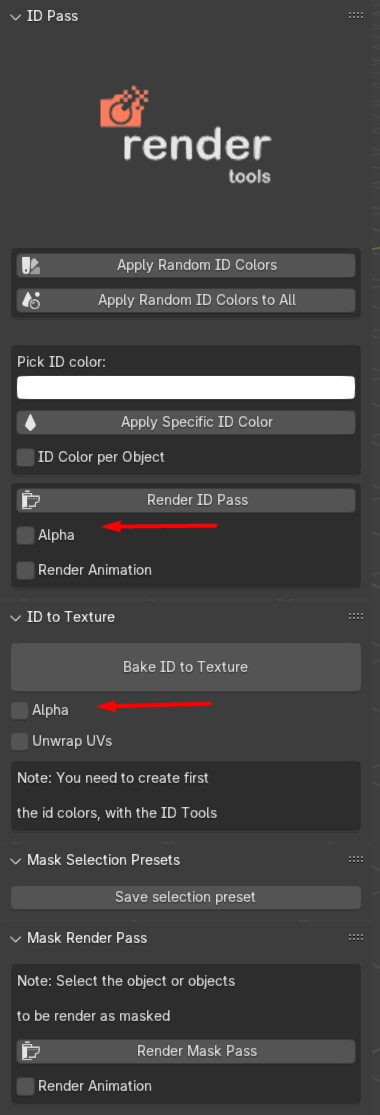
– Feature added “Render ID pass with Alpha Transparency” as option
– Feature added “Bake ID to Texture” with Alpha Transparency” as option
1.7 Update
– Add the compatibility with Blender 4.2 and 4.3 Beta
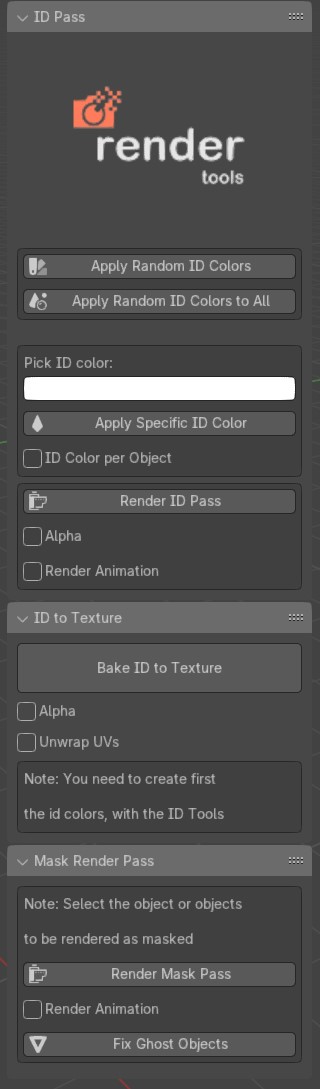
– Fix the bug that crash Blender after the render mask done
– Some Minor Bug´s fix
– Feature added “Fix Ghost Objects” this will fix the objects that disappear in the render window
1.8 Update
– Render Mask Animation Fix
– Other Minor Bug´s Fix´s
Supercharge your 3D creation workflow with premium selection of Blender Add-ons. Whether you are modeling intricate characters, sculpting realistic environments, or animating cinematic sequences, the right add-on can transform how you work inside Blender. Our curated collection includes powerful tools for UV unwrapping, procedural texture generation, rigging automation, rendering optimization, and more—each rigorously tested for compatibility with the latest Blender versions. Eliminate tedious manual processes and unlock advanced functionality that lets you focus on what matters most: bringing your creative vision to life. Explore our full range of professional Blender plugins today and take your 3D projects to the next level.
➡️ ➡️ For more Blender Plugins 😀 😀
Reviews
There are no reviews yet.