
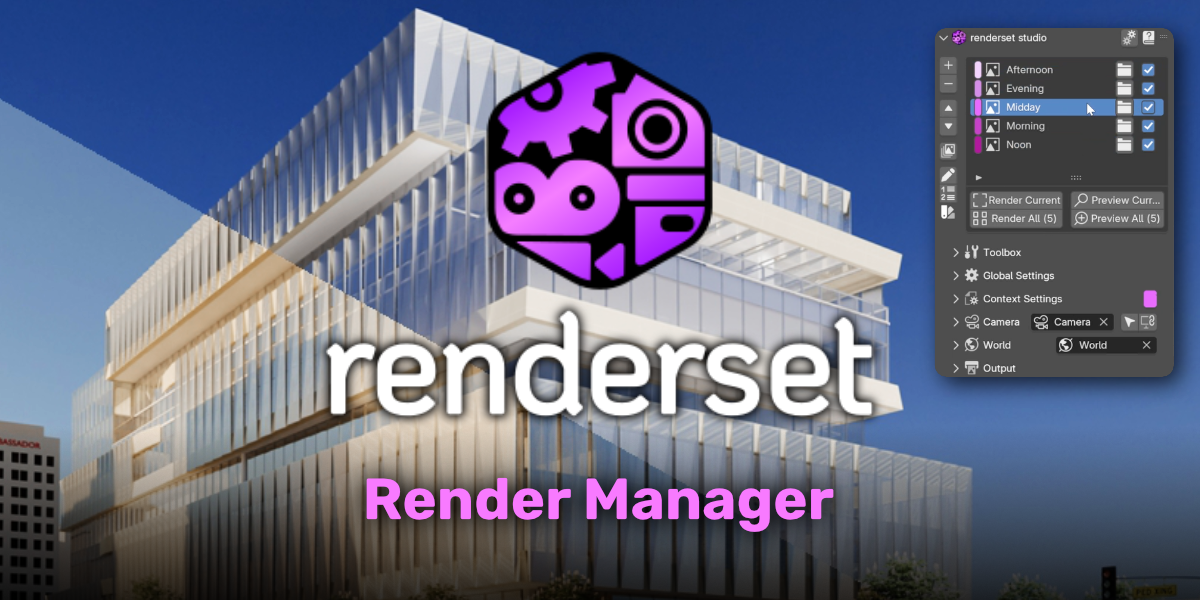
Renderset for Blender
Renderset v2.0.1 for Blender – The Ultimate Render Pass, AOV & Compositing Automation Suite
Version: V2.0.1
File Size: 25 MB
Download Renderset v2.0.1 for Blender on Windows and Mac, a specialized pipeline utility designed to completely automate the tedious process of setting up render passes, AOVs (Arbitrary Output Variables), and compositor node trees. For 3D artists and technical directors, manually wiring up Cryptomattes, Z-Depth, Normal, and Mist passes into a clean compositor setup can take hours. Renderset eliminates this bottleneck by generating perfectly organized, multi-channel EXR outputs and fully wired compositor nodes with a single click, bridging the gap between 3D rendering and 2D compositing seamlessly.
Key Features of Renderset v2.0.1:
- One-Click AOV & Pass Generation: Instantly enable and configure all essential render passes, including Cryptomatte (Material, Object, Asset), Z-Depth, Normal, Vector, Mist, Ambient Occlusion, and Glossy/Direct/Indirect light breaks.
- Auto-Compositor Wiring: Automatically builds a clean, color-coded, and logically organized node tree in the Compositor. No more messy “spaghetti” nodes; Renderset groups passes into frames, routers, and file output nodes perfectly.
- Multi-Software EXR Presets: Configure your output formats specifically for your post-production software of choice. Includes optimized multichannel EXR setups for Adobe After Effects, Nuke, DaVinci Resolve (Fusion), and Photoshop.
- Advanced Cryptomatte Management: Automatically generates and names Cryptomatte passes with precise accuracy, ensuring you can easily isolate any object or material in post without rendering individual mask passes.
- Render Layer & View Layer Automation: Instantly set up complex View Layer overrides, allowing you to render specific passes (like shadows or reflections only) on separate layers for maximum compositing flexibility.
- Integrated Denoising Setup: Automatically wires up the OptiX or OpenImageDenoise nodes in the compositor for your beauty and light passes, saving you from manual node placement.
- Smart File Naming & Pathing: Enforces a strict, organized folder structure and file naming convention (e.g.,
SceneName_PassName_####.exr), keeping your hard drive perfectly organized for large VFX projects. - Real-Time Pass Preview: Viewport overlays that let you quickly preview what your Z-Depth, Normal, or Cryptomatte passes look like before you hit render, ensuring your data is correct.
- Batch Pass Rendering: Queue up different pass combinations to render sequentially, optimizing your RAM and VRAM usage by only loading the data needed for specific passes.
- Non-Destructive Pipeline: All generated compositor nodes and render settings are managed via a central panel. You can add, remove, or rewire passes at any time without breaking your scene.
Perfect For:
- VFX Compositors who need clean, accurately named, and perfectly formatted multichannel EXRs for Nuke or Fusion.
- Motion Designers using After Effects who want to quickly extract shadows, reflections, and ambient occlusion to tweak the final look without re-rendering in 3D.
- Architectural Visualizers setting up complex lighting breakdowns (Direct vs. Indirect, Caustics, Refractions) for high-end client presentations.
- Technical Directors standardizing the render output pipeline across a studio to ensure every artist delivers files in the exact same format.
- Indie Filmmakers who need professional-grade compositing flexibility but don’t have a dedicated pipeline team to manage render outputs.
System Requirements:
- Blender: 3.6, 4.0, 4.1, 4.2, 4.3, 4.4+ (Latest LTS recommended).
- OS: Windows 10/11 (64-bit) or macOS 10.15+.
- RAM: 8GB minimum (16GB to 32GB+ highly recommended for rendering and compositing high-resolution multichannel EXRs).
- Render Engine: Fully compatible with Cycles (required for full AOV and Cryptomatte support) and Eevee (limited pass support).
Installation:
- Download the Renderset v2.0.1
.zipfile. - Open Blender and go to Edit > Preferences > Add-ons.
- Click Install…, select the downloaded file, and enable the checkbox next to Render: Renderset.
- Access via the Render Properties panel > Renderset tab, or the Compositor Sidebar (N-panel) under the Pass Manager section.
What’s New in v2.0.1?
- Blender 4.4 Full Compatibility: Updated all AOV and View Layer API calls to ensure 100% stability and correct pass naming in the latest Blender 4.4 release.
- New “Beauty + AOV” Combined EXR: Added a highly requested preset that packs the main beauty pass and all selected AOVs into a single, highly optimized multichannel EXR file, reducing file count and simplifying post workflows.
- Improved Cryptomatte Precision: Refined the object and material ID generation to prevent edge-fringing and bleeding issues on highly complex, intersecting geometry.
- Faster Compositor Generation: Rewritten the node-tree builder, reducing the time it takes to wire up 30+ passes from several seconds to instant.
- DaVinci Resolve Fusion Preset: Added a dedicated output profile specifically formatted for the Fusion page in DaVinci Resolve, including correct channel mapping for multilayer EXRs.
- UI & Workflow Polish: Grouped the AOV selection into collapsible categories (Light, Shadow, Geometry, Crypto) for a much cleaner interface when setting up complex scenes.
Note:
Renderset v2.0.1 is an essential bridge between the 3D and 2D worlds. The true power of a 3D render is often unlocked in compositing, but getting the data out of Blender in a usable format is notoriously frustrating. Renderset takes the “technical setup” entirely off your plate. By automating the creation of multichannel EXRs and building a pristine compositor node tree, it allows you to focus entirely on the artistic side of compositing—color grading, adding depth, and balancing light—rather than spending your time connecting File Output nodes and renaming channels. Whether you are delivering a final VFX shot to a studio or just tweaking the mood of an ArchViz still, Renderset ensures your data is always perfect.
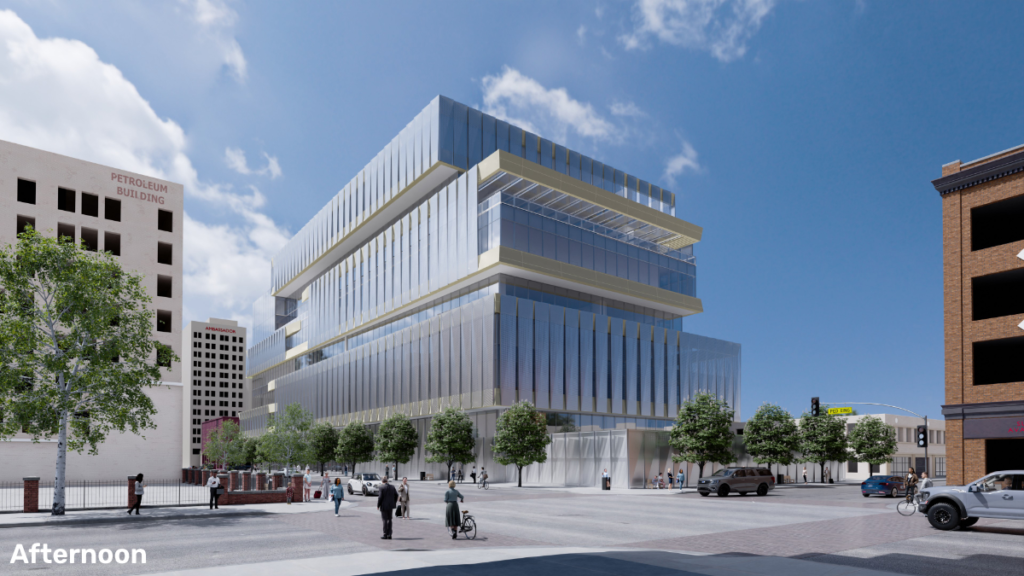
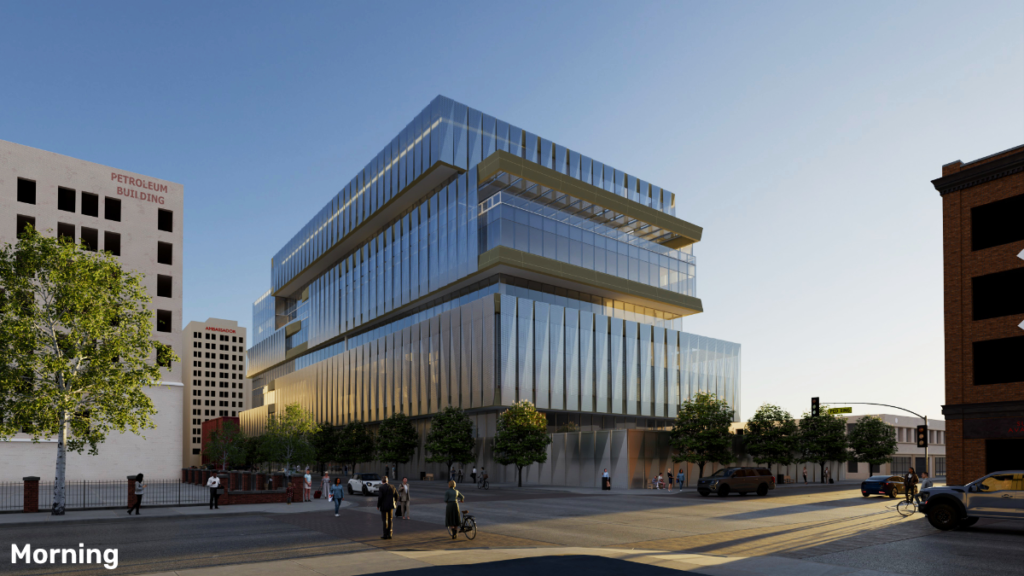
Why renderset?
Effortlessly create and manage scene variations. Instantly switch your scene setup using renderset contexts. No more duplicating collections and objects.


How renderset works?
Your settings and information about the scene are stored in renderset contexts. These are saved in your .blend file, and you can easily switch between them through the renderset UI.

Different scene contexts
Save shots from different views with various settings for cameras, HDRIs, render settings, visibility options or any other custom properties.

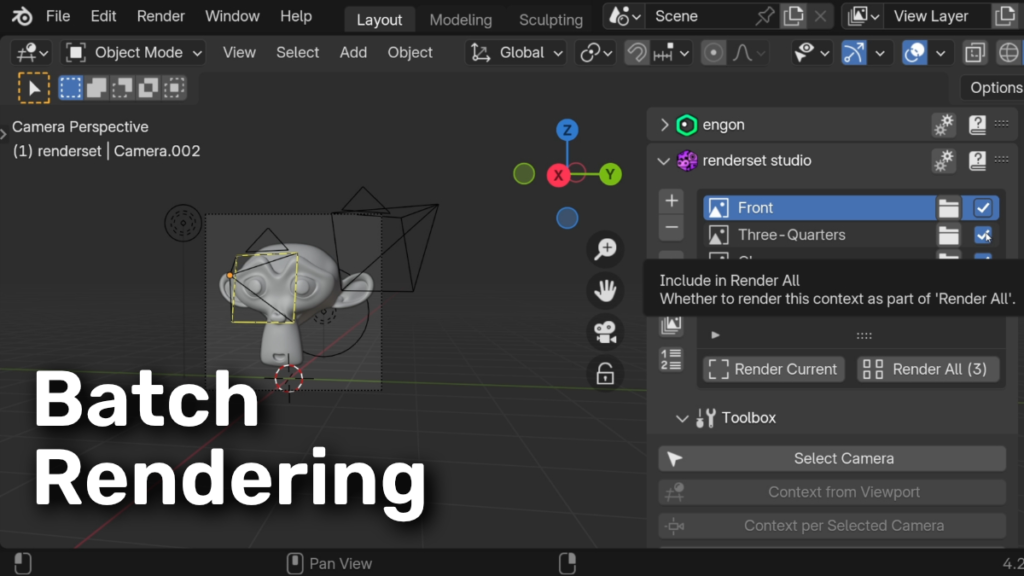
Batch rendering
Render all contexts at once, renderset will take care of naming all files based on its comprehensive output system.

renderset features
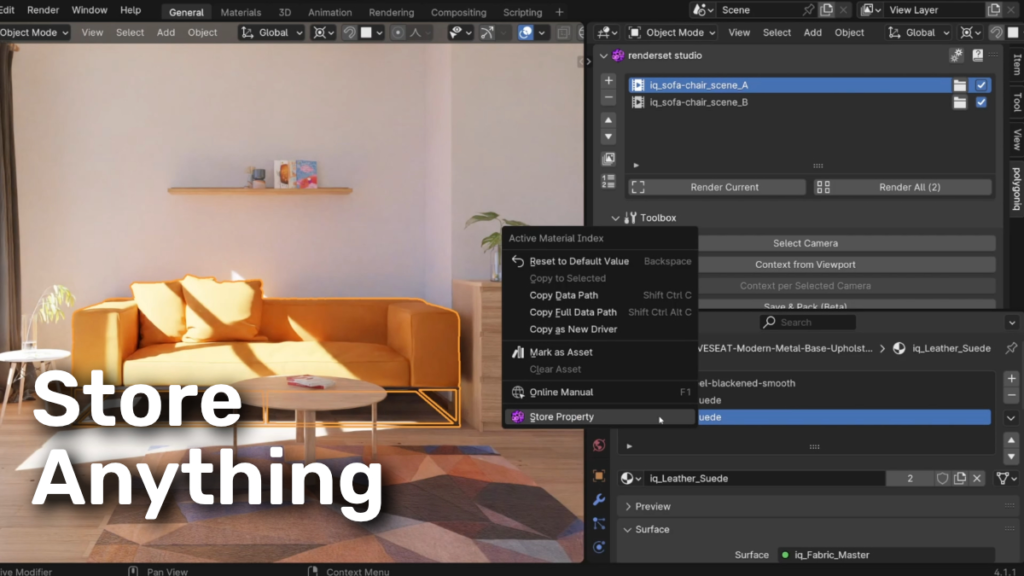
Store Anything
Right click almost any property and store it in renderset, including custom properties for objects, meshes, …

Comprehensive Output Naming
Set up your render outputs to be organized and named exactly how you want. Use variables to include properties of the scene in names.

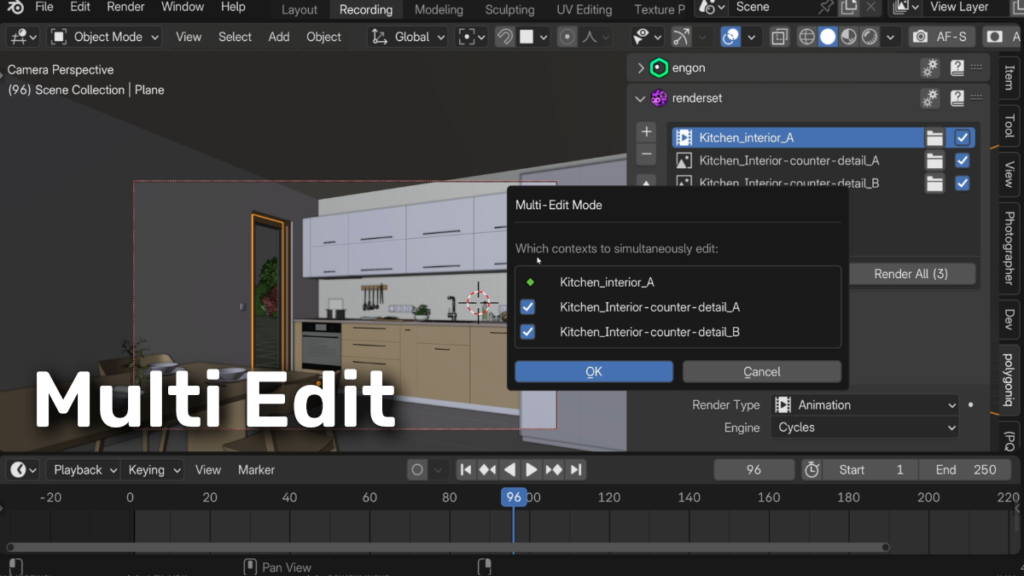
Multiedit
Edit multiple contexts at once, showing a preview of the changes before applying them.

Render Previews
Render a quick preview of your scene using workbench or resolution and samples multipliers without affecting the scene settings.

Save & Pack
Save your scene with all packed external files including IES textures, ready to be sent without missing files.

Compositor File Outputs
Take advantage of compositing to the fullest. Renderset handles all file output nodes for you across different contexts.

Supercharge your 3D creation workflow with premium selection of Blender Add-ons. Whether you are modeling intricate characters, sculpting realistic environments, or animating cinematic sequences, the right add-on can transform how you work inside Blender. Our curated collection includes powerful tools for UV unwrapping, procedural texture generation, rigging automation, rendering optimization, and more—each rigorously tested for compatibility with the latest Blender versions. Eliminate tedious manual processes and unlock advanced functionality that lets you focus on what matters most: bringing your creative vision to life. Explore our full range of professional Blender plugins today and take your 3D projects to the next level.
➡️ ➡️ For more Blender Plugins 😀 😀
Reviews
There are no reviews yet.