
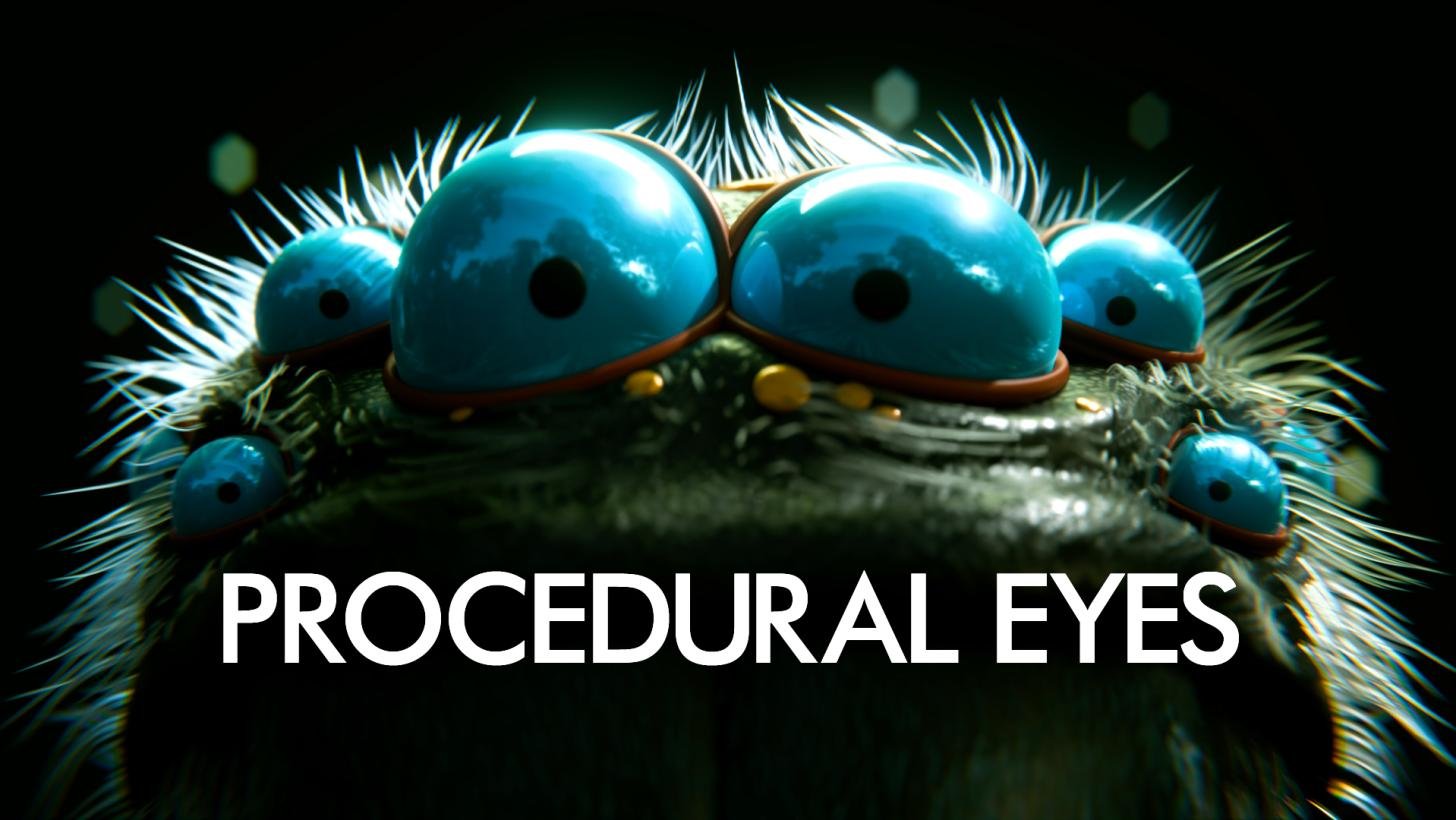
Rig a Procedural Eyelid for Blender
Rig a Procedural Eyelid v1.2.0 for Blender – The Ultimate Automated Facial Eyelid Rigging Solution
Download Rig a Procedural Eyelid v1.2.0 for Blender on Windows and Mac, a specialized facial rigging addon designed to solve one of the most notoriously difficult tasks in character animation: creating expressive, non-destructive eyelids. By utilizing advanced procedural geometry and smart driver setups, this tool automatically generates fully functional upper and lower eyelids that blink, squint, and emote perfectly. It eliminates the need for manual weight painting, messy bone chains, or hours of corrective shape key sculpting, allowing riggers to achieve Hollywood-quality facial mechanics in minutes.
Key Features of Rig a Procedural Eyelid v1.2.0:
- One-Click Eyelid Generation: Automatically analyzes your character’s eye socket and generates perfectly fitted upper and lower eyelid geometry that matches the curvature and scale of the eyeball.
- Procedural Blink & Squint Controls: Built-in, mathematically precise driver systems for natural blinking, wide-eyed shock, and tight squinting. The eyelids slide and fold over the eye without stretching or breaking the mesh topology.
- Smart Crease & Fold Logic: Automatically generates the eyelid crease and skin folding logic, ensuring the skin compresses and thickens realistically when the eye closes, mimicking real human anatomy.
- Corner Pinch Correction: Advanced algorithms automatically calculate and blend the necessary corrective shape keys to prevent mesh pinching and tearing at the inner and outer eye corners (canthus) during extreme expressions.
- Lash & Tear Duct Integration: Optional modules to attach procedural eyelashes that follow the lid deformation, plus automatic generation of realistic tear duct (caruncle) geometry for the inner eye corner.
- Asymmetry & Stylized Support: Fully supports characters with asymmetrical eyes, droopy eyelids, or stylized proportions, allowing independent tuning for left and right eyelid parameters.
- Brow Linkage System: Automatically links the upper eyelid movement to eyebrow controls, ensuring that when a character raises their brow in surprise, the upper lid follows naturally.
- Game Engine Ready: Clean topology and optimized driver setups ensure the rig can be exported to Unity or Unreal Engine via FBX without breaking or causing performance issues.
- Material & UV Preservation: Automatically unwraps the generated eyelid geometry and seamlessly blends it with your character’s existing skin texture mapping.
- Non-Destructive & Editable: All eyelid parameters (thickness, crease depth, blink curve, fat pads) remain fully adjustable via a clean UI panel. Change the eye size, and the eyelids update instantly.
Perfect For:
- Character Riggers who need to deliver clean, stable, and animator-friendly facial rigs quickly without spending days on eyelid weight painting.
- Animators frustrated by broken eyelid geometry, clipping eyeballs, and ugly skin stretching in pre-made rigs.
- Indie Game Developers needing optimized, export-ready facial controls that work seamlessly in real-time engines.
- Stylized & NPR Artists creating anime or cartoon characters requiring exaggerated but controlled blinking and squinting mechanics.
- Freelancers who need to produce high-quality character assets on tight deadlines without specializing in complex facial rigging.
- Beginners who find the math of facial drivers and corrective shape keys overwhelming and want a guided, automated solution.
System Requirements:
- Blender: 3.6, 4.0, 4.1, 4.2, 4.3, 4.4+ (Latest LTS recommended).
- OS: Windows 10/11 (64-bit) or macOS 10.15+.
- RAM: 4GB minimum (8GB+ recommended for complex facial rigs with high-res textures).
- No external dependencies required.
Installation:
- Download the Rig a Procedural Eyelid v1.2.0
.zipfile. - Open Blender and go to Edit > Preferences > Add-ons.
- Click Install…, select the downloaded file, and enable the checkbox next to Rigging: Rig a Procedural Eyelid.
- Access via the 3D Viewport Sidebar (N-panel) under the Eyelid Rig tab, or the Object Properties panel when an eye mesh is selected.
What’s New in v1.2.0?
- Blender 4.4 Compatibility: Fully updated driver evaluation and mesh API calls to ensure rock-solid stability and correct UI scaling in the latest Blender 4.4 release.
- Improved “Fat Pad” Simulation: Added subtle volume preservation to the eyelids, ensuring they look slightly puffy and realistic when closed, rather than flat and paper-thin.
- New “Tear Duct” Detail: Automatically generates a highly detailed, anatomically correct tear duct mesh that deforms perfectly when the eye squints or cries.
- Faster Generation Algorithm: Rewritten the socket detection math, reducing the time it takes to generate eyelids on high-poly sculpts by 60%.
- Enhanced Lash Deformation: Eyelashes now properly bend and compress against the lower lid during a tight squint, preventing them from intersecting the eyeball.
- Bug Fix: Resolved a rare issue where the UV mapping would occasionally stretch on characters with extreme close-set eyes.
Note:
Rig a Procedural Eyelid v1.2.0 is a massive time-saver for any character pipeline. Eyelids are notoriously difficult to rig because they require complex sliding, folding, and corner corrections that traditional bone-and-weight setups struggle to achieve cleanly. By moving the heavy lifting to procedural drivers and automated shape keys, this addon guarantees perfect deformation every time. The interface is designed to be “set it and forget it,” giving animators simple, intuitive sliders for “Blink,” “Squint,” and “Wide” without exposing them to the underlying mathematical complexity. Whether you are rigging a hyper-realistic human portrait or a stylized video game hero, Rig a Procedural Eyelid ensures your characters can express every emotion flawlessly.
Supercharge your 3D creation workflow with premium selection of Blender Add-ons. Whether you are modeling intricate characters, sculpting realistic environments, or animating cinematic sequences, the right add-on can transform how you work inside Blender. Our curated collection includes powerful tools for UV unwrapping, procedural texture generation, rigging automation, rendering optimization, and more—each rigorously tested for compatibility with the latest Blender versions. Eliminate tedious manual processes and unlock advanced functionality that lets you focus on what matters most: bringing your creative vision to life. Explore our full range of professional Blender plugins today and take your 3D projects to the next level.
➡️ ➡️ For more Blender Plugins 😀 😀
Reviews
There are no reviews yet.