
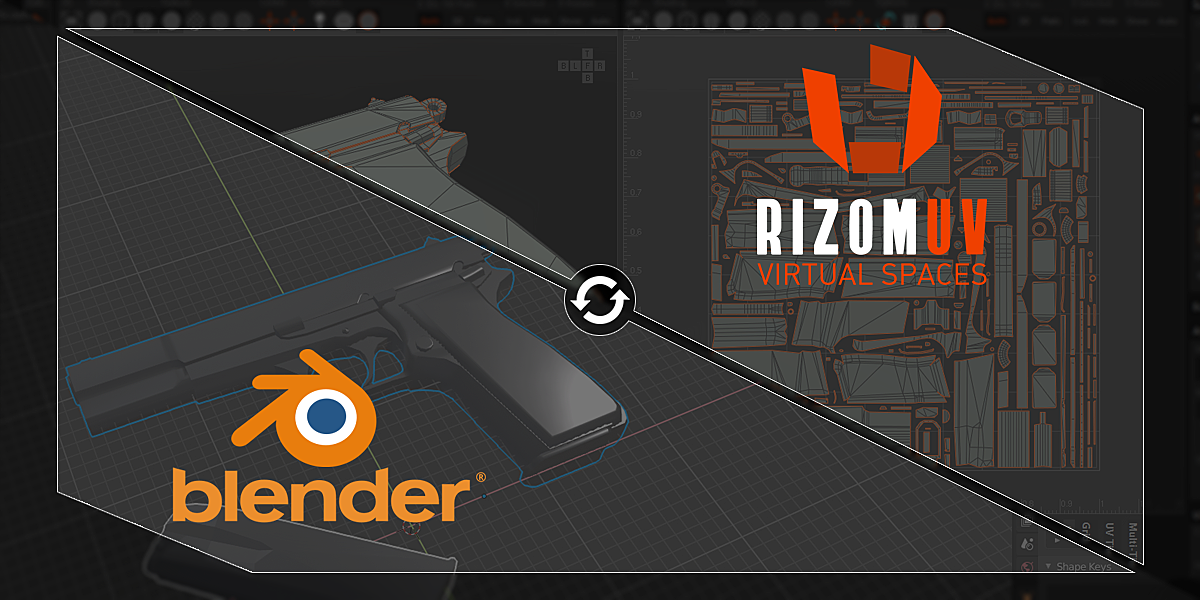
Rizomuv Bridge for Blender
rizomuv bridge addon
RizomUV Bridge for Blender – Seamless UV Unwrapping Workflow Integration
Version: For Blender 3.+
File Size: 10 MB
Download RizomUV Bridge for Blender on Windows, Mac, and Linux, a powerful bridge add-on that connects Blender with RizomUV, the industry-standard UV unwrapping software. Transfer models seamlessly between applications, perform advanced UV unwrapping in RizomUV, and bring perfectly optimized UV layouts back to Blender—all with one-click operations .
Key Features of RizomUV Bridge:
- One-Click Transfer: Send selected models from Blender to RizomUV with a single click—preserves mesh data, materials, and object hierarchy
- Seamless Return: Import UV layouts back into Blender after unwrapping in RizomUV—automatically updates UV maps while preserving all other model data
- Batch Processing: Send multiple objects simultaneously for efficient UV unwrapping of complex scenes
- Material Preservation: Maintains material assignments and texture references throughout the transfer process
- UV Presets: Save and load UV unwrapping settings for consistent results
- Multi-Object Support: Transfer multiple objects while preserving relative transforms
- Packing Options: Control how UV islands are packed during return transfer
- Real-Time Sync: Optional live sync for iterative UV workflow
Perfect For:
- 3D artists requiring professional UV unwrapping for complex models
- Game developers optimizing UV layouts for texture baking
- Character artists needing clean UVs for detailed texture painting
- Hard-surface modelers requiring precise UV islands
- Anyone who prefers RizomUV’s advanced unwrapping tools
System Requirements:
- Blender 3.6, 4.0, 4.1, 4.2, 4.3
- RizomUV (Virtual Spaces, VS, or RS versions) installed separately
- Windows 10/11 (64-bit), macOS, or Linux
- 4GB RAM minimum (8GB+ recommended)
- 10MB available disk space
Installation:
- Download the add-on zip file
- In Blender, go to Edit > Preferences > Add-ons
- Click “Install” and select the downloaded zip file
- Enable the add-on by checking the box next to “RizomUV Bridge”
- Configure the path to your RizomUV installation in the add-on preferences
Note: RizomUV Bridge brings the power of professional UV unwrapping software directly into your Blender workflow . The seamless integration eliminates manual export/import steps, allowing you to use the best tool for UV unwrapping while keeping Blender as your central hub . Perfect for game developers, character artists, and anyone who needs advanced UV layout tools . Requires RizomUV installed separately . Designed for Blender 3.6 and above . Essential for professional UV workflows .
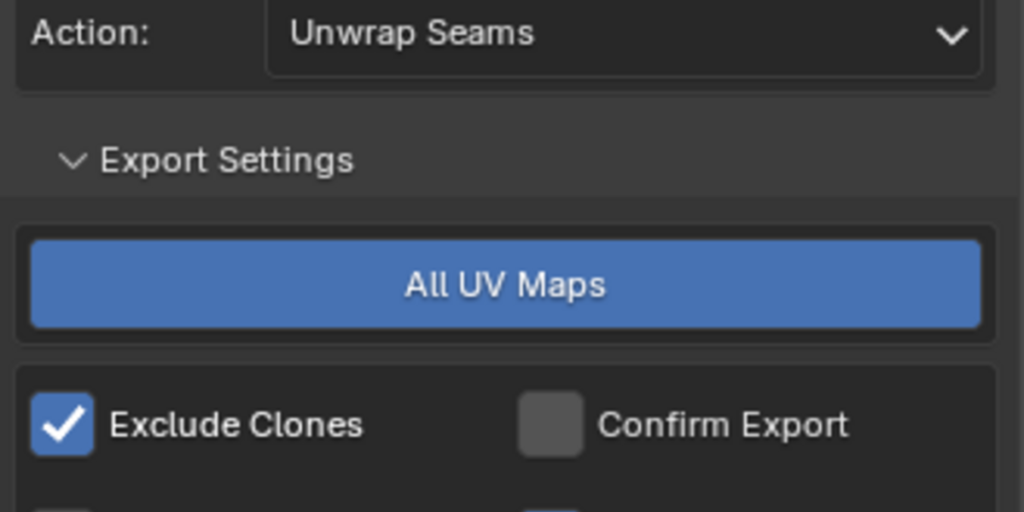
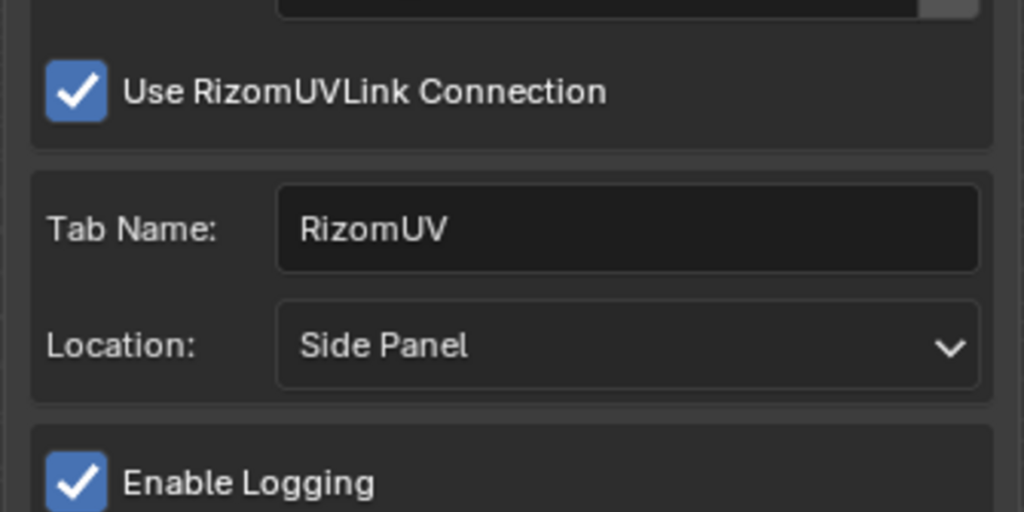
The RizomUV Bridge provides the user with an easy to use UI which makes transferring objects and UV maps between Blender and RizomUV as simple as clicking a button.
Instruction: Install only one version, if you attempt to enable multiple versions at the same time, it will cause problems. If you have done this and cannot install: delete all versions of the RizomUV Bridge from your Blender addons, then install the latest version.
—
There are multiple versions, each clearly labeled, use whichever corresponds to your RizomUV/Blender version.
—
IMPORTANT:
If you have any trouble updating to new versions make sure you remove the old plugin versions then restart blender before you install the new version.
—
Notable features include:
- Seamless export and import between Blender and RizomUV, original objects are untouched, only UV data is transferred back to Blender.
- Multiple UV sets support.
- User controlled convenience preferences allowing things such as excluded linked instances from export or automatically marking UV boundaries as sharp upon import.
- Supports FBX, OBJ and USD format.
- Allows saving Rizom attributes such as pins and groups when using USD format.
Supercharge your 3D creation workflow with premium selection of Blender Add-ons. Whether you are modeling intricate characters, sculpting realistic environments, or animating cinematic sequences, the right add-on can transform how you work inside Blender. Our curated collection includes powerful tools for UV unwrapping, procedural texture generation, rigging automation, rendering optimization, and more—each rigorously tested for compatibility with the latest Blender versions. Eliminate tedious manual processes and unlock advanced functionality that lets you focus on what matters most: bringing your creative vision to life. Explore our full range of professional Blender plugins today and take your 3D projects to the next level.
➡️ ➡️ For more Blender Plugins 😀 😀
Reviews
There are no reviews yet.