
Rockify – Rock Generator Plugin For Blender
Rockify v1.3 for Blender – The Ultimate Procedural Rock & Stone Generator
Versions: v1.3
File Size: 430 MB
Download Rockify v1.3 for Blender on Windows and Mac, a powerful and intuitive addon designed to instantly transform any 3D mesh into a realistic, detailed rock or stone object. Whether you need to turn a simple cube into a boulder, a sphere into a meteorite, or a custom sculpt into a unique geological formation, Rockify automates the complex process of adding displacement, generating PBR materials, and scattering debris. It eliminates the need for manual sculpting or complex shader node wiring, allowing environment artists and game developers to create high-quality rocky assets in seconds.
Key Features of Rockify v1.3:
- One-Click Rock Transformation: Instantly convert any base mesh into a highly detailed rock with realistic surface displacement and geometry, completely bypassing the need for manual sculpting.
- Procedural Displacement Engine: Uses advanced Voronoi and noise algorithms to generate natural-looking rock surfaces, cracks, and crevices that look incredibly authentic at any scale.
- Automatic PBR Material Generation: Creates a fully textured, physically based rock material complete with albedo, roughness, normal, and displacement maps, perfectly wired and ready to render.
- Smart Edge Wear & Weathering: Automatically detects edges and cavities to apply realistic moss, dirt, and edge wear, adding instant age, storytelling, and realism to the stone.
- Integrated Rock Scatter Tool: Automatically scatters smaller rock chunks and pebbles around the base of the main object to ground it naturally in the environment and break up the silhouette.
- Diverse Rock Presets: Includes a library of pre-configured rock types such as Basalt, Sandstone, Granite, Limestone, and Meteorite, each with unique displacement patterns and material properties.
- Non-Destructive Modifier Stack: All rockification effects are applied via modifiers, allowing you to tweak the displacement scale, material colors, and scatter density at any time without ruining the base mesh.
- Game Engine Optimization: Includes a one-click “Bake to Textures” tool to export the procedural displacement and materials into standard image maps for Unity, Unreal Engine, or Godot.
- Custom Base Mesh Support: Works perfectly with custom-sculpted or modeled base meshes, allowing you to define the overall silhouette and shape before applying the micro-details.
- Real-Time Viewport Preview: Optimized displacement and material setups ensure smooth viewport performance, allowing you to see the final rock look while adjusting parameters in Eevee or Cycles.
Perfect For:
- Environment Artists rapidly populating landscapes, caves, and mountains with unique, high-quality rock formations.
- Game Developers creating modular rock kits, debris, and environmental props for real-time engines.
- Architectural Visualizers adding realistic stone walls, retaining rocks, and natural landscaping to exterior scenes.
- VFX Studios generating meteorites, asteroid fragments, and destruction debris for sci-fi and action sequences.
- Concept Artists quickly blocking out rocky environments and terrain features without spending hours on manual sculpting.
- Beginners who want professional-looking rock assets but lack the advanced sculpting skills to create them from scratch.
System Requirements:
- Blender: 3.6, 4.0, 4.1, 4.2, 4.3, 4.4+ (Latest LTS recommended).
- OS: Windows 10/11 (64-bit) or macOS 10.15+.
- RAM: 8GB minimum (16GB+ recommended for high-resolution displacement and scattering).
- Render Engine: Fully compatible with Cycles (for accurate displacement) and Eevee.
Installation:
- Download the Rockify v1.3
.zipfile. - Open Blender and go to Edit > Preferences > Add-ons.
- Click Install…, select the downloaded file, and enable the checkbox next to Object: Rockify.
- Access via the 3D Viewport Sidebar (N-panel) under the Rockify tab, or the Object Context Menu (Right-Click) > Rockify.
What’s New in v1.3?
- Blender 4.4 Compatibility: Fully updated modifier and shader APIs to ensure rock-solid stability and correct UI scaling in the latest Blender 4.4 release.
- New “Meteorite” Preset: Added a highly detailed, pitted, and slightly glowing rock preset perfect for sci-fi environments and space scenes.
- Improved Scatter Algorithm: The debris scattering tool now uses advanced physics-based logic to pile rocks naturally against the base mesh and each other, preventing unnatural floating.
- Enhanced Cavity Dirt: Refined the ambient occlusion-based dirt generation to produce more realistic, subtle grime in deep crevices without muddying the overall texture.
- Faster Displacement Evaluation: Optimized the node tree for the displacement modifier, resulting in a 40% faster viewport response when adjusting the detail scale on high-poly meshes.
- Bug Fix: Resolved a rare issue where the automatic UV unwrapping would occasionally overlap on highly concave base meshes.
Note:
Rockify v1.3 is the ultimate shortcut for environment artists who need high-quality rock assets fast. Instead of spending hours sculpting every crevice and painting every texture, Rockify gives you a powerful, procedural foundation that you can tweak in real-time. The ability to use custom base meshes means you aren’t limited to generic shapes; you can sculpt a rough silhouette and let Rockify handle the micro-details and texturing. Combined with the integrated scatter tool, it ensures your rocks don’t just look like floating objects, but like natural formations grounded in their environment. Whether you are building a fantasy dungeon or a realistic mountain trail, Rockify delivers stunning geological detail with minimal effort.
New Version out now!
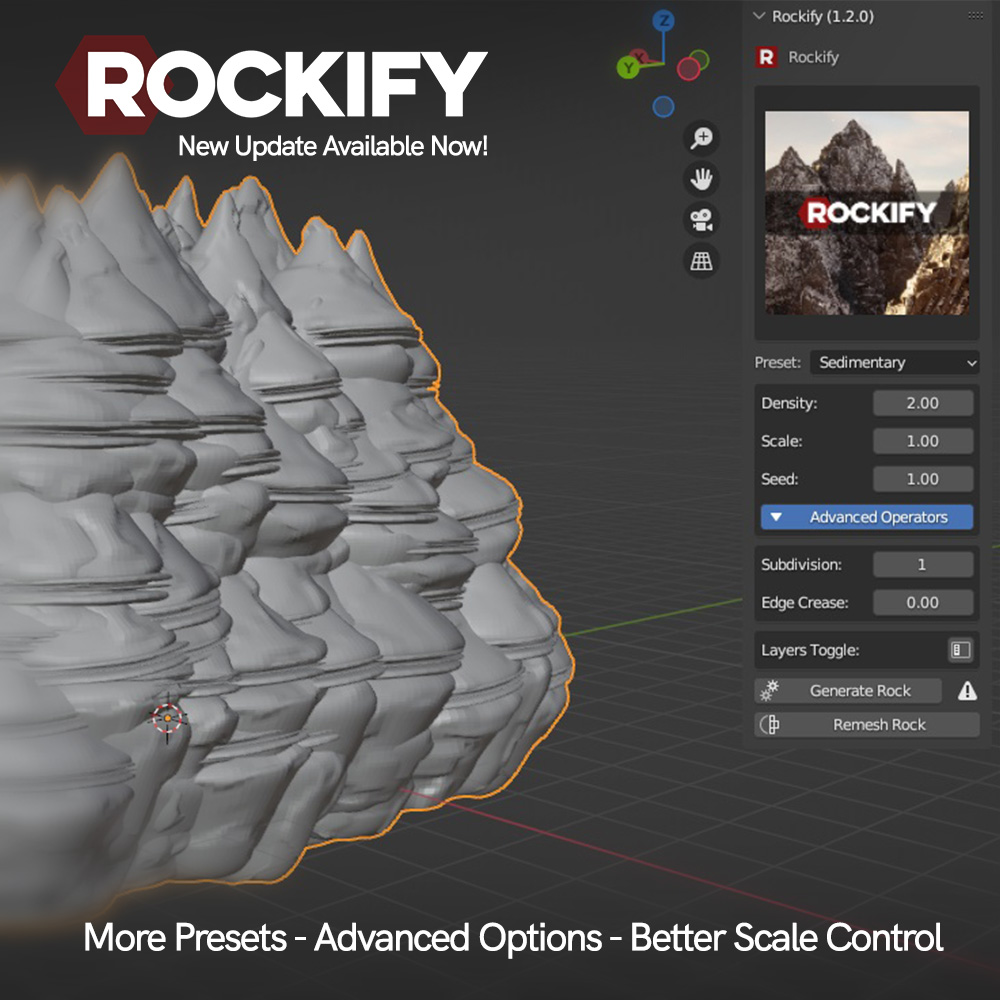
What is Rockify?
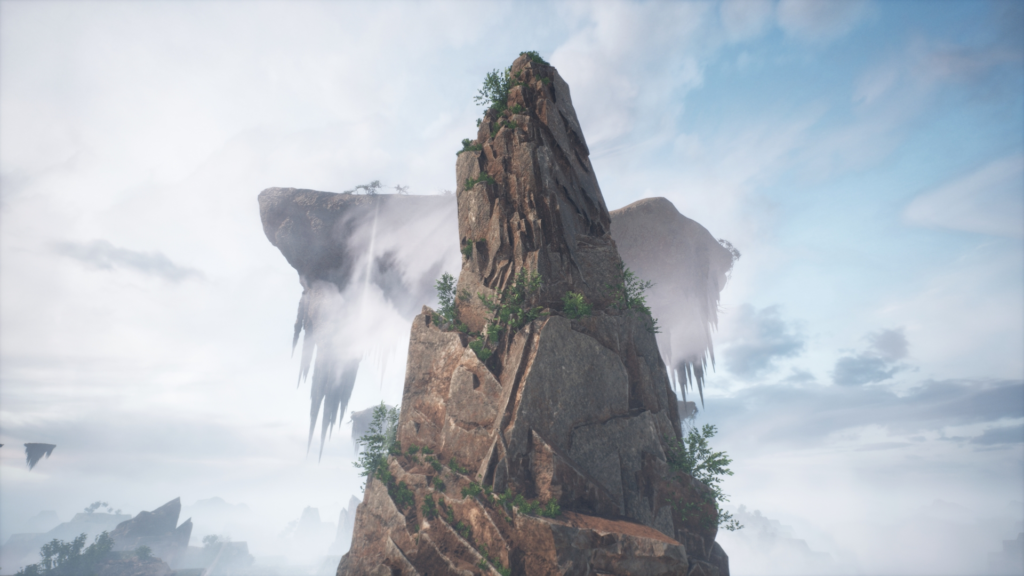
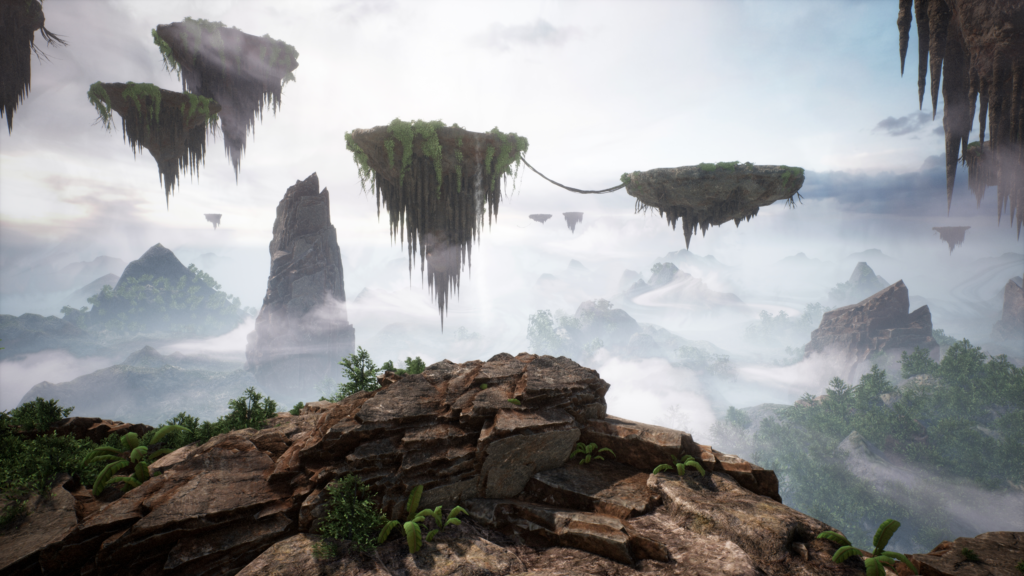
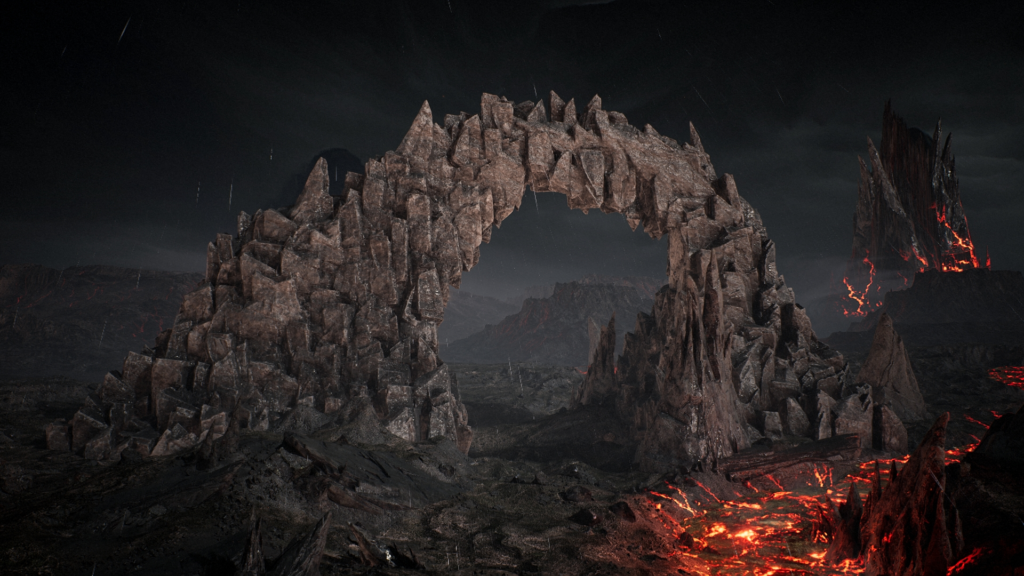
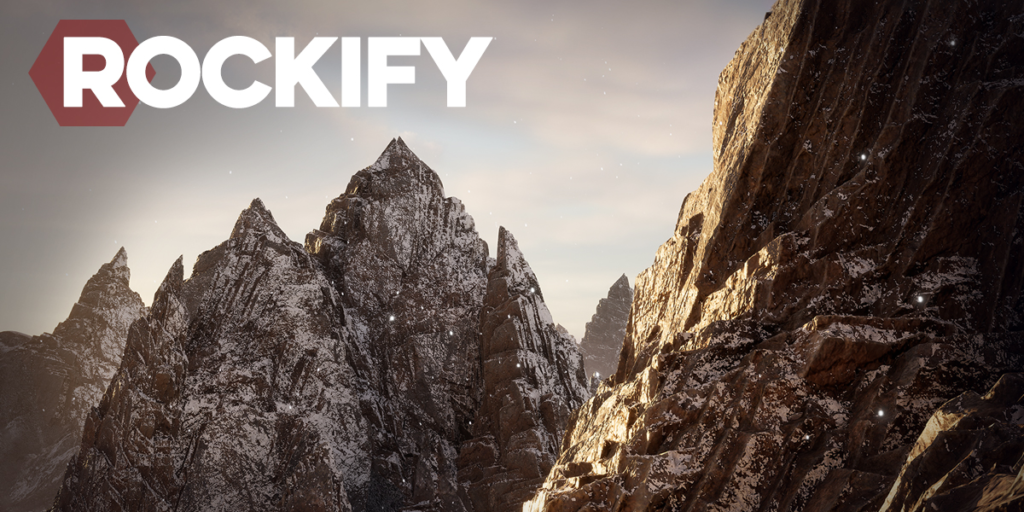
Rockify is a plugin for Blender that allows you to Instantly generate real-time optimized realistic rocks. For usage in movies, games and other cg applications. Perfect for usage with Unreal Engine 5’s Nanite.
Beginner Tutorial Video: Rockify – Beginner Tutorial
Complete Workflow tutorial: Rockify – Complete Workflow Tutorial
Features
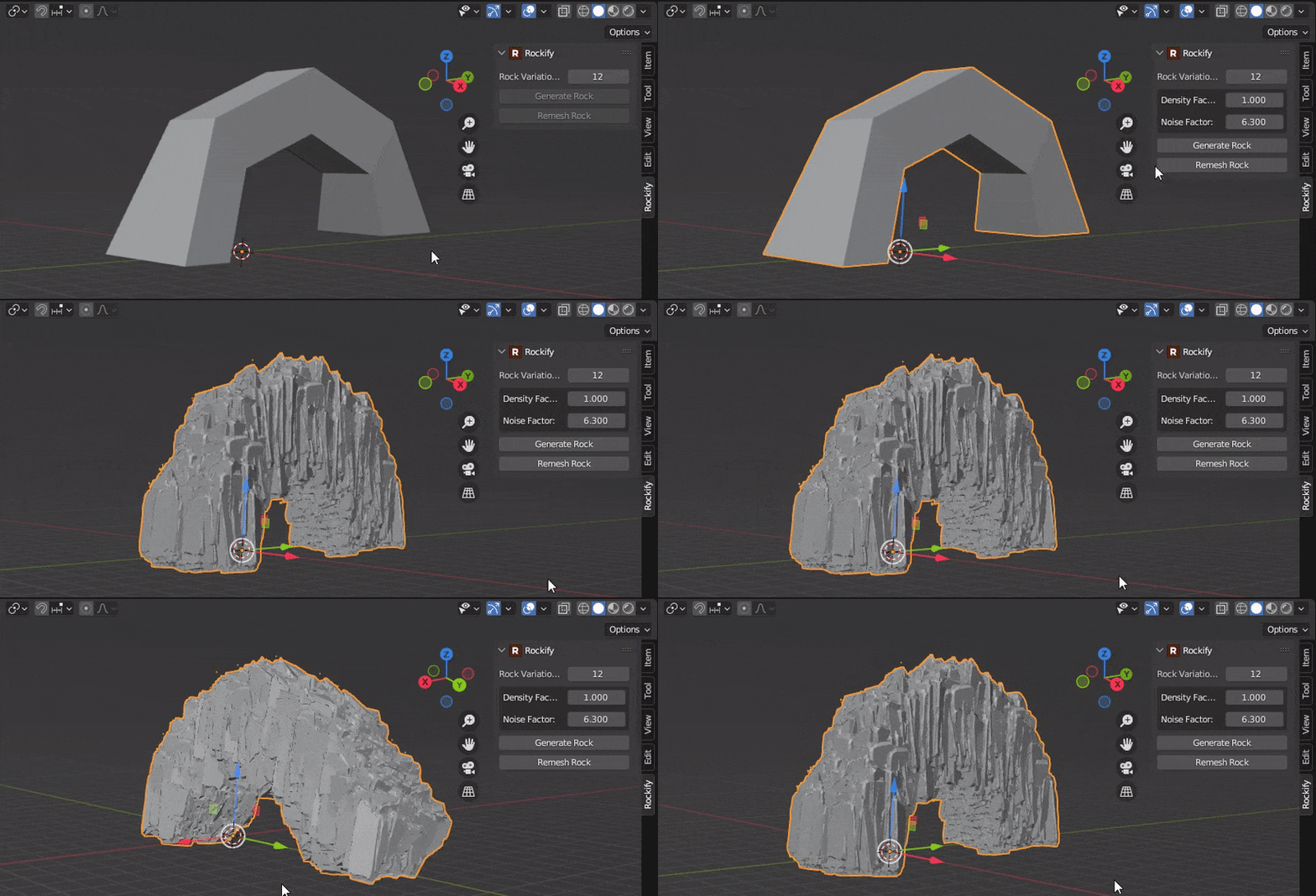
One Click Rock Generation
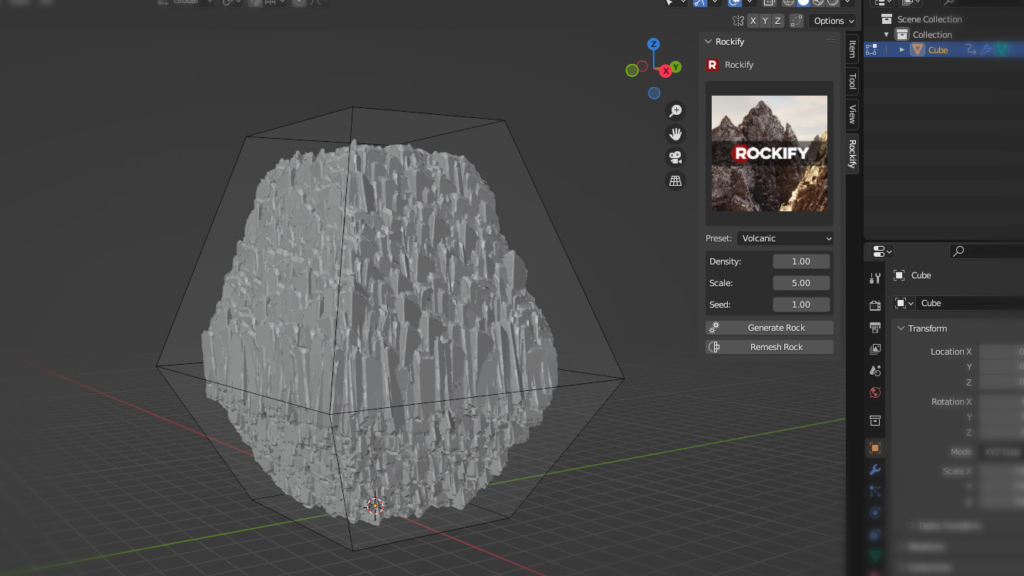
Simply input any low poly primitive shape and click Generate Rock.
A realistic 3d rock complete with natural cliff faces will then be generated using the input shape as a guide.
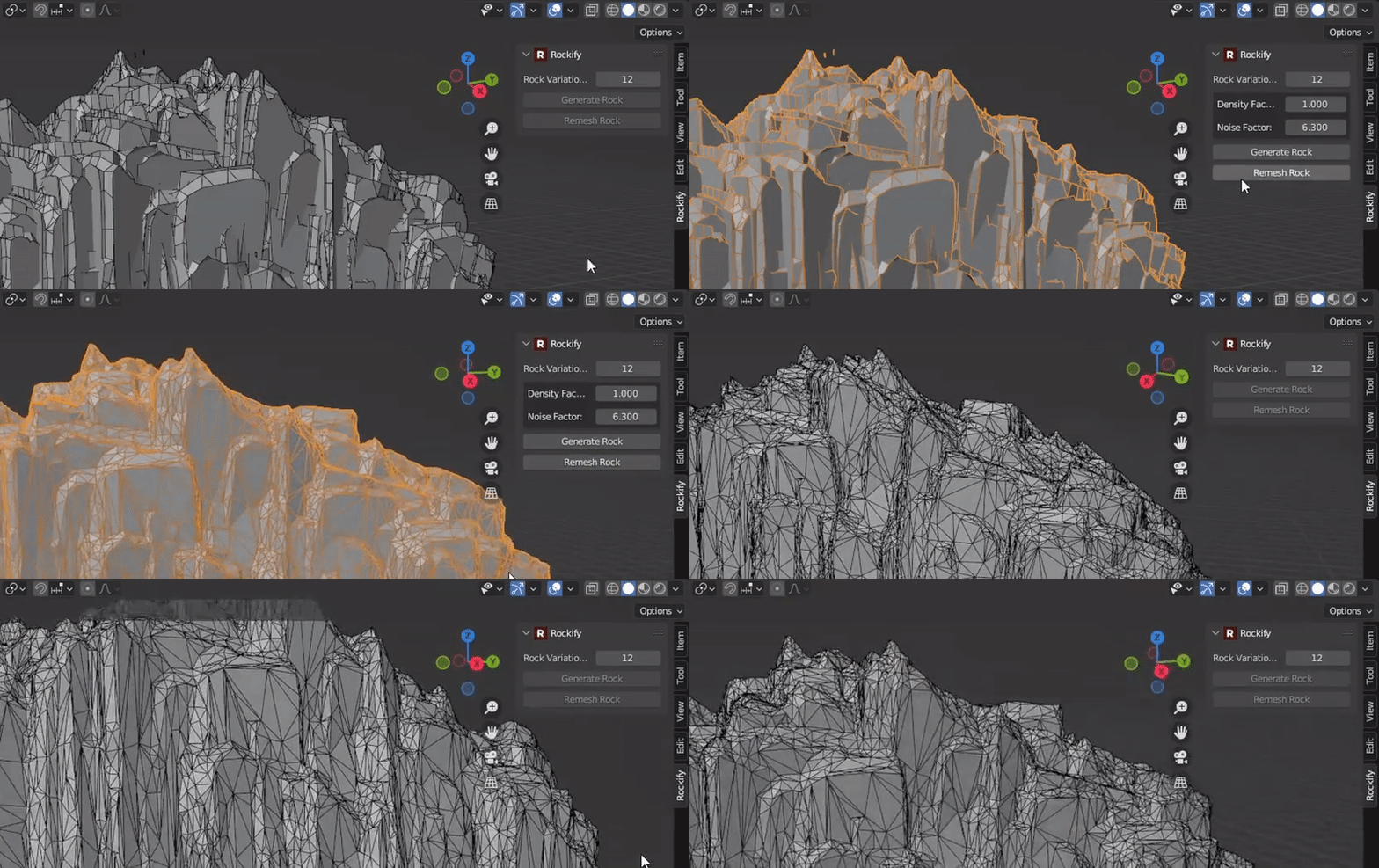
Remesh for Real-Time usage in games engines like Unreal Engine 5
Instantly remesh your rocks with perfect real-time ready triangulated topology.
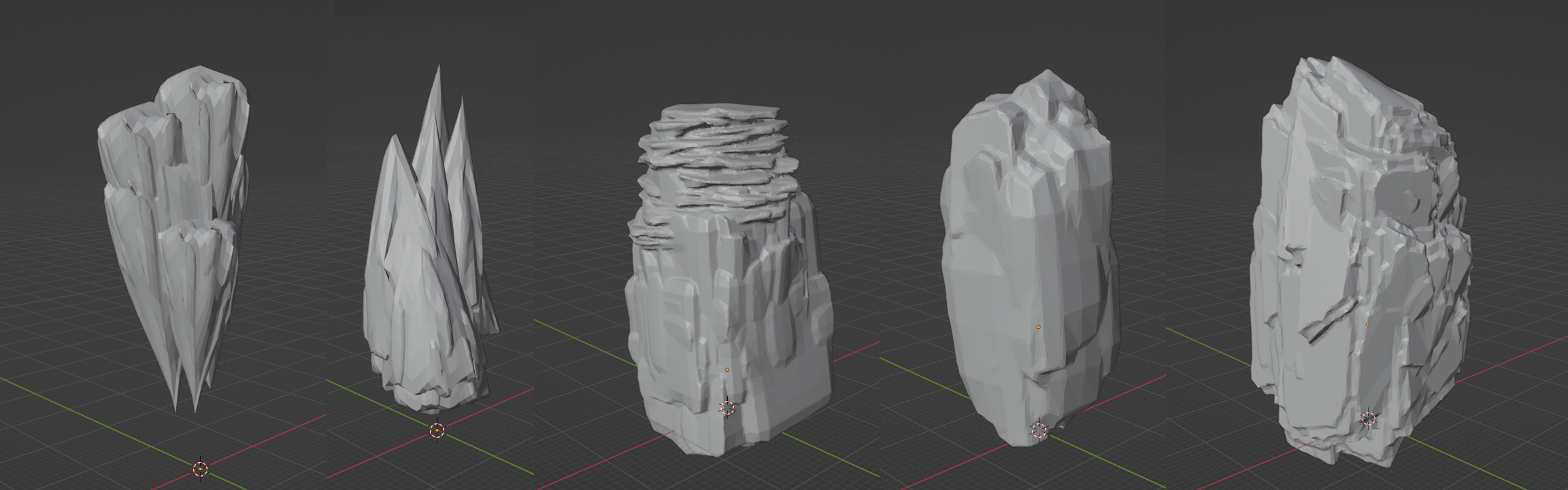
Distinctive Presets for various rock types
Choose from various distinctive rock type presets including Volcanic, Limestone, Granite, Stalagmites and Stalactites. New update includes: Sedimentary and Igneous Presets.
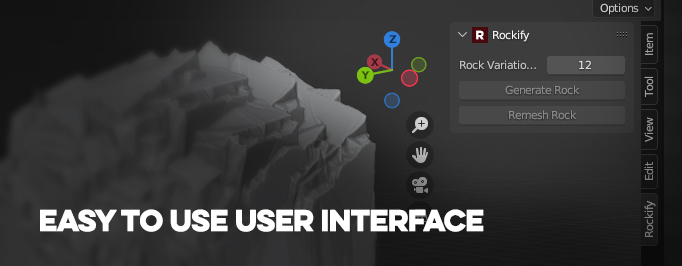
Simple & Clean UI with beginners in mind
The user interface is designed to be as clean and straight to the point as possible. Easy for beginners to pickup and efficient for professional users that want to work quickly.
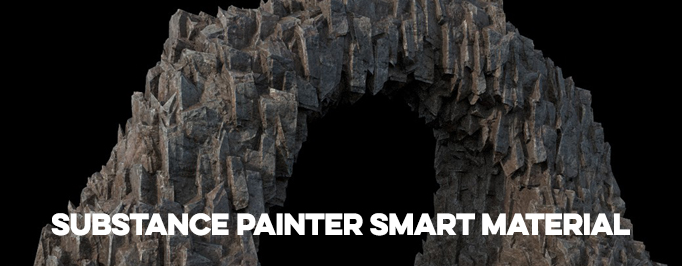
Includes Smart Materials for Substance painter for automatic texturing
Includes a substance .spsm Smart Material file. Allowing users with substance painter to add texture with a simple drag and drop.
Installation
Download Rockify_Plugin_v#.#.#.zip file.Open blender and navigate to Edit > PreferencesClick the Addons Tab on the leftGo to install and select the .zip file you previously downloadedRockify is now installed, go to the search function in the addons tab and type ‘rockify’ and you will now be able to see the pluginTo view the plugins user interface, go to your blender viewport and hit ‘n’ on the keyboard.This will activate the sidebar to the right. You will find the Rockify tab there.
Smart Material
Open the .zipNavigate to Rockify\Resources\Substance\CliffRock.spsmExtract to desktopGo to Substance painter, go to File > Import Resources. Choose import to projectBake all maps for your imported asset, then Drag and drop the smart material from the asset panel to the layers panel and your object will be automatically textured.
Now Updated to Blender 4.5
Future Roadmap
- Additional Rock type presets (smooth, jagged, volanic etc)
- More Smart Materials for various rock presets
Supercharge your 3D creation workflow with premium selection of Blender Add-ons. Whether you are modeling intricate characters, sculpting realistic environments, or animating cinematic sequences, the right add-on can transform how you work inside Blender. Our curated collection includes powerful tools for UV unwrapping, procedural texture generation, rigging automation, rendering optimization, and more—each rigorously tested for compatibility with the latest Blender versions. Eliminate tedious manual processes and unlock advanced functionality that lets you focus on what matters most: bringing your creative vision to life. Explore our full range of professional Blender plugins today and take your 3D projects to the next level.
➡️ ➡️ For more Blender Plugins 😀 😀
Reviews
There are no reviews yet.