
round inset for Blender
round inset addon
Round Inset for Blender – Advanced Inset & Bevel Tool with Circular Geometry
Download Round Inset for Blender on Windows, Mac, and Linux, a powerful modeling add-on that creates circular insets, rounded corners, and smooth edge loops with precise control. Perfect for hard-surface modelers, product designers, and anyone who needs to create rounded inset details without manual topology adjustments .
Key Features of Round Inset:
- Circular Inset Creation: Create perfectly circular inset faces on any surface with adjustable radius and depth
- Rounded Corners: Round sharp corners with smooth edge loops and proper topology
- Inset with Segments: Control resolution of rounded insets with adjustable segment count
- Depth Control: Set inset depth with positive (extrude) or negative (recess) values
- Edge Hardness Options: Choose between hard edges or smooth transitions for inset boundaries
- Real-Time Preview: See inset results update instantly as you adjust parameters
- Multi-Face Support: Apply round insets to multiple selected faces simultaneously
- Non-Destructive Workflow: Generated geometry remains editable
Perfect For:
- Hard-surface modelers creating circular details on mechanical parts
- Product designers adding rounded inset features to products
- Character artists creating organic inset details
- Architectural modelers adding circular window and door openings
- Anyone needing precise round inset geometry in Blender
System Requirements:
- Blender 3.6, 4.0, 4.1, 4.2, 4.3
- Windows 10/11 (64-bit), macOS, or Linux
- 4GB RAM minimum (8GB+ recommended)
- 5MB available disk space
Installation:
- Download the add-on zip file
- In Blender, go to Edit > Preferences > Add-ons
- Click “Install” and select the downloaded zip file
- Enable the add-on by checking the box next to “Round Inset”
Note: Round Inset provides a fast, precise way to create circular insets and rounded corners in Blender, eliminating the manual topology work usually required for these details . The adjustable segment count and depth control make it essential for hard-surface modelers and product designers . Designed for Blender 3.6 and above . Perfect for creating circular details . Essential for any inset workflow .
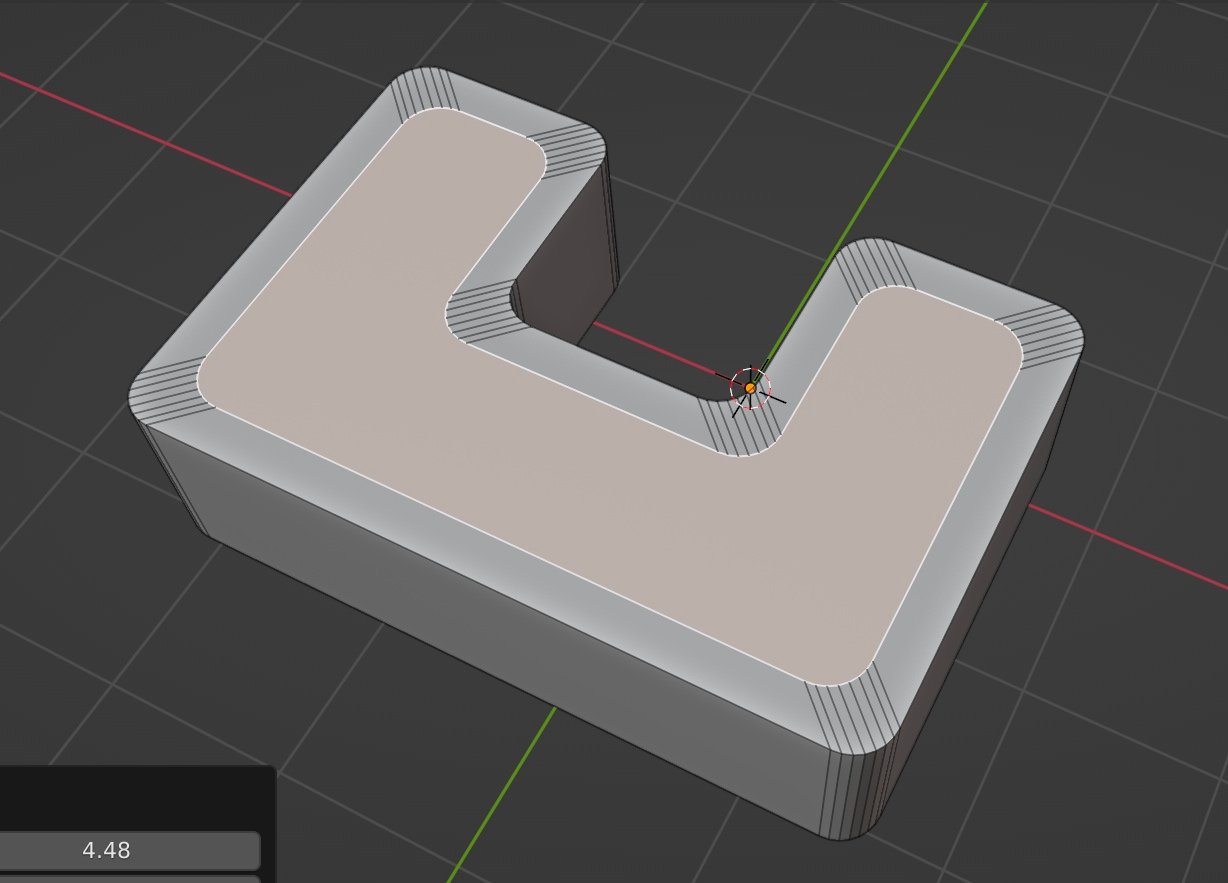
Round Inset is a handy tool for Inset face with 100% original round corners.
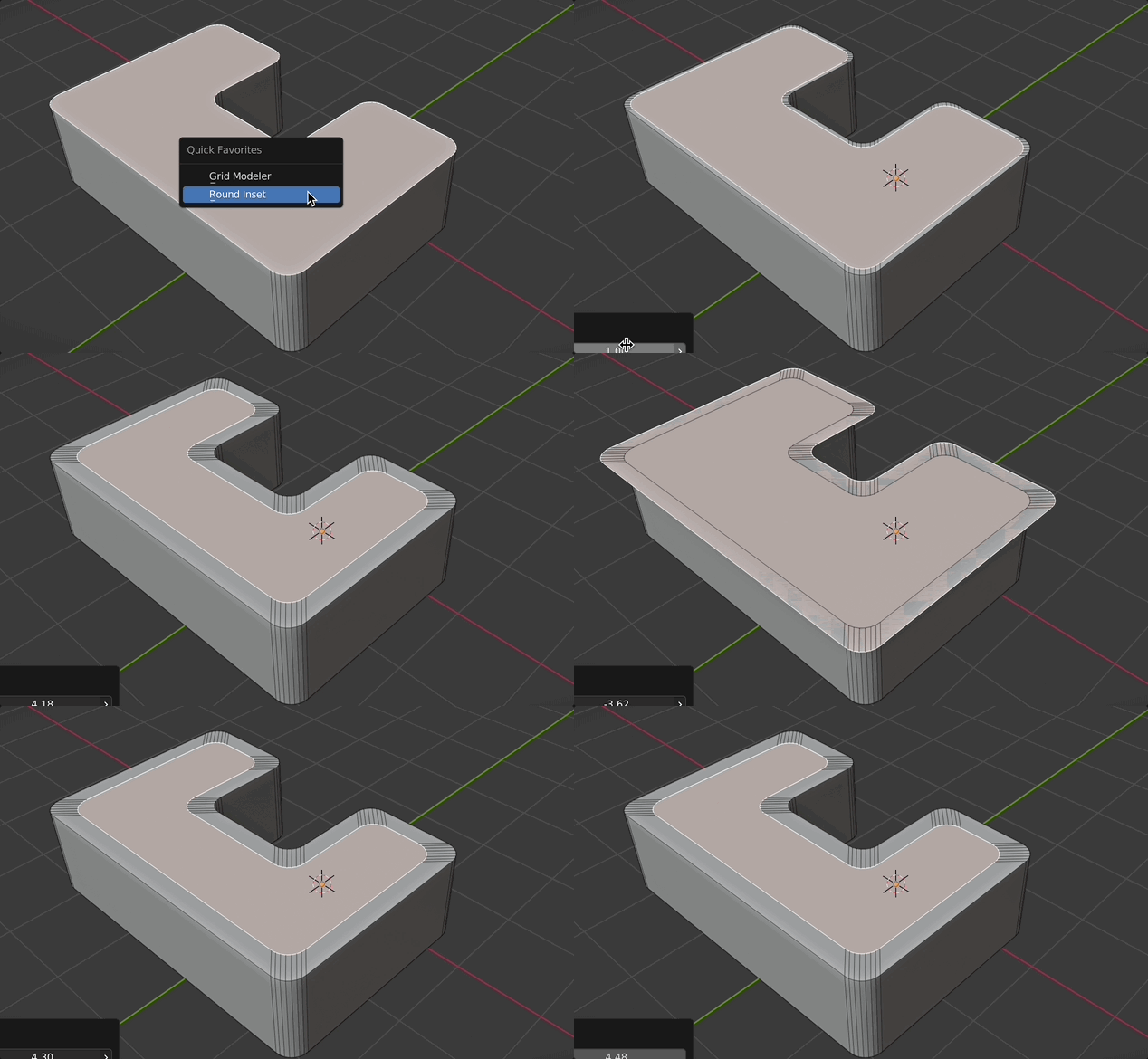
Blender’s built-in Inset tool:
Round Inset result:
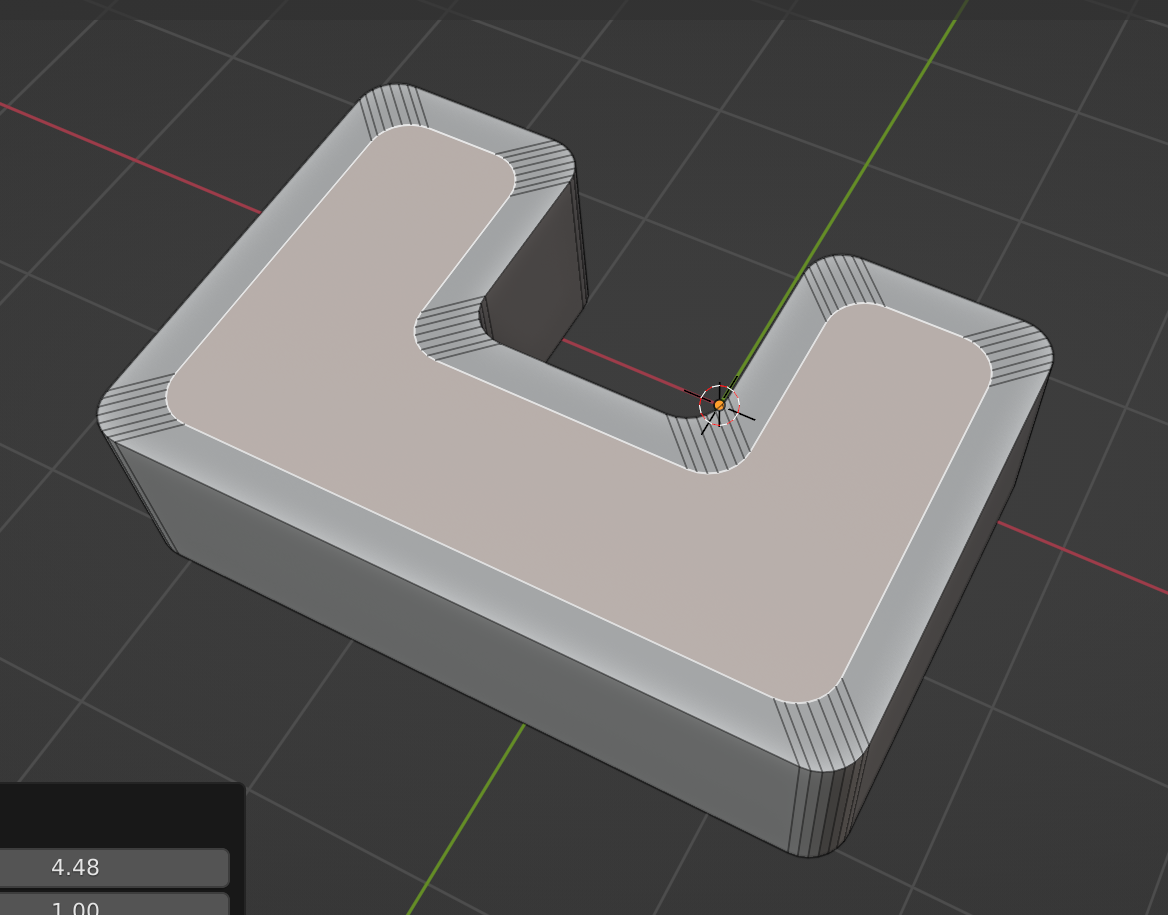
You can bevel it nicely after inset.
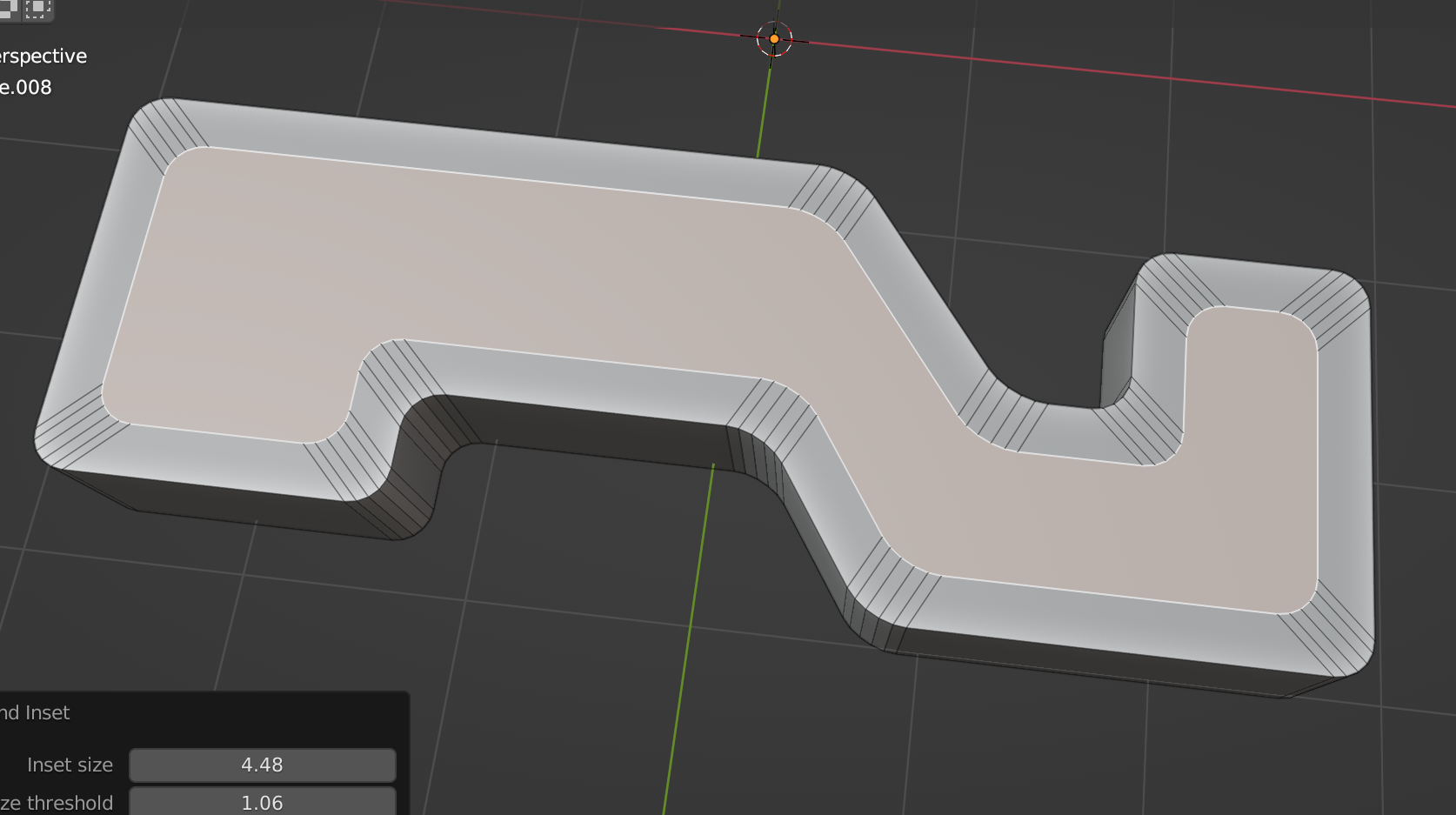
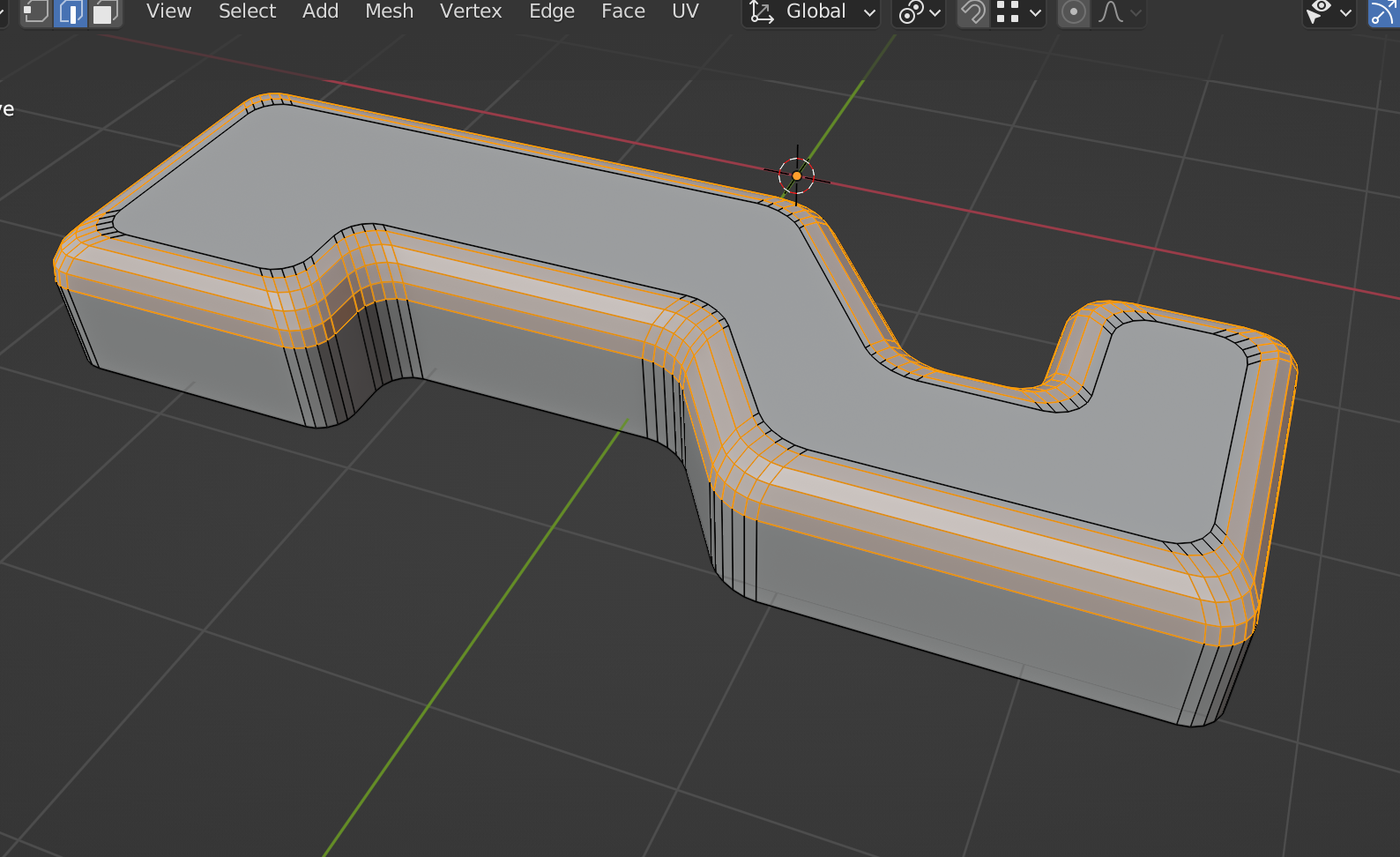
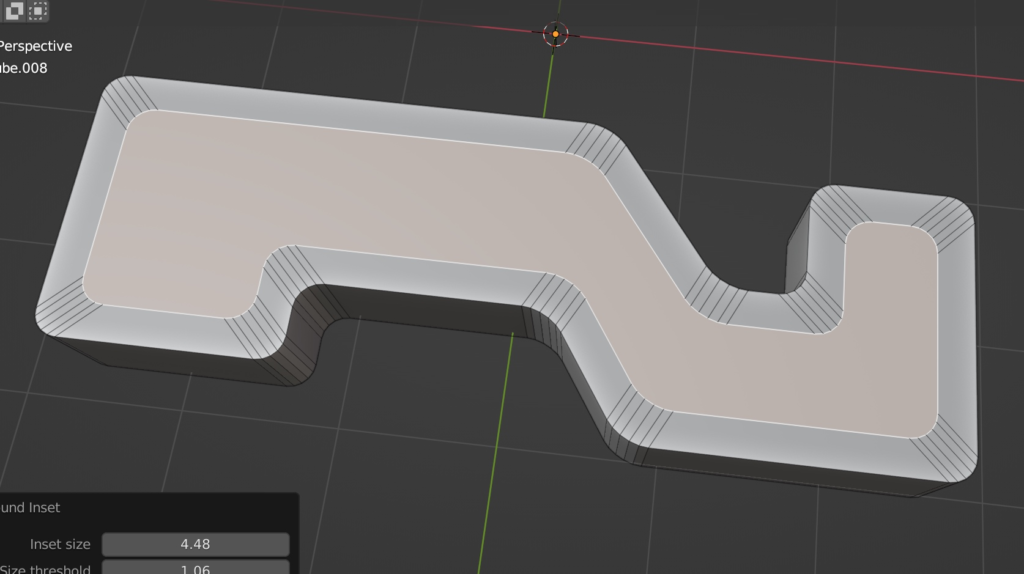
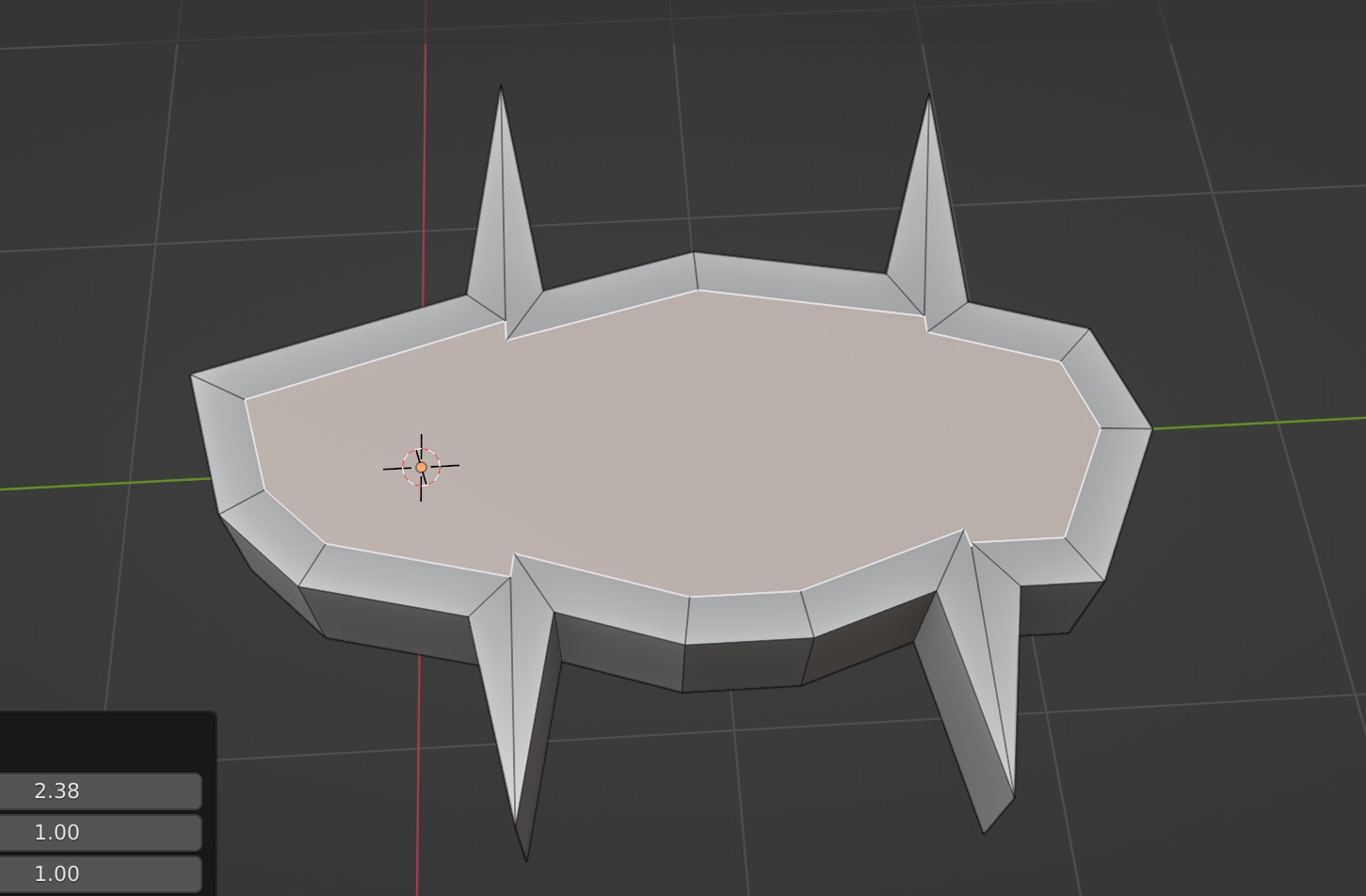
Round Inset work nicely with strange shape too
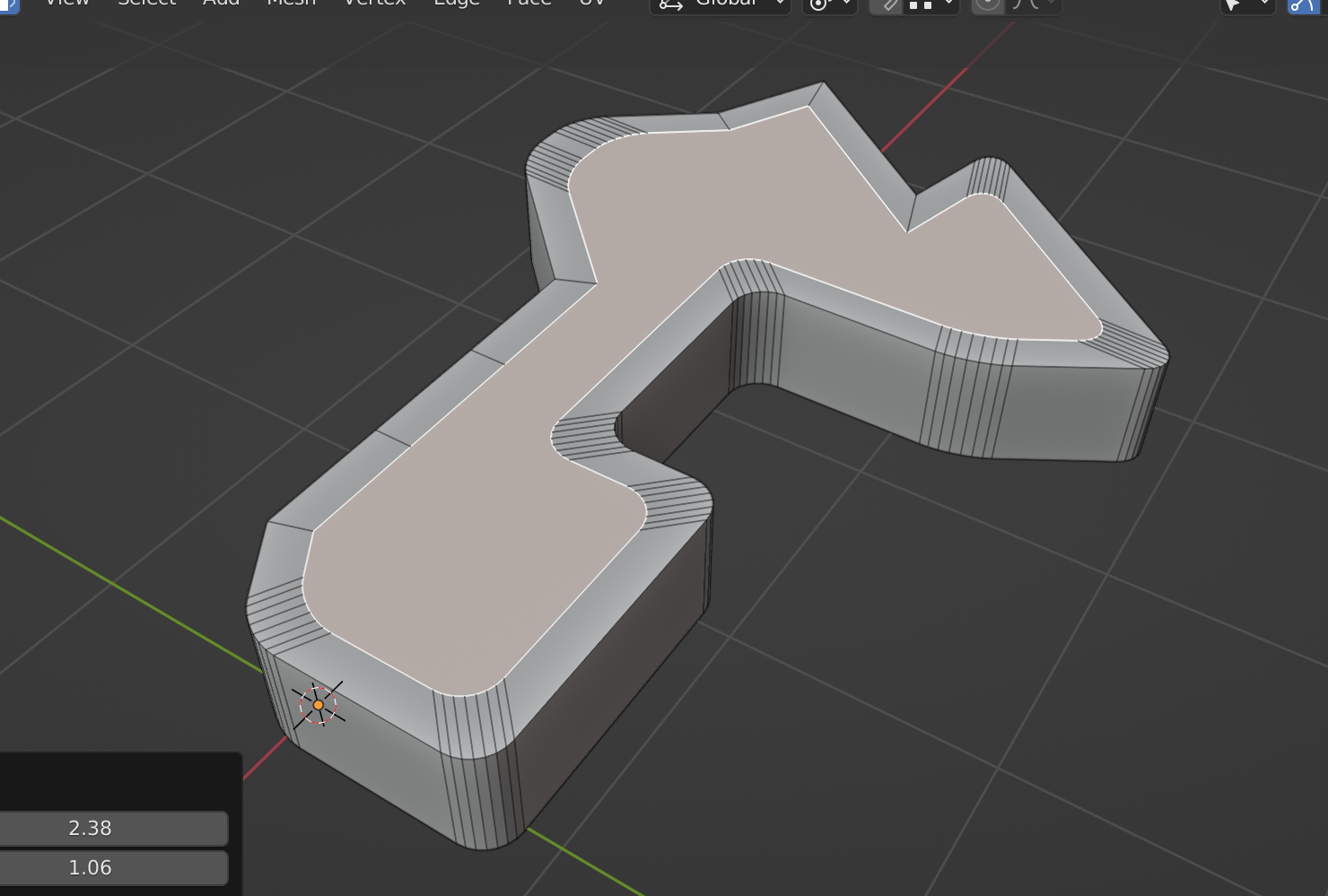
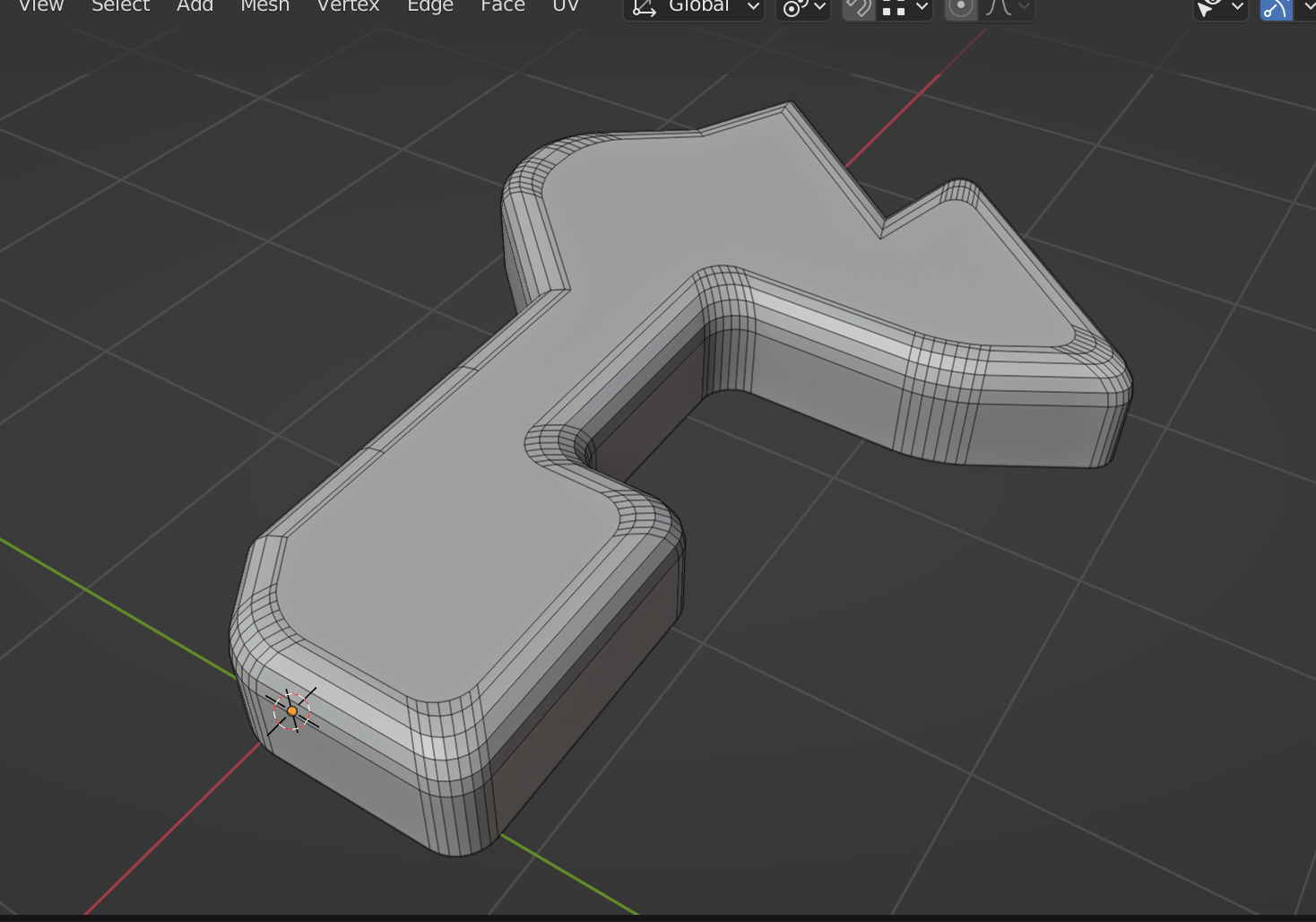
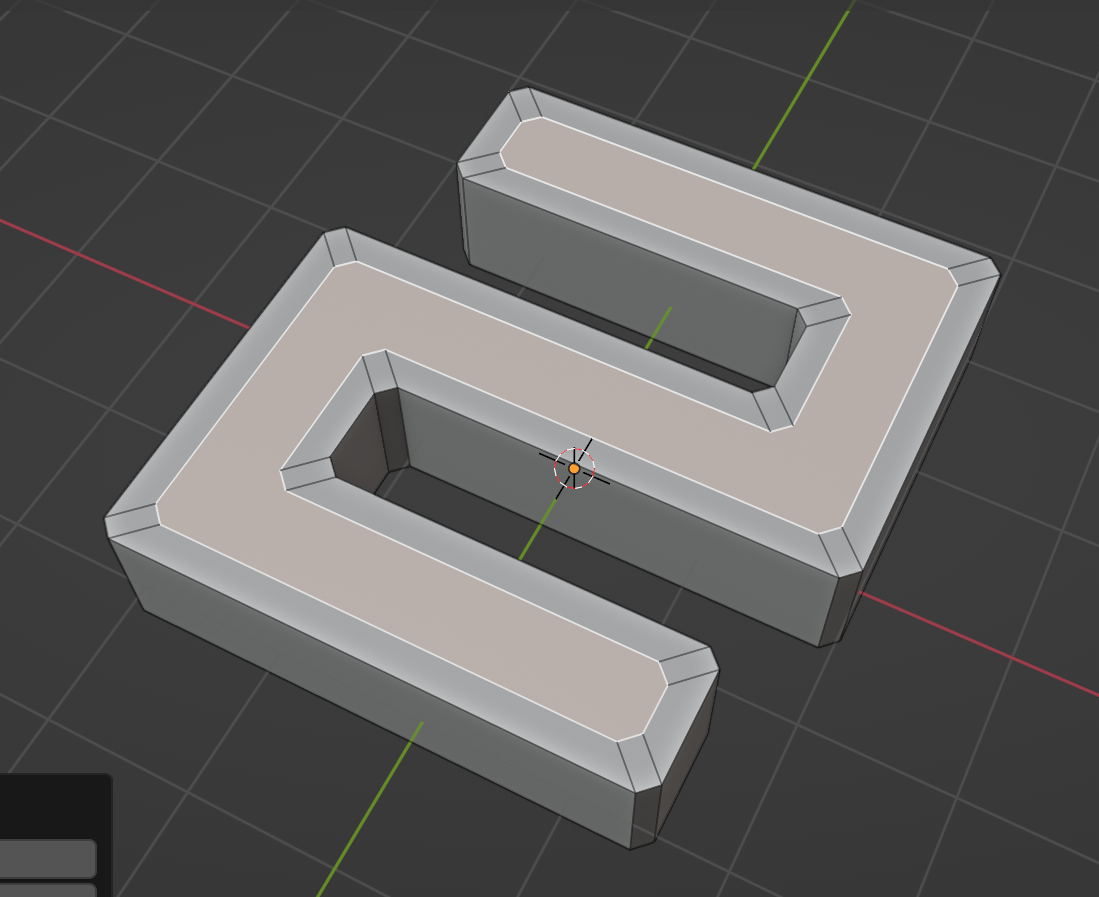
You can define the corners to be kept by setting a threshold value (on the Left-bottom menu). The tool will inset the face with original corner shapes.
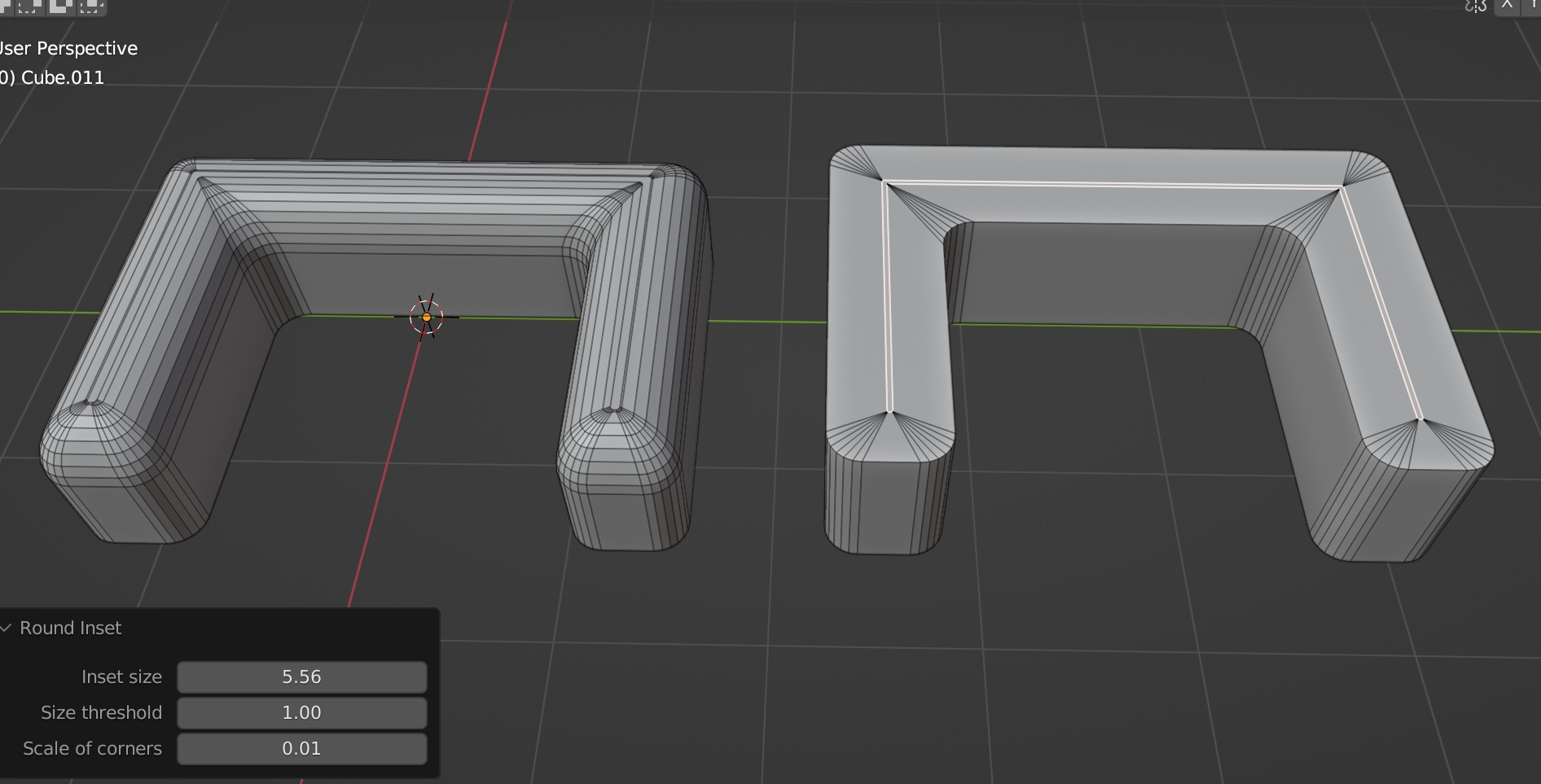
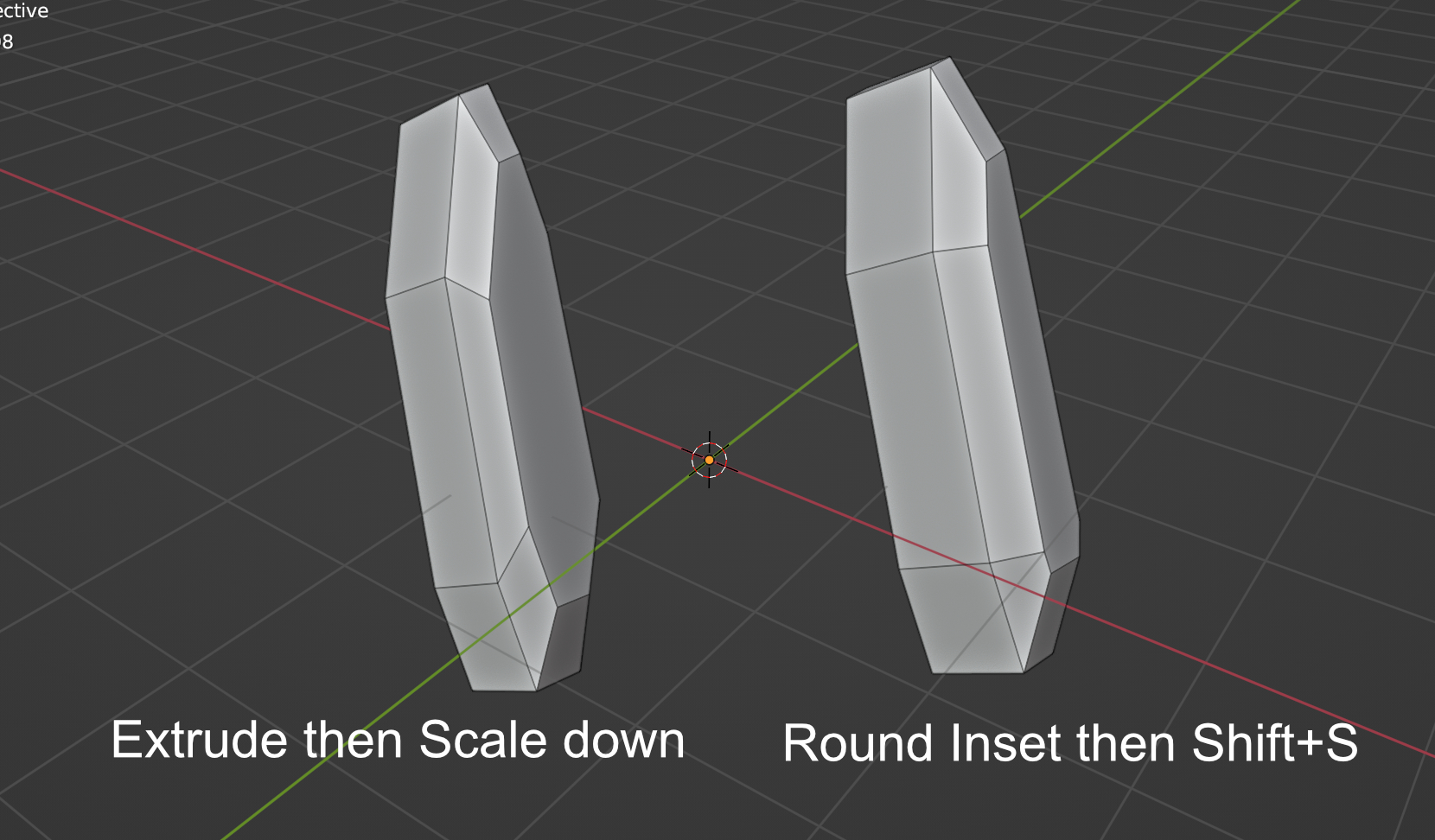
You can also use the Scaling setting to fine-tune the result. It can then use bevel to create nice round surface.
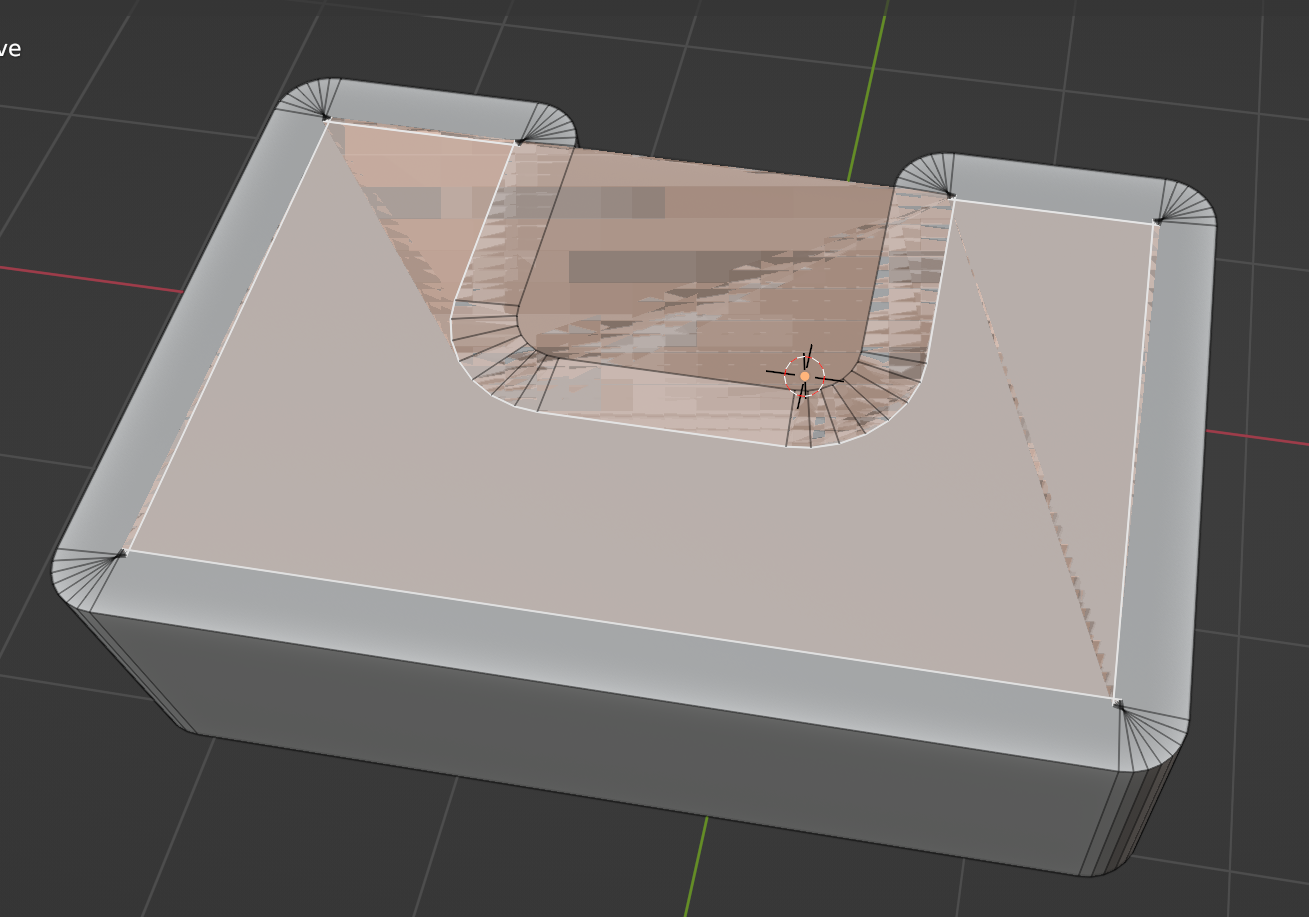
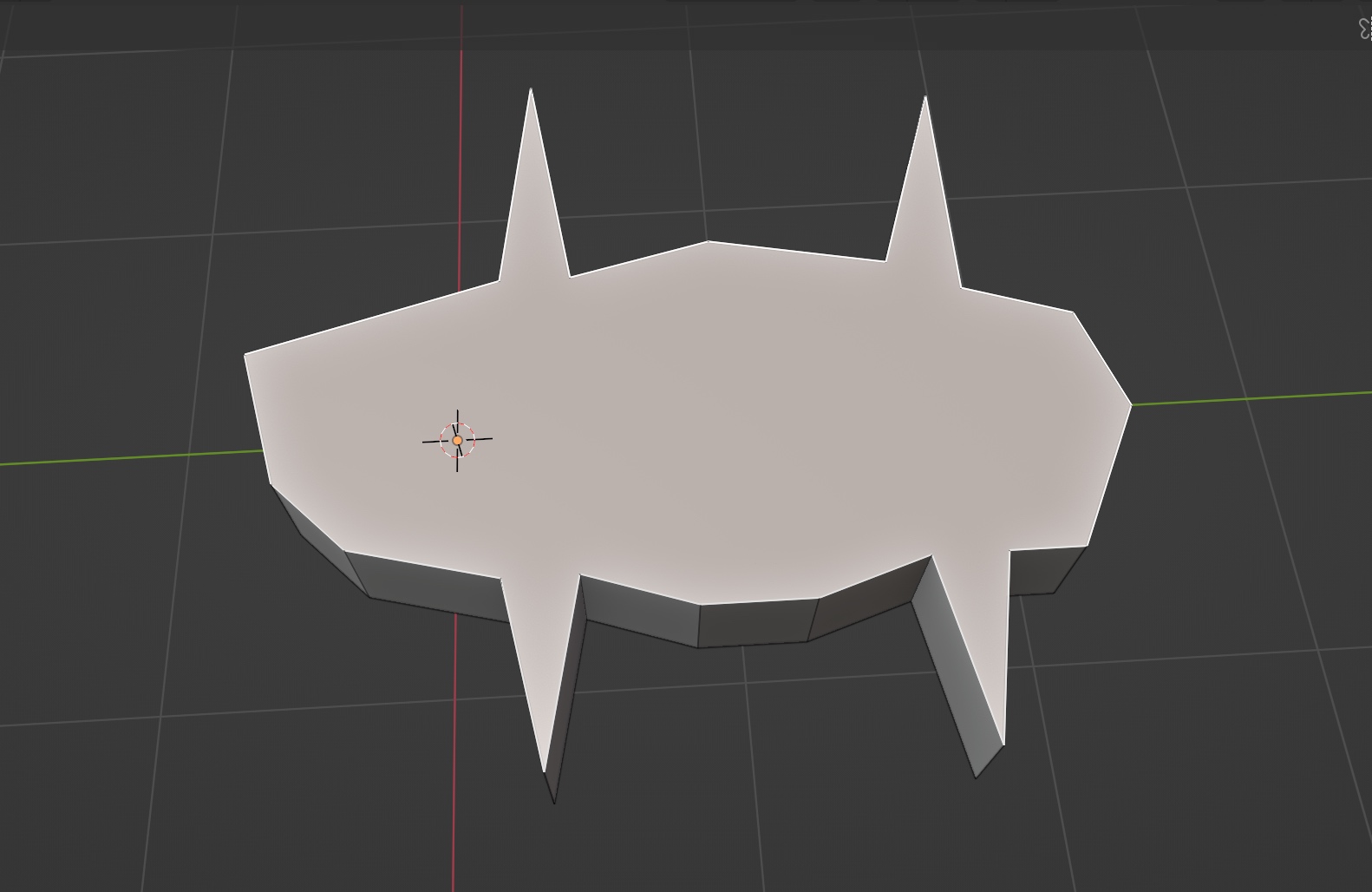
Prevent Overlapping
Another important ability of this tool is creating inset without corners overlapping. It works for any faces. For faces without round corners, just use the tool and set the “Threshold” parameter to zero.
Supercharge your 3D creation workflow with premium selection of Blender Add-ons. Whether you are modeling intricate characters, sculpting realistic environments, or animating cinematic sequences, the right add-on can transform how you work inside Blender. Our curated collection includes powerful tools for UV unwrapping, procedural texture generation, rigging automation, rendering optimization, and more—each rigorously tested for compatibility with the latest Blender versions. Eliminate tedious manual processes and unlock advanced functionality that lets you focus on what matters most: bringing your creative vision to life. Explore our full range of professional Blender plugins today and take your 3D projects to the next level.
➡️ ➡️ For more Blender Plugins 😀 😀
Reviews
There are no reviews yet.