
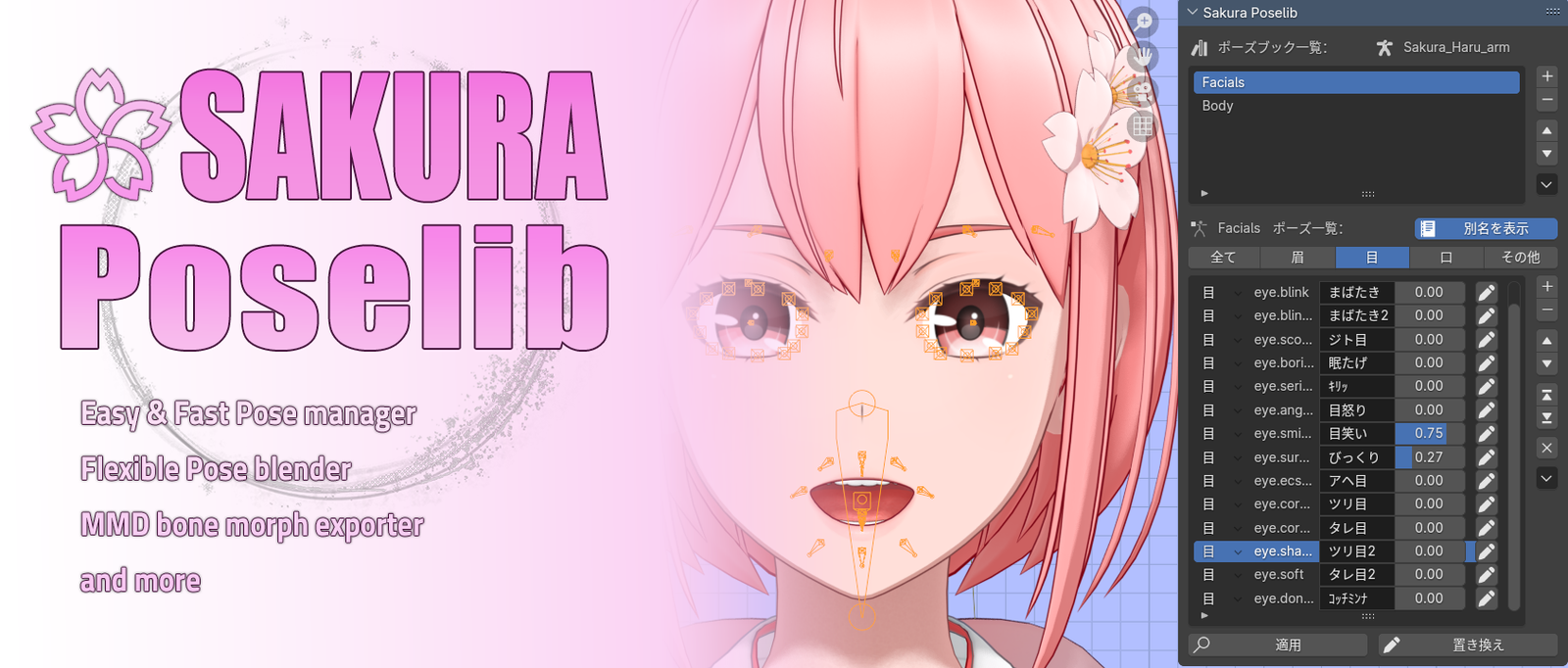
Sakura poselib for Blender
Sakura poselib v1.2.8 for Blender – The Ultimate Visual Pose Library & Animation Asset Manager
Download Sakura poselib v1.2.8 for Blender on Windows and Mac, a beautifully designed, highly visual pose management addon that revolutionizes how character animators and riggers store, organize, and apply poses. Say goodbye to remembering bone names or scrolling through endless, text-only lists. Sakura poselib provides a clean, elegant, and thumbnail-driven interface that allows you to build a massive, easily searchable library of character poses, hand gestures, facial expressions, and full-body animations, applying them to your rigs in a single click.
Key Features of Sakura poselib v1.2.8:
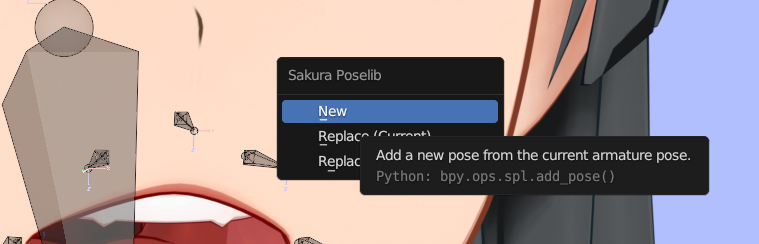
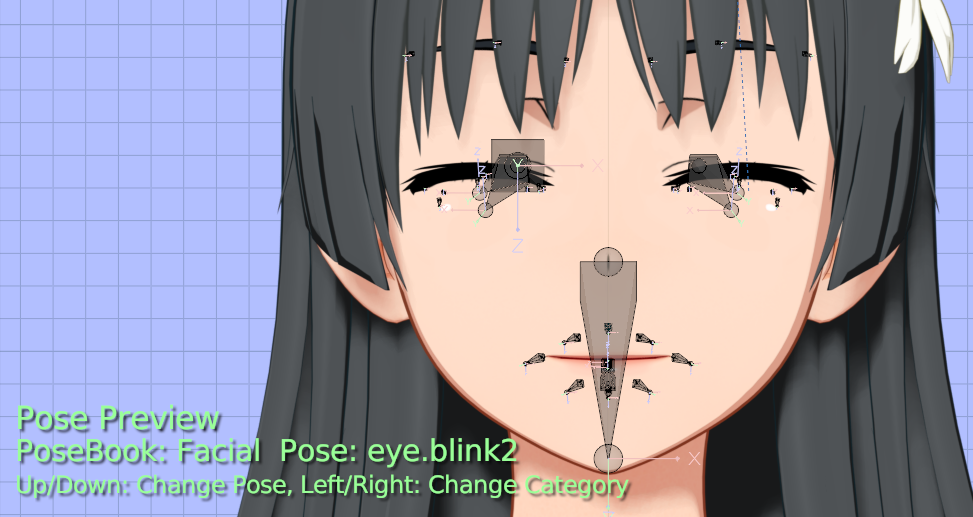
- Visual Thumbnail Previews: Automatically generate and display custom thumbnail images for every saved pose. See exactly what a pose looks like before you apply it, eliminating the guesswork.
- Smart Categorization & Tagging: Organize your poses into custom folders, sub-folders, and tags. Whether you are sorting by “Combat,” “Idle,” “Facial Expressions,” or “Hand Gestures,” finding the exact pose takes seconds.
- Partial Pose Application: Apply poses to the entire armature, or restrict the application to only the currently selected bones. Perfect for mixing a lower-body walk cycle with an upper-body waving gesture.
- Instant Mirroring & Flipping: One-click tools to perfectly mirror a pose across the X-axis, or swap the left and right sides of a rig, saving massive amounts of time on symmetrical animations.
- Smooth Pose Blending: Instead of snapping instantly to a new pose, use the built-in blending slider to smoothly interpolate between your current pose and the target pose, creating natural transition keyframes.
- Cross-Rig Transfer: Intelligent bone name mapping allows you to copy poses from one character rig and paste them onto a completely different rig, automatically adjusting for proportional differences.
- Keyframe Integration: Choose whether to apply the pose as a static viewport transform, insert it as keyframes on the current timeline frame, or push it to a specific frame offset.
- Rest Pose & Reset Tools: Instantly snap your rig back to its bind pose, rest pose, or T-pose with dedicated buttons, clearing out any messy animation data in seconds.
- Drag-and-Drop Asset Management: Easily import and export pose libraries as standalone files, allowing you to share your custom pose packs with team members or use them across different projects.
- Elegant, Distraction-Free UI: Designed with a clean, modern aesthetic that keeps your viewport uncluttered while providing rapid access to your entire animation toolkit.
Perfect For:
- Character Animators who need to quickly block out animations, reference classic poses, or reuse complex hand and facial gestures.
- Riggers & Technical Artists delivering polished, user-friendly rigs to animators with a built-in library of tested, deformation-safe poses.
- Indie Game Developers creating animation state machines and needing a quick way to test idle, run, and attack poses on their characters.
- Motion Capture Cleanup Artists using saved poses to quickly correct broken joints or reset specific limbs after importing mocap data.
- Comic & NPR Artists posing characters for static illustrations, needing a fast way to iterate through different expressions and body language.
- Studios & Teams looking to standardize a shared library of brand-specific character poses and gestures across multiple projects.
System Requirements:
- Blender: 3.6, 4.0, 4.1, 4.2, 4.3, 4.4+ (Latest LTS recommended).
- OS: Windows 10/11 (64-bit) or macOS 10.15+.
- RAM: 4GB minimum (8GB+ recommended for libraries with thousands of high-res thumbnails).
- No external dependencies required.
Installation:
- Download the Sakura poselib v1.2.8
.zipfile. - Open Blender and go to Edit > Preferences > Add-ons.
- Click Install…, select the downloaded file, and enable the checkbox next to Animation: Sakura poselib.
- Access via the 3D Viewport Sidebar (N-panel) under the Sakura Pose tab, or the Pose Mode Context Menu.
What’s New in v1.2.8?
- Blender 4.4 Compatibility: Fully updated to support the latest Pose Bone and Animation API changes, ensuring rock-solid stability in the newest Blender release.
- Faster Thumbnail Rendering: Optimized the background rendering process for generating pose thumbnails, reducing the wait time when building massive libraries by 50%.
- Enhanced Bone Mapping: The cross-rig transfer tool now includes an auto-detect feature that matches bones based on naming conventions and hierarchical structure, making transfers between different rigs nearly flawless.
- New “Pose randomizer” Tool: Added a feature to apply slight, randomized variations to a saved pose (e.g., slightly altering finger curl or head tilt) to prevent repetitive-looking crowd animations.
- UI Polish & Theming: Refined the panel layout with softer colors and clearer iconography, making it even more intuitive to navigate during long animation sessions.
- Bug Fix: Resolved a rare issue where applying a partial pose to a selected bone would occasionally overwrite the keyframes of connected child bones.
Note:
Sakura poselib v1.2.8 is built on the philosophy that animator workflow should be visual and frictionless. Traditional pose libraries in Blender often feel like spreadsheets—rows of text names that mean nothing until you click them. Sakura poselib transforms this into a visual gallery. You can see the exact hand shape, the exact facial expression, and the exact body language before you commit to it. The Partial Application and Blending features alone make it an indispensable tool for keyframe animation, allowing you to build complex, layered performances piece by piece. Whether you are animating a single hero character or populating a background crowd, Sakura poselib keeps your creative momentum flowing beautifully.
Features:
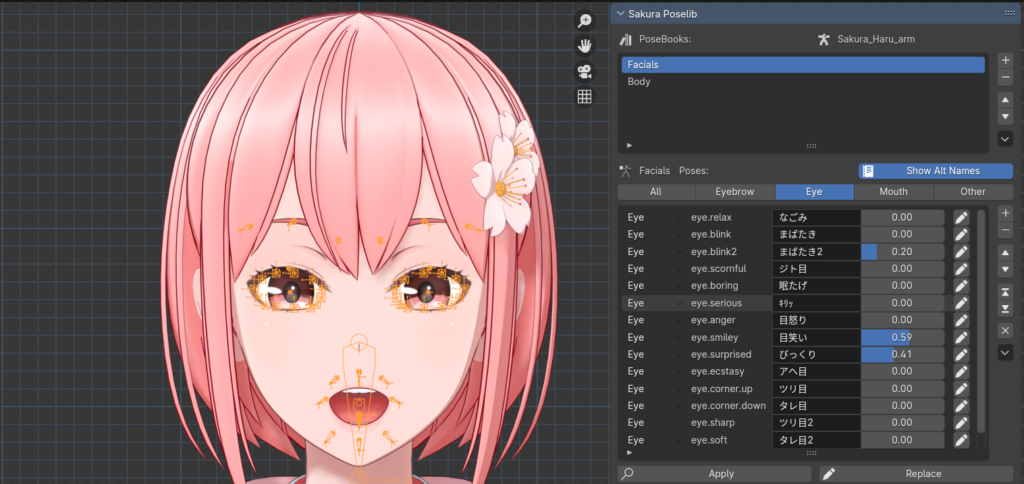
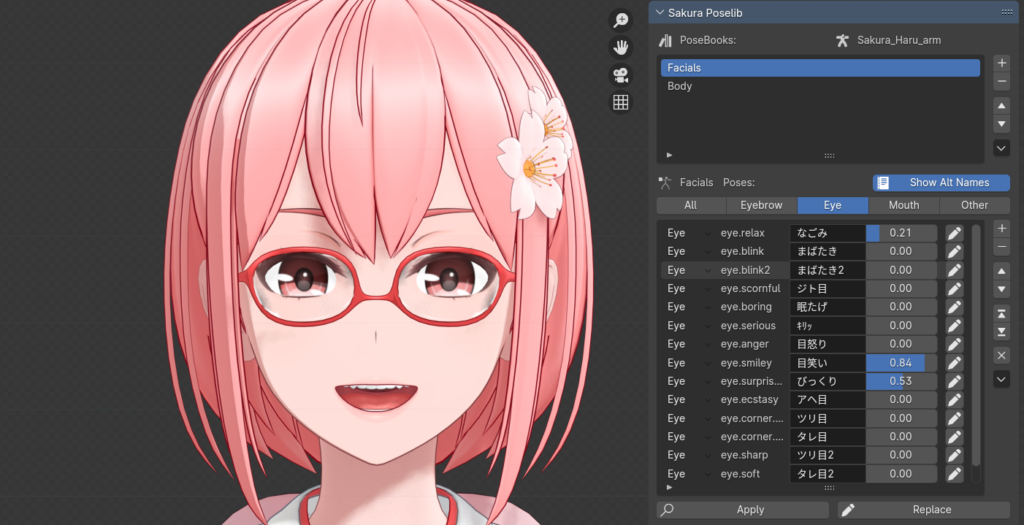
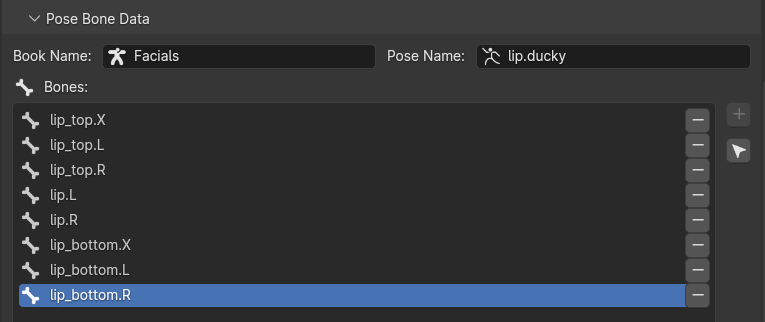
- Simple and handy UI, replicating and enhances the essence of good-old Pose Library.
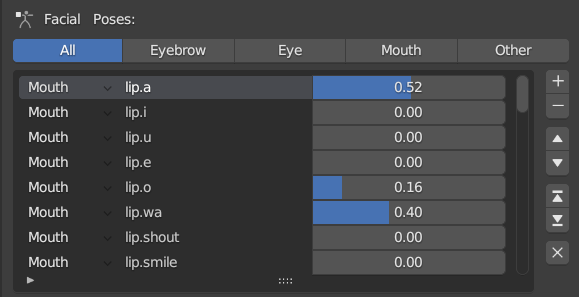
- Blend multiple poses.
- Work with Sakura Tools “Poselib to Shape Keys” operator.
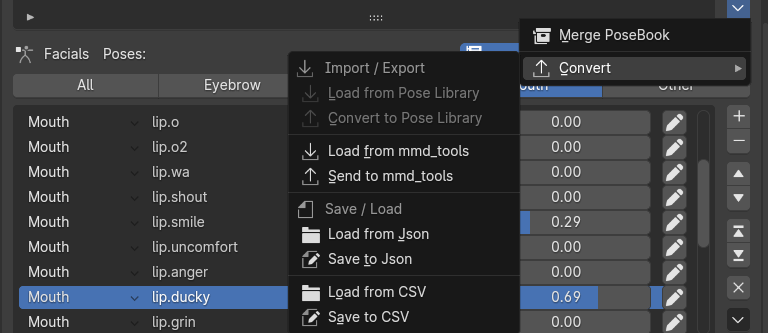
- Compatible with other software, such as PMX Editor.
Supercharge your 3D creation workflow with premium selection of Blender Add-ons. Whether you are modeling intricate characters, sculpting realistic environments, or animating cinematic sequences, the right add-on can transform how you work inside Blender. Our curated collection includes powerful tools for UV unwrapping, procedural texture generation, rigging automation, rendering optimization, and more—each rigorously tested for compatibility with the latest Blender versions. Eliminate tedious manual processes and unlock advanced functionality that lets you focus on what matters most: bringing your creative vision to life. Explore our full range of professional Blender plugins today and take your 3D projects to the next level.
➡️ ➡️ For more Blender Plugins 😀 😀
Reviews
There are no reviews yet.