

Sanctus Liquid Works for Blender
Sanctus Liquid Works v1.0.1 for Blender
The Ultimate Procedural Liquid Material and Asset Library
Download Sanctus Liquid Works v1.0.1 today. Consequently, you can instantly transform any mesh into a realistic liquid using a comprehensive collection of procedural materials and geometry nodes generators. Because high-quality liquid rendering demands specialized shaders and surface details, having access to a dedicated asset library is absolutely essential. Nevertheless, manually creating realistic liquid materials—from transparent beverages to viscous sauces—often requires extensive shader expertise and countless hours of trial and error. Fortunately, Sanctus Liquid Works eliminates this challenge entirely . Moreover, it is important to note that this is not a liquid simulator addon; rather, it is a powerful collection of procedural assets designed to be the perfect companion for all your liquid simulations and static mesh renders . In short, you can achieve photorealistic liquid surfaces with remarkable speed and consistency.
Extensive Procedural Material Collection
The core of this addon lies in its vast library of over 100 carefully crafted liquid materials . For instance, the collection includes materials for a wide variety of liquid types such as water, juice, honey, syrup, sauces, cream, milk, beer, wine, slime, and foam . Furthermore, the shaders support both volumetric approaches for drinks and beverages, and subsurface scattering for thicker liquids like sauces and creams . Since the materials are fully procedural, you can easily tweak colors, density, and other parameters to match your specific project requirements. Consequently, your liquid renders will achieve a level of realism that would otherwise demand significant technical expertise.
Intelligent Scale Consistency and Careful Crafting
Volumetric and subsurface shaders behave very differently across varying scene scales, which often leads to frustrating inconsistencies. Therefore, Liquid Works employs a unique method to ensure that volumes and subsurface materials maintain a consistent appearance regardless of the scale of your scene . This careful engineering means you can confidently use the same material for a close-up product shot or a distant environmental element without worrying about unexpected visual changes. Additionally, some of the more saturated colors—particularly yellows and oranges found in materials like orange juice and honey—were designed using the Filmic color transform to achieve accurate, vibrant results in the viewport . Thus, your liquids will look stunning straight out of the render.
Geometry Nodes Generators for Enhanced Detail
To bring your liquids to life with surface detail, the addon includes 8 useful geometry nodes generators . For example, you can add condensation droplets to the surface of a cold drink or generate bubbles suspended inside a liquid with just one click . These generators work directly on top of your existing mesh, allowing you to add realistic complexity to static meshes or simulated fluids without complex manual modeling. Furthermore, the collection also includes 12 additional assets to further enhance your scenes, bringing the total content count to over 130 items . Consequently, you can achieve professional-level detail with minimal effort.
Flexible Installation and Workflow Integration
Sanctus Liquid Works is designed to integrate seamlessly into your preferred Blender workflow. Specifically, it is available in two formats: a stand-alone version compatible with Blender’s Asset Browser, and an expansion pack for the Sanctus Library addon that incorporates all assets into the Sanctus Library ecosystem . This flexibility allows you to choose the installation method that best suits your existing pipeline. Moreover, it is compatible with Blender versions 4.0, 4.1, and 4.2 . Thus, you can start using these assets immediately without interrupting your established routines.
Important Usage Notes and System Considerations
To achieve the best results with Sanctus Liquid Works, several important considerations should be kept in mind. For instance, all materials are designed exclusively for the CYCLES render engine . Furthermore, volumetric shaders require a minimum of 4 Volume Max Bounces in your render settings, or they will appear too dark . Additionally, some assets, particularly the complex foam materials, can be heavy and are not intended for real-time viewport work; it is recommended to hide them while modeling or posing . The example renders were created using an RTX 3700 GPU, 32GB of RAM, and a Core i7 processor, suggesting that 32GB of RAM is recommended for complex scenes . Consequently, you can plan your hardware and workflow accordingly.
Perfect for Product Visualizers and VFX Artists
This addon is particularly well-suited for product visualizers who need to create realistic beverage or food renders. Similarly, VFX artists and motion designers working on liquid-heavy scenes will appreciate the instant access to high-quality materials and detail generators. Additionally, anyone looking to enhance their liquid simulations with procedurally consistent materials and surface details will find this library invaluable. Ultimately, Sanctus Liquid Works accelerates your entire liquid rendering and visualization pipeline.
System Requirements and Compatibility
The addon requires Blender versions 4.0, 4.1, or 4.2 . Furthermore, all materials are exclusively compatible with the CYCLES render engine . The product is available in two formats: an Asset Browser compatible stand-alone version, and an expansion pack for the Sanctus Library . You will need a capable workstation with a good GPU for heavy scenes with foam or volumetric materials, and a minimum of 32GB of RAM is strongly recommended .
Installation and Usage Guide
To install the stand-alone version, first download the zip file from your library. Next, open Blender and navigate to Edit Preferences. Then, select File Paths and add the extracted folder as a new Asset Library . After that, the assets will be available in your Asset Browser. For the Sanctus Library expansion version, you will first need to have Sanctus Library installed, then install the expansion pack from within that interface . Finally, you can drag and drop materials and generators from the Asset Browser directly onto your meshes. Thus, your professional liquid workflow will be ready instantly.
What is Included Inside?
The pack contains the complete Sanctus Liquid Works collection with all features from v1.0.1. Furthermore, it includes 111 procedural materials, 8 geometry nodes generators, and 12 additional assets . Additionally, you receive the unique scale-consistent shader system and access to an active Discord community for support . Ultimately, you receive everything needed for professional liquid rendering.
Final Thoughts on the Addon
Effortless liquid material creation and surface detailing evokes profound creative freedom. Therefore, this addon provides the ultimate foundation for your liquid rendering workflows. You can achieve photorealistic liquid surfaces with ease and consistency. Consequently, your liquid rendering vision becomes a stunning reality.

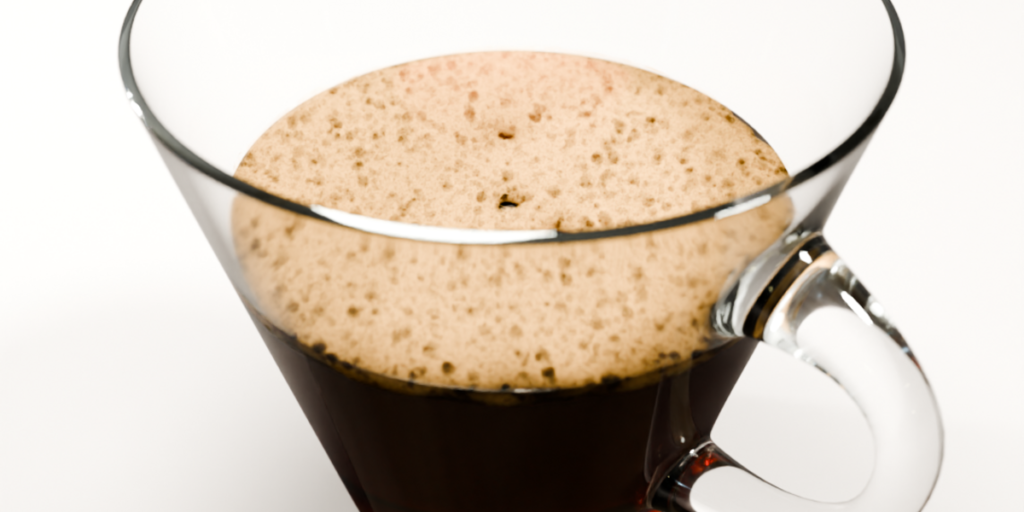
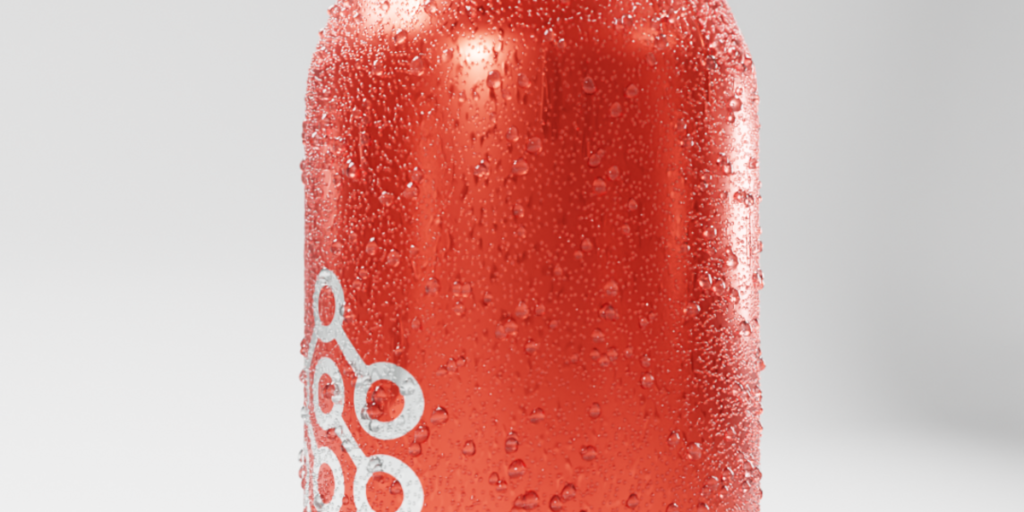
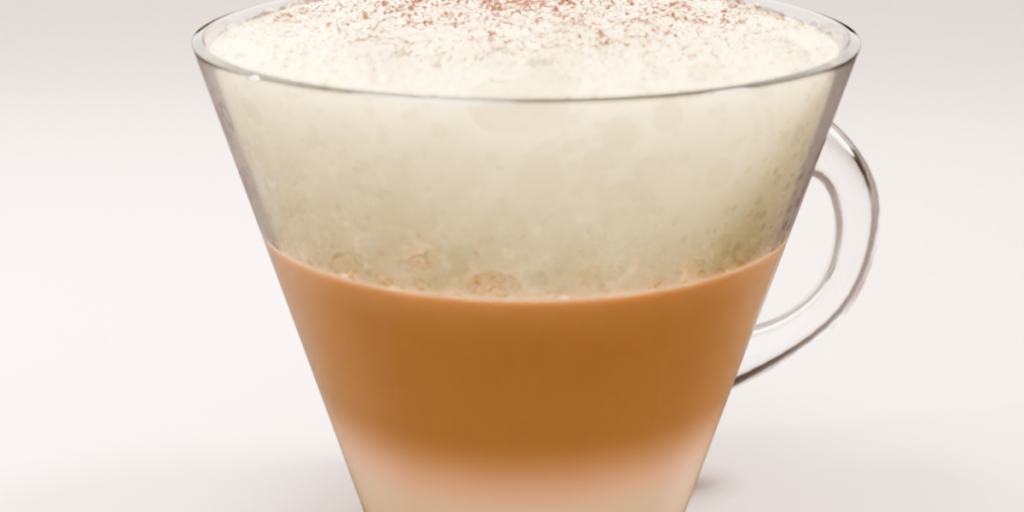
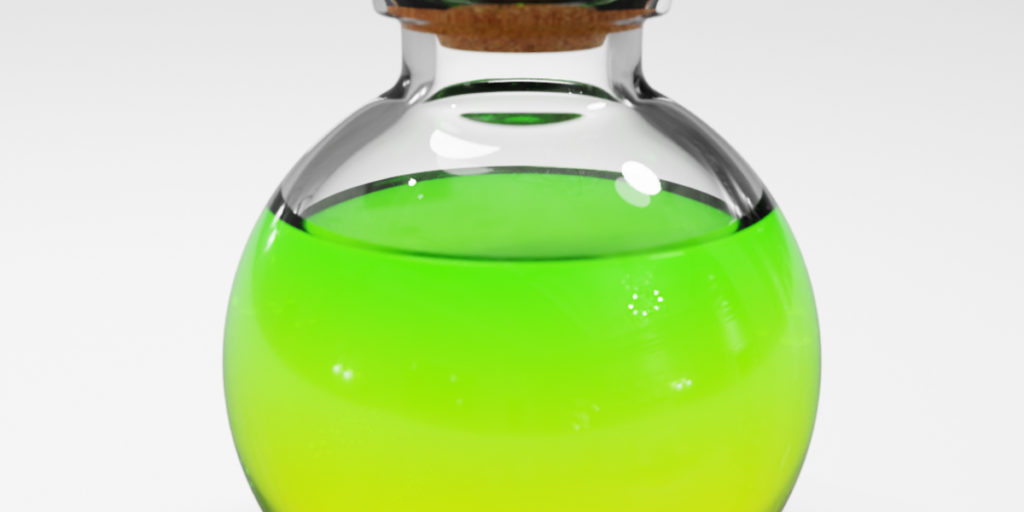
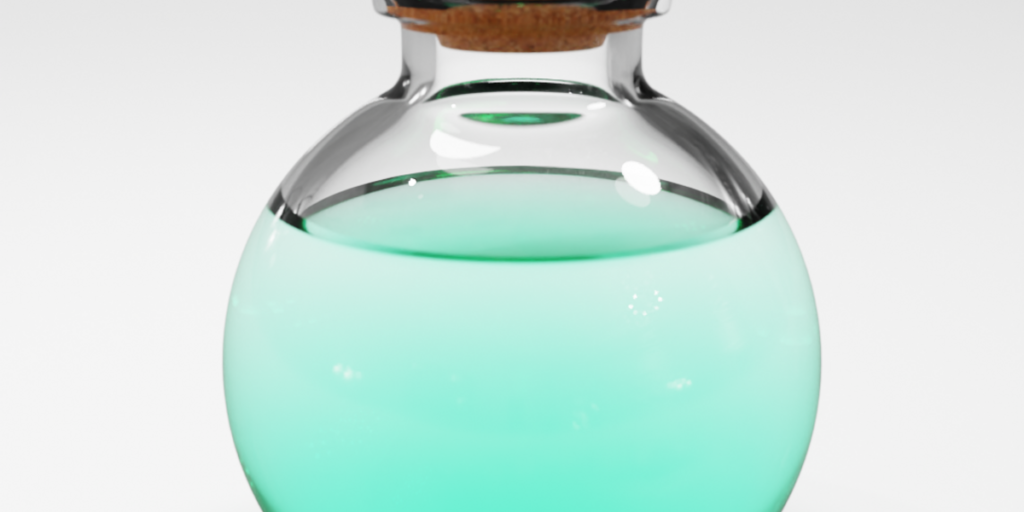
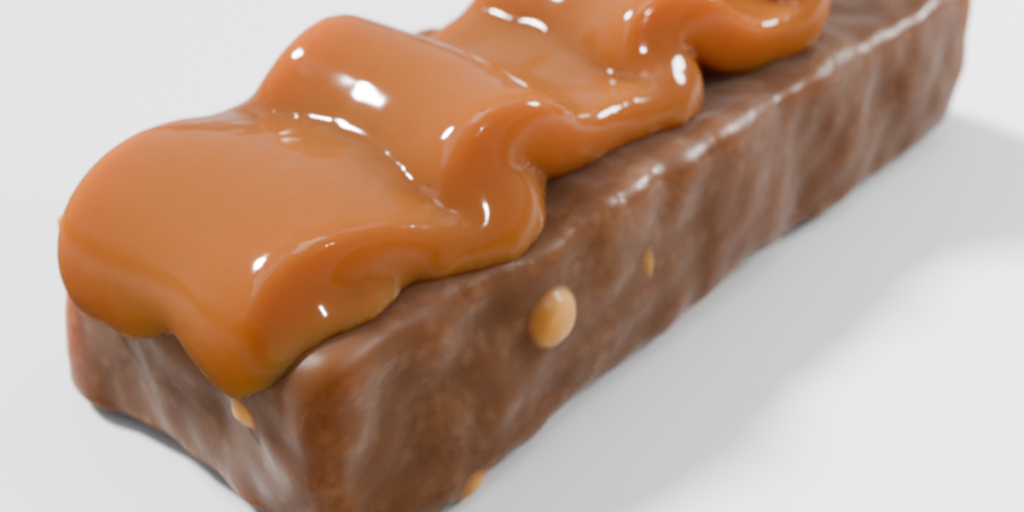

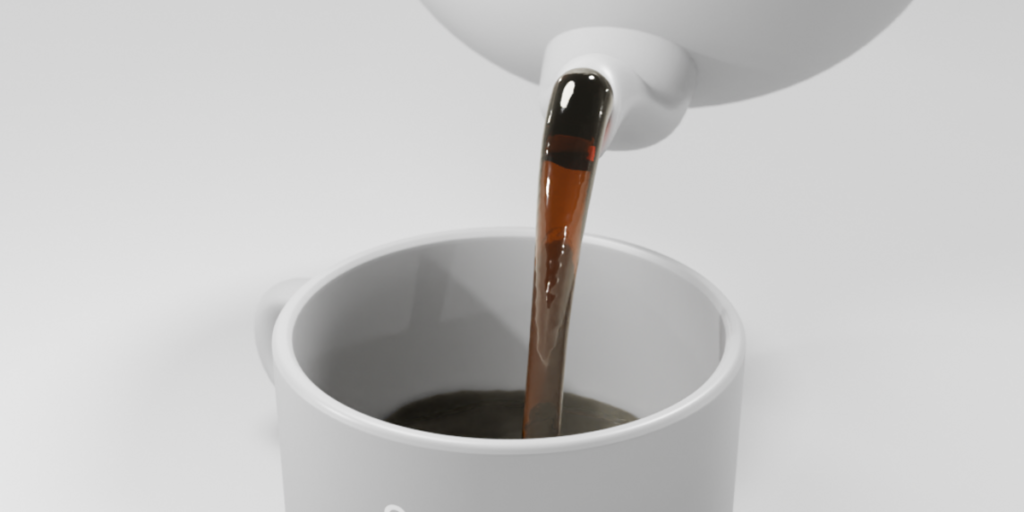
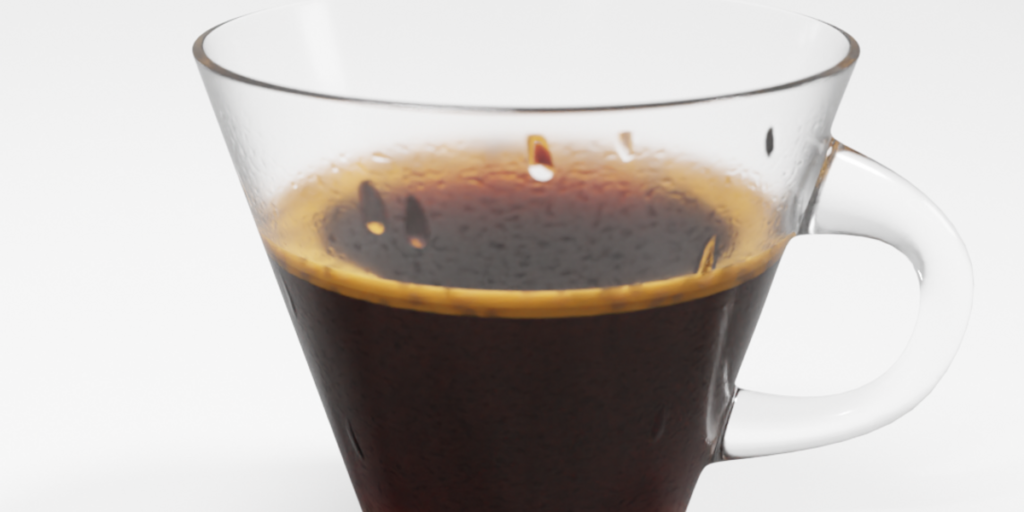
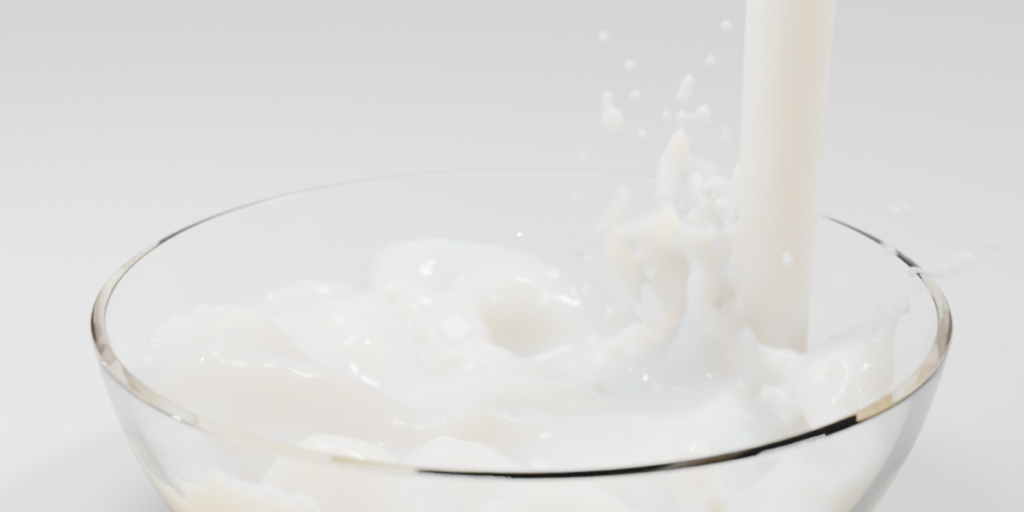
Materials In Action
The perfect companion for your liquid simulations or static meshes.
- ✔ Quick Results
- ✔ Subsurface Scattering Mats (Milk/Cream)
- ✔ Volumetric Mats (Wine, Whiskey, Coffee)
Procedural Modifiers
Add life to your liquids. These Geometry Nodes modifiers work on top of your mesh to add Condensation, Bubbles and more.
- ✔ Condensation Generator
- ✔ Bubble Effects
- ✔ Non-Destructive
Content
Choose the version that fits your needs.
| Features | Personal | Commercial |
|---|---|---|
| Liquid Materials | 111 | 111 |
| Generators | 8 | 8 |
| Asset Browser Ready | ✔ | ✔ |
| Commercial Lic | ✖ | ✔ |
Overview Video
Watch the latest features.
Auto Dimensions
Keeps your liquids consistent at different scales.
Supercharge your 3D creation workflow with premium selection of Blender Add-ons. Whether you are modeling intricate characters, sculpting realistic environments, or animating cinematic sequences, the right add-on can transform how you work inside Blender. Our curated collection includes powerful tools for UV unwrapping, procedural texture generation, rigging automation, rendering optimization, and more—each rigorously tested for compatibility with the latest Blender versions. Eliminate tedious manual processes and unlock advanced functionality that lets you focus on what matters most: bringing your creative vision to life. Explore our full range of professional Blender plugins today and take your 3D projects to the next level.
➡️ ➡️ For more Blender Plugins 😀 😀
Reviews
There are no reviews yet.