
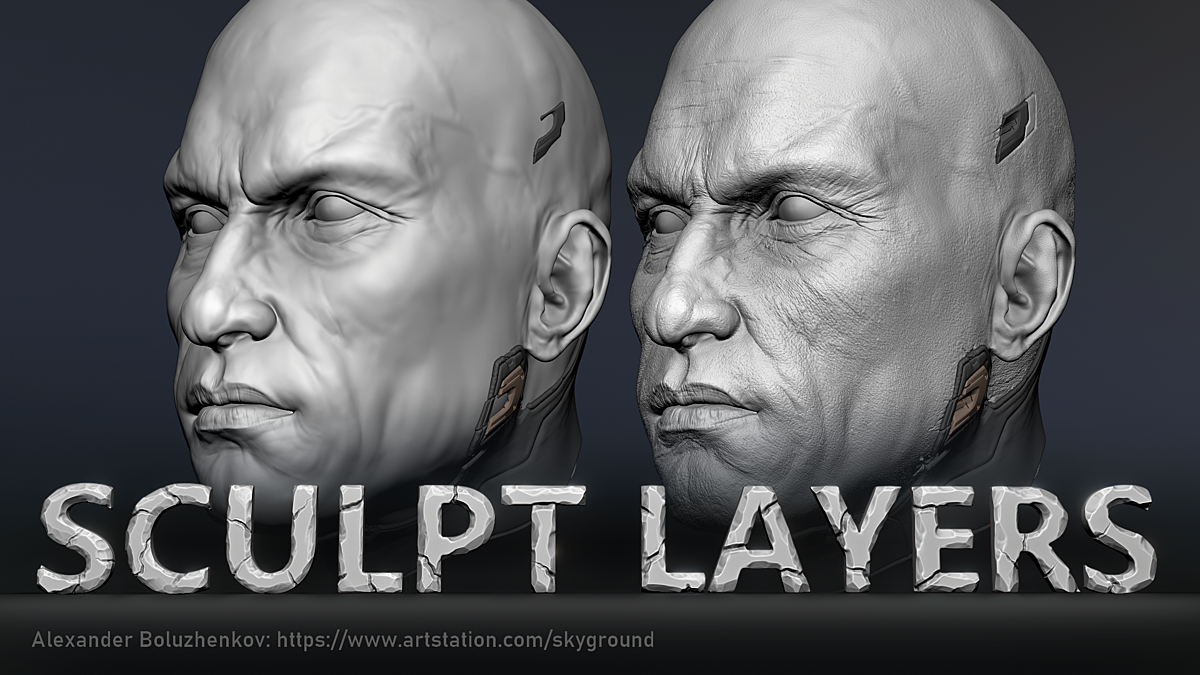
Sculpt Layers for Blender
Sculpt Layers v1.0 for Blender – The Ultimate Non-Destructive Layer-Based Sculpting Suite
Download Sculpt Layers v1.0 for Blender on Windows and Mac, a revolutionary addon that brings the power of non-destructive, layer-based sculpting directly into Blender’s native workflow. For years, Blender artists have relied on destructive sculpting or messy, manual shape key management to iterate on their designs. Sculpt Layers completely transforms this paradigm by introducing a dedicated, ZBrush-style layer stack. It allows you to add details, adjust proportions, and experiment with forms freely, knowing you can tweak, hide, or remove any sculpting stroke at any time without ruining your base mesh.
Key Features of Sculpt Layers v1.0:
- True Layer-Based Sculpting: Instantly create, duplicate, and manage multiple sculpt layers. Every brush stroke you make is recorded on the active layer, keeping your base mesh completely pristine and untouched.
- Advanced Blending Modes: Choose how each layer interacts with the ones below it. Switch between Add, Subtract, Multiply, Clay, and Smooth blending modes to achieve complex surface details and organic forms effortlessly.
- Layer Masking & Isolation: Paint masks directly onto individual layers to restrict where your sculpting strokes apply. Isolate a layer to focus on a specific detail, like a character’s nose or a mechanical panel, without affecting the rest of the model.
- Opacity & Strength Control: Fine-tune the influence of any layer in real-time. Dial back the opacity of a heavy detail layer to soften its impact, or boost the strength of a subtle texture layer.
- Reorderable Layer Stack: Drag and drop layers to change their order in the stack. The blending math updates instantly, allowing you to completely change the hierarchy of your sculpting details on the fly.
- Seamless Multiresolution Integration: Works flawlessly with Blender’s native Multiresolution modifier. Sculpt high-frequency details on the highest subdivision level while maintaining a clean, low-poly base for animation or game engines.
- One-Click Apply & Merge: When you are ready to finalize your model, easily merge layers together, apply them to the base mesh, or bake them down to a lower subdivision level with a single click.
- Custom Brush Compatibility: Fully compatible with all of Blender’s native sculpt brushes, as well as popular third-party brush packs. Your favorite tools work exactly as expected, just now with the safety of layers.
- Symmetry & Mask Preservation: Layer operations fully respect Blender’s symmetry settings and existing face sets/masks, ensuring your workflow remains uninterrupted.
- Performance Optimized: Built with a highly optimized backend that calculates layer blending in real-time, ensuring smooth viewport performance even when working with millions of polygons and dozens of active layers.
Perfect For:
- Character Artists who need to iterate on facial proportions, muscle definition, and costume details without permanently altering the base sculpt.
- ZBrush Converts looking for a familiar, non-destructive layer workflow inside Blender.
- Concept Sculptors rapidly exploring different design variations and silhouettes by toggling different layer combinations.
- Hard-Surface Sculptors adding panels, bolts, and surface wear as separate layers that can be adjusted or removed later.
- 3D Printing Enthusiasts who need to add or remove support structures, hollow out models, or add surface textures non-destructively before slicing.
- Animators who want to sculpt corrective shapes or muscle bulges on separate layers that can be driven by bone movements via shape keys.
System Requirements:
- Blender: 3.6, 4.0, 4.1, 4.2, 4.3, 4.4+ (Latest LTS recommended).
- OS: Windows 10/11 (64-bit) or macOS 10.15+.
- RAM: 8GB minimum (16GB+ recommended for high-poly multiresolution sculpting with many layers).
- No external dependencies required.
Installation:
- Download the Sculpt Layers v1.0
.zipfile. - Open Blender and go to Edit > Preferences > Add-ons.
- Click Install…, select the downloaded file, and enable the checkbox next to Sculpt: Sculpt Layers.
- Access via the 3D Viewport Sidebar (N-panel) under the Sculpt Layers tab while in Sculpt Mode.
Key Highlights of the v1.0 Release:
- Intuitive Layer Stack UI: A beautifully designed, collapsible panel in the N-panel that mimics industry-standard layer managers, complete with visibility toggles, lock icons, and color-coding.
- Real-Time Displacement Blending: The core engine calculates vertex displacement deltas on the fly, ensuring that switching between layers or changing blend modes happens instantly without lag.
- Thumbnail Generation: Automatically generates visual thumbnails for your layers based on the sculpted geometry, making it easy to identify what each layer contains in complex projects.
- Shape Key Auto-Conversion: A dedicated tool to automatically convert your active sculpt layers into standard Blender Shape Keys, making them ready for facial rigging and animation export.
- Blender 4.4 Compatibility: Fully updated to support the latest sculpt mode API changes, ensuring rock-solid stability and correct UI scaling in the newest Blender release.
Note:
Sculpt Layers v1.0 bridges the gap between Blender’s incredible native sculpting tools and the non-destructive flexibility that artists crave. The fear of “ruining a good sculpt” with a bad brush stroke is entirely eliminated. You can aggressively carve out deep details on one layer, smooth out the proportions on another, and mask out the eyes on a third. If a client asks you to change the shape of a character’s jaw, you simply find the jaw layer, tweak it, and you’re done—no endless undoing or rebaking required. Whether you are sculpting a hyper-realistic portrait or a stylized creature, Sculpt Layers gives you the ultimate freedom to create, experiment, and iterate with total confidence.
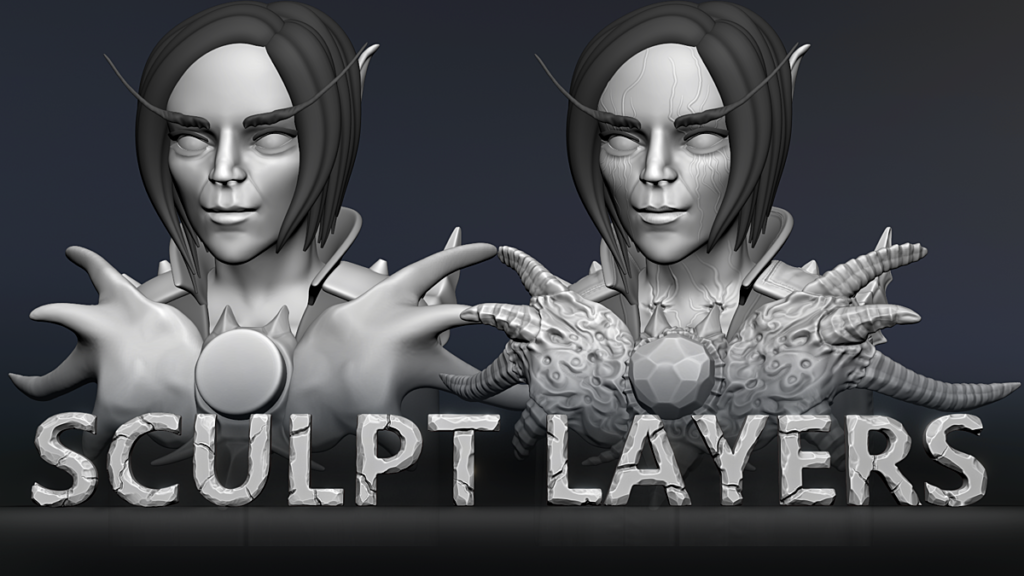
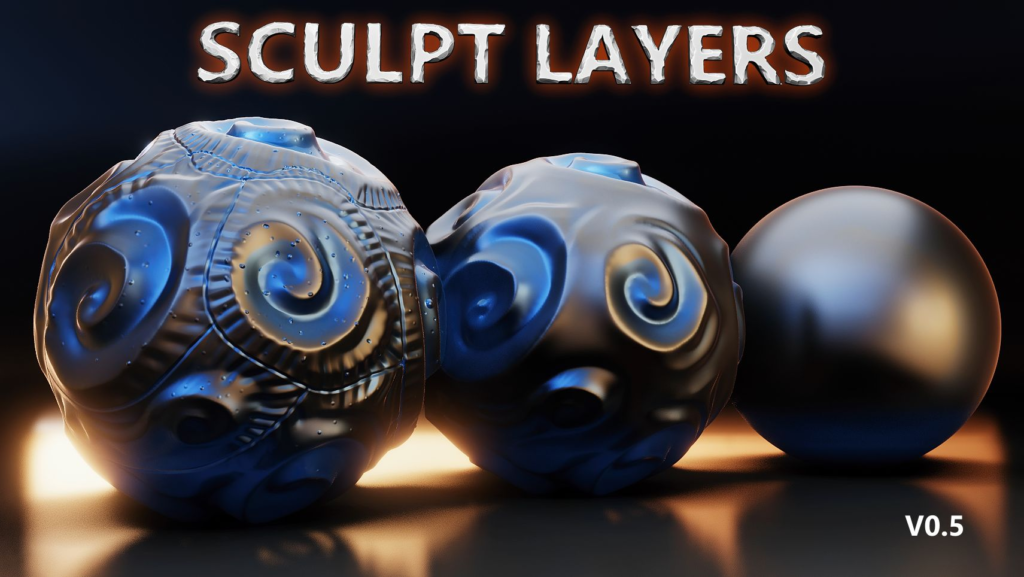
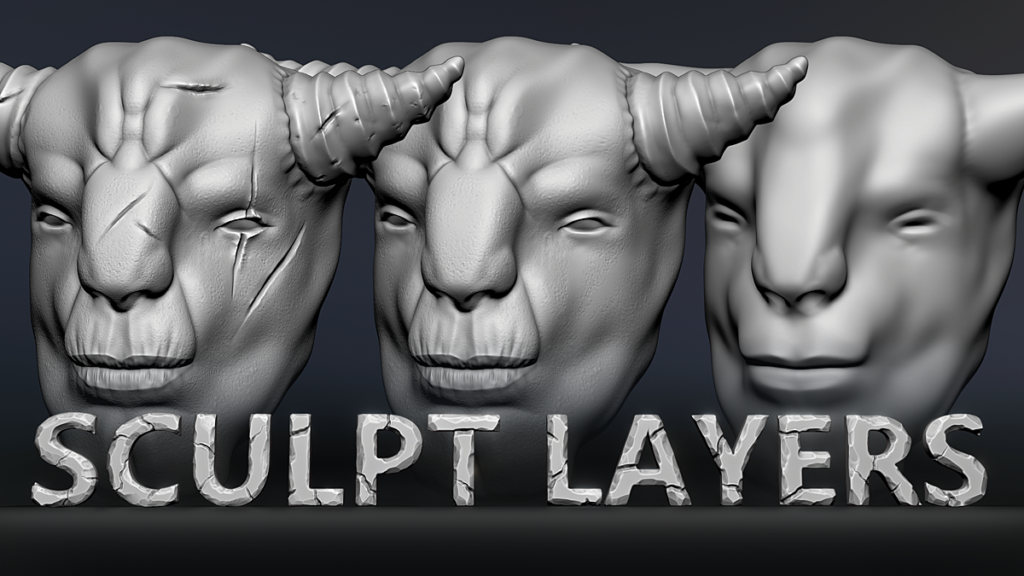
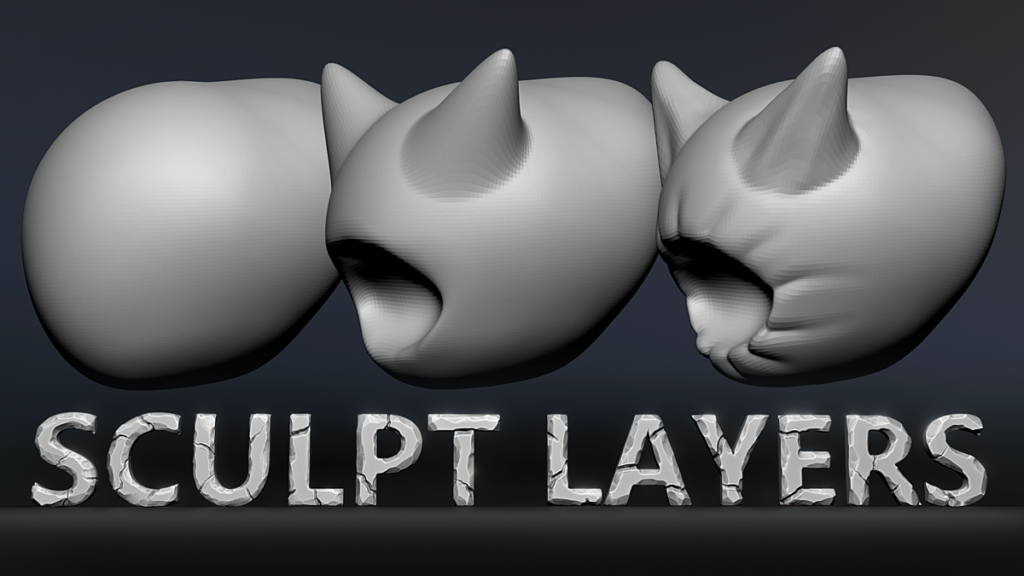
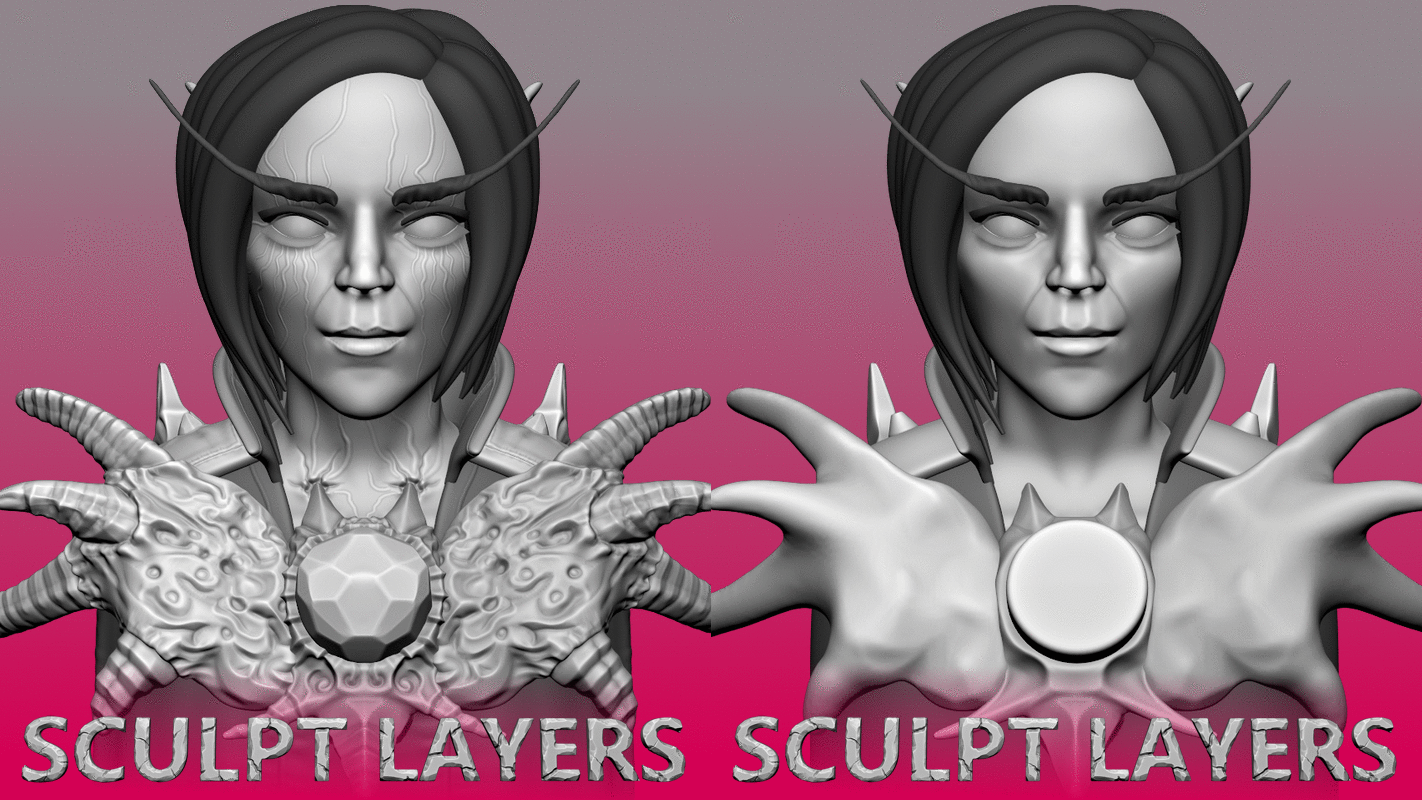
Sculpt Layers for Blender 2.9+ arrived from the creator of MiraTools addon. Your art director and clients will be happy. This addon will help you to store your base mesh and add details as layers.
Features:
- Add/Remove/Join/Erase layers.
- Sculpt Layers can work with a Multires modifier.
- Possibilty to import layers from Zbrush into the Sculpt Layers addon.
ChangeLog:
V0.6:
Shape keys support!
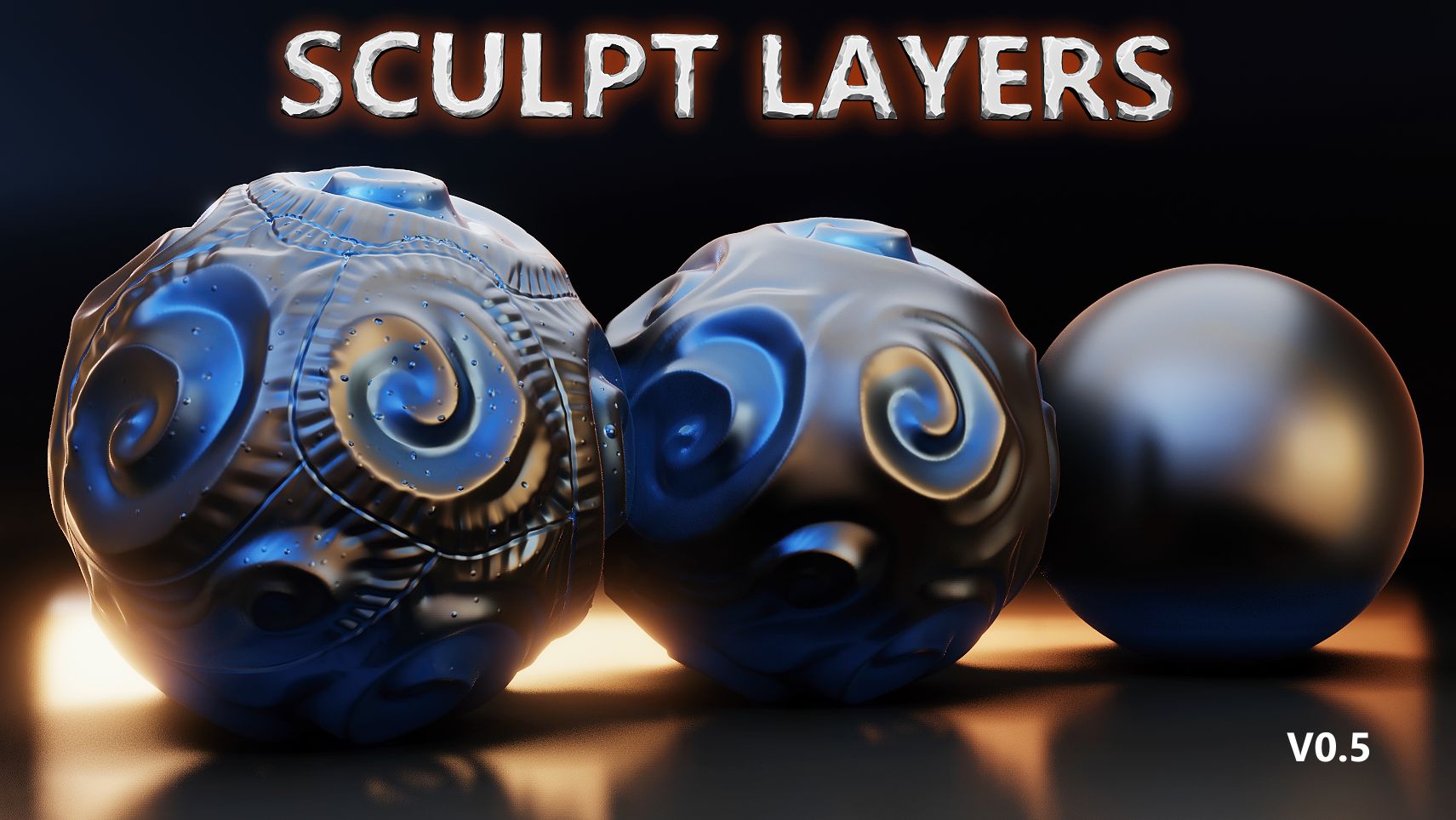
V0.5:
- Updated UI.
- Layers are moved to Attributes of a Base Layer. Thanks to Geometry Nodes.
- File size is less now to 10-20%.
V0.4:
- Lots of optimizations. Speed improvements 1.5x-2x times.
- Subdivide/Unsubdivide Feature
- Non-Multires modifiers are ignored now (like Mirror, Array etc.)
V0.3:
- opacity value for a layer
- duplicate a layer
- assign layers from other collection
- apply layers to highest subd
Unfortunately, v0.3 is not compatible with v0.2. I had to rework entire system.
V0.2:
Some bug fixes and possibility to join a layer with a base mesh
Supercharge your 3D creation workflow with premium selection of Blender Add-ons. Whether you are modeling intricate characters, sculpting realistic environments, or animating cinematic sequences, the right add-on can transform how you work inside Blender. Our curated collection includes powerful tools for UV unwrapping, procedural texture generation, rigging automation, rendering optimization, and more—each rigorously tested for compatibility with the latest Blender versions. Eliminate tedious manual processes and unlock advanced functionality that lets you focus on what matters most: bringing your creative vision to life. Explore our full range of professional Blender plugins today and take your 3D projects to the next level.
➡️ ➡️ For more Blender Plugins 😀 😀
Reviews
There are no reviews yet.