
Shockwave Addon for Blender
shockwave addon
Shockwave Addon v1.2 for Blender – Procedural Impact & Explosion Ring Generator
Version: V1.2
File Size:10 MB
Download Shockwave Addon v1.2 for Blender on Windows, Mac, and Linux, a powerful add-on that creates stunning procedural shockwaves, blast rings, energy pulses, and impact effects. Perfect for VFX artists, motion designers, and game developers—generate realistic explosion rings, magical pulse effects, sci-fi blasts, and sonic booms with adjustable parameters and real-time preview .
Key Features of Shockwave Addon v1.2:
- Shockwave Types: Explosion rings, energy pulses, water ripples, sci-fi blasts, and sonic booms
- Adjustable Parameters: Ring count, speed, thickness, falloff, and color evolution
- Glow & Emission: Built-in glow and emission for energy and explosion effects
- Animation Ready: All parameters keyframeable—animate shockwave expansion, color change, and dissipation
- Surface Follow: Shockwaves can follow surface contours for realistic ground impacts
- Multi-Shockwave: Generate multiple shockwaves sequentially or simultaneously
- Real-Time Preview: See shockwave effects update instantly in the viewport
- Performance Optimized: Efficient geometry generation for complex shockwave effects
- Eevee & Cycles Compatible: Works in both render engines
- v1.2 Updates: New shockwave types, enhanced parameters, and compatibility with Blender 4.0+
Perfect For:
- VFX artists creating explosion and impact effects
- Motion designers adding dramatic pulse effects to animations
- Game developers prototyping ability and spell effects
- Sci-fi creators generating energy blast visuals
- Anyone needing professional shockwave effects in Blender
System Requirements:
- Blender 3.6, 4.0, 4.1, 4.2, 4.3
- Windows 10/11 (64-bit), macOS, or Linux
- 4GB RAM minimum (8GB+ recommended)
- 15MB available disk space
Installation:
- Download the add-on zip file
- In Blender, go to Edit > Preferences > Add-ons
- Click “Install” and select the downloaded zip file
- Enable the add-on by checking the box next to “Shockwave Addon”
Note: Shockwave Addon provides professional impact effect generation for Blender, making it easy to create explosion rings, energy pulses, and sonic booms for VFX, motion graphics, and game development . The adjustable parameters and real-time preview make it essential for creating dramatic impact effects . Version 1.2 includes full compatibility with Blender 4.0 and above . Designed for Blender 3.6 and above . Perfect for impact and explosion effects . Essential for any VFX or motion graphics workflow .
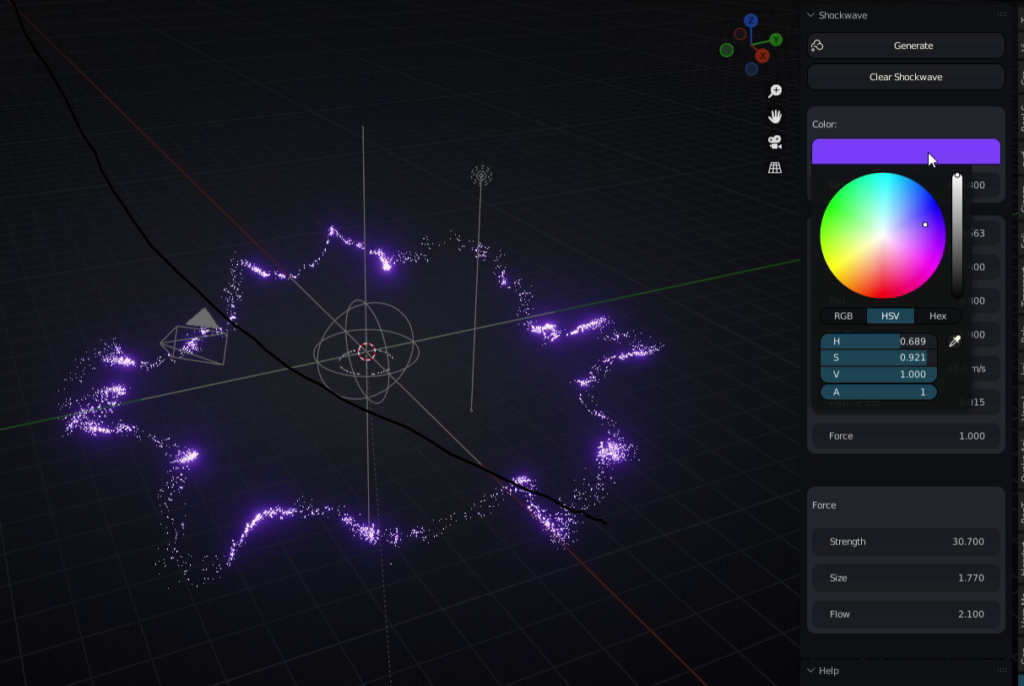
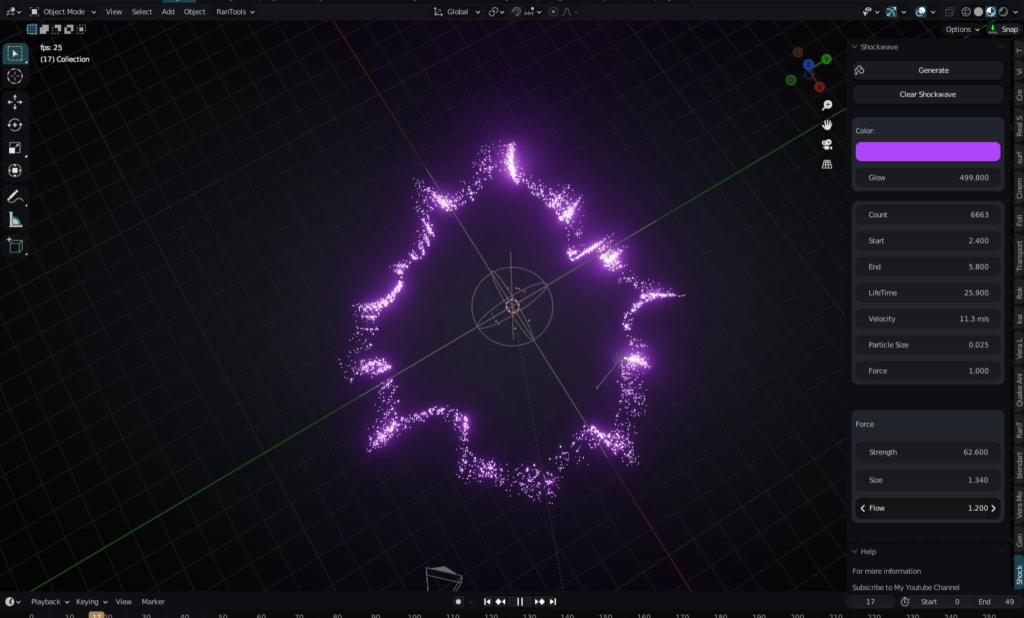
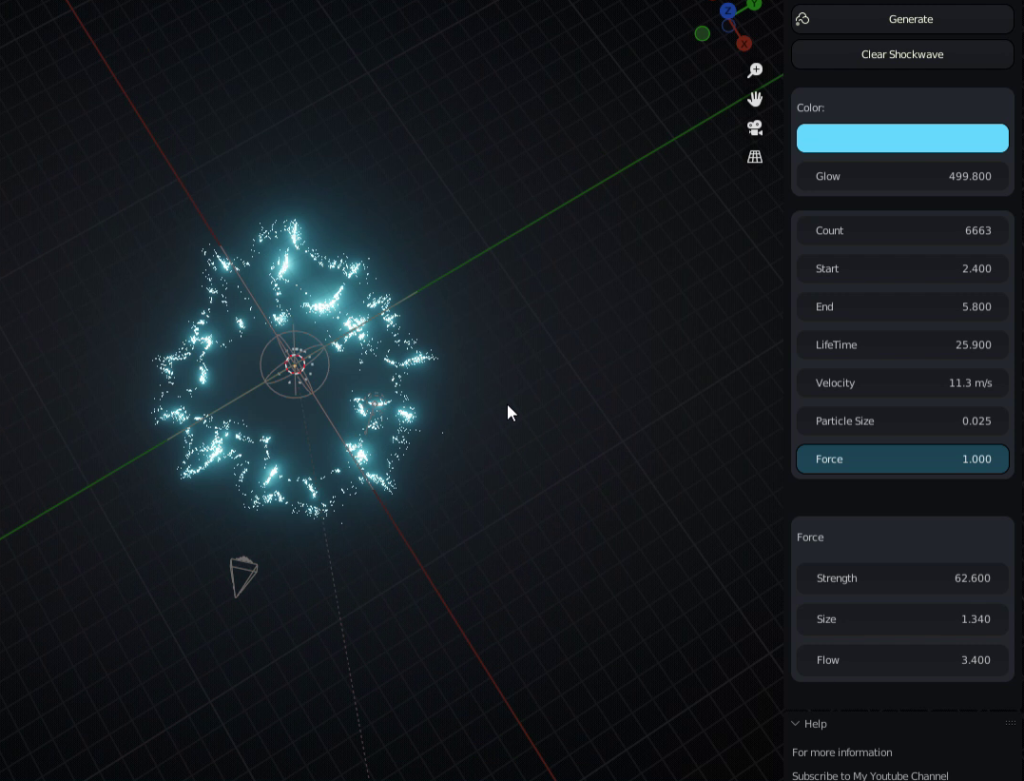
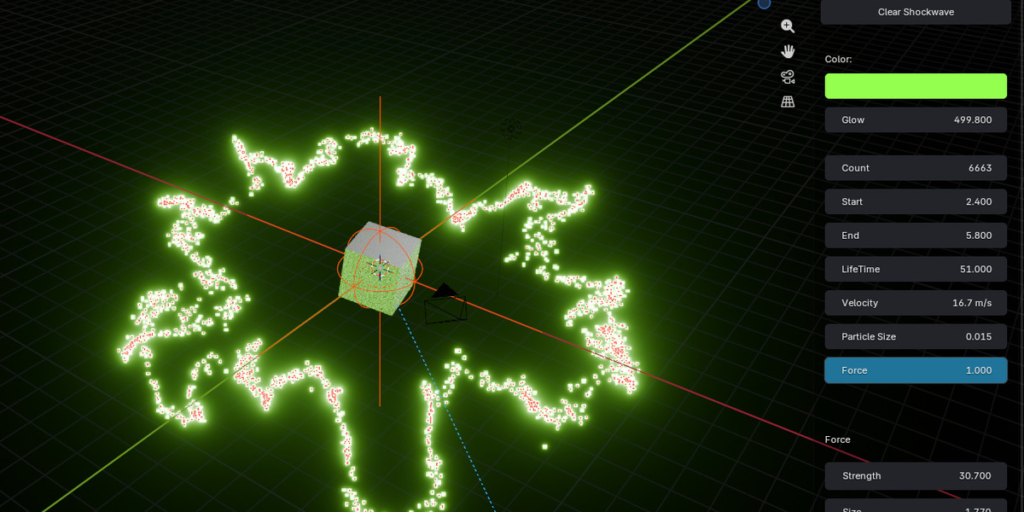
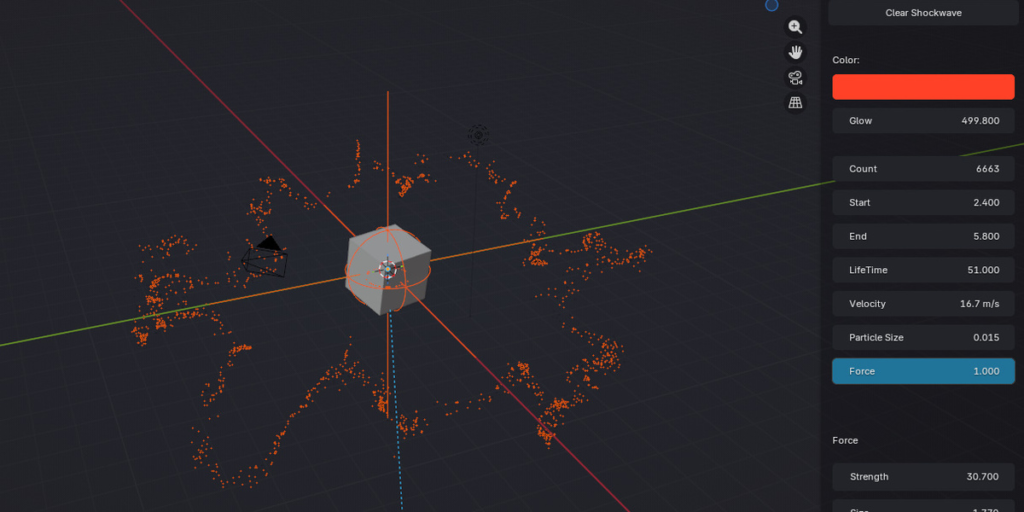
This is Blender’s very first Shockwave Addon to be featured on the Blender Market, it uses blender’s Particle system to create a shockwave, you can turn it into smoke if your sure of your PC, its so easy and lightweight,
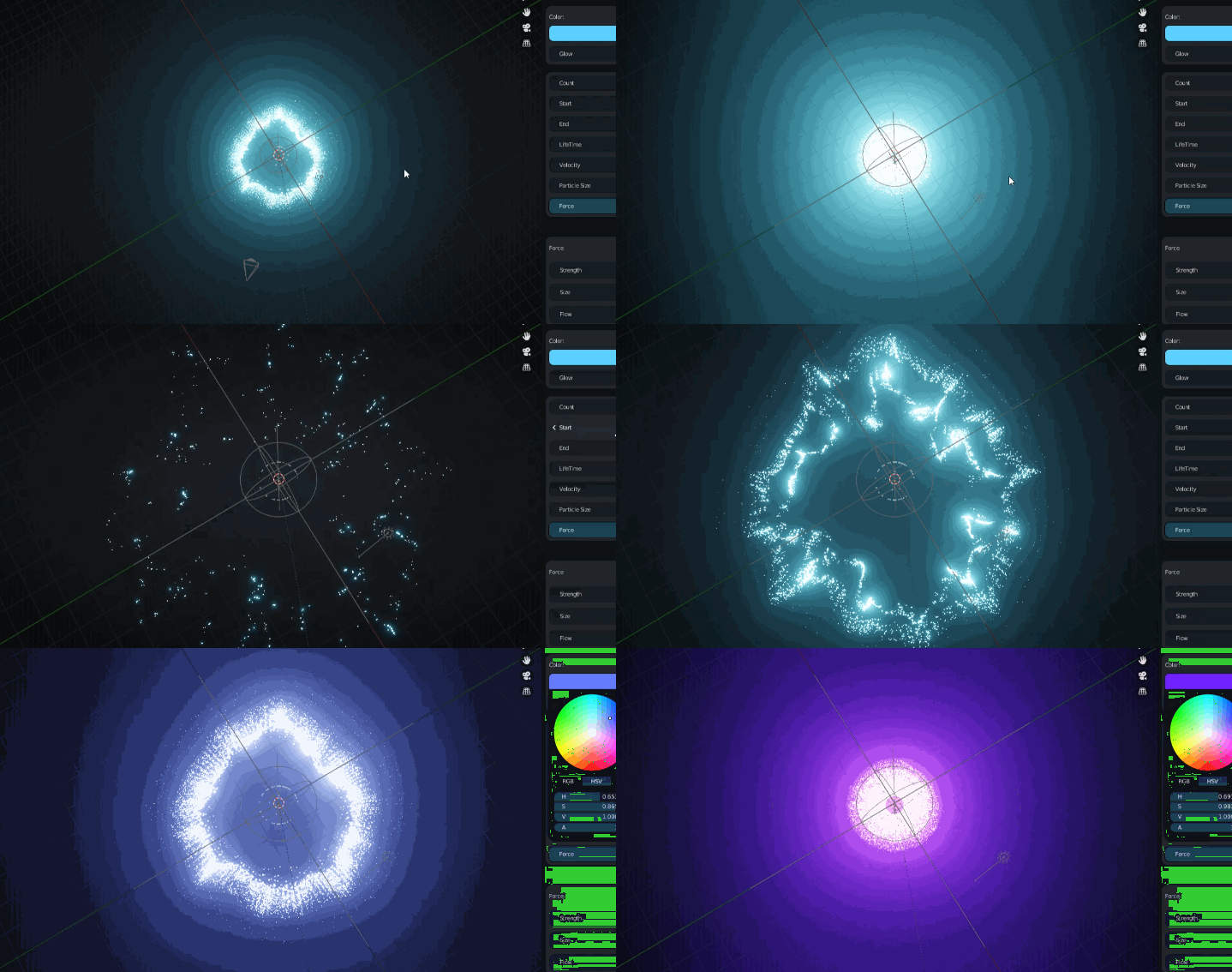
Features
- Change Color
- Change Size
- Duplicate Emitter
- Change Shape
- Change Speed
- More
Get Started
To create a Simple Shockwave just click the Generate Button, and rotate it or locate it where you want it to be using the “Shockwave” Empty that all objects of the shockwave are parent,
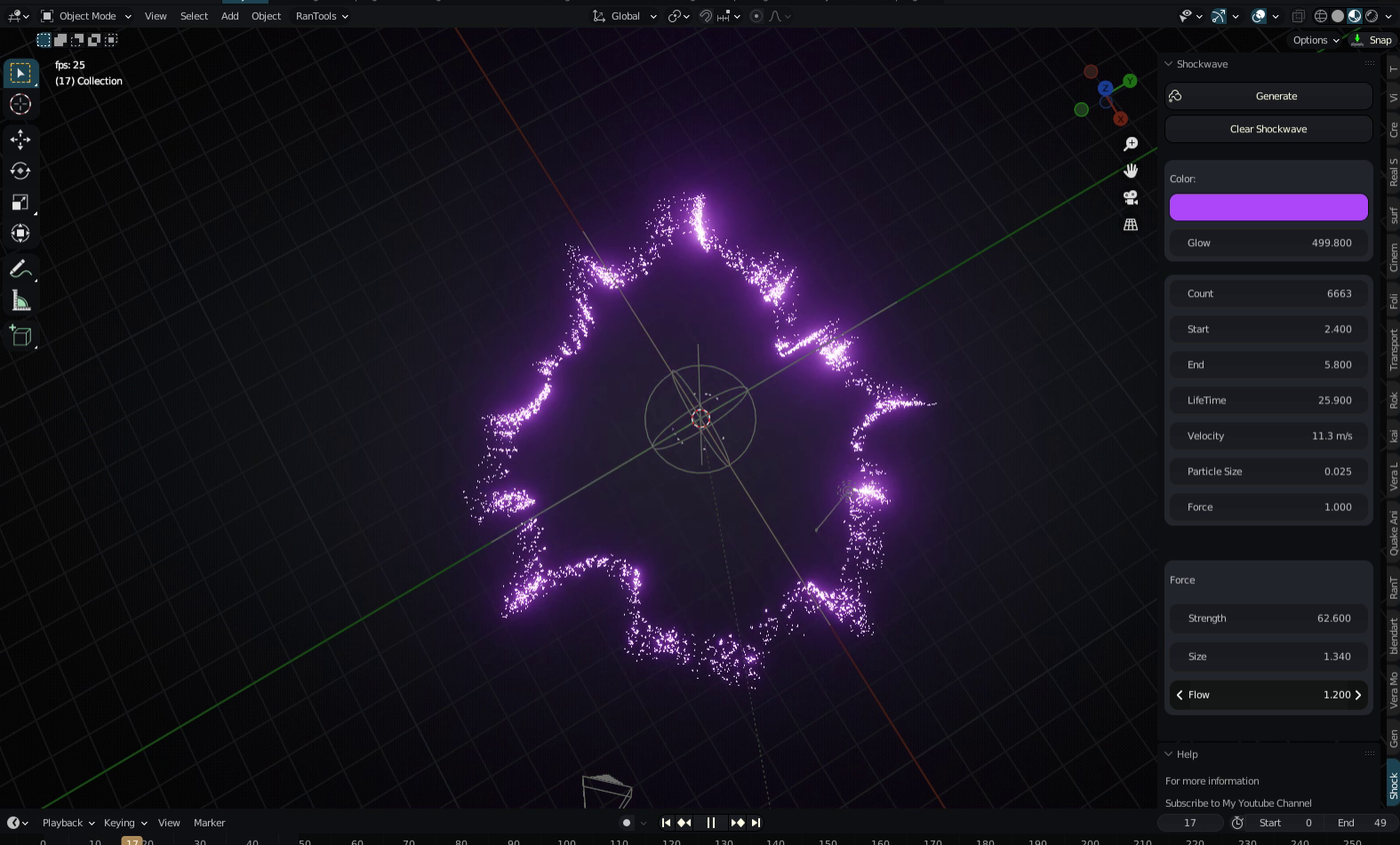
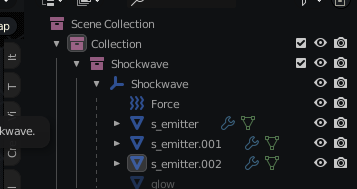
To create an Advanced Shockwave you will have to duplicate the object “s_emitter” and change some value in the particles system panel “Turbulence” and Life Time make a difference
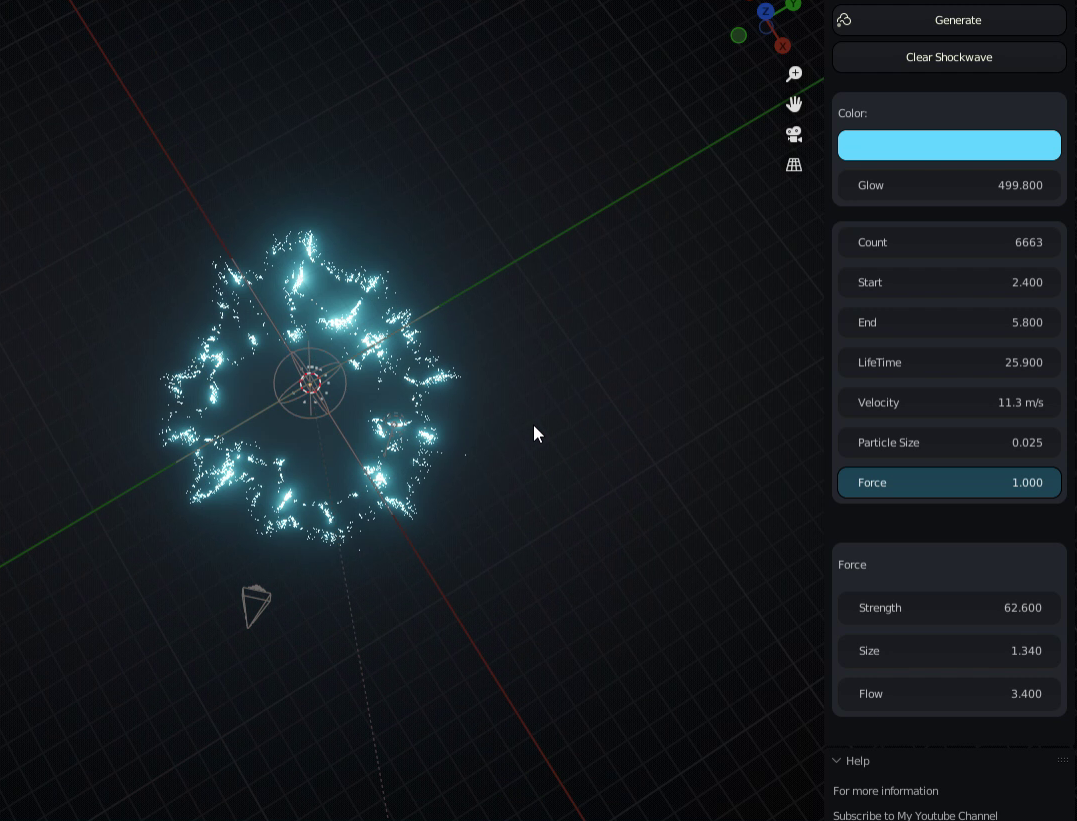
This is how it looks like when duplicated, each “s.emitter” should be given different properties to get an advanced shockwave
Supercharge your 3D creation workflow with premium selection of Blender Add-ons. Whether you are modeling intricate characters, sculpting realistic environments, or animating cinematic sequences, the right add-on can transform how you work inside Blender. Our curated collection includes powerful tools for UV unwrapping, procedural texture generation, rigging automation, rendering optimization, and more—each rigorously tested for compatibility with the latest Blender versions. Eliminate tedious manual processes and unlock advanced functionality that lets you focus on what matters most: bringing your creative vision to life. Explore our full range of professional Blender plugins today and take your 3D projects to the next level.
➡️ ➡️ For more Blender Plugins 😀 😀
Reviews
There are no reviews yet.