
simple deform helper for Blender
Simple Deform Helper v0.2.7 for Blender
The Ultimate Simple Deform Modifier Visualization and Control Tool
Download Simple Deform Helper v0.2.7 today. Consequently, you can adjust Blender’s Simple Deform modifier through intuitive, interactive Gizmos rather than abstract numeric sliders. Because the Simple Deform modifier offers powerful deformation modes like Bend, Twist, Taper, and Stretch, it remains an essential tool for many modeling workflows . Nevertheless, fine-tuning deformation parameters by adjusting values in a panel often proves imprecise and time-consuming. Fortunately, this addon solves that problem completely. Moreover, it provides visual, real-time control directly in the 3D viewport. In short, you can bend, twist, and stretch your models with unprecedented speed and precision.
Interactive Gizmo-Based Control System
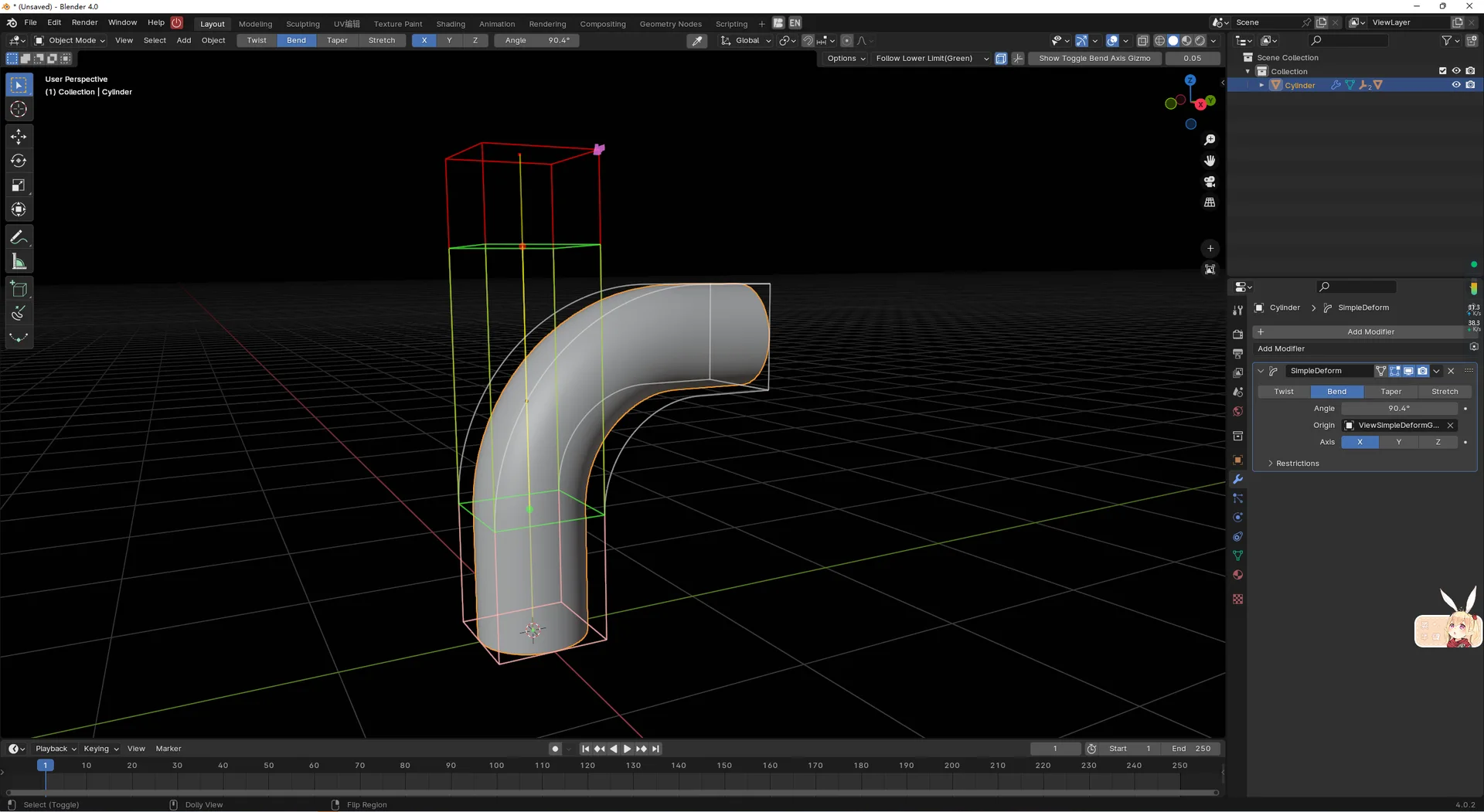
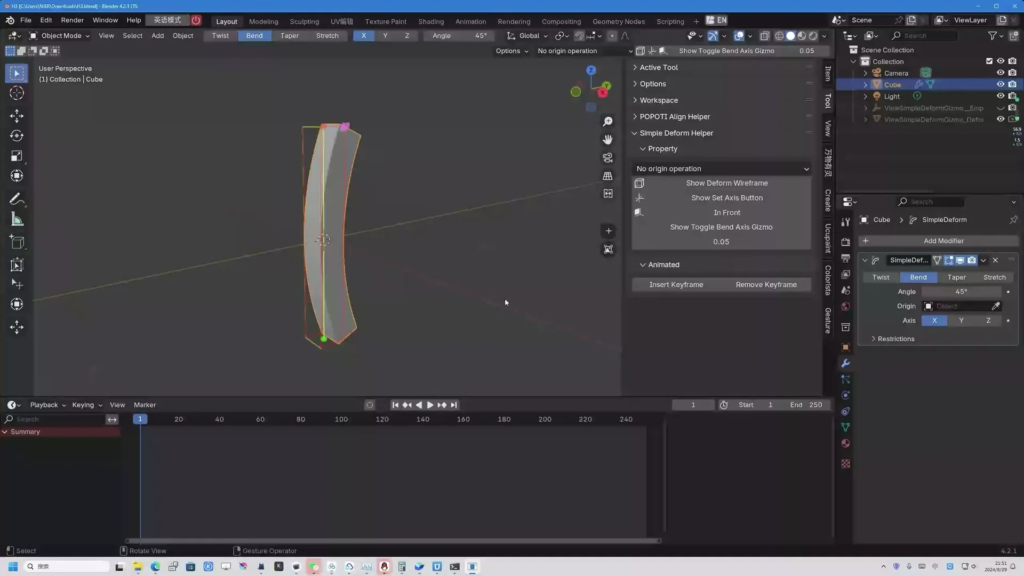
The core of this addon lies in its intuitive, real-time Gizmo interface. For instance, once you add a Simple Deform modifier to your object and select it, the addon displays three distinct colored Gizmos directly on your model . A red Gizmo controls the upper limit, a green Gizmo controls the lower limit, and a purple Gizmo adjusts the deformation strength . Furthermore, you can drag these Gizmos to modify parameters visually rather than numerically. This approach transforms abstract values into a tactile, spatial experience. Consequently, achieving the perfect deformation becomes significantly faster and more intuitive.
Flexible Control and Smart Keyboard Shortcuts
Professional deformation workflows demand precision and adaptability. Therefore, the addon includes a comprehensive set of shortcut keys that enhance control while you drag the Gizmos . For example, pressing X, Y, or Z during a drag operation locks the deformation to that specific axis. Additionally, holding Ctrl maintains the relative distance between the upper and lower limits, ensuring consistent deformation boundaries. Furthermore, scrolling the mouse wheel switches the origin control mode on the fly, allowing you to quickly adjust how the deformation behaves. Thus, you maintain complete control without interrupting your creative flow.
Specialized Features for Different Deformation Modes
Different deformation modes require different control approaches. Accordingly, the addon provides mode-specific features that enhance each operation. For example, in Bend mode, you can switch between six different bending axes and directions, giving you fine-grained control over how the bend propagates through your object . Additionally, the addon includes a dedicated angle control Gizmo for precise angular adjustments. In Twist, Taper, and Stretch modes, you can quickly change the deformation axis with a single click. Consequently, you can tailor your control approach to match the specific deformation requirements of each project.
Blender 4.2+ Compatibility and System Requirements
This addon is available as a Blender Extension format, ensuring seamless installation on modern Blender versions . Version 0.2.7 was released in March 2025 and includes a fix for an angle Gizmo control disconnect bug . It supports Mesh, Lattice, and Curve objects . It works across all major operating systems including Windows, macOS, and Linux. You will need a standard workstation with at least 8GB of RAM, though system requirements remain minimal given the addon’s lightweight nature.
Important Limitations and Considerations
Several important limitations should be noted to ensure a smooth experience. For instance, the addon currently has limited support for multiple Simple Deform modifiers stacked on a single object, especially when the deformation regions overlap . Additionally, developers are actively working to improve the animation user experience, ensuring smoother keyframe workflows for animated deformations . Finally, if you plan to use this tool in a production setting, you should test it with your specific modifier stack to ensure compatibility.
Installation and Usage Guide
To install, first download the simple_deform_helper_v0.2.7.zip file from the official GitHub releases page . Next, open Blender and navigate to Edit > Preferences > Add-ons. Then, click the arrow in the top right corner and select “Install from Disk.” After that, locate and select the downloaded .zip file, and enable Simple Deform Helper. Finally, select your object, add a Simple Deform modifier, and the Gizmos will appear automatically. Drag them to adjust your deformation visually . Thus, your enhanced deformation workflow will be ready instantly.
What is Included Inside?
The pack contains the complete Simple Deform Helper v0.2.7 addon. Furthermore, it includes all three interactive Gizmo types and mode-specific axis controls. Additionally, you receive the integrated shortcut key system for enhanced control. Ultimately, you receive everything needed for professional visual Simple Deform control.
Final Thoughts on the Addon
Effortless visual deformation control evokes profound creative freedom. Therefore, this addon provides the ultimate foundation for your Simple Deform workflows. You can bend, twist, and stretch models with intuitive, real-time precision. Consequently, your deformation vision becomes a stunning reality.
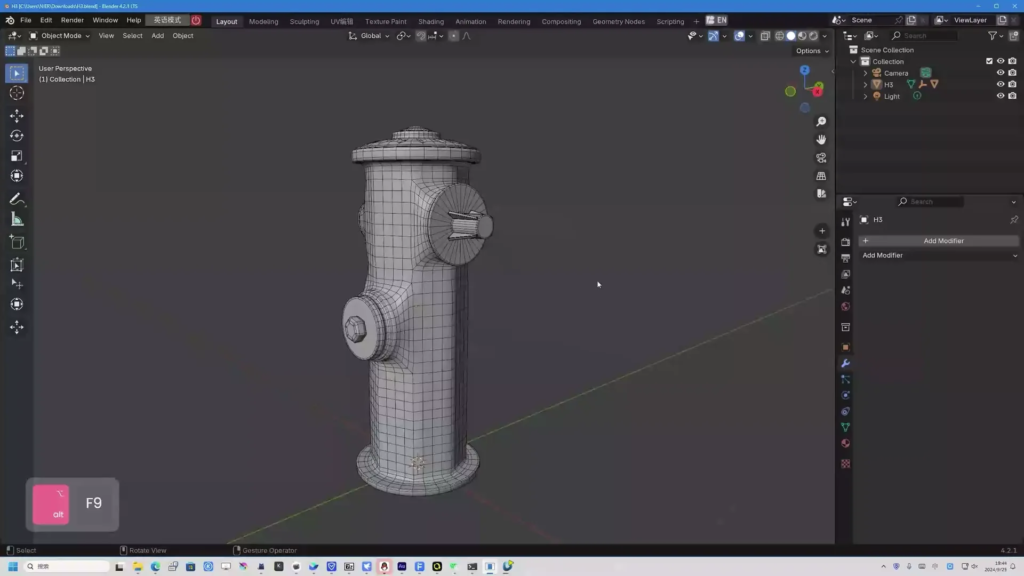
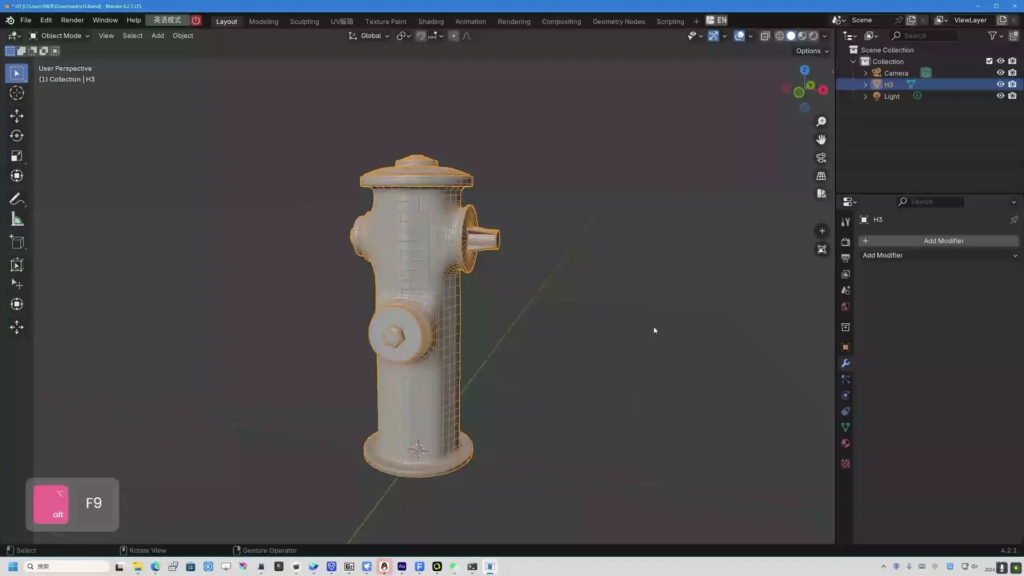
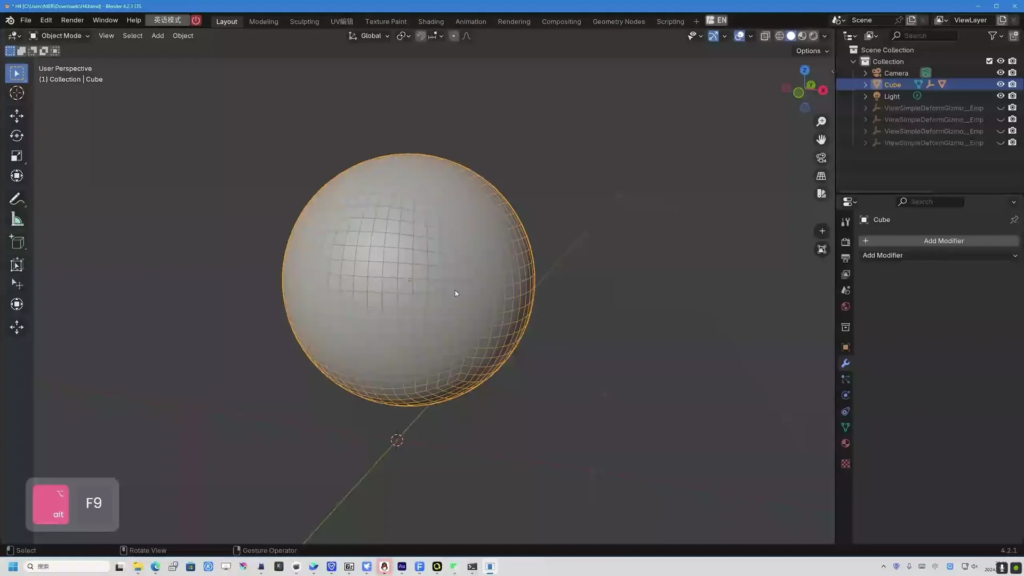
SimpleDeformHelper
This is an add-on used to improve the Blender simple deform modifier.
You don’t need to spend hours learning and memorizing a lot of skills anymore. Now you can use it to quickly transform and create transformation animations with just one click.
· Support Mesh, lattice, and curve (0.2.4)
· Support Gizmo
· Support automatic upper and lower limit matching for all modes
· Support one click correction of bending deformation orientation
· Supports twisting in bending mode
· Support adding and deleting keyframes (0.2.4)
· Support Show Gizmo (Ctrl+`) switch controller(0.2.5)
Usage
To display gizmos, you need select an object then add a simple deform modifier.
Red gizmo: Upper limit
Green gizmo: Lower limit
purple gizmo: Deform strength
When draging gizmos, you can pres X/Y/Z to lock on axis, hold Ctrl to keep relative distance
And, you can change origin control mode at tool settings to change limit behaviors, you can also scroll when dragging to change it quickly.
limitations
Not able to support multiple SimpleDeform modifiers well, especially with overlapping deformation areas.
Currently only supports mesh or lattice objects
Supercharge your 3D creation workflow with premium selection of Blender Add-ons. Whether you are modeling intricate characters, sculpting realistic environments, or animating cinematic sequences, the right add-on can transform how you work inside Blender. Our curated collection includes powerful tools for UV unwrapping, procedural texture generation, rigging automation, rendering optimization, and more—each rigorously tested for compatibility with the latest Blender versions. Eliminate tedious manual processes and unlock advanced functionality that lets you focus on what matters most: bringing your creative vision to life. Explore our full range of professional Blender plugins today and take your 3D projects to the next level.
➡️ ➡️ For more Blender Plugins 😀 😀
Reviews
There are no reviews yet.