
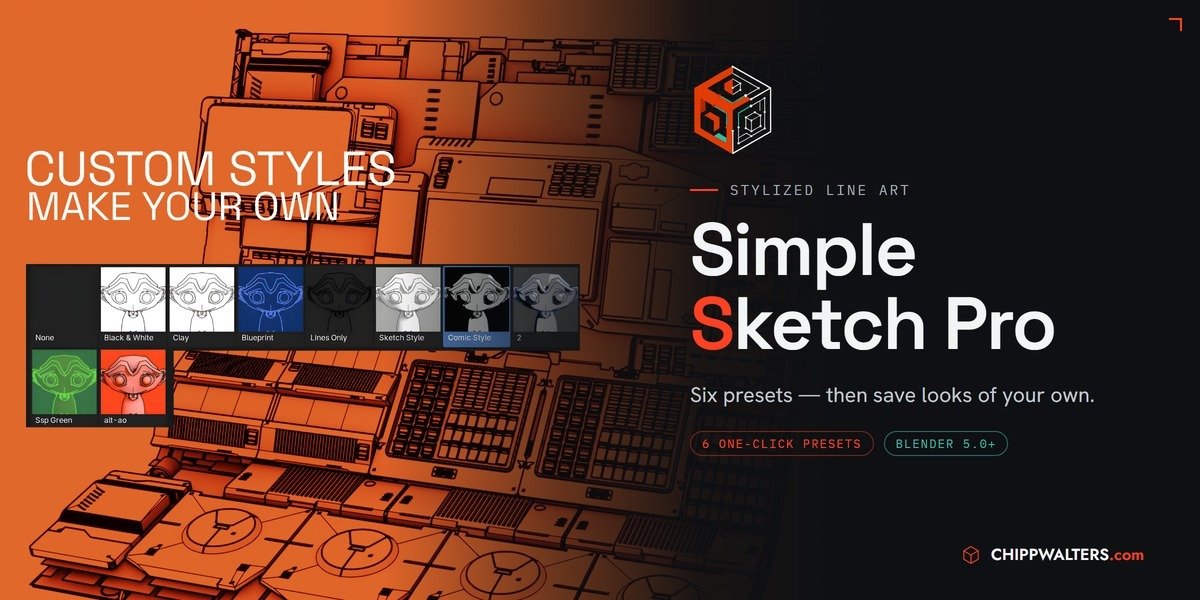
simple sketch pro for Blender
Simple Sketch Pro v1.1.0 for Blender
The Ultimate One-Button Line Art and Sketch Rendering Tool
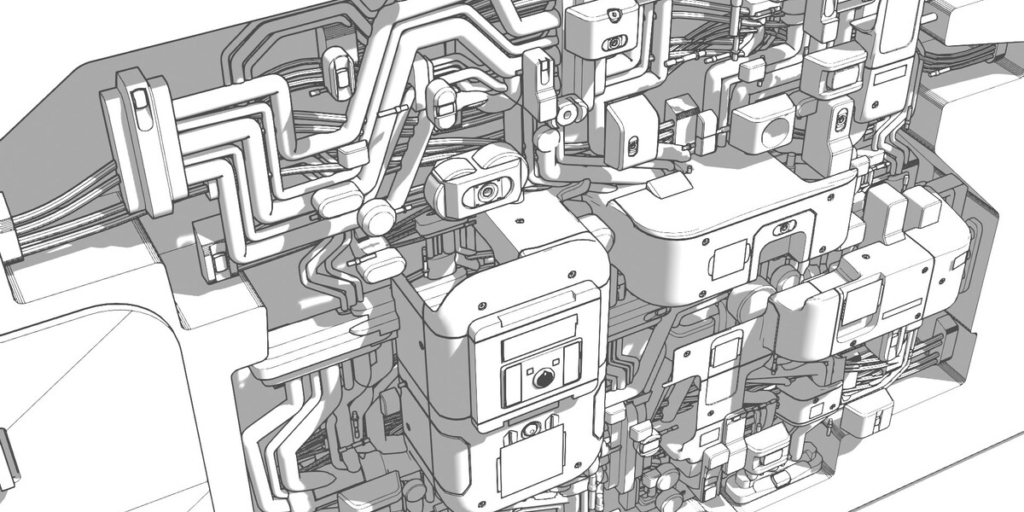
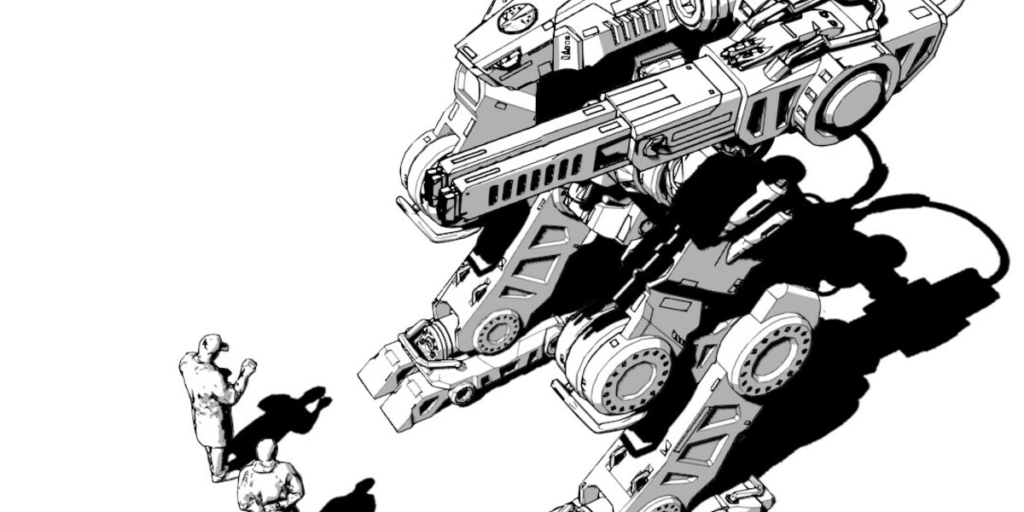
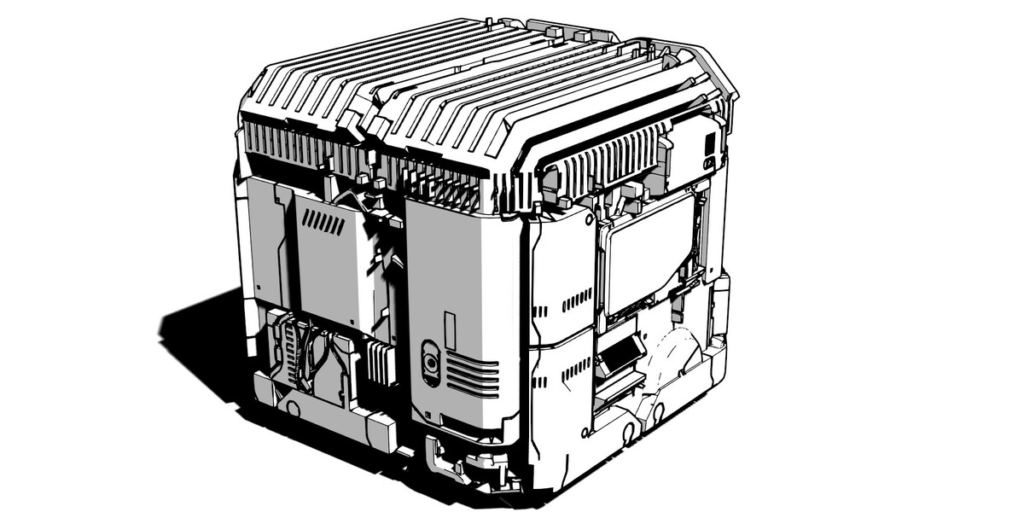
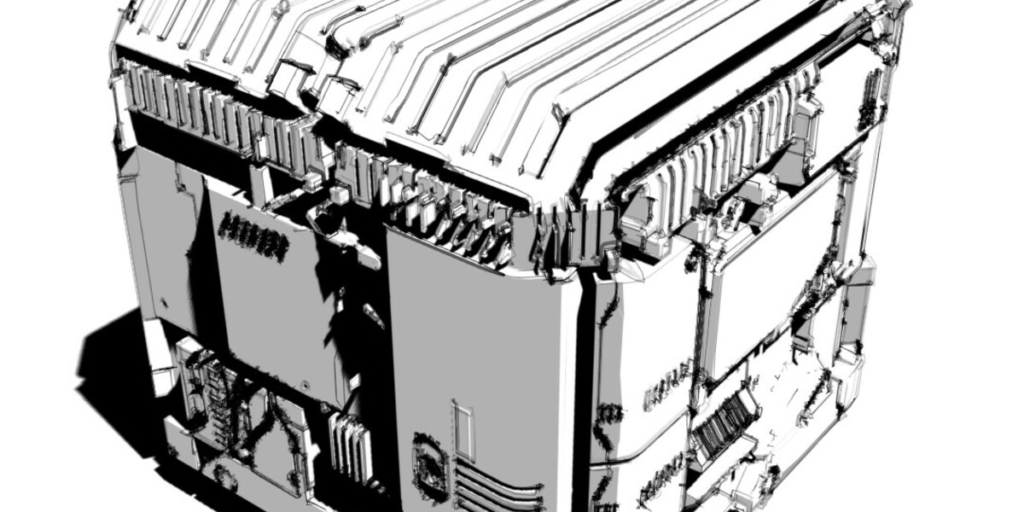
Download Simple Sketch Pro v1.1.0 today. Consequently, you can transform any Blender scene into a beautiful sketch, blueprint, or comic-style render with a single click. Because concept artists, illustrators, and designers often need to present their work in a stylized, readable format, having a tool that delivers immediate results is absolutely essential. Nevertheless, setting up non-photorealistic (NPR) line art and sketch effects in Blender can be time-consuming. This process often involves complex shader networks and Line Art modifier adjustments. Fortunately, Simple Sketch Pro removes all that friction. Moreover, it combines the best features of the developer’s legacy products (SmartSketch, Sketch Style, and Simple Sketch) into one powerful, streamlined addon . In short, you can create stunning, presentation-ready sketches in seconds.
Six Professional Presets for Instant Results
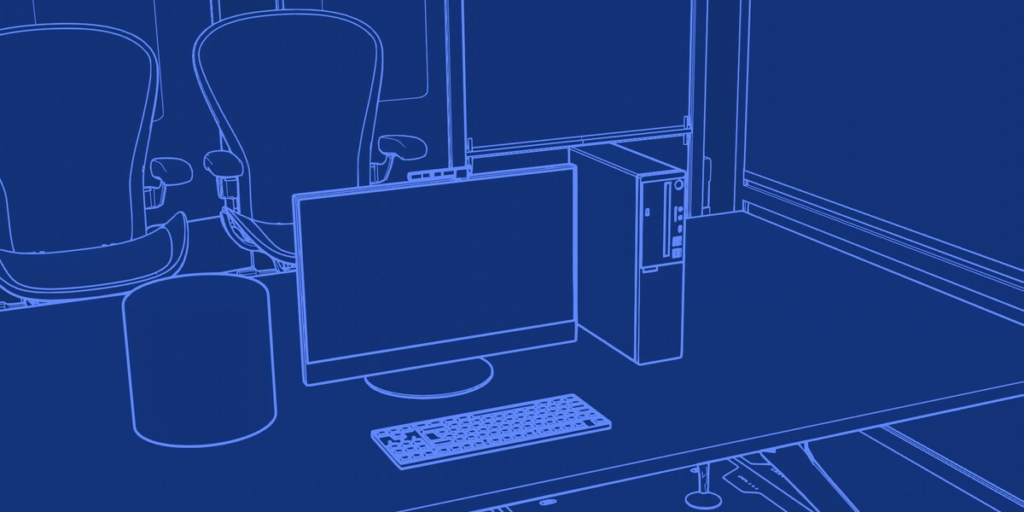
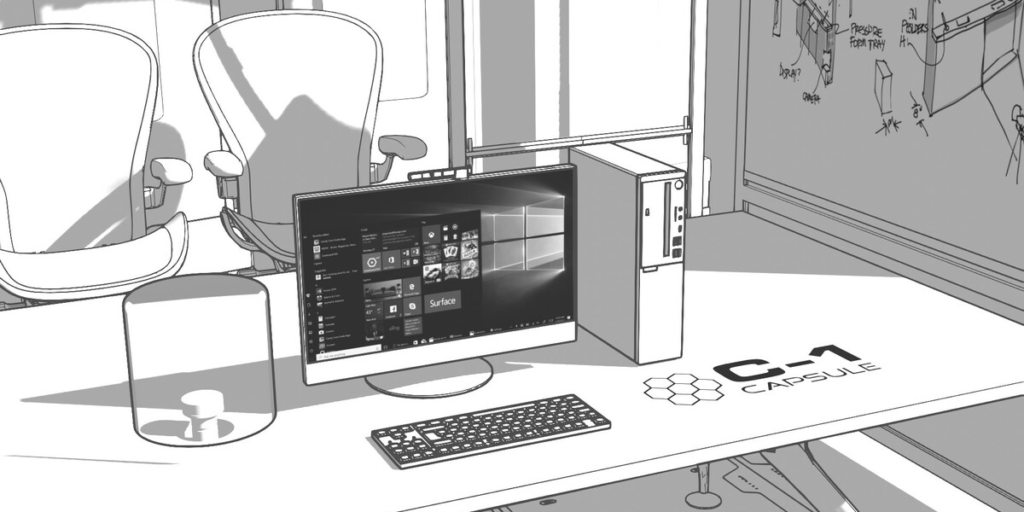
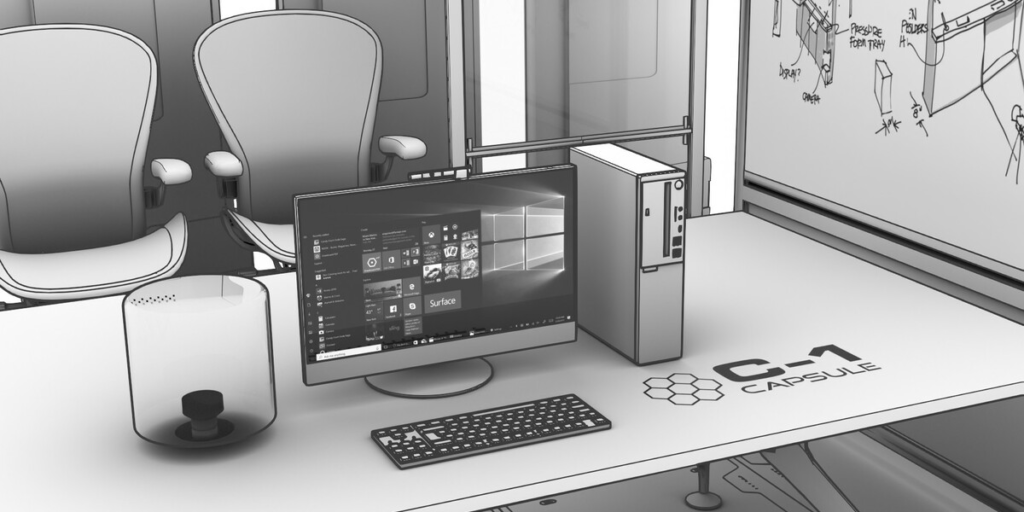
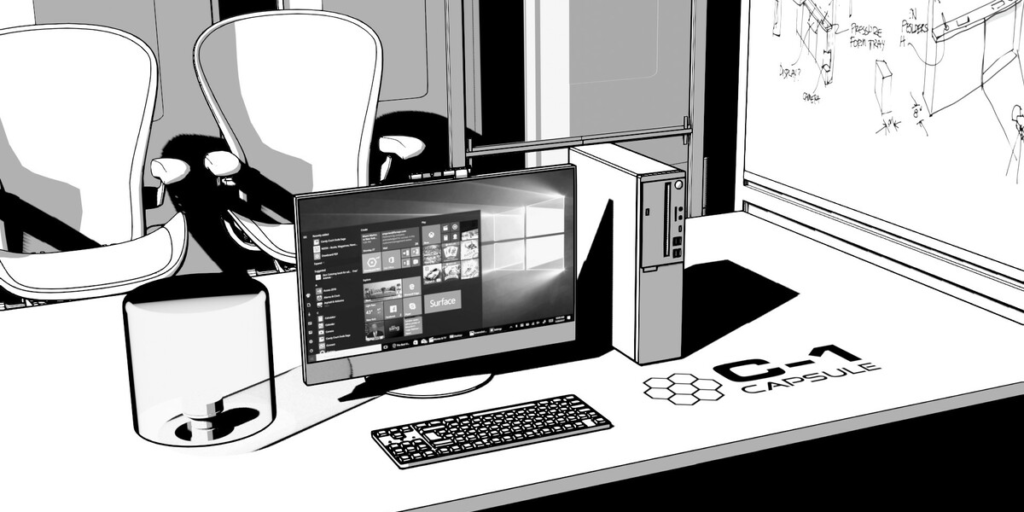
The core of this addon lies in its incredibly easy-to-use interface and preset system. For instance, you can access 6 professional presets with just one button click . These presets include Black and White, Ambient Occlusion (Clay), Blueprint, Sketch Style, Transparent, and the recently added COMIC mode . Furthermore, you can quickly switch between presets and adjust line thickness, color, and other parameters . The tool also uses screen-space rendering technology. This ensures that lines remain consistently thick regardless of perspective or viewport zoom.
Advanced Customization and Flexibility
Professional workflows require granular control, not just preset buttons. Therefore, you can override materials and line art settings for any object in your scene . This allows you to mix and match effects, such as rendering some objects with contour lines while others display textures or no effect at all . Additionally, you can adjust line thickness and color to suit your specific project needs. The intuitive UI makes these adjustments quick and accessible for both beginners and experts.
Performance, Compatibility, and Workflow Integration
The addon is built for modern Blender. Specifically, it leverages the new Line Art modifier (which replaced the deprecated Freestyle renderer) . Simple Sketch Pro v1.1.0 is fully compatible with Blender 4.3 . It also supports both Windows and Mac operating systems . Installation is incredibly simple: you can drag and drop the downloaded .zip file directly onto the Blender viewport . The developer provides responsive support through an active Discord community, and includes video tutorials to help you get started .
Perfect for Concept Artists, Illustrators, and Designers
This addon is particularly well-suited for concept artists and illustrators who need to create quick, stylized previews for clients or directors. Similarly, technical illustrators and comic artists will appreciate the clean, professional line art outputs. Additionally, architects and industrial designers can use the “Blueprint” preset to create stunning technical presentations . Ultimately, Simple Sketch Pro accelerates your entire concept, design, and presentation workflow.
System Requirements and Compatibility
The addon requires Blender 4.3 or newer . Furthermore, it is compatible with both Windows and macOS systems. You will need a standard workstation with at least 8GB of RAM. The addon’s small footprint ensures it won’t impact your Blender’s performance.
Installation and Usage Guide
To install, first download the .zip file from your library. Next, open Blender and navigate to Edit > Preferences > Add-ons. Then, click the dropdown arrow in the top right and select “Install from Disk” . After that, locate and select the downloaded .zip file, and enable Simple Sketch Pro. Finally, in the 3D viewport sidebar (press N), find the Simple Sketch Pro panel. Then, select your desired preset and click “Render.” Thus, your professional sketch-style render will be ready instantly.
What is Included Inside?
The pack contains the complete Simple Sketch Pro v1.1.0 addon. Furthermore, it includes all six professional presets. Additionally, you receive the screen-space rendering system for consistent line thickness. Ultimately, you receive everything needed for professional line art and sketch rendering.
Final Thoughts on the Addon
Effortless one-click sketch rendering evokes profound creative freedom. Therefore, this addon provides the ultimate foundation for your concept and presentation workflows. You can create stunning, stylized renders with unprecedented speed. Consequently, your design vision becomes a stunning reality.
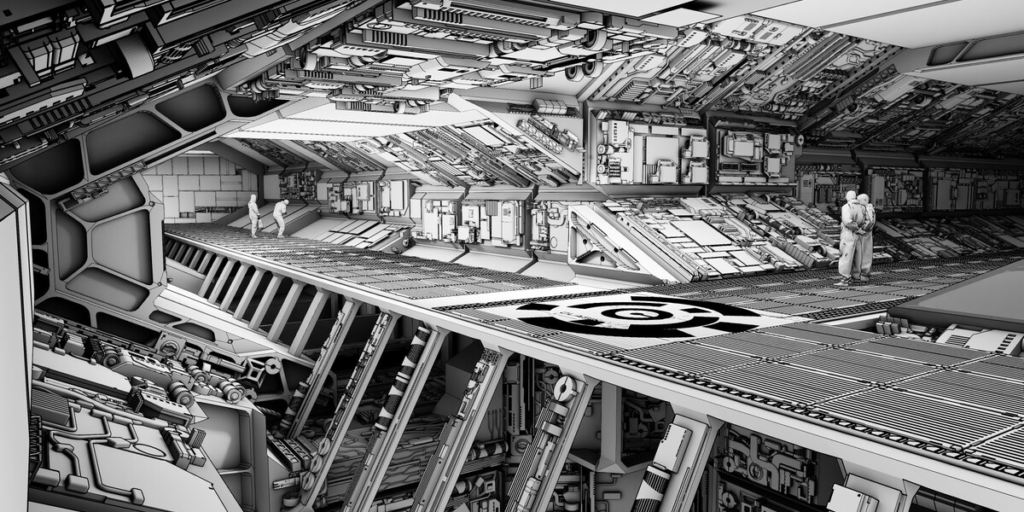
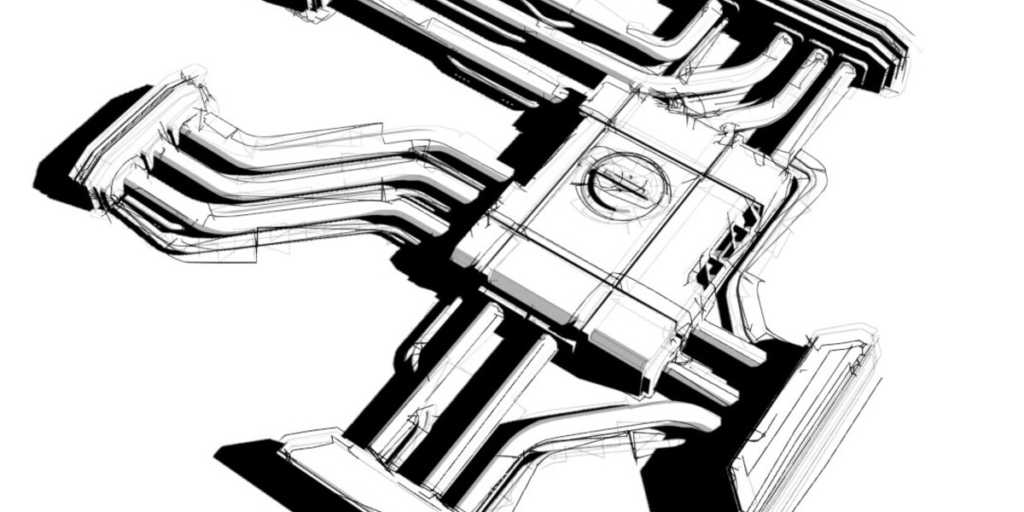

Stylized Line Art
Simple Sketch Pro
Turn the scene you already have — your models, your lights, your materials — into clean, stylized line-art renders. Six one-click presets, plus custom styles you save, share, and keep.
6 One-Click PresetsCustom Styles Library2,000+ SOLD · 5.0★ ACROSS 12 RATINGS
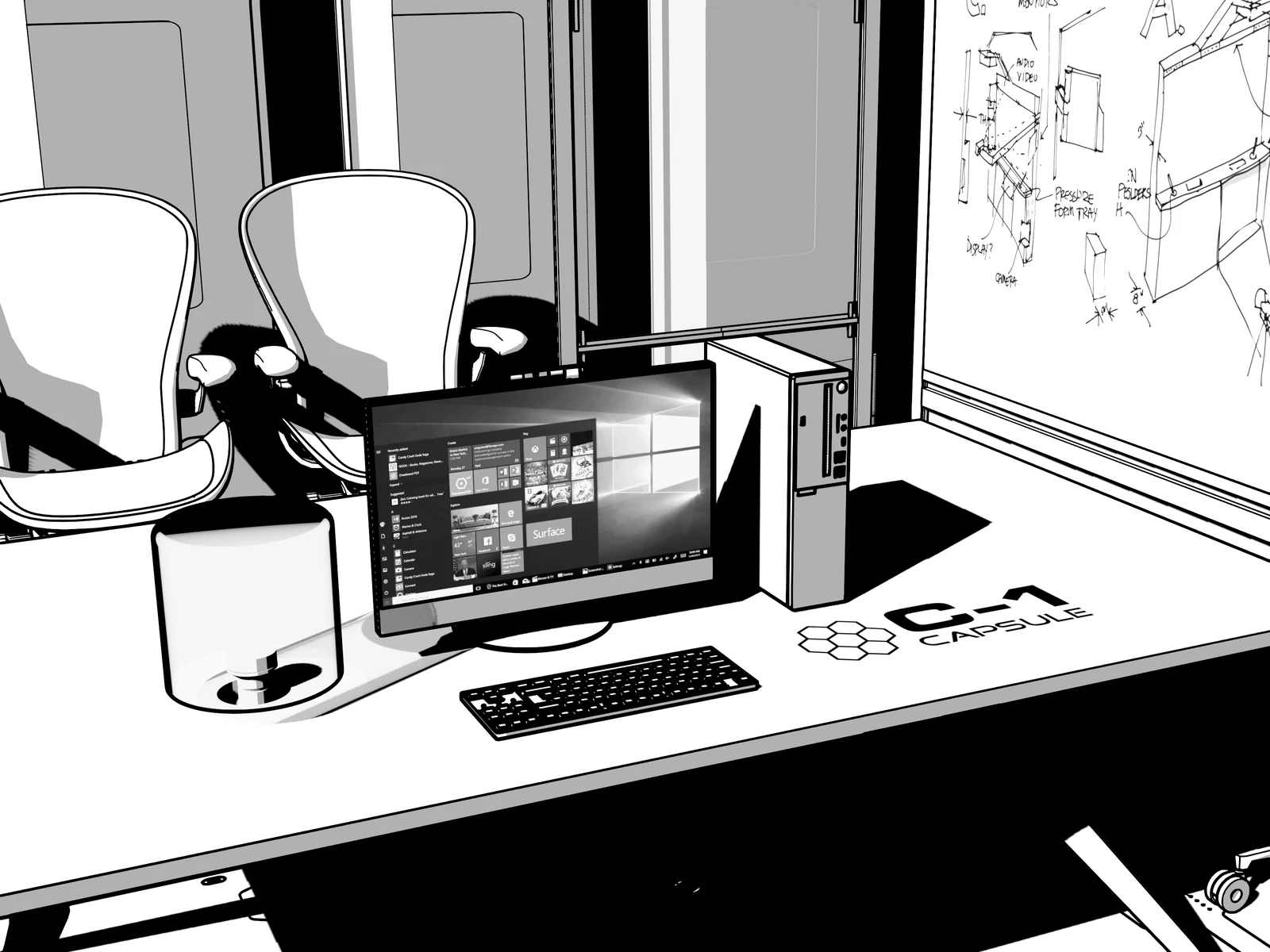
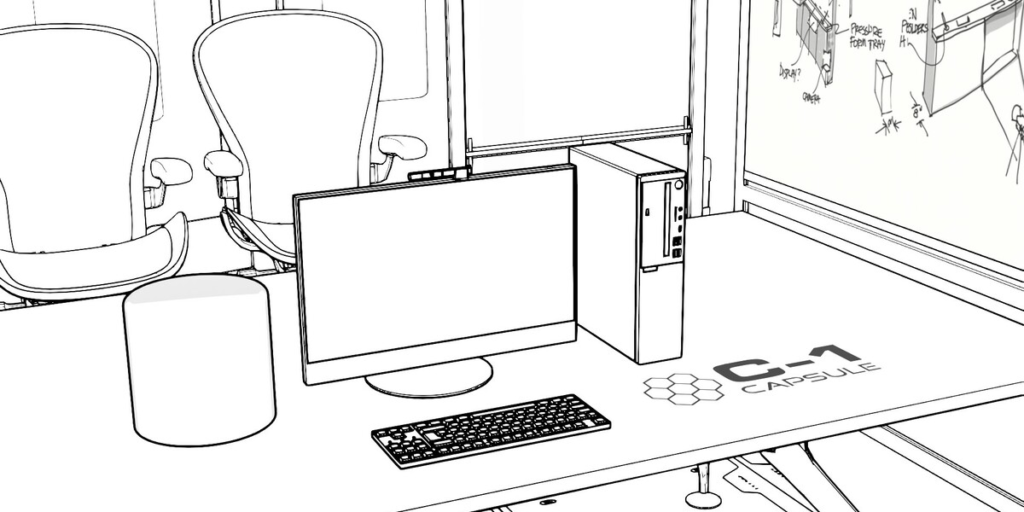
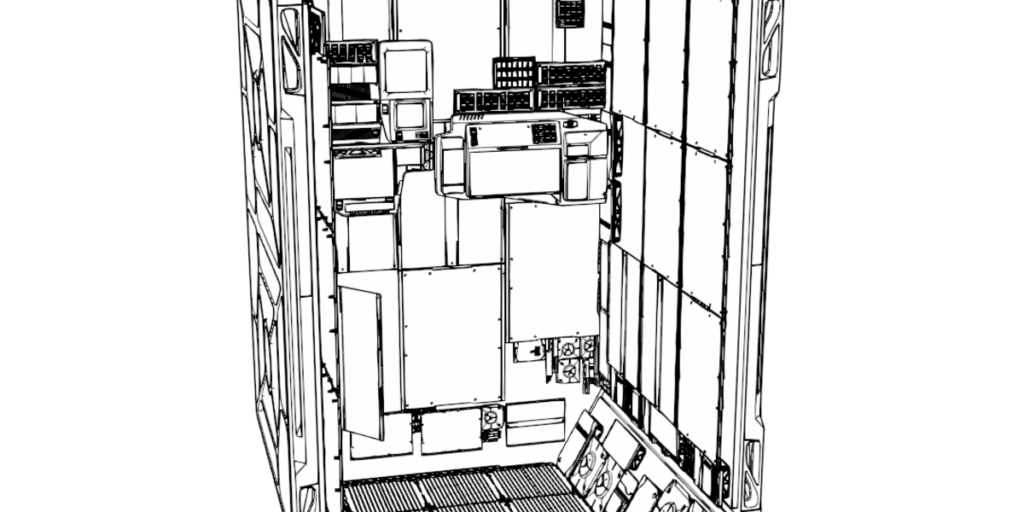
// c-1 capsule — an office rendered as black-and-white line art
The idea
One click, not an hour of wiring.
Blender already draws line art — Simple Sketch Pro is the difference between wiring it up for an hour and picking a look in one click.
The Presets
One scene. Six looks. One click each.
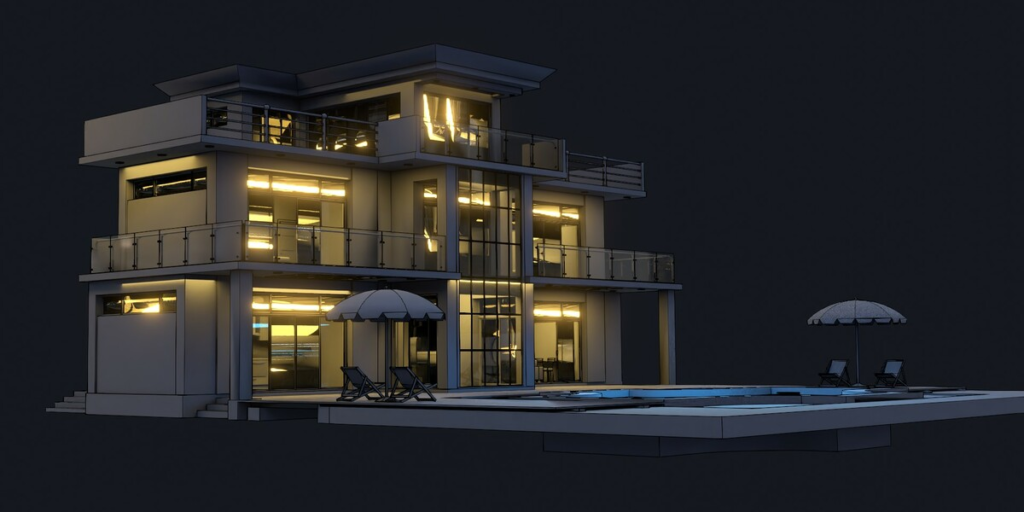
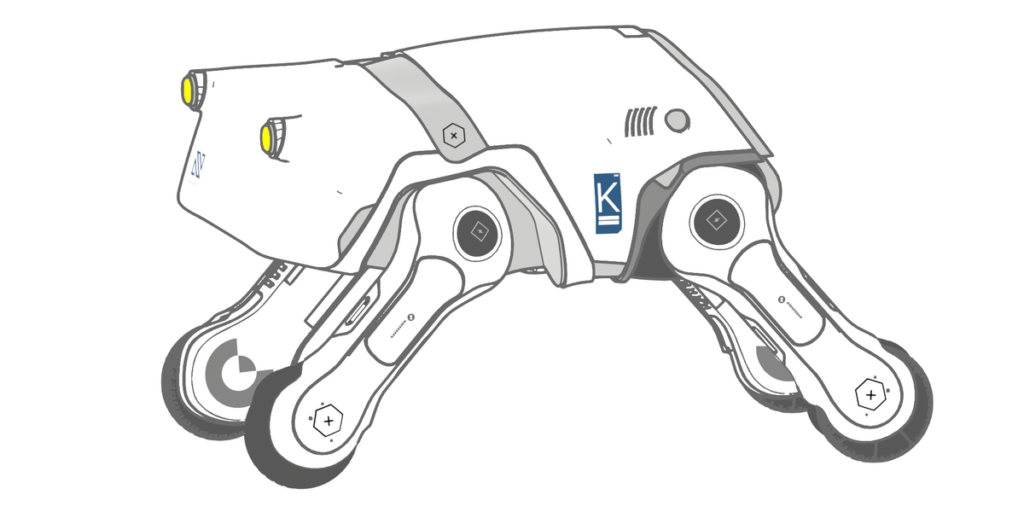
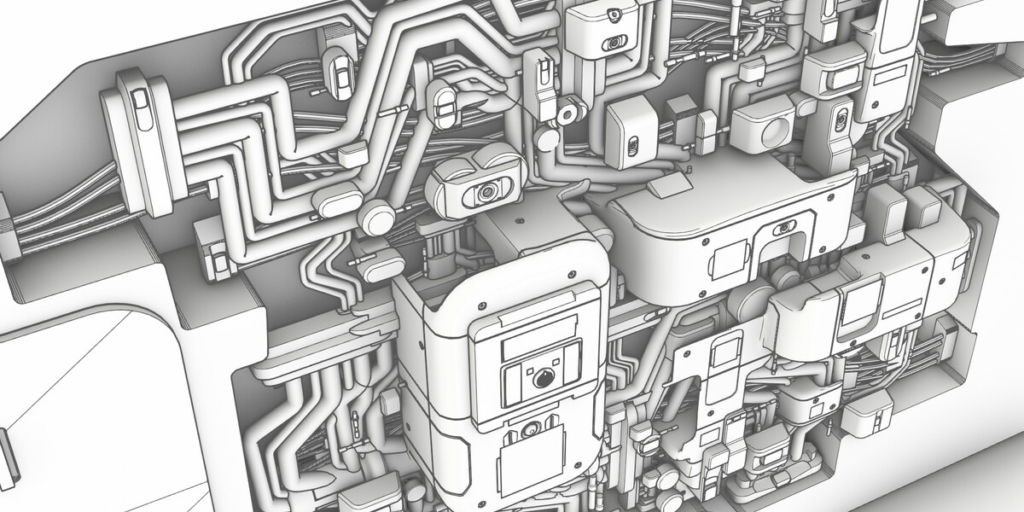
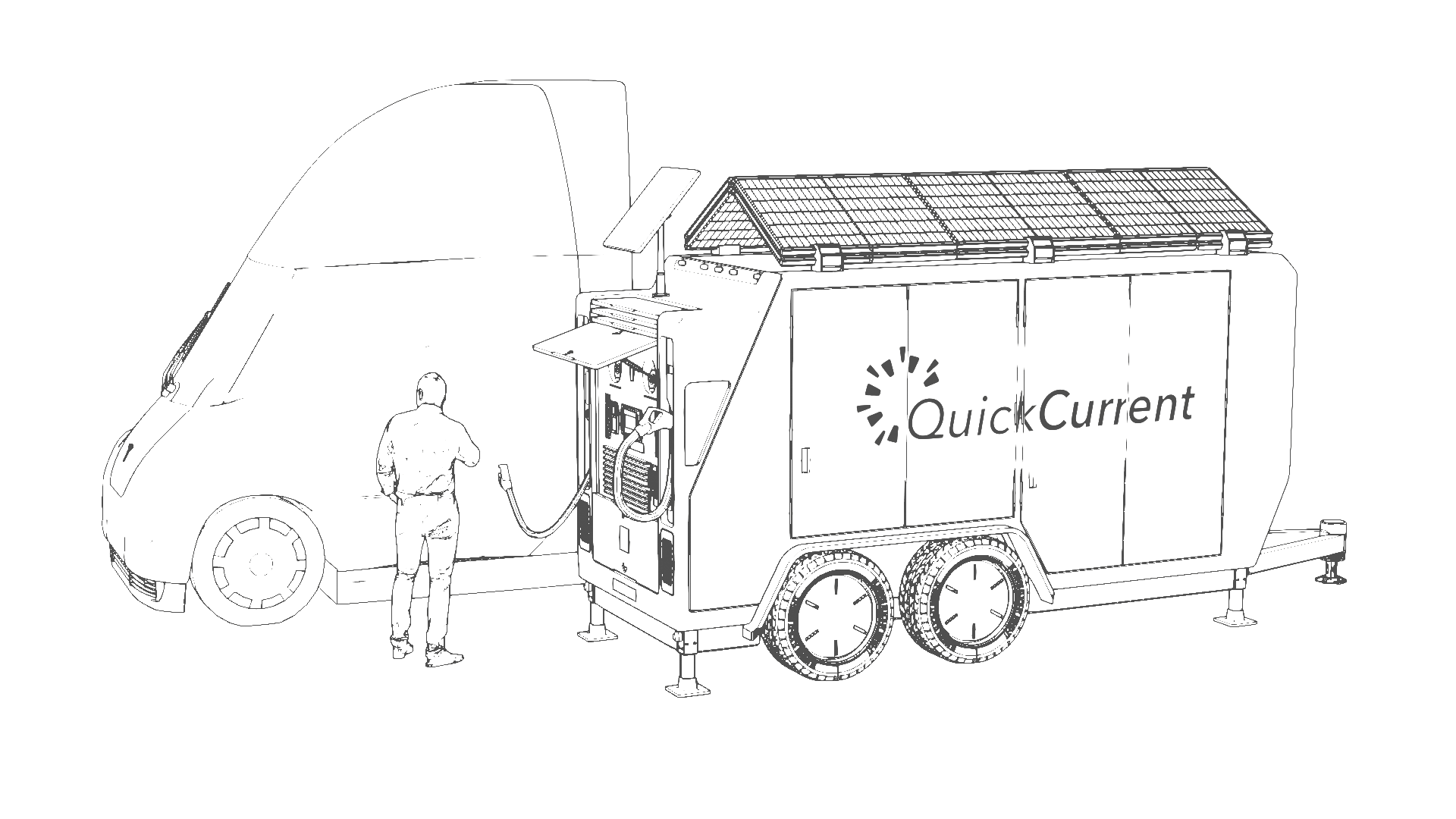
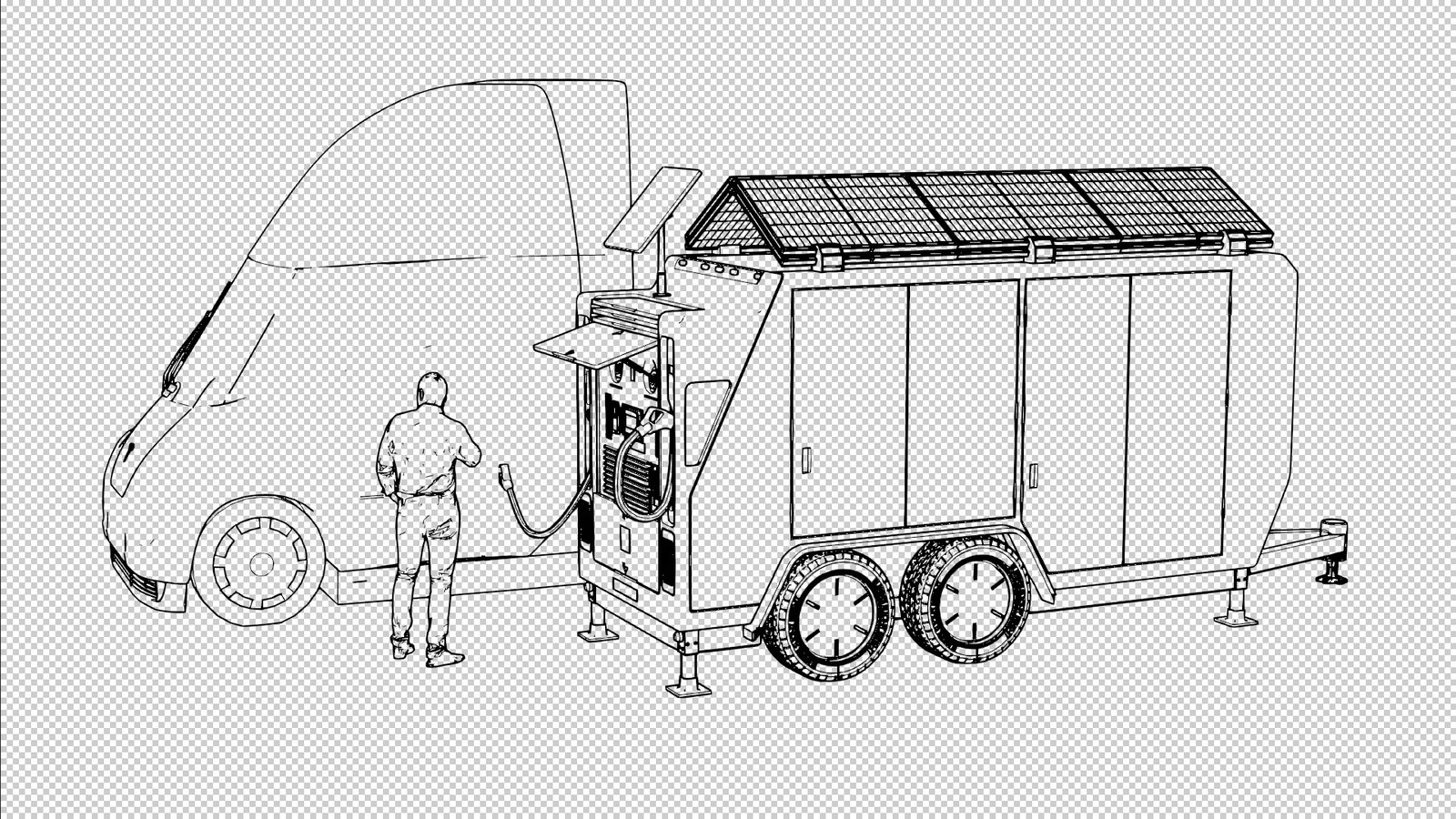
The same model — a QuickCurrent solar charging rig — rendered through all six built-in presets. Pick one and SSP sets the materials, world, line art, and color management in a single click.


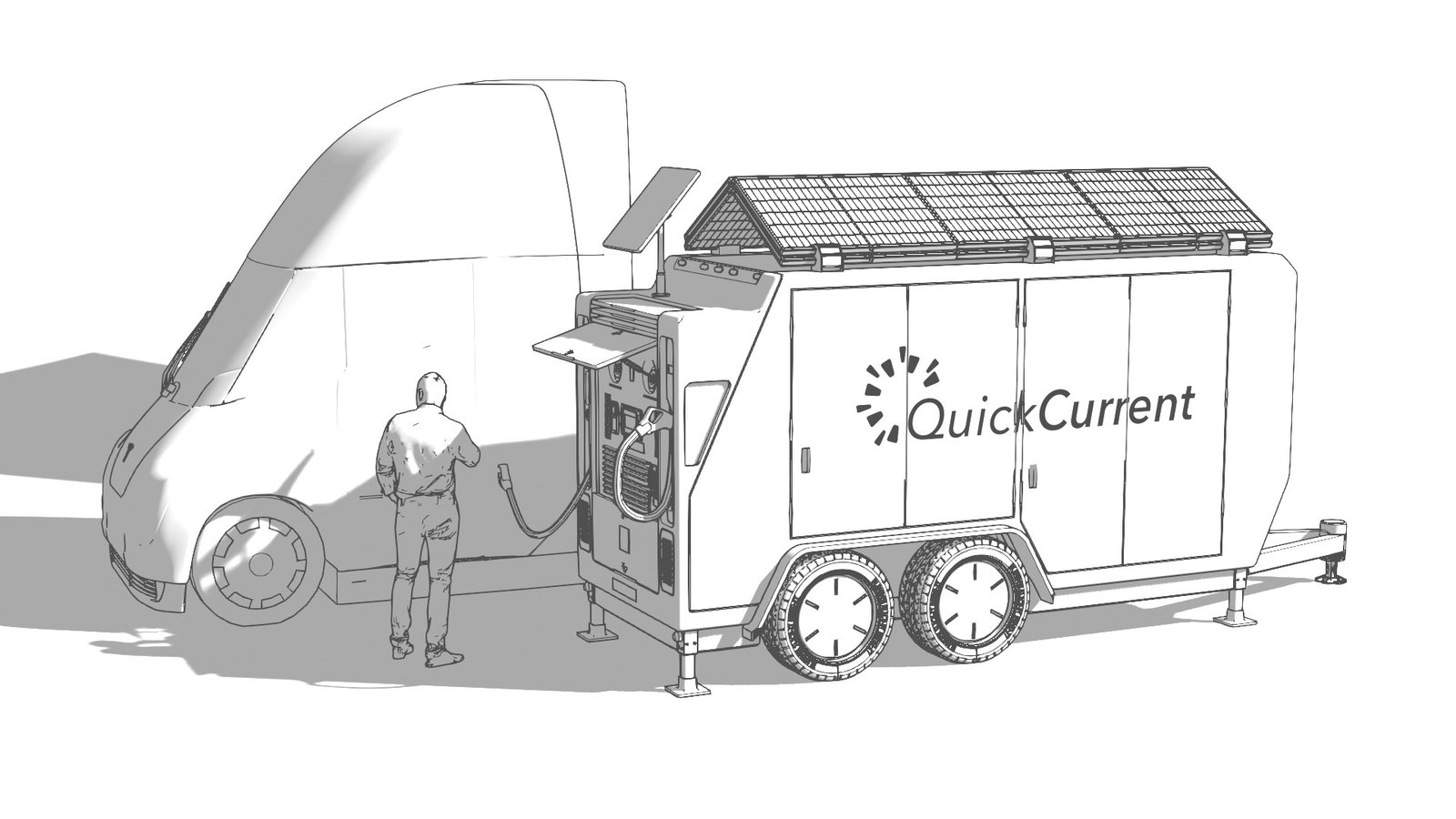
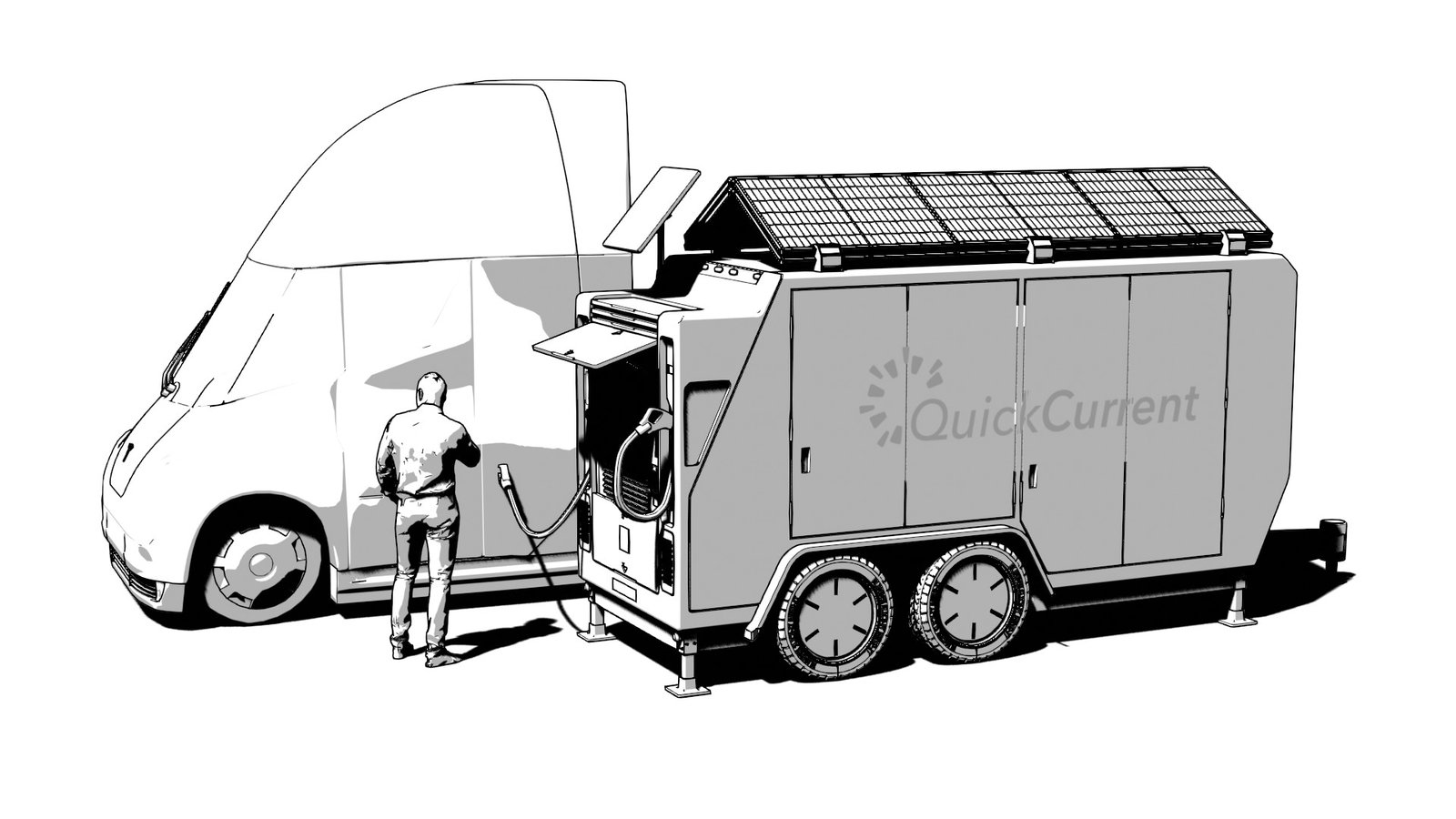
Save your own looks — and keep them forever.
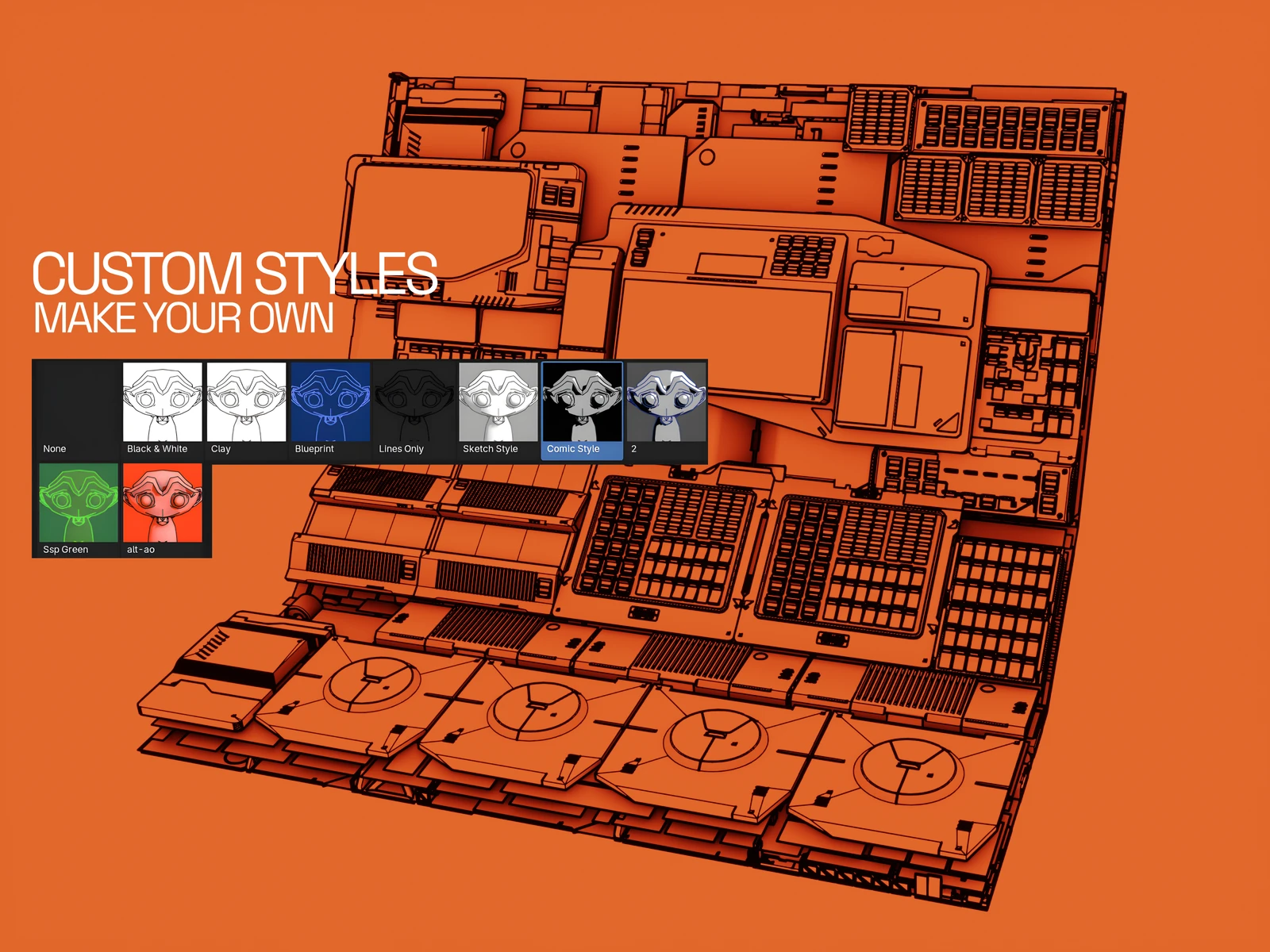
New in 1.3.0: the six presets are just the start. Turn any setup into a named custom style — material, world, line color and weights, crease angle, sun, and background, captured in one click with its own auto-rendered thumbnail. Your styles sit in the picker right beside the built-ins, in every file you open. Because they live in a folder you control (default Documents/Simple Sketch Pro/) — outside the add-on — updating SSP never touches them.
One-click save with an auto-rendered thumbnail
Rename, duplicate, or delete any style
Export a single portable .sspstyle file to a teammate
Sync your whole library through Dropbox or OneDrive
Watch It
See it in motion.
// simple sketch pro overview
What It Is
Your scene, rendered as a drawing.
Simple Sketch Pro is a Blender extension that renders stylized line-art and illustrative looks from the scene you already have. No tracing, no export, no second app — your geometry, your lights, your materials, previewed live in the viewport.
Behind each preset sits everything you’d otherwise build by hand: Grease Pencil Line Art modifiers for silhouette and crease lines, material and world overrides, and color management tuned for clean black-on-white. SSP wires all of it from a single click in one tidy sidebar tab, and renders with fast EEVEE or full-quality Cycles from the same setup.
And it treats your scene as yours. Presets overlay; they don’t overwrite. Reset removes only what SSP created — never your data, never your saved styles.
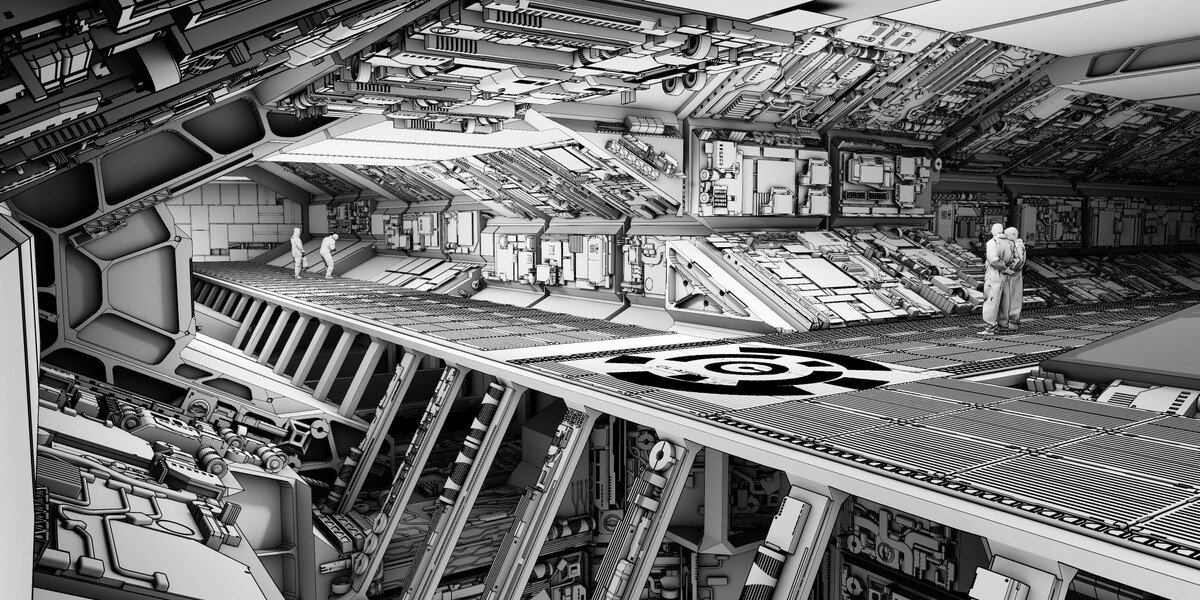
Six years of line art.
Simple Sketch Pro is the third act of a look this studio has owned since 2019. Sketch Style gave Blender artists SketchUp-style renders until Blender retired the Freestyle renderer underneath it. The free Simple Sketch beta rebuilt the idea on Line Art — 43,000 people watched that video — until Blender’s Grease Pencil rewrite broke it too. Simple Sketch Pro combined the best of both legacy products: rebuilt from scratch for the Extensions era, tested in a public beta, and now carrying the line forward with a custom-styles library neither ancestor had. That history is the buyer’s guarantee — twice the ground shifted under this product line; twice it was rebuilt rather than abandoned.
“I have bought Chip’s apps since May 16, 2019… what you get here knowing that this will not be abandoned.” — Rob Frydryck, public Superhive review
How It Works
Camera view to finished render, six steps.
Install in five seconds
Drag the .zip onto Blender’s viewport. The ♥SSP tab appears in the sidebar.
Enter camera view
Blender’s Line Art only draws correctly from the camera — SSP gives you a one-click toggle and says so up front.
Pick a look
Choose a preset (or one of your own styles) from the thumbnail picker. SSP sets the materials, world, line art, and color management in one click.
Dial it in
Line color, thick and thin line weights, crease angle, background, sun direction, engine. Per-object toggles keep glass, decals, and booleans reading right.
Render
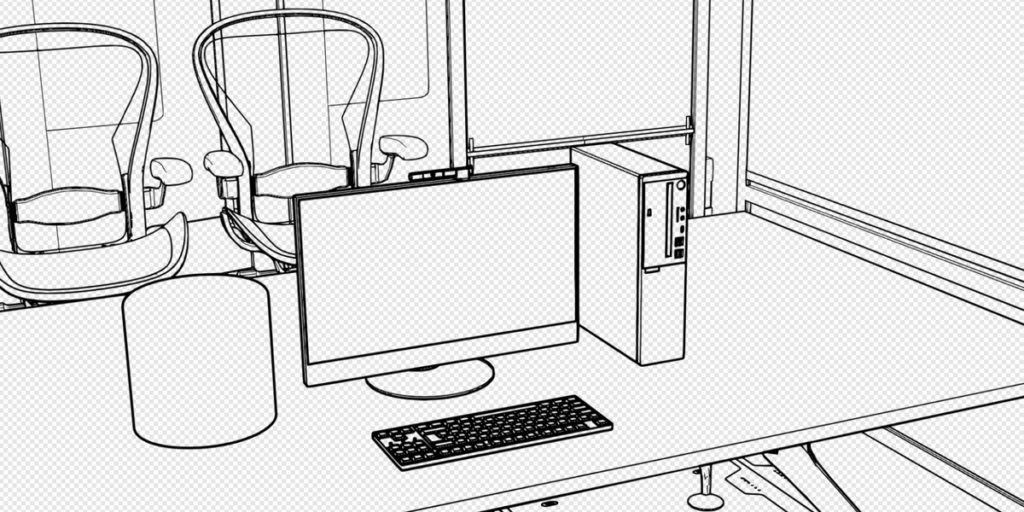
One button (or F12). Use Lines Only with a transparent background for line work you can drop straight into a comp.
Save the look
One click turns the current setup into a named style with its own thumbnail, sitting in the picker beside the built-ins — in every file you open.
Features
The mechanisms behind the look.
Six one-click presets
Black & White, Clay, Blueprint, Lines Only, Sketch Style, and Comic — each sets materials, world, line art, and color management in a single click.
A real custom-styles library
Save the current look — material, world, line color, thickness, crease, sun, background — as a named style with an auto-rendered thumbnail. Update, rename, duplicate, or delete it. It’s a library you build, not a fixed preset list.
Styles that survive updates
Your library lives in a folder you control (default Documents/Simple Sketch Pro/), outside the add-on — updating SSP never touches it. Sync the folder through Dropbox or OneDrive and your styles follow you across machines.
Portable .sspstyle files
Export any style to a single file; import it on another machine or hand it to a teammate. A house style becomes a file you can send.
Thick, thin, and crease control
Separate silhouette and crease lines, each with its own weight and its own viewport/render visibility, plus a crease-angle slider to add or drop interior lines.
Screen Space constant-weight lines
Every line renders at a fixed on-screen width, set in pixels (1–200), no matter how far the object sits from the camera. Built on Geometry Nodes; the panel warns you if no scene camera is set.
Per-object overrides
Show an object in its own material inside any preset (glass, decals), and include or exclude any object from line art — one button each.
Works on your real scene, resets clean
SSP overlays your existing scene and restores it on Reset, removing only SSP-created objects, materials, worlds, and settings. No global purge, ever.
EEVEE or Cycles
Toggle engines from the panel: fast previews or final-quality renders from the same setup. A documented large-scene workflow keeps line art responsive on heavy production files.
In The Wild
Different scenes, different styles.
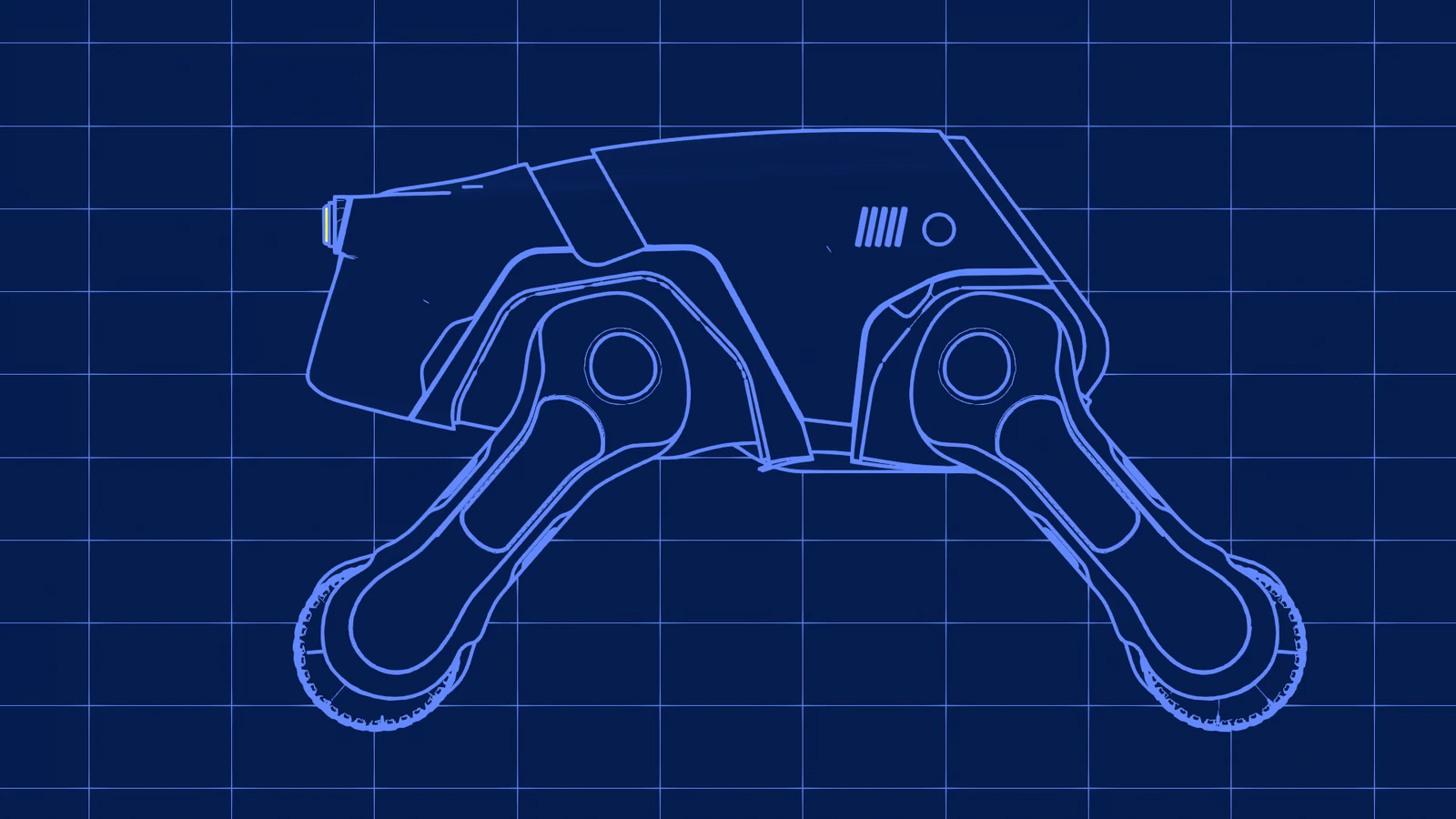
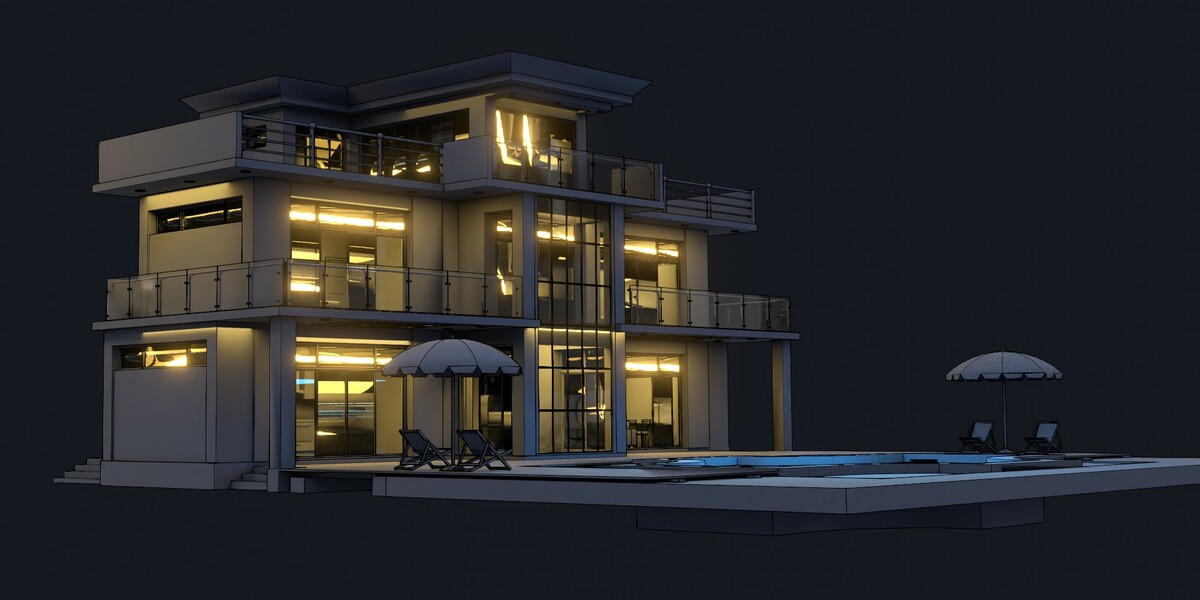
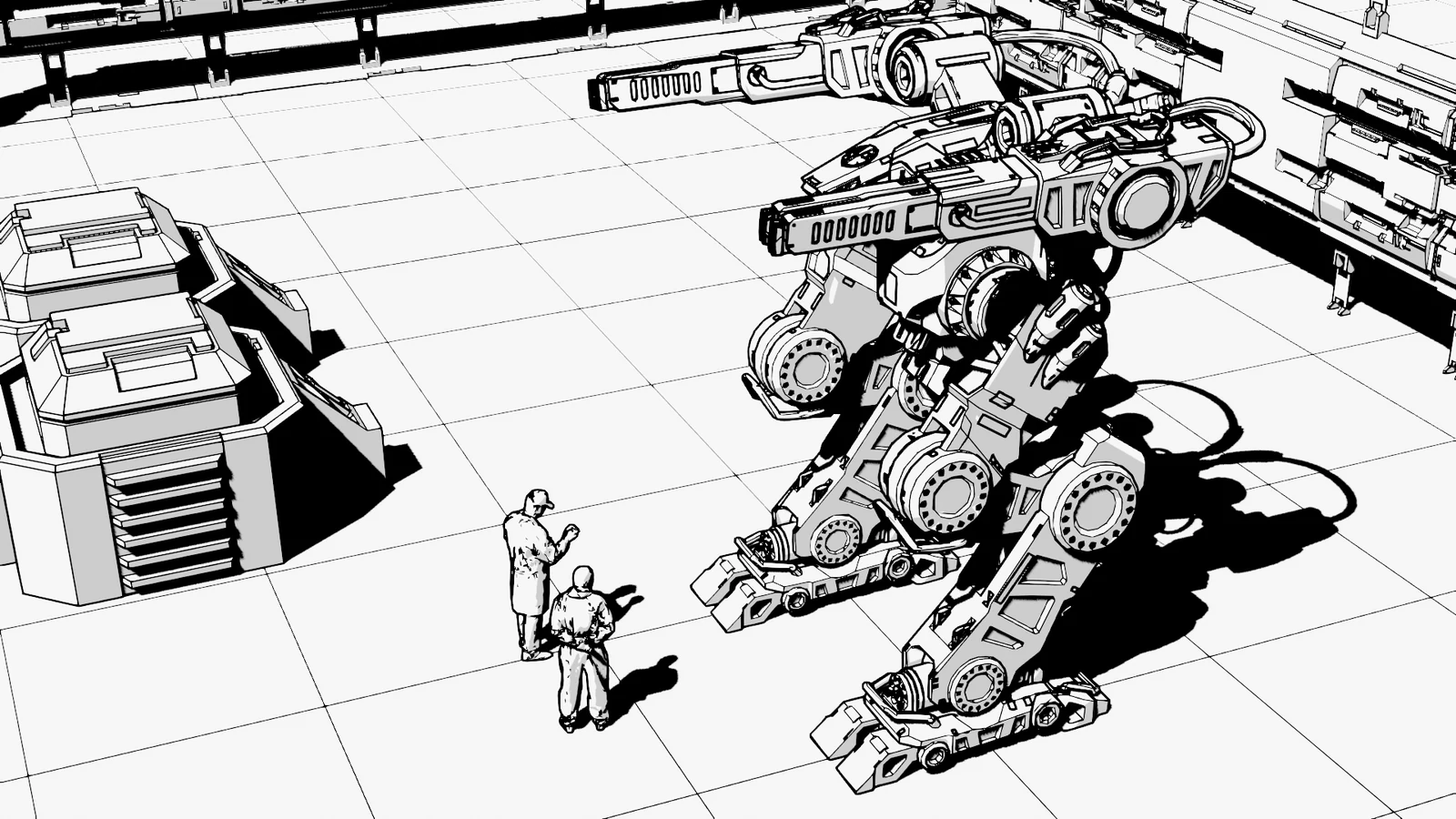
Simple Sketch Pro vs. doing it by hand
The hour you don’t spend wiring.
Building one of these looks manually means stacking Grease Pencil Line Art modifiers, override materials, a world setup, and color-management changes — then doing it again for the next project. Simple Sketch Pro:
- Sets all of it from one preset click, on your existing scene.
- Saves your own looks as a named, thumbnailed, shareable library — the part you can’t get from a hand-built setup without rebuilding it every time.
- Holds line weight constant on screen at any camera distance (Screen Space).
- Tears down cleanly, touching only what it made.
If you used Sketch Style or the free Simple Sketch: those add-ons stopped working when Blender retired Freestyle and rewrote Grease Pencil. Simple Sketch Pro is their maintained successor — the best of both, rebuilt for current Blender, with the styles library neither had. Owners of the originals report their old files render better through SSP than they did in the originals.
Artists’ words
What Simple Sketch Pro users say.
★★★★★
“We’ve been working in the film industry with Blender for many years… Not only is it incredibly simple to use, but the results are fantastic. It’s especially valuable for creating quick presentations and concept previews… We spent hours revisiting scenes from our latest film, and every result felt fresh and inspiring.”
— KRITZ STUDIO
★★★★★
“I work in the movie industry making playback graphics and graphic design. This addon was a massive time saver and immediately great results… the line with no BG in particular helps comping blends between renders and line art.”
— gary barringer
★★★★★
“So easy to use. No fuss, no muss. You have access to presets that make your workflow a breeze. You get stunning results in an instant.”
— Lyne Frappier
★★★★★
“It really only takes a few simple clicks to have your line sketch render ready to go. I love the presets options… my favorite is Blueprint. In a short period of time Simple Sketch Pro has become one of my favorite and most useful tools in my workflow.”
— Robert Green
★★★★★
“One of the most important factors on whether I buy an addon is the quality of support from the addon creator. Chipp Walters is second to none.”
— Maria
Common Questions
Do I have to be in camera view?
Yes. Blender’s Line Art only draws correctly from the camera — it’s a Blender rule, not an SSP one. The panel has a one-click Toggle Camera View button, and the manual says it before anything else.
Does the Comic preset work in Cycles?
No — Comic is EEVEE-only. The other five presets render in both EEVEE and Cycles.
Will updating SSP wipe my custom styles?
No. Styles live in a folder you control, outside the add-on. Updates never touch it, and Reset never touches it either.
Can I share a style with a teammate?
Yes — export it as a .sspstyle file and they import it. Or point both machines at a synced folder (Dropbox, OneDrive) and share the whole library.
What does Reset actually remove?
Only what SSP created: its objects, collections, materials, worlds, and settings. It no longer runs a global purge, so your own unused materials and node groups are left alone.
Which Blender version do I need?
Simple Sketch Pro ships as a Blender Extension for Blender 5.0 and newer, and works through the latest Blender 5.x release.
I owned Sketch Style or the free Simple Sketch. Is this for me?
Yes — SSP is the maintained successor to both, rebuilt after Blender’s Freestyle retirement and Grease Pencil rewrite broke the originals. Your eye for the look carries straight over.
InstallDrag & Drop
Installed in five seconds.
Buy it, download one .zip, drag the file onto Blender’s viewport. That’s the install. The ♥SSP tab appears in your sidebar and the first preset is one click away.
No account setup
No dependencies
No configuration step
What You Get$25
One click. Line art. Yours.
Simple Sketch Pro — the full extension (.zip), currently v1.3.5
Six tuned presets — Black & White, Clay, Blueprint, Lines Only, Sketch Style, Comic
The custom-styles system — save, manage, export, and sync unlimited styles of your own
Documentation and tutorials — a concise manual and the overview video
Supercharge your 3D creation workflow with premium selection of Blender Add-ons. Whether you are modeling intricate characters, sculpting realistic environments, or animating cinematic sequences, the right add-on can transform how you work inside Blender. Our curated collection includes powerful tools for UV unwrapping, procedural texture generation, rigging automation, rendering optimization, and more—each rigorously tested for compatibility with the latest Blender versions. Eliminate tedious manual processes and unlock advanced functionality that lets you focus on what matters most: bringing your creative vision to life. Explore our full range of professional Blender plugins today and take your 3D projects to the next level.
➡️ ➡️ For more Blender Plugins 😀 😀
Reviews
There are no reviews yet.