
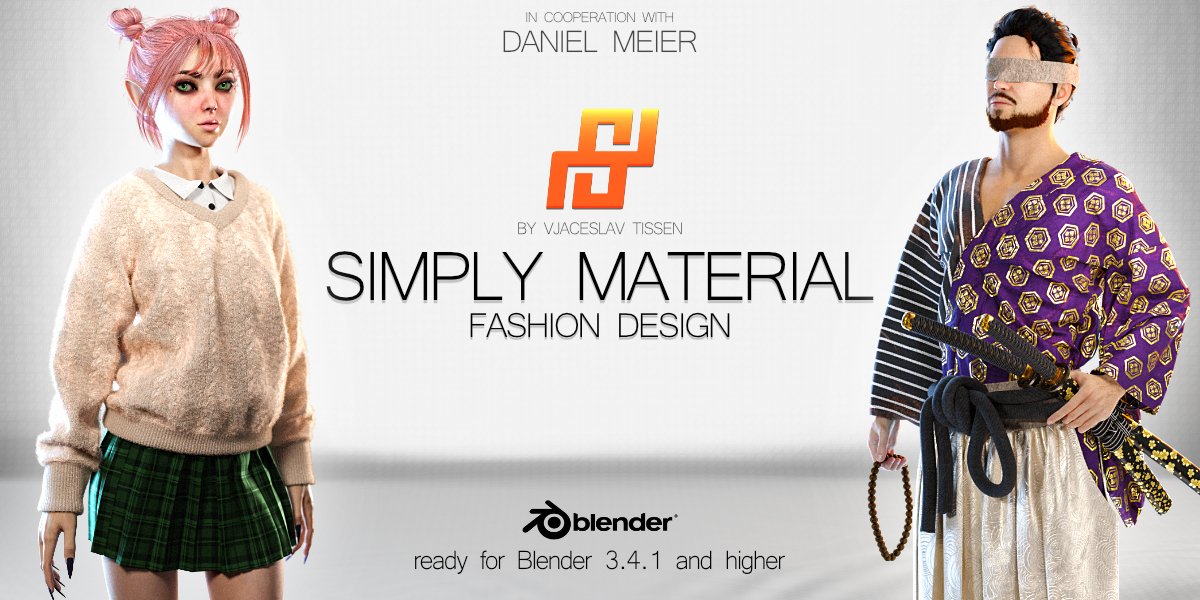
Simply Material for Blender
Simply Material v1.7 for Blender – The Ultimate Fast & Intuitive Material Management & Procedural Overlay Suite
Versions: v1.7
File Size: 67 MB
Download Simply Material v1.7 for Blender on Windows and Mac, a streamlined, powerhouse addon designed to completely revolutionize how you apply, manage, and customize materials in Blender. For artists who want photorealistic results without getting lost in a tangled web of shader nodes, Simply Material provides a clean, intuitive interface to apply complex PBR textures, procedural edge wear, and environmental dirt in a single click. It bridges the gap between drag-and-drop simplicity and deep, node-based flexibility, allowing you to texture your models faster than ever before.
Key Features of Simply Material v1.7:
- One-Click PBR Application: Instantly apply high-quality, physically based materials to your models. The addon automatically sets up the Principled BSDF, connects all necessary maps (Albedo, Roughness, Normal, Displacement), and configures the correct color space settings.
- Smart Procedural Overlays: Add instant realism with simple checkboxes. Enable Edge Wear, Cavity Dirt, Scratches, Dust, and Fingerprints without manually wiring a single node. The overlays automatically detect geometry curvature and ambient occlusion to place wear and tear exactly where it happens in the real world.
- UV-Free Tri-Planar Mapping: Apply materials to any mesh instantly, even if it has no UV map. The built-in tri-planar projection ensures seamless, stretch-free texturing on complex architectural forms, hard-surface kitbashes, and sculpted organic shapes.
- Material Layering & Blending: Easily stack multiple materials on a single object. Paint a base layer of rusted metal, and use a simple mask to blend a layer of chipped yellow paint over it, complete with automatic edge peeling and thickness controls.
- Vertex Color Masking: Use Blender’s Vertex Paint mode to manually dictate where overlays appear. Paint red to force rust, paint green to add moss, or paint blue to create localized puddles and wetness, giving you total artistic control over the procedural effects.
- Clean Background Node Generation: While the UI is simple, the backend is powerful. Simply Material generates clean, organized, and fully editable node trees in the Shader Editor. If you ever need to dive in and tweak a specific math node, everything is perfectly labeled and grouped.
- Integrated Material Library: Seamlessly integrates with Blender’s native Asset Browser. Drag and drop your favorite textures directly into the Simply Material panel to instantly convert them into smart, layered materials.
- Real-Time Viewport Optimization: Automatically adjusts material complexity based on your viewport shading mode, ensuring your viewport remains snappy and responsive while working in Material Preview or Solid mode.
- Scale & World-Aligned Textures: Lock your texture scale to real-world dimensions (e.g., exactly 1 brick per 10cm). When you scale your 3D object, the texture size remains perfectly consistent, preventing the “stretching texture” problem.
- Non-Destructive Workflow: Every overlay, mask, and blend is controlled by non-destructive sliders. You can turn off the edge wear, change the dirt color, or adjust the scratch intensity at any time before your final render.
Perfect For:
- Hard-Surface Modelers who need to instantly add edge wear, panel grime, and realistic metal finishes to mechanical assets and vehicles.
- Environment Artists rapidly texturing massive scenes with blended terrain materials, mossy rocks, and weathered architectural elements.
- Architectural Visualizers applying real-world scale materials to buildings and interiors without spending hours on UV unwrapping.
- Concept Artists & Generalists who need to make their blockouts look finished and presentable in minutes rather than hours.
- Beginners who find Blender’s Shader Editor intimidating and want a guided, visual approach to creating complex materials.
- Node-Wranglers who appreciate a tool that builds the boring, repetitive node setups automatically, leaving them free to focus on creative tweaking.
System Requirements:
- Blender: 3.6, 4.0, 4.1, 4.2, 4.3, 4.4+ (Latest LTS recommended).
- OS: Windows 10/11 (64-bit) or macOS 10.15+.
- RAM: 8GB minimum (16GB+ recommended for scenes with heavy displacement and complex layered materials).
- Render Engine: Fully compatible with Cycles (for accurate displacement and ray-traced wear) and Eevee (with optimized viewport previews).
Installation:
- Download the Simply Material v1.7
.zipfile. - Open Blender and go to Edit > Preferences > Add-ons.
- Click Install…, select the downloaded file, and enable the checkbox next to Material: Simply Material.
- Access via the 3D Viewport Sidebar (N-panel) under the Simply Material tab, or the Material Properties panel.
What’s New in v1.7?
- Blender 4.4 Full Compatibility: Updated all shader node APIs and color management hooks to ensure flawless stability and correct AgX color space handling in the newest Blender release.
- New “Smart Smudge” Overlay: Added a highly requested fingerprint and smudge generator that reacts to surface roughness and camera angle, perfect for adding tactile realism to glass, polished metals, and screens.
- Enhanced Cavity Dirt Algorithm: Rewritten the dirt accumulation math to better respect micro-crevices and panel gaps, producing much more realistic grime on hard-surface models.
- Faster Node Compilation: Optimized the background node tree generation, reducing the “shader compilation” lag spike when applying complex layered materials to high-poly meshes.
- UI & Workflow Polish: Redesigned the overlay panel with visual icons and collapsible menus, making it easier to manage materials with 5+ active layers.
- Bug Fix: Resolved a rare issue where tri-planar mapping would occasionally produce visible seams on highly concave, non-manifold geometry.
Note:
Simply Material v1.7 is built on the philosophy that texturing should be an artistic process, not a technical chore. You shouldn’t have to spend 20 minutes wiring up a “Dirt in Crevices” node group just to make a prop look grounded in reality. Simply Material abstracts the complex math into a beautiful, easy-to-use interface, giving you the power of a senior shader artist with the speed of a drag-and-drop tool. Because it generates standard Blender nodes under the hood, you are never “locked in” to the addon’s ecosystem—you get the best of both worlds: rapid setup and infinite customizability. Whether you are texturing a single hero weapon or an entire city block, Simply Material gets your models render-ready in record time.
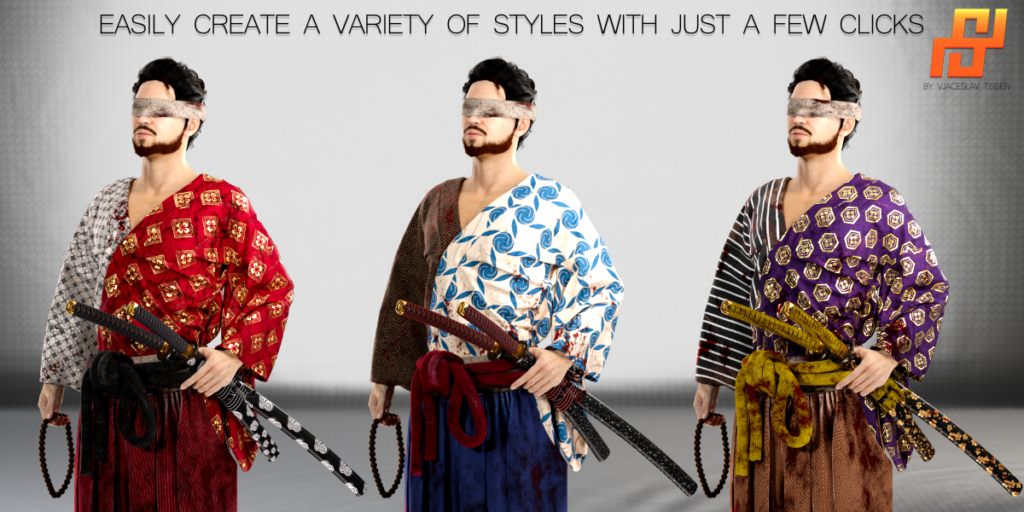
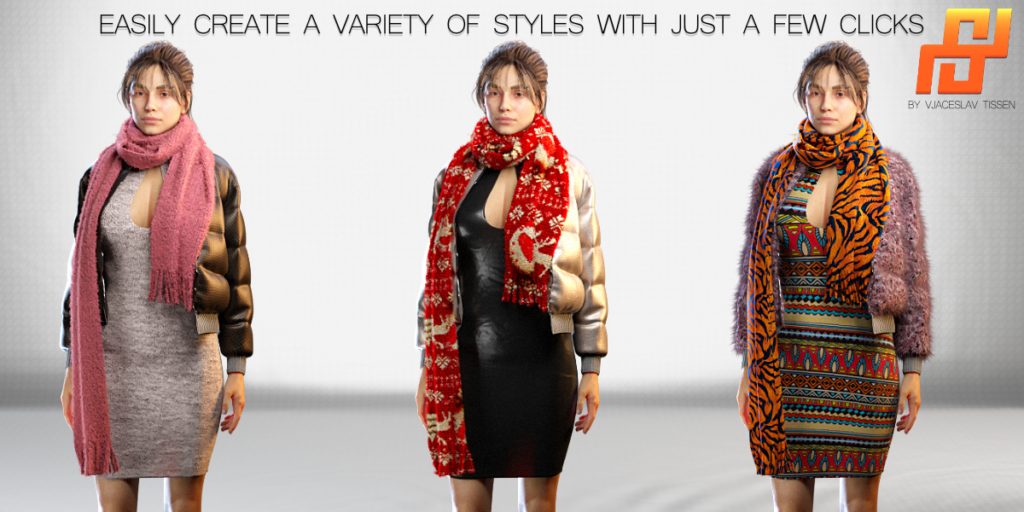
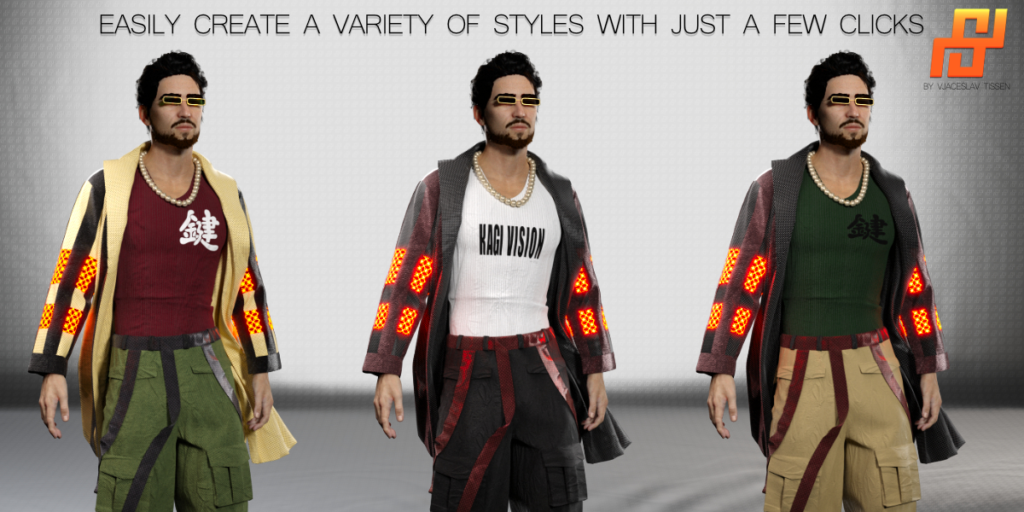
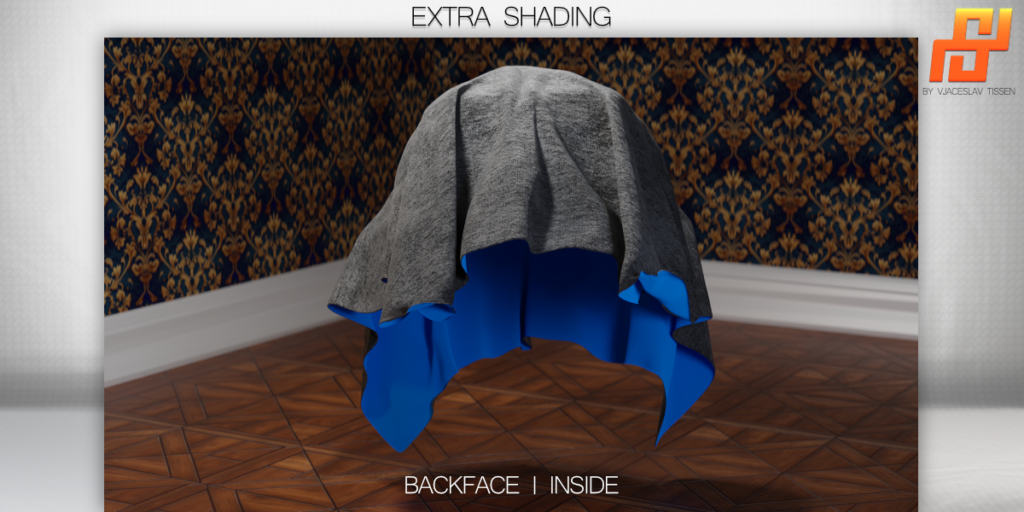
Simply Material | Fashion Design
Introducing Simply Material, the ultimate clothing and fabric texturing tool for Blender 3.4.1 and higher! Works only on Windows at the moment.
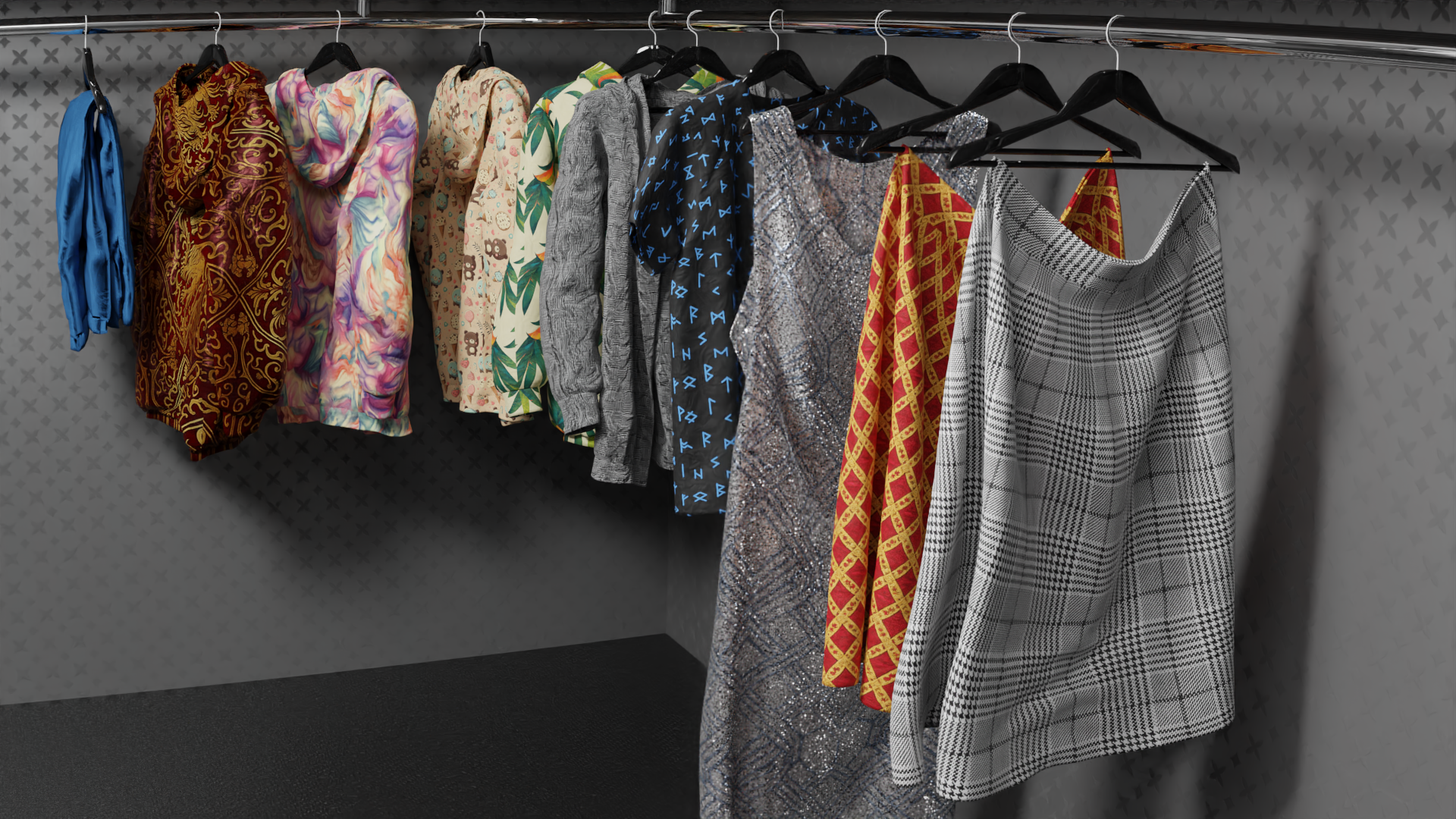
With this addon, you can easily create professional materials for a wide range of applications, from fashion design to 3D game characters and architectual visuallization.
It offers a simple, user-friendly solution for designing and texturing clothing or fabrics within Blender.
Whether you´re a seasoned 3D artist or just starting out, Simply Material is sure to save you time and effort while giving you the freedom to let your creativity shine.
Try it out today and see the difference it can make in your 3D projects!
Installations Guide:
Workflow:
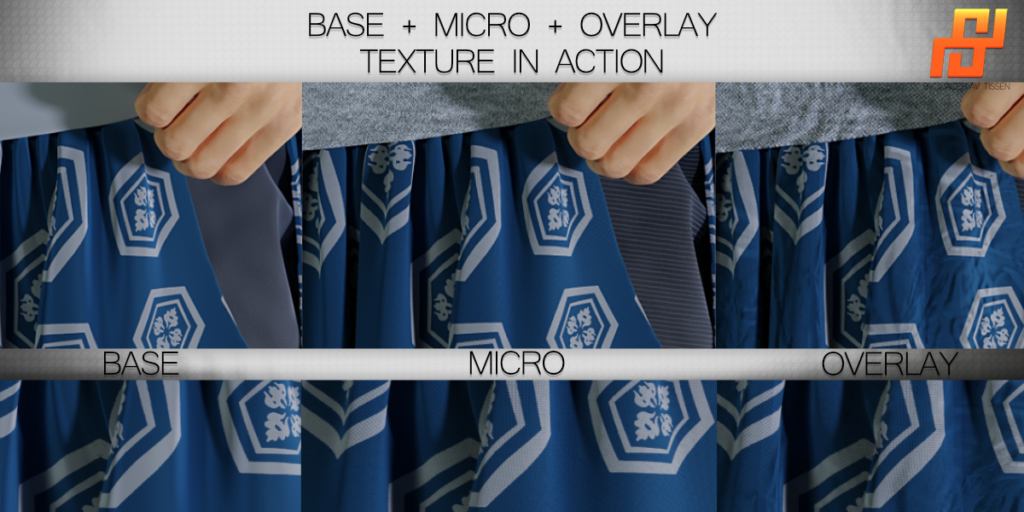
1. Base Texture (main texture pattern for the material)
2. Micro Texture (provides higher resolution detail when viewed up close)
3. Overlay Texture (wrinkles, folds, or noise to give the material (which is specifically designed for fabrics and textiles) a realistic appearance.)
Additional Image Texture (for logos or graphics)
Alpha
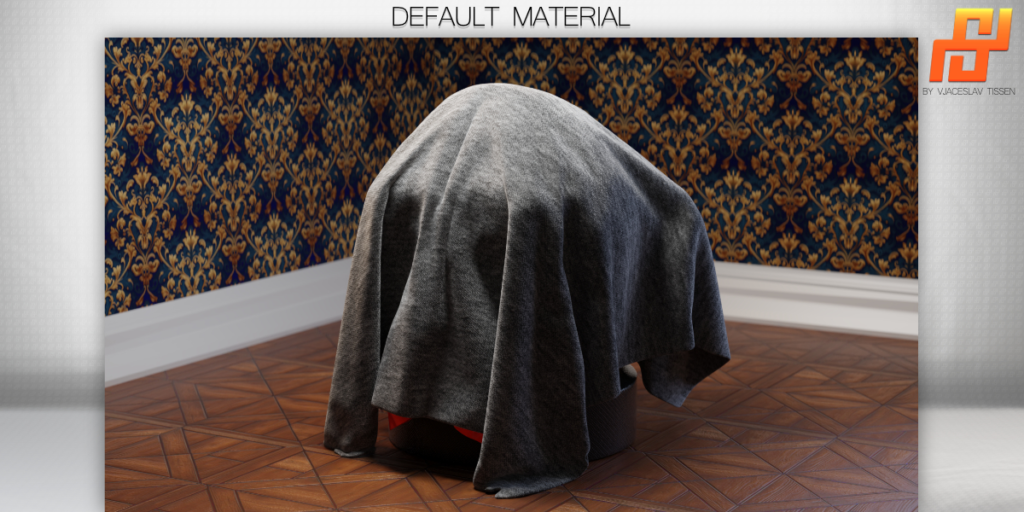
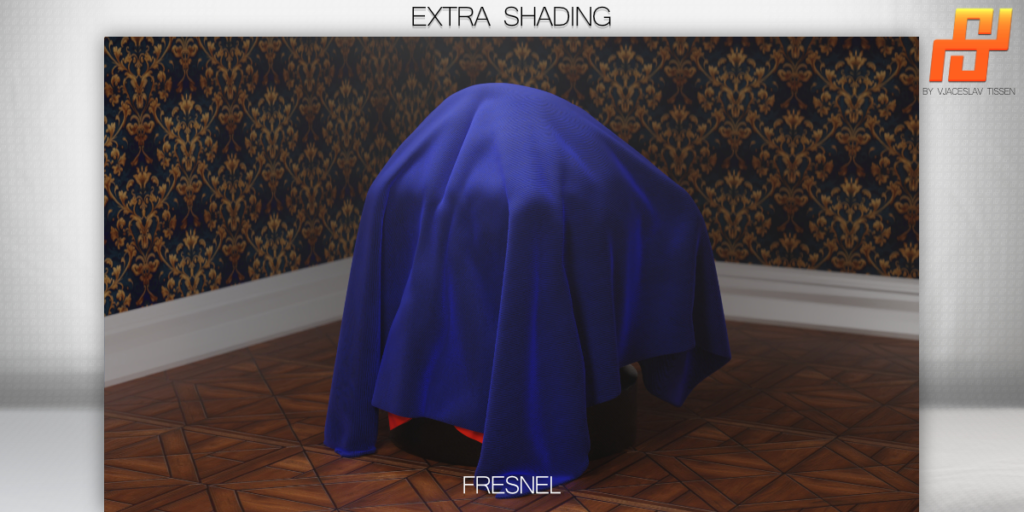
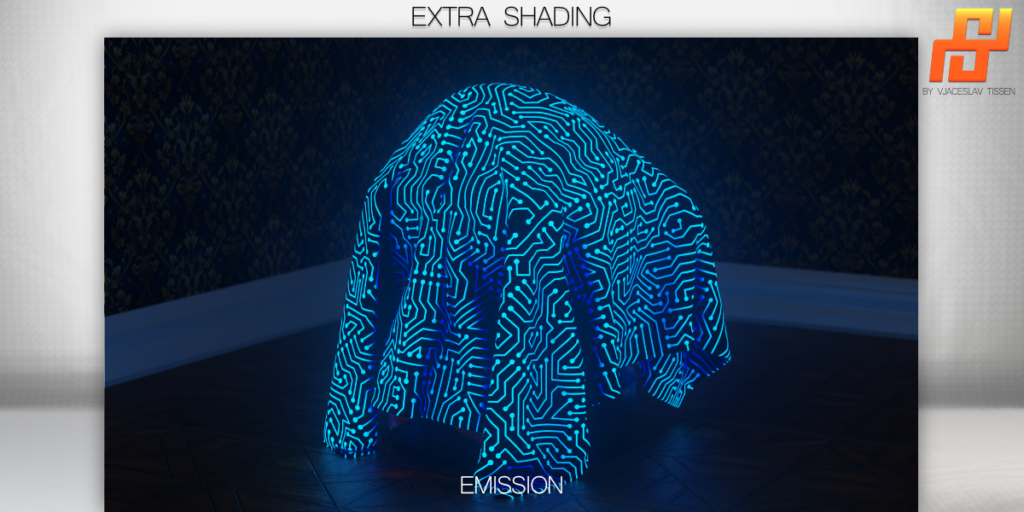
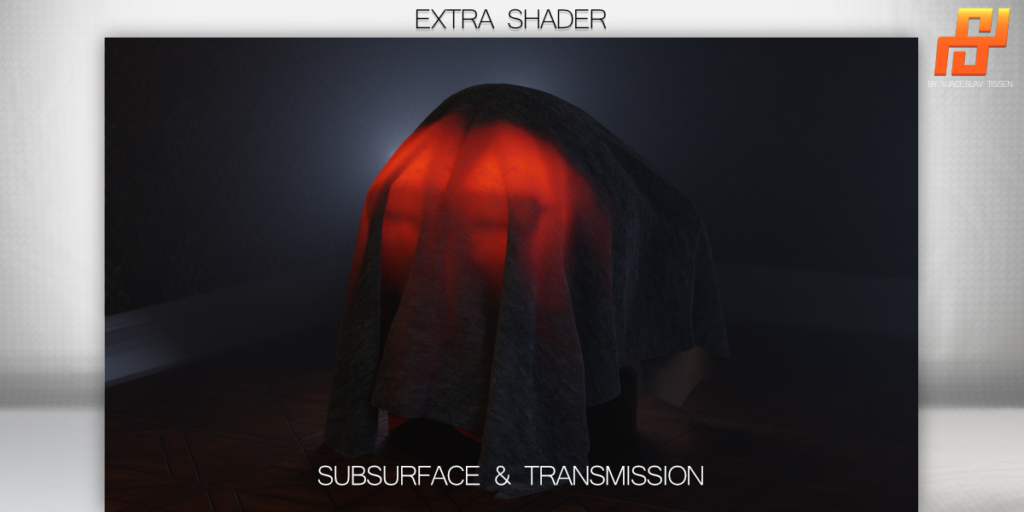
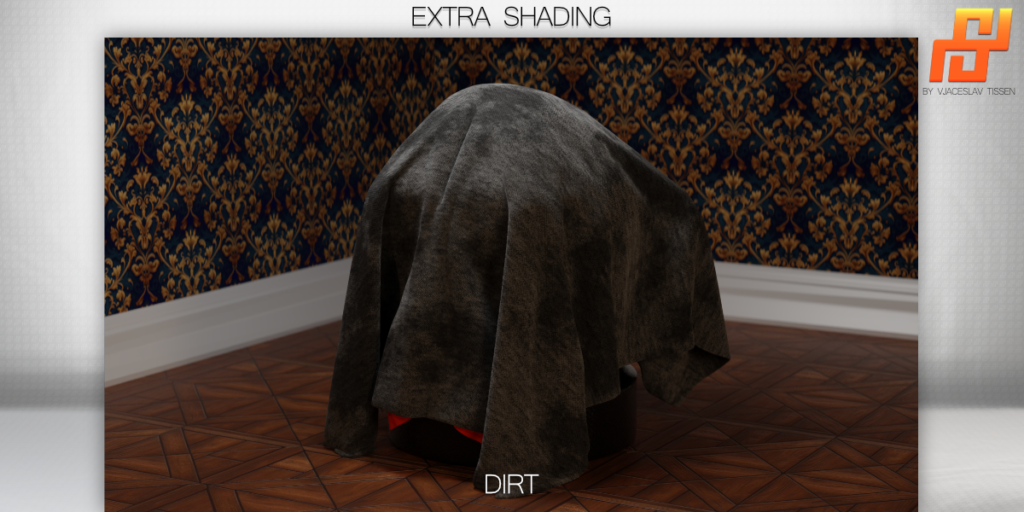
Extra Shading
Subsurface

Sheen/ Fresnel

Emission

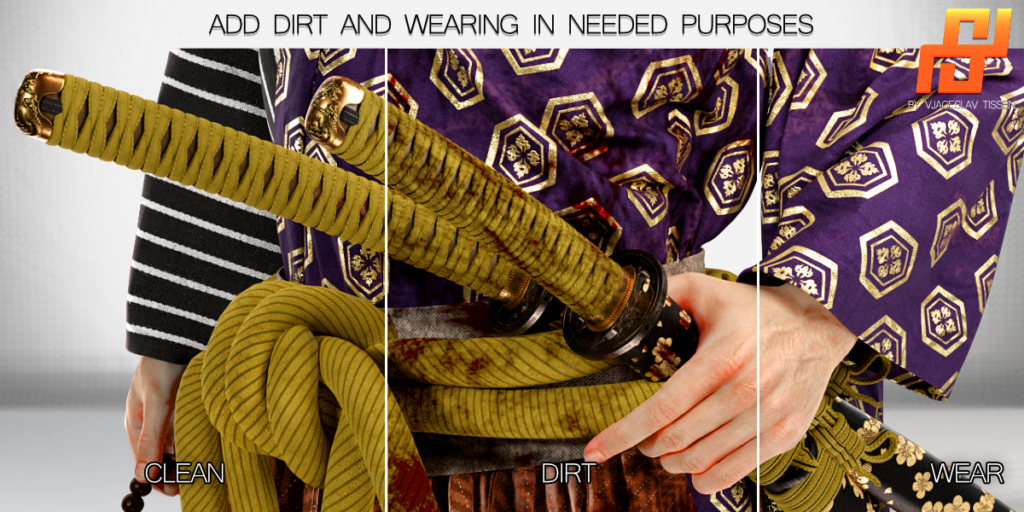
Dirt

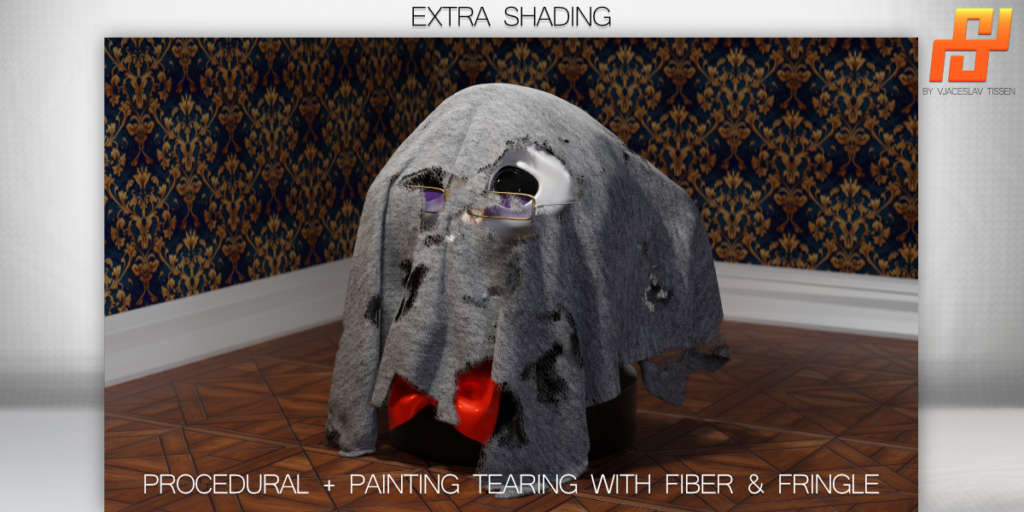
Tearing (both procedurally and through painting)

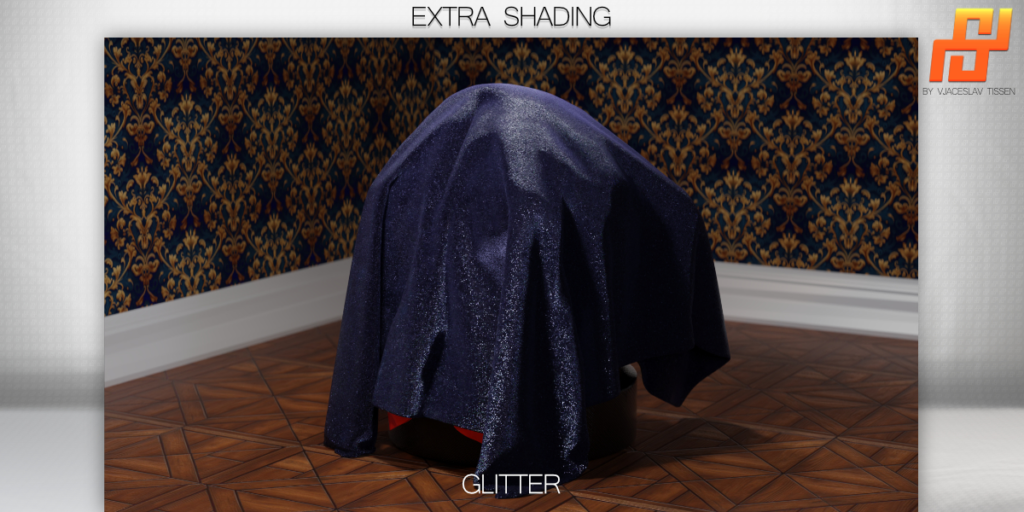
Glitter

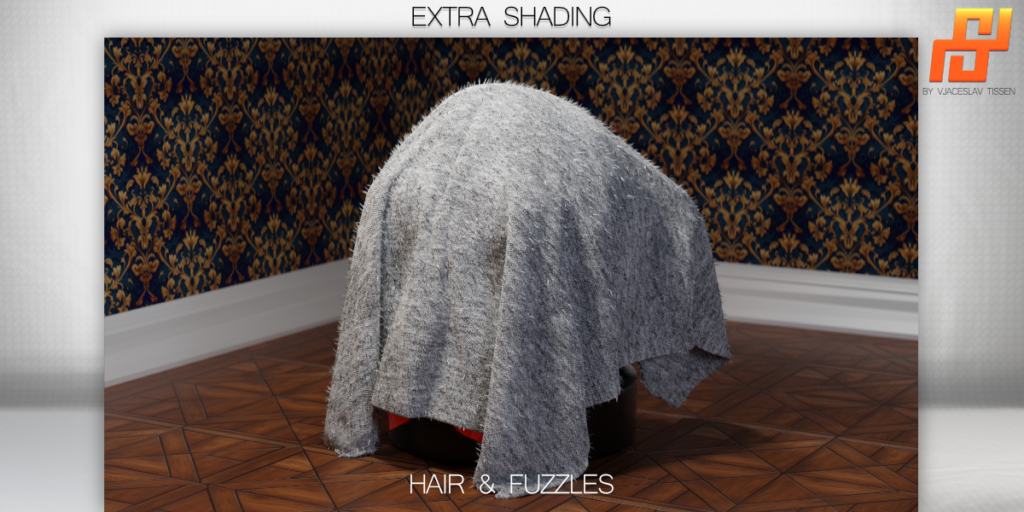
Hair | Fuzzles
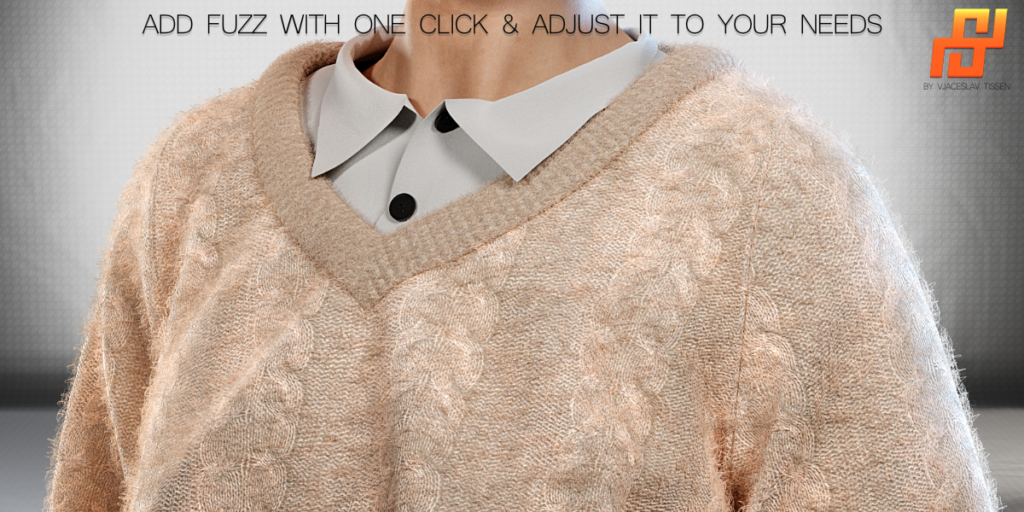
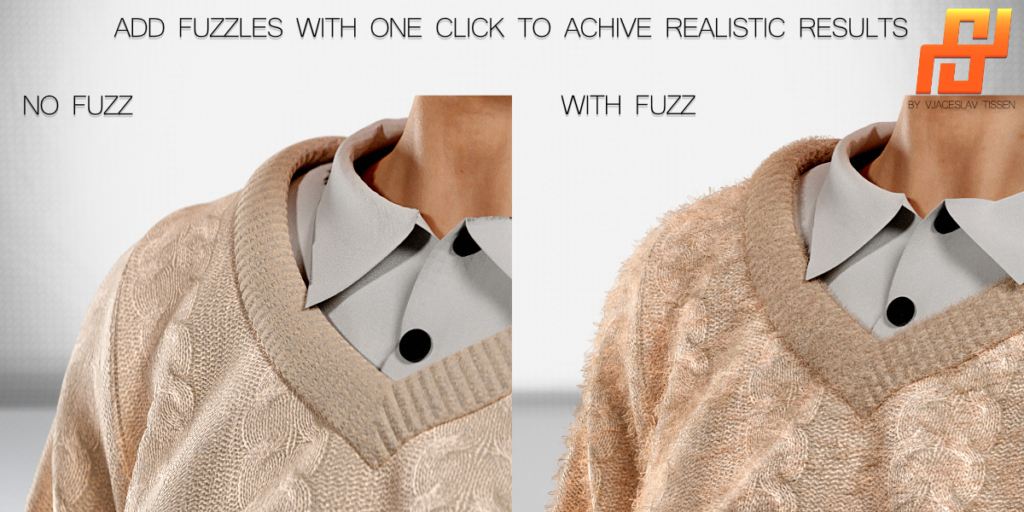
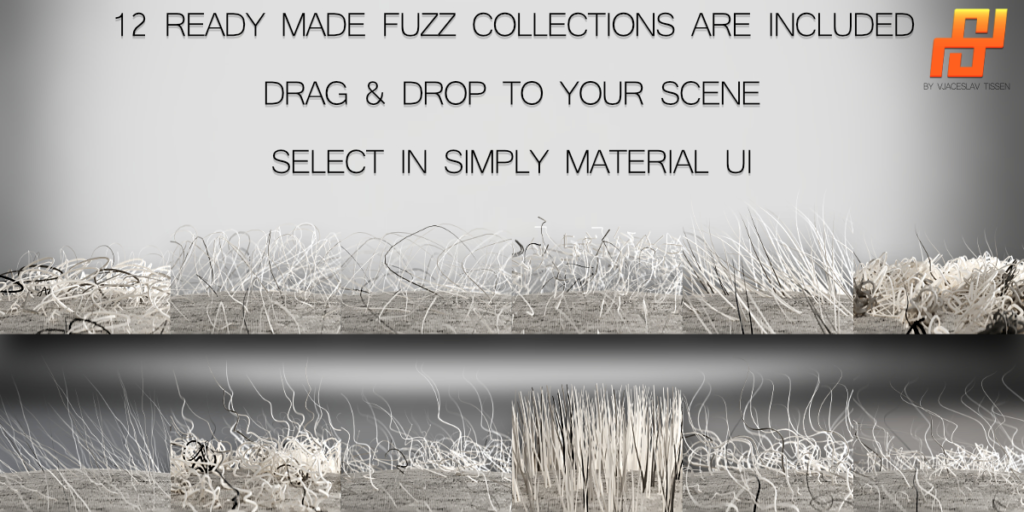
In addition, the geometry nodes include a special feature called “Hair | Fuzzles” which allows you to easily add epic-looking fuzzles or hairs to your object (if it is intended to be a textile or fabric).

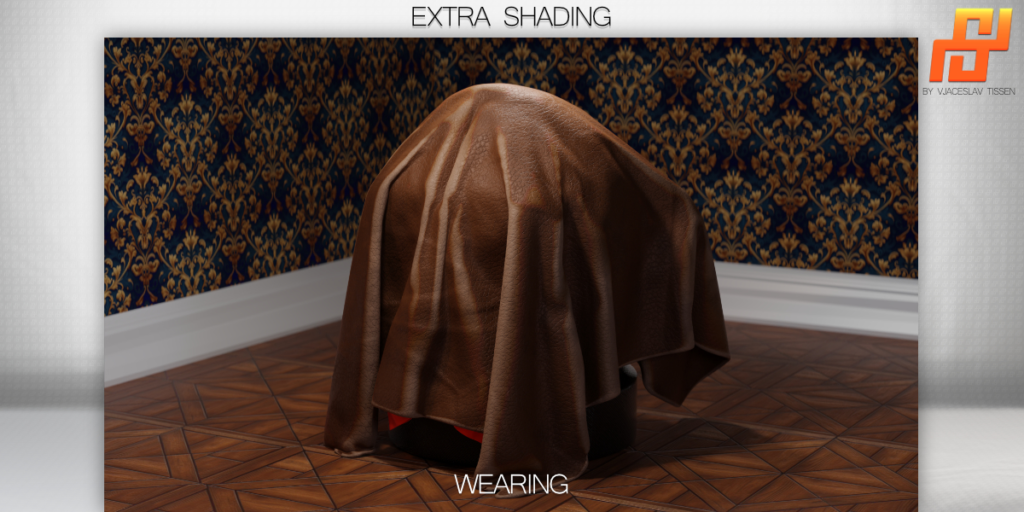
Wearing

Velvet

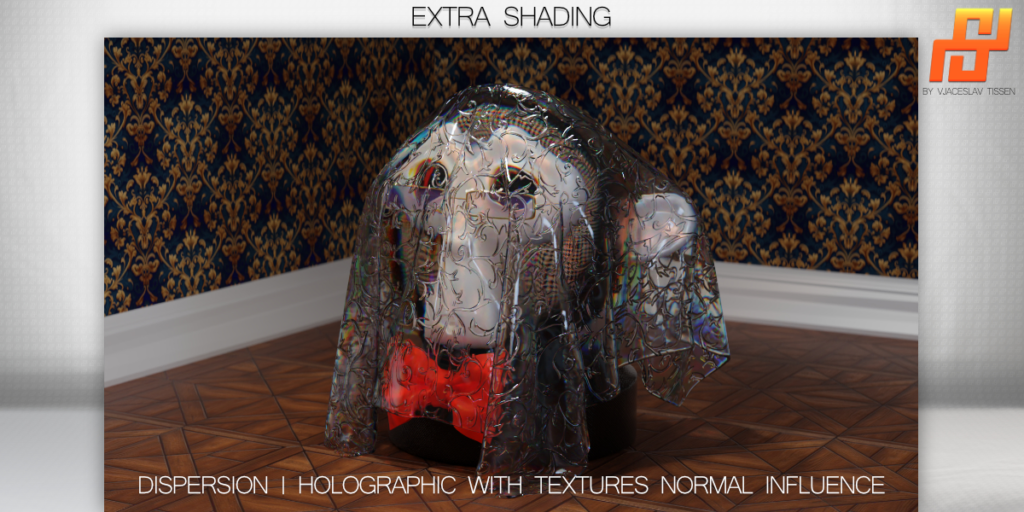
Dispersion | Holographic

Backface | Inside Face.

Export Textures
Simply Material includes an easy-to-use Texture Bake. It allows you to easily select the textures you want to bake and save them to a desired output path.
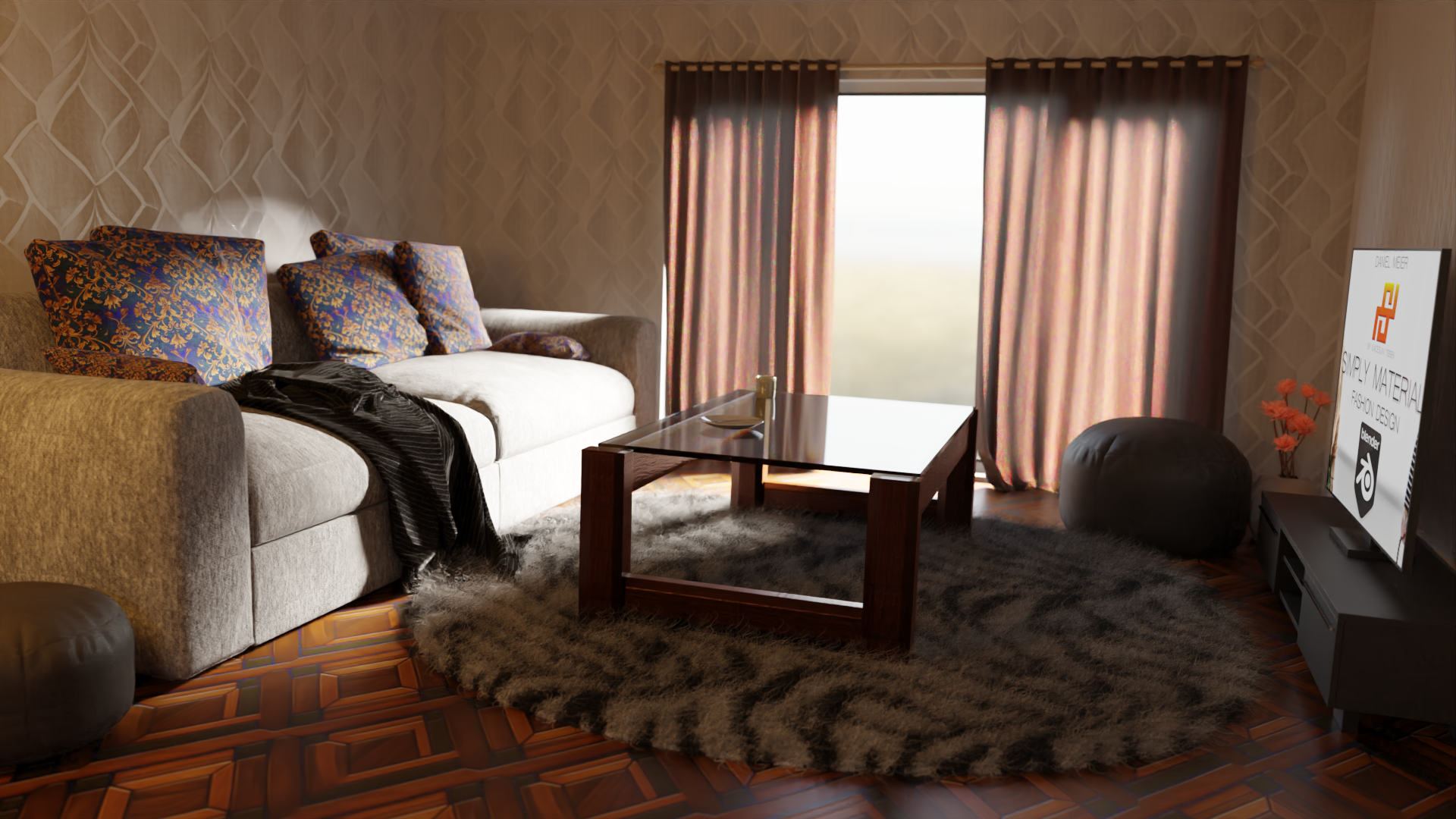
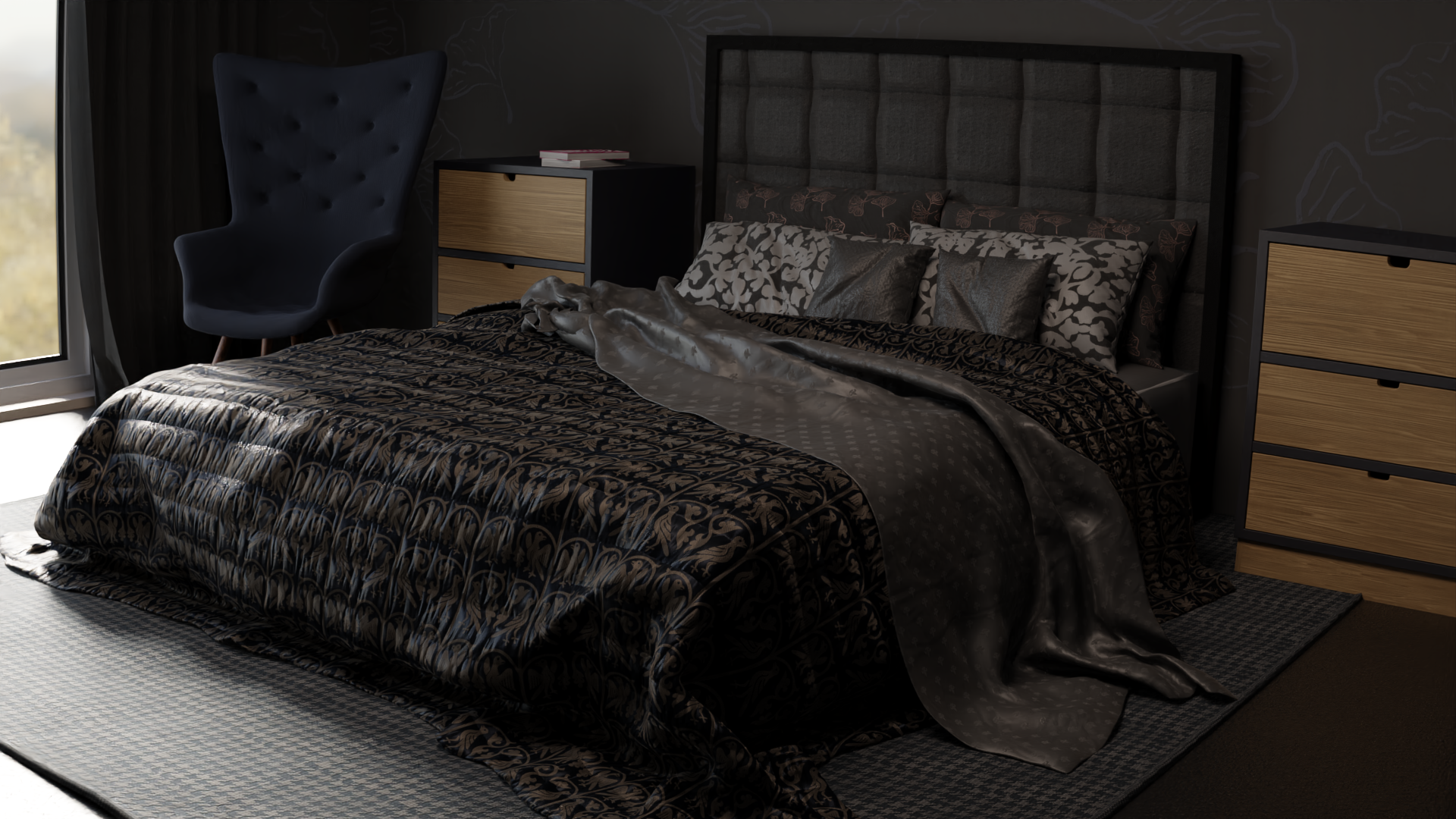
(most features attached in Image Gallery to check the results)
Important Information:
You might eventually find a bug or two. Please be considerate, it is only the beginning and will be constantly updated and bugs will be fixed! Otherwise just write me and I will help you individually!
- first time loading could take few minutes after you “Create Simply Material”. Cycles/ Eevee need to compute the shader behind the addon. There will be a message: Loading render kernels (may take a few minutes the first time)
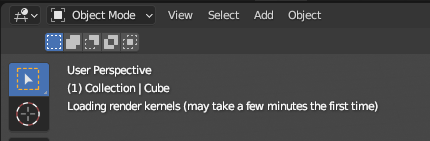
- Eevee needs to precompile if you take some changes. If its precompiled you have a seamless workflow. Do you add a special extra shading this could take again precompile. In Cycles you dont have this problem. Its loading directly but needs to rerender in scene which can create known rendering noise till you get the correct samples done.
- to achieve the best results in textures and material, it is important to have a clean and properly proportioned UV map. This will help ensure that the material is applied accurately and consistently across the surface of the object.
- to ensure a smooth and efficient workflow, I recommend using the fuzzle geo nodes wisely and carefully considering where you want the effect to be applied. It may also be helpful to gradually test different density values to avoid crashing Blender.
- to optimize performance and avoid overloading your memory, be sure to click the “Clean unused Images” button after applying the material to an object. This will ensure that any textures that were loaded during the creation of the material are no longer taking up memory. Additionally, make sure that all textures used in the scene have a minimum size of 2048 pixels in width and height.
- if you are working with a large scene with many objects that use the material, this could potentially cause memory issues. In this case, it may be helpful to either keep things simple or bake the textures to a desired resolution size. This will help to avoid memory overload.
- if you encounter shading issues with high tiled textures, it may be helpful to check the normal settings. Try adjusting the value to 0, 1, or 0.1 to see if this resolves the issue. This is especially helpful if the shading appears strange with high tiling textures. It may be necessary to experiment with different values to find the best setting for your particular case.
- if you are unsure of the changes you have made to the material and it no longer looks as desired, you can use the “Reset all Changes” button to reset all parameter values to their default settings. This will allow you to start fresh and experiment with different values to achieve the desired result.
- The base texture is the primary texture that is most visible, but it can be modified as desired.
- The workflow for this addon begins with the base texture, followed by the micro texture, which provides higher resolution detail when viewed up close.
- Next is the overlay texture, which adds additional information such as wrinkles, folds, or noise to give the material (which is specifically designed for fabrics and textiles) a realistic appearance.
- Finally, you can add an additional image texture for logos or graphics on the object.
- to fully utilize all the features of this addon, it is recommended to use the “Cycles” rendering engine. While the eevee engine may also produce good results, some features may not work properly or are just not available.Regardless of which rendering engine you use, you can expect to achieve impressive results easy and in a short amount of time.
- the Cycles rendering engine allows for full access to features such as real-time cavity wear, velvet shading, dispersion (holographic shading), and backface (inside mesh material change)
- Normal Texture is created from the black/ white textures in Base Color. This could not give you the best effect like a created normal map.
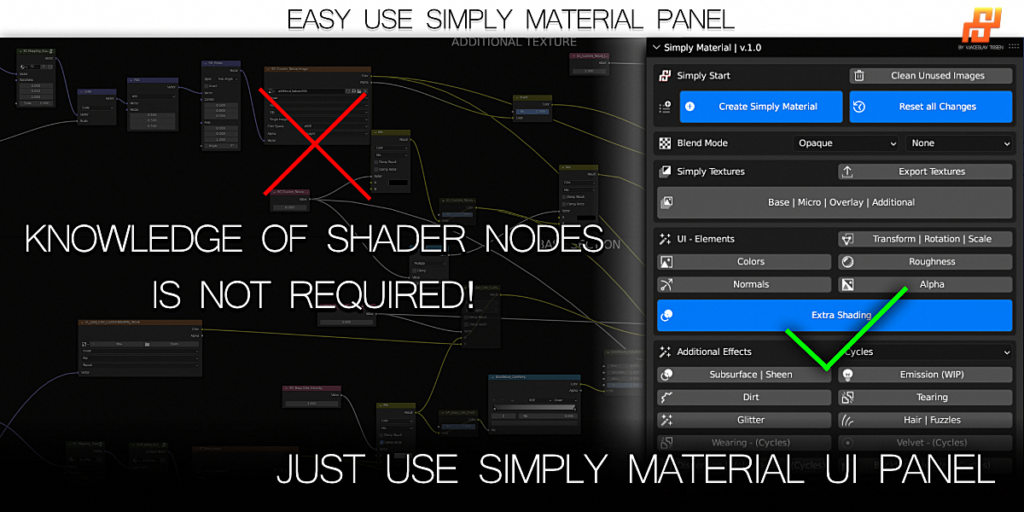
NO MORE SHADER NODES! Just use the addon´s UI (User Interface) Panel in Viewport!
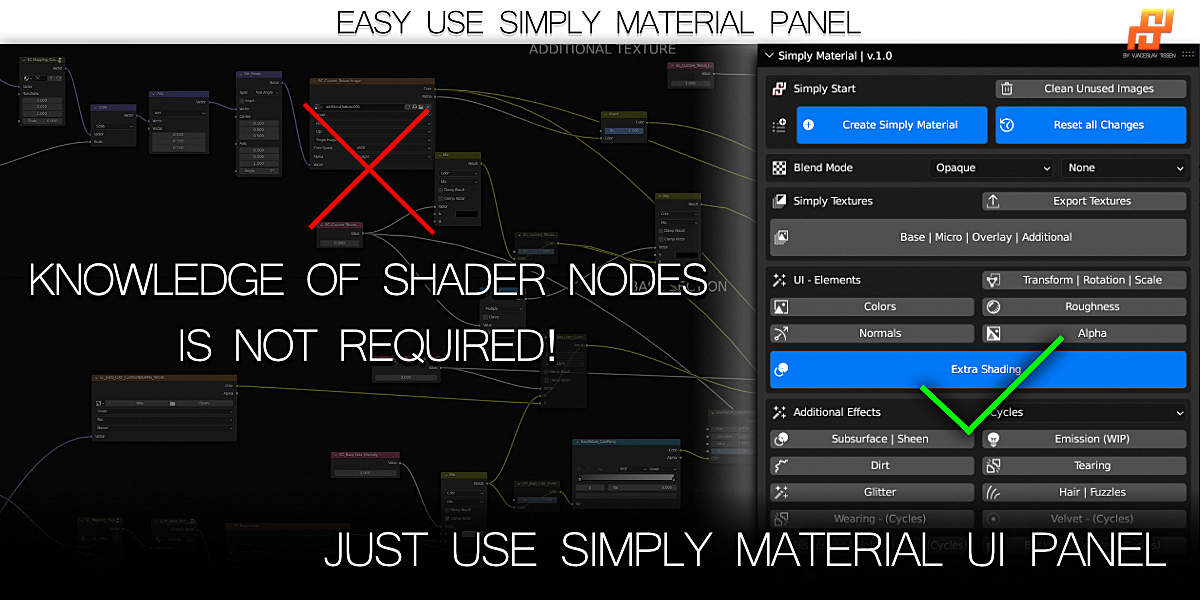
User Interface
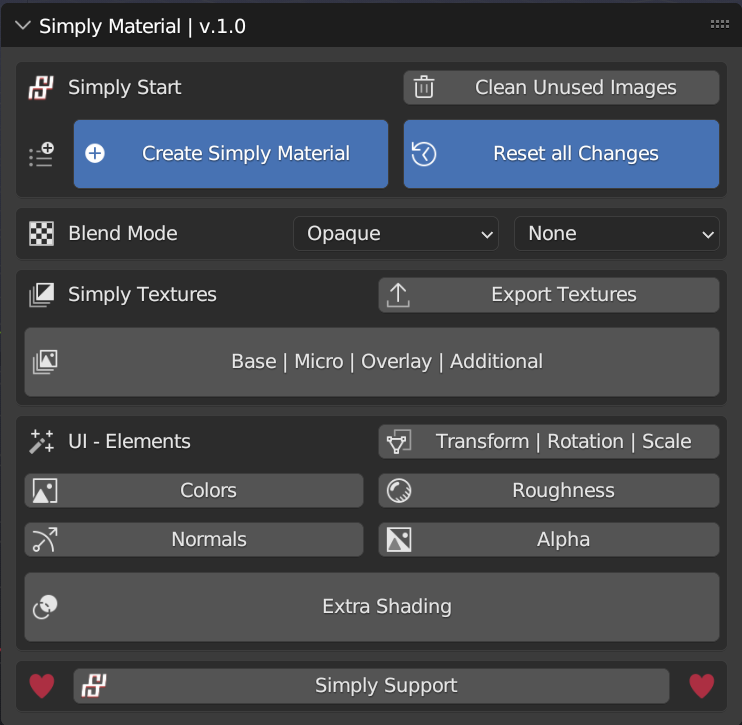
Be aware: UI can change during developing newer versions!
Extra Shading | Additional Effects
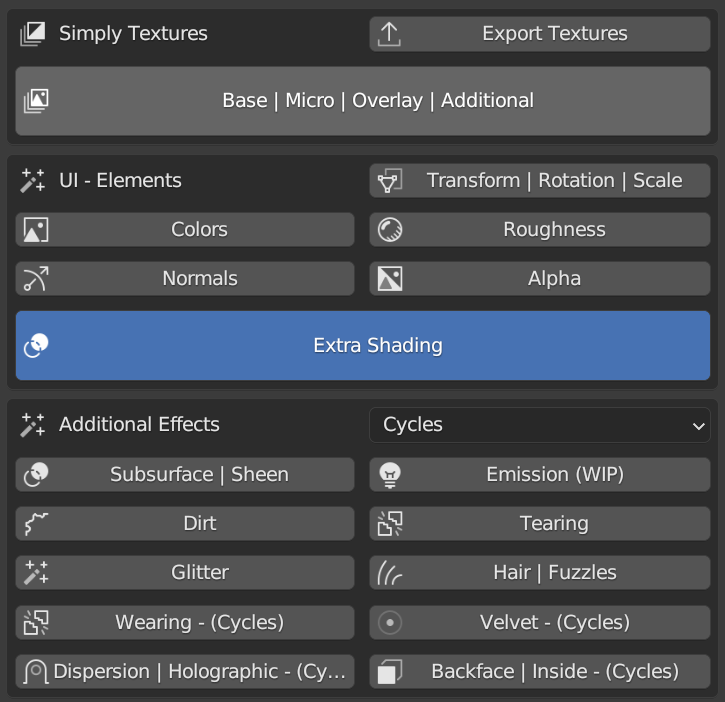
Be aware: UI can change during developing newer versions!
Starter Textures
Starter Textures includes 50 ready-to-use textures! You can start directly working. This Texture Pack is included in each option of Simply Material.
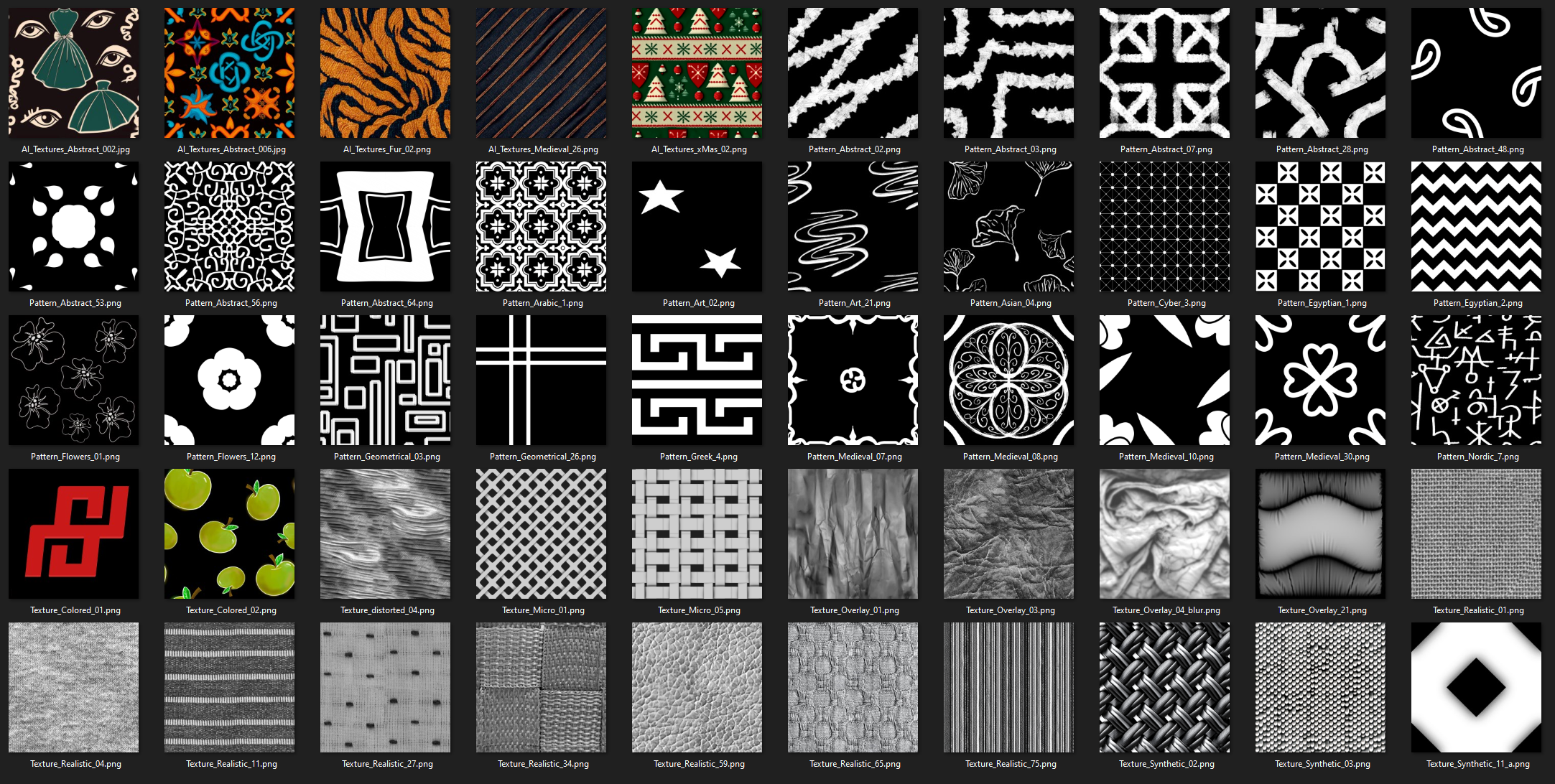
Simply Textures
The Simply Textures folder includes 444 additional Textures which can be used with Simply Material (as of version 1.0). The number of textures will increase in later updates. In the first release the folders are categorized in the following way:
- Art = Abstract | Art | Flowers | Geometrical
- Cultures = Arabic | Asian | Cyber | Egyptian | Greek | Medieval | Nordic
- Textures = Distorted | Overlay | Textures Colored | Textures Logos | Textures Micro | Textures Realistic | Textures Synthetic
And again! This pack will grow with time and you get all updates (including new textures) here on the Blendermarket for free!
Check them out here:
AI Textures
The AI Textures folders includes 415 Textures which can be used with Simply Material (as of version 1.0). The number of textures will increase in later updates. You will get the updates (with new textures) completely for free! New AI textures will come with updates as long as Midjourney allows it. In the first release the folders are categorized in the following way:
- Animals | Art | Cultures | Flooring | Historical | Plants | Textiles | Wall
Not only for fashion and fabrics! YES, you can use it for any other kind of material and objects! Be creative!
Full Commercial Use (Simply Textures)
You are welcome to use all included Simply Textures (Folder:”1_Simply_Textures“) in your projects for commercial use and use self created textures. However, if you plan to resell or edit these textures and sell as your own textures, you need my permission or you have to purchase the “Full Commercial Use” option. With this version you can do whatever you want with the textures, resell or edit them and sell them as your own textures.
You can use and sell models with texture on it in any way without the full commercial use. With the pro option! This full commercial use is only if you want to resell the tedtures
If you buy the non commercial option, the textures are under CC. If you buy the Full Commercial Use you can do what every you want with the textures.
Please understand that there is a lot of work involved in making such seamless textures, thank you for your understanding!
AI-Textures
You can use the textures created by the artificially intelligent machine “Midjorney” during my Subscription plan: Standard for your commercial projects, but you are not allowed to sell or edit them.
Supercharge your 3D creation workflow with premium selection of Blender Add-ons. Whether you are modeling intricate characters, sculpting realistic environments, or animating cinematic sequences, the right add-on can transform how you work inside Blender. Our curated collection includes powerful tools for UV unwrapping, procedural texture generation, rigging automation, rendering optimization, and more—each rigorously tested for compatibility with the latest Blender versions. Eliminate tedious manual processes and unlock advanced functionality that lets you focus on what matters most: bringing your creative vision to life. Explore our full range of professional Blender plugins today and take your 3D projects to the next level.
➡️ ➡️ For more Blender Plugins 😀 😀
Reviews
There are no reviews yet.