
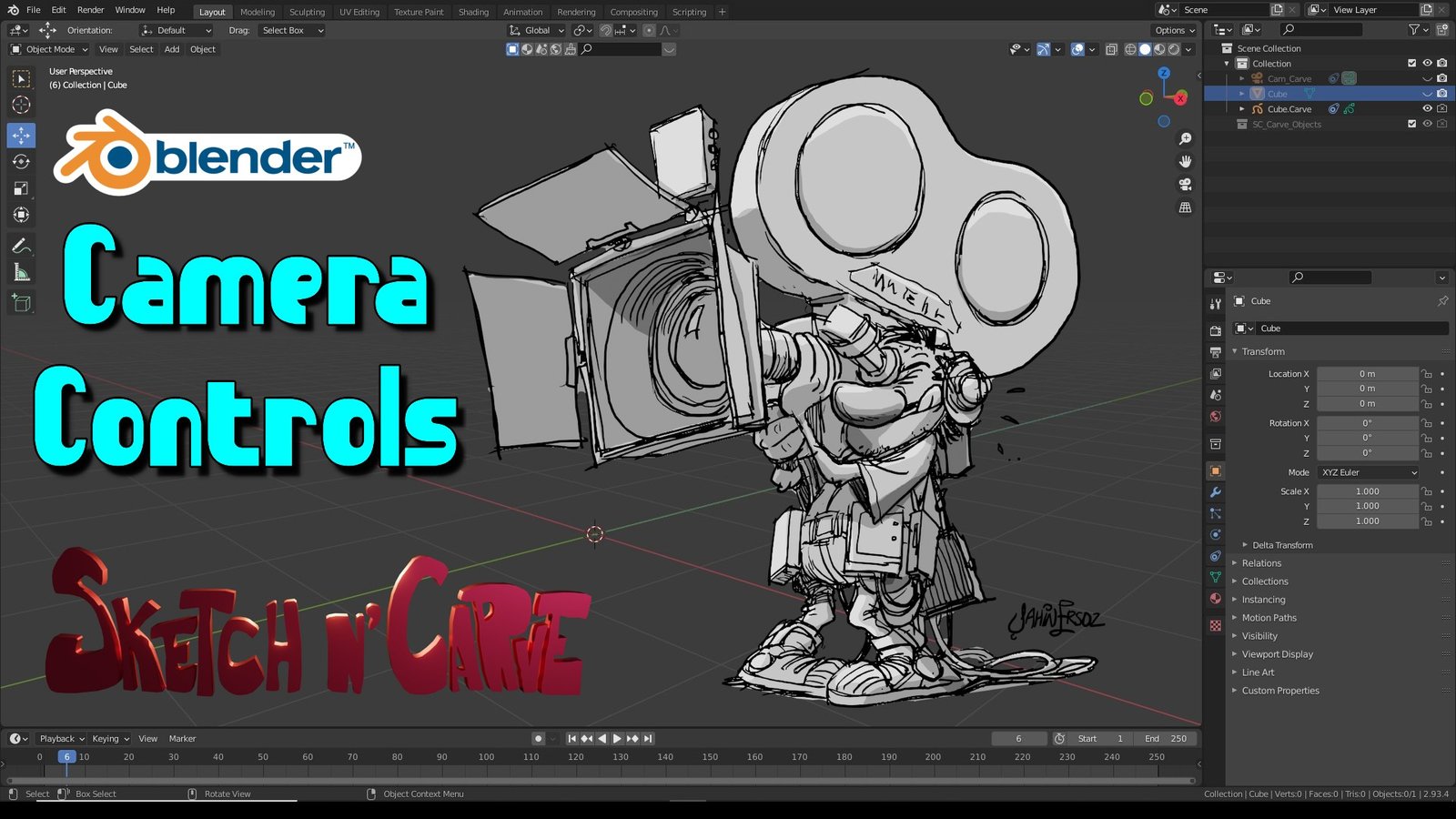
SketchN Camera Controls for Blender
SketchN Camera Controls v4.3 for Blender
The Ultimate Precision Camera Alignment and Scene Staging Tool
Download SketchN Camera Controls v4.3 today. Consequently, you can align your active camera to any vertex, edge, or face in your scene with a single click. Because product rendering, architectural visualization, and animation previs demand precise camera positioning, having access to an efficient alignment tool is absolutely essential. Nevertheless, manually positioning a camera to achieve the perfect angle—especially on oddly oriented surfaces—often consumes frustrating amounts of time. Fortunately, SketchN Camera Controls solves this problem elegantly. Moreover, it provides intuitive shortcuts and a dedicated Pie menu that make professional camera staging feel as fluid as sketching . In short, you can achieve perfect shots with zero latency and unparalleled precision.
One-Click Intelligent Camera Alignment
The core of this addon lies in its smart alignment system. For instance, you can instantly snap your camera to a vertex for extreme close-ups, lock onto an edge center for symmetrical architectural shots, or align perfectly to a face center for flawless flat views of walls or product labels . Furthermore, the system automatically optimizes the camera’s rotation after alignment, preventing unwanted perspective shifts . Since the error margin is less than 0.001 units, your shots will maintain professional accuracy at all times . Consequently, complex scene staging becomes remarkably quick and intuitive.
Versatile 3D Cursor Integration and Batch Processing
Precise modeling benefits greatly from accurate cursor placement. Therefore, the addon allows you to snap the 3D cursor to any vertex, edge center, or face center with equal ease . This feature seamlessly complements Blender’s native snap tools, enabling you to establish accurate reference points for complex modeling tasks. Additionally, the addon supports multi-object batch processing, allowing you to establish reference points across multiple models simultaneously . This capability significantly accelerates scene layout and organization.
Advanced Rotation Controls and Customizable Shortcuts
Professional camera work often requires specific angles. Accordingly, SketchN Camera Controls provides preset tilt angles of 15°, 30°, and 45° for rapid access . Furthermore, you can use incremental adjustments with Ctrl+scroll wheel for 0.5° precision tweaks . The addon also supports custom axial rotation in both local and global coordinate systems. Alternatively, you can open a dedicated Pie menu with Alt+Right Click to access all alignment options . For even faster workflow, direct shortcuts are available: Alt+Numpad Dot for vertices, Alt+Numpad Slash for edges, and Alt+Numpad Asterisk for faces . Thus, you maintain complete control without interrupting your creative flow.
Broad Compatibility and Non-Destructive Workflow
This addon supports Blender versions 3.0 through 4.3, ensuring compatibility across diverse production environments . Moreover, SketchN Camera Controls employs a non-destructive workflow that preserves your scene data while delivering significant efficiency gains . Reports indicate that this approach can improve complex scene composition efficiency by up to 300% . Consequently, you can experiment freely with camera angles without worrying about permanent changes to your project.
Perfect for Product Visualizers, Architects, and Animators
This addon is particularly well-suited for product visualizers who need perfect logo or detail shots. Similarly, architectural visualizers will appreciate the ability to align cameras precisely to walls, floors, and corridors for symmetrical compositions . Additionally, animators and storyboard artists will find the rapid camera staging invaluable for blocking scenes and creating previs. Ultimately, SketchN Camera Controls accelerates your entire scene setup and visualization pipeline.
System Requirements and Compatibility
The addon supports Blender versions 3.0 through 4.3 . Furthermore, it is available as a standard .zip file for easy installation. It works across all major operating systems that support Blender, including Windows, macOS, and Linux. You will need a standard workstation with at least 8GB of RAM.
Installation and Usage Guide
To install, first download the .zip file from your library. Next, open Blender and navigate to Edit Preferences. Then, select Add-ons and click Install. After that, locate and select the downloaded .zip file, then enable SketchN Camera Controls . Finally, to use the tool, place the 3D cursor on a vertex, edge, or face using Shift+Right Click. Then, either press Alt+Right Click to open the Pie menu and select your alignment option, or use the direct keyboard shortcuts for immediate alignment . Thus, your professional camera staging workflow will be ready instantly.
What is Included Inside?
The pack contains the complete SketchN Camera Controls v4.3 addon. Furthermore, it includes the intelligent camera alignment system, 3D cursor snapping tools, and preset tilt angle controls. Additionally, you receive the Pie menu interface and comprehensive keyboard shortcut system. Ultimately, you receive everything needed for professional camera alignment and scene staging.
Final Thoughts on the Addon
Effortless precision camera alignment evokes profound creative freedom. Therefore, this addon provides the ultimate foundation for your scene staging workflows. You can achieve perfect shots with unprecedented speed and accuracy. Consequently, your camera control vision becomes a stunning reality.
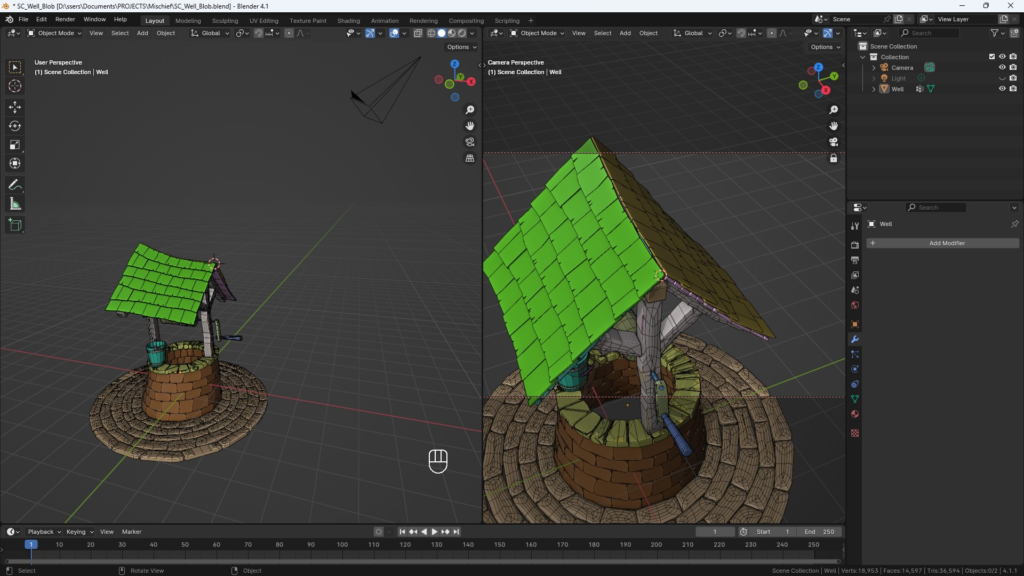
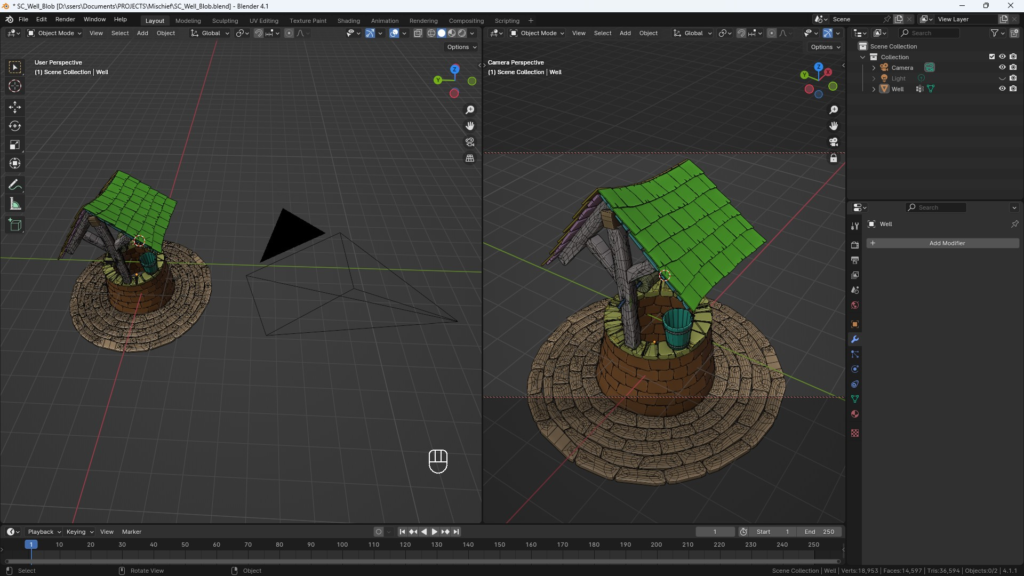
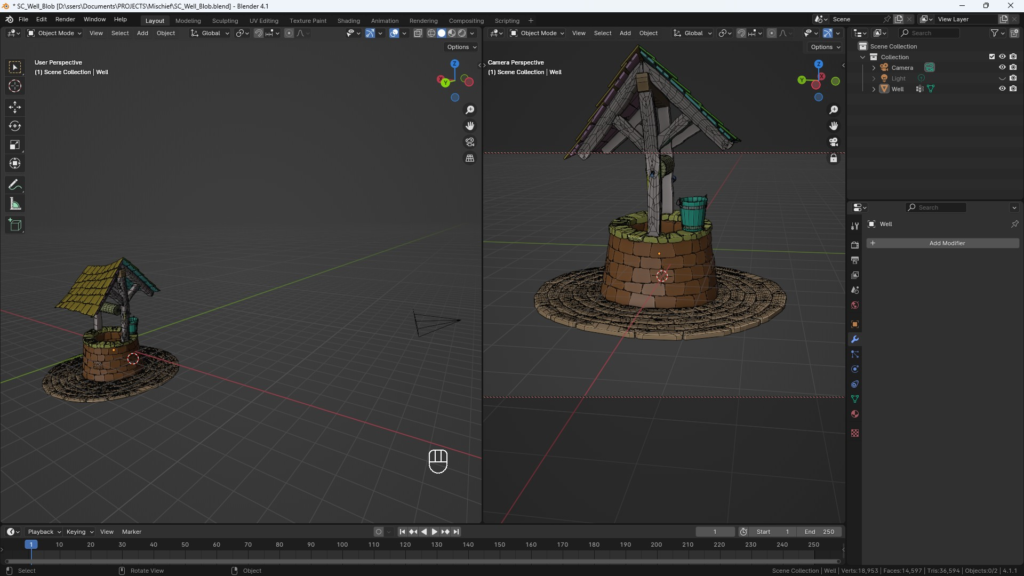
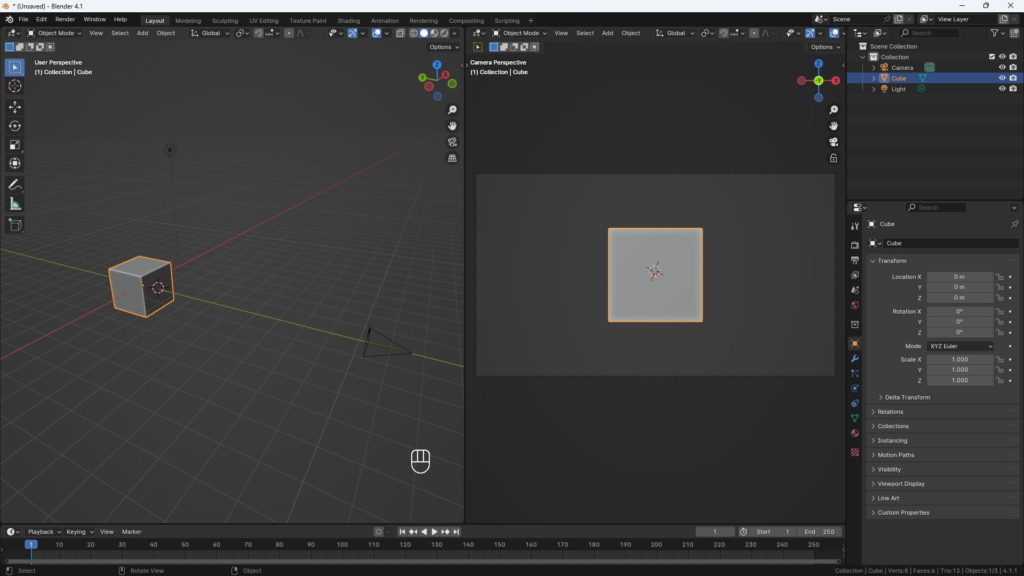
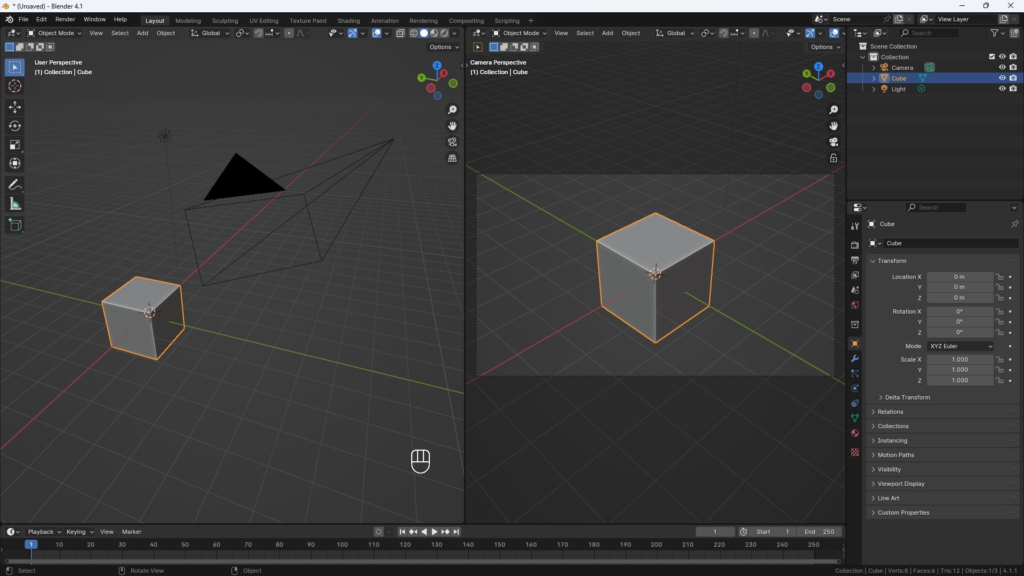
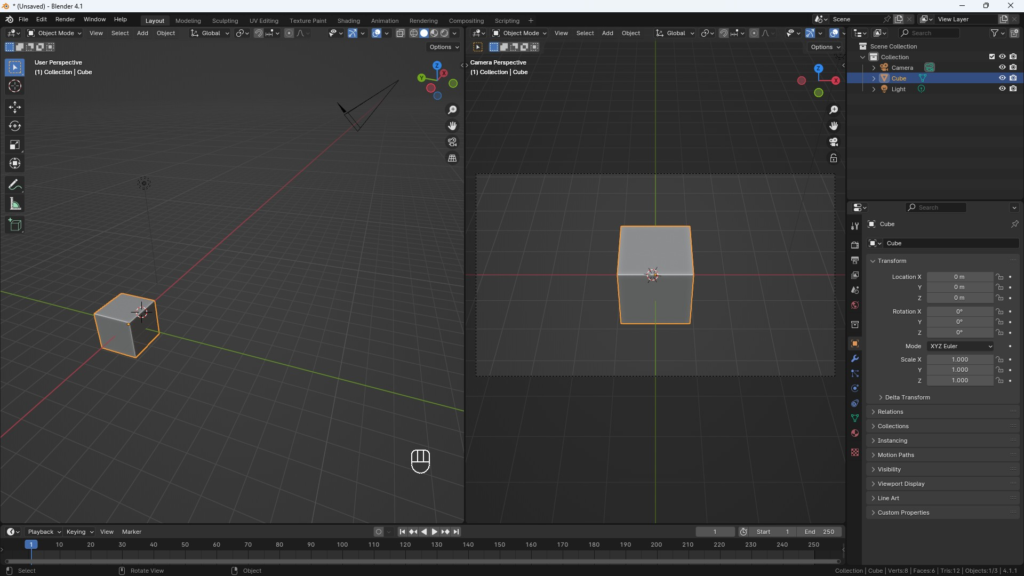
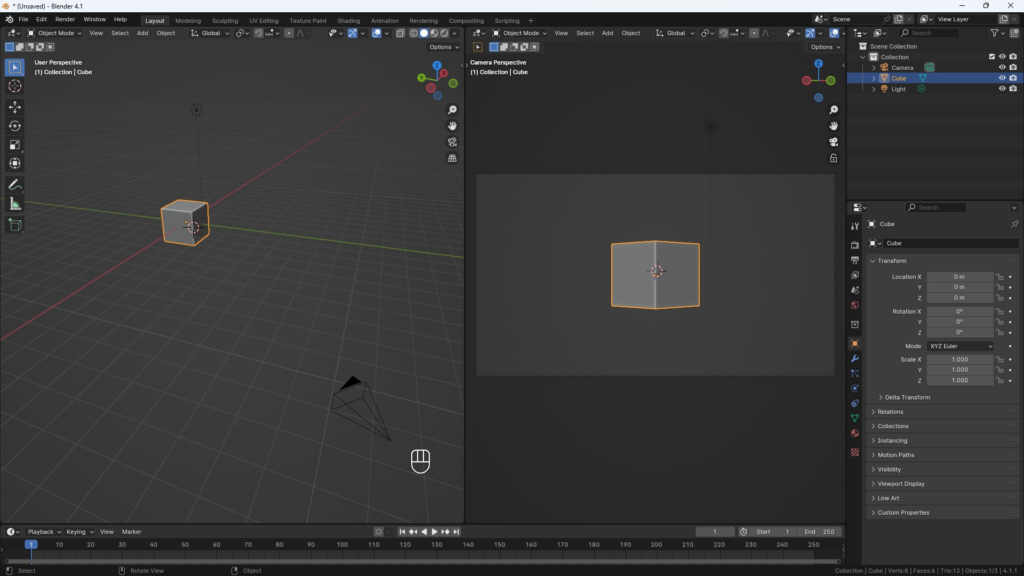
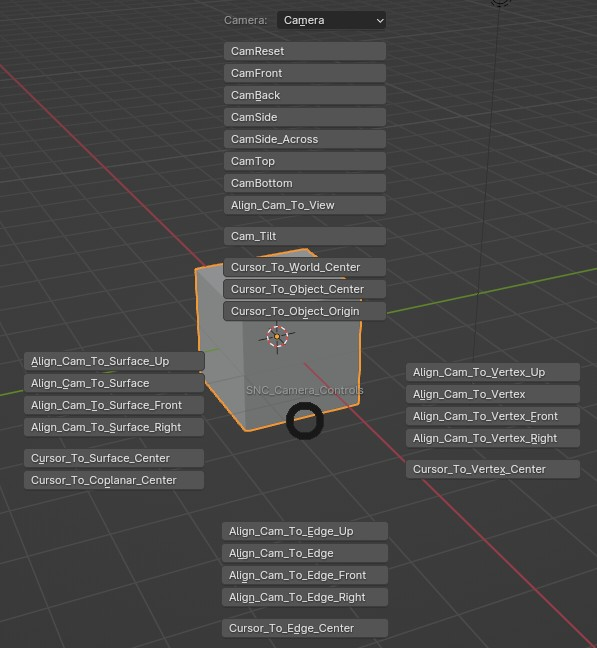
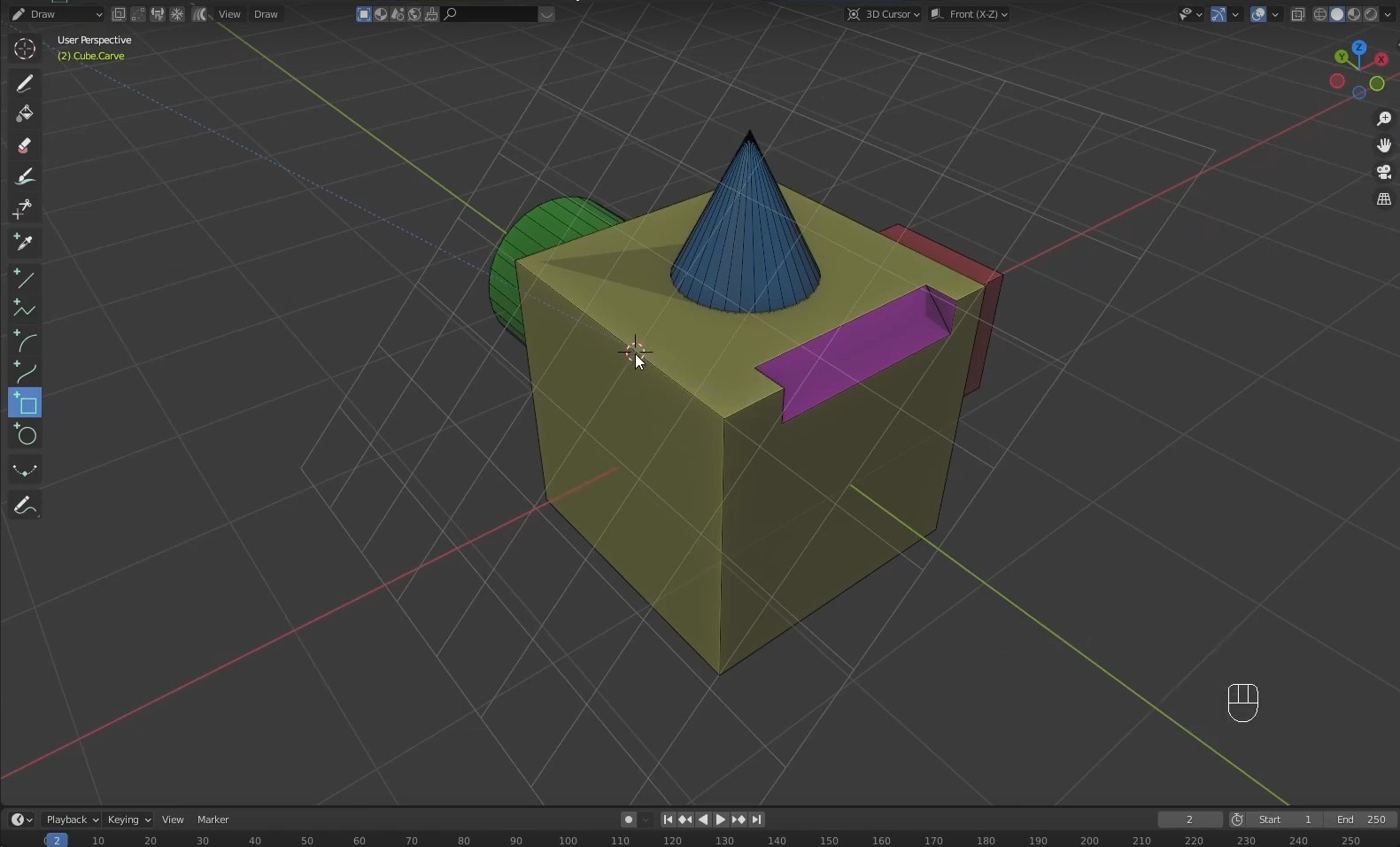
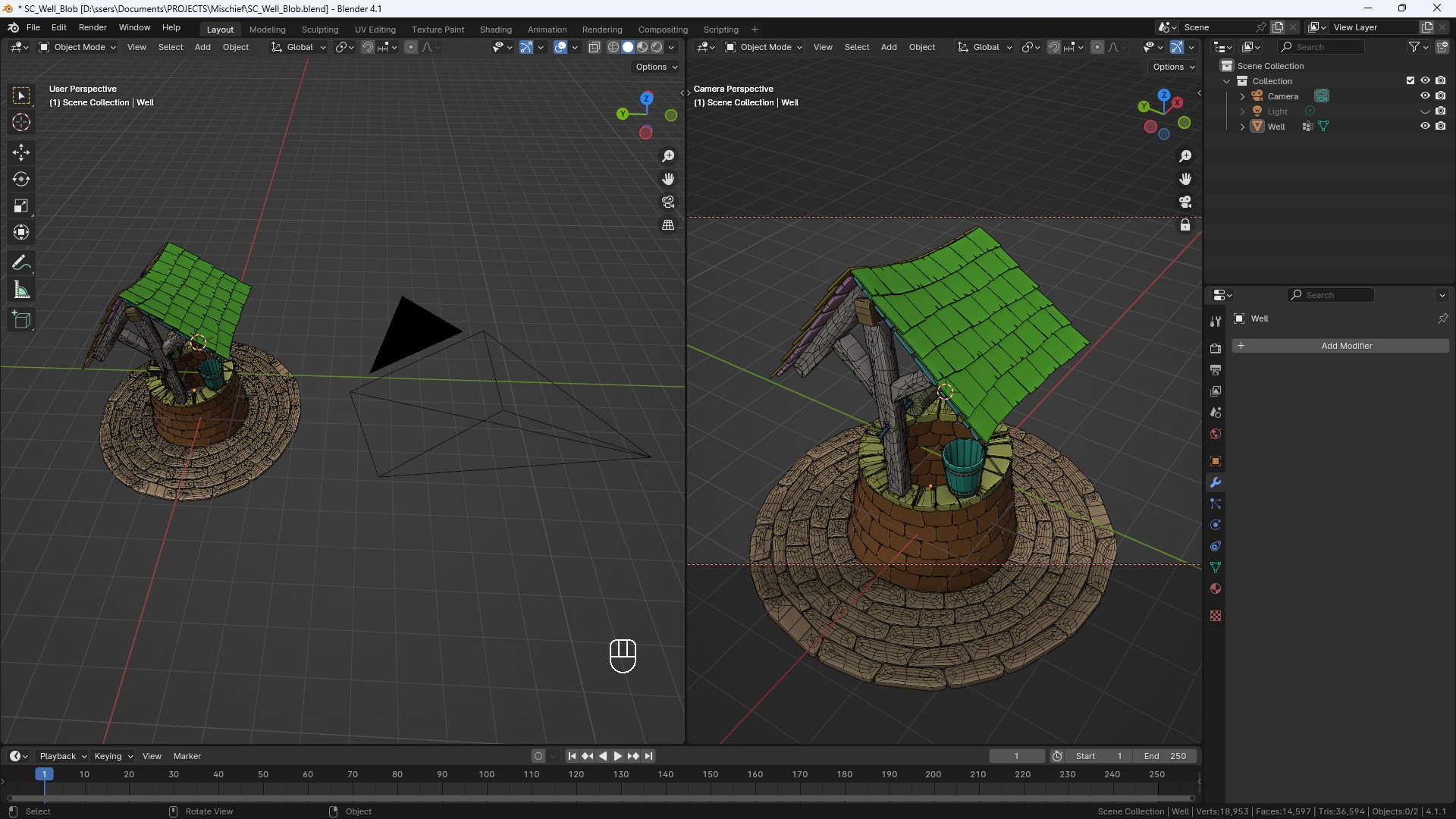
Align active camera to any vertex, edge or face with a single click.
Snap the 3D Cursor at any vertex, edge center or face center for ease of modeling.
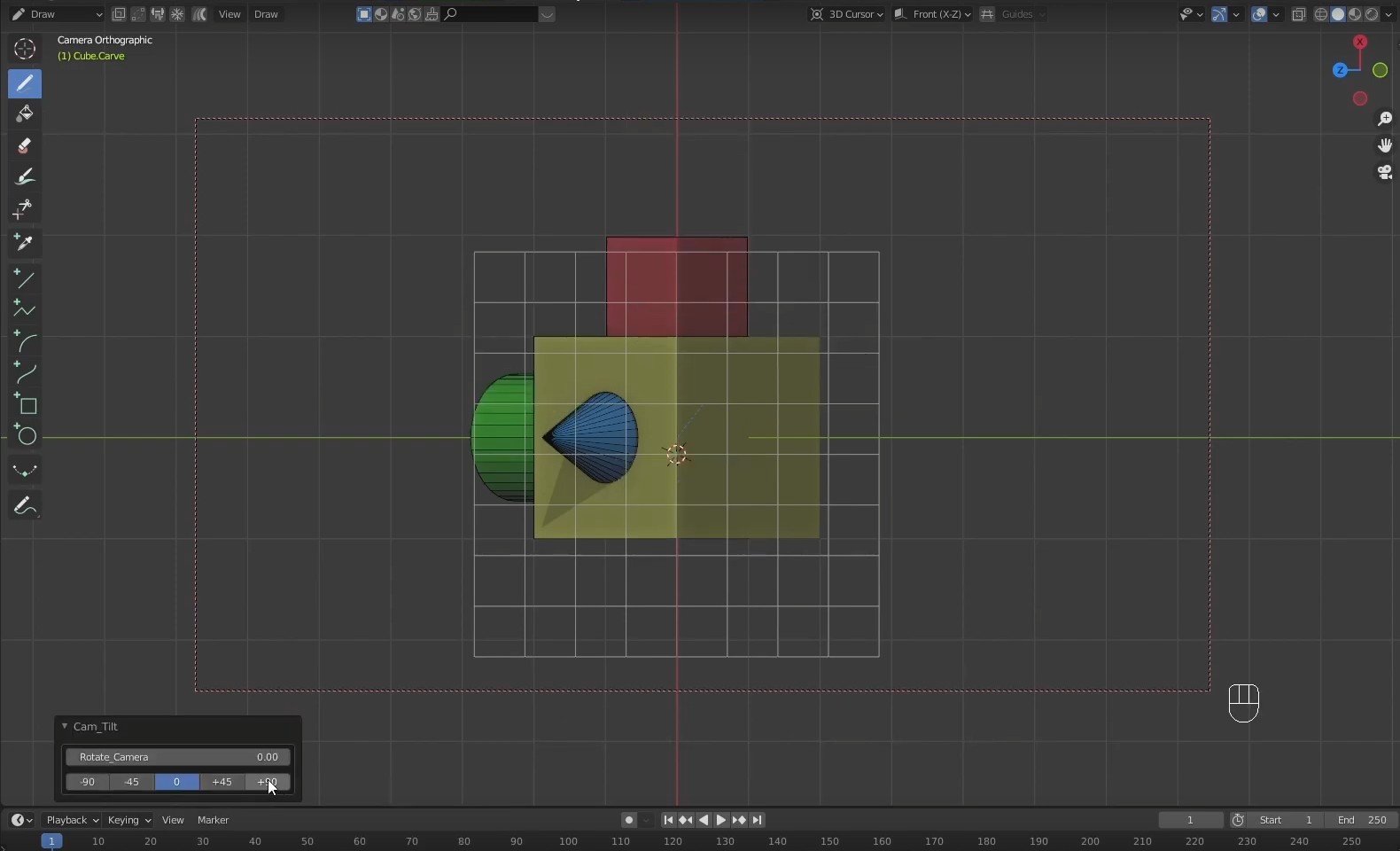
Tilt the camera at preset angles or any random rotation.
Perfect tool for scene setup and easy staging.
*** SketchN Camera Controls are included with Sketch N’ Carve ***
Intuitive keyboard shortcuts: (See Documentation)
Usage:
1. Place the 3D Cursor on a vertex, edge or face by Shift+Right Mouse click.
2. a) Press Alt+Right Mouse click to open the Camera Controls Pie menu and select the option you want.
or:
b) Use the shortcut key: Vertex: Alt+.(dot) (Numpad)
Edge: Alt+/ (Numpad)
Face: Alt+* (Numpad)
Version: 4.3.0a




Supercharge your 3D creation workflow with premium selection of Blender Add-ons. Whether you are modeling intricate characters, sculpting realistic environments, or animating cinematic sequences, the right add-on can transform how you work inside Blender. Our curated collection includes powerful tools for UV unwrapping, procedural texture generation, rigging automation, rendering optimization, and more—each rigorously tested for compatibility with the latest Blender versions. Eliminate tedious manual processes and unlock advanced functionality that lets you focus on what matters most: bringing your creative vision to life. Explore our full range of professional Blender plugins today and take your 3D projects to the next level.
➡️ ➡️ For more Blender Plugins 😀 😀
Reviews
There are no reviews yet.