
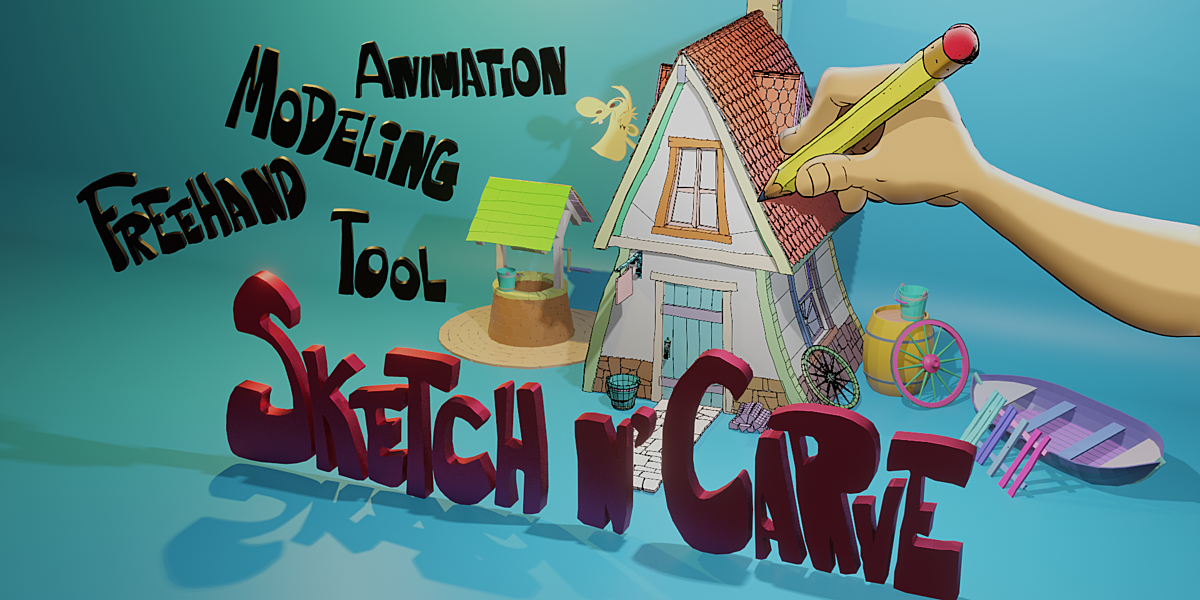
SketchNCarve for Blender
SketchNCarve v4.3.0 for Blender
The Ultimate Grease Pencil-Based Sketch-to-Geometry Modeling Tool
Download SketchNCarve v4.3.0 today. Consequently, you can transform any 2D sketch into 3D geometry with a single click, all without ever touching a single vertex . Because traditional box-modeling and poly-by-poly approaches can feel restrictive and time-consuming, especially for artists with a 2D background, having access to an intuitive sketching tool is absolutely essential. Nevertheless, converting a hand-drawn concept into a 3D model often requires complex retopology or time-consuming extrusion work. Fortunately, SketchNCarve eliminates this bottleneck completely. Moreover, it leverages Blender’s native Grease Pencil tools to provide an alternative modeling approach that offers tremendous artistic freedom and speed . In short, you can create complex 3D shapes as naturally as you draw on paper.
Core Sketch-to-Geometry Workflow
The foundation of this addon lies in its powerful conversion engine. For instance, you can sketch a 2D shape using the Grease Pencil, then with a single click, convert it directly into a 3D mesh . Furthermore, the tool supports a comprehensive set of Boolean operations, including Add (Union), Remove (Difference), Intersect, and Slice (Thickness) . This allows you to build complex forms by combining or subtracting sketches. Additionally, you can work in either a destructive or non-destructive workflow, giving you the flexibility to commit changes or keep your original sketches intact for later adjustments .
Advanced Modeling and Transformation Tools
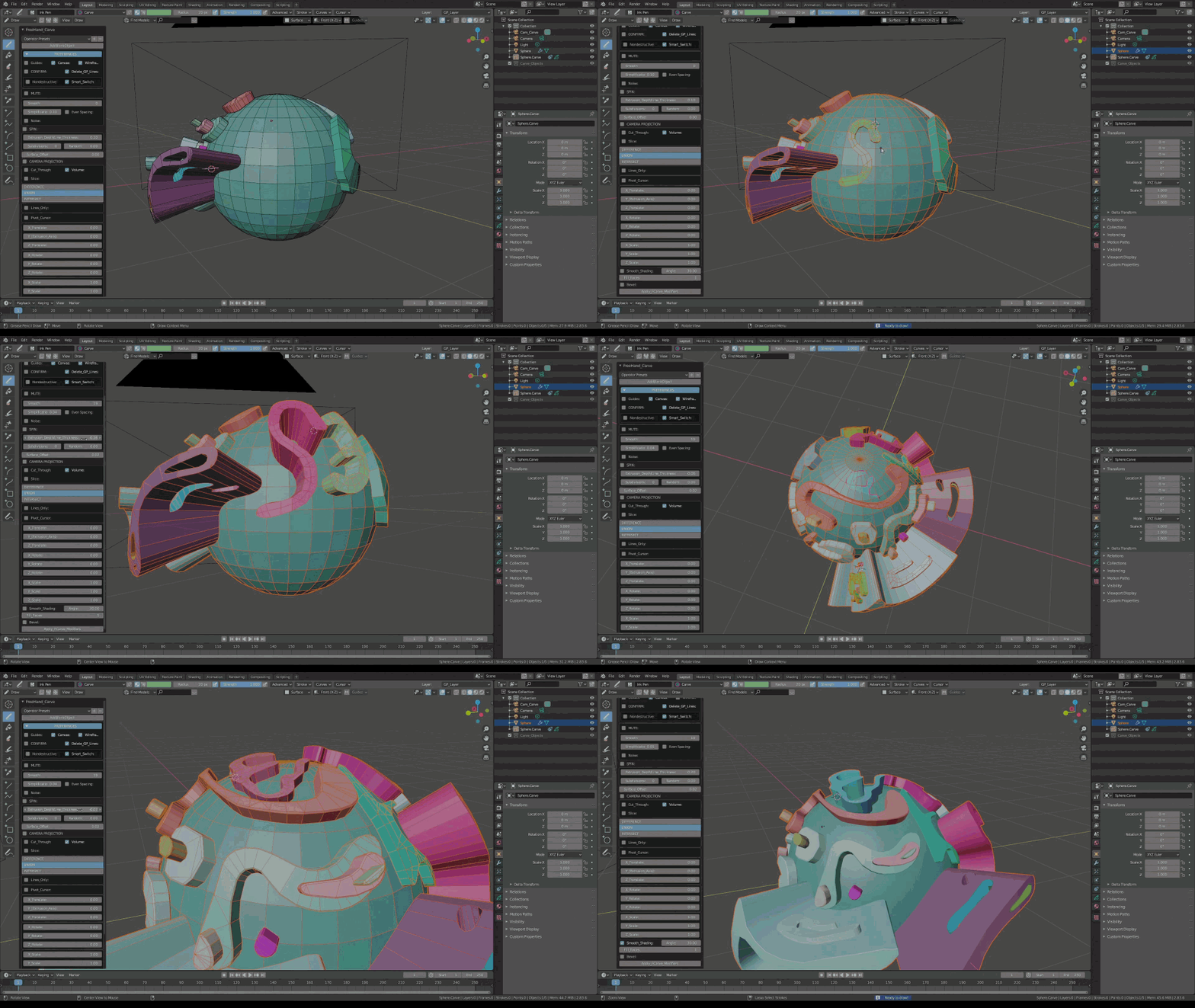
Professional modeling demands more than just basic conversion. Therefore, SketchNCarve includes a rich set of tools for refining your sketches and geometry. For example, you can sketch and extrude shapes with built-in subdivision, or apply Randomize, Twist, and Scale transformations directly to your sketched outlines . The tool also offers multiple drawing styles, including Join Strokes, Concentric Shapes, and Join Sketchy for varied artistic effects . Furthermore, you can draw directly on surfaces, project strokes onto your model, or use Shrink Wrap to conform sketches to existing geometry .
Comprehensive Modifier and Simulation Integration
Moving beyond static geometry, the addon includes powerful modifiers and simulation tools. For instance, the Carve feature allows you to perform non-destructive carving operations on your objects . Meanwhile, Array and Spin modifiers enable rapid creation of radial and linear patterns from your sketches . Additionally, the Curve Deform tool lets you bend and shape your geometry along custom curves . For physics-based effects, Sketch N’ Simulate supports Rigid Body, Cloth, and Soft Body simulations, providing additional creative possibilities .
Precision Detailing and Finishing Tools
Refining your model is just as important as creating it. Therefore, SketchNCarve includes tools for adding fine details and smoothing surfaces. For example, the Knife Tool allows freehand cutting, while Poke and Dice help you re-topologize or add geometric detail . Additionally, Subdivision Surfaces and Crease support let you add high-resolution smoothness while maintaining sharp edges . Finally, the 2D and 3D Smooth features enable you to round objects without increasing the polygon count, preserving performance .
Perfect for Concept Artists, 2D Artists, and Game Developers
This addon is particularly well-suited for concept artists who want to quickly bring 2D ideas into 3D space. Similarly, illustrators and 2D artists will find the Grease Pencil integration highly intuitive and empowering . Additionally, game developers and indie creators can use the rapid sketching tools to prototype environments, weapons, and characters with remarkable speed. Ultimately, SketchNCarve accelerates your entire modeling and concept development pipeline.
System Requirements and Compatibility
SketchNCarve v4.3.0 supports Blender versions 2.9 through 4.3, ensuring compatibility across a wide range of production environments . Furthermore, it integrates directly with Blender’s Grease Pencil tools, requiring no additional plugins. It works across all major operating systems that support Blender, including Windows, macOS, and Linux. You will need a standard workstation with at least 8GB of RAM.
Installation and Usage Guide
To install, first download the .zip file from your library. Next, open Blender and navigate to Edit Preferences. Then, select Add-ons and click Install. After that, locate and select the downloaded .zip file, then enable the SketchNCarve addon . Finally, add a Grease Pencil object to your scene, begin sketching your shape, select your drawing, and click the conversion button to generate your 3D geometry instantly. Thus, your professional sketch-based modeling workflow will be ready instantly.
What is Included Inside?
The pack contains the complete SketchNCarve v4.3.0 addon. Furthermore, it includes the core sketch-to-geometry engine, Boolean operations, extrusion tools, and the full suite of modifier and simulation features . Additionally, you receive support for destructive and non-destructive workflows, as well as access to the integrated Camera Controls for easy scene staging . Ultimately, you receive everything needed for professional sketch-based modeling.
Final Thoughts on the Addon
Effortless sketch-to-geometry conversion evokes profound creative freedom. Therefore, this addon provides the ultimate foundation for your concept and modeling workflows. You can bring your 2D drawings to life in 3D with unprecedented speed and intuition. Consequently, your creative vision becomes a stunning reality.
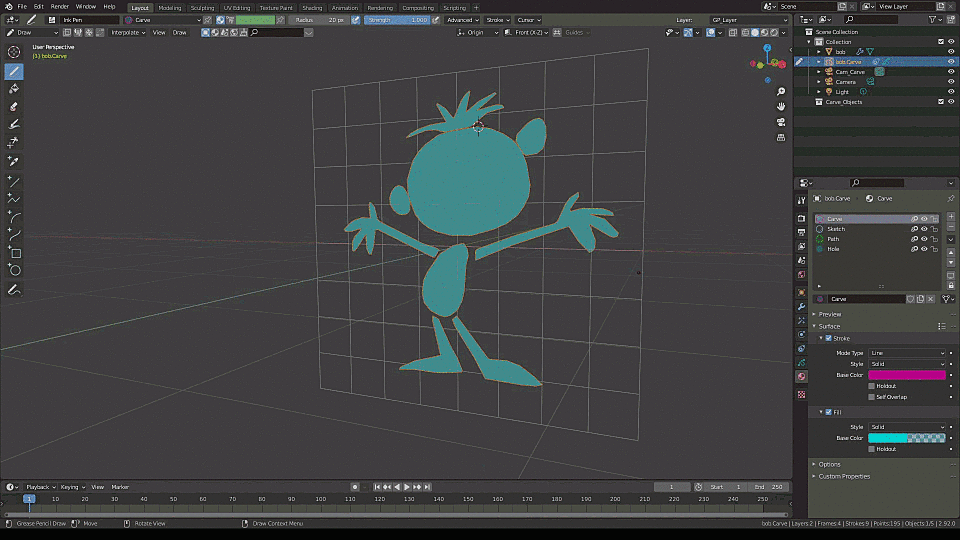
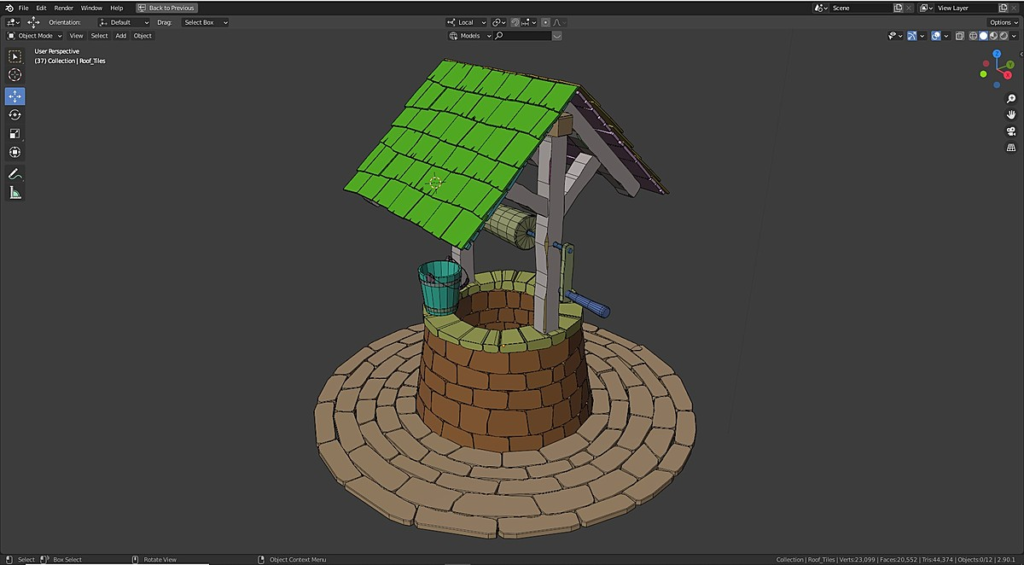
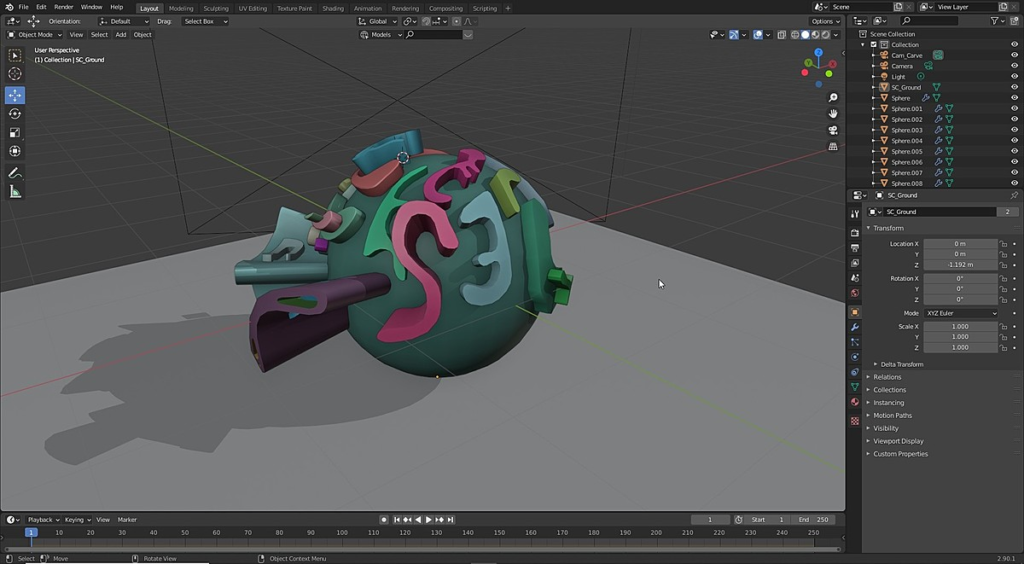
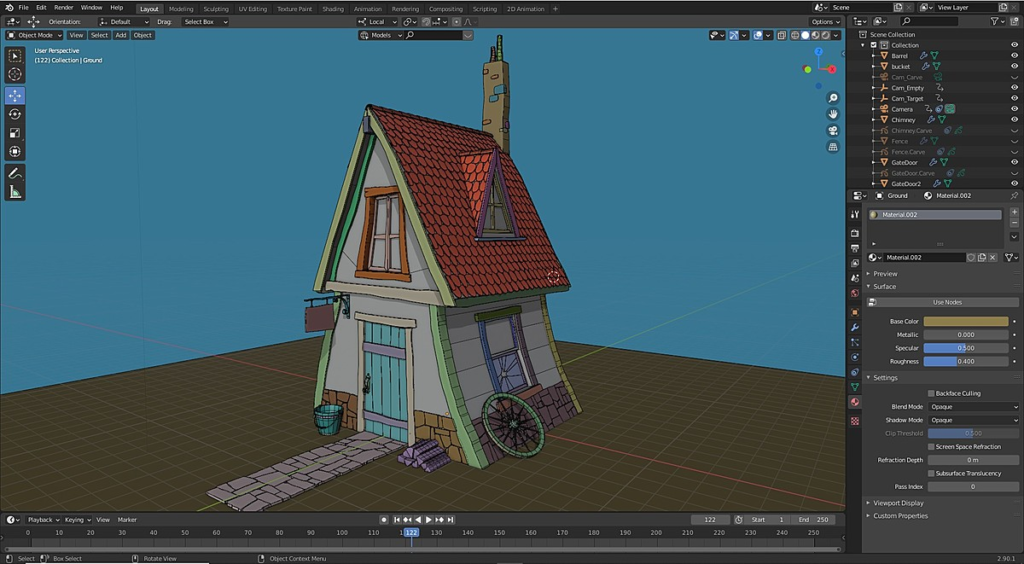
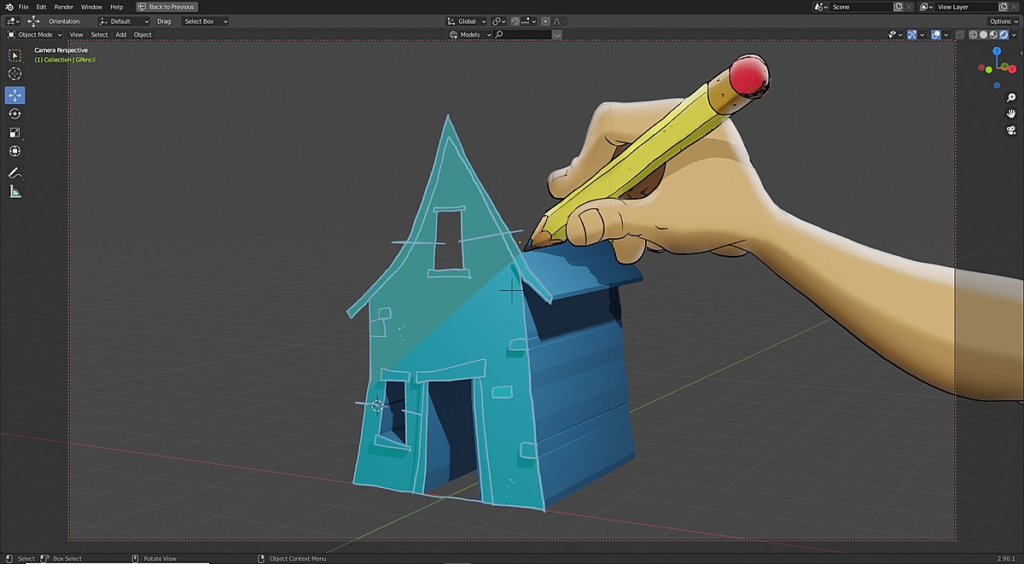
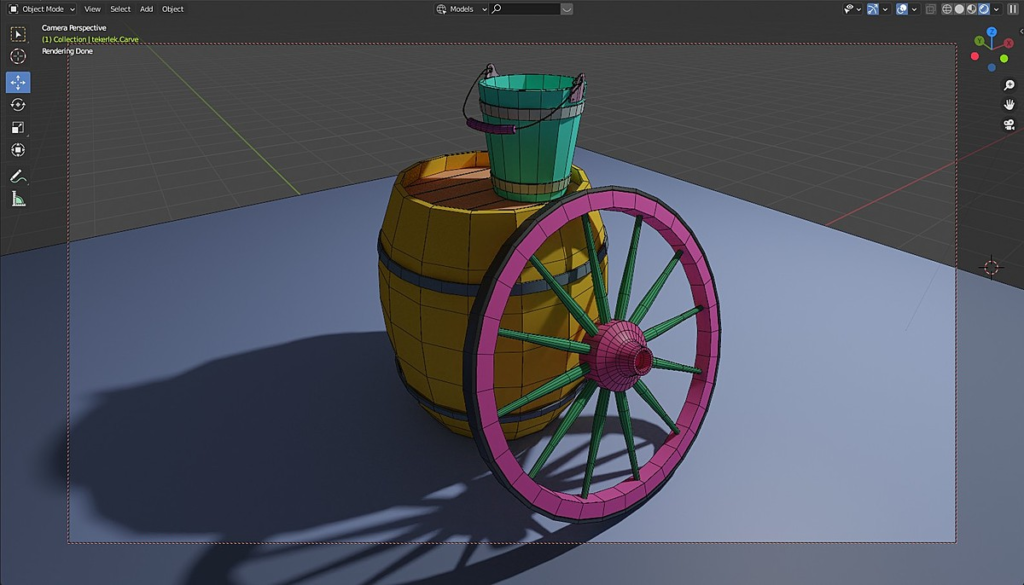
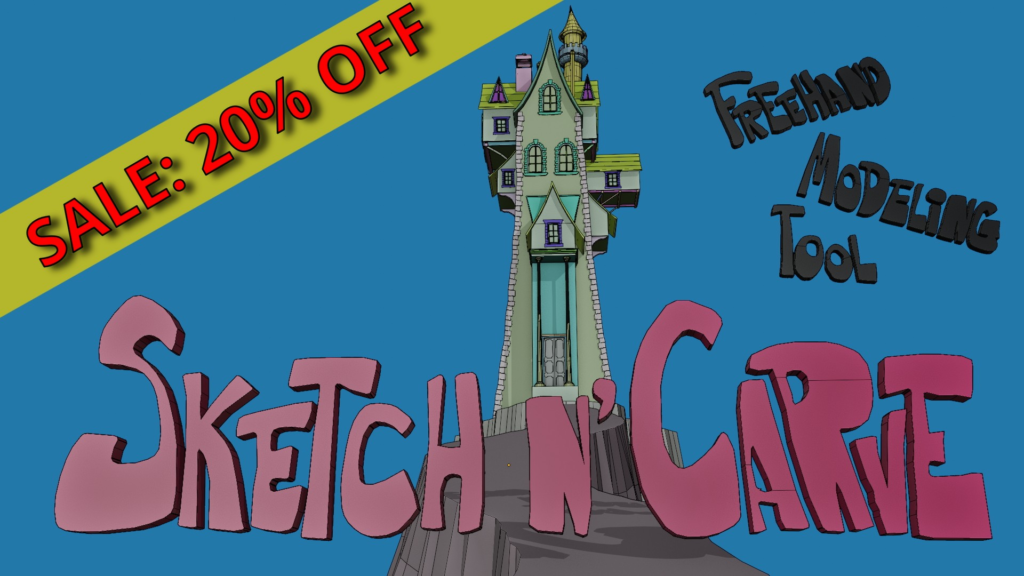
Sketch N’ Carve is an artist friendly modeling tool designed to simplify and speed up 3D modeling by taking advantage of Blender’s Grease Pencil tools. It enables the user to sketch and convert any drawing to 3D geometry with a single click. It is an alternative way to modeling that gives the user tremendous artistic freedom and speed and the ability to model without ever having to touch a single vertex.
The 2D artist will find Sketch N’ Carve particularly intuitive!
Whether you are a 2D artist or a 3D artist, Sketch N’ Carves rich set of features that range from modeling to animation and simulation, from mesh geometry to curves, will satisfy all your modeling needs and then some! Now with Shape Animation!
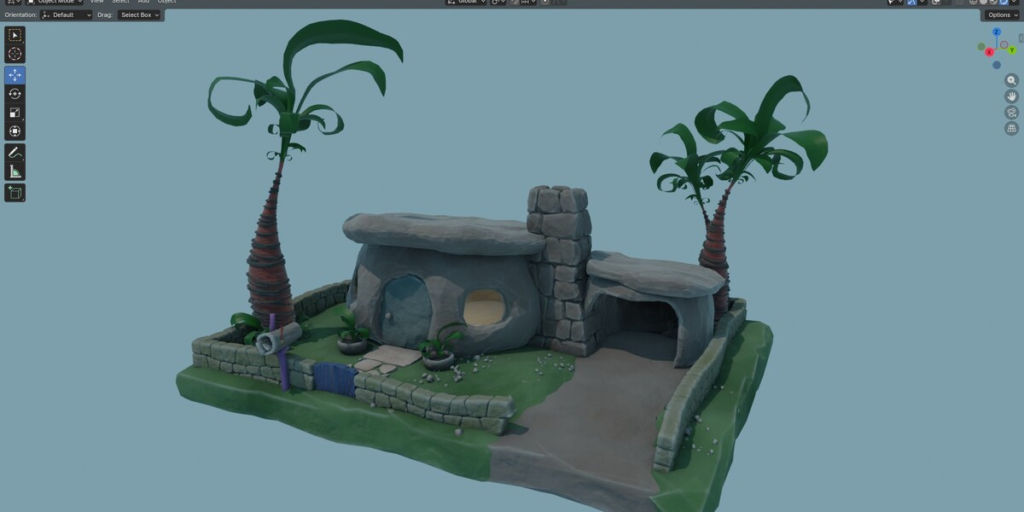
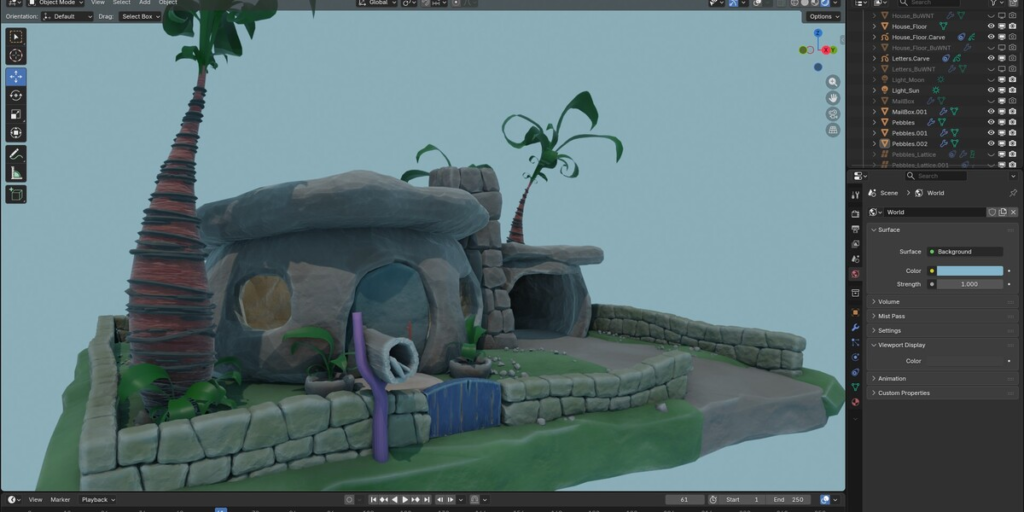
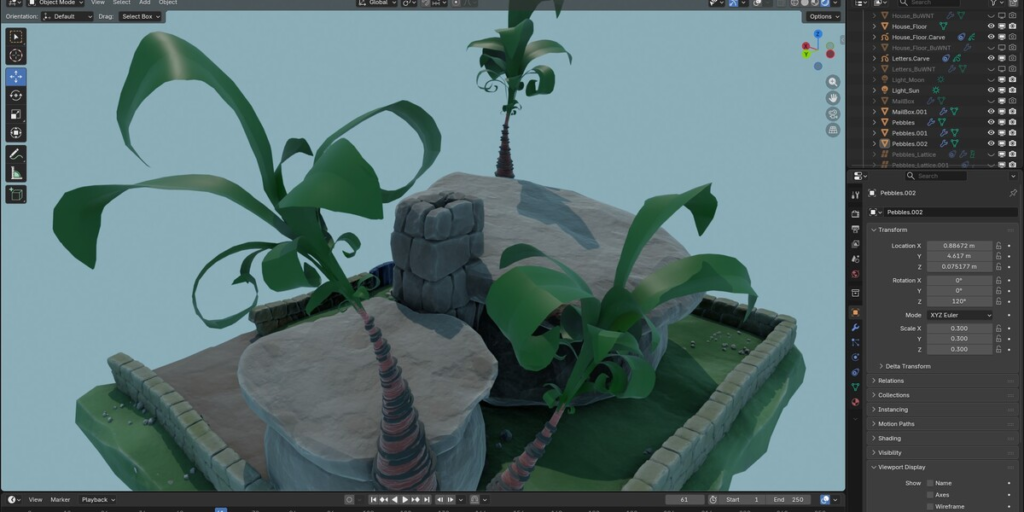
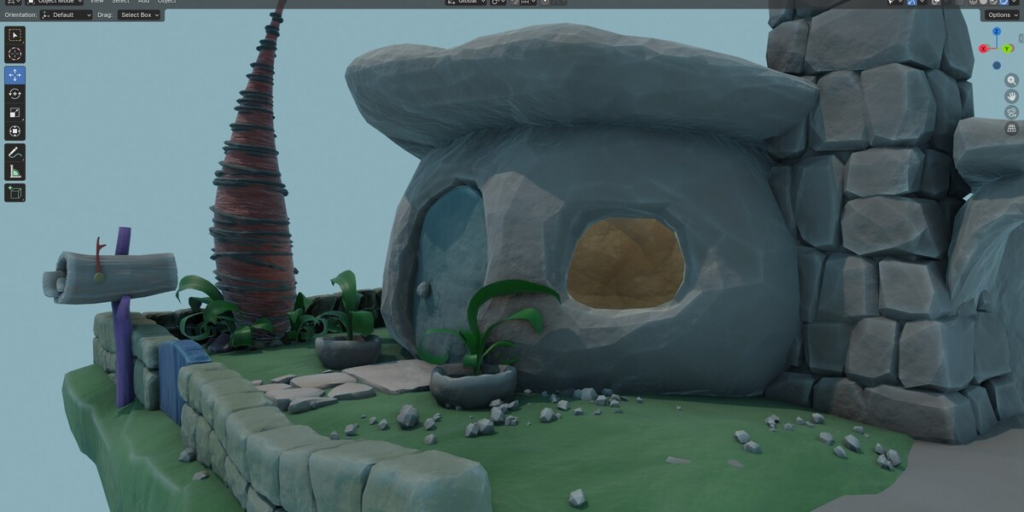
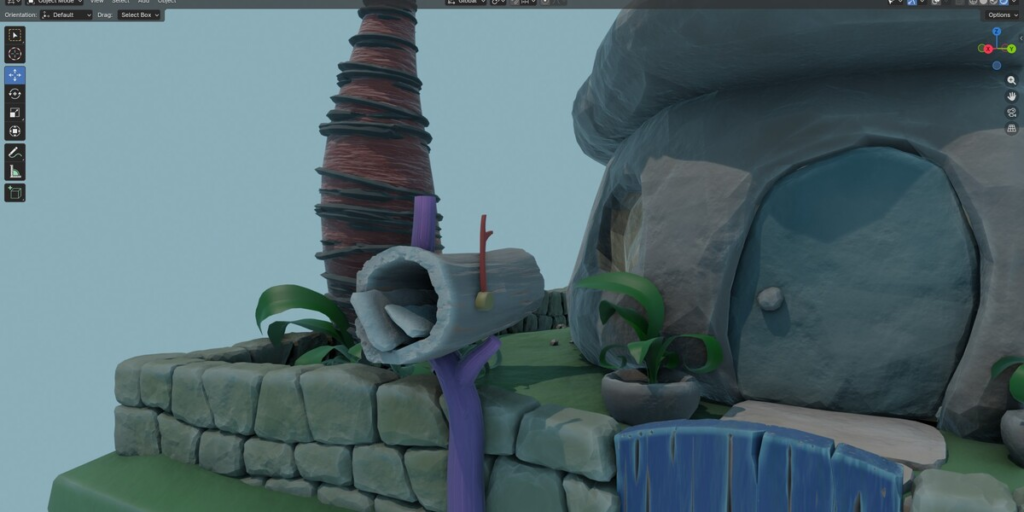
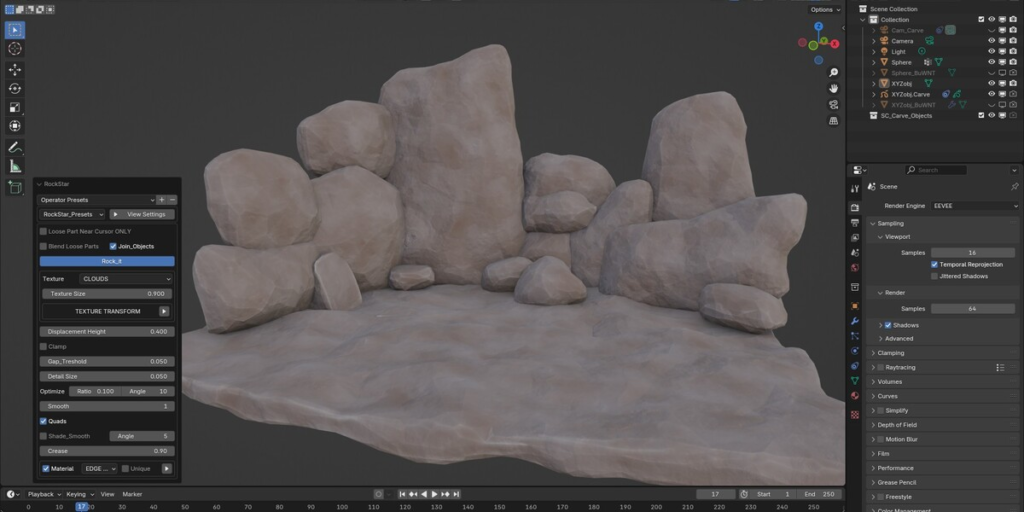
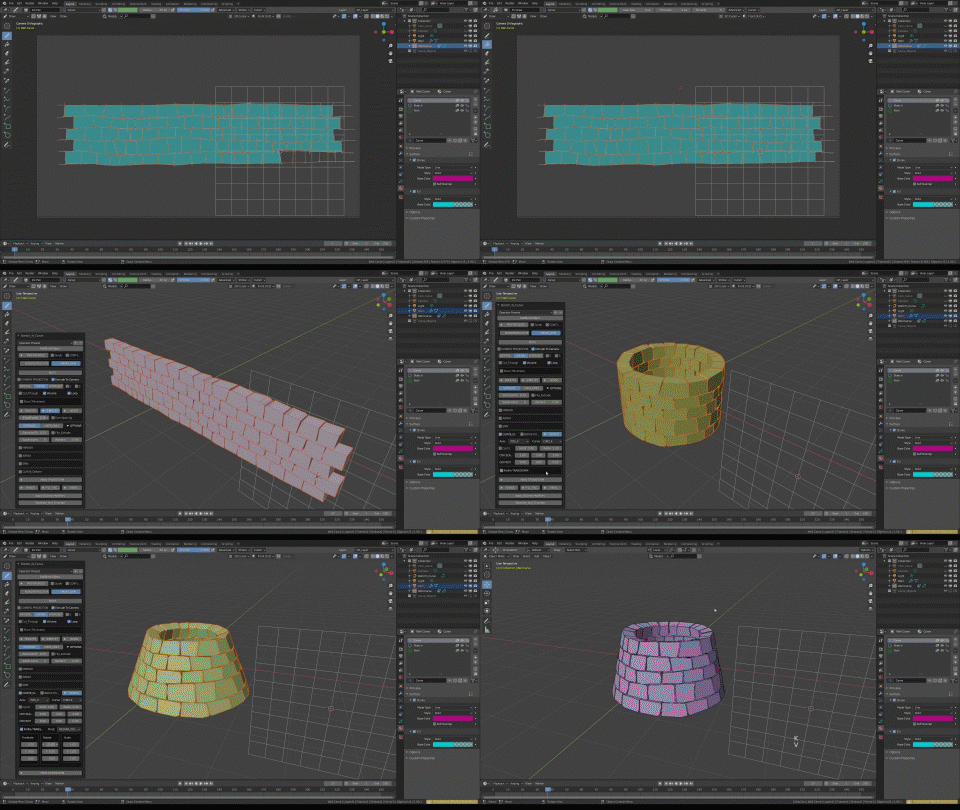
 Flintstones Home (Built entirely with Sketch N’ Carve & Rock Star)
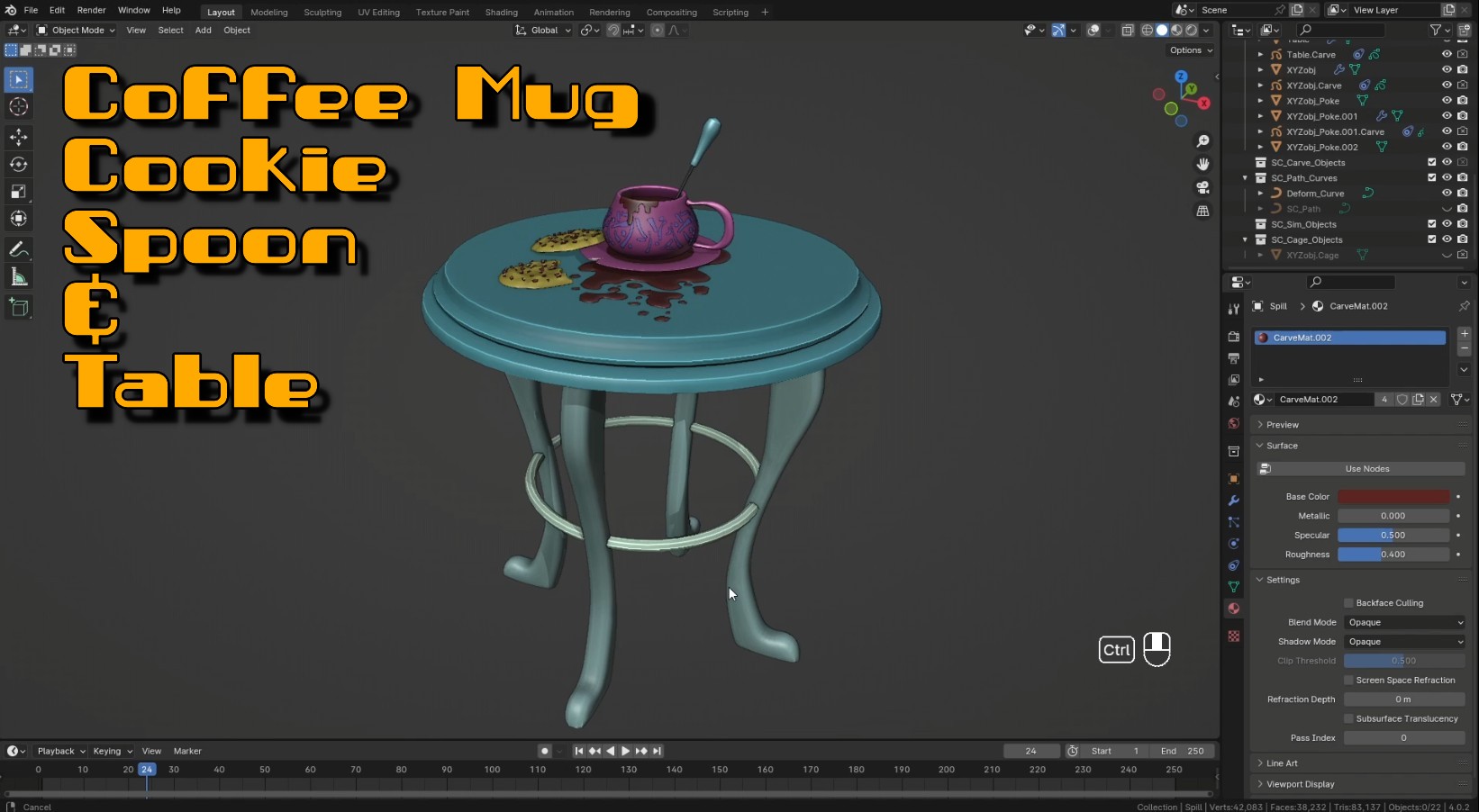 Tutorial: Coffee Mug, Cookie, Spoon, Table | https://www.youtube.com/embed/MEzvQnPN8ow | https://www.youtube.com/embed/o78YczQ6UKo | |
 Blob | 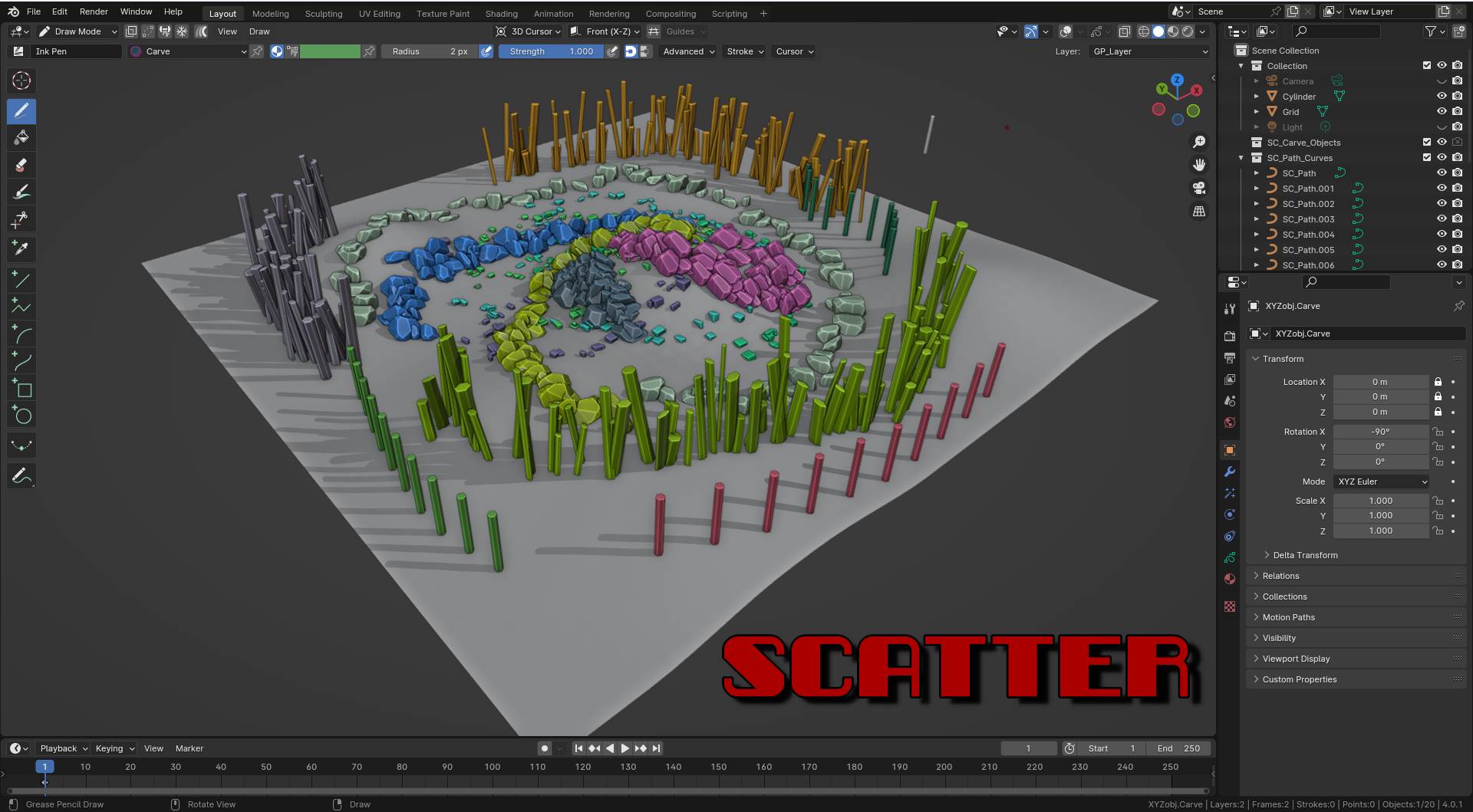 Scatter | 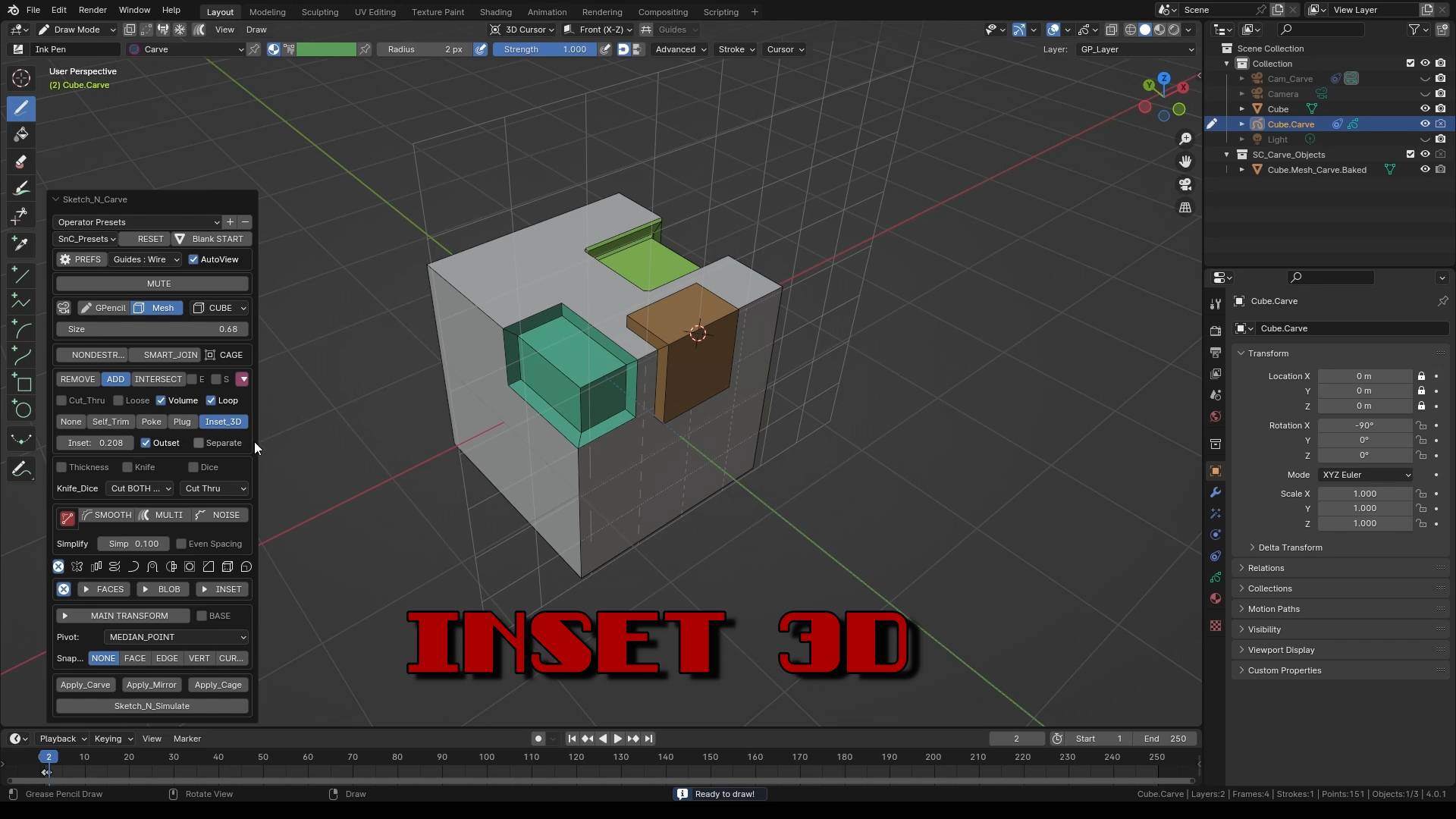 Inset 3D | 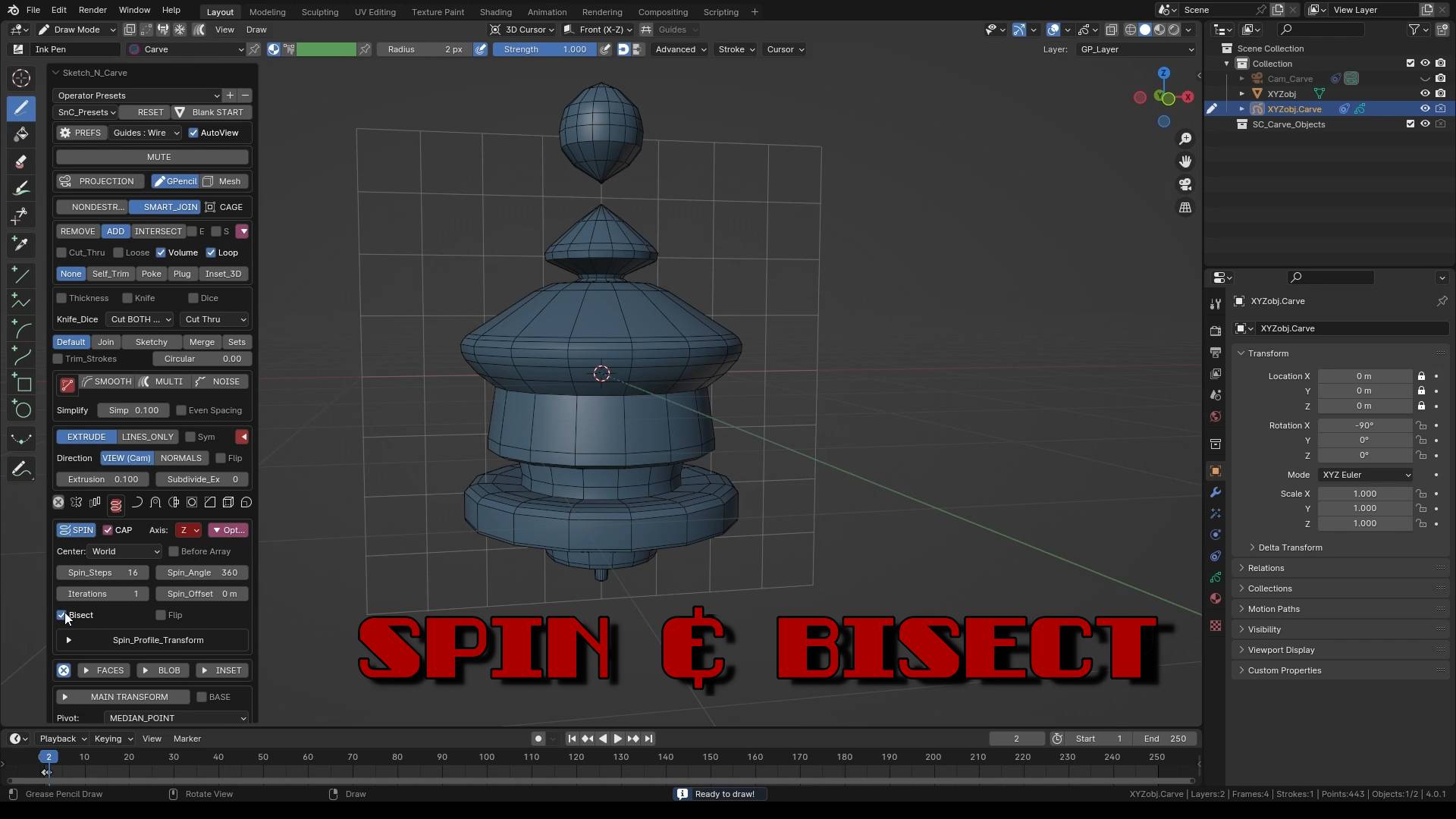 Spin & Bisect |
FEATURES
Sketch to Geometry with a single click.
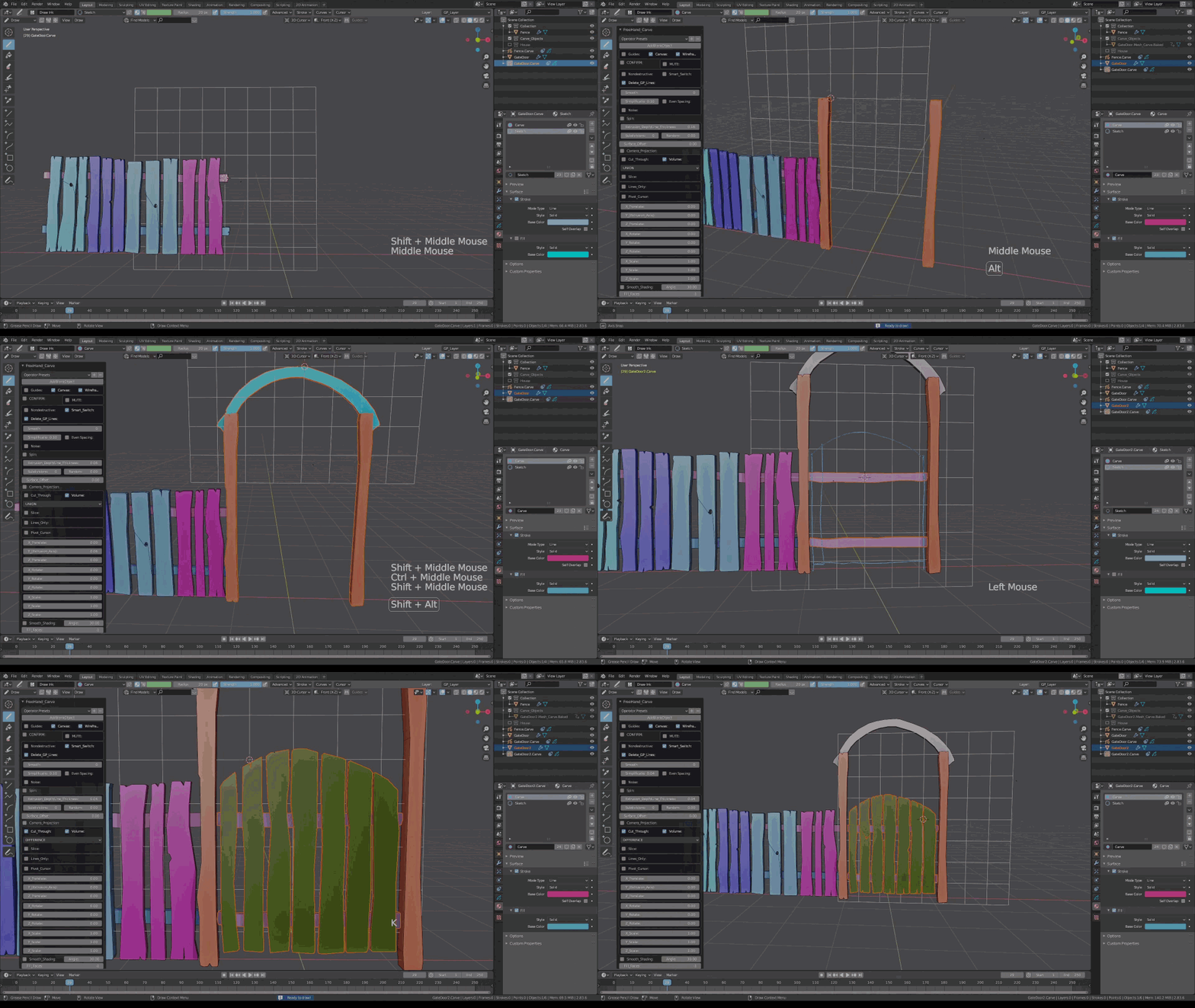
ADD (Union), REMOVE (Difference), Intersect and Slice (Thickness).
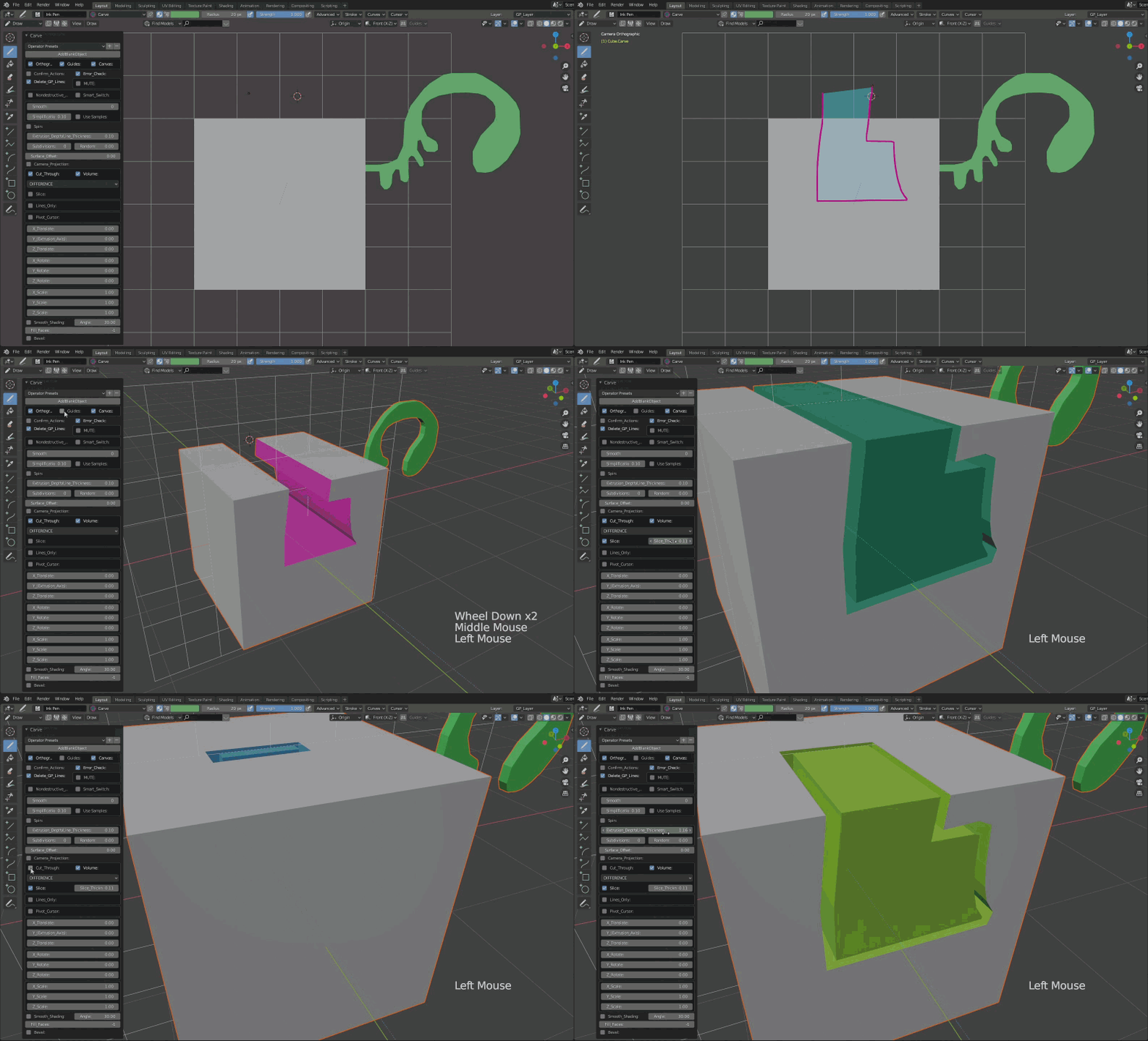
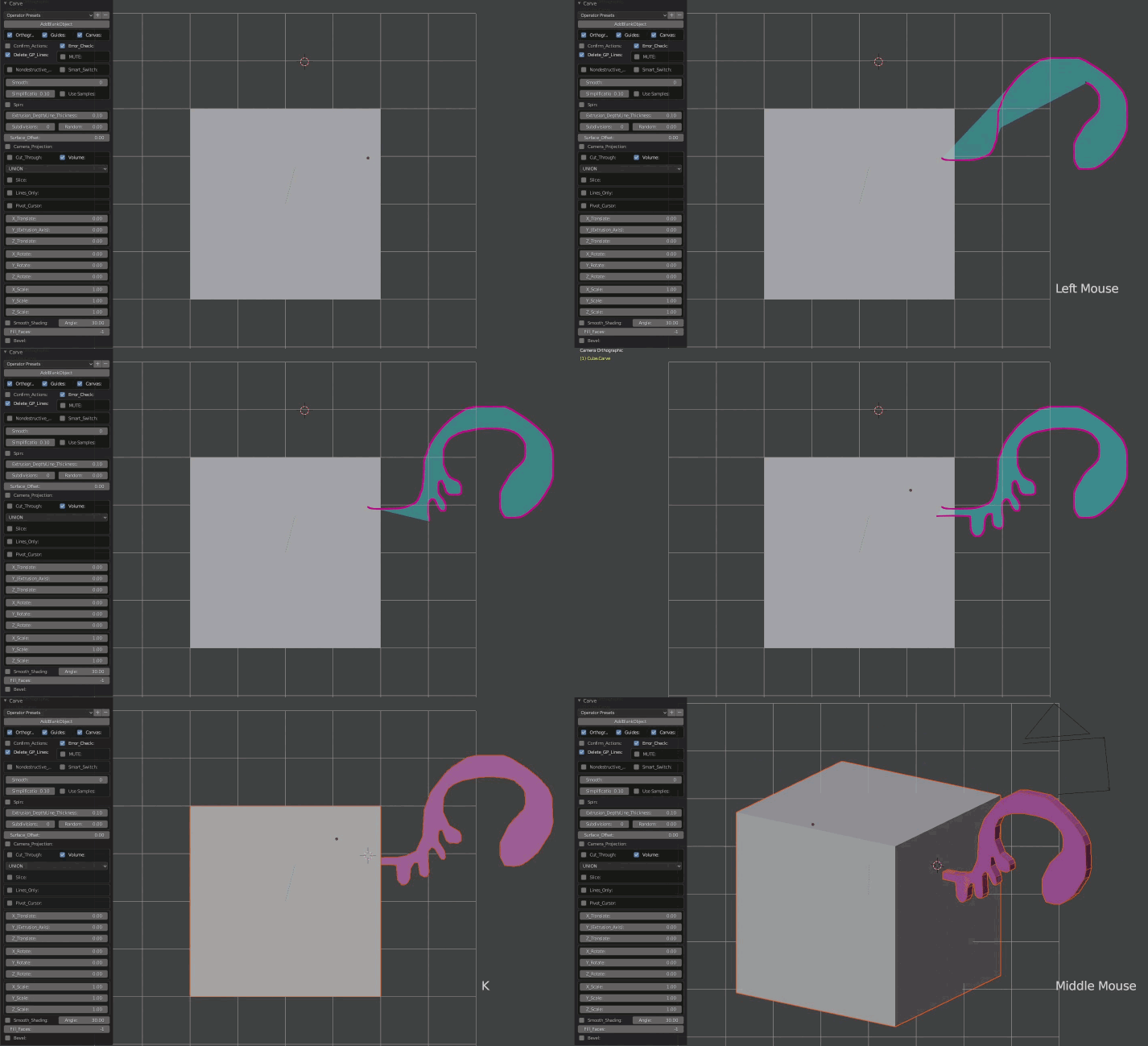
Destructive or Nondestructive Workflow
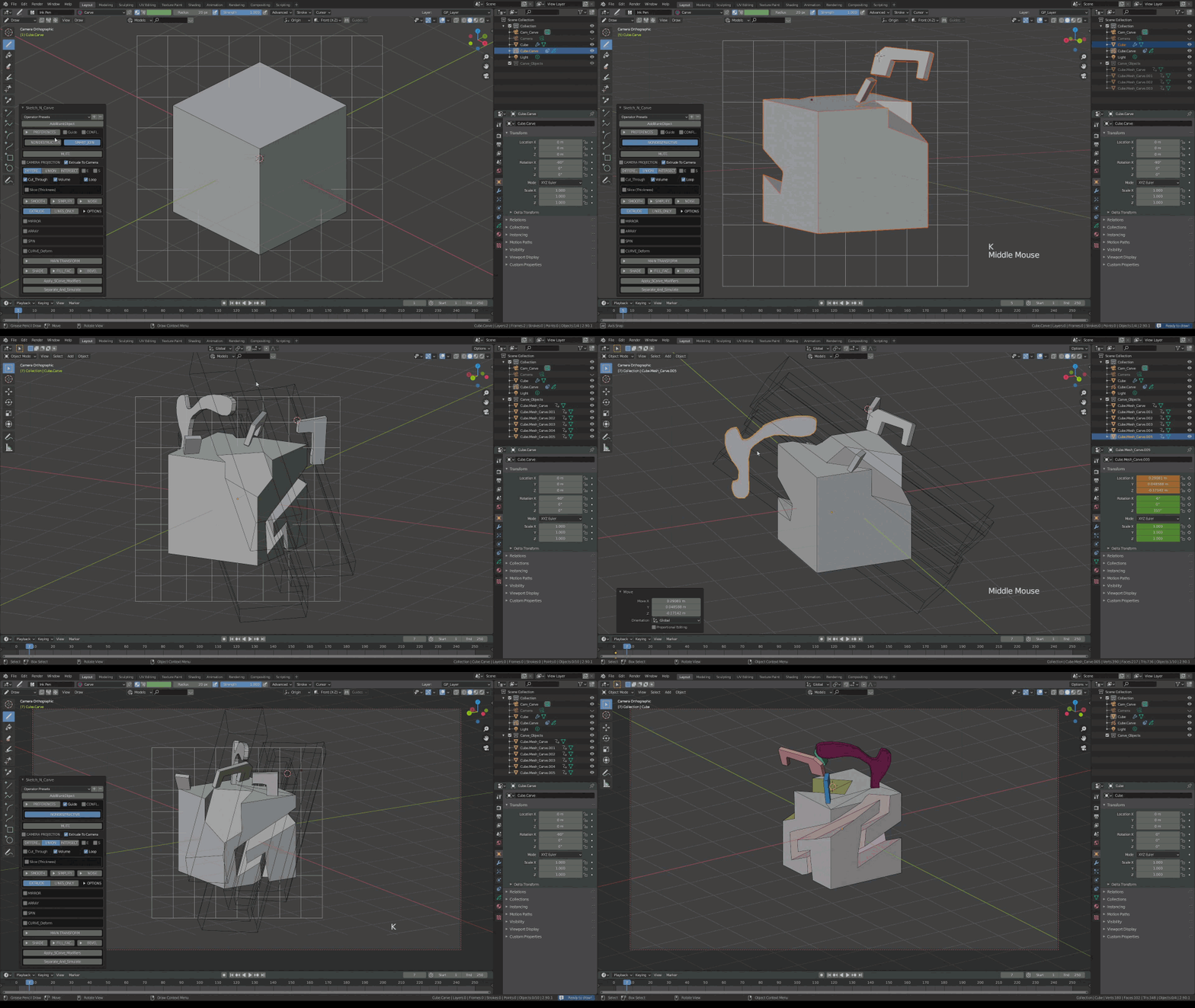
Sketch, Extrude (with Subdivide), Randomize, Twist and Scale.
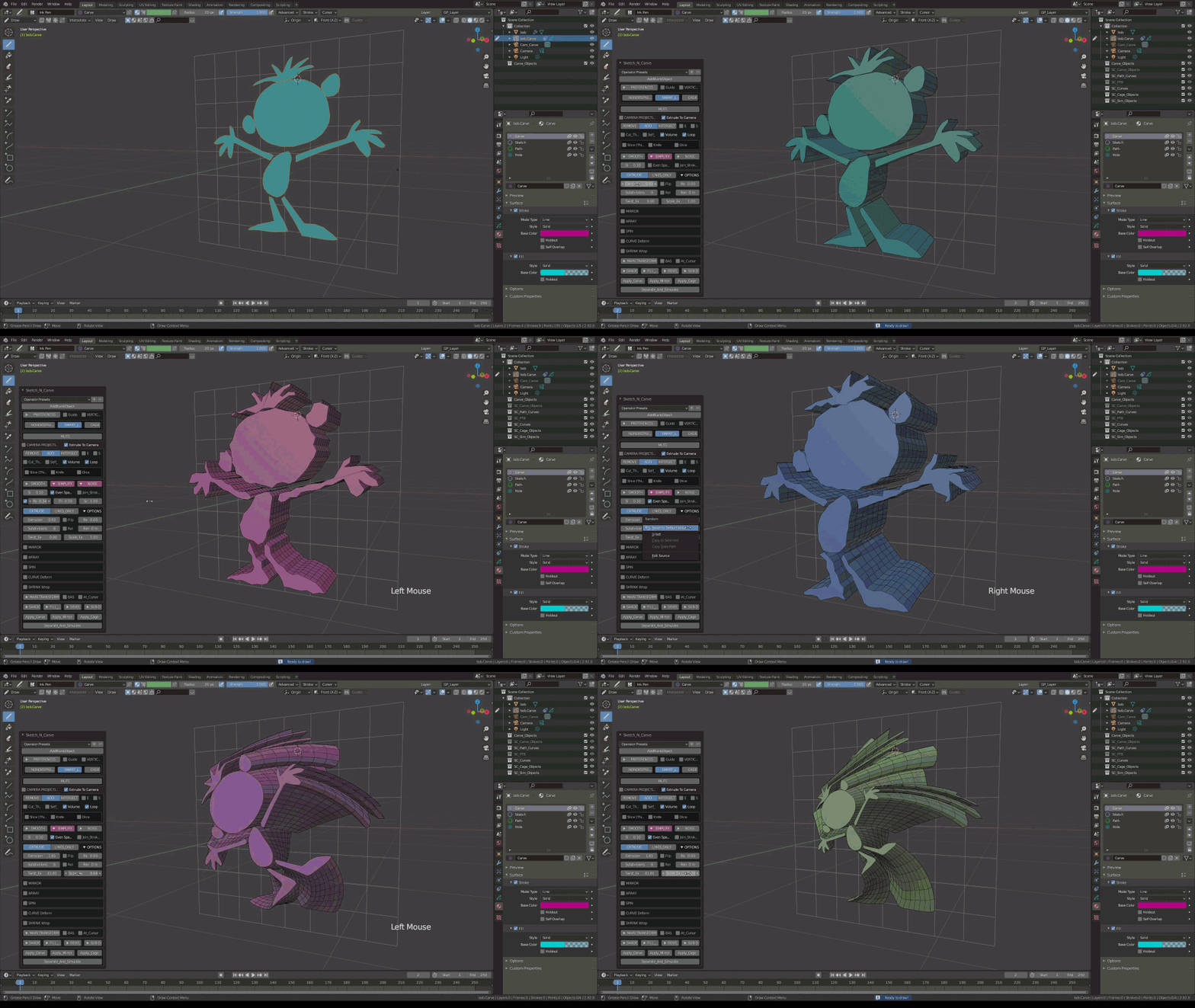
Join Strokes, Join Sketchy, Join Shapes and Concentric Shapes drawing styles.
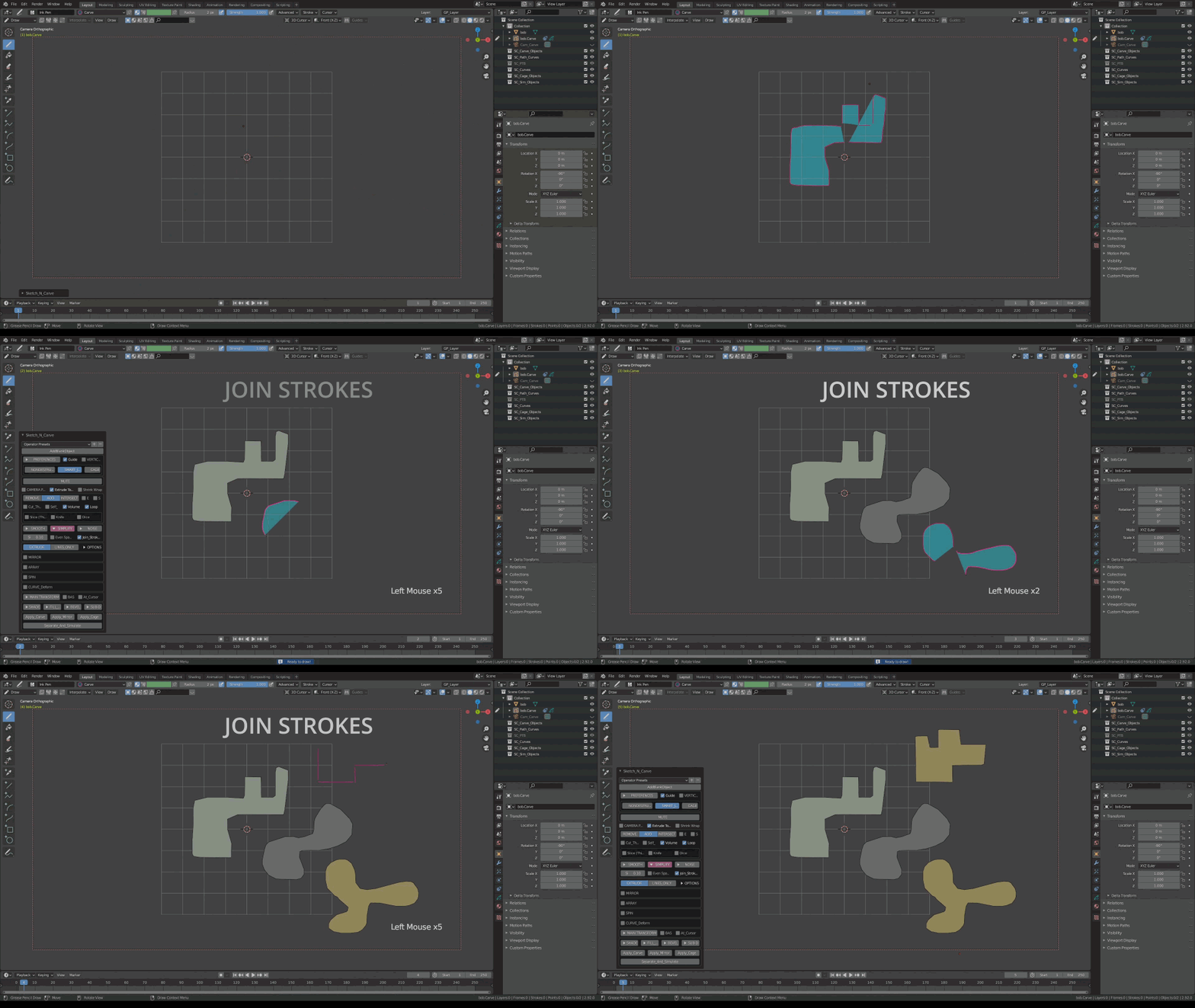
Draw on surface, Project Strokes to Surface, Shrink Wrap.
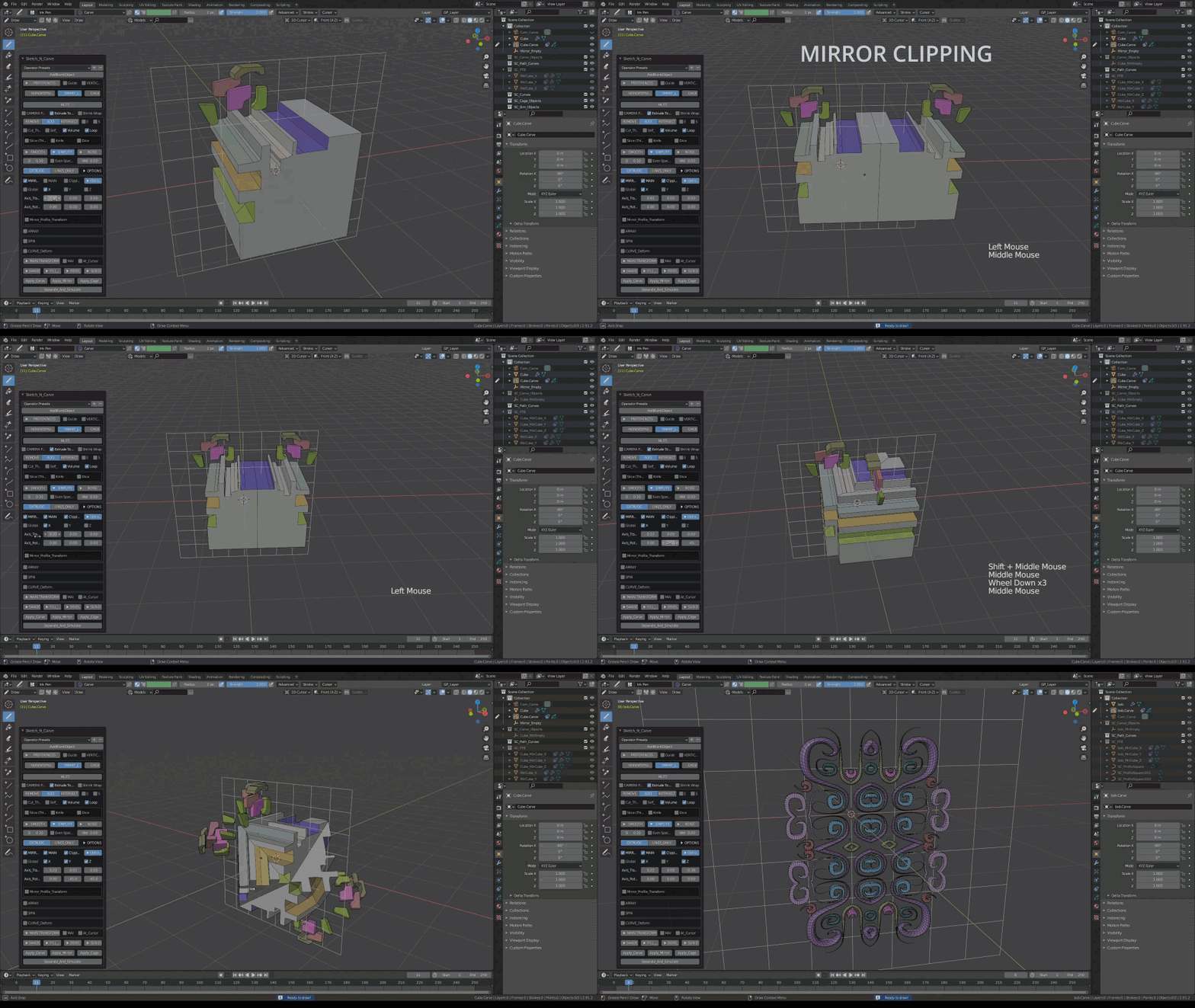
Mirror
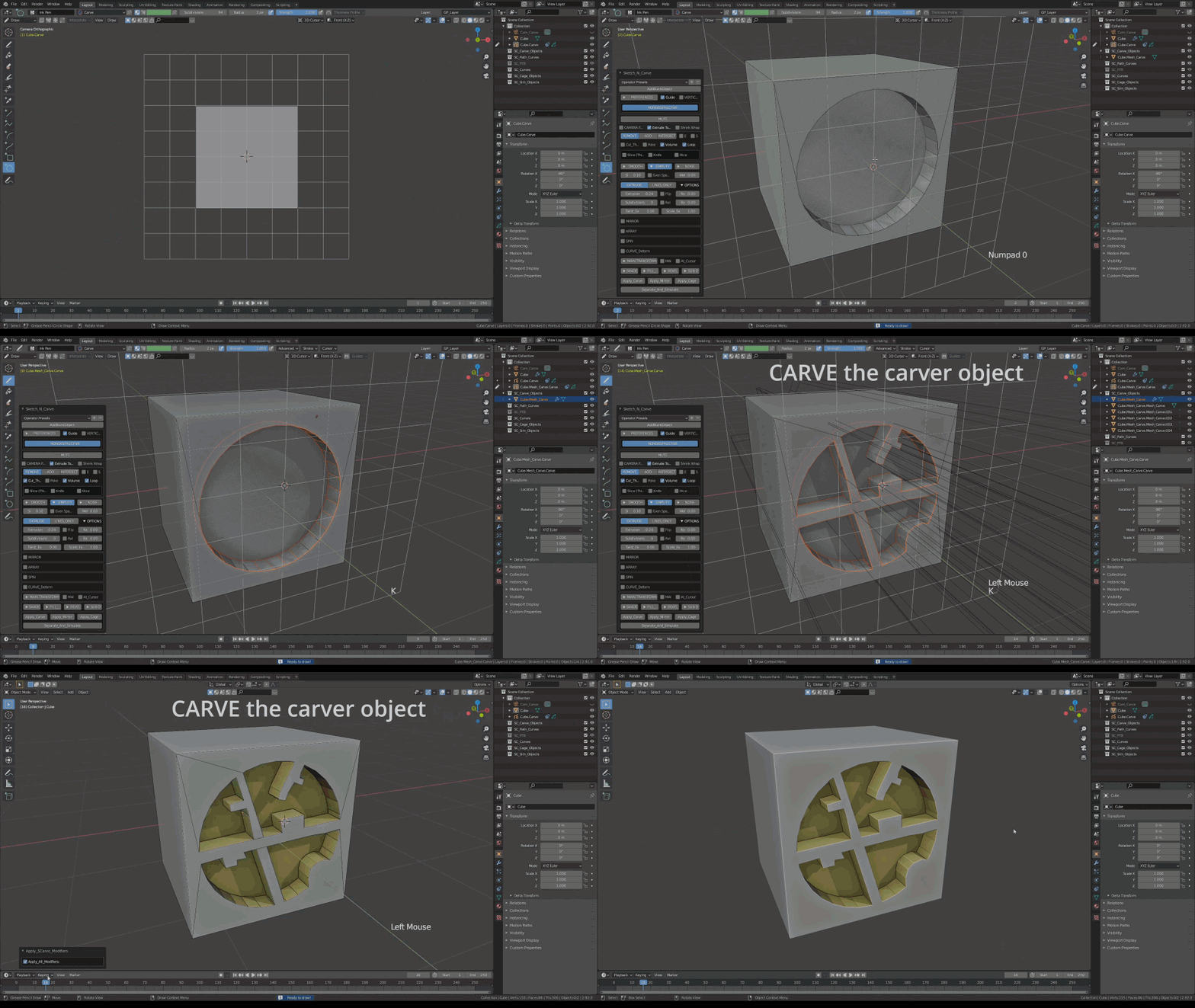
Carve.
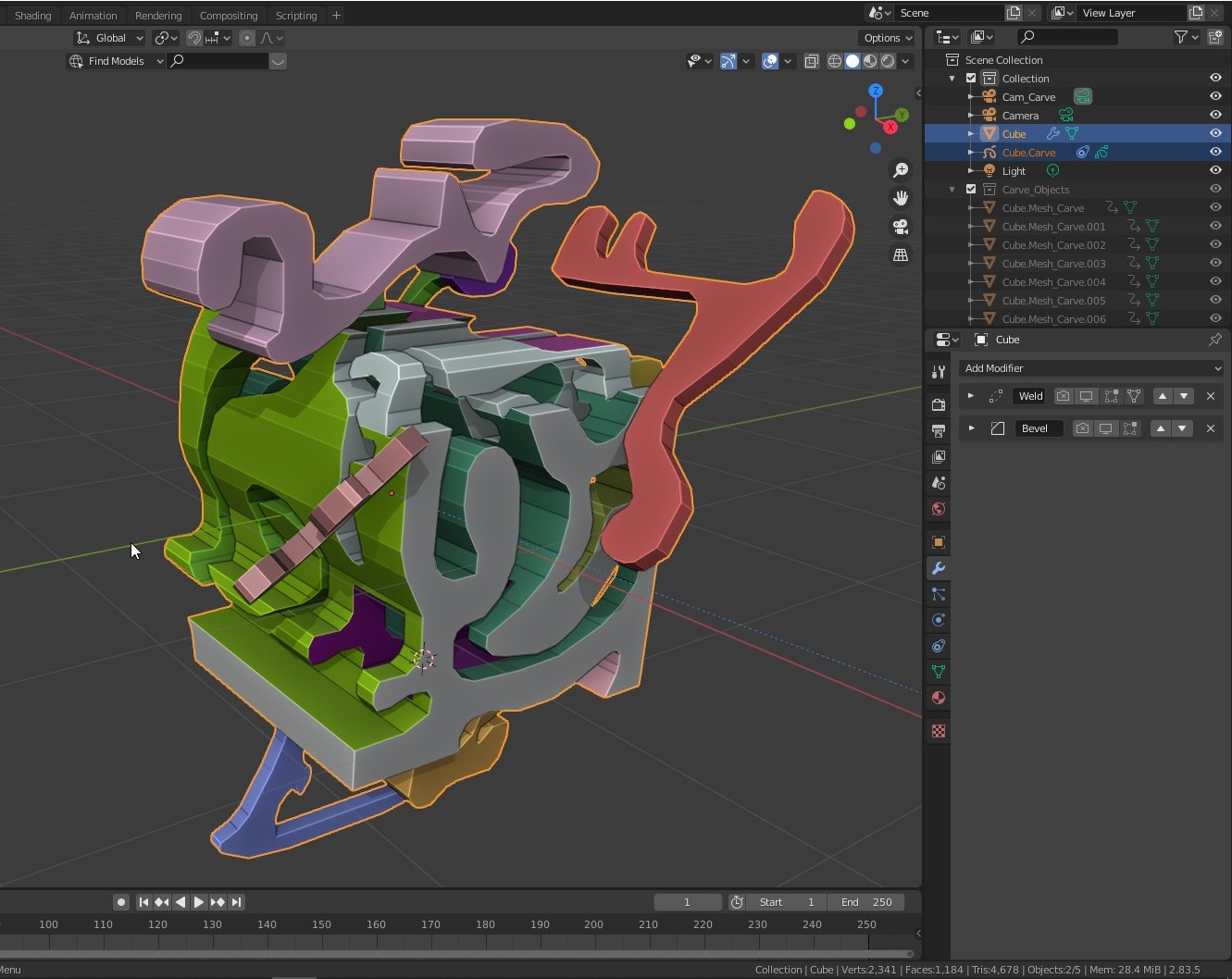
Carve the carver object (Non Destructive)
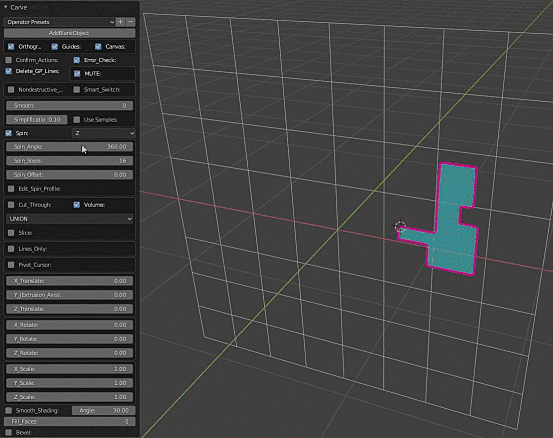
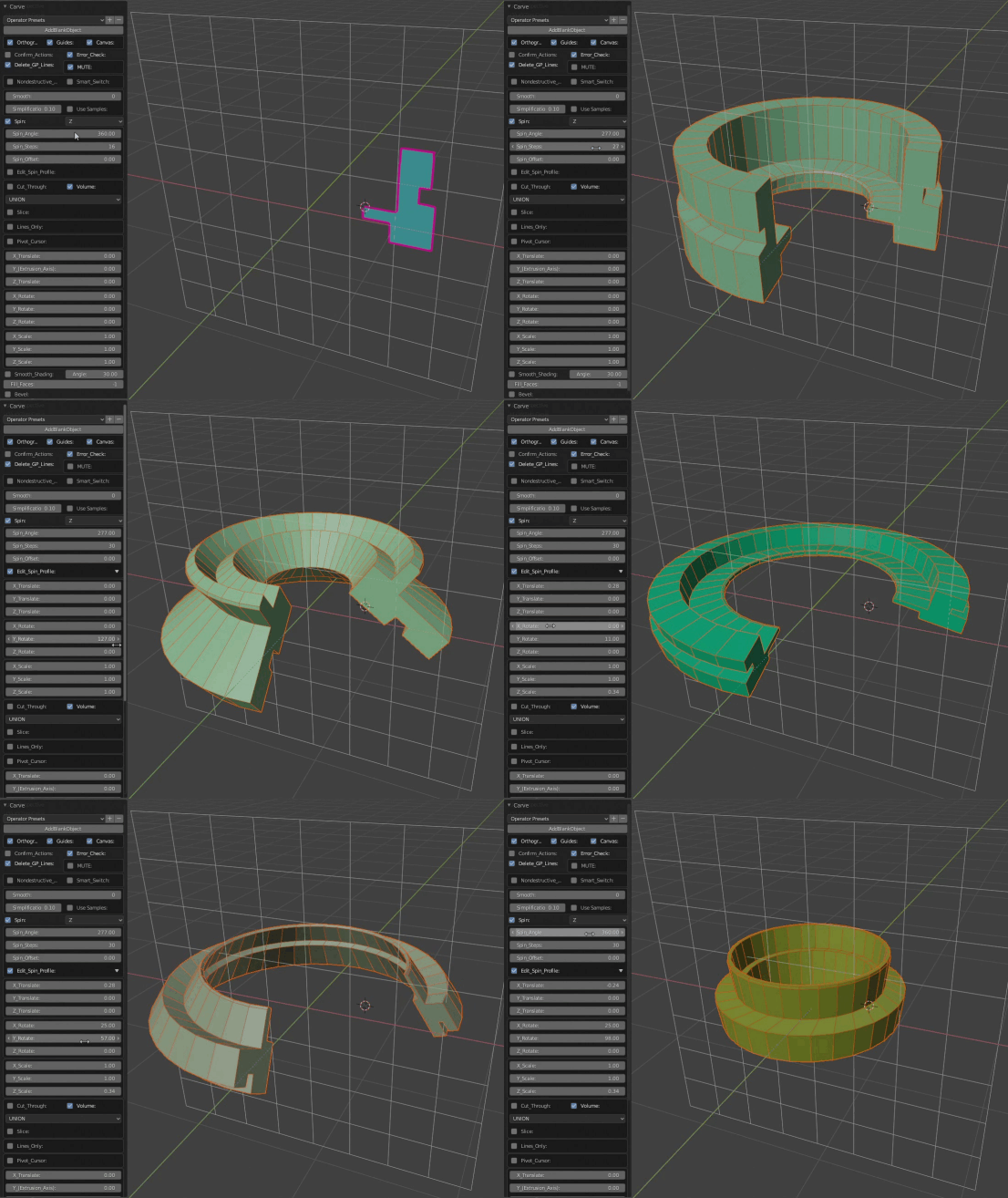
Spin.
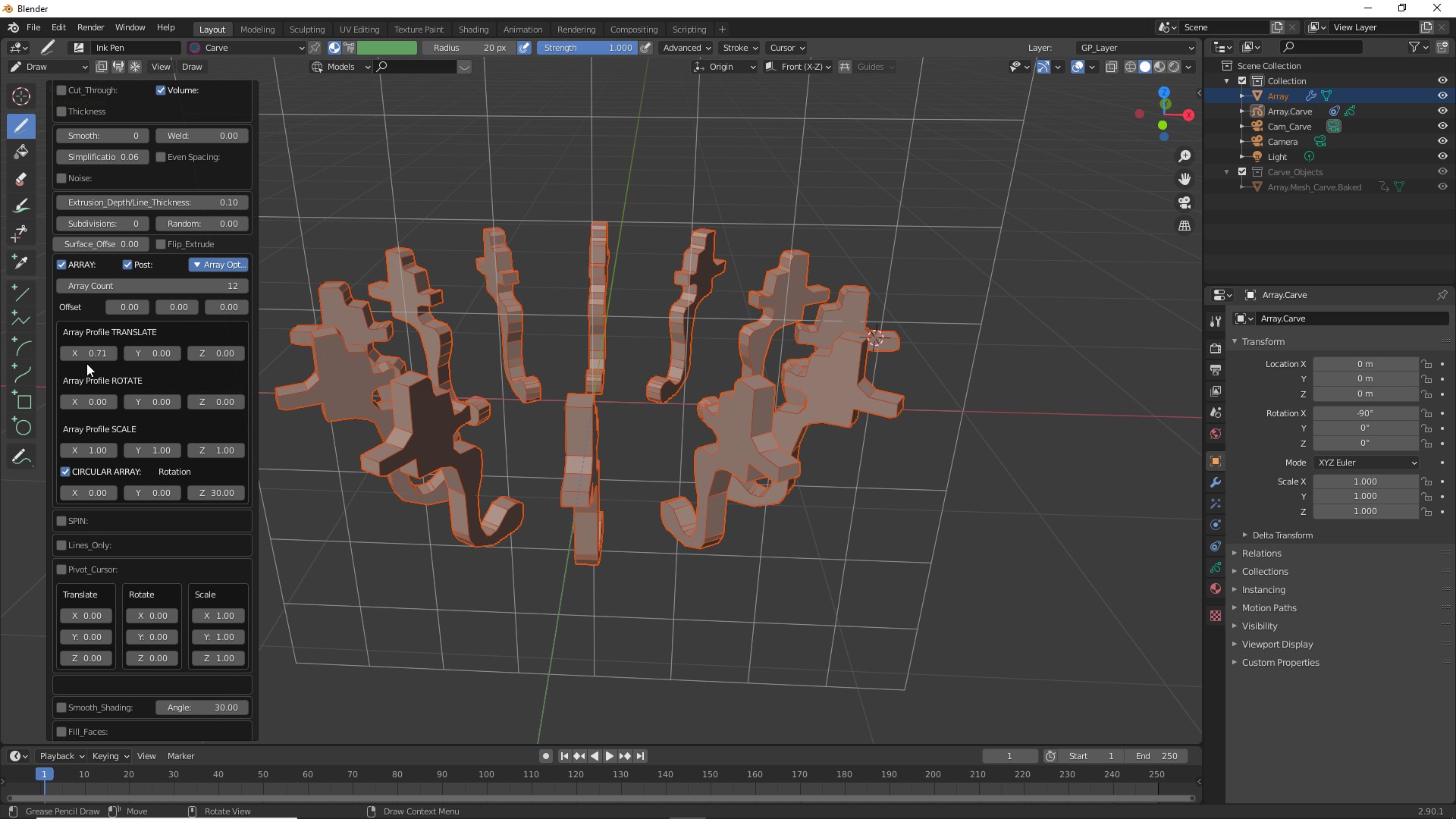
Array.
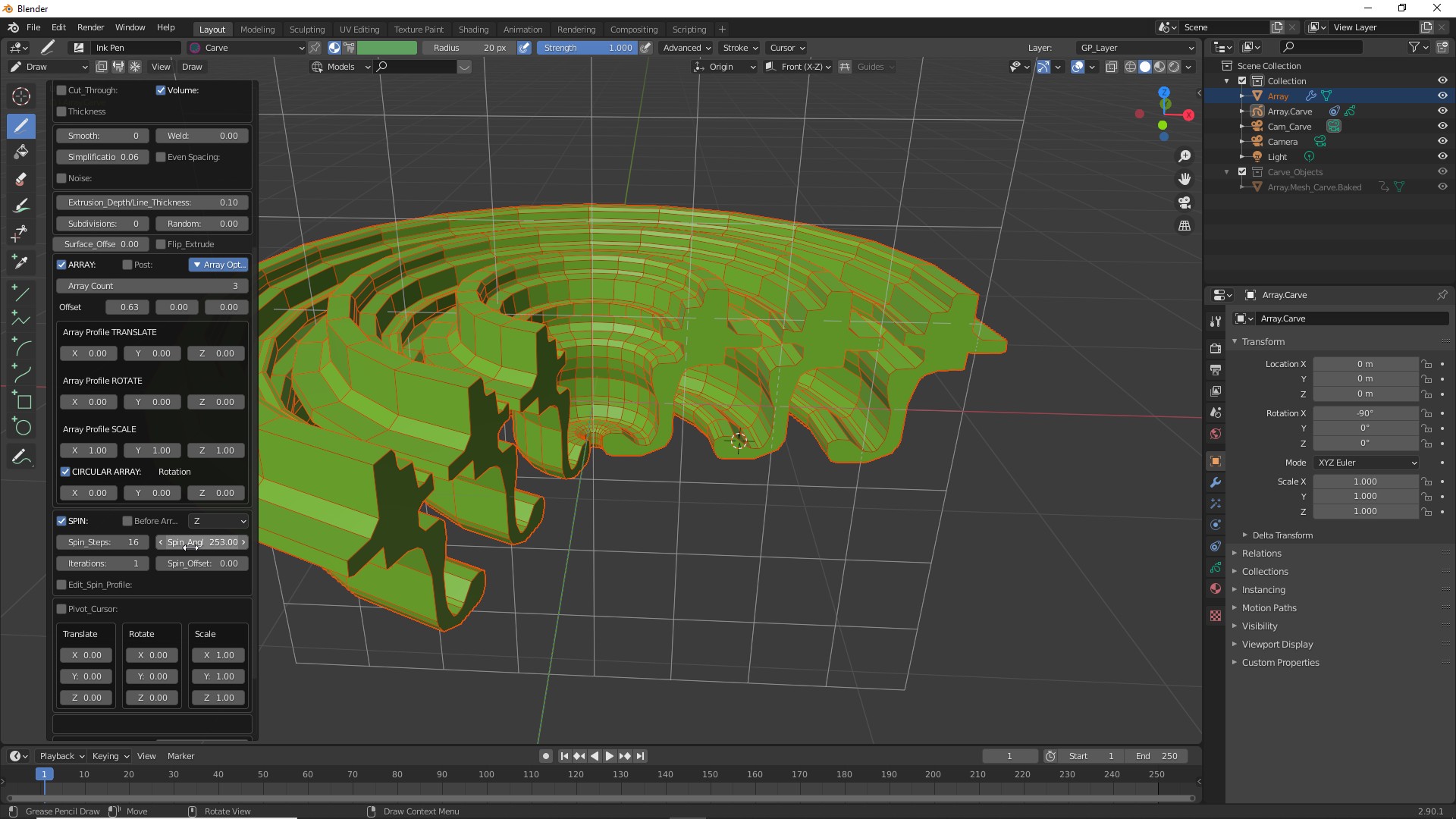
Array and Spin.
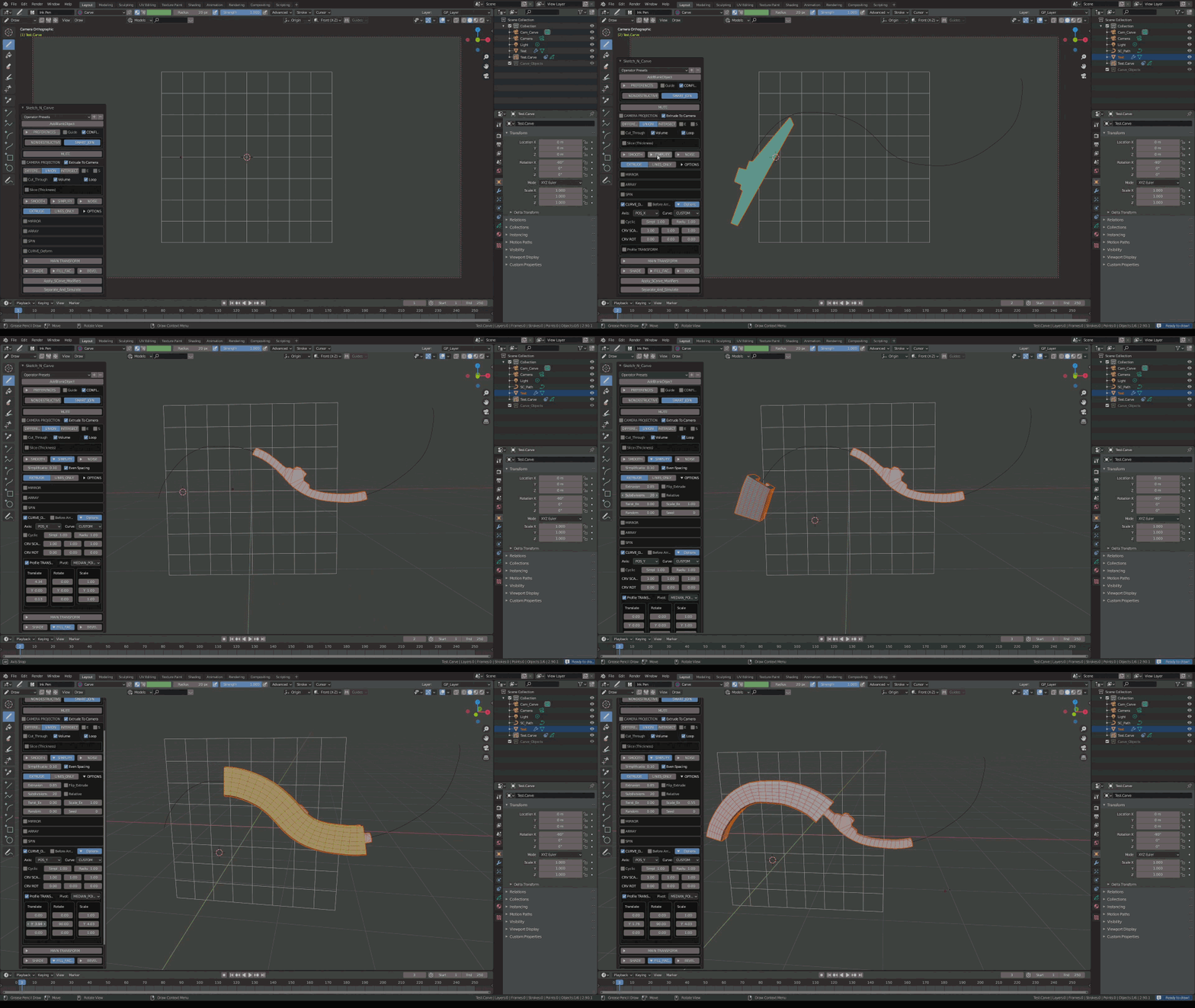
Curve Deform.
Curve Deform with Custom Curve.
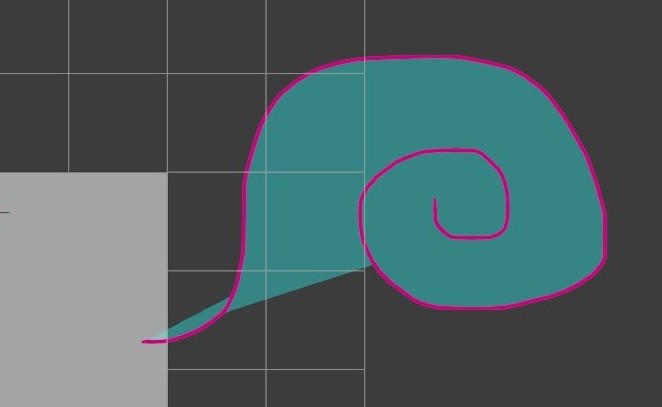
Stroke,
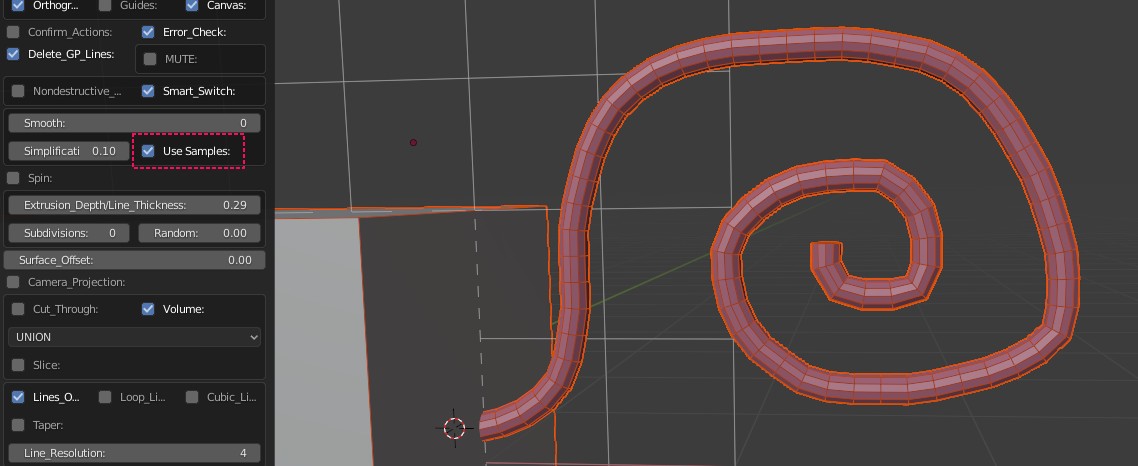
Lines Only,
Simplified,
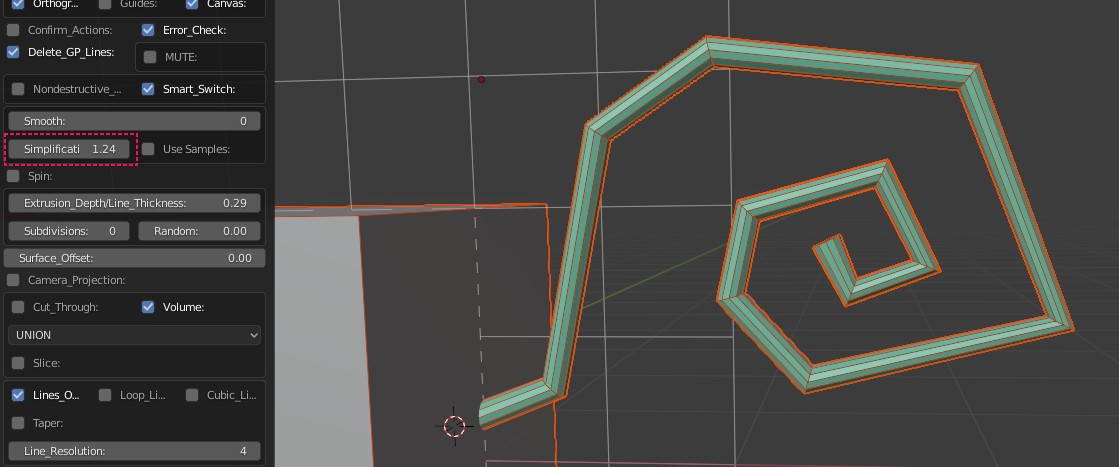
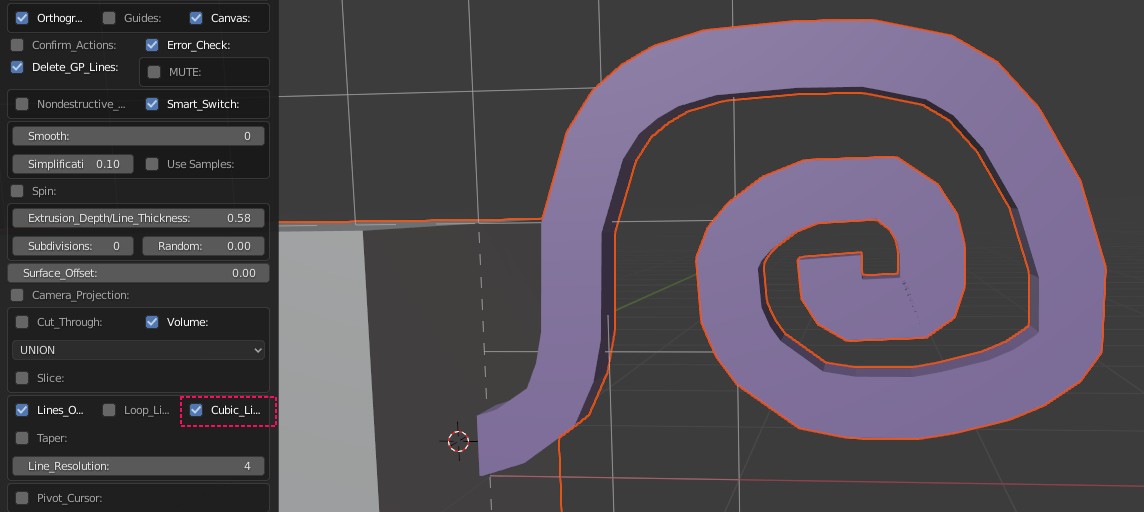
Cubic profile,
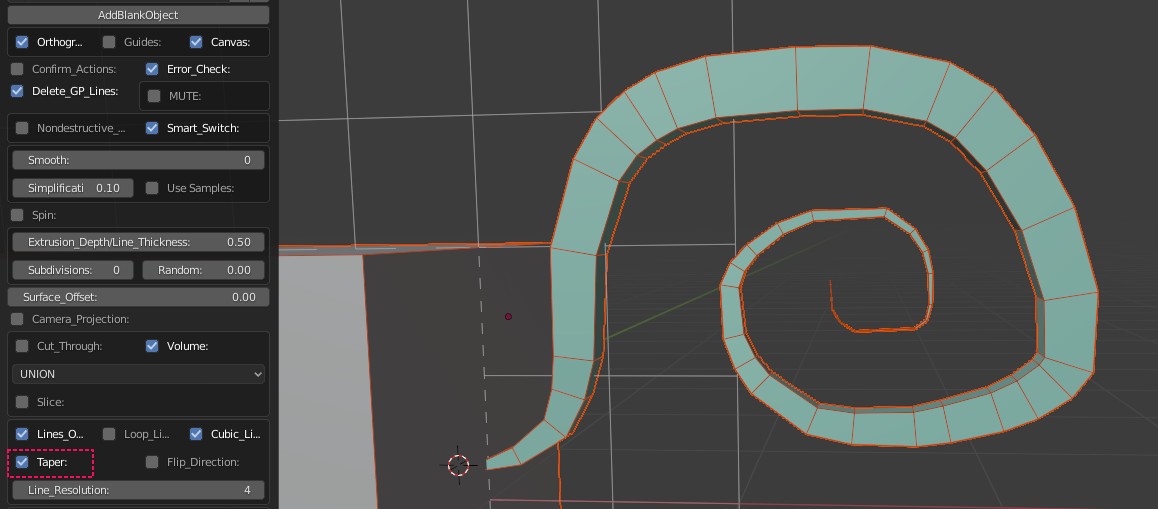
Taper On,
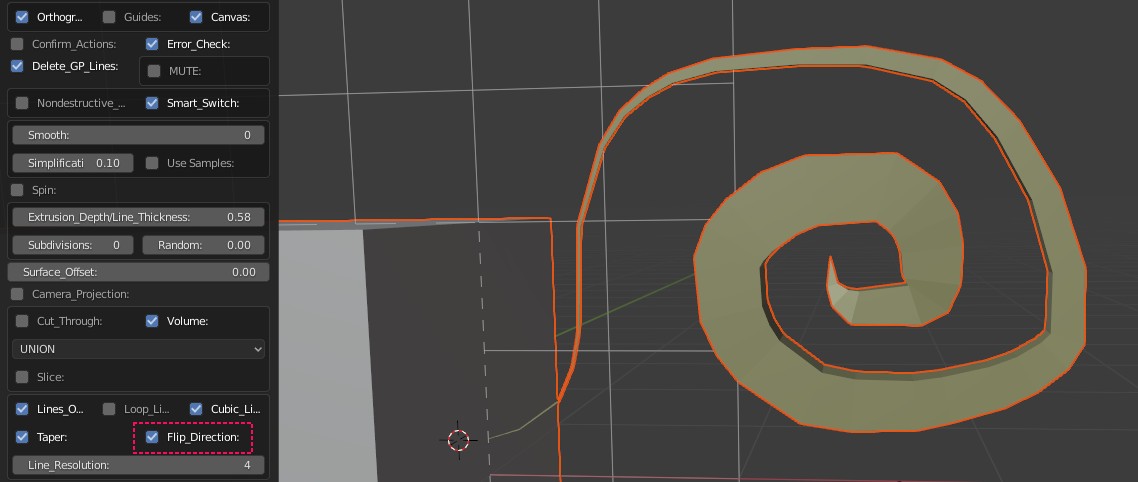
Taper Flipped.
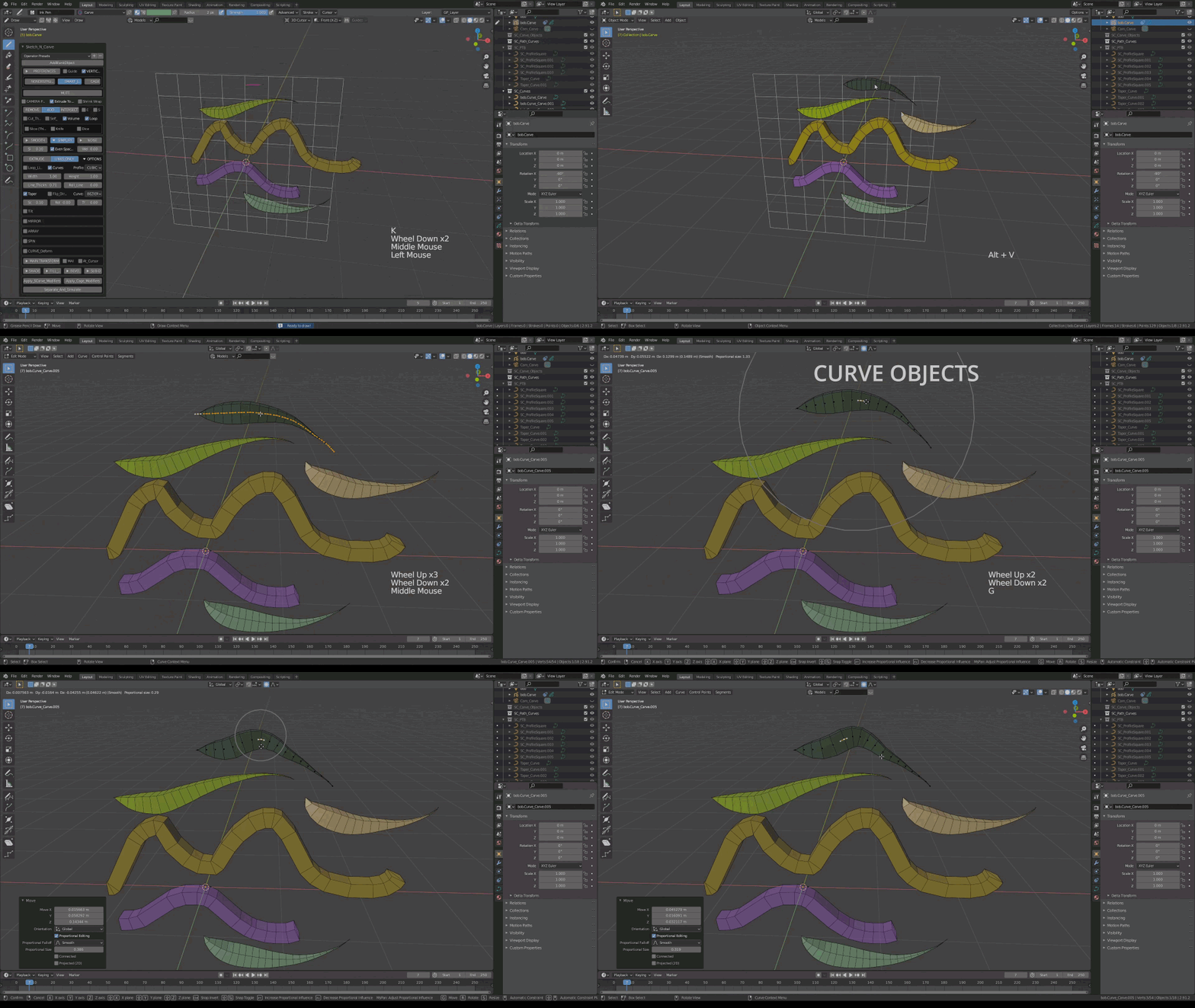
Curve Objects
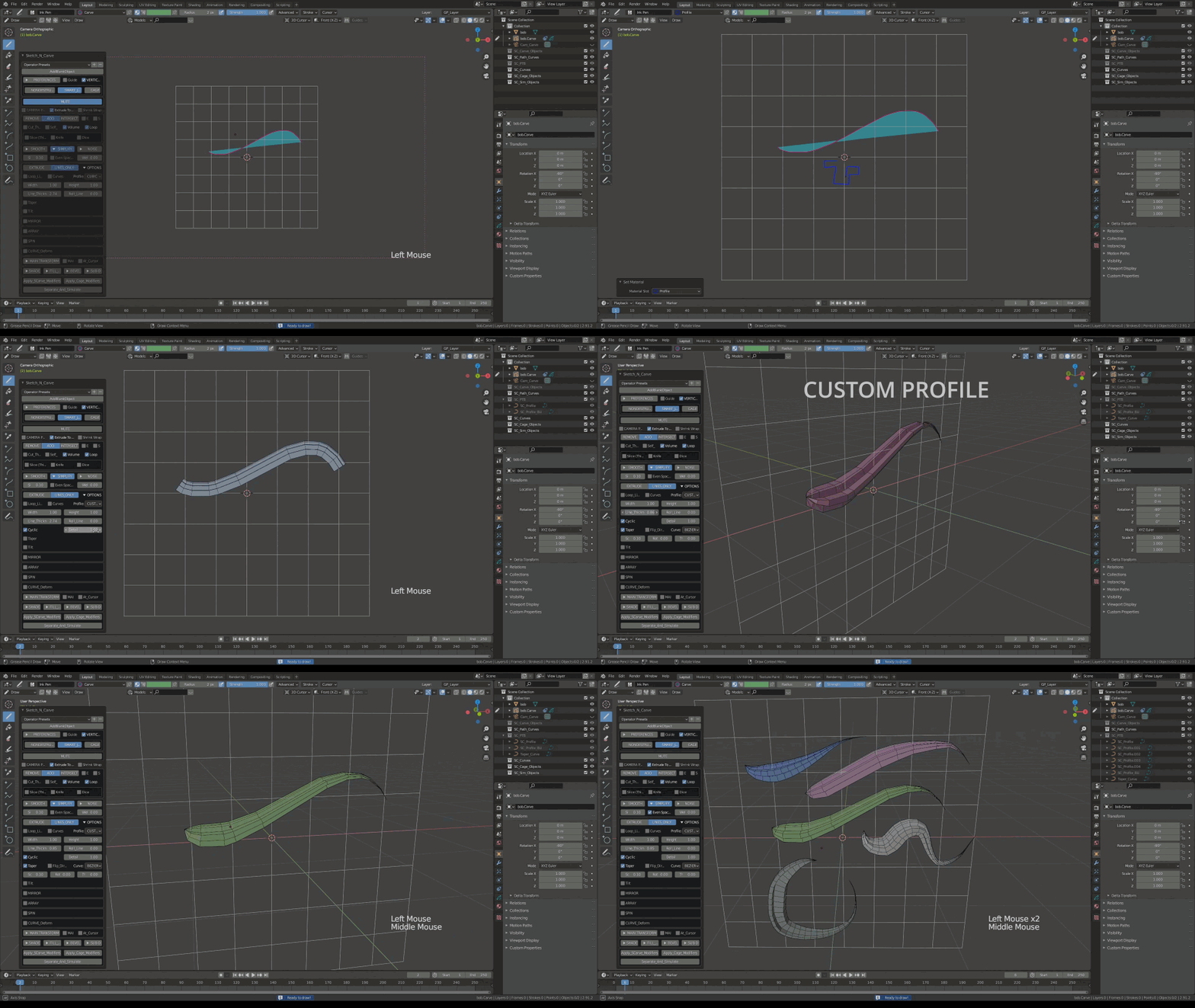
Custom Profile and Custom Taper
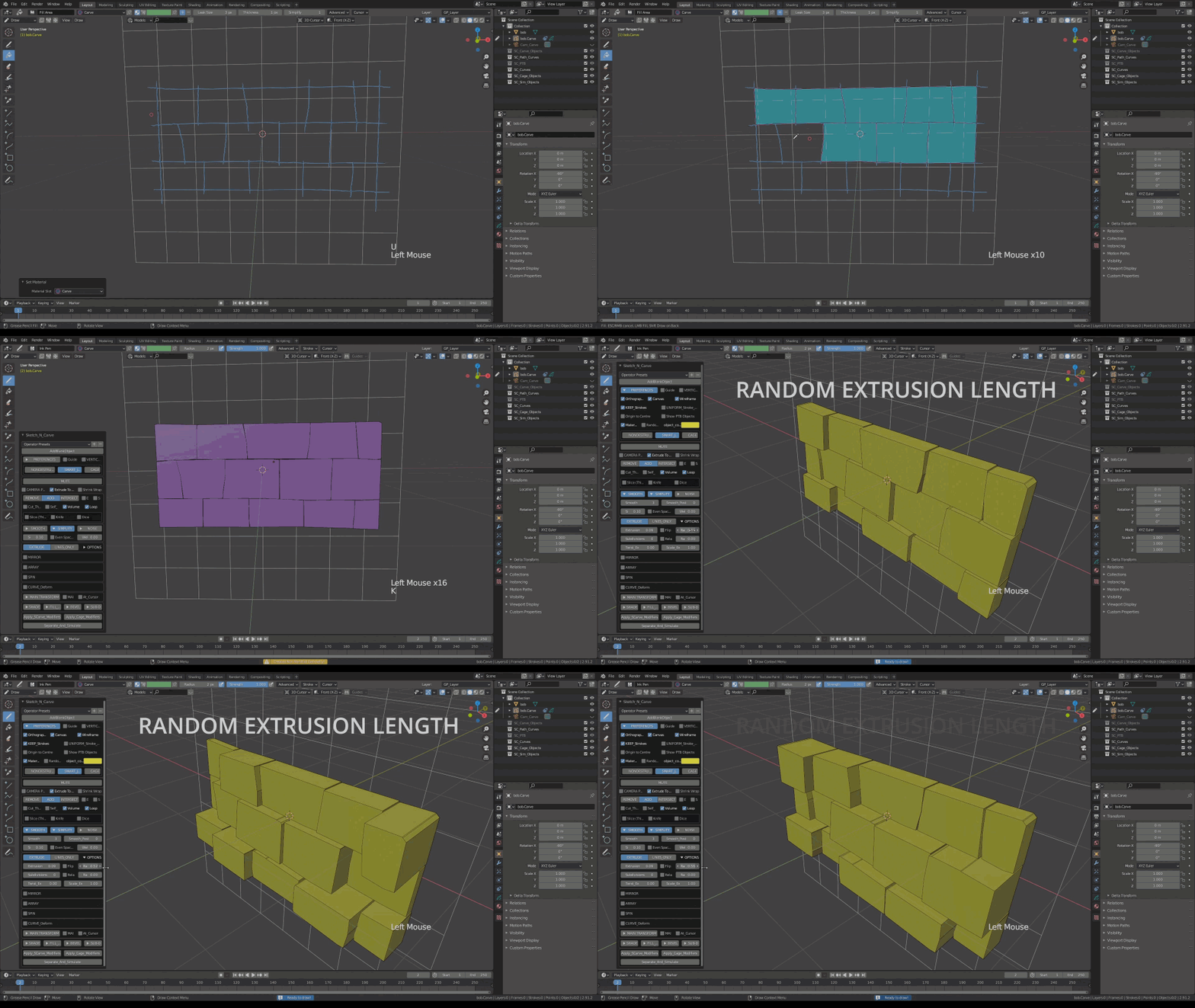
Random Extrusion Length
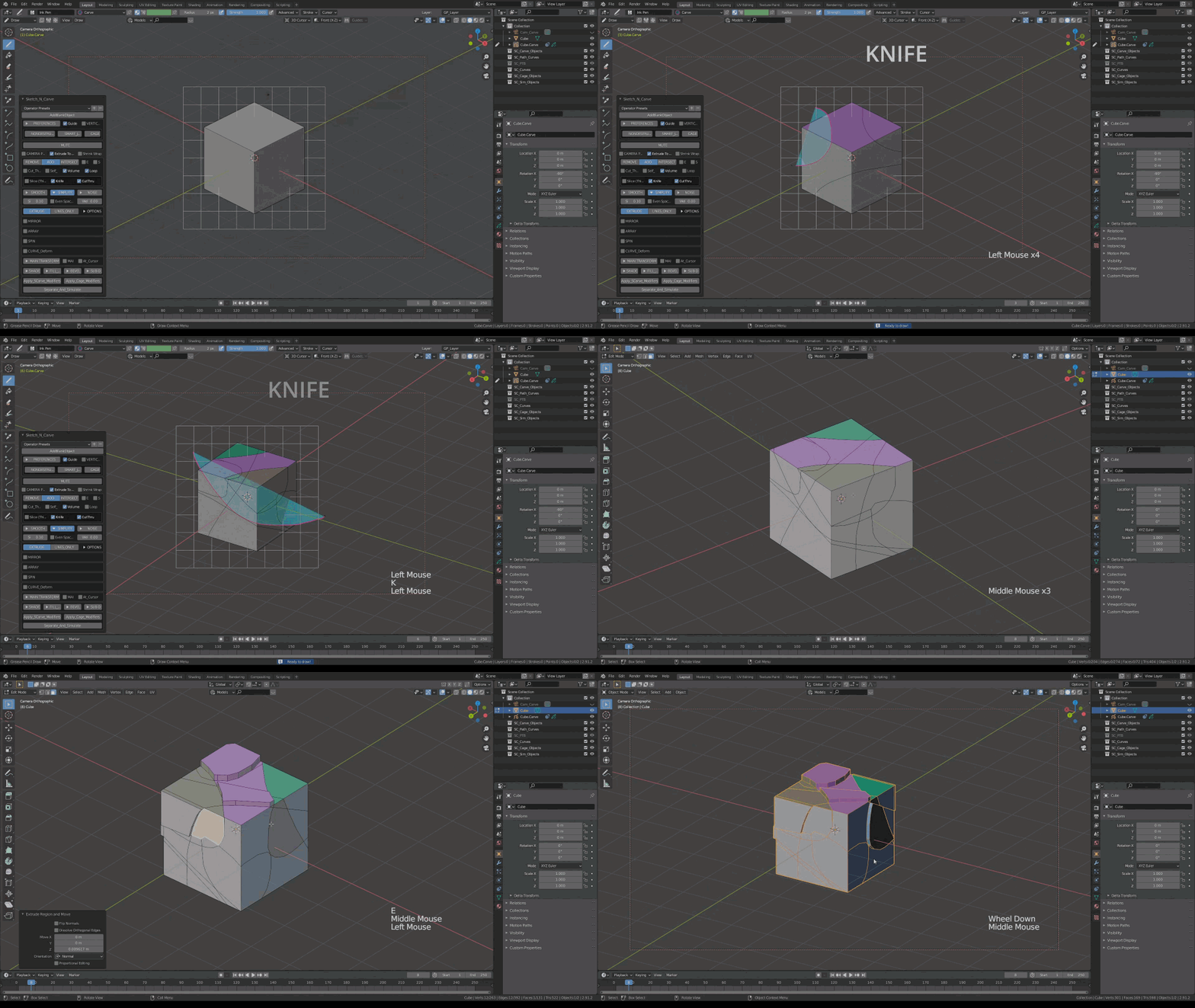
Knife Tool
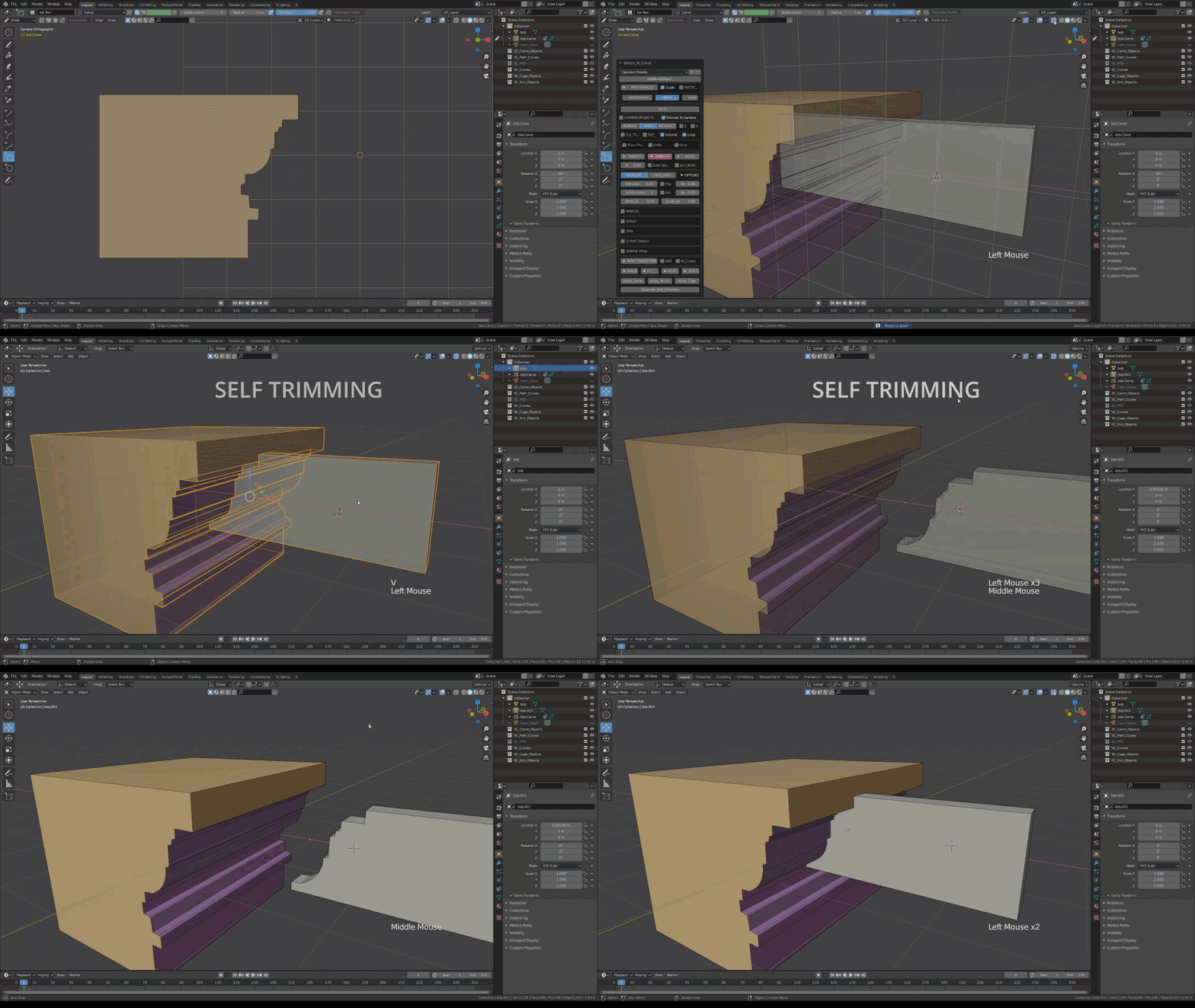
Self Trim
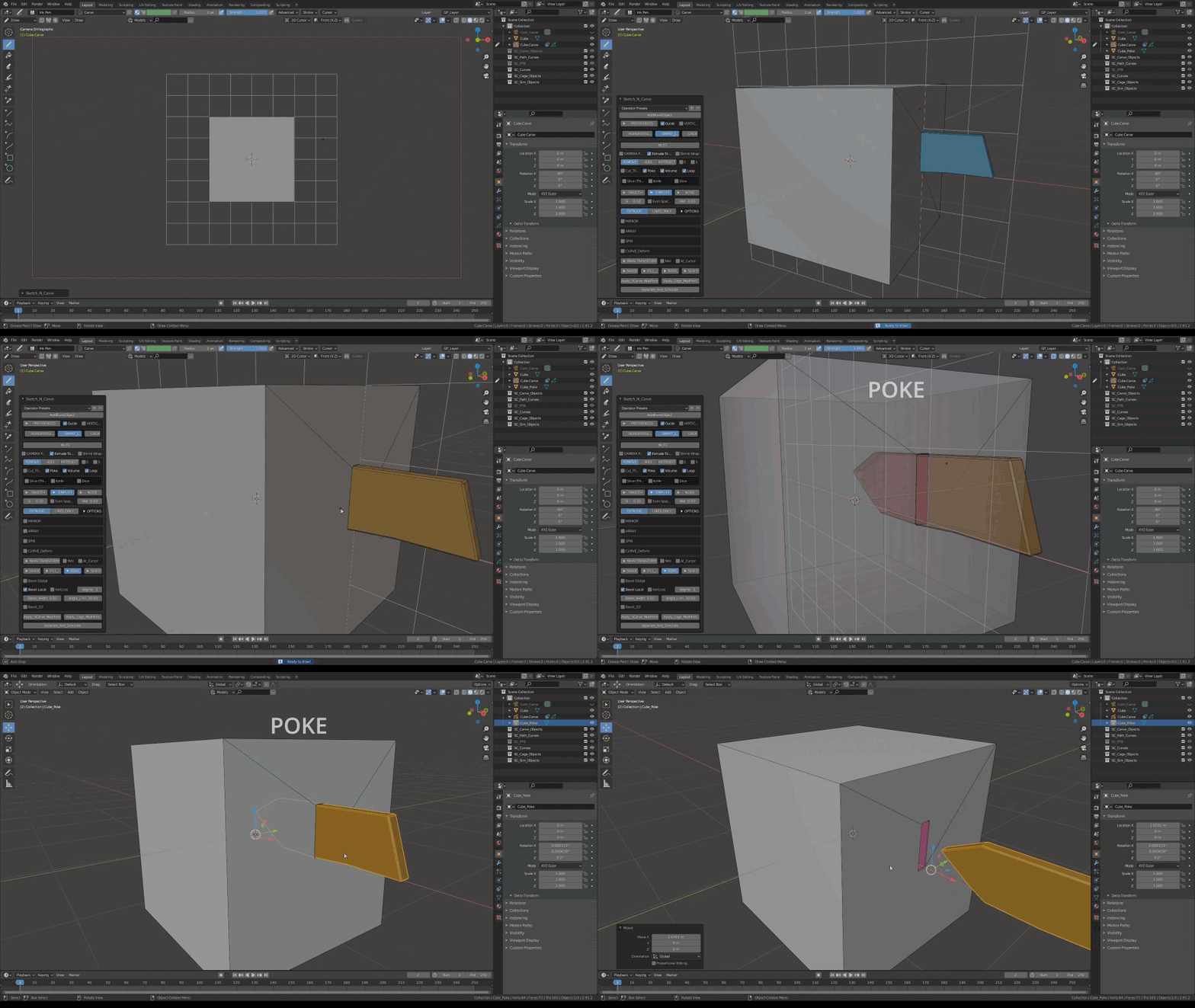
Poke
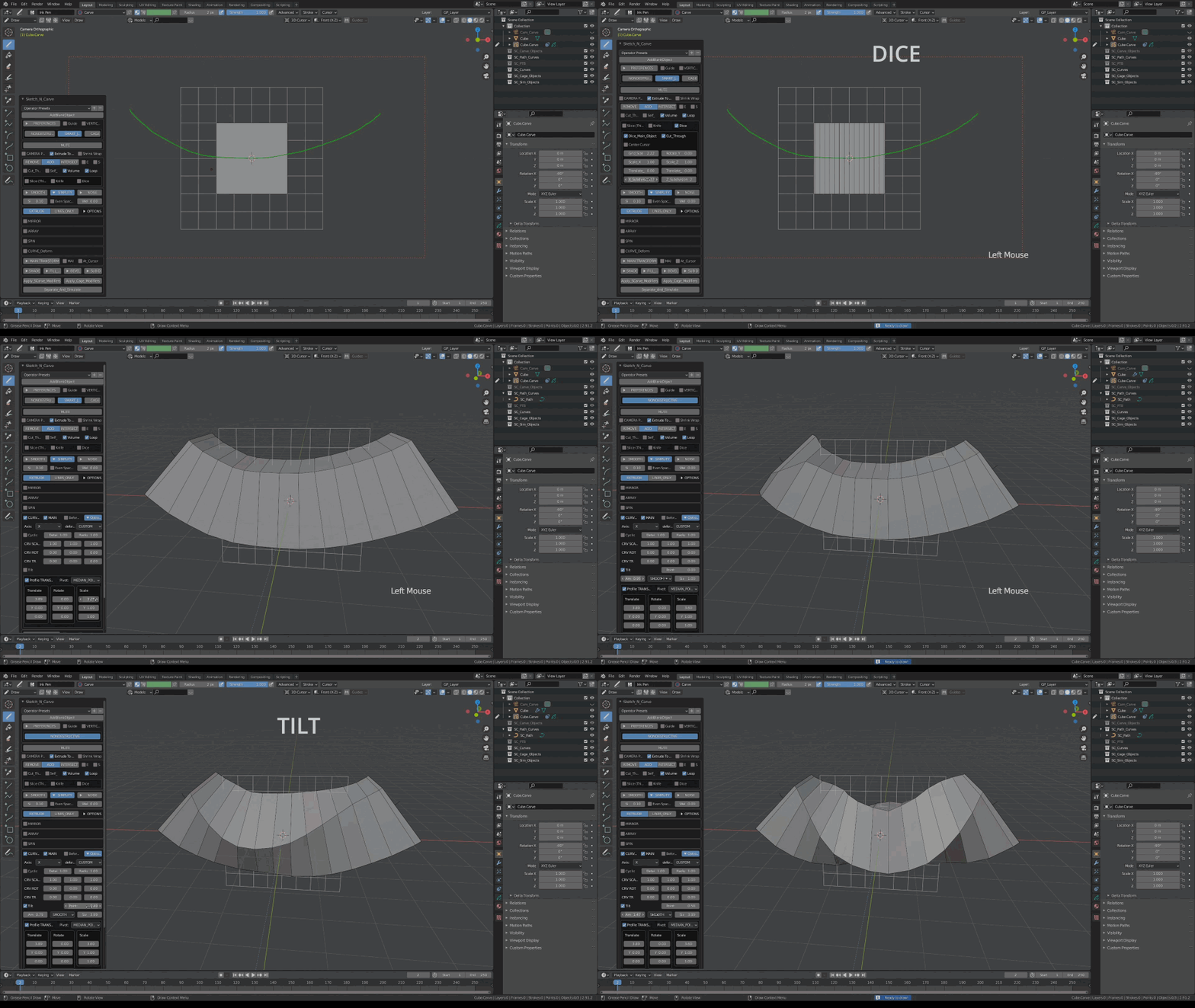
Dice and Tilt(Curve Deform)
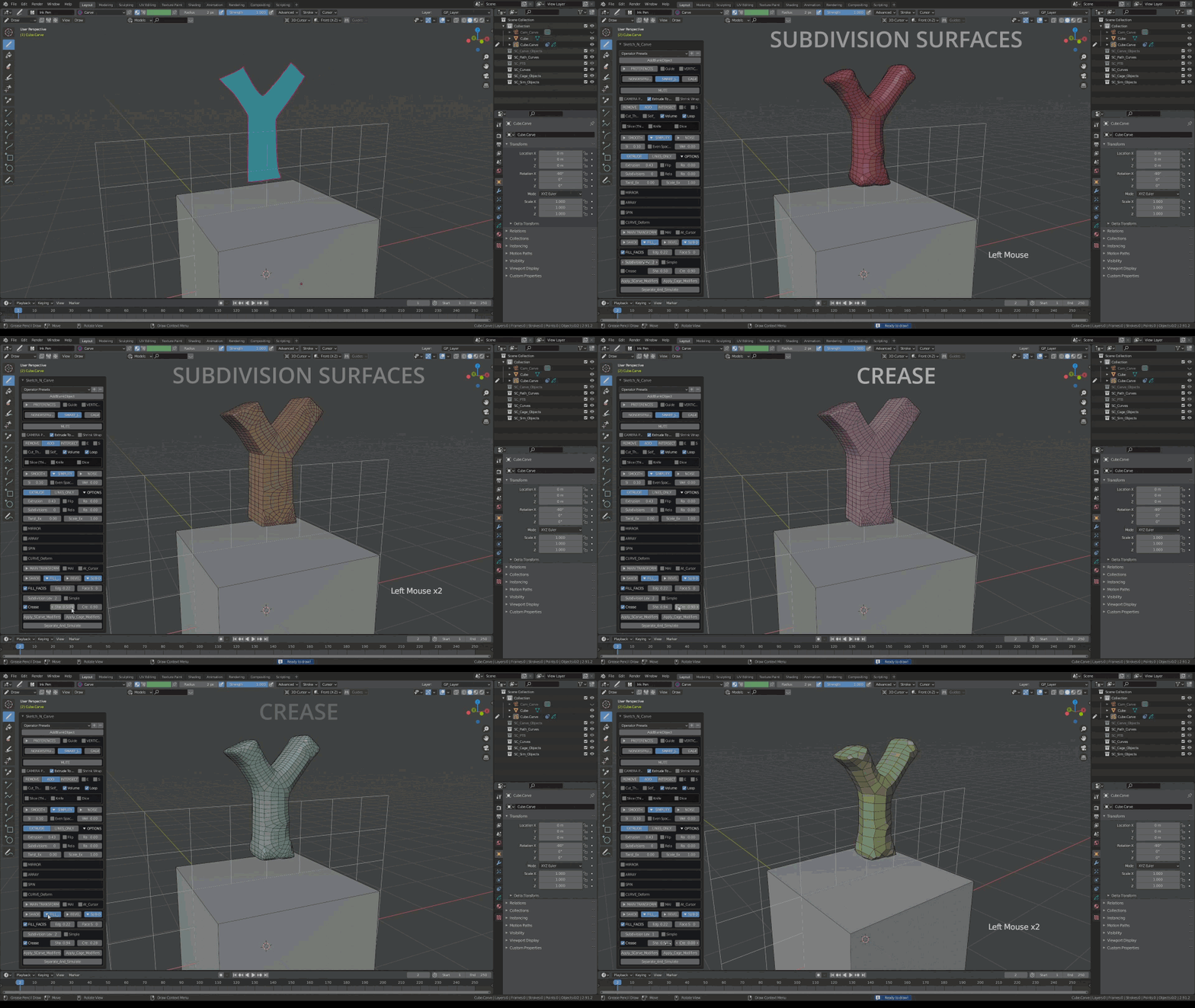
Subdivision Surfaces / Crease
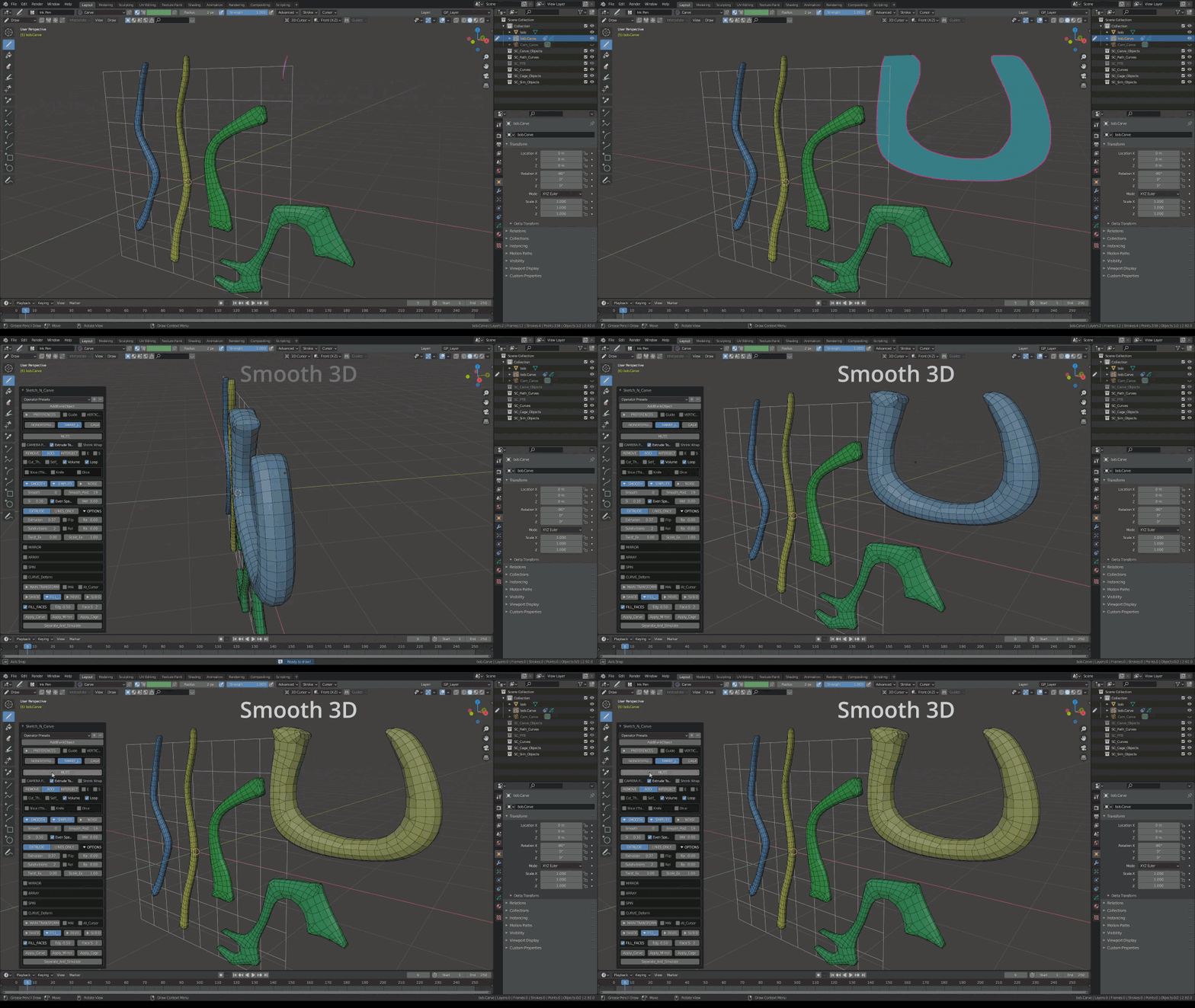
2D and 3D Smooth (Round objects without increasing the poly count)
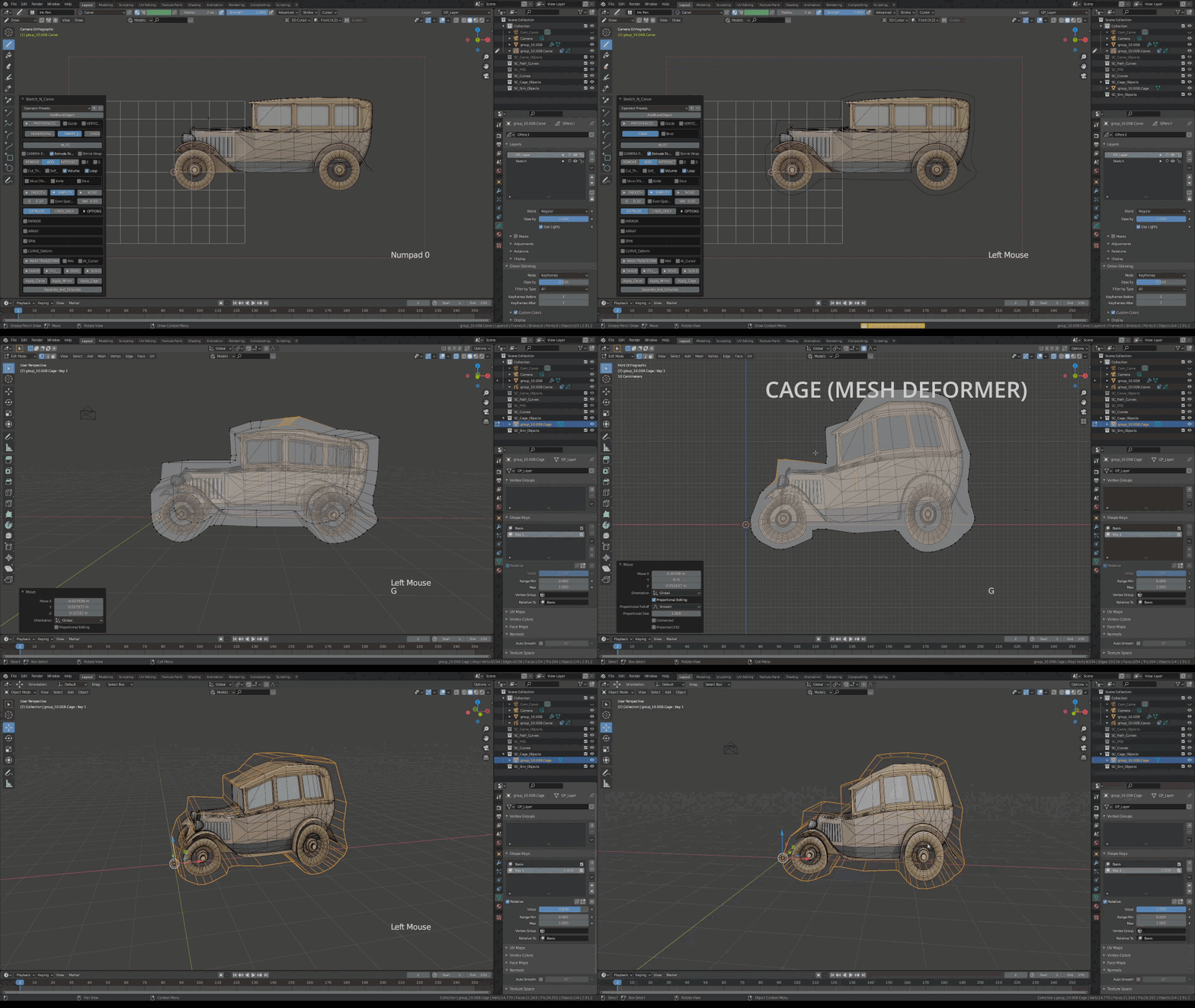
Cage (Mesh) Modifier
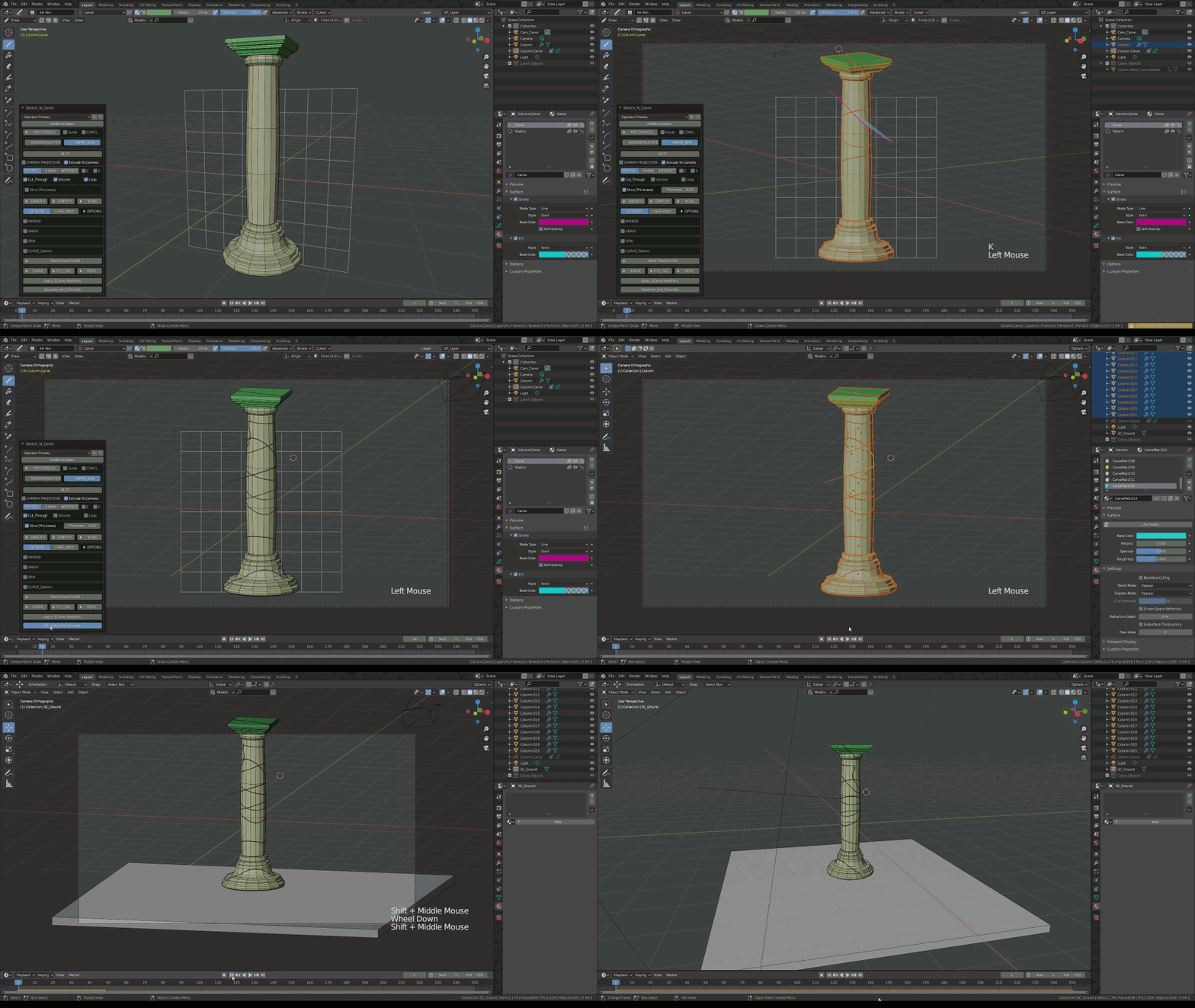
Slice, Slash And Simulate
Supercharge your 3D creation workflow with premium selection of Blender Add-ons. Whether you are modeling intricate characters, sculpting realistic environments, or animating cinematic sequences, the right add-on can transform how you work inside Blender. Our curated collection includes powerful tools for UV unwrapping, procedural texture generation, rigging automation, rendering optimization, and more—each rigorously tested for compatibility with the latest Blender versions. Eliminate tedious manual processes and unlock advanced functionality that lets you focus on what matters most: bringing your creative vision to life. Explore our full range of professional Blender plugins today and take your 3D projects to the next level.
➡️ ➡️ For more Blender Plugins 😀 😀
Reviews
There are no reviews yet.