
Smart Scene Manger for Blender
smart scene manager addon
Smart Scene Manager v0.26 for Blender – Professional Scene Organization & Workflow Tool
Versions: v0.26
File Size: 4.5 MB
Download Smart Scene Manager v0.26 for Blender on Windows, Mac, and Linux, a comprehensive scene management add-on that helps you organize, navigate, and optimize complex Blender scenes. Manage collections, objects, materials, and render settings from a unified interface—perfect for artists working on large, asset-heavy projects .
Key Features of Smart Scene Manager v0.26:
- Scene Organization: Hierarchical view of all scene elements—collections, objects, materials, lights, cameras
- Quick Search: Instant search across all scene elements by name, type, or custom tags
- Batch Operations: Apply operations to multiple objects simultaneously—rename, delete, hide, or assign materials
- Collection Management: Create, rename, organize, and nest collections with drag-and-drop
- Material Manager: Centralized material management with thumbnail previews
- Render Settings Presets: Save and load render configurations for different output needs
- Scene Statistics: Real-time polygon count, object count, and memory usage
- Workspace Integration: Customizable layout that integrates into Blender’s UI
- Undo Support: Full undo for all management operations
- v0.26 Updates: Enhanced search, improved performance, and compatibility with Blender 4.0+
Perfect For:
- Artists working on large, complex scenes with many objects
- Studios managing shared asset libraries
- Technical artists optimizing scene performance
- Animators organizing character and prop libraries
- Anyone who needs better scene organization in Blender
System Requirements:
- Blender 3.6, 4.0, 4.1, 4.2, 4.3
- Windows 10/11 (64-bit), macOS, or Linux
- 4GB RAM minimum (8GB+ recommended)
- 15MB available disk space
Installation:
- Download the add-on zip file
- In Blender, go to Edit > Preferences > Add-ons
- Click “Install” and select the downloaded zip file
- Enable the add-on by checking the box next to “Smart Scene Manager”
Note: Smart Scene Manager transforms how you manage complex Blender scenes, providing centralized control over collections, objects, materials, and render settings . The quick search and batch operations make it essential for artists working on large, asset-heavy projects . Version 0.26 includes full compatibility with Blender 4.0 and above . Designed for Blender 3.6 and above . Perfect for efficient scene management . Essential for any complex project .
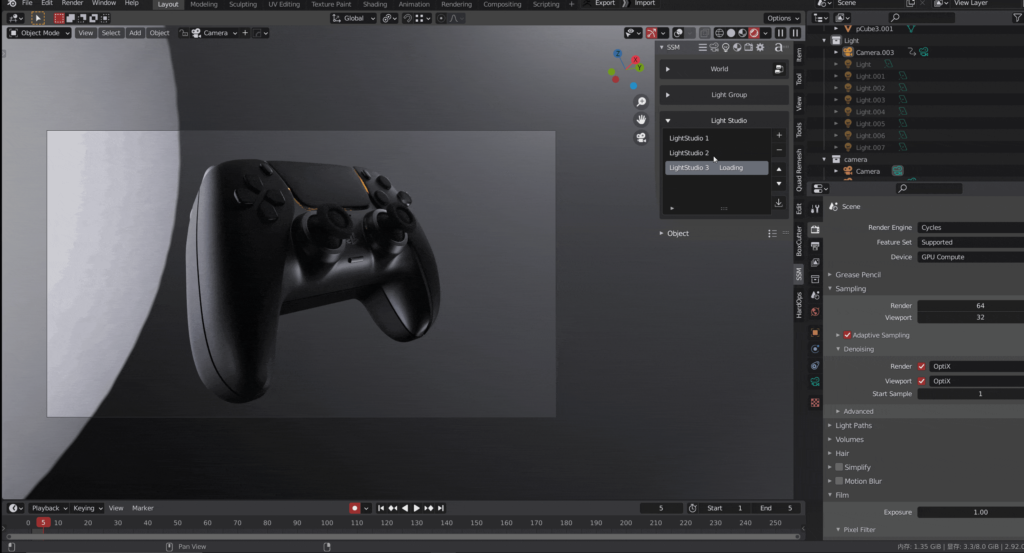
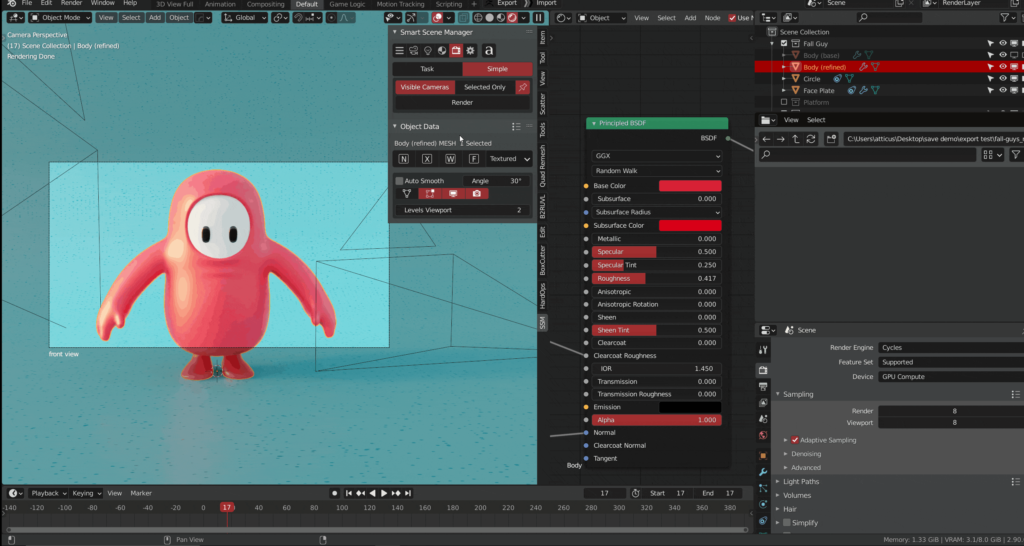
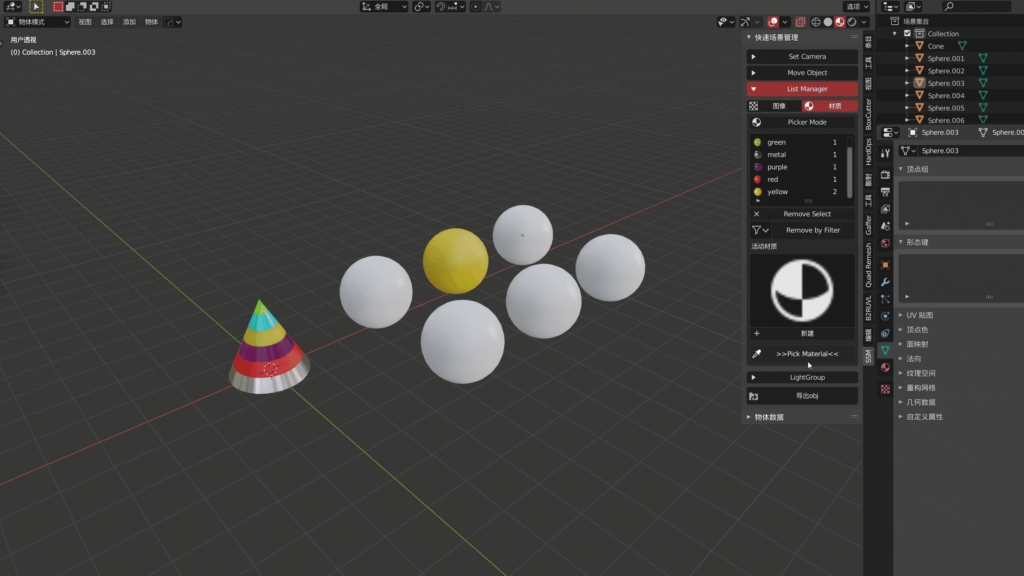
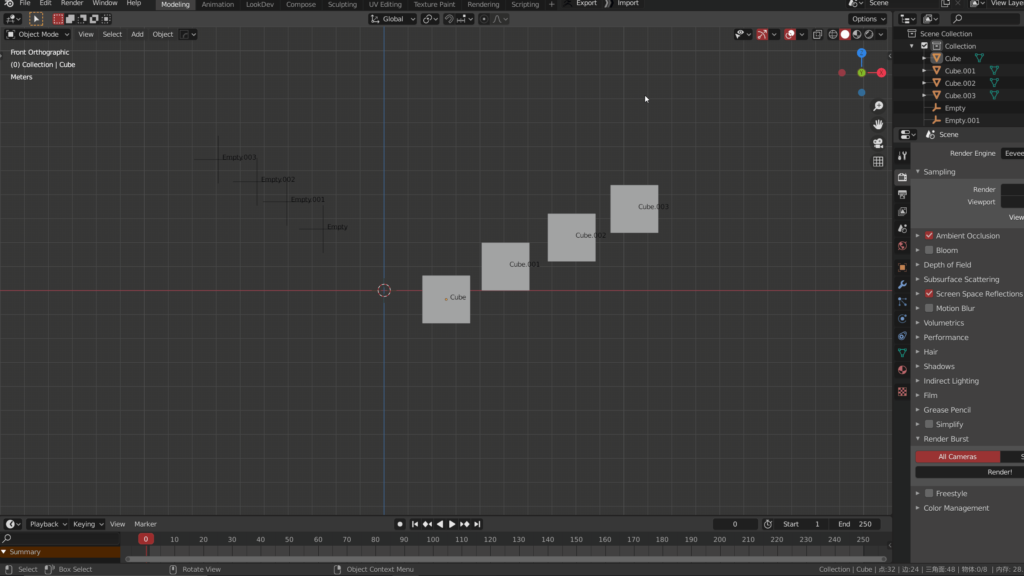
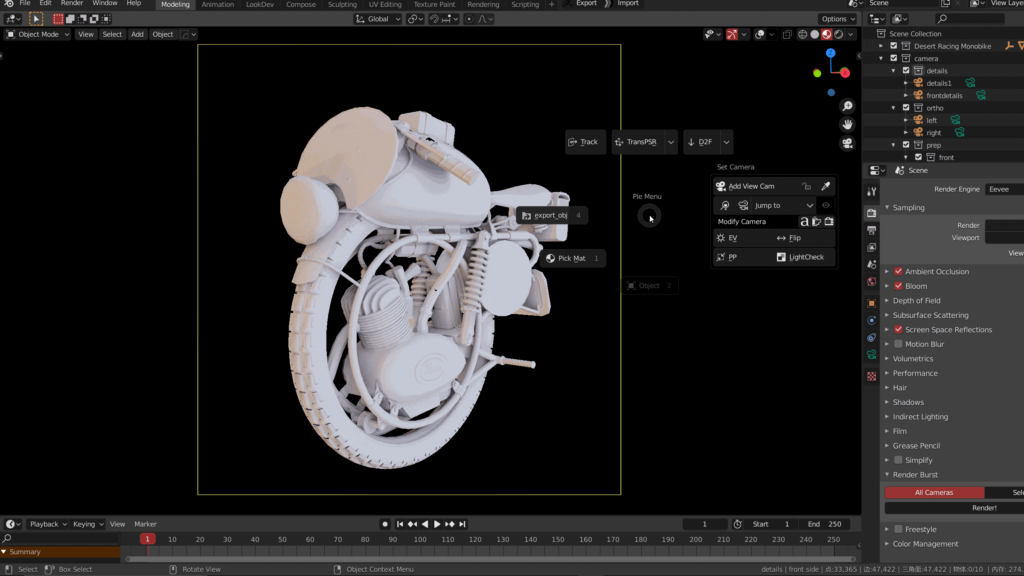
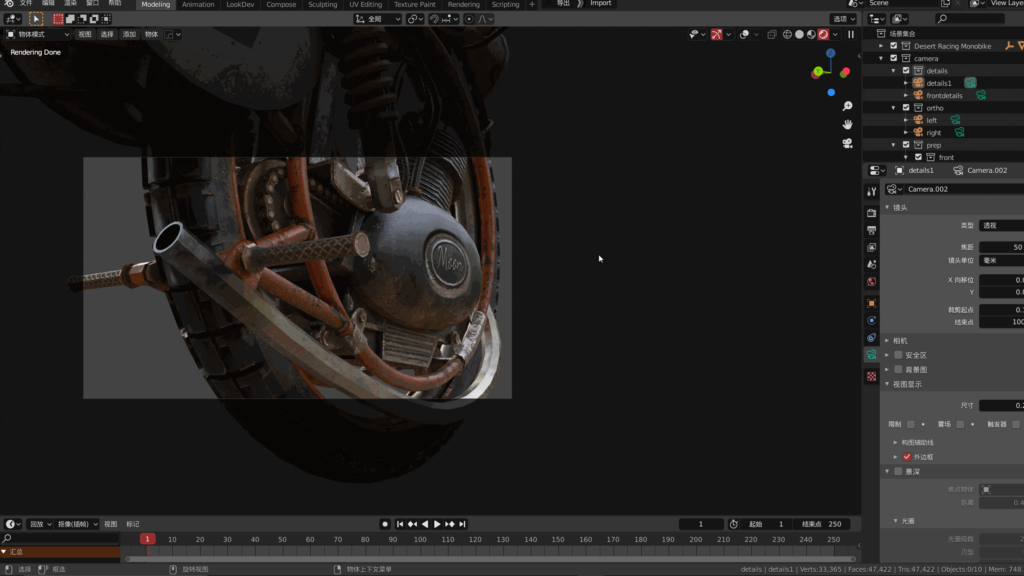
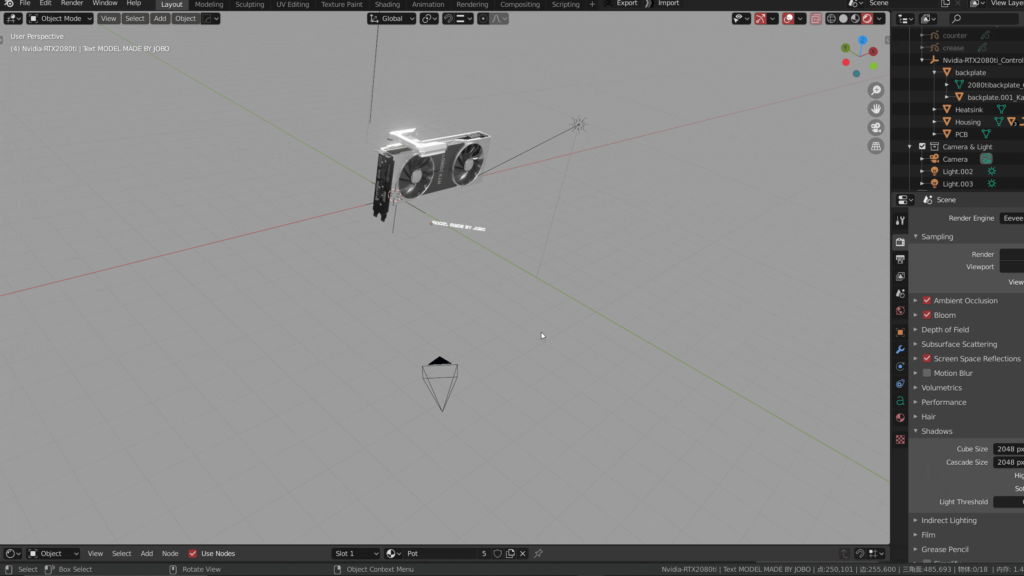
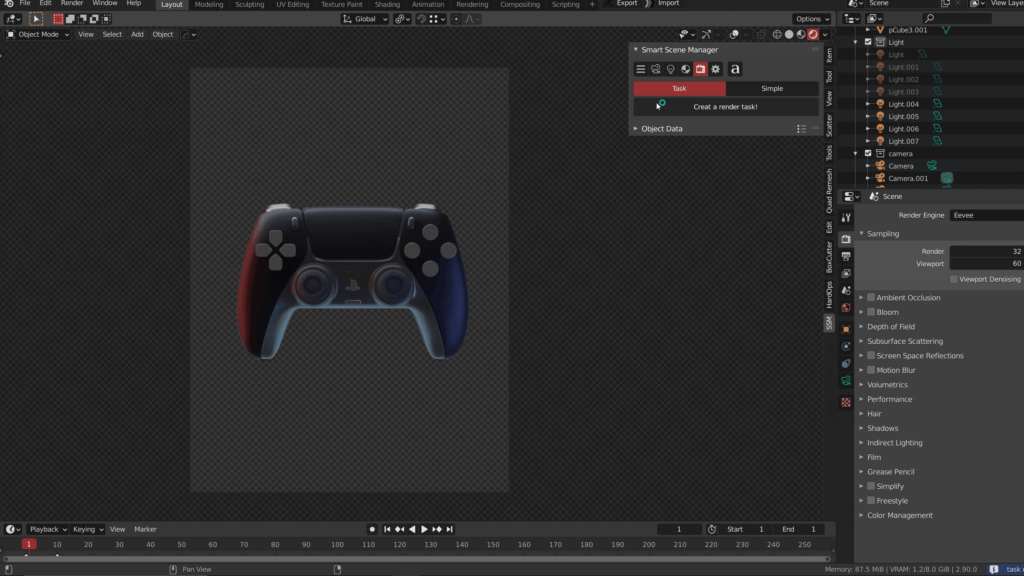
Compared with other more powerful or specific add-ons, SSM itself has a more integrated positioning. It can make users pay more attention to the design process itself in an elegant way, rather than immerse in the convergence of various shortcut key operations.
You can get it free be here, but 5 small versions older than the paid version
tips: The 0.195 version can not read 0.15’s camera property because I rewrite it for a better performance!
However, I make a “size preset” for you, which you can remember the old one first and then apply it with your preset
Features (0.25)
view the document in the FAQS to get a better view!(updating!)
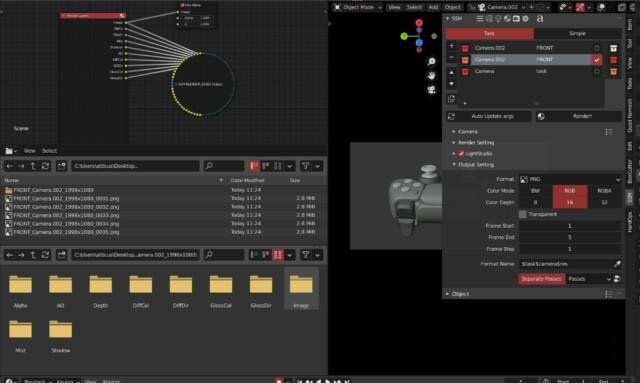
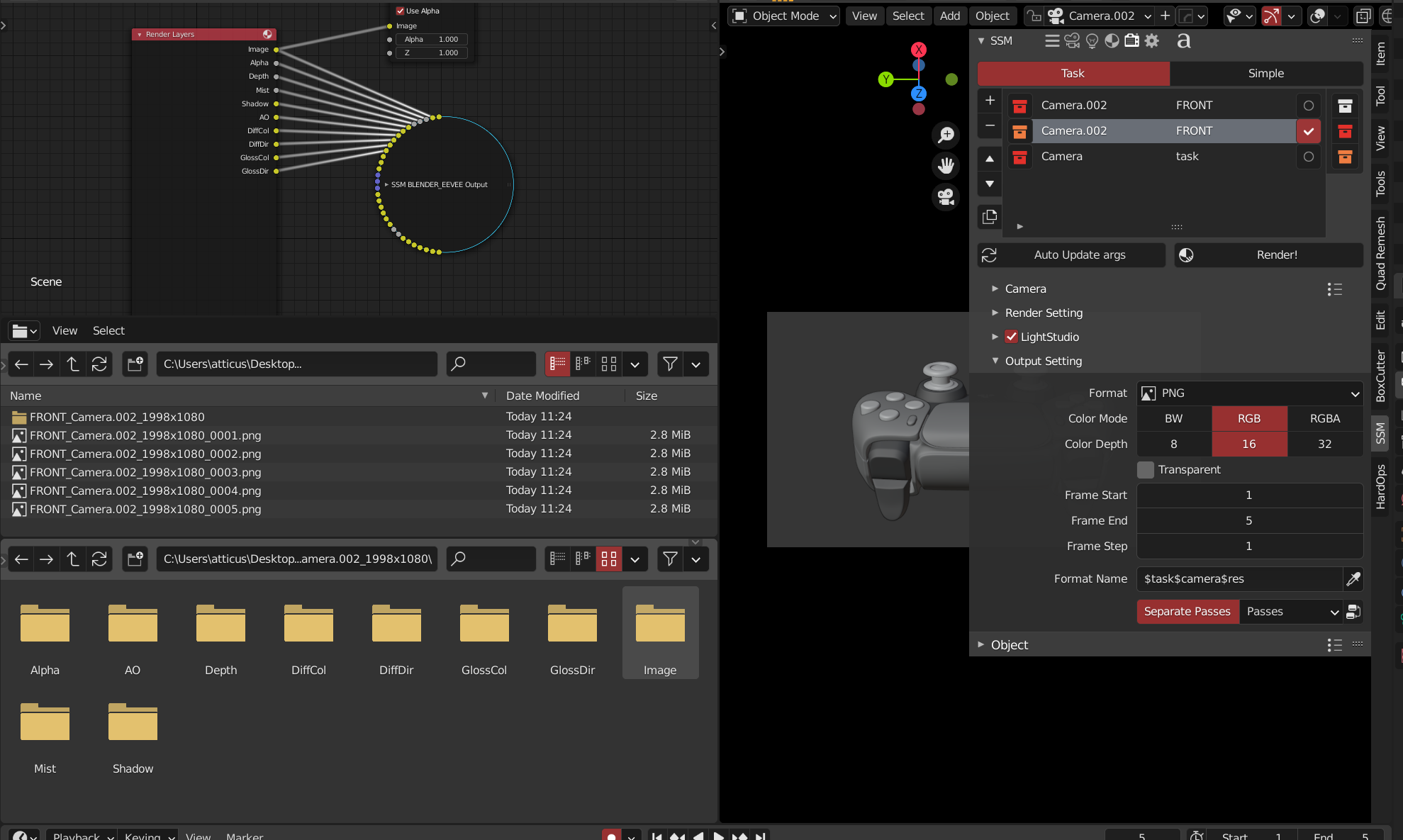
RenderStack (support octane,luxcore)
- 2 modes base on the free plugin “Render Burst”. so it has 2 mode,simple mode and task mode. simple mode is just like “Render Burst”,but can read the ssm attribute for each camera (resolution and exposure value)
- render group (manage you render tack into different color groups, hide the group make the interface cleaner, also, you will get a copy task operator to copy your task and modify it in a few time
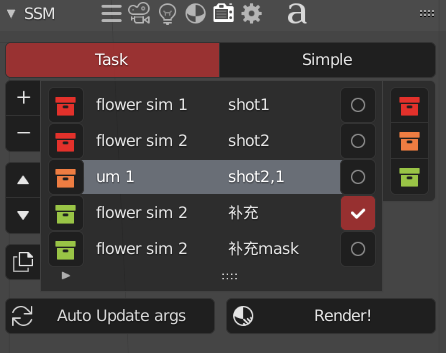
- attribute overwrite allow to overwrite the camera attribute in your task ,and more attribute can be modified
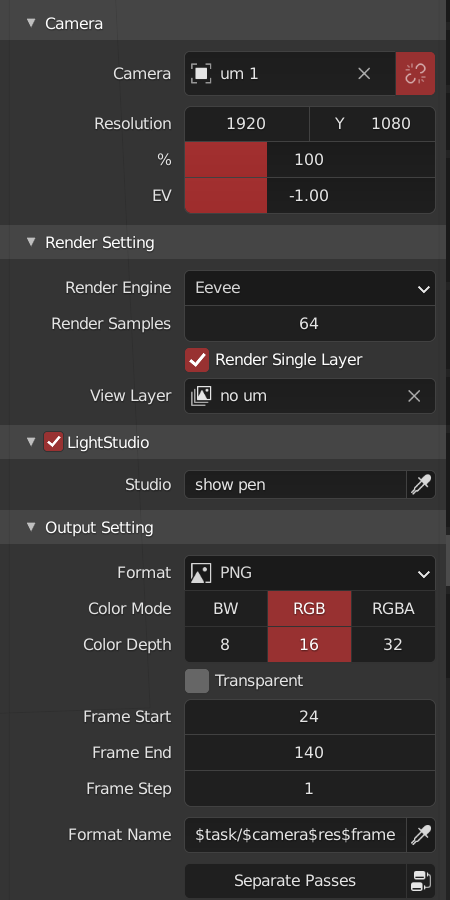
- preview mode render you mark tasks with OpenGL into a preview folder, which can preview your animation very quickly
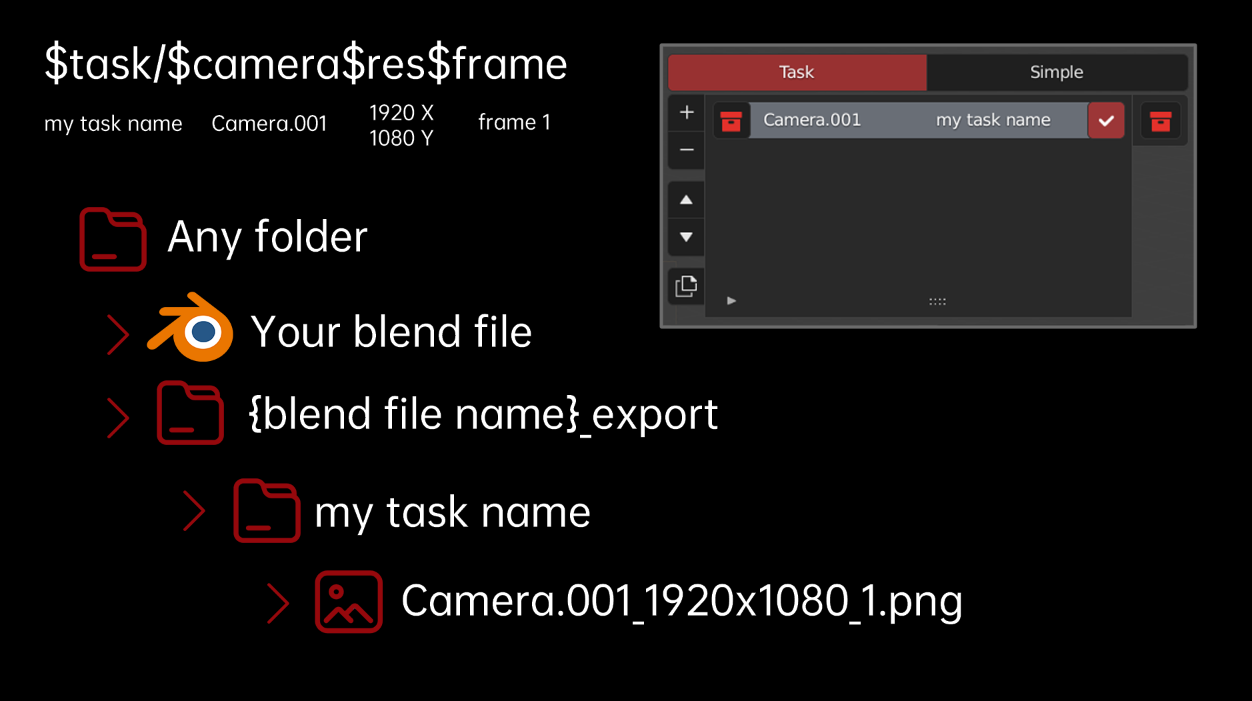
- strong format output / render layer separate (base on view layer)
Camera (support octane)
Toolset for generating cameras, quickly modifying camera properties, and checking view image
- header menu
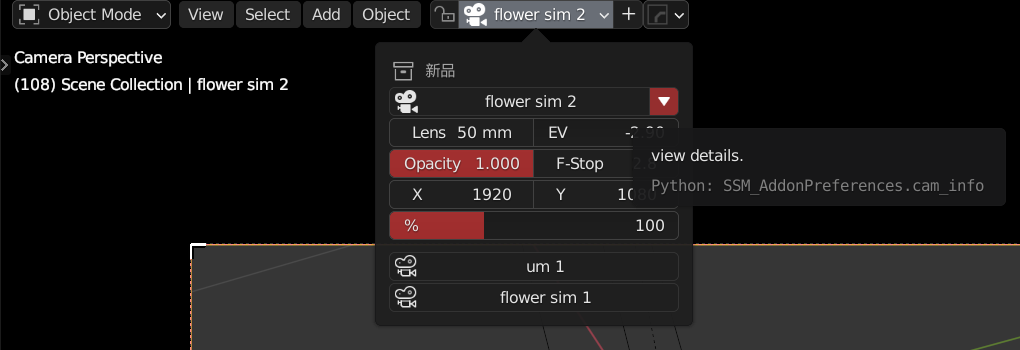
- camera context menu
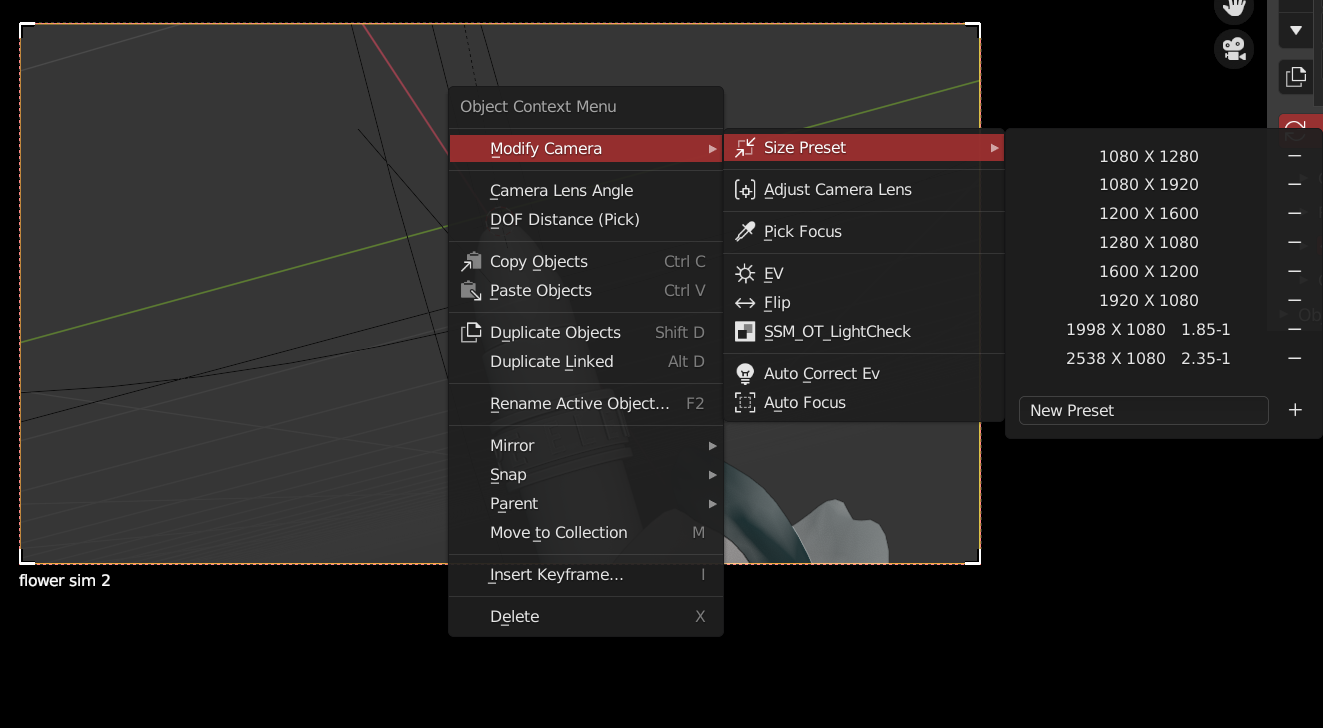
At the same time, SSM also has independent output resolution and exposure value for each camera, which will automatically read the attributes when using the renderstack
Light
provide a simple hdri selector, just like “hdr link” in cinema 4d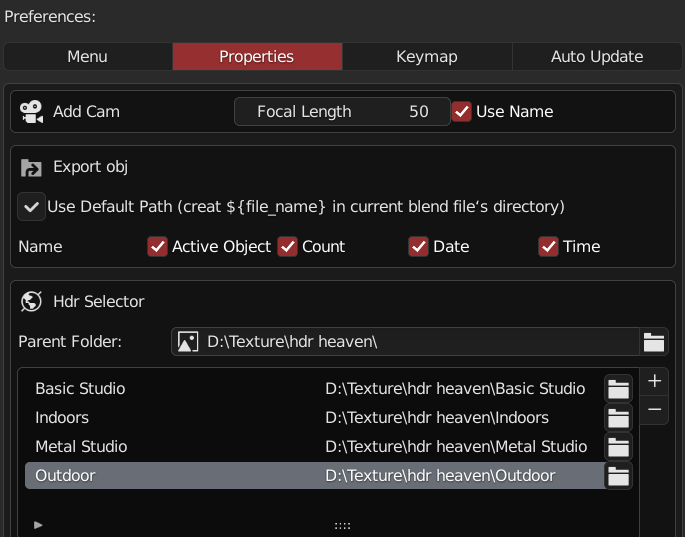
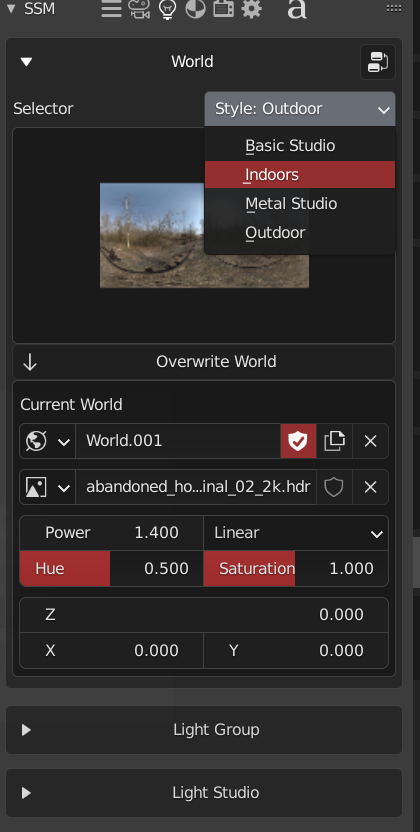
light group to manage your light
light studio to remember your light setting with light group and world! which can be applied to the renderstack !!!
Materials
A new and strong material picking tools,allow you to pick materials into a list and apply any object you want (view the gif)
Move
Toolset for manipulating the position, rotation, scaling, and alignment of objects in the scene (view the gif)
- place object tool: just like the 2.92 sculpt tool in object mode
Supercharge your 3D creation workflow with premium selection of Blender Add-ons. Whether you are modeling intricate characters, sculpting realistic environments, or animating cinematic sequences, the right add-on can transform how you work inside Blender. Our curated collection includes powerful tools for UV unwrapping, procedural texture generation, rigging automation, rendering optimization, and more—each rigorously tested for compatibility with the latest Blender versions. Eliminate tedious manual processes and unlock advanced functionality that lets you focus on what matters most: bringing your creative vision to life. Explore our full range of professional Blender plugins today and take your 3D projects to the next level.
➡️ ➡️ For more Blender Plugins 😀 😀
Reviews
There are no reviews yet.