
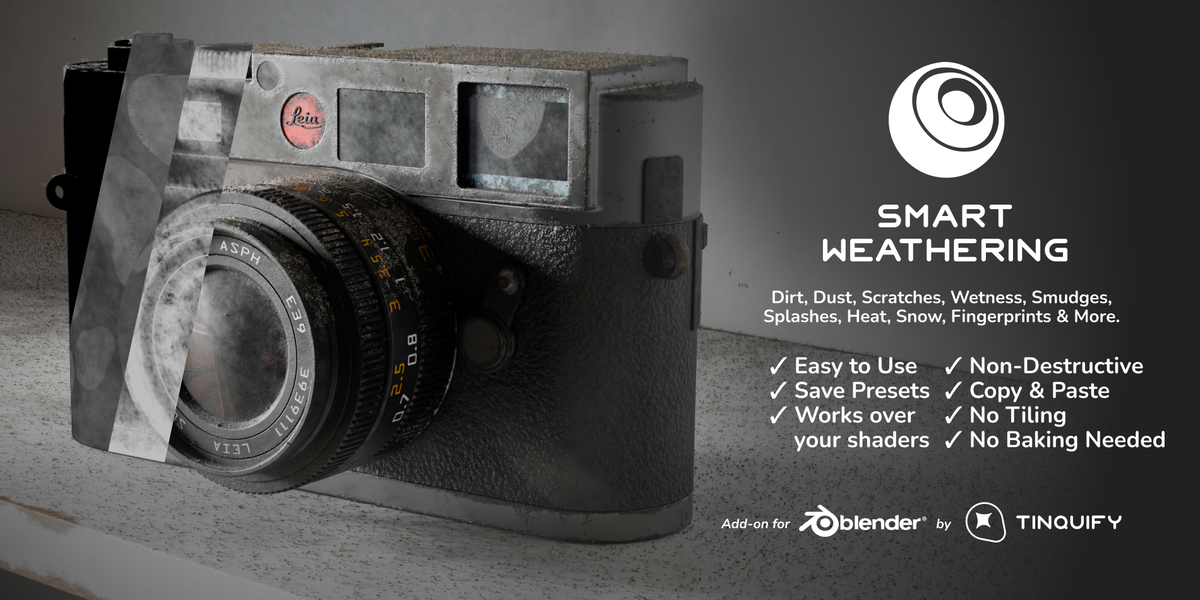
Smart Weathering for Blender
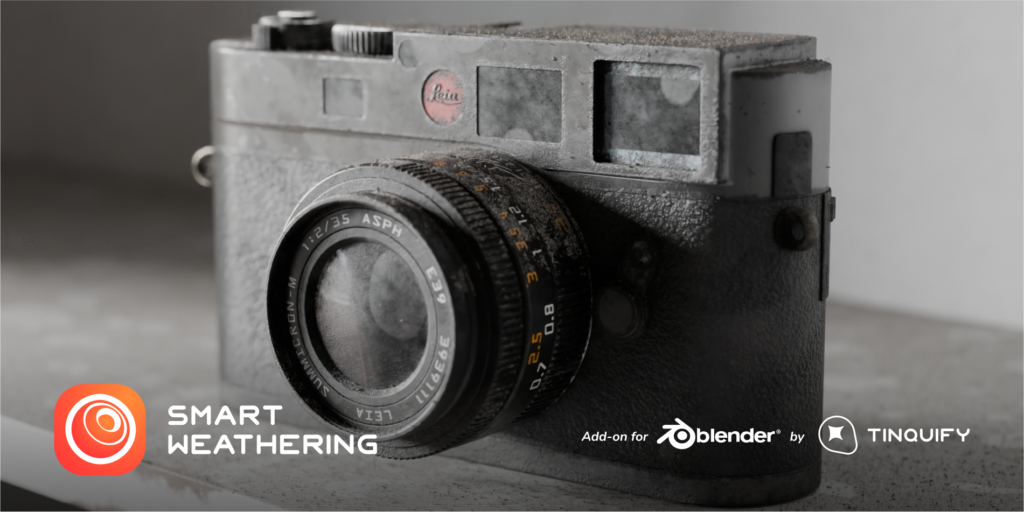
Smart Weathering v3.0.1 for Blender – The Ultimate Automated Aging & Surface Degradation Suite
Versions: v3.0
File Size: 8.25 MB
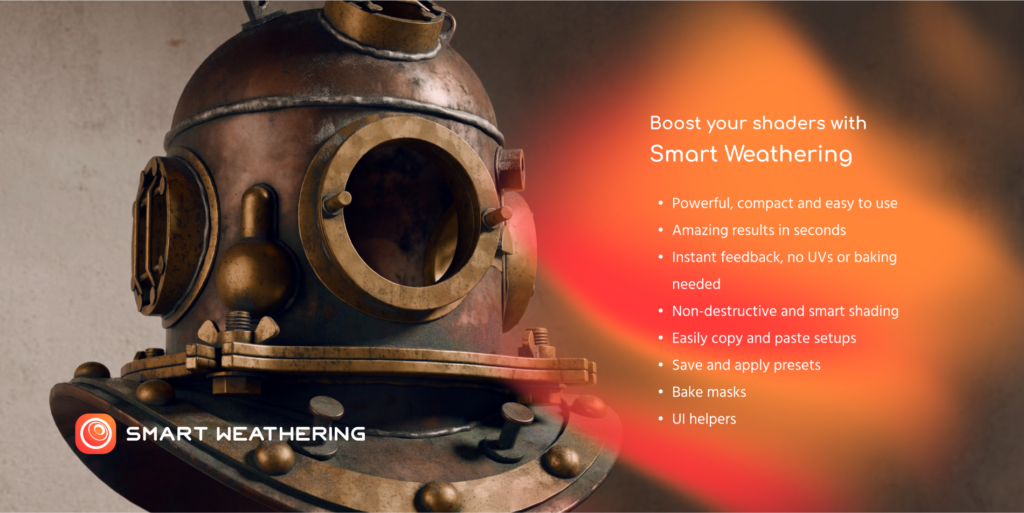
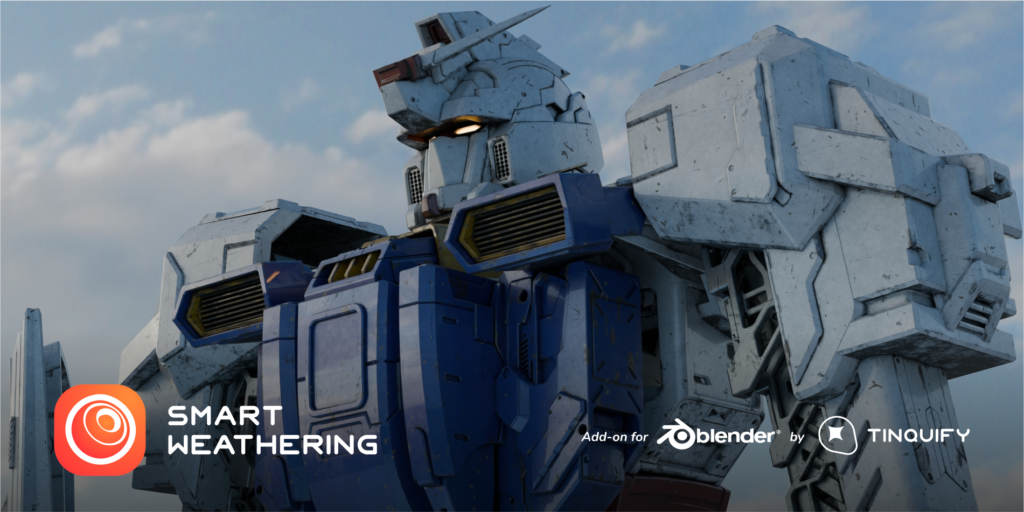
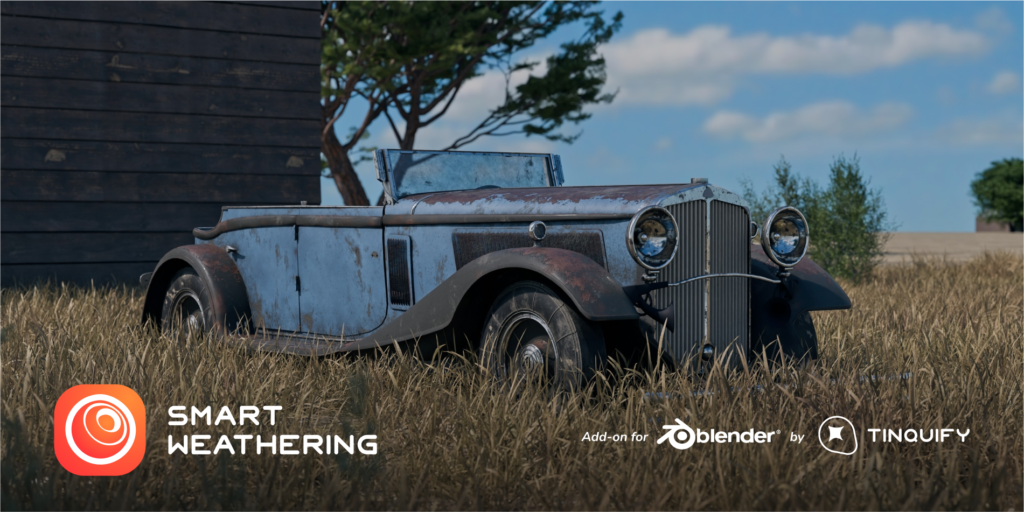
Download Smart Weathering v3.0.1 for Blender on Windows and Mac, a powerful and intelligent shader addon designed to instantly transform pristine, sterile 3D models into realistic, lived-in, and weathered assets. Whether you need to add subtle edge wear to a sci-fi prop, simulate years of rust and peeling paint on an industrial machine, or cover a building in dust and grime, Smart Weathering automates the complex process of material degradation. By analyzing your mesh’s geometry, curvature, and ambient occlusion, it applies physically plausible weathering effects in seconds, eliminating the need for hours of manual texture painting in external software.
Key Features of Smart Weathering v3.0.1:
- Intelligent Edge Wear & Chipping: Automatically detects convex edges, corners, and high-contact areas to apply realistic paint chipping, metal polishing, and surface abrasion, mimicking how objects naturally degrade from friction and handling.
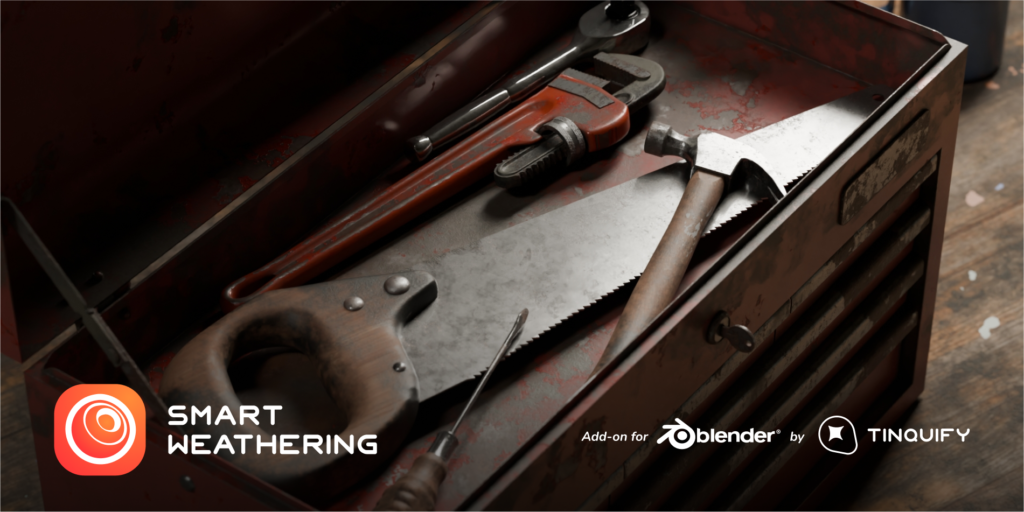
- Gravity-Aware Rust & Streaks: Unlike random noise textures, the rust and water stain generators understand gravity. Streaks flow naturally downward from crevices and holes, pooling realistically in lower areas and corners.
- Multi-Layer Material Peeling: Automatically generates complex material masks where top layers (like paint or primer) peel and curl away to reveal rusted or bare metal underneath, with accurate thickness and edge detailing.
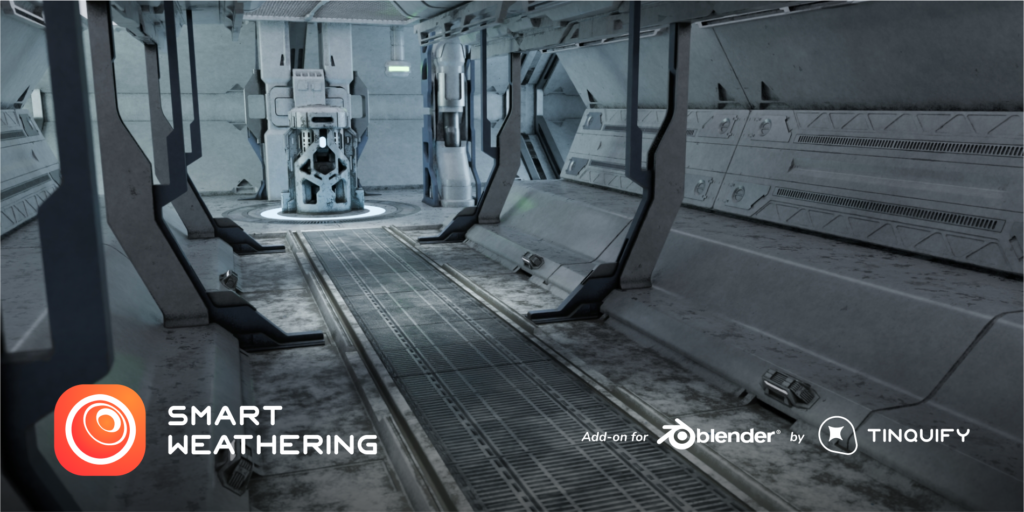
- Dust & Grime Accumulation: Utilizes ambient occlusion and upward-facing normal data to pack realistic dust, dirt, and grease deep into crevices, panel gaps, and horizontal surfaces where debris naturally settles.
- Procedural Mask Generation: Creates highly accurate weathering masks based on Bevel weights, Curvature, and Ambient Occlusion, ensuring that wear and tear occur exactly where they would in the real world.
- Vertex Paint Control: Use vertex colors or a simple brush to manually “paint” areas where weathering should never happen (like a clean logo or freshly painted section) or must happen (like a specific impact zone), giving you ultimate artistic control.
- One-Click Environment Presets: Instantly apply comprehensive weathering setups tailored to specific environments, including Desert Sun-Baked, Abandoned Industrial, Freshwater Submerged, Arctic Frost, and Urban Smog.
- Animation & Progression: Keyframe the weathering intensity to animate an object degrading over time—watch paint peel, rust spread, and dust accumulate dynamically during a sequence.
- Non-Destructive Node Groups: All effects are built using clean, organized node groups in the Shader Editor. You can tweak the exact shade of rust, the intensity of the edge wear, or the size of the dust particles at any time.
- PBR Accurate: Strictly follows Physically Based Rendering standards, automatically adjusting Roughness, Metallic, and Normal maps to ensure the weathered areas react correctly to your scene’s lighting.
Perfect For:
- Hard-Surface Modelers needing to add final storytelling details, edge wear, and grime to vehicles, weapons, and robots before rendering.
- Environment Artists aging architectural elements, props, and set dressing for post-apocalyptic, historical, or realistic modern scenes.
- Game Developers creating hero props and modular kits that look grounded in reality without spending days in Substance Painter.
- Architectural Visualizers adding realistic wear to exterior building materials, stonework, and urban props to break up the “perfect CG” look.
- VFX Studios simulating progressive decay, corrosion, and environmental interaction on set pieces.
- Freelancers & Generalists who need to deliver high-quality, weathered assets on tight deadlines without specializing in manual texture painting.
System Requirements:
- Blender: 3.6, 4.0, 4.1, 4.2, 4.3, 4.4+ (Latest LTS recommended).
- OS: Windows 10/11 (64-bit) or macOS 10.15+.
- RAM: 8GB minimum (16GB+ recommended for scenes with complex, multi-layered procedural shaders).
- Render Engine: Fully compatible with Cycles (recommended for accurate material layering and displacement) and Eevee.
Installation:
- Download the Smart Weathering v3.0.1
.zipfile. - Open Blender and go to Edit > Preferences > Add-ons.
- Click Install…, select the downloaded file, and enable the checkbox next to Material: Smart Weathering.
- Access via the 3D Viewport Sidebar (N-panel) under the Weathering tab, or the Shader Editor Add Menu > Group > Smart Weathering.
What’s New in v3.0.1?
- Blender 4.4 Full Compatibility: Updated all shader node APIs and color management hooks to ensure flawless stability and correct AgX color space handling in the newest Blender release.
- New “Bio-Growth” Module: Added highly realistic procedural presets for organic weathering, including moss, algae, mold, and lichen, which automatically grow in damp, shaded, and low-lying areas.
- Enhanced Peeling Paint Logic: Rewritten the paint peel algorithm to include microscopic edge curling and thickness variation, making the transition between paint layers look incredibly tactile and real.
- Performance Optimization: Optimized the underlying node tree evaluation, reducing shader compilation time and viewport lag by 40% when applying complex weathering to high-poly meshes.
- Improved Dirt Falloff: Refined the dust accumulation math to better respect micro-crevices and panel gaps, producing much more realistic grime on hard-surface models without muddying the overall texture.
- UI Overhaul: Redesigned the N-panel interface with visual icons and collapsible menus, making it easier to manage objects with multiple weathering layers active.
Note:
Smart Weathering v3.0.1 is built on the philosophy that imperfection tells a story. A clean, pristine 3D model often looks artificial and disconnected from its environment. Smart Weathering bridges that gap by applying physically grounded degradation logic to your materials. It knows that paint chips on sharp edges first, that rust streaks flow down, and that dirt settles in corners. Because it is entirely non-destructive and procedural, you can freely experiment with different levels of decay, knowing you can always dial it back or tweak the specific type of rust with a simple slider. Whether you are creating a slightly scuffed smartphone or a heavily bombed-out tank, Smart Weathering delivers photorealistic decay instantly.


%20-%20ae204.webp)


Introduction
Have you noticed that everything that surrounds us is imperfect? Have you appreciated the beauty of the “perfect imperfection”?
Imperfections are part of our world, and their random nature, from subtleties to exaggerations, is what makes everything unique.
In the CG world, we have the possibility to recreate everything! However, creating these effects is overwhelming as either you don’t know how to properly do it because you are just starting in the 3D universe, or you know good enough that to create such effects you will need to spend quite a lot of hours doing the whole actual process and trying and failing (x many times) until you achieve your desired look. And then, repeat the process in the next project.
But what if you can do it with just the magic of a slider? Or even better, without UV mapping or baking!
After years of facing this situation and working on many projects where we spent hours doing these effects, we wanted to create and bring you the ultimate solution.
“Smart Weathering” will let you add weathering effects to your shaders to add those imperfections that make a render more realistic, and add extra level of detail with Geometry nodes effects!
A very intuitive, compact, powerful, and versatile solution loaded with the most usual weathering effects to let you focus on the artistic aspect of your project and save a lot of time!
No more excuses to keep postponing that old project you had in your mind anymore! (?
Features
Weatherize in seconds!
%20-%20ee9c0.gif)
Boost anything of your current scene. “Smart Weathering” tool will let you add an extensive amount of effects carefully created.
It mainly started as a shader effect but we are now experimenting with geometry nodes and other add-on tools that will enhance your workflow.
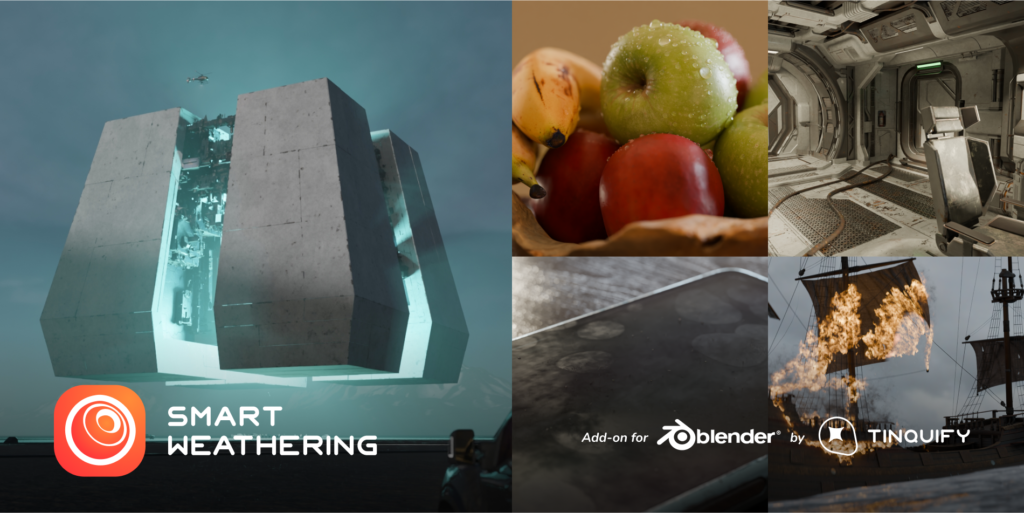
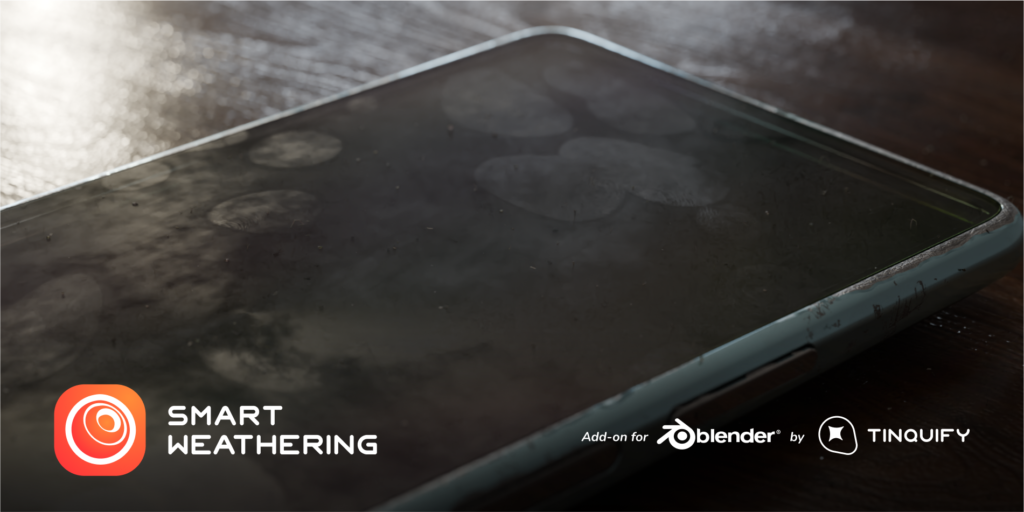
Apply effects ranging from very exaggerated ones like dirt and scratches on the edges to more subtle ones like fingerprints, smudges, wetness, and dust!
Give a backstory to your projects in a matter of seconds!
Easily create new texturing styles and explore many more design iterations in much less time.
Just play with intuitive sliders and the effects will adapt to the shape, size, and rotation of your object and create a unique procedural output.
Easy and intuitive
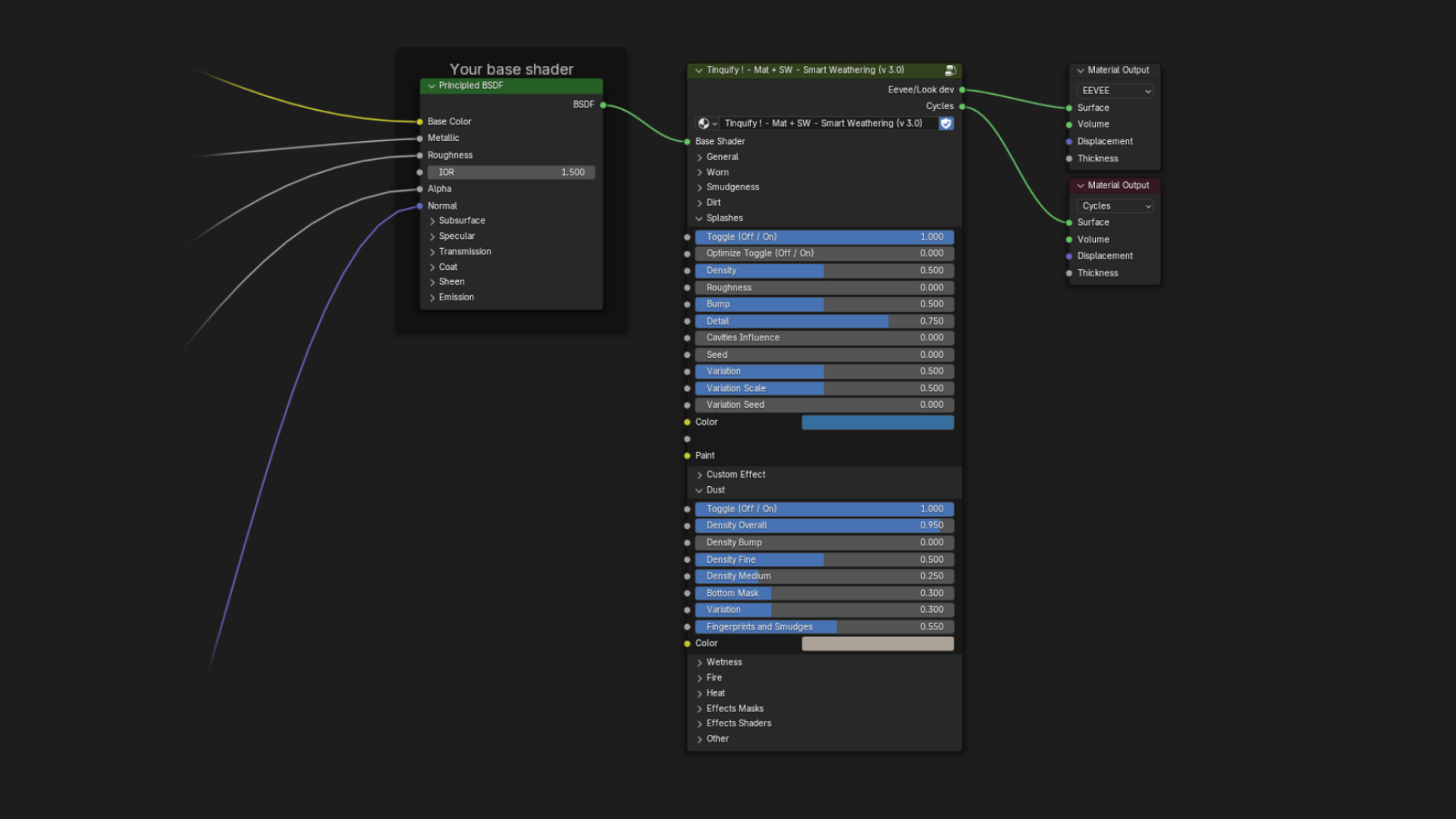
Designed to be as simple as possible.
This tool has been designed for you to only concentrate on the artistic side of your project.
Beginners and advanced users will really enjoy using this solution. You will not need to spend more time doing complicated shader setups!
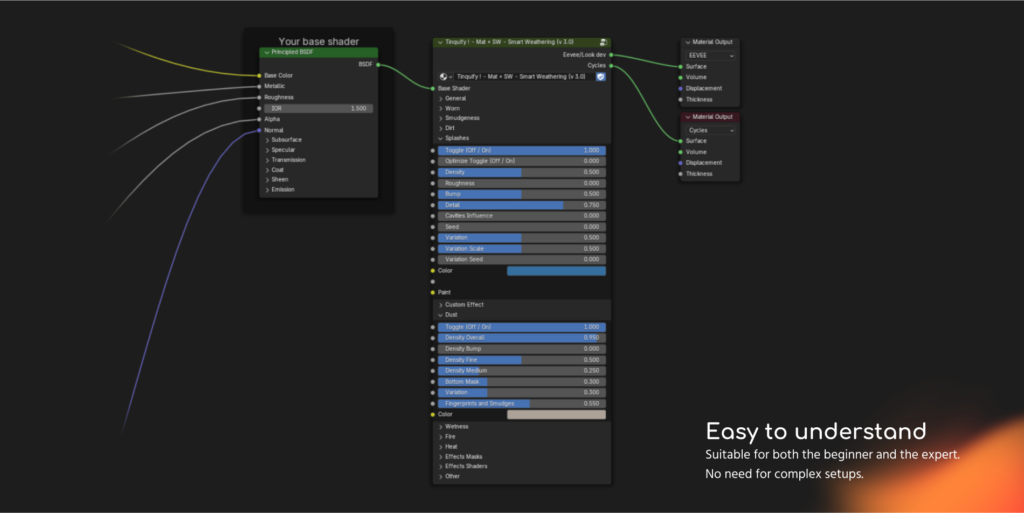
You will need to simply click on “Add” and a single node with intuitive sliders will pop up. This single and powerful nodegroup is all that is needed.
There are no complicated terms to understand. Parameters are named as intuitive as possible and are organized in sections.
You will have great add-on utilities at your fingertips to easily add it to your base shader, remove it from them, copy and paste setups, hide and show it, or isolate it. This will facilitate the workflow even more.
Also, our custom node UI will let you easily see and enable effects, randomize them, and show the effects masks to focus your work on.
Smart and instantaneous
No UVs or baking needed!
%202%20-%209673c.gif)
Current texturing methods require a lot of time and steps to move from the modeling to the texturing phase of your project. Normally, you would need at least a few hours to start texturing your model.
And that is hoping that “there will not be any more modifications to the model” (something we know that it is almost never the case…)
Sounds like magic, doesn’t it? Smart Weathering takes advantage of a series of information about the object (Procedural nodes, Objects’ size and Cavities, and so on) and applies the procedurally generated textures without the need for UVs.
You will be able to see the texturing result as you are modeling! This lets you have an extremely smooth workflow as it updates in real-time. If you make changes to your model the effects will readapt to them.
No need to redo any baking process or rework the UVs.
Non-destructive workflow
%20-%2002921.gif)
Smart Weathering will let you add single or multiple layered effects in a non-destructive manner.
All the effects are completely separated from your base shader. This workflow will let you keep your base shader intact and explore different artistic style iterations without the need to worry about your previous material setup.
At any point, if the effect is not going as desired, you will be able to separate the Smart Weathering effects pass and go back to your base shader, start playing again with the default values, or use your saved presets.
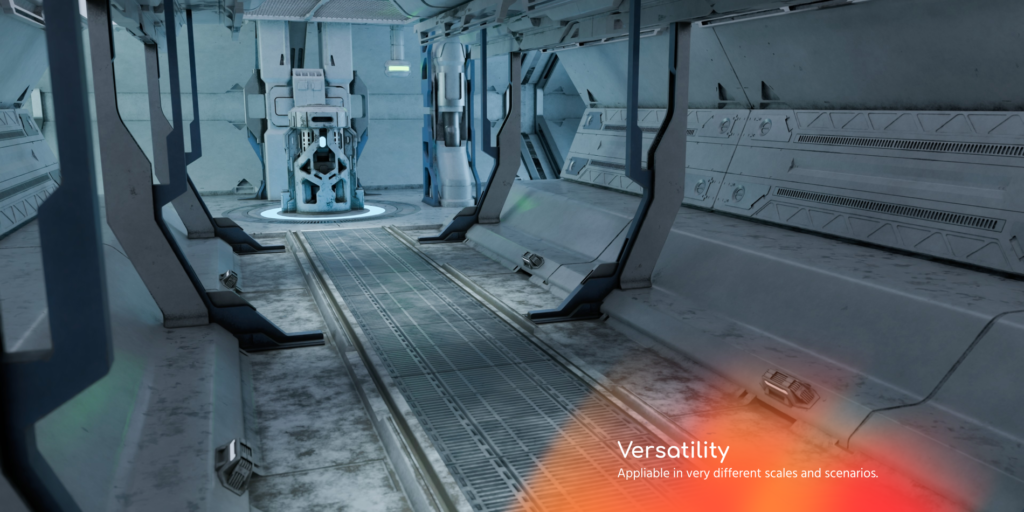
Versatile
From subtle effects to very worn materials. And from little objects to large-scale ones.
You will have a wide variety of very common-use effects selected for you to play with. Check the list of examples below to see it in more detail.
Each of them was carefully created using all the experience we gained through the years to let you play with the sliders without the need for you to worry about the technical aspect.
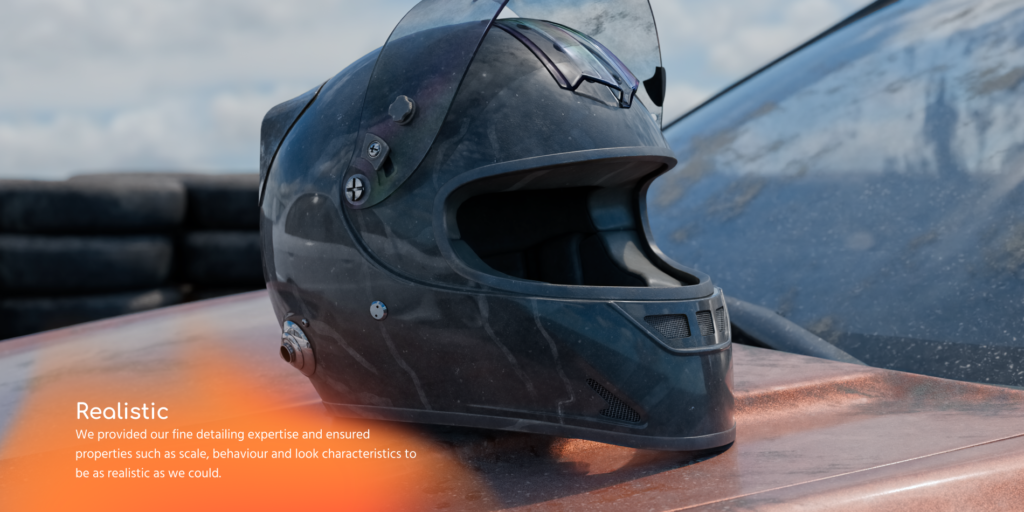
Realistic and performant
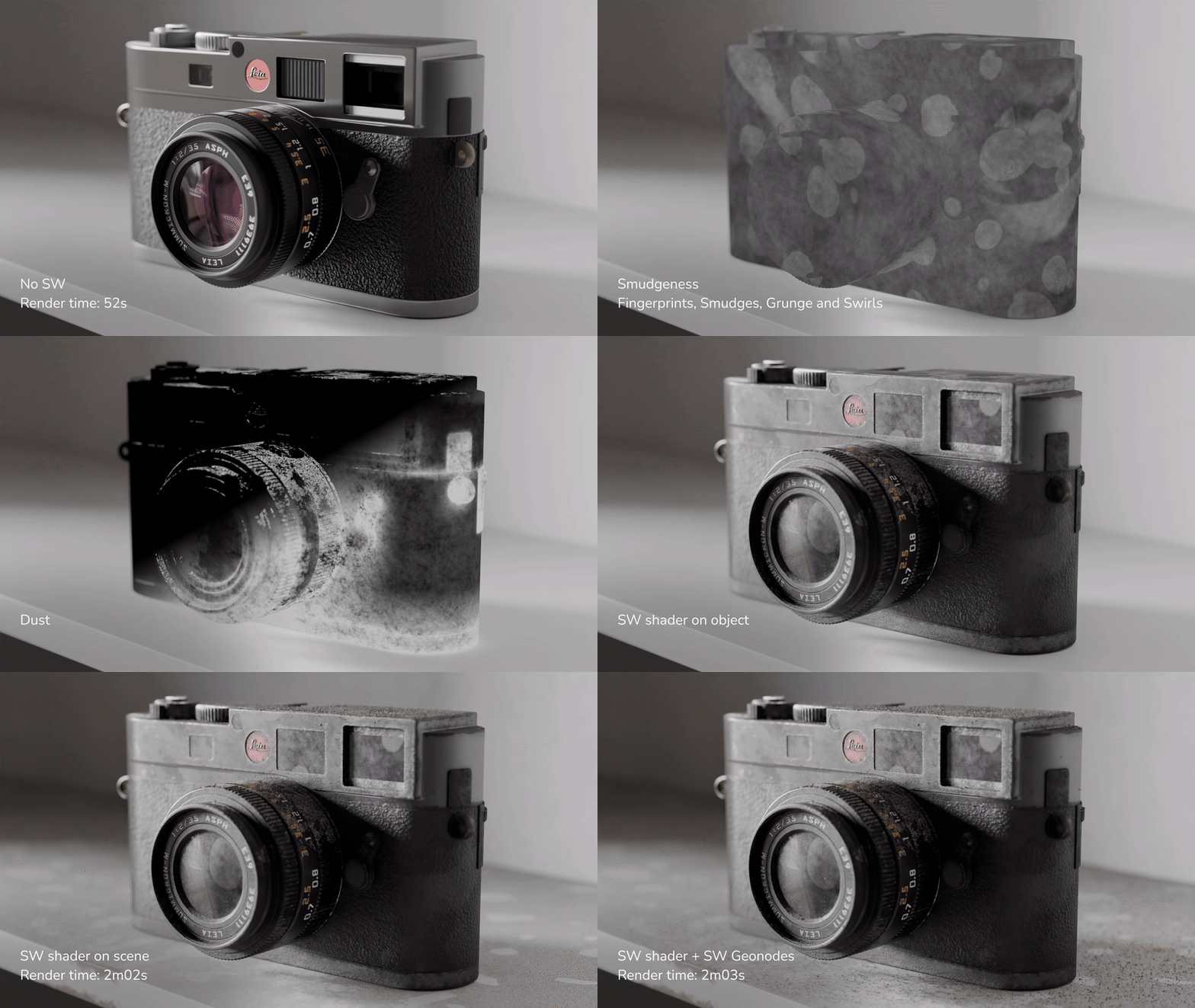
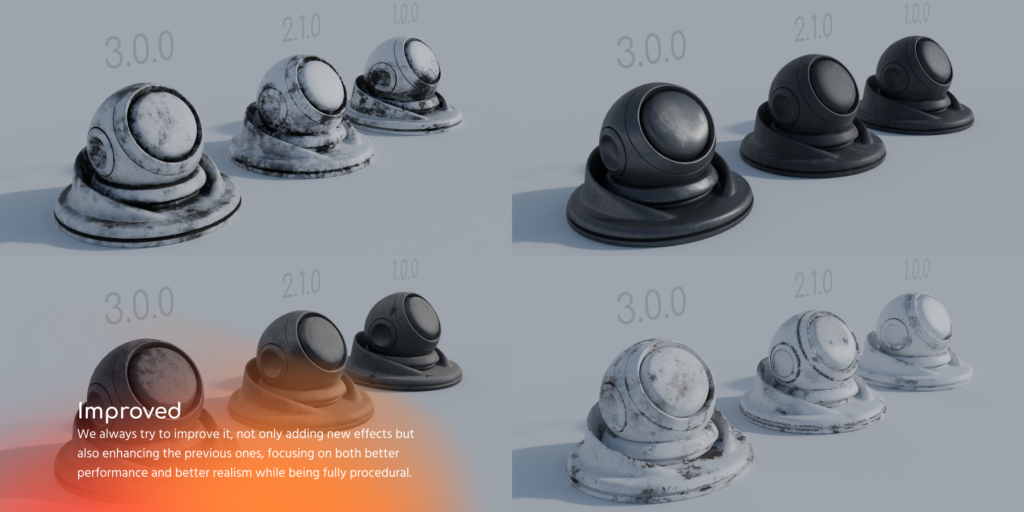
There are many that offer procedural materials, but we ensure to make them the most realistic and have the best performance at the same time.
All the effects were created as light as possible to have maximum efficiency.
And you will not need to guess values. The effects are created using real-world measurements as references for the different effects such as the size of a dust particle, the diameter of a fingerprint, the size of a water drop, and so on.
Manual tweaking
Hand-paint the details you want to complement the procedural effects created. An unwrapped 3d model will be needed for this option to work.
100% Procedural effects!
As these effects are created procedurally, this implies a list of many benefits. Here are some of the highlights:
Extremely efficient workflow
%202%20-%20da450.gif)
A single material will output multiple visual results per object. This is because a unique SW seed will be created for each object.
Yes, no matter if they share the same material or even if they are instanced.
You can have an unbeatable efficient workflow.
Fine-tuning
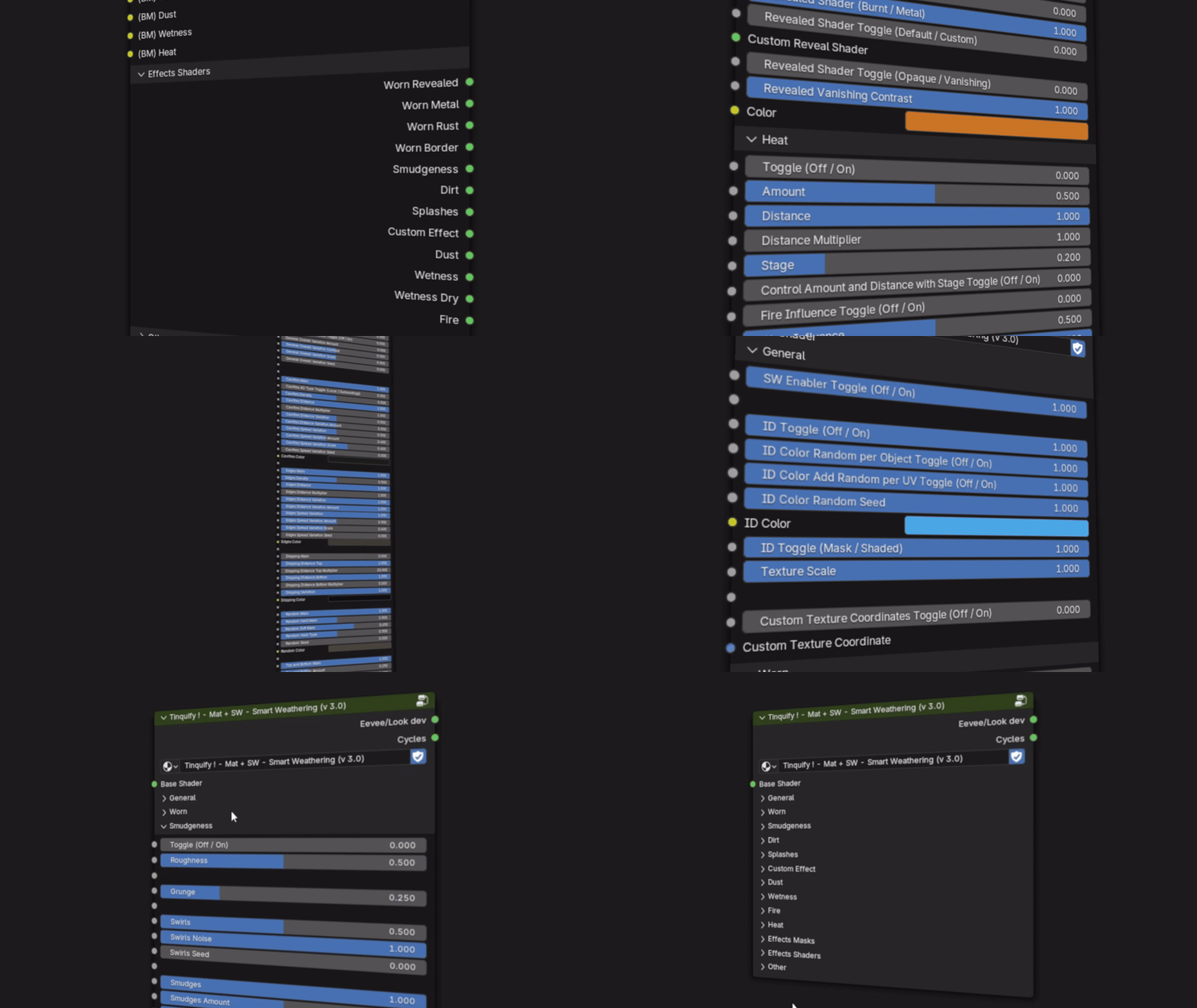
No need to spend time looking for the right texture to use.
You will have an extreme amount of control over the weathering produced by just playing with a few sliders.
There is no chance to set the effects “wrong”. The default values of the effects will give you a realistic output, you don’t need to touch every slider to get the look you need (usually it is a matter of a few ones) and any value of the sliders will give you a realistic result. It is only a matter of taste!
Almost all the sliders are meant to be used by just sliding them from 0 to 1. The different values in between will just make the effect change progressively.
Infinite resolution and no tiling issues
Textures are great but you may have to deal with tiling issues or their resolution may not be enough.
This is not the case for procedural setups like ours.
Animatable effects
Each effect contained in the setup can be animated as you can see in our video!
This is something that would be very difficult (or even impossible) to achieve with current texturing methods.
Limitless output possibilities
With a large amount of parameters, the combinations are limitless.
Light setup
Lighter file size and less memory consumption.
SW node is much lighter (just a few MB instead of all the 4k or 8k textures that can be a couple of hundreds of MB per set).
Add-on utilities
Here you can see some of the main features our addon has
Select, add & remove, and show & hide with ease
%20-%202e915.gif)
Select the objects you want to apply to it with a set of convenient tools, and then apply the SW layer or remove it with a few clicks.
Easily copy your effects to other materials
%20-%201645b.gif)
Save a lot of time copying & pasting, or saving with presets.
Usually, getting the desired look procedurally takes quite a lot of time of experimentation and high technical skill. And doing it for each project is even a lot more.
Even though you can replicate the same effect that we are offering you in this setup, it is practically a nightmare when you want to copy these effects you created to a new shader setup you have.
However, with our node setup, you will achieve this by just pressing literally two buttons.
You will not need to replicate effects again for each material. Once you get the desired look, you will be able to easily copy it and paste it to other shaders, or reuse it.
Handy UI
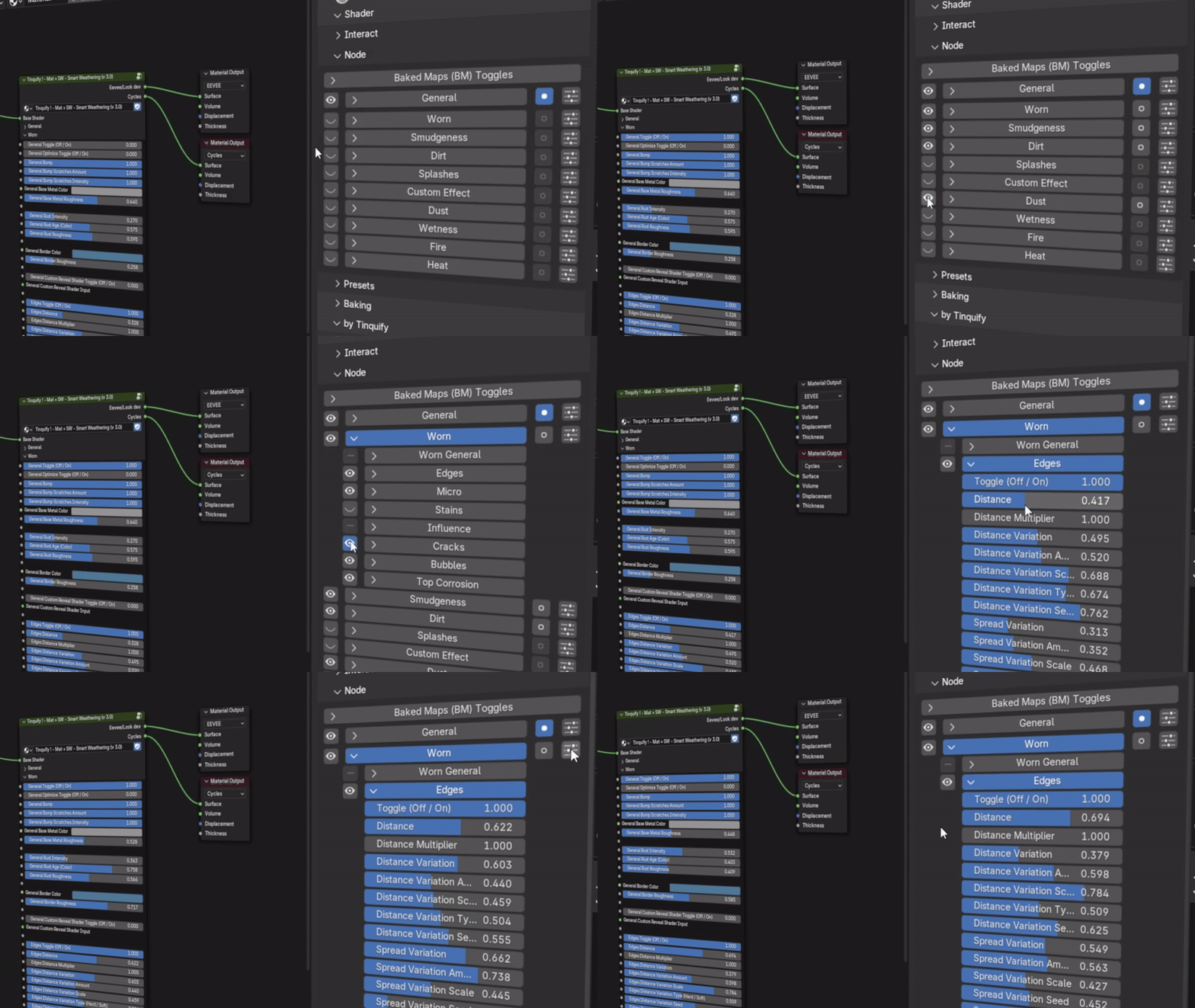
Get a view of the SW sliders in a convenient interface that will let you easily see which effects are applied, randomize them, and see their mask.
Presets
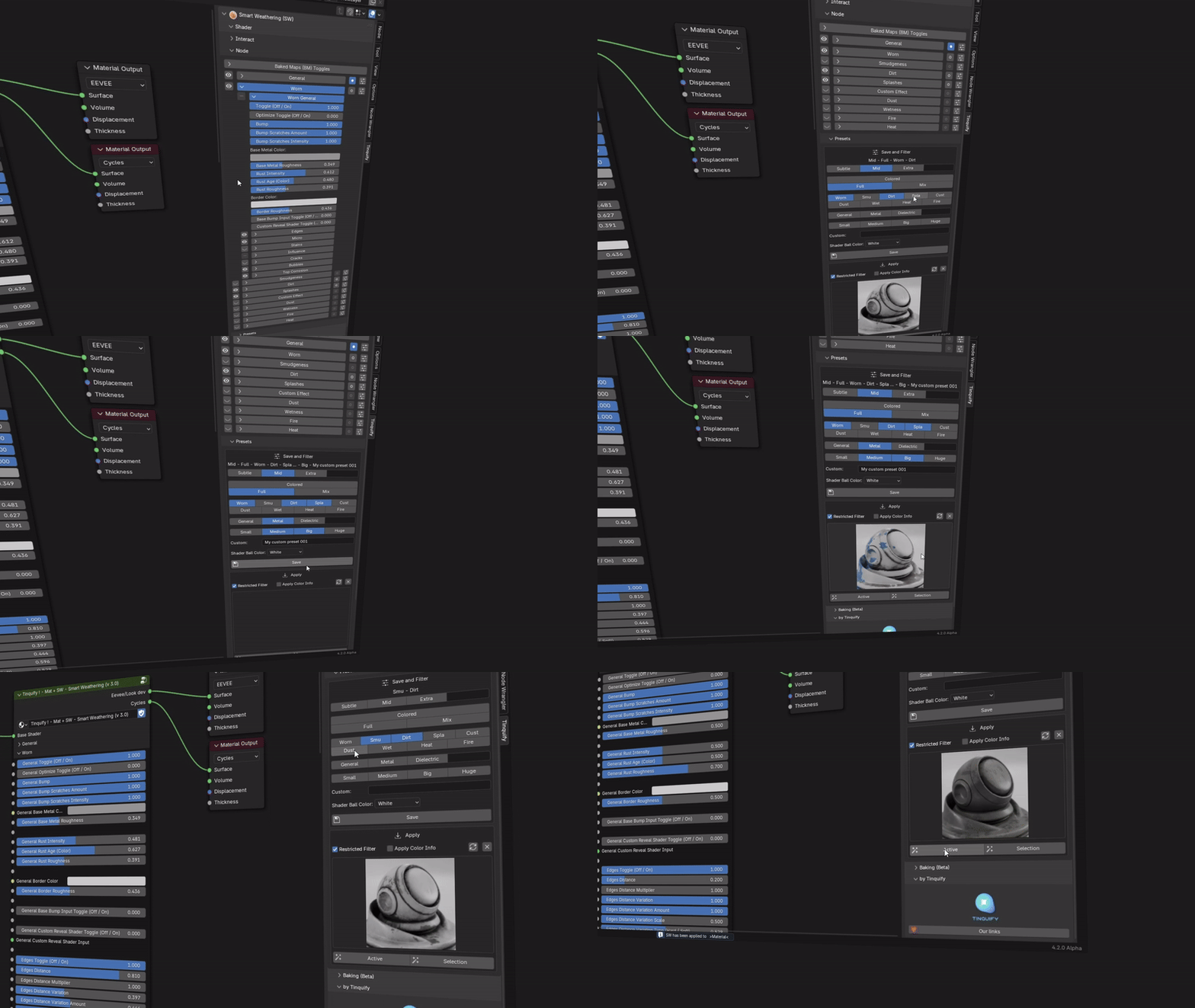
Save the combinations of the Smart Weathering node that you like the most to reuse them in different projects, to share with your SW friend, or maybe even sell them.
Powered with a preview and filtering system that will let you find the combination that will suit better in your next creation.
Baking for SW masks (Beta)
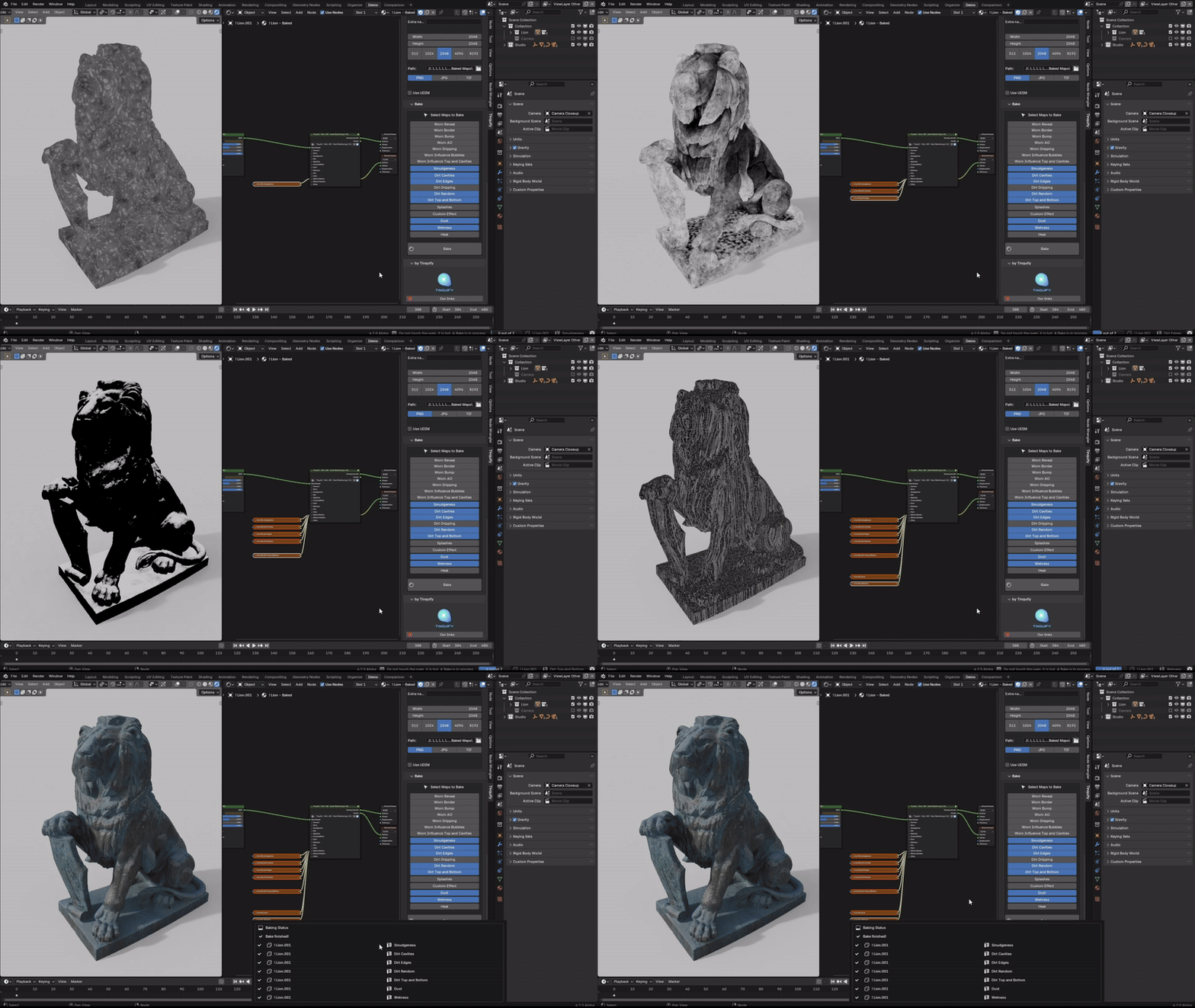
Improve performance with a baking masks solution. This will reduce a lot of the computing power needed, and also it will work better with things like moving objects.
Our solution works for SW itself, to lighten the procedural computation of certain maps/masks once you are ok with the effects results.
You will be able to configure many relative settings, such as the resolution, samples, using GPU or CPU among others.
The process will create unique maps for each material, that you can rebake at any time if you make changes on the procedural setup.
It is important to let you know that our baking solution doesn’t provide PBR bakes yet. We are planning to add it but it is not a certainty. However, there are great add-ons from other developers that will let you do PBR bakes if you need to export them. Take a look at our documentation or at the end of this product description to know which are our recommended PBR bakers.
Effects included
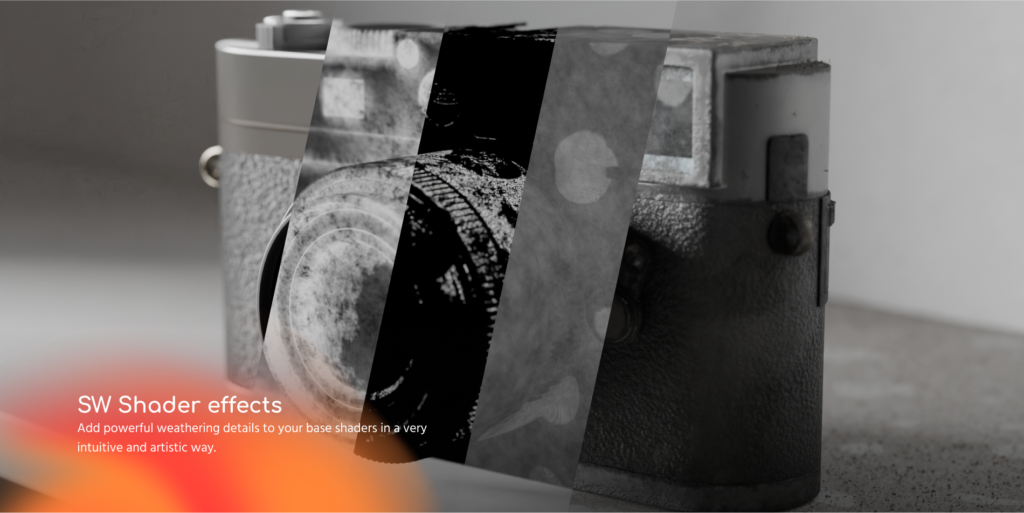
SW Shader effects
%20-%20cab12.gif)
Worn
Worn is one of the most complete effects sections. It has many subsections like Bubbles, Cracks, Top Corrosion, Rust, Drippings, Scratches, and chipped paint on the edges.
Dirt
Add dirt to cavities and edges, randomly over the surface, and deposit it from the top or splat it from the bottom.
%20-%20cb66a.gif)
%20-%201d537.gif)
Smudgeness
Add the amount of Fingerprints, Smudges, Grunge, Swirls and micro scratches you need!
Splashes
Create paint / liquid splashes that spread randomly over the surface.
%20-%202c9f9.gif)
%20-%2004fe6.gif)
Dust
Add a microscopically detailed layer of dust over your objects. It also interacts with Smudgeness fingerprints (as it does in reality) with its corresponding slider (shown below).
Custom effects
A space for you to add your effect in this position in the SW effects chain. The advantage is that it already has some useful masks built in.
%20-%2033fc4.gif)
%20-%20152a4.gif)
Wetness
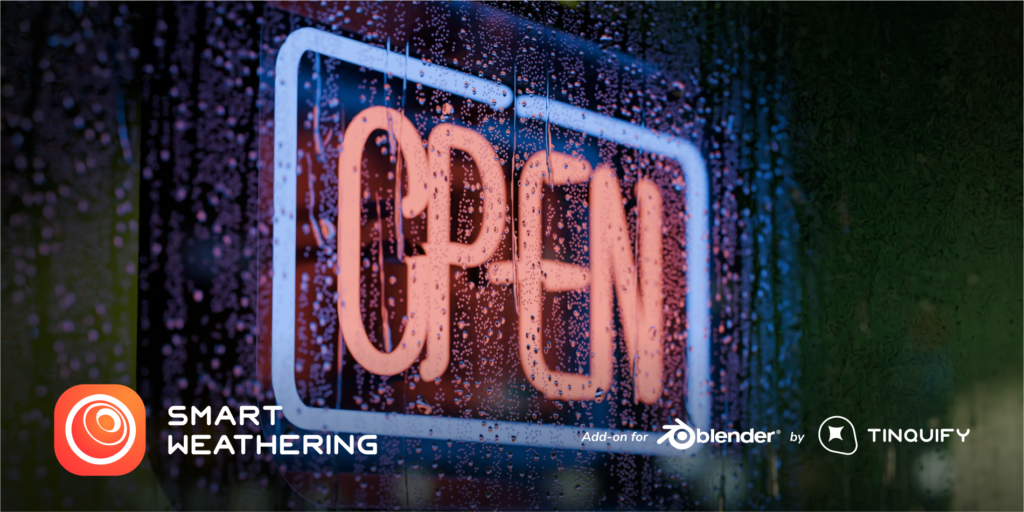
Effects from the water element like static or moving water drops, condensation, puddles, oiliness, or drippings! In a wet or even dry version of them.
Heat
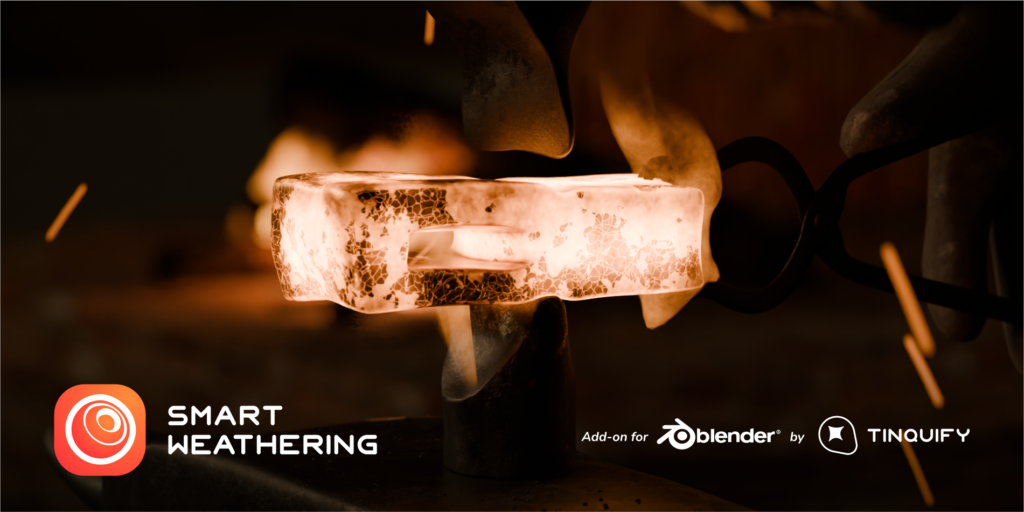
Feel the incandescent heat of an object. Specially created to simulate burnt objects.
%20-%20ddeba.gif)
%20-%20666c0.gif)
Fire
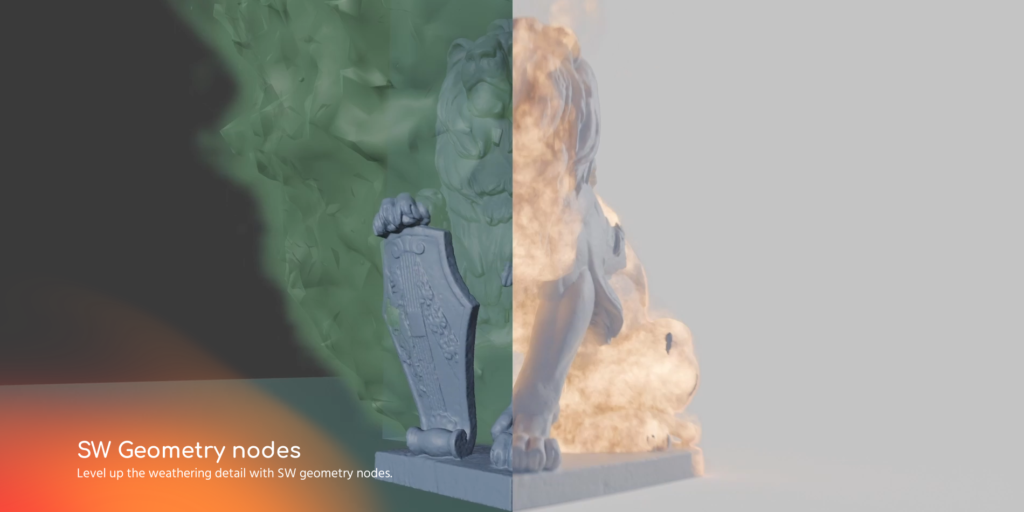
Show how fire affects the objects. Useful effect when combined with the new Fire geometry nodes we added. Make them vanish, look burnt, or reveal a custom shader.
Common properties shared among effects
Each effect has many sub-parameter effects such as masking variations, intensity, custom color, roughness, top/bottom object masks, and so on. And some effects interact with each other.%20-%206f267.gif)
SW Geometry nodes
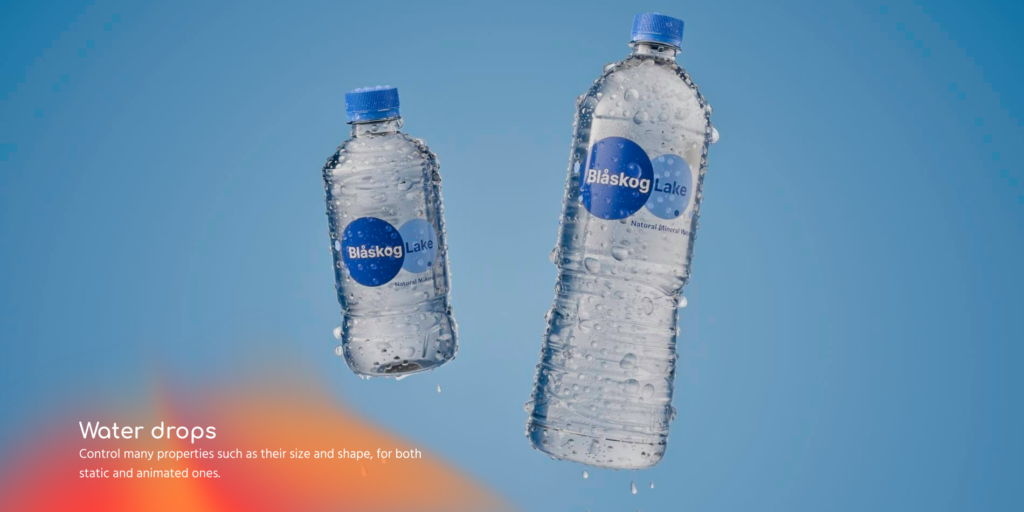
Water drops
Add static water drops, from different sizes, randomly spread, control overlapping, and more, or also create moving water drops easily with a few controllers.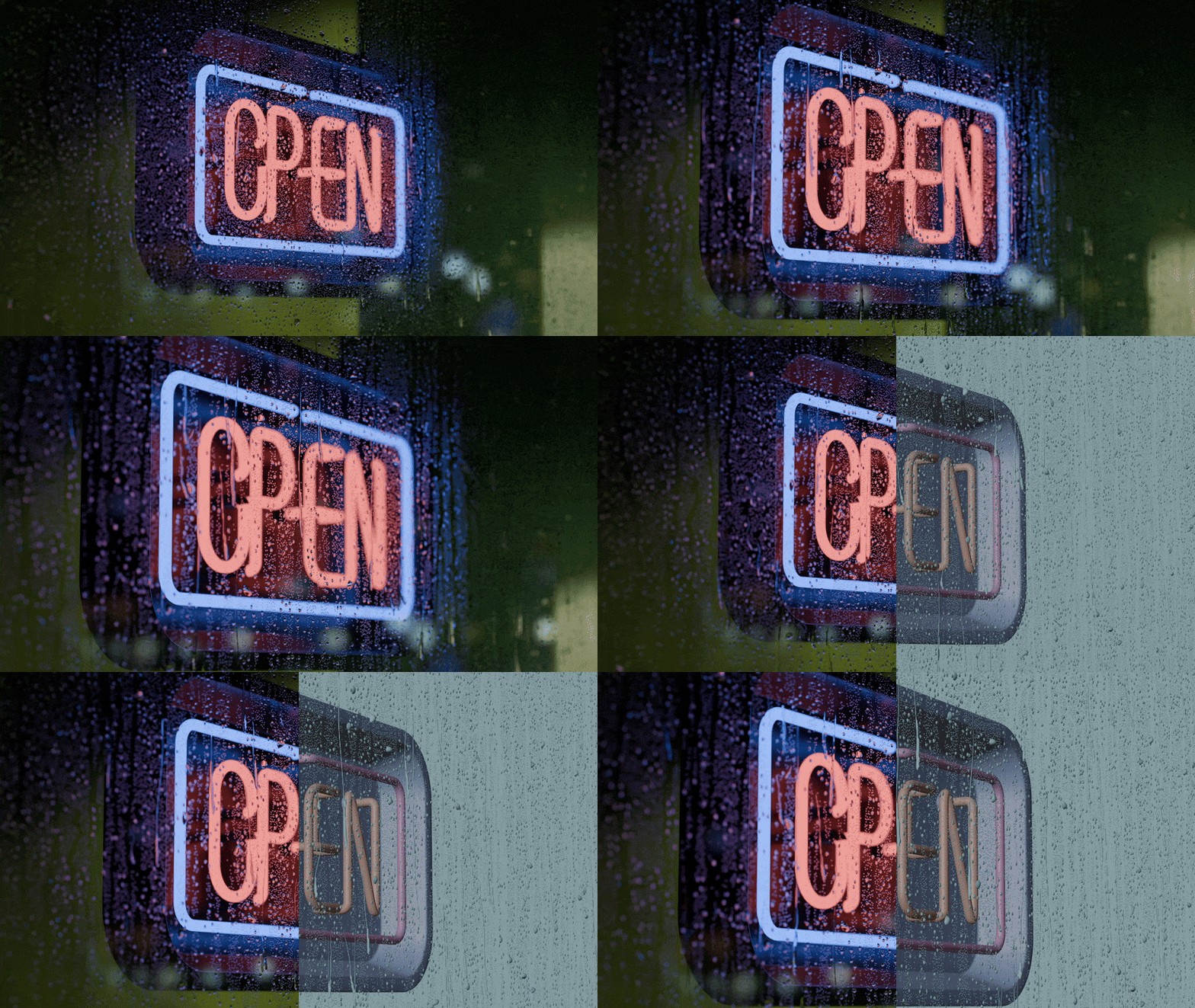
Fire
See things burning dynamically adjusting the base shader as the fire progresses. This will let you create small flames to big fires. This effect also includes smoke and hot air simulations.
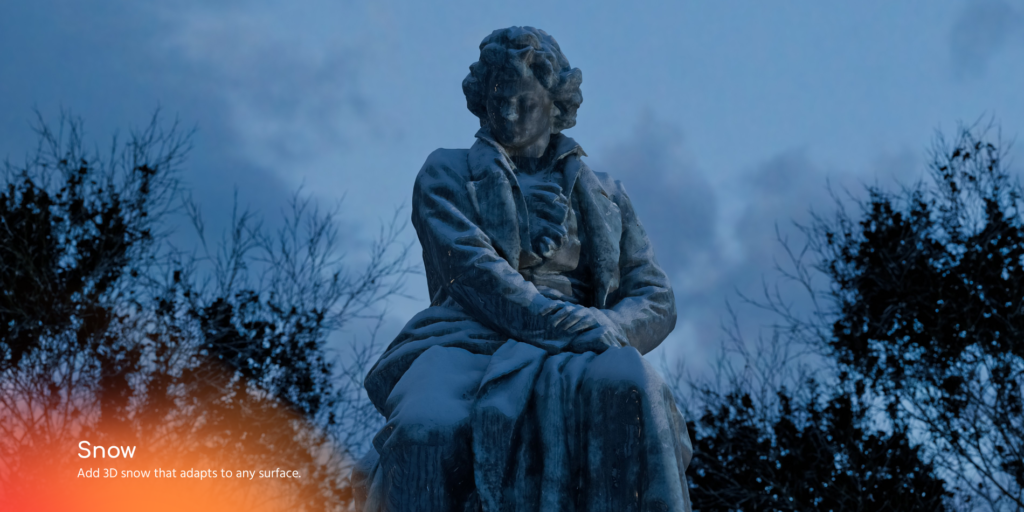
Snow
Feel the “hoth” with the snow nodes! Set a whole collection under heavy snow weather that accumulated dynamically over the top surface of the objects.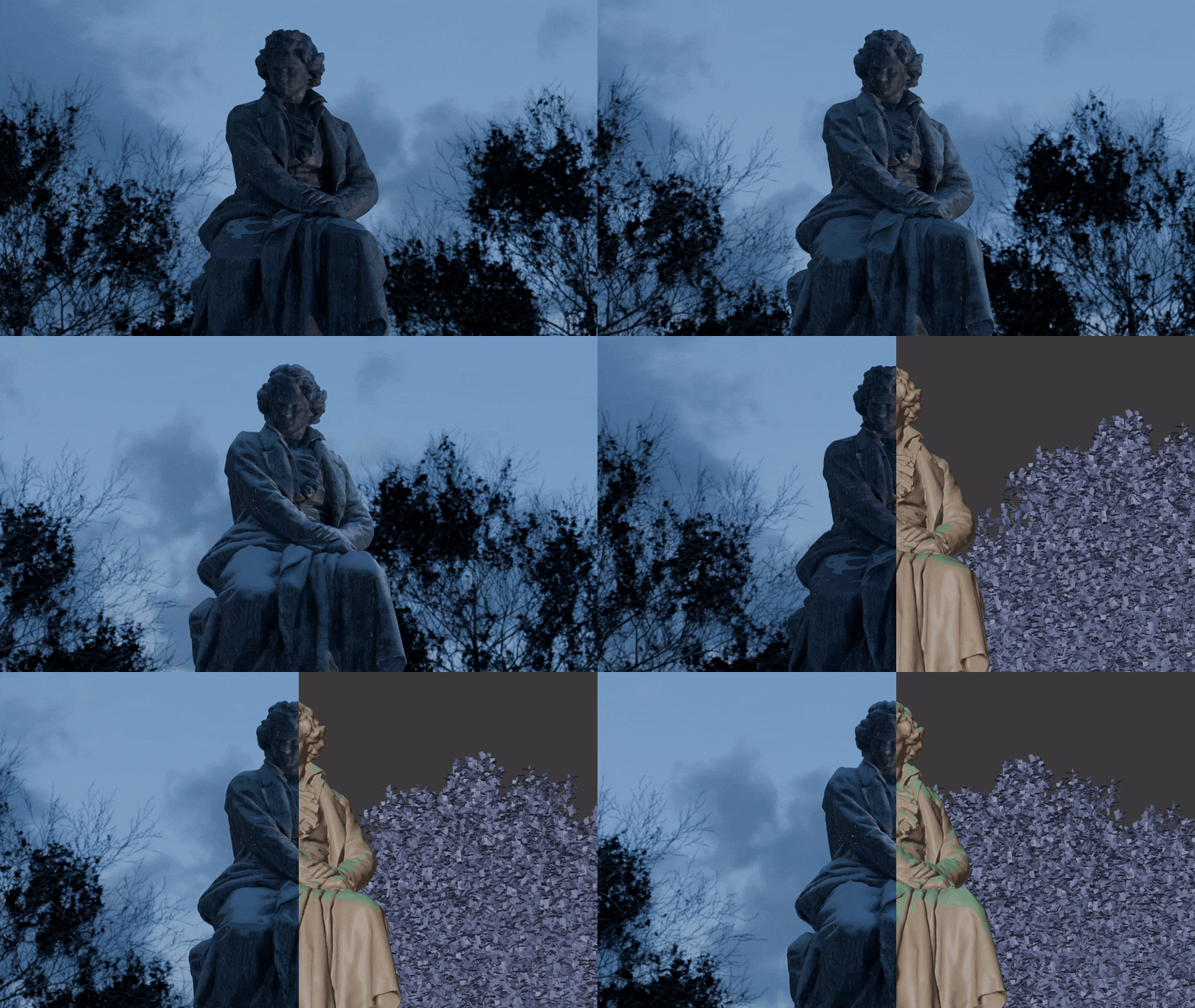
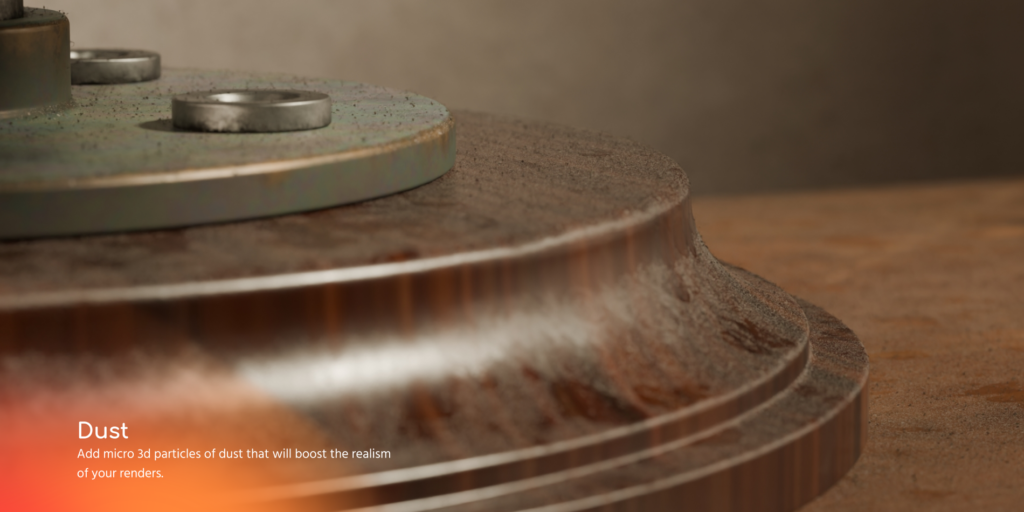
Dust
Add microscopic geometry dust particles to make the scene more believable.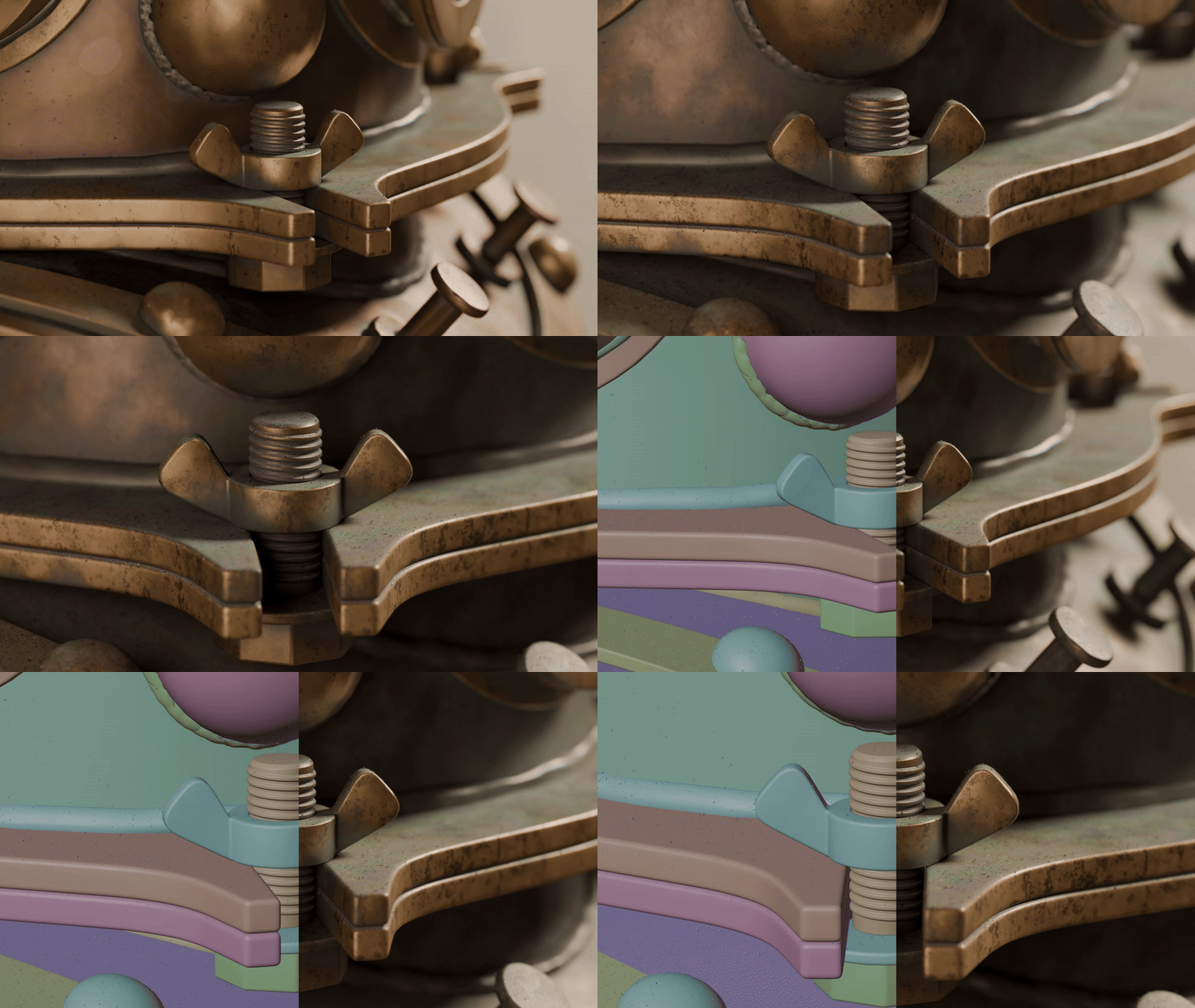
Geometry nodes features
Optimized
All of these effects are optimized as much as possible. From density and subdivision parameters to advanced culling techniques.%20-%20bef01.gif)
%20-%20361d3.gif)
Detailed and Dynamic
Each of them is set to be as versatile as possible and will adapt to different objects’ shapes and orientations.
Created to get good shots up to almost close-ups but adjustable enough to make your scene have better performance if you need to.%20-%2032edc.gif)
%20-%2018ba2.gif)
Carefully created
Also, you will get custom materials created specifically for these geometry nodes to work. Water, Fire, Hot Air. Smoke, Snow, and Dust.
Supercharge your 3D creation workflow with premium selection of Blender Add-ons. Whether you are modeling intricate characters, sculpting realistic environments, or animating cinematic sequences, the right add-on can transform how you work inside Blender. Our curated collection includes powerful tools for UV unwrapping, procedural texture generation, rigging automation, rendering optimization, and more—each rigorously tested for compatibility with the latest Blender versions. Eliminate tedious manual processes and unlock advanced functionality that lets you focus on what matters most: bringing your creative vision to life. Explore our full range of professional Blender plugins today and take your 3D projects to the next level.
➡️ ➡️ For more Blender Plugins 😀 😀
Reviews
There are no reviews yet.