
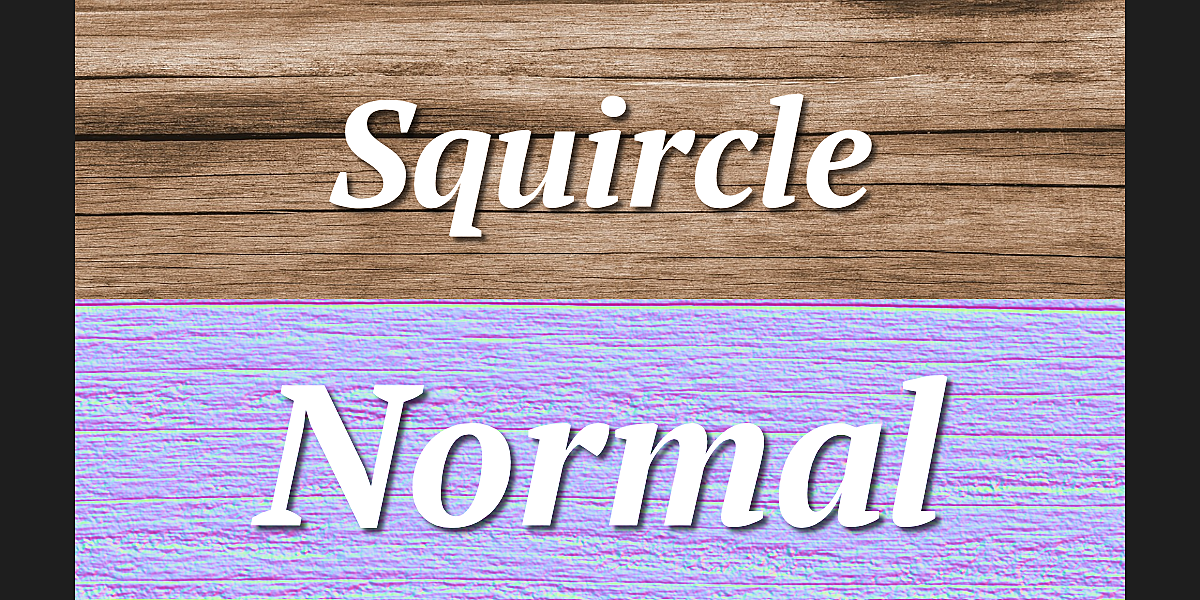
squircle normal for Blender
squircle normal addon
Squircle Normal v1.3 for Blender – Advanced Smooth Corner & Rounded Rectangle Generator
Version: V1.3
File Size: 10 MB
Download Squircle Normal v1.3 for Blender on Windows, Mac, and Linux, a powerful geometry generation add-on that creates squircle shapes—perfectly smooth rounded rectangles and continuous curvature forms. Perfect for UI designers, product designers, and motion graphics artists who need mathematically smooth rounded corners without visible tangent breaks .
Key Features of Squircle Normal v1.3:
- Squircle Generation: Create squircle shapes with continuous curvature—smoother than standard rounded rectangles
- Continuous Curvature: No visible tangent breaks at corner transitions
- Adjustable Parameters: Control size, rounding amount, and shape transition from square to circle
- 2D & 3D Output: Generate as mesh or curve for extrusion and bevel
- Preset Shapes: Quick presets for common squircle variations
- Real-Time Preview: See shape updates instantly as you adjust parameters
- Non-Destructive: Fully adjustable after creation
- Export Ready: Generate clean topology for manufacturing or rendering
- v1.3 Updates: Enhanced shape controls, improved topology, and compatibility with Blender 4.0+
Perfect For:
- UI designers creating app icons and interface elements
- Product designers designing rounded consumer products
- Motion graphics artists creating smooth animated shapes
- Industrial designers modeling continuous curvature forms
- Anyone needing mathematically smooth rounded corners
System Requirements:
- Blender 3.6, 4.0, 4.1, 4.2, 4.3
- Windows 10/11 (64-bit), macOS, or Linux
- 4GB RAM minimum (8GB+ recommended)
- 5MB available disk space
Installation:
- Download the add-on zip file
- In Blender, go to Edit > Preferences > Add-ons
- Click “Install” and select the downloaded zip file
- Enable the add-on by checking the box next to “Squircle Normal”
Note: Squircle Normal provides mathematically smooth rounded rectangle generation for Blender, creating shapes with continuous curvature that standard rounding can’t achieve . The adjustable parameters and real-time preview make it essential for UI designers, product designers, and motion graphics artists . Version 1.3 includes full compatibility with Blender 4.0 and above . Designed for Blender 3.6 and above . Perfect for smooth corner creation . Essential for any precision modeling .
Procedural Normal Map Generation In Blender !
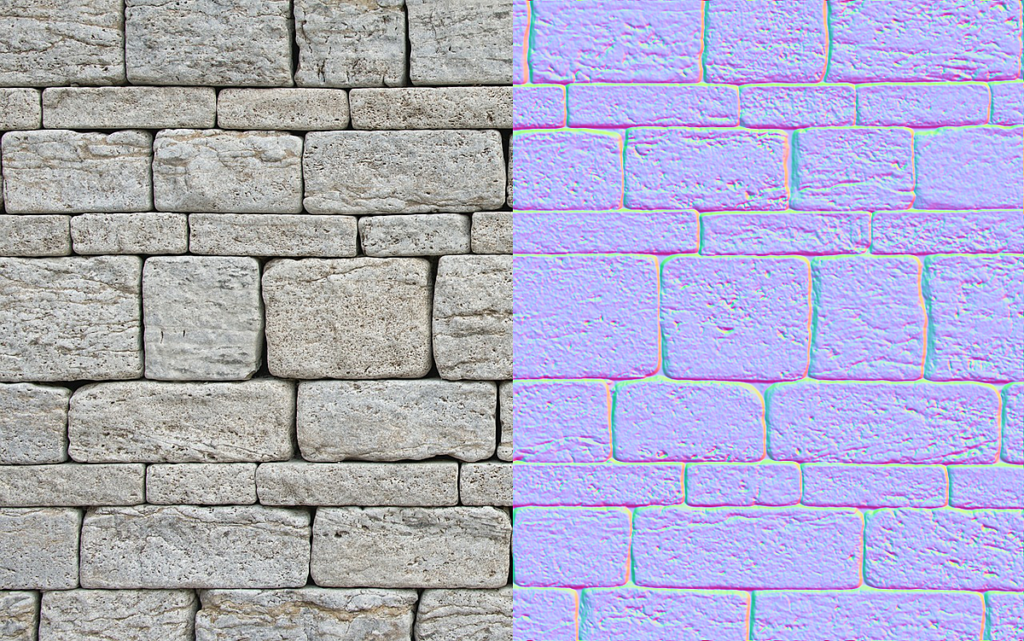
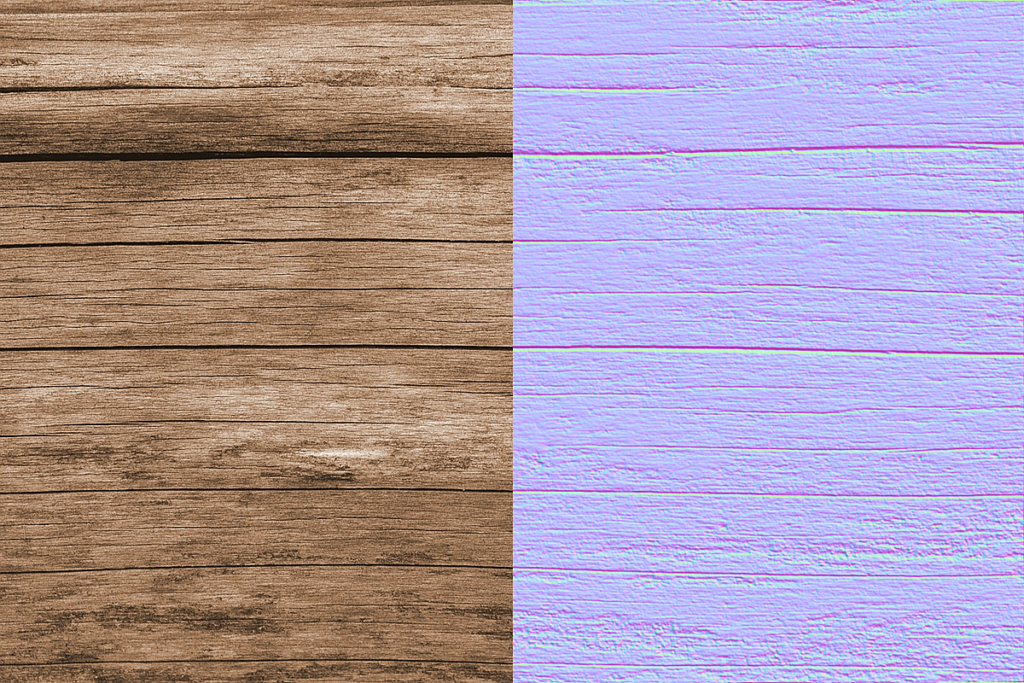
Squircle Normal is a compositor node group designed to bring normal map generation right into blender without any third party apps! Convert your height and diffuse textures into tangent/global space normal maps!
Specification:
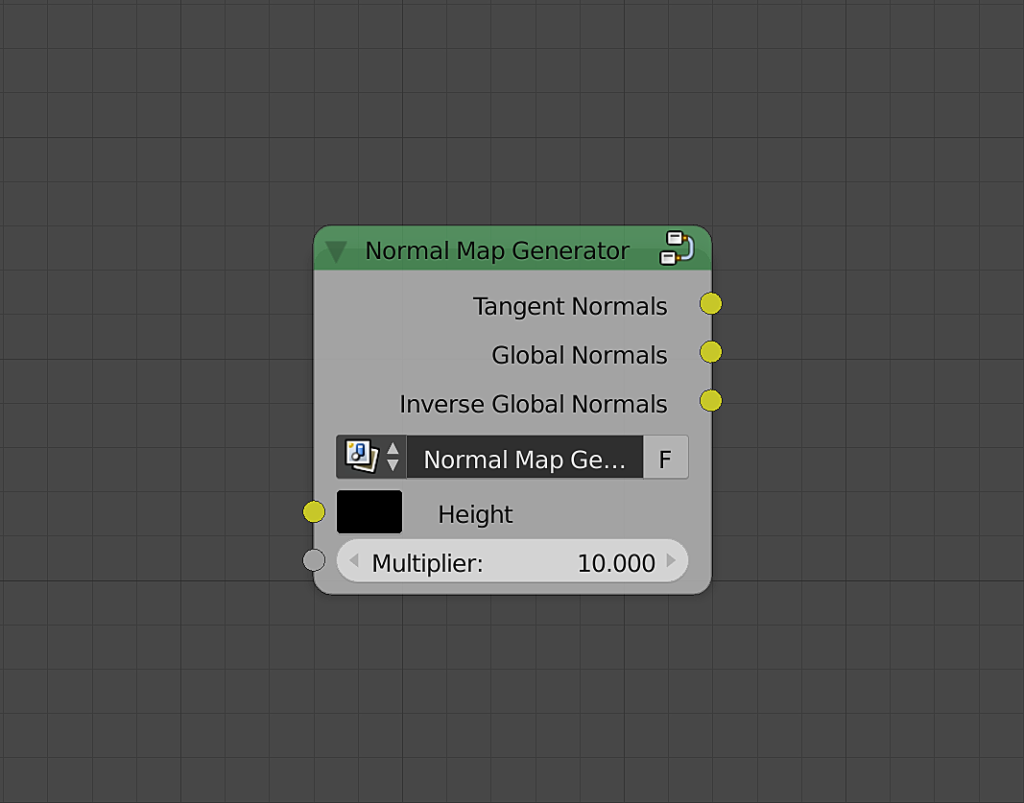
The node group takes an image representing a texture and returns:
- Tangent Normals: A tangent space normal map.
- Global Normals: A global space normal map.
- Inverse Global Normals: A global space normal map with negative z component.
See It In Action:
Leverage the power of blender’s compositor for fine control over your maps!
Extracting the finest details from your image!
Near realtime results, fast preview!
Use Blender’s features in your creations!
Changes in v1.3:
- Added invers global normals output. Useful in computing dot products.
- Organized node tree.
Changes in v1.2:
- Slightly faster.
- Corrected the normal computing equation.
- Removed derivative map output.
Changes in v1.1:
- Optimized node tree.
Changes since Beta Version:
- A basic central finite difference operator is now used instead of sobel operator. This improves performance but introduced subtle noise in high frequency details.
- More accurate computation of normals.
- 3x faster.
- Global space normals were added.
- Accurate derivative map was introduced.
- NonSeamless map generation operator was removed.
- MultiSpectrum operator was removed.
Supercharge your 3D creation workflow with premium selection of Blender Add-ons. Whether you are modeling intricate characters, sculpting realistic environments, or animating cinematic sequences, the right add-on can transform how you work inside Blender. Our curated collection includes powerful tools for UV unwrapping, procedural texture generation, rigging automation, rendering optimization, and more—each rigorously tested for compatibility with the latest Blender versions. Eliminate tedious manual processes and unlock advanced functionality that lets you focus on what matters most: bringing your creative vision to life. Explore our full range of professional Blender plugins today and take your 3D projects to the next level.
➡️ ➡️ For more Blender Plugins 😀 😀
Reviews
There are no reviews yet.