
Stamp Master for Blender
Stamp Master V1.0.0 for Blender
The Ultimate Automated Material-Based Decal and Stamping Tool
Download Stamp Master V1.0.0 today. Consequently, you can apply decals, stamps, and detailed surface patterns to your 3D models with unprecedented speed and ease. Because traditional decal workflows in Blender—involving shrinkwrap, parenting, and complex projections—are notoriously tedious and time-consuming, having access to a dedicated tool is absolutely essential . Nevertheless, many artists struggle with these cumbersome methods for adding surface details. Fortunately, Stamp Master eliminates this frustration entirely . Moreover, it introduces a fully automated material-based projection system that handles everything in just a few clicks . In short, you can enhance your models with intricate decals, logos, and surface details in moments.
Revolutionary Automated Projection System
The core of this addon lies in its intelligent, automated approach to decal application. For instance, you simply select your target object, press Shift + Ctrl + D to open the Stamp Master interface, and choose your desired stamp . The system then automatically handles all the complex projection and material linking behind the scenes. Furthermore, the addon includes a fully integrated layering system that allows you to stack multiple decals on top of one another . Since the entire process is material-based, your original mesh geometry remains completely untouched . Consequently, you can apply and adjust decals non-destructively with minimal effort.
Advanced Fading and Coordinate Controls
Professional surface detailing often requires precise control over how decals blend with the underlying material. Therefore, Stamp Master includes sophisticated fading and coordinate adjustment tools. For example, you can use your mouse wheel to adjust the fading gradient directly while placing your stamp, giving you real-time control over the transition between the decal and the surface . Additionally, you can set guided coordinates to position your stamps with pixel-perfect accuracy . These intuitive controls eliminate the guesswork typically associated with decal placement and blending.
Versatile Image Support and Transparency Handling
The addon is designed to handle virtually any image type you throw at it. Specifically, it supports both JPG and PNG formats, making it suitable for everything from simple logos to complex transparent overlays . Furthermore, the system handles transparency gracefully—whether your image has an alpha channel or not, Stamp Master processes it correctly . This versatility ensures you can use the tool for a wide range of applications, from adding scifi panel details to applying company logos to product renders.
Blender 4.2+ Compatibility
Stamp Master V1.0.0 supports Blender versions 4.2, 4.3, and 4.4, ensuring compatibility with the latest Blender releases . The addon is distributed as a standard ZIP file for easy installation through Blender’s Preferences panel . It works across all major operating systems that support Blender. You will need a standard workstation with at least 8GB of RAM.
Perfect for Hard-Surface Modelers and Texture Artists
This addon is particularly well-suited for hard-surface modelers who need to add panel lines, rivets, and mechanical details to their models. Similarly, texture artists and game developers will appreciate the ability to quickly apply wear, tear, and custom decals to their assets . Additionally, product visualizers and architectural artists can use Stamp Master for adding logos, labels, and signage to their renders. Ultimately, Stamp Master accelerates your entire texturing and detailing pipeline.
Installation and Usage Guide
To install, first download the ZIP file from your library. Next, open Blender and navigate to Edit > Preferences > Add-ons. Then, click the arrow in the top right corner and select “Install from Disk” . After that, locate and select the downloaded ZIP file, then enable Stamp Master. Finally, select your target object, press Shift + Ctrl + D to open the Stamp Master interface , choose your decal image, adjust the fading with the mouse wheel, and apply your stamp instantly. Thus, your professional decal workflow will be ready instantly.
What is Included Inside?
The pack contains the complete Stamp Master V1.0.0 addon. Furthermore, it includes the automated material-based projection system, the integrated layering system, and the noise-based fading controls . Additionally, you receive full support for JPG and PNG images with transparency handling. Ultimately, you receive everything needed for professional decal and stamp application.
Final Thoughts on the Addon
Effortless automated decal application evokes profound creative freedom. Therefore, this addon provides the ultimate foundation for your texturing and detailing workflows. You can enhance your models with intricate surface details with unprecedented speed and simplicity. Consequently, your detailing vision becomes a stunning reality.
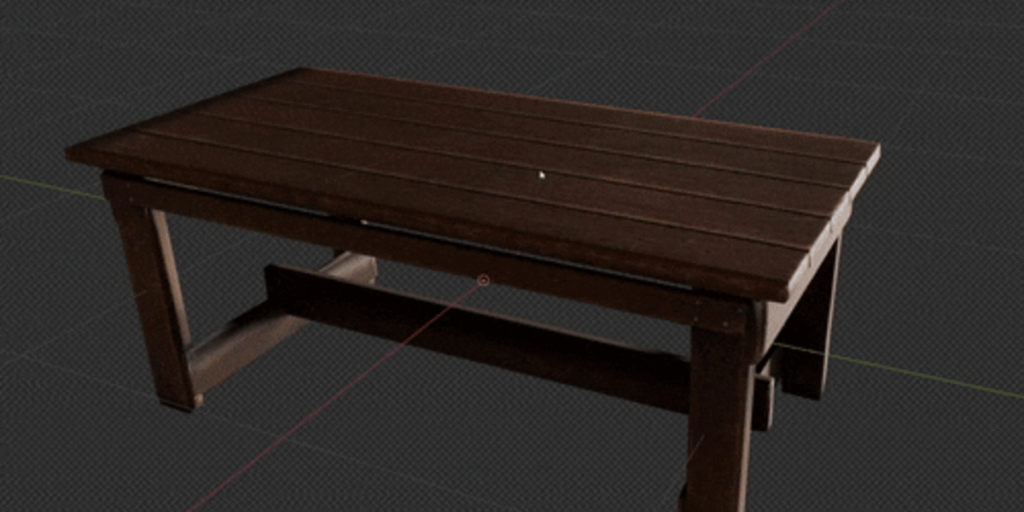
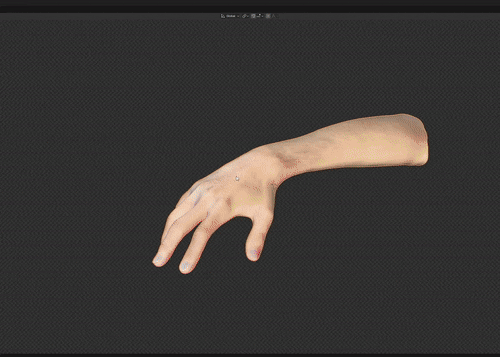
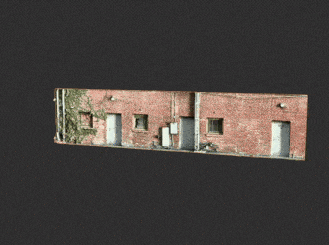

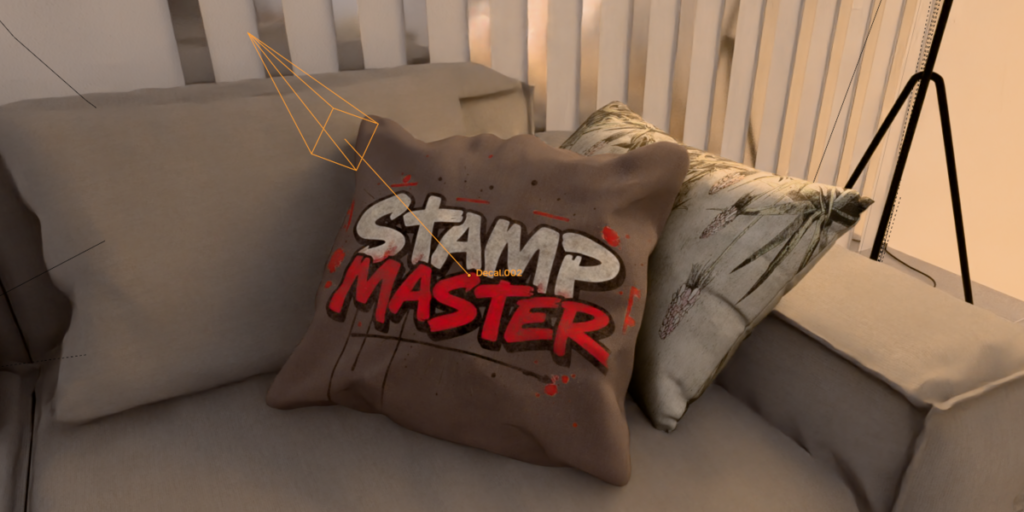
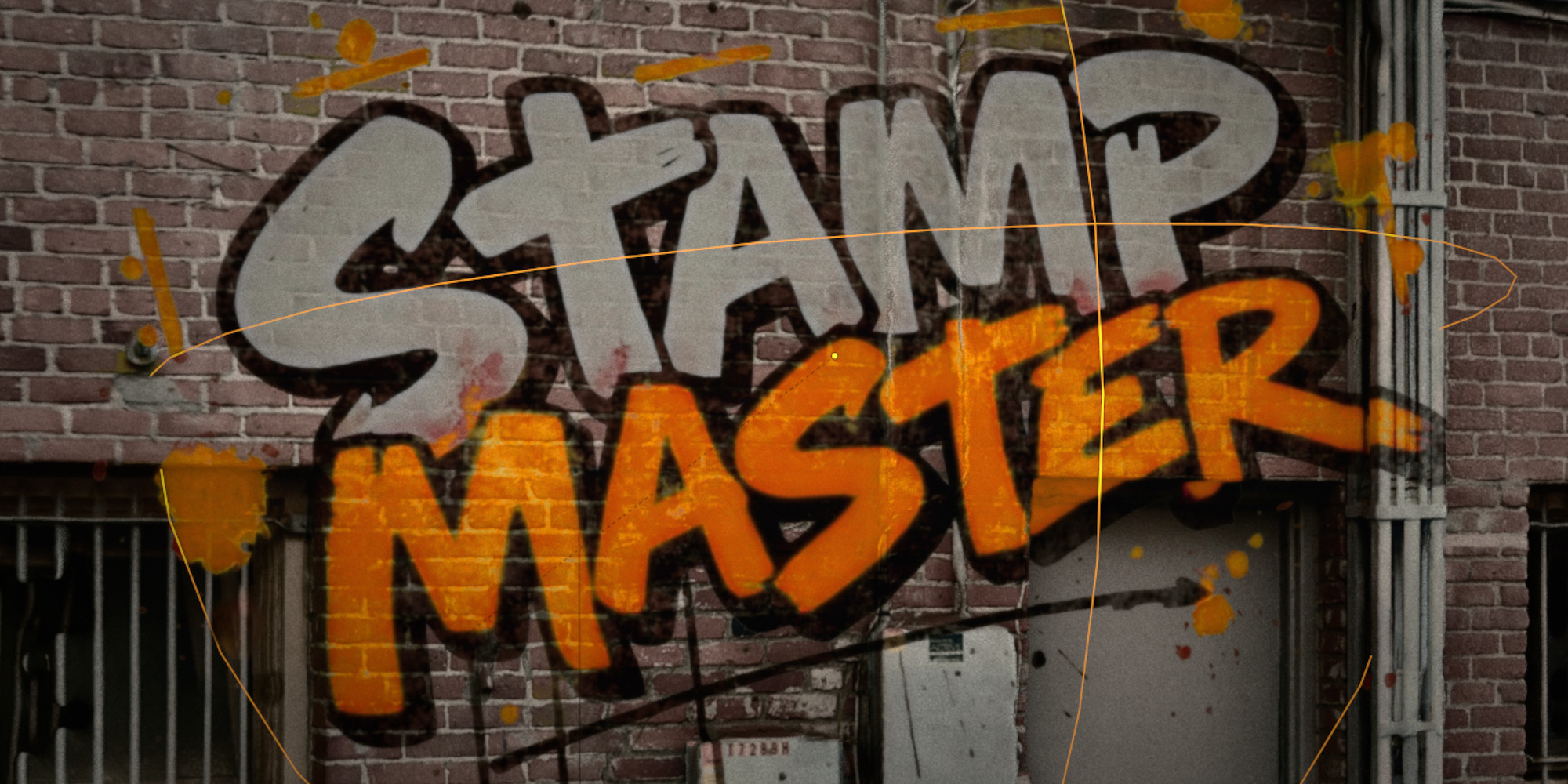
The standard stencil/decal workflow in Blender sucks. Shrinkwrap, parenting, projections…. ugh! 😐🔫
This addon fixes that! Automated material based projection!
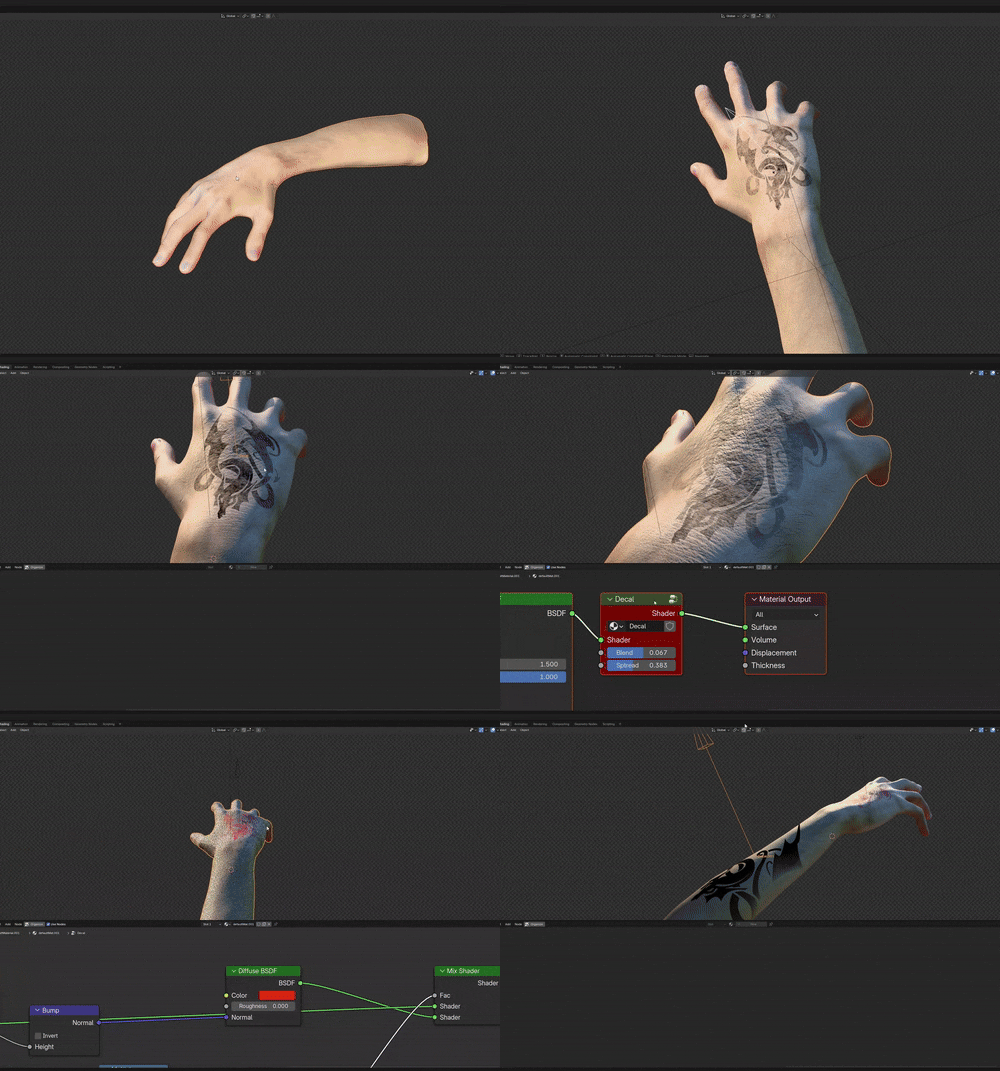
- Select the target
- Shift + Ctrl + D (for Stamp Master) and pick a stamp
- Set guided coordinates (tip: you can also do fading with the mouse wheel)
- Apply
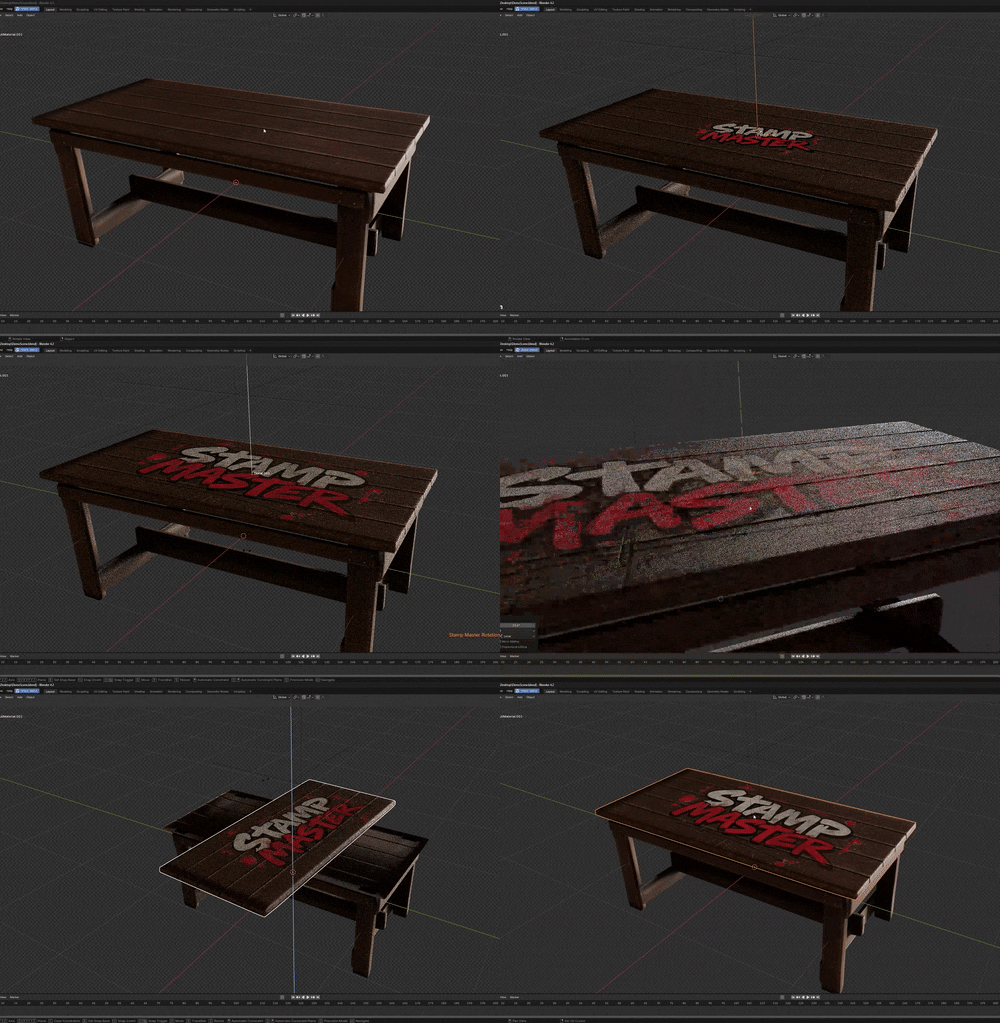
This bad boy has a fully integrated layering system and noise based fading. If your image has transparency (or even if not), then you’re good to go
(sorry for the .gif quality here, there is a file limit size apparently)
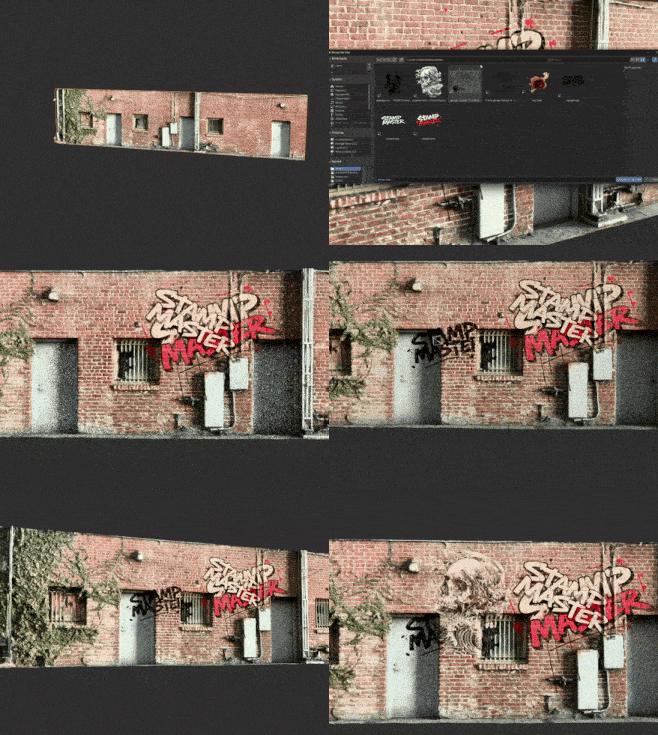
I would recommend watching the tutorial for a full breakdown:
Supercharge your 3D creation workflow with premium selection of Blender Add-ons. Whether you are modeling intricate characters, sculpting realistic environments, or animating cinematic sequences, the right add-on can transform how you work inside Blender. Our curated collection includes powerful tools for UV unwrapping, procedural texture generation, rigging automation, rendering optimization, and more—each rigorously tested for compatibility with the latest Blender versions. Eliminate tedious manual processes and unlock advanced functionality that lets you focus on what matters most: bringing your creative vision to life. Explore our full range of professional Blender plugins today and take your 3D projects to the next level.
➡️ ➡️ For more Blender Plugins 😀 😀
Reviews
There are no reviews yet.