
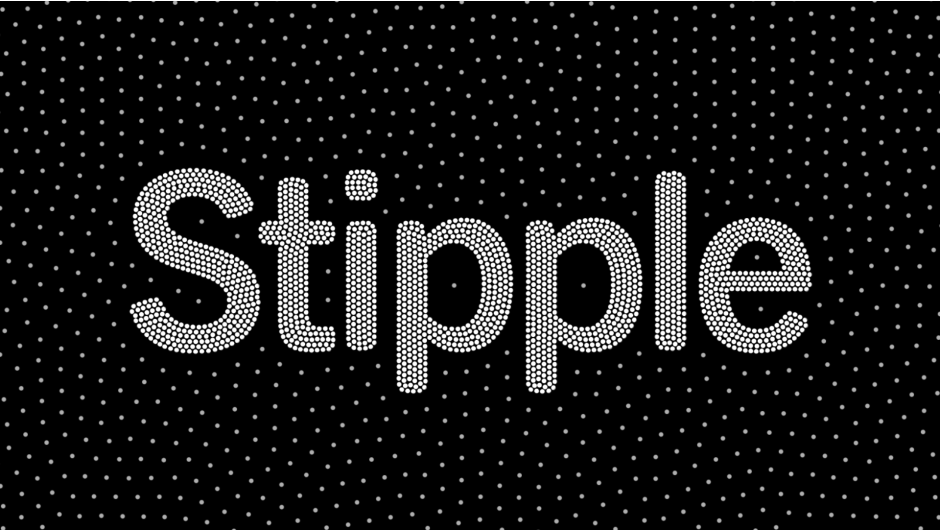
Stipple for After Effects
Download Stipple v1.0.3 for Windows, a powerful After Effects and Premiere Pro plugin that converts images into stunning pointillism-style artwork . This innovative tool samples your footage and arranges colored circles on a customizable grid, automatically adjusting size, color, and count based on source image information for authentic hand-painted or halftone aesthetics.
Image Stippling in After Effects. Create temporally coherent Image Stippling patterns driven by footage using a physics simulation. It’s a lot of fun!
Key Features of Stipple v1.0.3:
- Multiple Placement Grids: Choose from various grid types (Rectangular, Triangle, Hexagon) for different stipple arrangements
- Variable Stipple Size: Control minimum and maximum dot sizes with smooth transition curves based on image brightness
- Smart Color Sampling: Each stipple automatically samples color from the original image for authentic appearance
- Brightness Mapping: Map pixel brightness to stipple size, count, and placement with customizable curves
- External Source Support: Use other layers as alternative sources for brightness mapping (After Effects only)
- Color Space Options: Process in Linear or Gamma color spaces for accurate color reproduction
- Animated Stippling: Stipples can grow, shrink, or change count over time with master intensity control
- Edge Modes: Choose how to handle image edges with Clamp, Wrap, Mirror, or Last Pixel options
- Alpha Support: Full compatibility with transparency and alpha channels
- GPU Acceleration: Optimized for NVIDIA and Apple Silicon chips with Multi-Frame Rendering support
- Real-Time Graph Updates: v1.0.3 features graphs that update instantly while tweaking parameters (After Effects only)
Perfect For:
- Motion designers creating artistic, hand-painted aesthetics
- Music video producers seeking unique visual styles
- VFX artists needing procedural stipple and halftone effects
- Editors wanting to transform footage into artistic interpretations
- Anyone exploring pointillism and stipple techniques in motion graphics
System Requirements:
- Adobe After Effects CS6 through 2025
- Adobe Premiere Pro CS6 through 2025
- Windows (64-bit) or macOS Intel/Apple Silicon
- 4GB RAM minimum (8GB+ recommended)
- Supports Multi-Frame Rendering (MFR)
- Maximum rendering resolution: 16384 pixels
Version 1.0.3 Updates (Mar 7, 2025):
- Graphs update instantly while tweaking appropriate parameters (After Effects only)
- Adaptive graph colors to match selected UI color theme (After Effects only)
- Fixed low-level exception (AEVideoFilter:11) occurring in Premiere Pro on macOS
- Updated to After Effects SDK December 2024
- Updated Aescripts framework v4.1.3
What is Image Stippling?
Stippling is an artistic technique that recreates images or patterns using small dots. They can be placed densely or spread out to achieve the detailed shading necessary. In the digital realm, Stippling can be seen as an extension to Dithering with much more visually appealing results.
How is it different from Dithering?
While both stippling and dithering involve creating images with patterns, dithering uses randomized pixel patterns, resulting in a noisy appearance. In contrast, stippling produces cleaner, more aesthetically pleasing shading using small dots, generating blue noise rather than the white noise of dithering.
Physics Simulation
Stipple sets itself apart by ensuring temporal coherence — dots move predictably between frames in a timeline. This is achieved through a physics simulation that makes the dots interact with each other and the image map, maintaining a consistent and coherent visual effect when applied to a video/animated footage
Fun Features
Stipple offers a range of exciting features:
Footage Driven
Drive the movement of the points using only footage.
Sprites
Use custom sprites for unique effects
Colors & Size
Map dot size and color to their velocity.
Stretch
Stretch dots to create dynamic trails
Examples
Please watch the sample demos – I think it’s the best way to understand what this effect does.
GPU Accelerated
Stipple simulation and rendering utilizes GPU extensively and a wide variety of GPUs are supported.
Designed for AE
Stipple was designed from the ground up to take advantage of After Effects’ new multi-threaded architecture and Multi-Frame Rendering (MFR) to utilize aggressive caching and blazing fast Render Performance.
Compatibility
Stipple is compatible with Adobe After Effects CC 2021, CC 2022, CC 2023, CC 2024 & above on both Windows (Windows 10 or above) and Macintosh platforms (macOS 10.13 or above).
Apple Silicon Native
Apple Silicon is natively supported with amazing render performance.
Tutorials
Compatibility
After Effects
2025, 2024, 2023, 2022, 2021
Elevate your motion graphics workflow with premium collection of After Effects plugins. Whether you are a seasoned professional or just starting your VFX journey, powerful tools designed to streamline complex tasks, unlock creative possibilities, and save you hours of rendering time. From stunning glitch effects and seamless transitions to advanced 3D extrusion and text animation tools, each plugin in our library is rigorously tested for compatibility with the latest versions of Adobe after Effects. Enhance your video production value today and download industry-leading plugins that help you create breathtaking visuals without the technical headaches. Browse our full range and find the perfect extension to supercharge your editing suite now.
➡️ ➡️ For more after effects Plugins 😀 😀
➡️ ➡️ System requirements AE
Reviews
There are no reviews yet.