
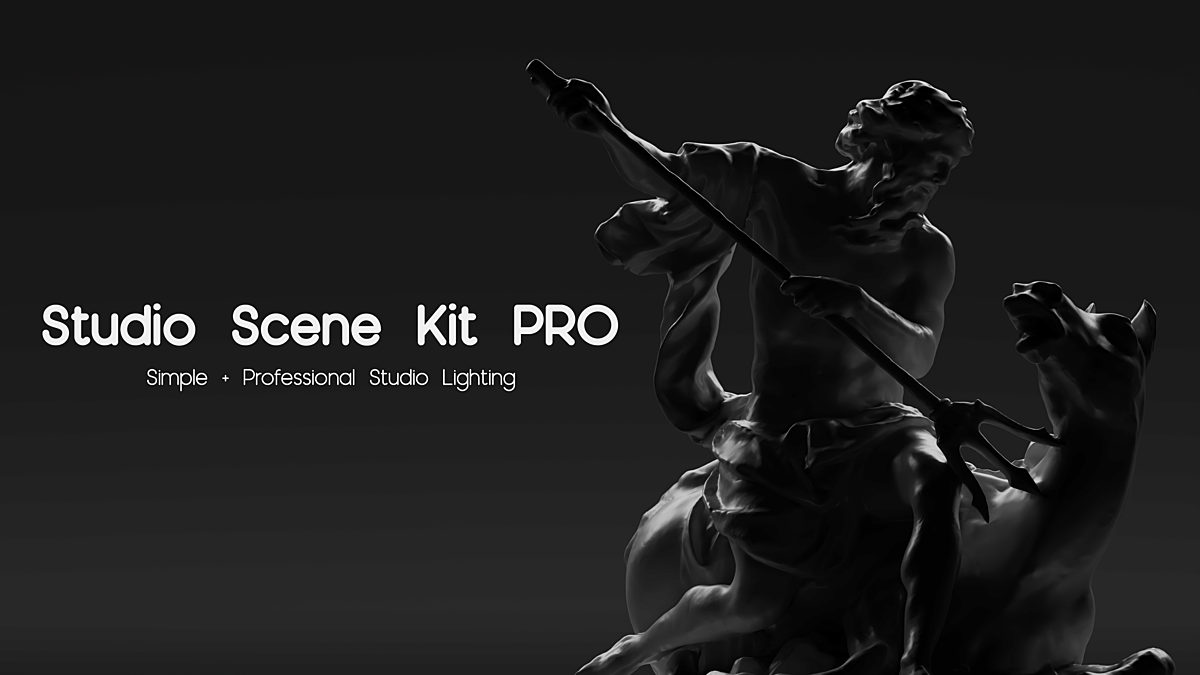
Studio Scene Kit PRO for Blender
Studio Scene Kit PRO for Blender – The Ultimate Product Visualization & Studio Lighting Suite
Versions: v1.0
File Size: 58 MB
Download Studio Scene Kit PRO for Blender on Windows and Mac, a comprehensive all-in-one toolkit designed to instantly create professional photography studios, product showcases, and seamless background environments. Whether you are rendering high-end commercial product shots, creating clean e-commerce imagery, or setting up perfect camera angles for motion graphics, this addon eliminates the tedious process of building studio rigs from scratch. With a massive library of lighting presets, cyclorama walls, camera setups, and HDRI environments, Studio Scene Kit PRO transforms your 3D workflow into a fully equipped virtual photography studio.
Key Features of Studio Scene Kit PRO:
- One-Click Studio Setups: Instantly generate complete studio environments, including infinity coves, cyclorama walls, seamless paper rolls, and dark stage setups, all built with perfect real-world scale and physically accurate materials.
- Professional Lighting Rigs: Access dozens of pre-configured, physically accurate lighting setups (Key, Fill, Rim, Hair, and Background lights) specifically tailored for product photography, portrait rendering, and automotive visualization.
- Smart Camera & Lens Presets: Instantly apply real-world camera sensor sizes, focal lengths, and depth-of-field settings to match specific photography styles, from extreme macro product shots to telephoto compression for cars.
- Dynamic Background Gradients: Procedural background generators that allow you to create smooth, studio-quality color gradients, radial fades, and vignettes without relying on external image textures.
- HDRI & IBL Integration: A curated library of high-quality studio HDRIs for perfect image-based lighting, complete with automatic world node setup, exposure controls, and rotation mapping.
- Physical Light Modifiers: Quickly add 3D representations of softboxes, beauty dishes, scrims, flags, and reflectors directly into your scene to shape and block light exactly like a real photography studio.
- Seamless Compositing Passes: Automatically enables the necessary render passes (Mist, Z-Depth, Cryptomatte, Shadow) and sets up a clean compositor node tree for easy background replacement, shadow catching, and color grading.
- Real-World Photographic Scale: All studio elements, lights, and cameras are built to real-world photographic scales, ensuring that light falloff (inverse square law), depth of field, and shadows behave exactly as they would on a physical soundstage.
- Drag-and-Drop Asset Browser: Fully integrated with Blender’s native Asset Browser, allowing you to drag lighting rigs, cameras, and background setups directly into your viewport.
- Non-Destructive & Editable: Every light, camera, and background element remains fully editable. Tweak the intensity, color temperature, and position of your studio rig at any time without breaking the setup.
Perfect For:
- Product Visualizers needing rapid, high-end commercial lighting setups for cosmetics, electronics, and packaging renders.
- Motion Designers creating clean, professional background loops and camera setups for corporate videos and title sequences.
- Architectural Visualizers setting up perfect interior lighting rigs and realistic window light simulations for room renders.
- E-commerce Creators generating consistent, studio-quality white-background and shadow-catch images for online stores.
- 3D Photographers & Hobbyists who want to practice virtual photography with real-world camera settings and light modifiers.
- Freelancers who need to deliver polished, commercial-grade renders on tight deadlines without spending hours building lighting rigs from scratch.
System Requirements:
- Blender: 3.6, 4.0, 4.1, 4.2, 4.3, 4.4+ (Latest LTS recommended).
- OS: Windows 10/11 (64-bit) or macOS 10.15+.
- RAM: 8GB minimum (16GB+ recommended for scenes with high-resolution HDRIs and complex volumetric lighting).
- Render Engine: Fully compatible with Cycles (recommended for accurate light falloff and glass/refraction) and Eevee.
Installation:
- Download the Studio Scene Kit PRO
.zipfile. - Open Blender and go to Edit > Preferences > Add-ons.
- Click Install…, select the downloaded file, and enable the checkbox next to 3D View: Studio Scene Kit.
- Access via the 3D Viewport Sidebar (N-panel) under the Studio Kit tab, or directly through the Asset Browser under the “Studio Scene Kit” library.
Key Highlights of the Latest Update:
- Blender 4.4 Full Compatibility: Updated all light, camera, and compositor APIs to ensure flawless stability, correct UI scaling, and perfect integration with the latest Blender 4.4 release.
- New “Automotive Turntable” Rig: Added a specialized, motorized turntable setup with synchronized camera tracking and perfect studio lighting for car and vehicle showcases.
- Enhanced “Beauty Dish” Modifier: Upgraded the 3D beauty dish asset with accurate internal baffle geometry, producing much more realistic, punchy specular highlights on skin and glossy products.
- Faster HDRI Loading: Optimized the texture caching system, reducing the initial load time when switching between high-resolution studio HDRIs by 60%.
- Advanced Shadow Catcher: Improved the native shadow catcher material setup to perfectly preserve ambient occlusion and contact shadows without darkening the background color.
- UI Overhaul: Redesigned the N-panel interface with visual thumbnails for every lighting preset and camera angle, making it incredibly easy to browse and apply setups.
Note:
Studio Scene Kit PRO is built on the philosophy that lighting is everything. In 3D visualization, a mediocre model with great lighting will always look better than a masterpiece with bad lighting. This addon bridges the gap between 3D rendering and real-world photography by giving you the exact tools a studio photographer uses. Instead of blindly moving point lights around and hoping for the best, you are placing virtual softboxes, adjusting virtual focal lengths, and setting up virtual cycloramas. Whether you are rendering a single perfume bottle or a full luxury car interior, Studio Scene Kit PRO ensures your lighting is cinematic, commercial, and flawlessly executed every single time.
What is Studio Scene Kit PRO?
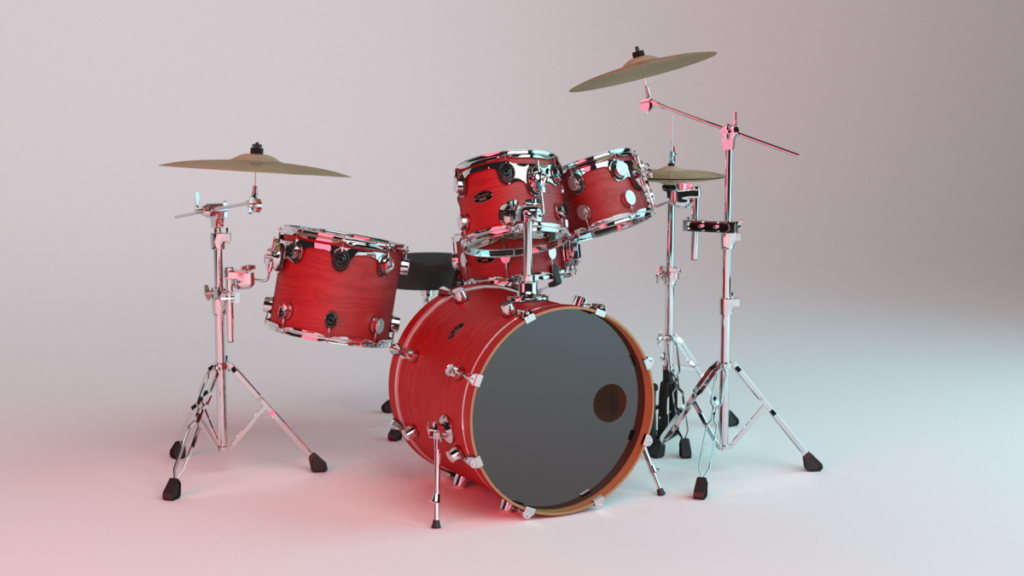
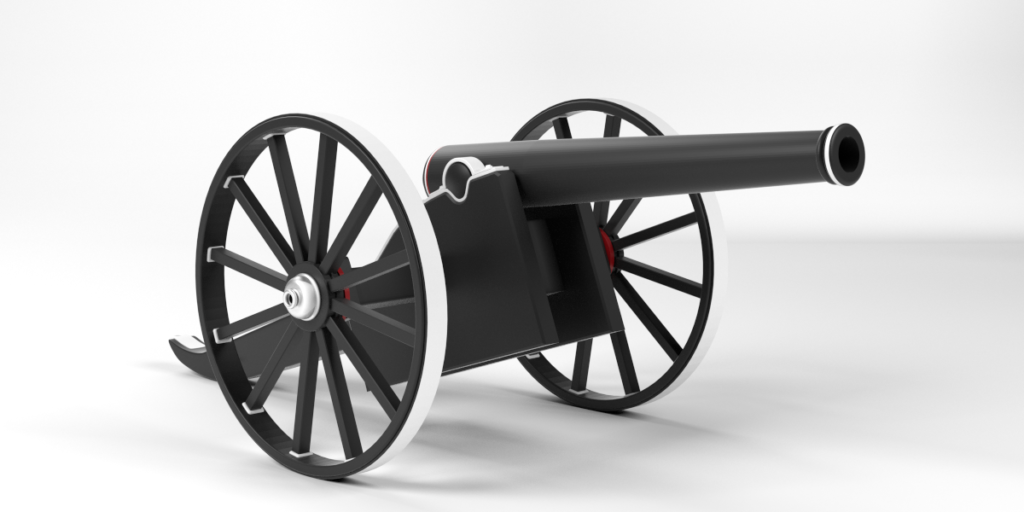
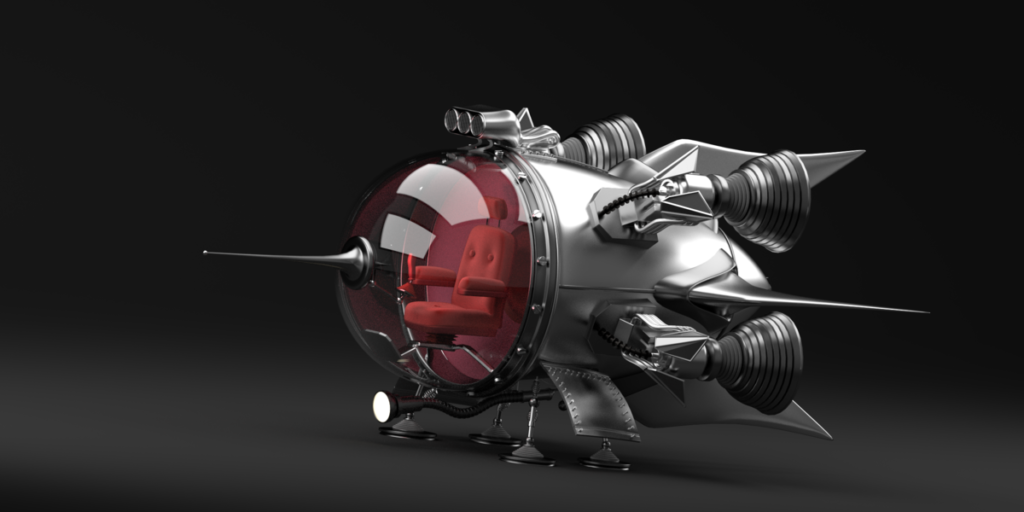
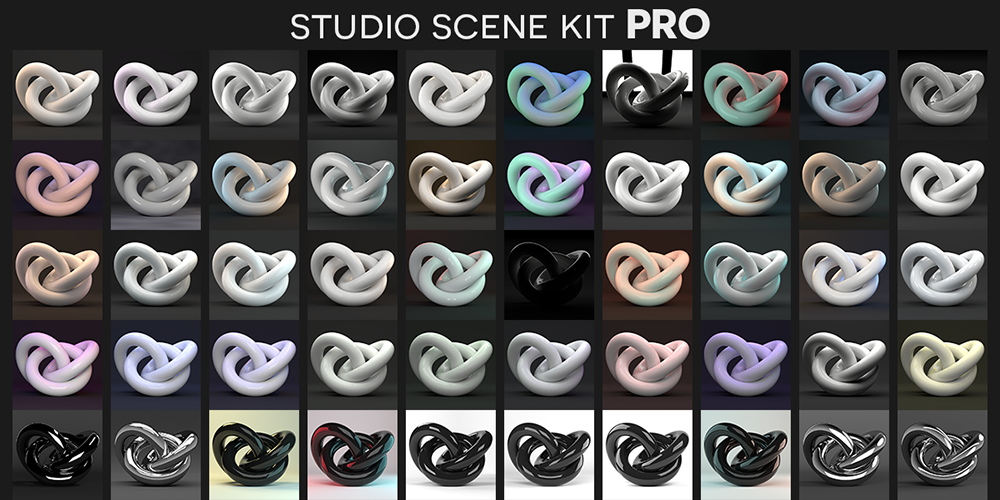
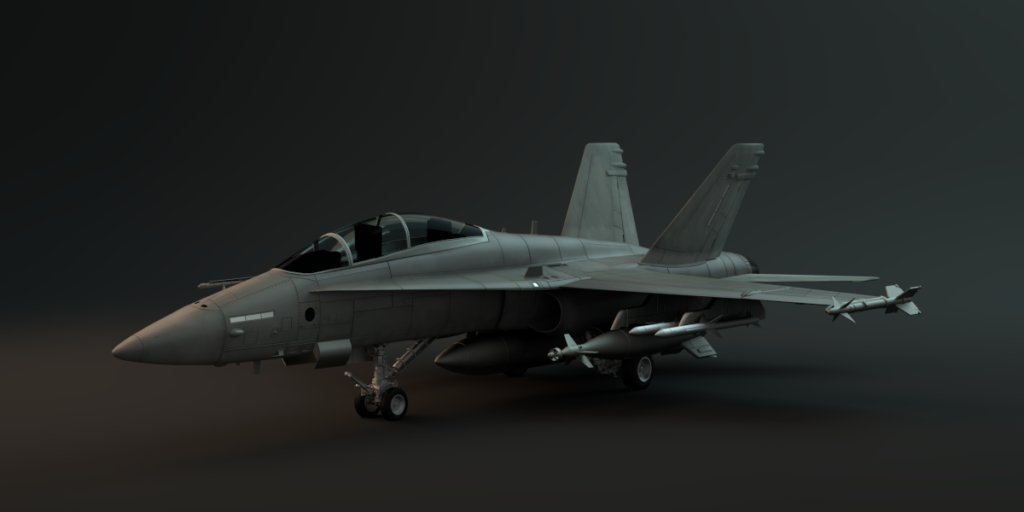
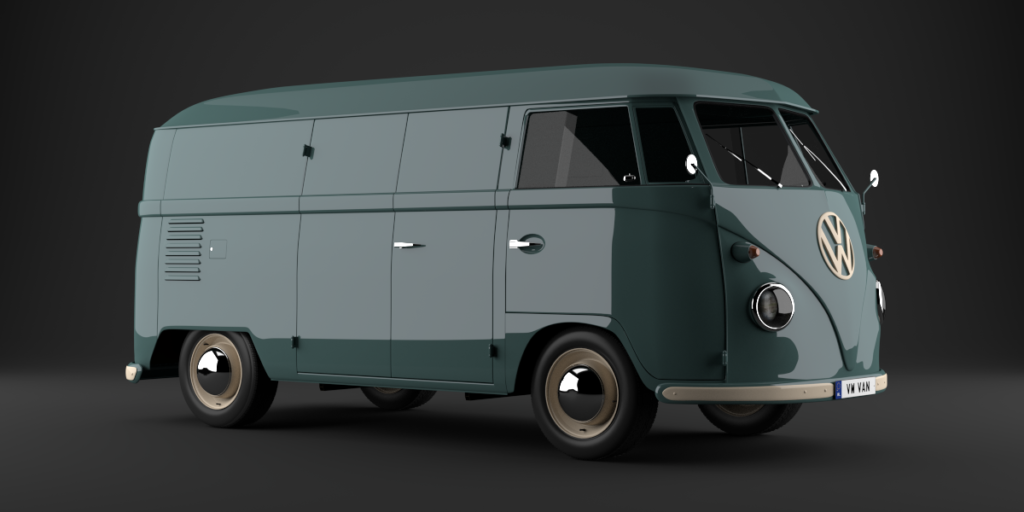
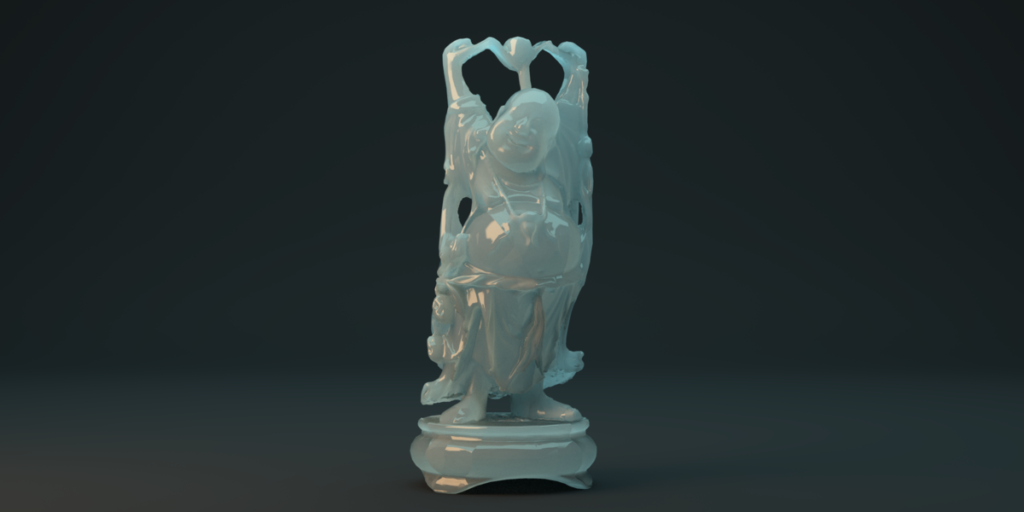
Studio Scene Kit PRO is a collection of blender studio lighting scenes designed to give you the highest quality lighting with little to no effort. Each of the 50 scenes includes a unique lighting setup that provides you with a fast and easy way to get the best lighting for your project. Lighting is not just another step, it is the single most important thing you can do to your scene. Studio Scene Kit PRO gives your scenes beautiful lighting for a beautiful render. SSKP doesn’t require you to install anything, the pack consists of Blender studio lighting scenes that are ready to be used with your favorite models. It is as simple as appending your 3D assets into any SSKP scene you choose, and rendering.
What’s Included?
Studio Scene Kit PRO includes 50 blender scenes, 7 asset models (backdrop, softbox, etc.), Video tutorials, Documentation, and image banners to help you find the scenes you want.
Updates!
I am very excited to announce the very first update to Studio Scene Kit PRO; Update 1.1. In update 1.1 I have fine tuned the scenes to make sure they were as efficient as possible, while also making some of the scene look better in terms of lighting (minor things). I have also added a brand new type of scene called Grid Array Studio which is meant to replace the grid textured scenes (although I will still keep them included). Along with Grid Array Studio I have also added a few more scenes to the Bonus Scenes folder, as well as a goal to add scenes to that folder per update. And lastly I ahve revamped the documentation of this kit to allow for a more helpful guide in getting this kit setup.
Supercharge your 3D creation workflow with premium selection of Blender Add-ons. Whether you are modeling intricate characters, sculpting realistic environments, or animating cinematic sequences, the right add-on can transform how you work inside Blender. Our curated collection includes powerful tools for UV unwrapping, procedural texture generation, rigging automation, rendering optimization, and more—each rigorously tested for compatibility with the latest Blender versions. Eliminate tedious manual processes and unlock advanced functionality that lets you focus on what matters most: bringing your creative vision to life. Explore our full range of professional Blender plugins today and take your 3D projects to the next level.
➡️ ➡️ For more Blender Plugins 😀 😀
Reviews
There are no reviews yet.