
Stylized Shaders for Blender
Stylized Shaders v2.1 for Blender – The Ultimate Non-Photorealistic Rendering (NPR) & Toon Material Suite
Versions: v2.1
File Size: 5.14 MB
Download Stylized Shaders v2.1 for Blender on Windows and Mac, a comprehensive and highly customizable shader toolkit designed to bring the vibrant aesthetics of 2D animation, anime, and hand-painted games into the 3D world. Whether you are aiming for the crisp cel-shaded look of modern anime, the dynamic 2.5D comic style of Spider-Verse, or the charming hand-painted feel of indie games, Stylized Shaders eliminates the need to build complex, spaghetti-like NPR node trees from scratch. It provides a complete, production-ready material system that gives you total artistic control over light, shadow, and outlines.
Key Features of Stylized Shaders v2.1:
- Advanced Multi-Step Toon Shading: A highly flexible ramp system that allows you to define exactly how many steps of light and shadow your object has. Control the hardness, softness, and color of each shadow step to achieve anything from soft watercolor blending to razor-sharp anime cel-shading.
- Smart Outline System: Generate clean, 3D outlines using either an automated inverted-hull method or Geometry Nodes. Features intelligent “corner-thickening” logic that ensures outlines remain consistent and aesthetically pleasing even at sharp angles and complex intersections.
- Anime-Style Hair & Highlight Bands: Specialized hair shaders that automatically generate “angel ring” highlights and stylized shadow bands, perfectly mimicking the iconic look of Japanese animation without manual texture painting.
- Halftone & Comic Book Effects: Built-in procedural overlays for Ben-Day dots, cross-hatching, and screen tones. Perfect for creating authentic comic book pages, manga styles, or retro pop-art aesthetics.
- Stylized Rim Lighting: Add vibrant, anime-inspired rim lights that react dynamically to light sources or camera angles. Fully customizable color, intensity, and falloff to make characters pop against any background.
- Hand-Painted Texture Integration: Smart node logic that perfectly blends your hand-painted Albedo maps with the 3D lighting setup, ensuring your 2D brushstrokes aren’t washed out or muddied by the shader’s shadow calculations.
- Stylized SSS (Subsurface Scattering): Custom skin and organic shaders that provide the warm, stylized translucency needed for cartoon characters, avoiding the “waxy” or overly realistic look of native PBR subsurface scattering.
- Magic, Energy & VFX Shaders: A dedicated library of glowing, animated shaders for spells, auras, magical auras, and stylized fire, complete with animated noise and emission controls.
- Cartoon Water & Liquids: Procedural, stylized water shaders featuring hand-drawn wave lines, bubbly foam, and vibrant, non-photorealistic refraction.
- One-Click Style Presets: Instantly switch between distinct visual styles, including “Modern Anime,” “Retro 90s Cartoon,” “French Comic (BD),” “Arcane 2.5D,” and “Zelda-like Cel-Shaded.”
Perfect For:
- Indie Game Developers creating stylized, performance-friendly assets for Unity, Unreal Engine, or Godot.
- Anime & Manga Artists producing 3D animations, VTuber models, and manga-style illustrations.
- Motion Designers crafting 2.5D explainer videos, stylized title sequences, and abstract artistic loops.
- VFX & Compositing Artists blending 3D elements seamlessly into 2D animated backgrounds or live-action footage with a stylized grade.
- Concept Artists rapidly blocking out environments and characters with distinct, non-photorealistic moods.
- Beginners who want professional NPR results but are intimidated by the complex math of custom shader nodes.
System Requirements:
- Blender: 3.6, 4.0, 4.1, 4.2, 4.3, 4.4+ (Latest LTS recommended).
- OS: Windows 10/11 (64-bit) or macOS 10.15+.
- RAM: 8GB minimum (16GB+ recommended for scenes with heavy outline calculations and complex halftone overlays).
- Render Engine: Fully compatible with Eevee (for real-time NPR workflows) and Cycles (for stylized compositing and complex light interactions).
Installation:
- Download the Stylized Shaders v2.1
.zipfile. - Open Blender and go to Edit > Preferences > Add-ons.
- Click Install…, select the downloaded file, and enable the checkbox next to Material: Stylized Shaders.
- Access via the 3D Viewport Sidebar (N-panel) under the Stylized tab, or the Shader Editor Add Menu > Group > Stylized Shaders.
What’s New in v2.1?
- Blender 4.4 Full Compatibility: Updated all shader node APIs and Eevee Next hooks to ensure flawless stability, correct color management, and perfect integration with the newest Blender release.
- New “2.5D Comic Projection” Tool: Added a highly requested projection system that flattens 3D geometry and applies custom comic-book hatching based on the camera’s exact perspective, mimicking the groundbreaking look of Spider-Verse.
- Improved Outline Corner Logic: Rewritten the inverted-hull outline algorithm to prevent “pinching” and disappearing lines at sharp 90-degree corners, ensuring uniform line weight.
- Enhanced Hair Shader: The anime hair shader now supports multiple custom highlight colors and allows for manual masking of specific hair strands for ultimate artistic control.
- Performance Boost: Optimized the halftone and screen-tone node groups, reducing shader compilation time and viewport lag by 50% when applied to high-poly meshes.
- UI Overhaul: Redesigned the N-panel with visual thumbnails for every preset, making it incredibly easy to browse and apply different NPR styles on the fly.
Note:
Stylized Shaders v2.1 is built on the philosophy that 3D should not always look like reality. While PBR (Physically Based Rendering) is amazing for photorealism, it often strips the soul and artistic intent from stylized projects. Stylized Shaders puts the power of a 2D illustrator directly into the hands of a 3D artist. Because the entire system is built on clean, modular node groups, you are never locked into a “black box” effect. You can easily dive into the Shader Editor to tweak a shadow ramp or adjust an outline thickness, knowing the underlying logic is transparent and professional. Whether you are building a fantasy RPG world or a stylized short film, Stylized Shaders gives you the exact visual language you need to make your project stand out.
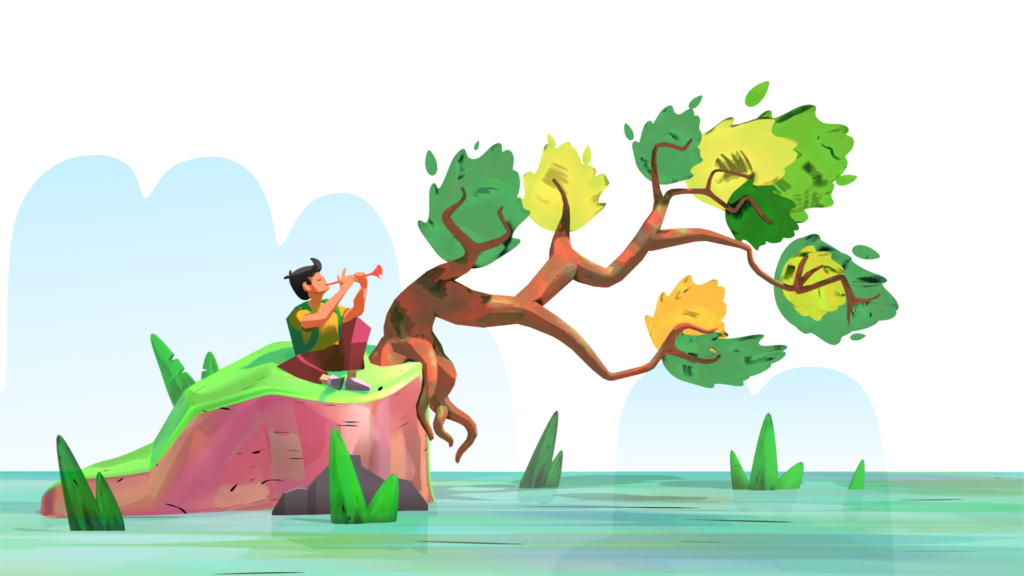
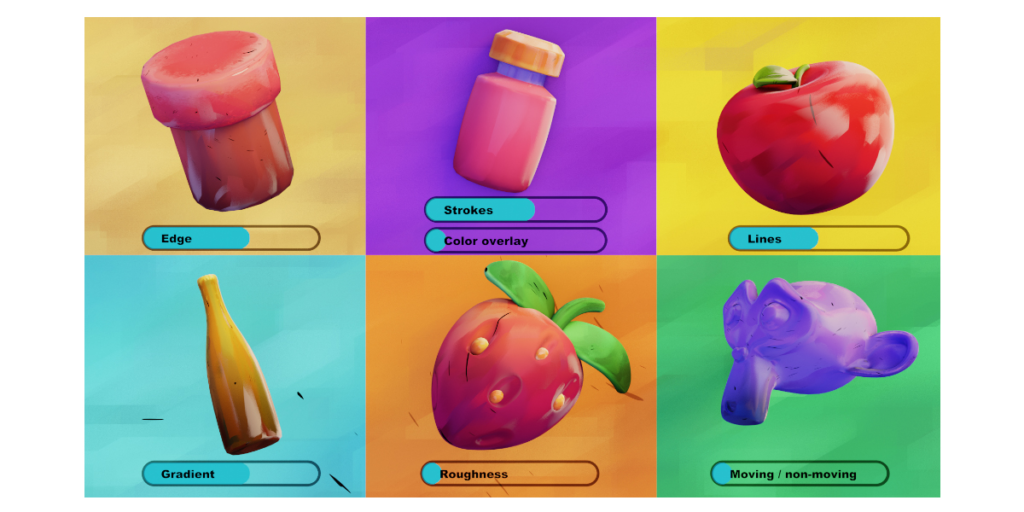
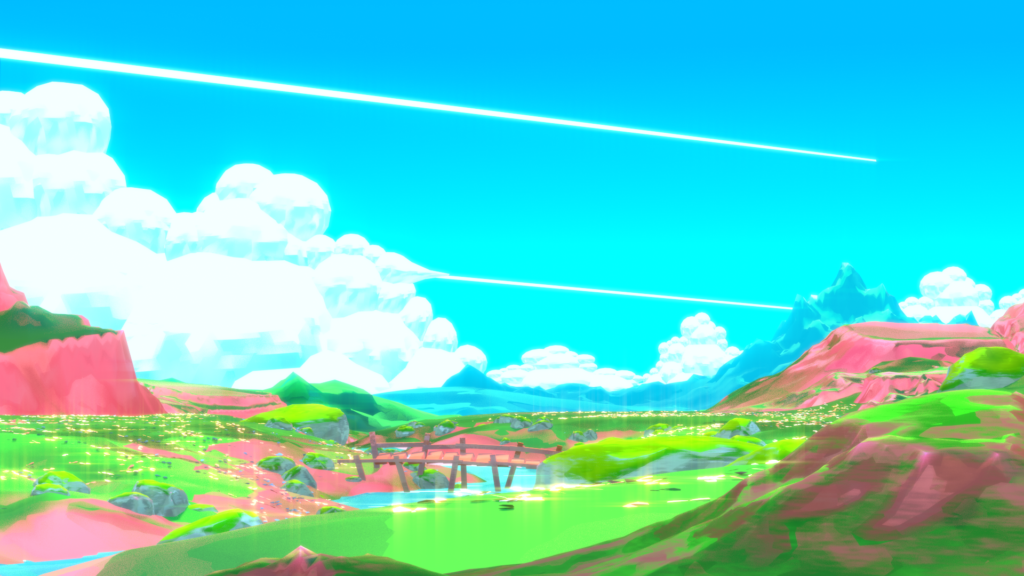
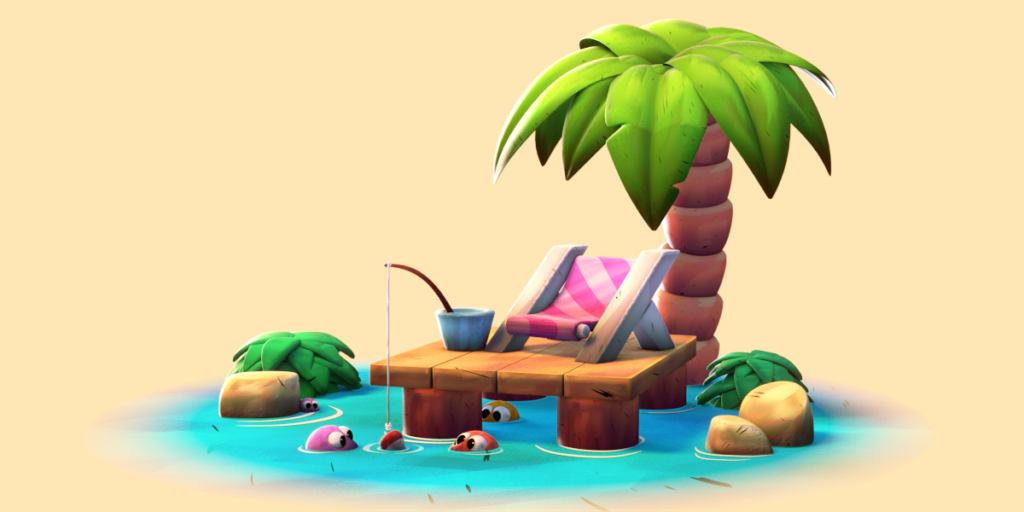
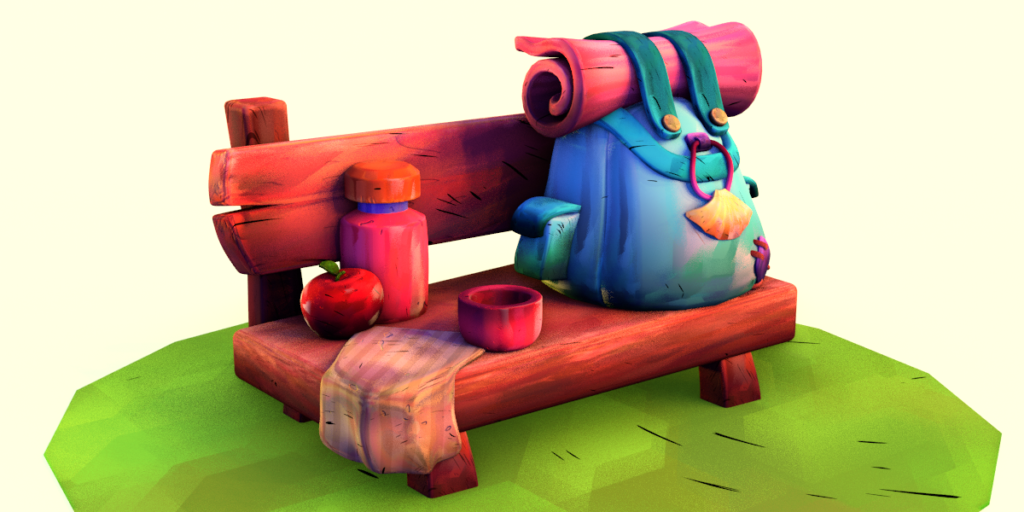
Use case scenarios
Supercharge your 3D creation workflow with premium selection of Blender Add-ons. Whether you are modeling intricate characters, sculpting realistic environments, or animating cinematic sequences, the right add-on can transform how you work inside Blender. Our curated collection includes powerful tools for UV unwrapping, procedural texture generation, rigging automation, rendering optimization, and more—each rigorously tested for compatibility with the latest Blender versions. Eliminate tedious manual processes and unlock advanced functionality that lets you focus on what matters most: bringing your creative vision to life. Explore our full range of professional Blender plugins today and take your 3D projects to the next level.
➡️ ➡️ For more Blender Plugins 😀 😀
Reviews
There are no reviews yet.