
SubMachine for After Effects
Download SubMachine v2.3.1, a powerful After Effects plugin that automates the creation and animation of countless objects with realistic physics-based motion. This advanced tool simulates natural dynamics like springs, drag, gravity, collisions, and friction, eliminating the tedious manual keyframing required for complex multi-object animations.
Key Features of SubMachine v2.3.1:
- Spring Physics: Realistic spring dynamics with adjustable stiffness and damping for natural object interactions
- Drag Control: Simulate air resistance for authentic deceleration and movement
- Gravity Simulation: Apply realistic gravitational forces to objects in your scene
- Collision Detection: Objects interact with realistic bounce and response
- Friction Simulation: Surface friction for authentic stopping and sliding behavior
- Complete Redesign: v2.3.1 features thoroughly reimagined UI/UX for intuitive workflow
- Performance Optimizations: Significantly improved memory management and responsiveness
- Automation Engine: Create complex animations by simply defining physical properties and letting SubMachine handle the rest
- Broad Compatibility: Works with Shape Layers, Text layers, and Pre-compositions
Perfect For:
- Motion graphics artists creating complex object animations
- Title sequence designers needing realistic physics simulations
- Explainer video creators wanting natural object interactions
- Character animators requiring secondary motion
- Anyone wanting to add realistic physics without manual keyframing
System Requirements:
- Adobe After Effects (specific version compatibility)
- Windows 10/11 (64-bit) or macOS
- 4GB RAM minimum (8GB+ recommended)
- 100MB available disk space
Version 2.3.1 Updates:
- Complete UI/UX redesign for improved workflow
- Enhanced memory management and performance
- Based on stable v2.3 release with additional refinements
The Engaging, and Customisable Subtitling Solution for Adobe Premiere Pro.
Subtitling just got a whole lot easier and more dynamic with the launch of SubMachine. This innovative new tool allows video editors to quickly create engaging and customisable subtitles with just a few clicks, all within the familiar Adobe Premiere Pro environment.
Our innovative workflow takes the agonising grunt-work out of word-by-word animation – SubMachine takes care of that for you, letting you focus on the fun stuff.
SubMachine brings the power of MOGRTS to the people, giving you full control over 9 powerful templates that make expressive and exciting animated subtitles easy and fun, even if you’re not a professional motion designer. Don’t want to go into After Effects? No need – our mogrts provide so much flexibility and control you never need to leave Premiere.
The intermediate user can easily tweak our existing templates in After Effects and create new looks to match your brand or your clients demands.
And if you are a motion graphics professional, you can use your After Effects skills to make your own MOGRT that works seamlessly with SubMachine using our Blank Slate template.
Included Motion Graphics Templates (Mogrts):
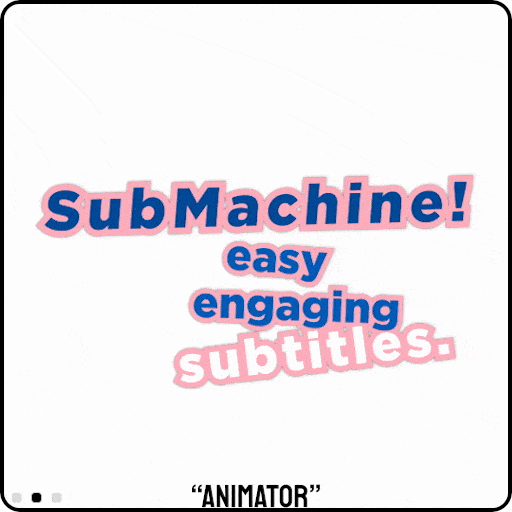
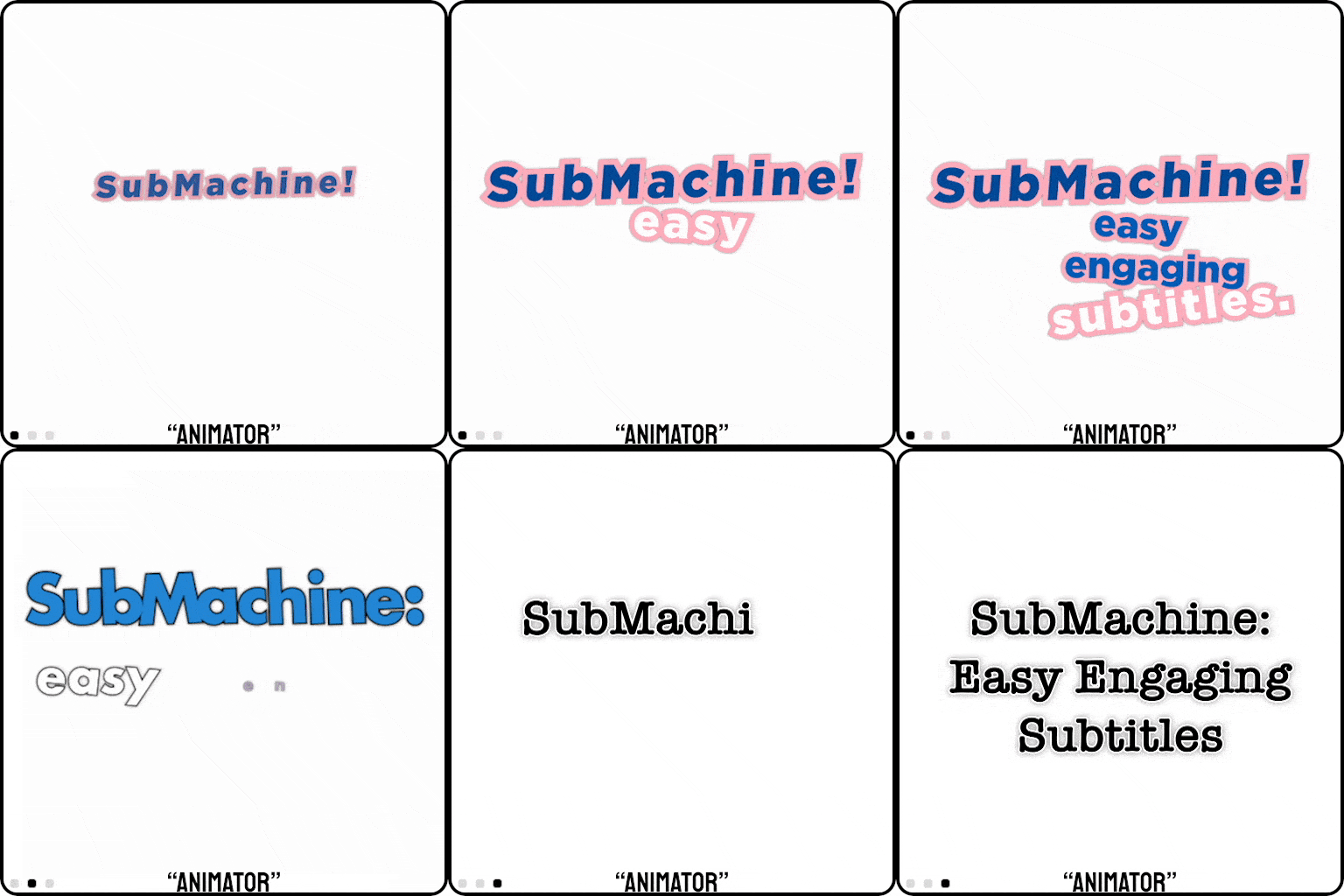
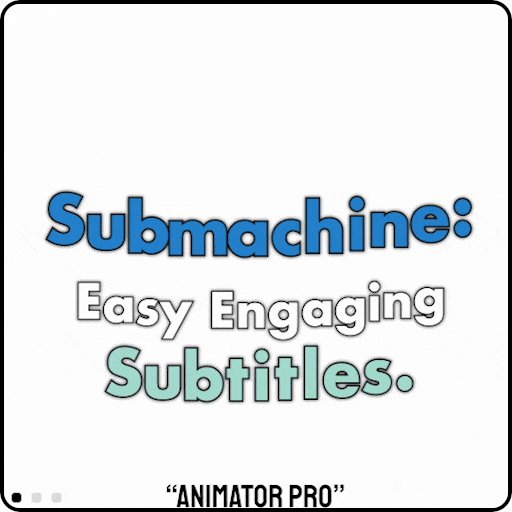
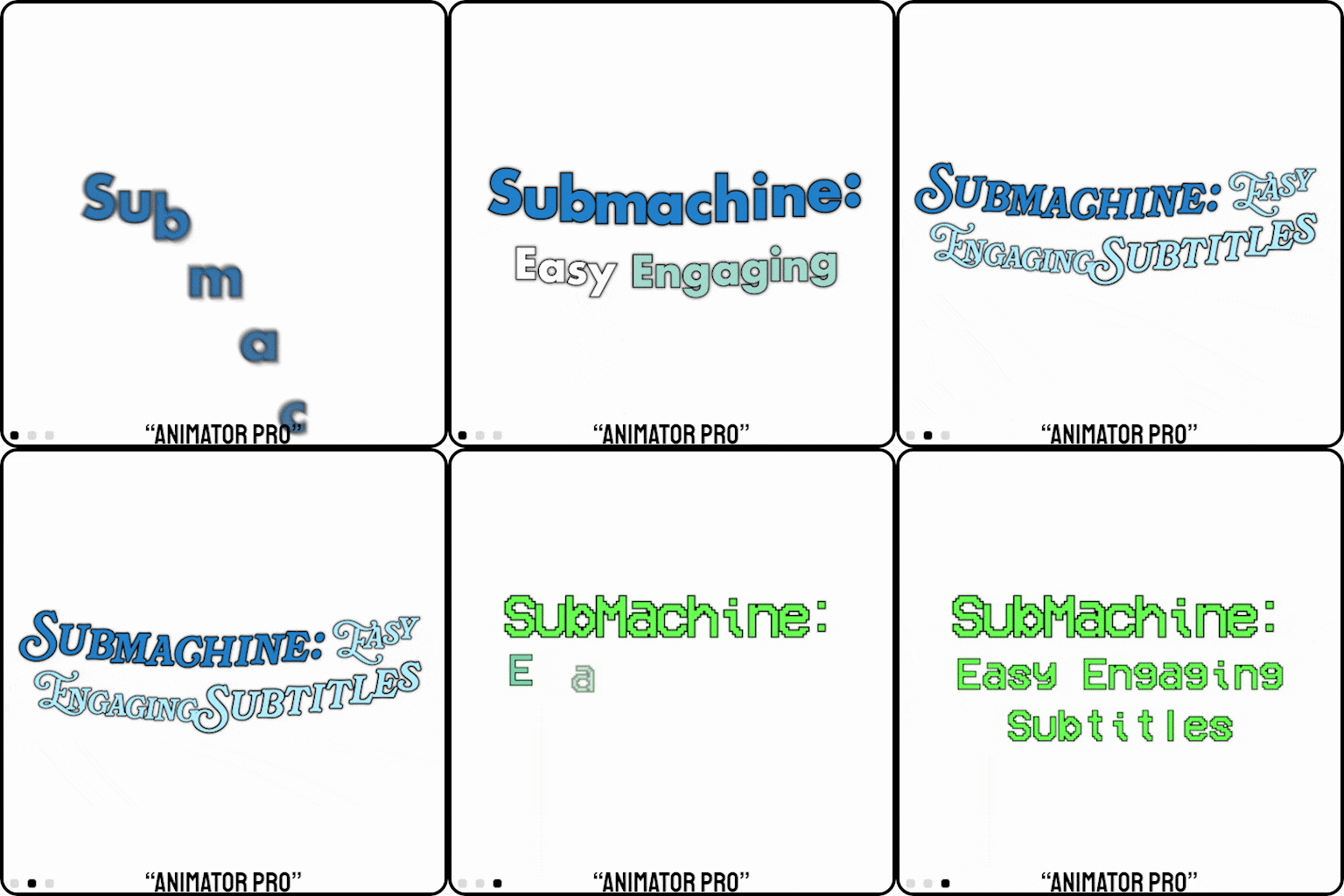
Animator/Animator Pro: Powerful control for expressive and bespoke animations.
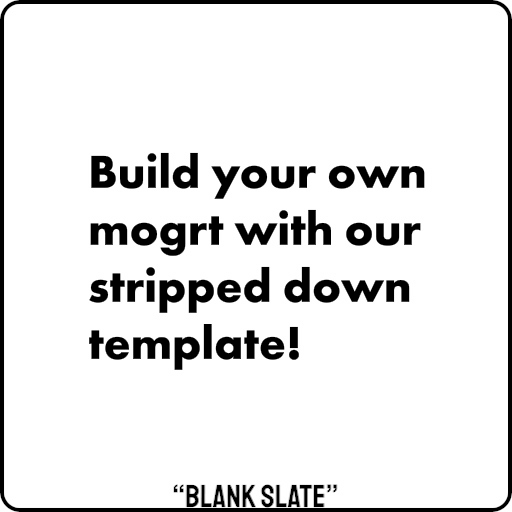
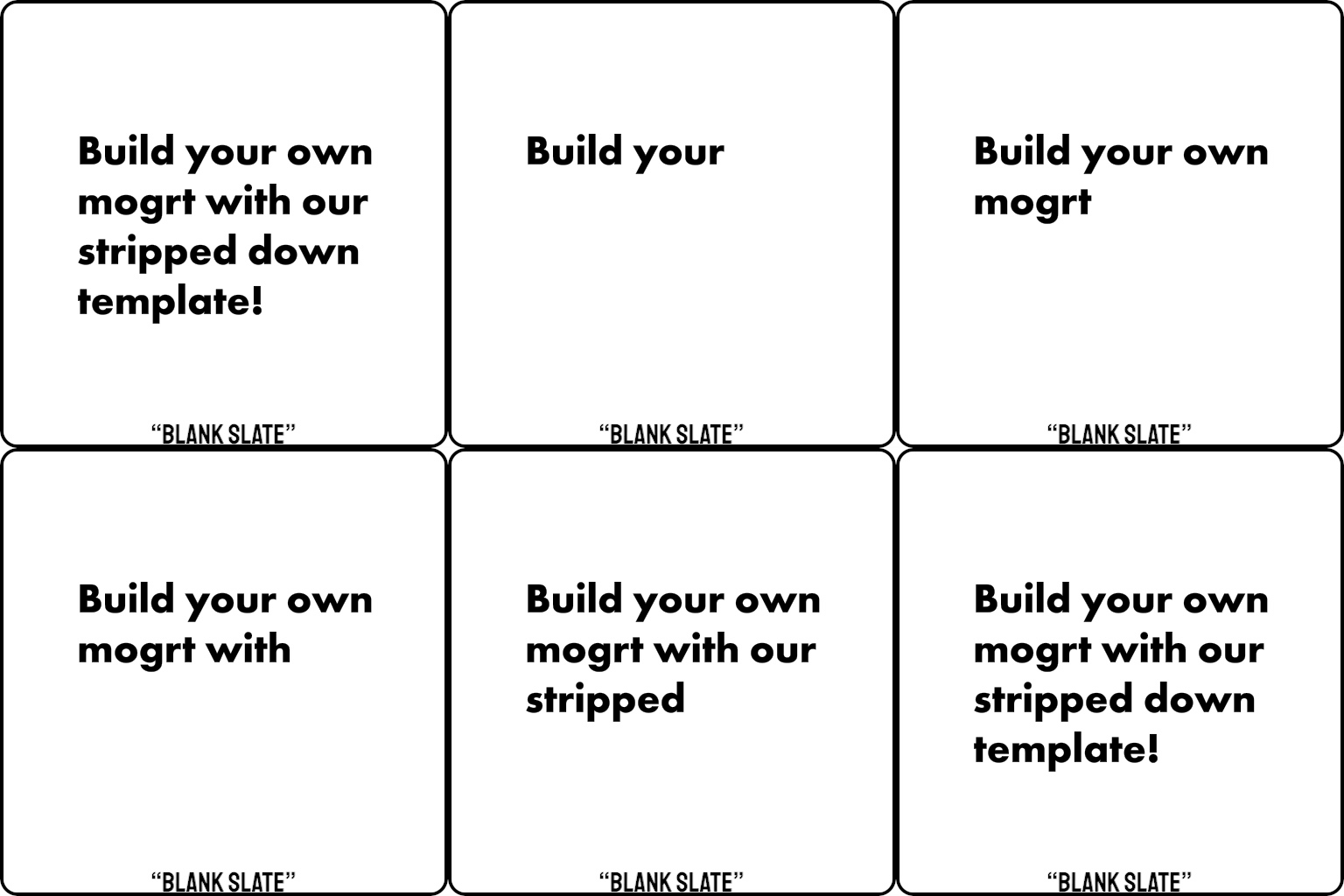
Blank Slate: Includes only the bare-minimum for SubMachine compatibility – allowing you to start from scratch on your own subtitle style.
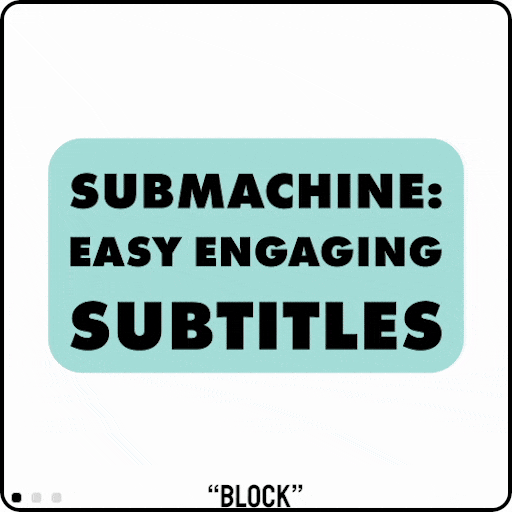
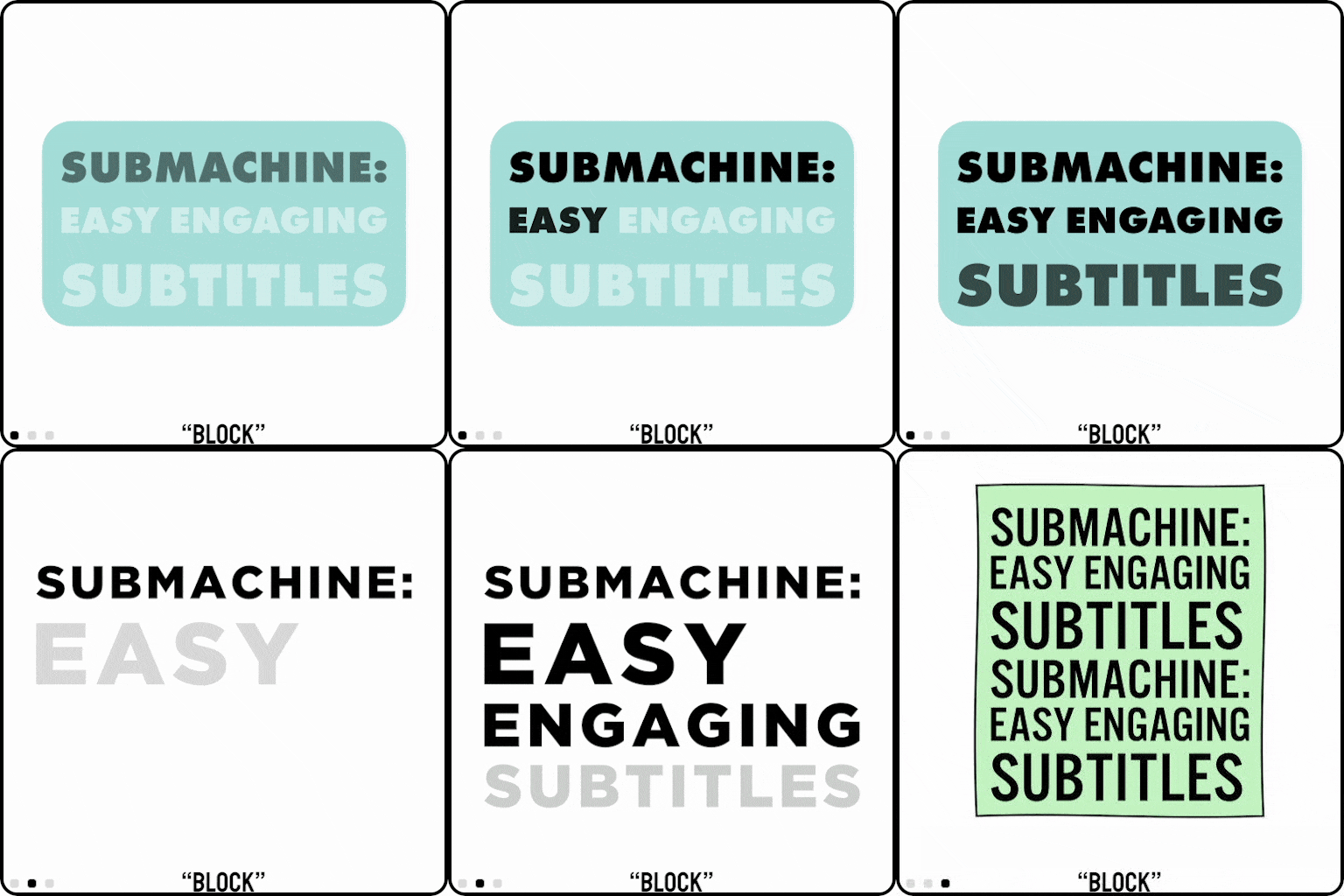
Block: A powerful, symmetrical arrangement into up to 8 lines of text. Great for full-screen callouts, or recreating the look of Instagram subtitles.
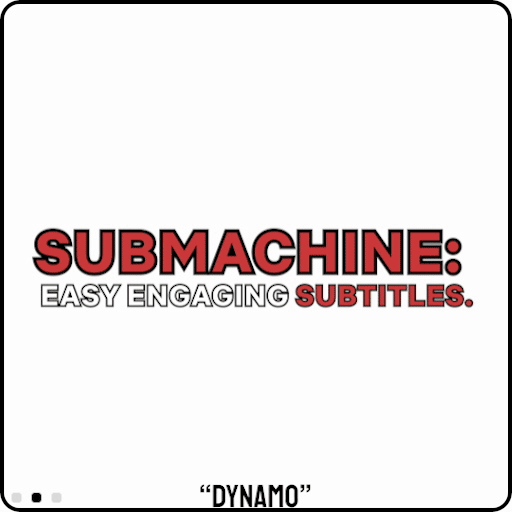
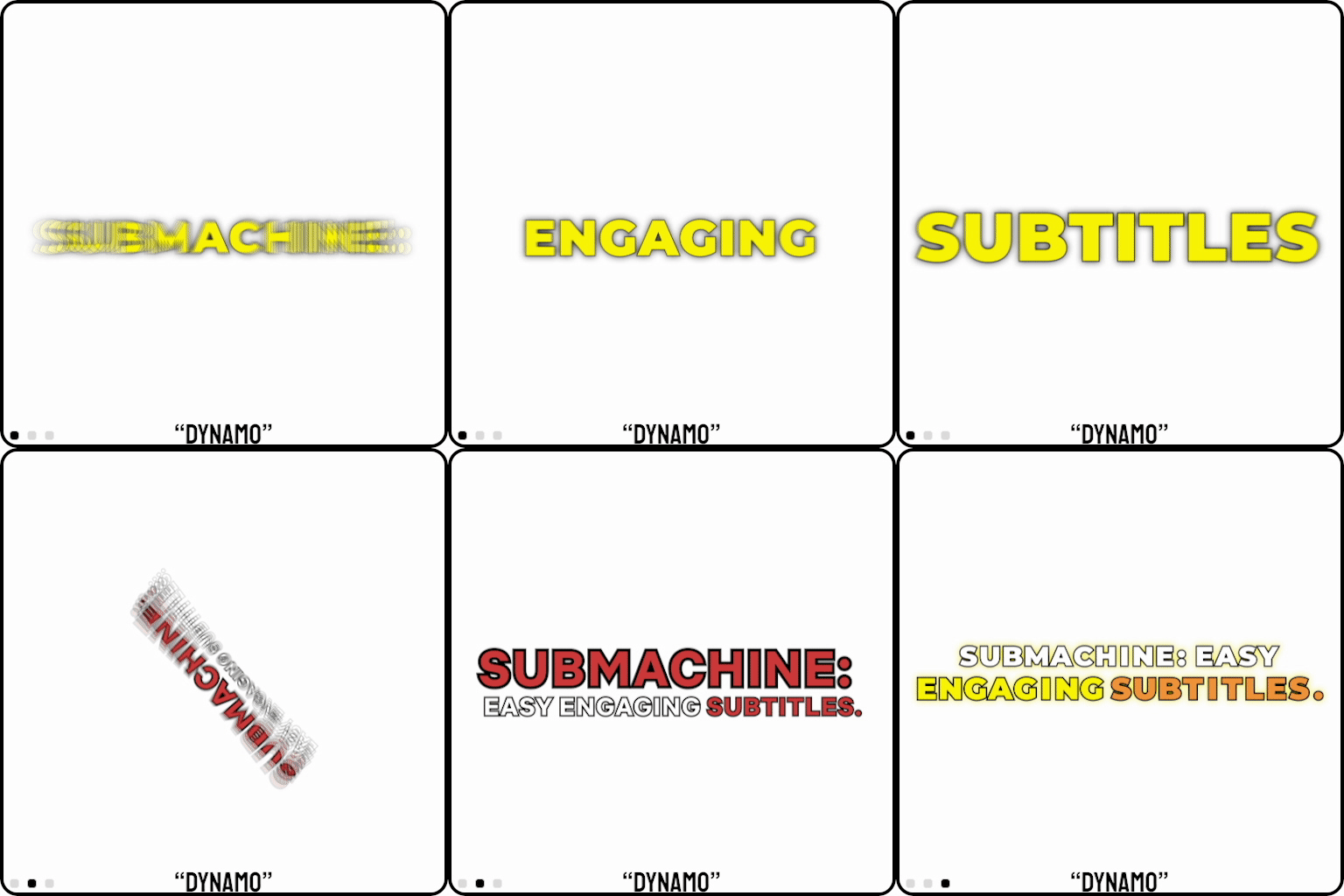
Dynamo: Inspired by the popular “Alex Hormozi” style – powerful and simple – check out our new “Single Word” features in this latest release!
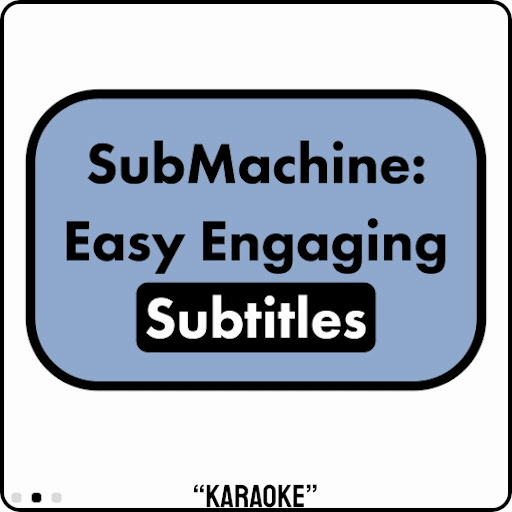
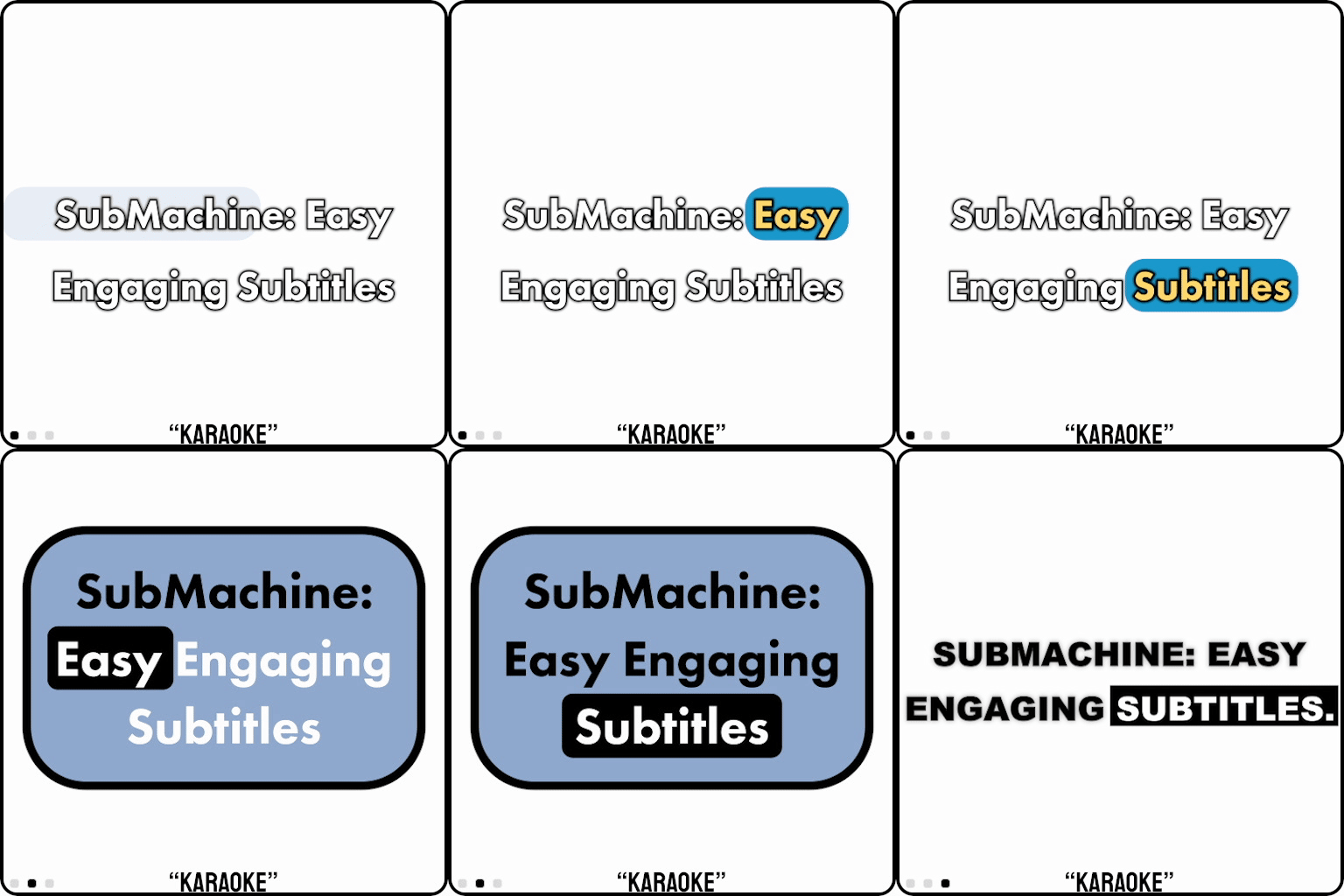
Karaoke: A customisable banner highlights each word as it’s spoken – an elegant and popular look.
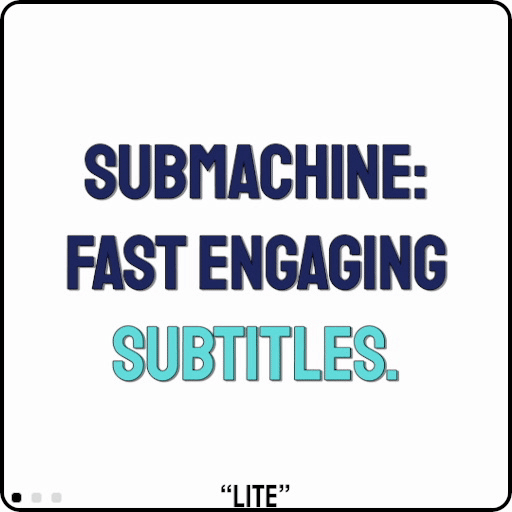
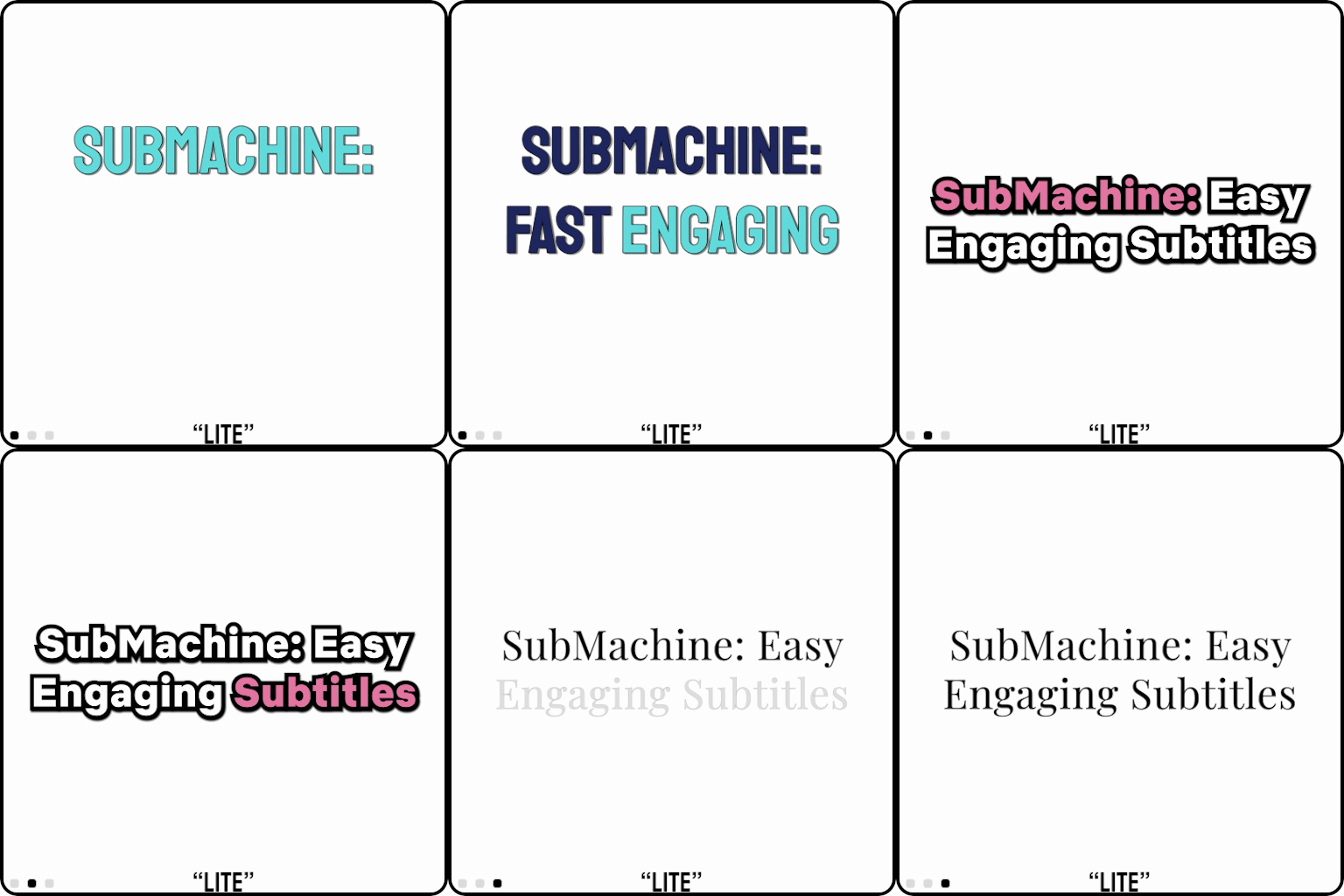
Lite: A simple and lightweight option designed for users who want word-by-word animation but are still rocking their dad’s Dell.
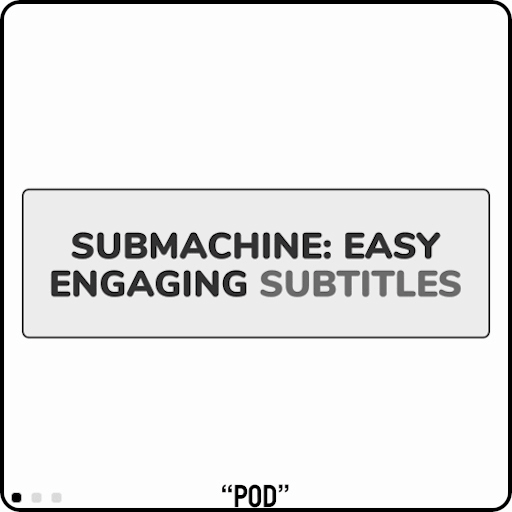
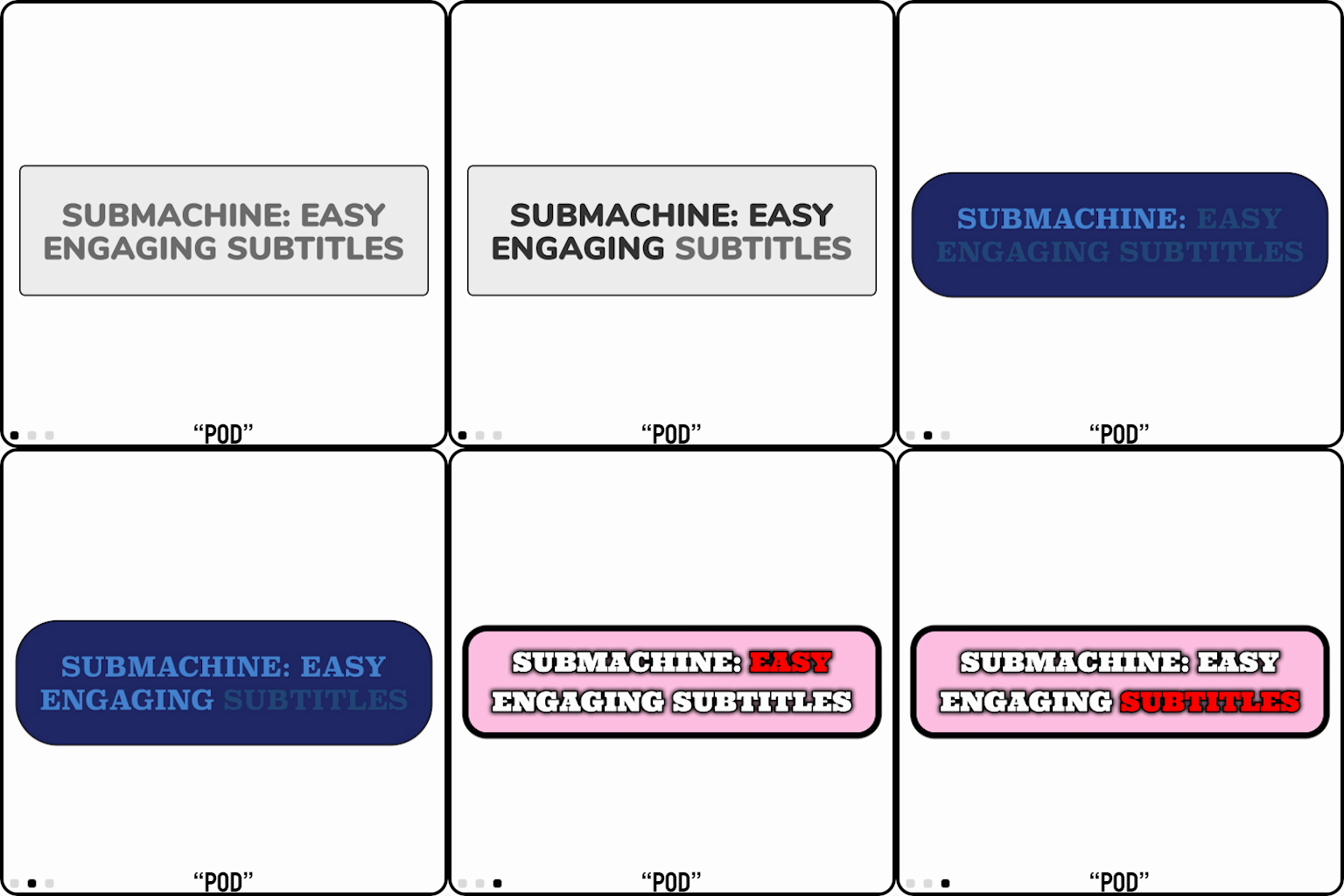
Pod: Inspired by the elegant Ali Abdaal style, text fades in as it’s spoken, with an optional background for increased legibility.
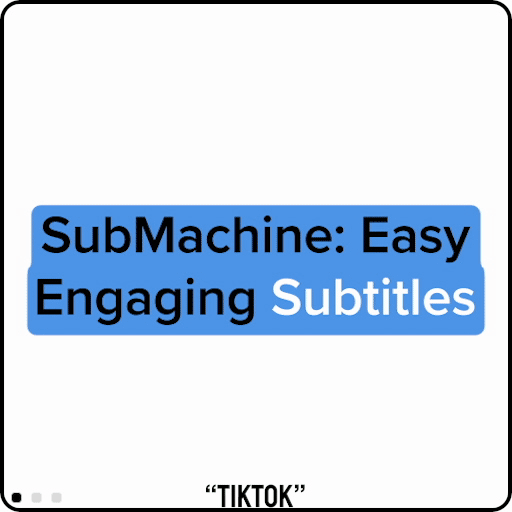
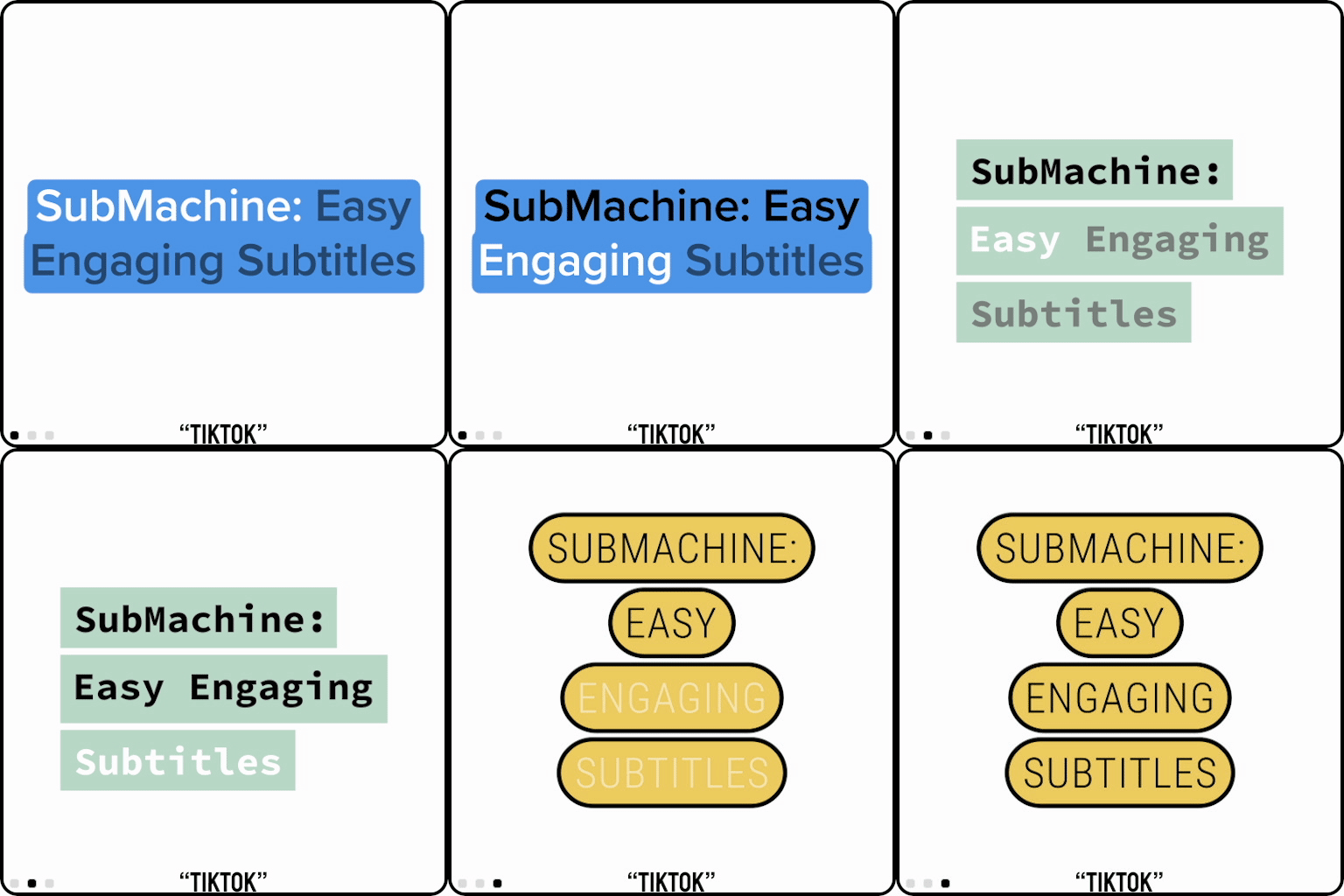
Tiktok: Looks like the real thing – but with so much more control! You can toggle between Tiktok default colours and fonts, or just take advantage of the powerful per-line backgrounds to make your own look.
System Requirements:
NOTE: VERSION 24.2 and 24.2.1 of PREMIERE CONTAIN BUGS THAT PREVENT SUBMACHINE FROM WORKING. PREMIERE 24.1 AND EARLIER AND PREMIERE 24.3 AND LATER WORK CORRECTLY. FOR MORE INFO CONTACT US VIA DISCORD.
As Adobe states on their best practices page: “As with any software, we do not recommend updating when you are in the middle of a large project. The best time to update is when you’re between projects or working on smaller pieces.”
Adobe Premiere Pro CC 2022 or above; Adobe After Effects CC 2022 or above Mac or Windows, recommended operating system language is English. Mogrts compatible with Premiere Pro 2023 are included and new and updated mogrts are regularly shared via Discord.
If you need to manually downgrade mogrts, it’s easily done by opening them in After Effects and using the “Save Copy As XX.X” command to open the mogrt in a previous version of After Effects. You can then export the mogrts in the frame rates you require.
SRT Languages:
Whilst SubMachine has predominantly been tested in English it does appear to work with SRT files in other languages too. We have tested German, Spanish, Hebrew, Vietnamese, Danish and many other SRT files, all with success. We also have mogrts for right to left languages. If you’d like us to run some tests on an SRT in your language, send an email to submachine@creativeworkflowsolutions.com with an example SRT file and we’ll get back to you as soon as possible.
Bear in mind, some fonts do not work well with some languages when it comes to special characters.
Premiere Gal dives deeper into SubMachine!
Video Revealed reviews SubMachine!
Elevate your motion graphics workflow with premium collection of After Effects plugins. Whether you are a seasoned professional or just starting your VFX journey, powerful tools designed to streamline complex tasks, unlock creative possibilities, and save you hours of rendering time. From stunning glitch effects and seamless transitions to advanced 3D extrusion and text animation tools, each plugin in our library is rigorously tested for compatibility with the latest versions of Adobe after Effects. Enhance your video production value today and download industry-leading plugins that help you create breathtaking visuals without the technical headaches. Browse our full range and find the perfect extension to supercharge your editing suite now.
➡️ ➡️ For more after effects Plugins 😀 😀
➡️ ➡️ System requirements AE
Reviews
There are no reviews yet.