
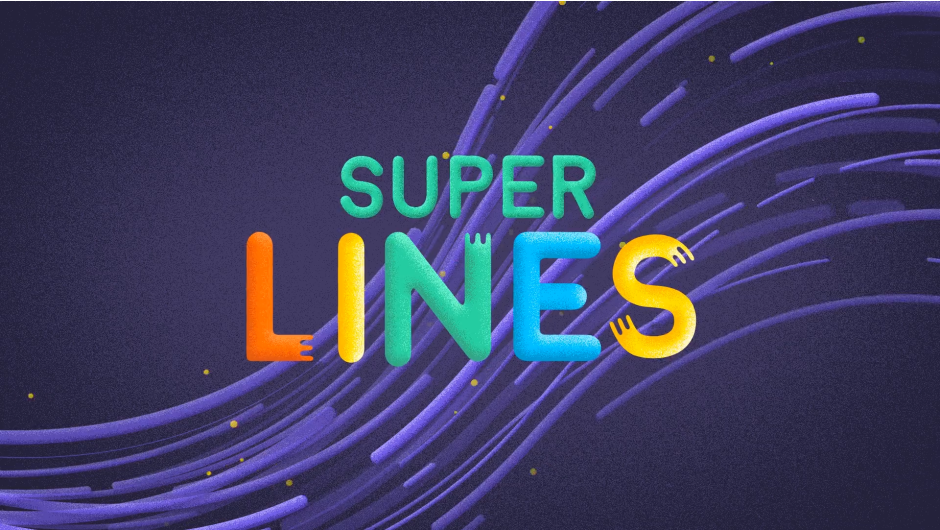
Super Lines for After Effects
Primary Keyphrase: line animation script
Download Super Lines v1.5.0 for After Effects on Windows and Mac, a powerful script that lets you create smooth, professional line animations directly from paths you draw . Perfect for dynamic transitions, stylish lettering, speed lines for moving objects, and adding creative flair to any motion graphics project .
Key Features of Super Lines v1.5.0:
- Two Core Styles: Generate animations in Cartoon or Abstract styles, with additional types (Regular, Reverse, Both) for virtually unlimited creative variations .
- Shape Layer Based: All lines are created as native After Effects shape layers, giving you full access to shape modifiers and complete creative control .
- Simple Workflow: Draw a path, choose your settings (style, direction, width, number of lines) in the Super Lines panel, and click generate .
- Full Post-Generation Control: After generation, fine-tune every aspect of your animation using intuitive effect controls—adjust timing, width, position, rotation, opacity, animation speed, and color .
- Extensive Compatibility: Works with After Effects versions from CC 2014 through 2025 on both Windows and Mac systems .
- v1.5.0 Updates: Fixed “empty error” on startup and updated license framework to v4.3.2 for improved stability .
Perfect For:
- Motion graphics artists creating dynamic transitions and eye-catching effects
- Title and logo designers adding animated line work to their projects
- Anyone needing to create speed lines for moving objects or decorative line animations
- Creators who want to experiment with different line styles and animations without manual keyframing
System Requirements:
- Adobe After Effects CC 2014 through 2025 (broad version support)
- Windows 10/11 (64-bit) or macOS
- 4GB RAM minimum (8GB+ recommended)
- 25MB available disk space
- Enable “Allow Scripts to Write Files and Access Network” in Preferences > Scripting & Expressions
Installation:
Copy the script file to your After Effects ScriptUI Panels folder:
- Windows:
C:\Program Files\Adobe\Adobe After Effects [version]\Support Files\Scripts\ScriptUI Panels\ - Mac:
/Applications/Adobe After Effects [version]/Scripts/ScriptUI Panels/
Access via Window menu > Super Lines .
Super lines lets you create and experiment with different lines animations with ease.
Make smooth lines animations easily and quickly.
Use it for transitions, lettering, speed lines for moving objects and much more.
Super Lines will add fun and flair to any animation
Features
- 2 different styles: cartoon and abstract.
- Extra types (invert,both,regular) and unlimited variations
- Everything is created with shape layers
- Shape modifiers support
Examples

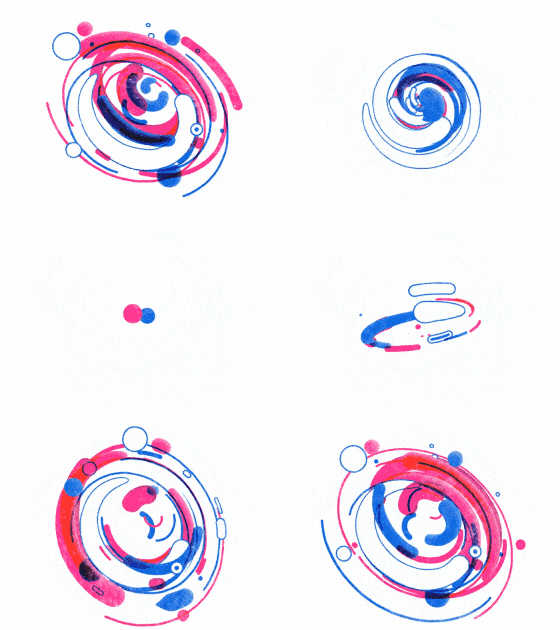

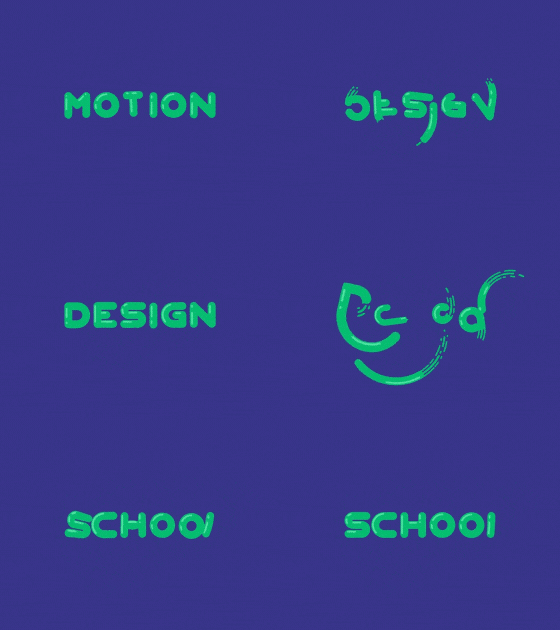


Tutorial



Elevate your motion graphics workflow with premium collection of After Effects plugins. Whether you are a seasoned professional or just starting your VFX journey, powerful tools designed to streamline complex tasks, unlock creative possibilities, and save you hours of rendering time. From stunning glitch effects and seamless transitions to advanced 3D extrusion and text animation tools, each plugin in our library is rigorously tested for compatibility with the latest versions of Adobe after Effects. Enhance your video production value today and download industry-leading plugins that help you create breathtaking visuals without the technical headaches. Browse our full range and find the perfect extension to supercharge your editing suite now.
➡️ ➡️ For more after effects Plugins 😀 😀
➡️ ➡️ System requirements AE
Reviews
There are no reviews yet.