
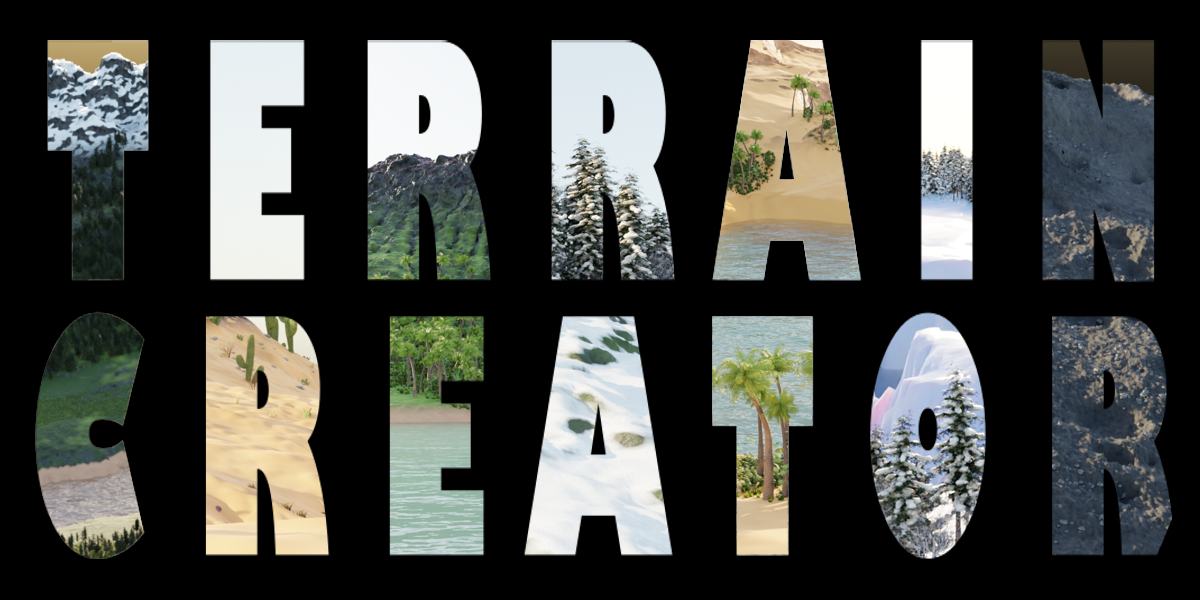
Terrain Creator for Blender
terrain creator addon
Terrain Creator v1.2 for Blender – Professional Landscape & Terrain Generation Toolkit
Version: V1.2
File Size:150 MB
Download Terrain Creator v1.2 for Blender on Windows, Mac, and Linux, a powerful terrain generation add-on that creates stunning landscapes, mountains, valleys, and natural environments with procedural controls. Generate realistic terrains with erosion, texture mapping, and vegetation placement—perfect for environment artists, game developers, and architectural visualization professionals .
Key Features of Terrain Creator v1.2:
- Procedural Generation: Create infinite landscape variations with adjustable noise parameters
- Erosion Simulation: Hydraulic and thermal erosion for realistic terrain features
- Texturing: Automatic texture blending based on slope, altitude, and erosion
- Vegetation System: Place trees, grass, and rocks with density controls
- Water Bodies: Add lakes, rivers, and oceans that adapt to terrain
- Export Options: Export as mesh, displacement map, or height field
- Preset Landscapes: Mountains, valleys, canyons, islands, and coastal scenes
- Real-Time Preview: See terrain updates instantly in the viewport
- Non-Destructive: All terrain features remain adjustable after generation
- v1.2 Updates: Enhanced erosion, new terrain types, and compatibility with Blender 4.0+
Perfect For:
- Environment artists creating natural landscapes
- Game developers building open world terrains
- Architectural visualization professionals creating site contexts
- VFX artists generating digital environments
- Anyone needing professional terrain generation in Blender
System Requirements:
- Blender 3.6, 4.0, 4.1, 4.2, 4.3
- Windows 10/11 (64-bit), macOS, or Linux
- 4GB RAM minimum (8GB+ recommended)
- 30MB available disk space
Installation:
- Download the add-on zip file
- In Blender, go to Edit > Preferences > Add-ons
- Click “Install” and select the downloaded zip file
- Enable the add-on by checking the box next to “Terrain Creator”
Note: Terrain Creator brings professional landscape generation to Blender, with procedural terrain, realistic erosion, and integrated vegetation placement . The preset landscapes and real-time preview make it essential for environment artists, game developers, and architectural visualization professionals . Version 1.2 includes full compatibility with Blender 4.0 and above . Designed for Blender 3.6 and above . Perfect for realistic terrain creation . Essential for any landscape workflow .
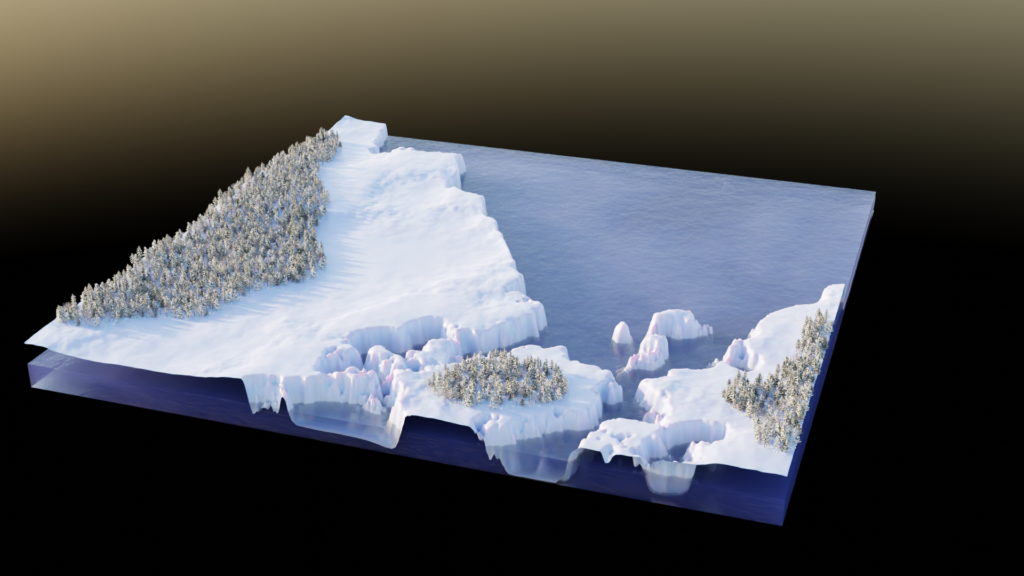
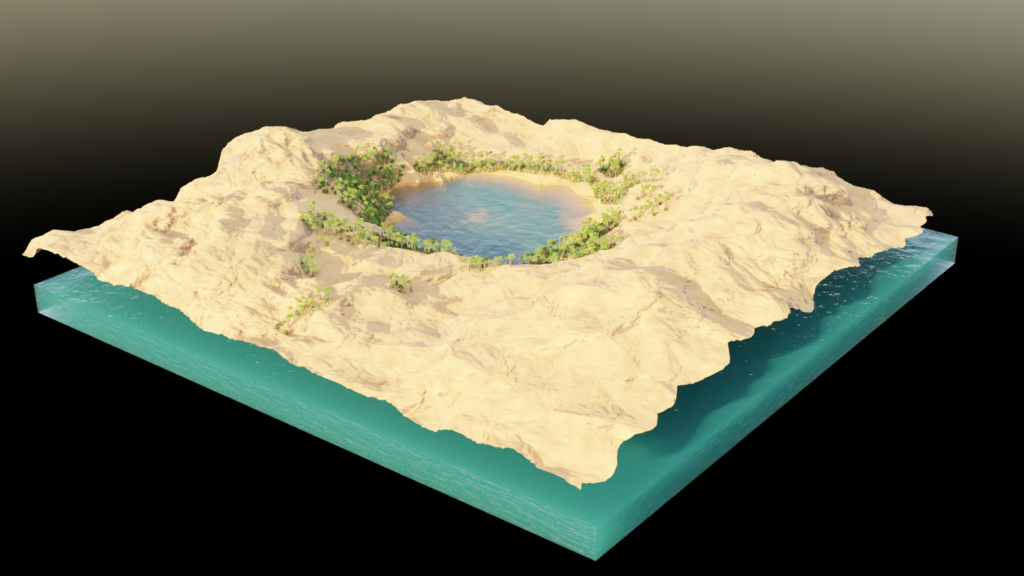
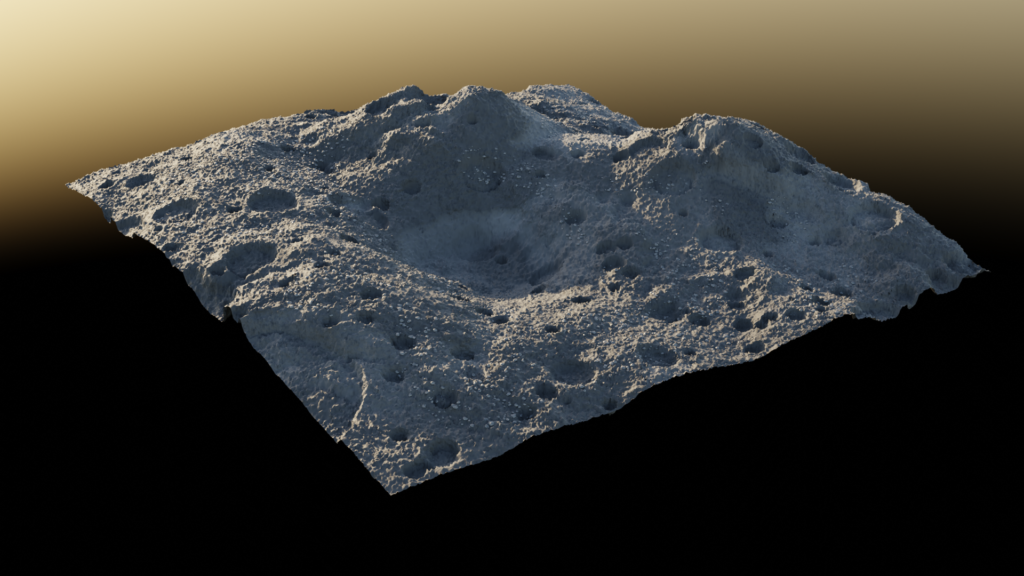
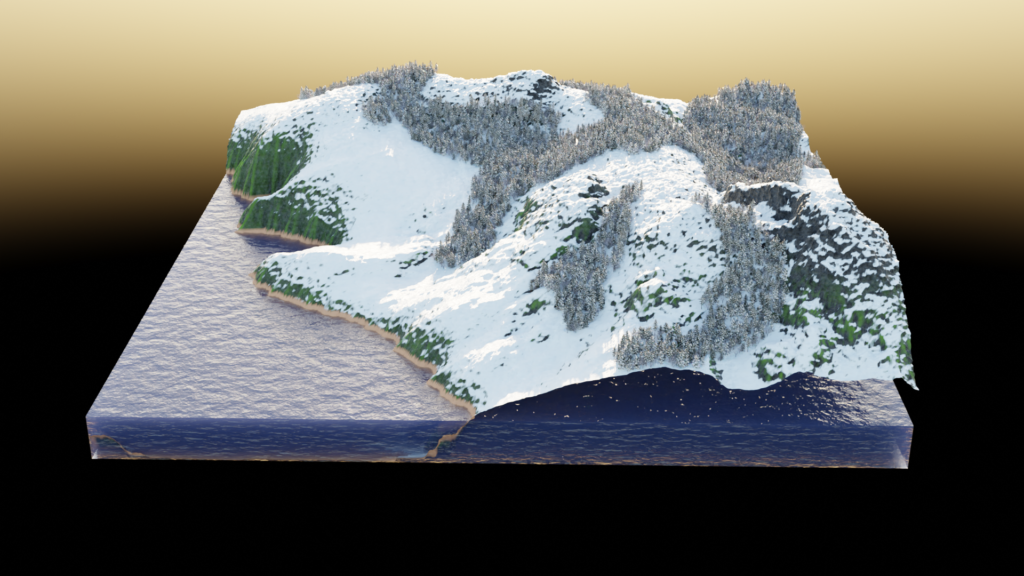
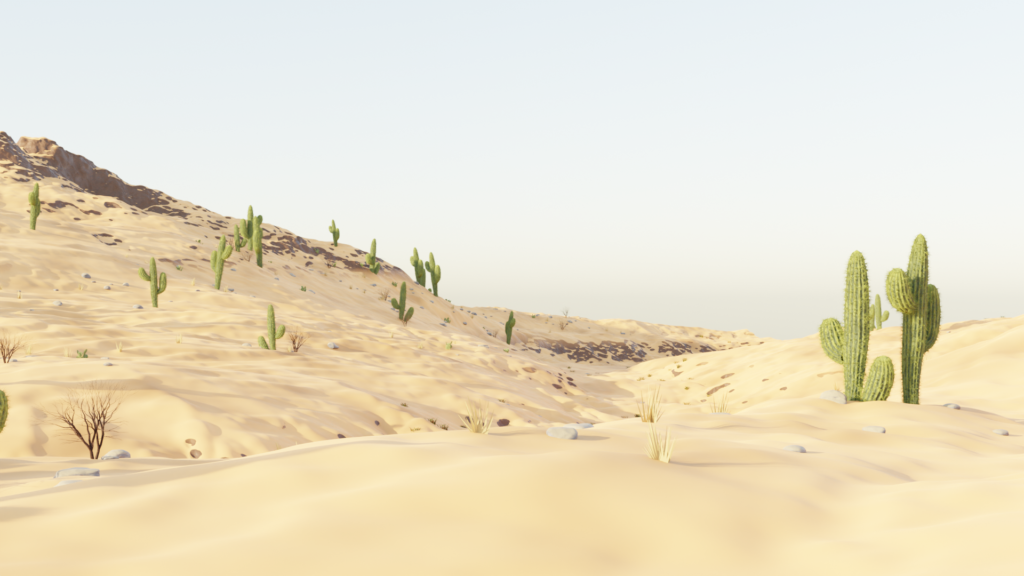
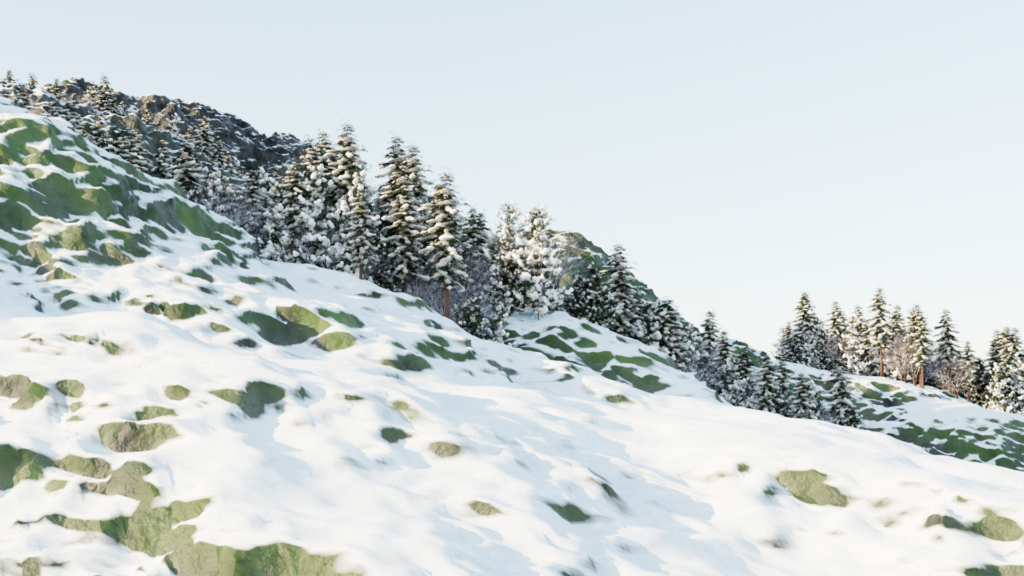
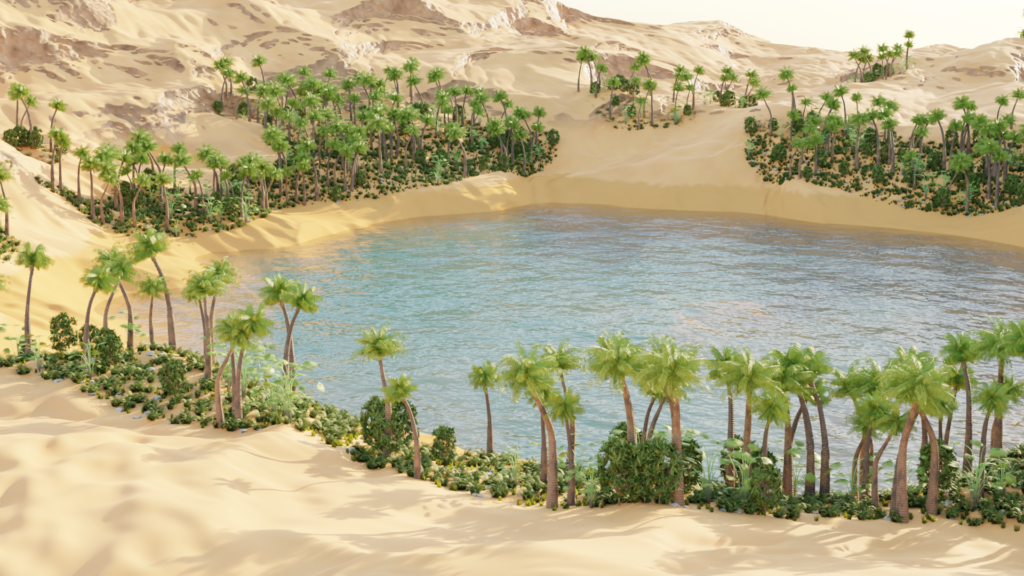
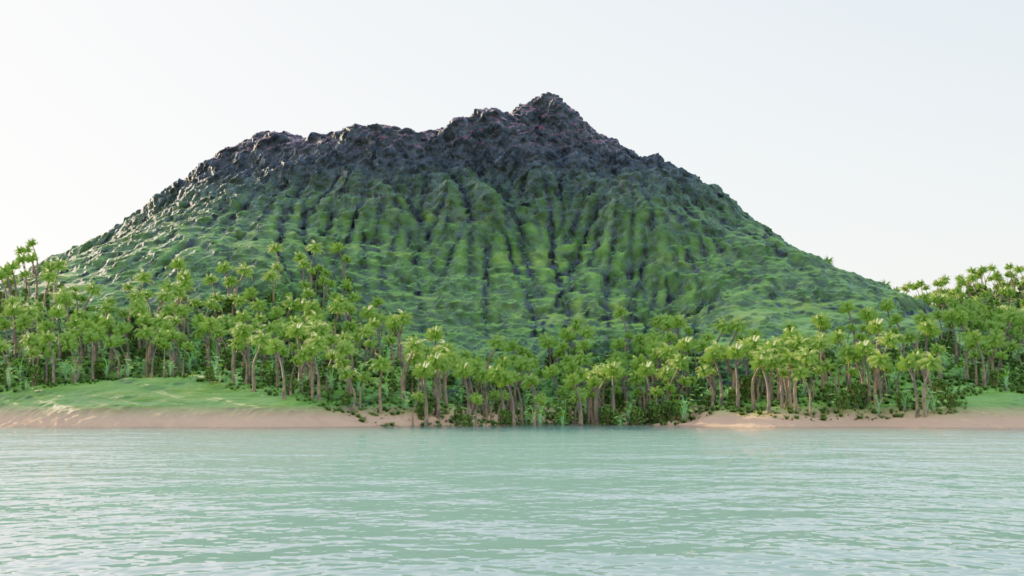
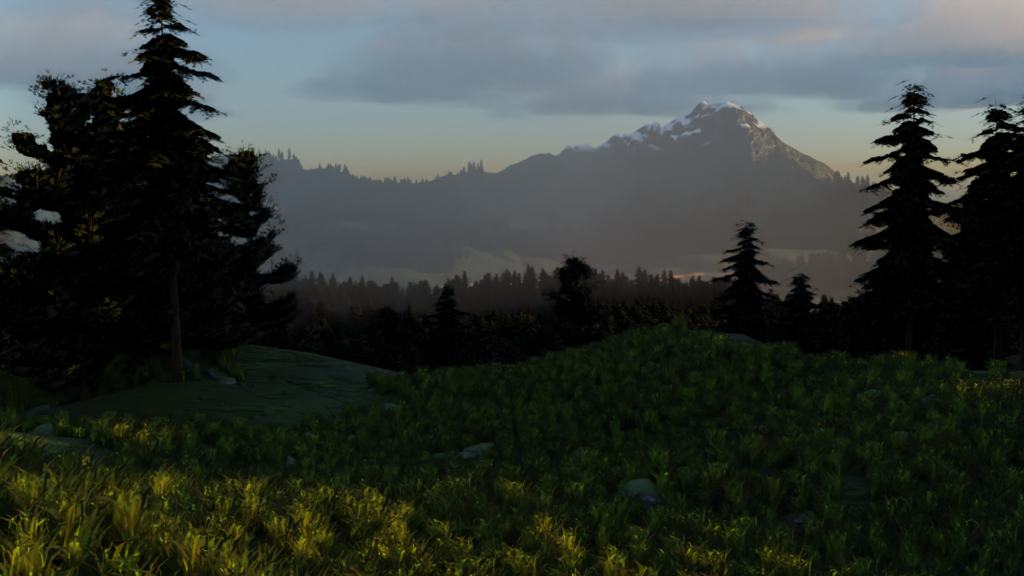
Compatable with Blender 5.0
TERRAIN CREATOR 1.01
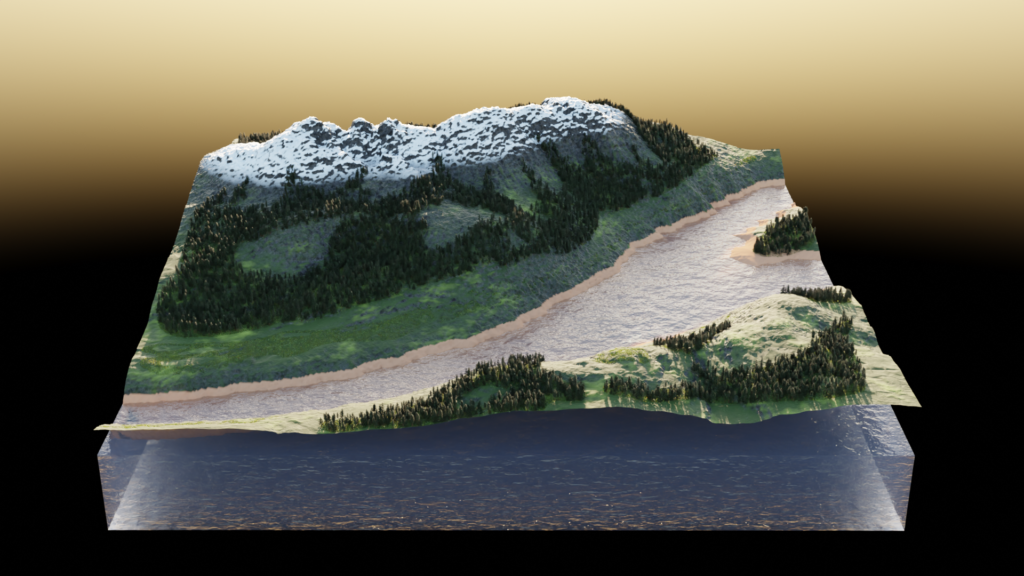
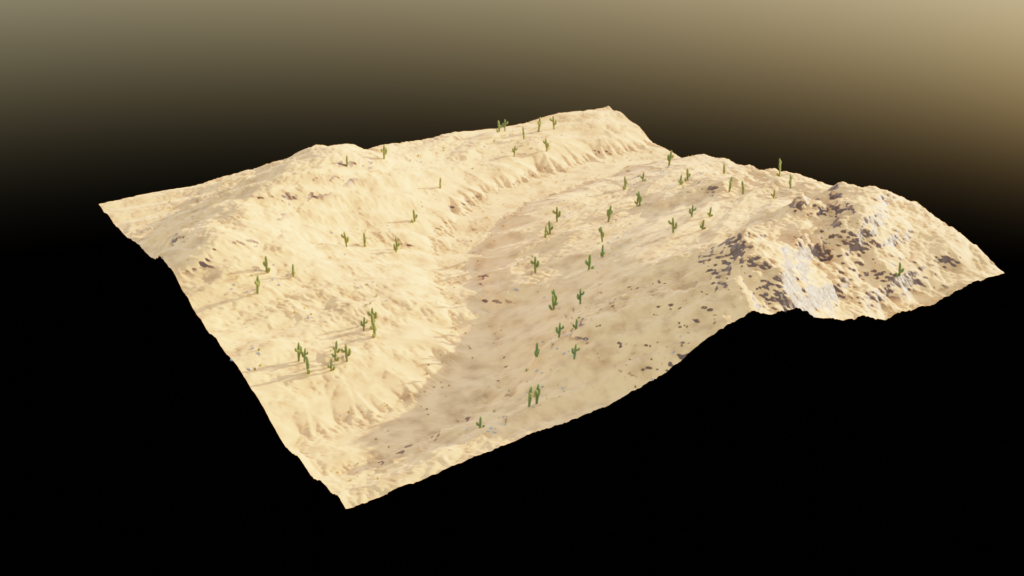
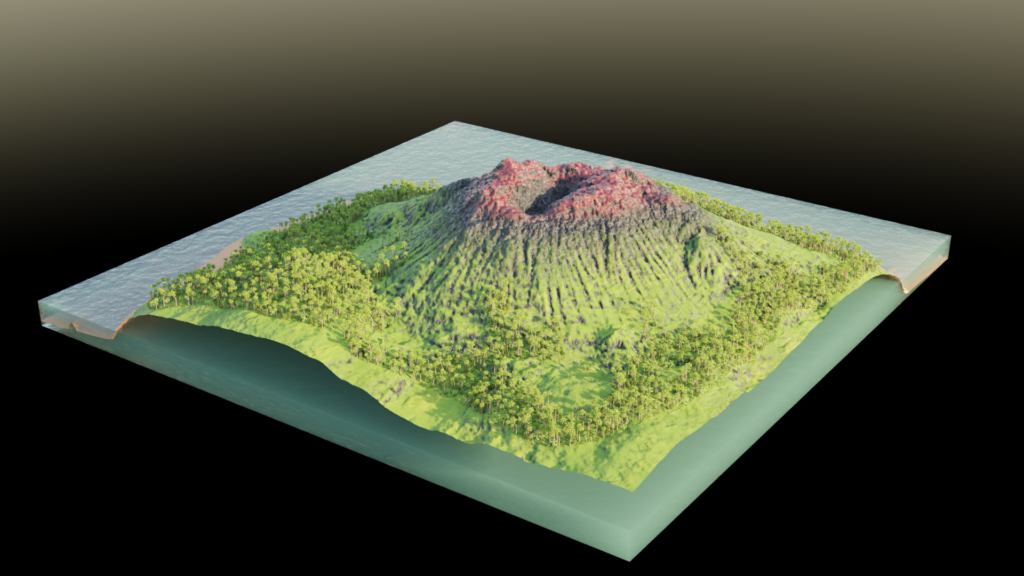
An addon for creating terrains quickly and simply, using a combination of procedural noise with drawing features that allow you to draw terrain features like mountains and valleys directly on your terrain for precise control over placement. Choose from a variety of presets to get started, draw your terrain features, customize material colors and settings, add and customize water level with generated shoreline, erosion simulation, foliage scatter, all combine to create an endless variety of terrains.
Terrain presets include temperate landscape, two varieties of desert, ice, and moonscape.
Foliage presets include pine forest, temperate forest, tropical forest, cactus, and snow-covered.
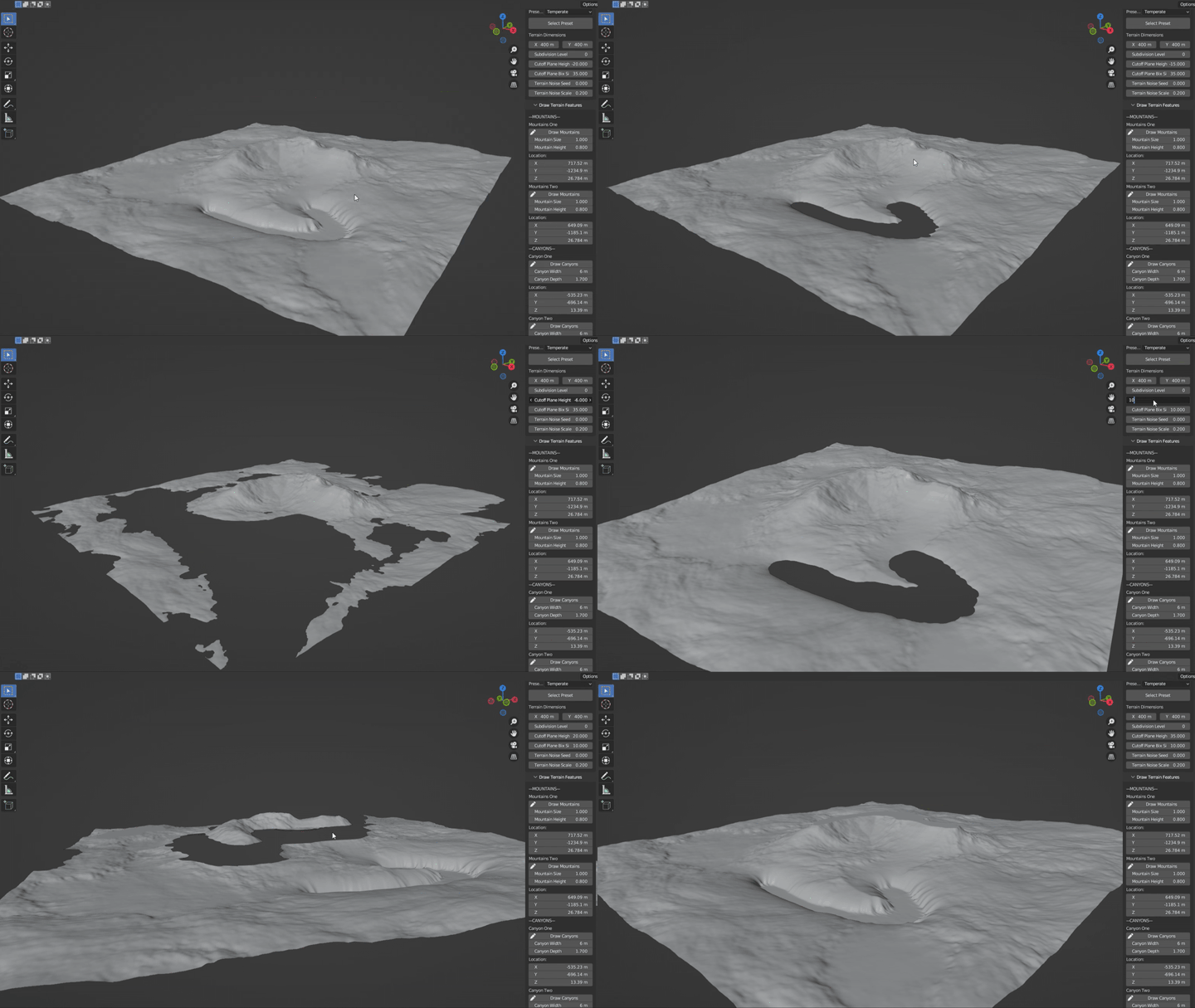
NEW! CUTOFF PLANE
Added by request. Note, it’s best to draw terrain features before using the cutoff plane, attempting to draw terrain on the area cut by the cutoff plane can cause some strange behavior.
SCATTER CUSTOM ASSETS
You can now add custom assets to the scatter system.Simply add your asset to the “custom_tree” or “custom_grass” collection(delete the placeholder suzannes in these collections) and select “custom” from the dropdown menu.
DRAW YOUR TERRAIN FEATURES
CUSTOMIZE MATERIALS
(cycles only)
WATER
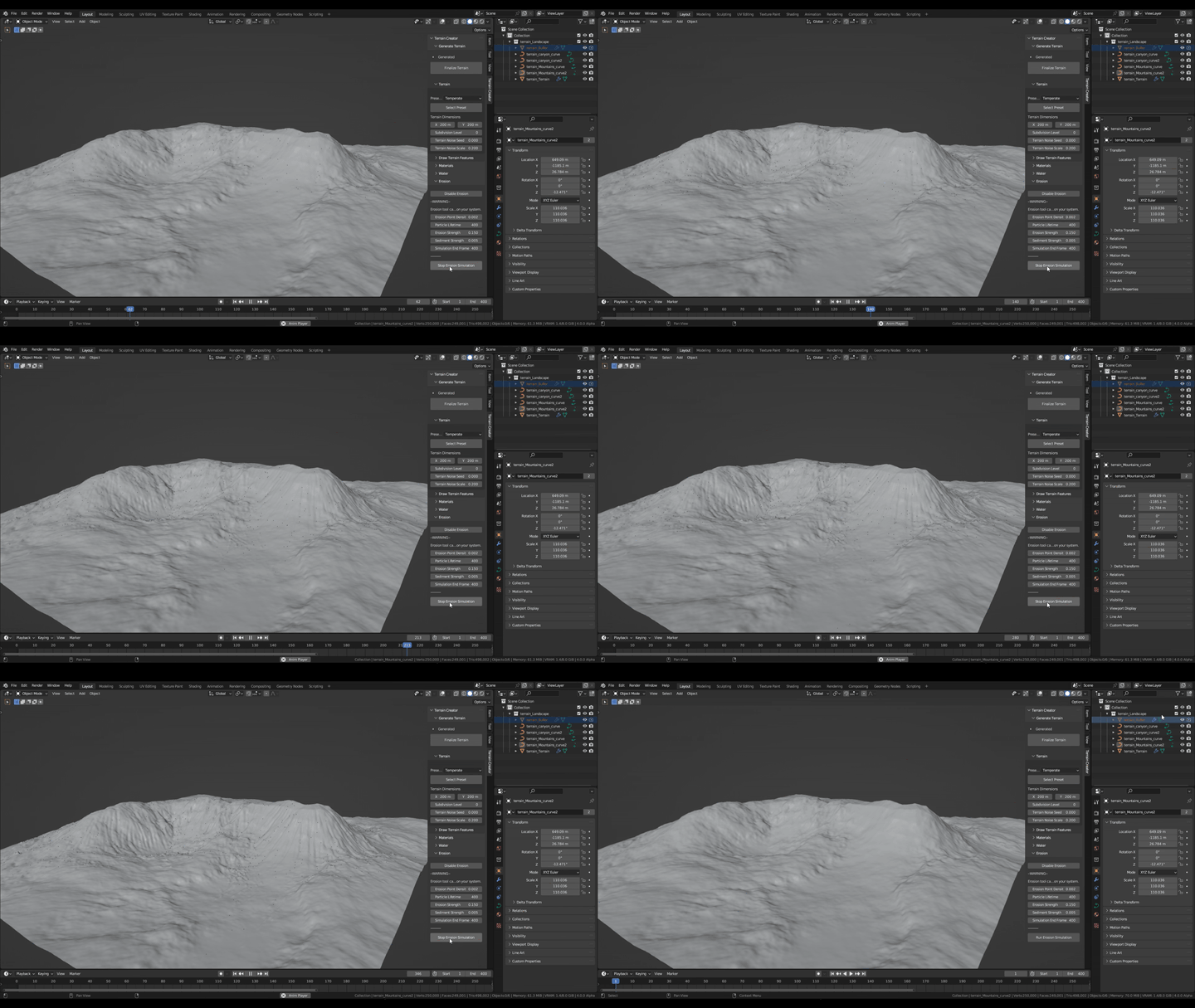
EROSION
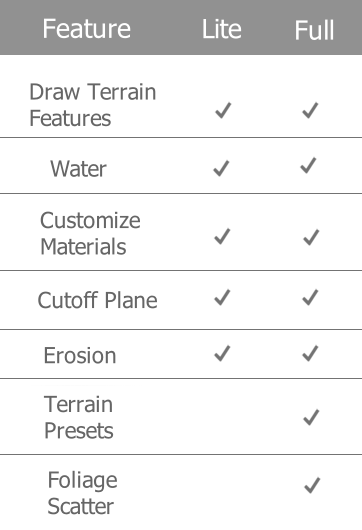
VERSION COMPARISON
-Known Issues –
– Using very small Clip Start values for the viewport can cause strange behavior with Blender’s curve drawing tools, which this addon makes use of for drawing mountains and canyons. It is highly recommended to use blender’s default Clip Start value of 0.01 when working with this addon.
Supercharge your 3D creation workflow with premium selection of Blender Add-ons. Whether you are modeling intricate characters, sculpting realistic environments, or animating cinematic sequences, the right add-on can transform how you work inside Blender. Our curated collection includes powerful tools for UV unwrapping, procedural texture generation, rigging automation, rendering optimization, and more—each rigorously tested for compatibility with the latest Blender versions. Eliminate tedious manual processes and unlock advanced functionality that lets you focus on what matters most: bringing your creative vision to life. Explore our full range of professional Blender plugins today and take your 3D projects to the next level.
➡️ ➡️ For more Blender Plugins 😀 😀
Reviews
There are no reviews yet.