
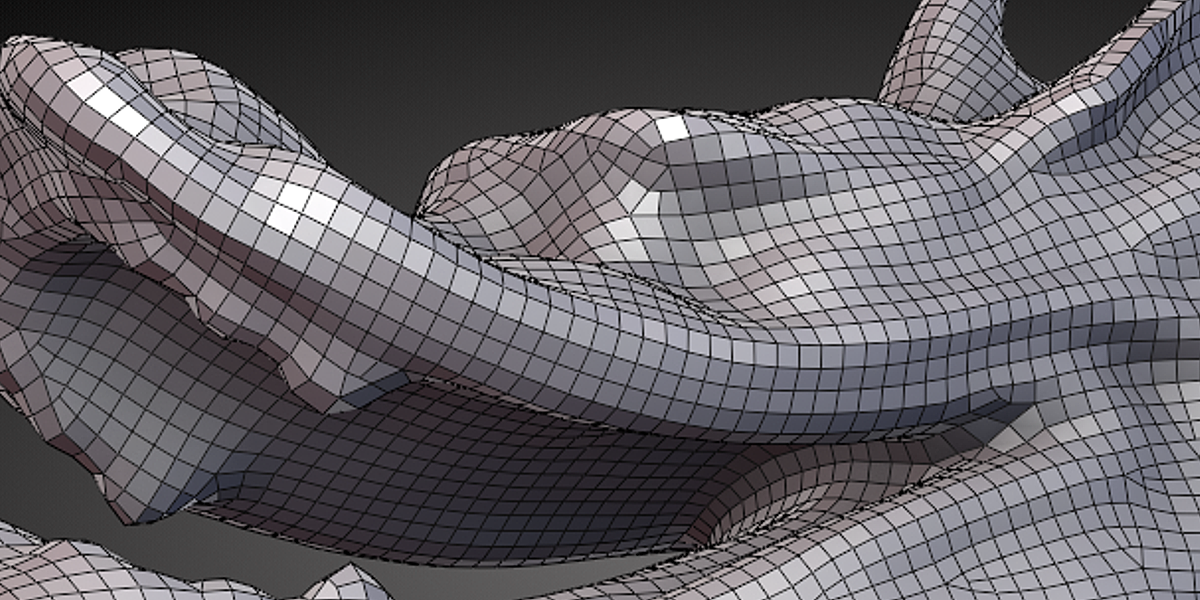
Tesselator Quadrilateral Remeshing for Blender
tesselator addon
Tesselator Quadrilateral Remeshing for Blender – Intelligent Quad Retopology & Remeshing Tool
Version: 2.8
File Size: 5MB
Download Tesselator for Blender on Windows, Mac, and Linux, a powerful quadrilateral remeshing add-on that converts any mesh into clean, all-quad topology with intelligent edge flow. Perfect for retopologizing sculpts, cleaning up 3D scans, and preparing models for subdivision and animation—generate production-ready quad meshes with adjustable density .
Key Features of Tesselator:
- All-Quad Output: Converts any mesh to clean, all-quad topology
- Adaptive Density: Control quad size distribution based on curvature
- Edge Flow Preservation: Maintains natural edge flow around features
- Multi-Resolution: Generate multiple LODs from high-poly source
- Sculpt-Ready: Creates clean base meshes for further sculpting
- Scan Cleanup: Converts triangulated scan data to quad meshes
- Subdivision Ready: Optimal topology for subdivision surfaces
- Batch Processing: Remesh multiple objects simultaneously
- Real-Time Preview: See remeshing results before committing
Perfect For:
- Character artists creating subdivision-ready base meshes
- Game developers optimizing high-poly sculpts
- 3D scanning professionals cleaning up captured data
- VFX artists preparing models for animation
- Anyone needing clean quad topology in Blender
System Requirements:
- Blender 3.6, 4.0, 4.1, 4.2, 4.3
- Windows 10/11 (64-bit), macOS, or Linux
- 4GB RAM minimum (8GB+ recommended)
- 15MB available disk space
Installation:
- Download the add-on zip file
- In Blender, go to Edit > Preferences > Add-ons
- Click “Install” and select the downloaded zip file
- Enable the add-on by checking the box next to “Tesselator”
Note: Tesselator provides professional quadrilateral remeshing for Blender, converting any mesh into clean, all-quad topology ready for subdivision and animation . The adaptive density and edge flow preservation make it essential for character artists, game developers, and 3D scanning professionals . Designed for Blender 3.6 and above . Perfect for quad retopology . Essential for any remeshing workflow .
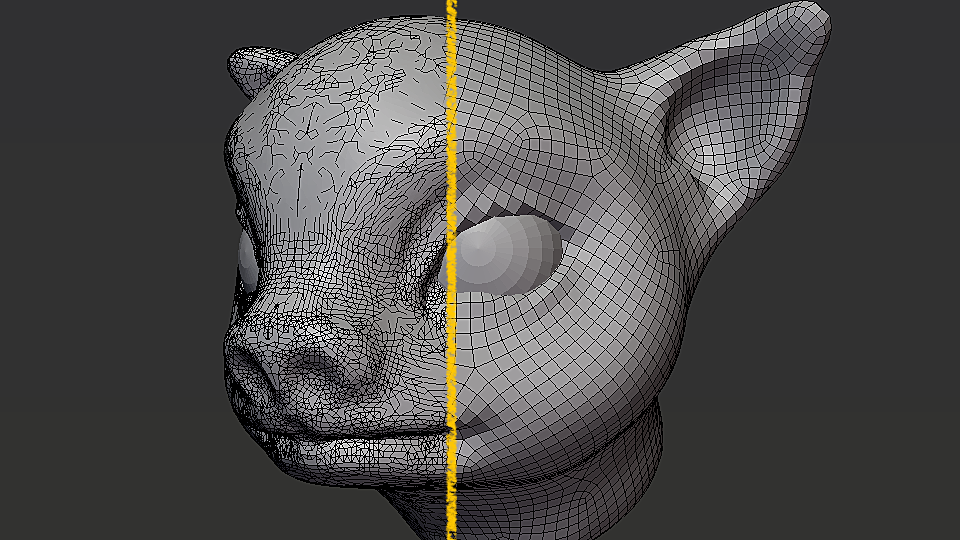
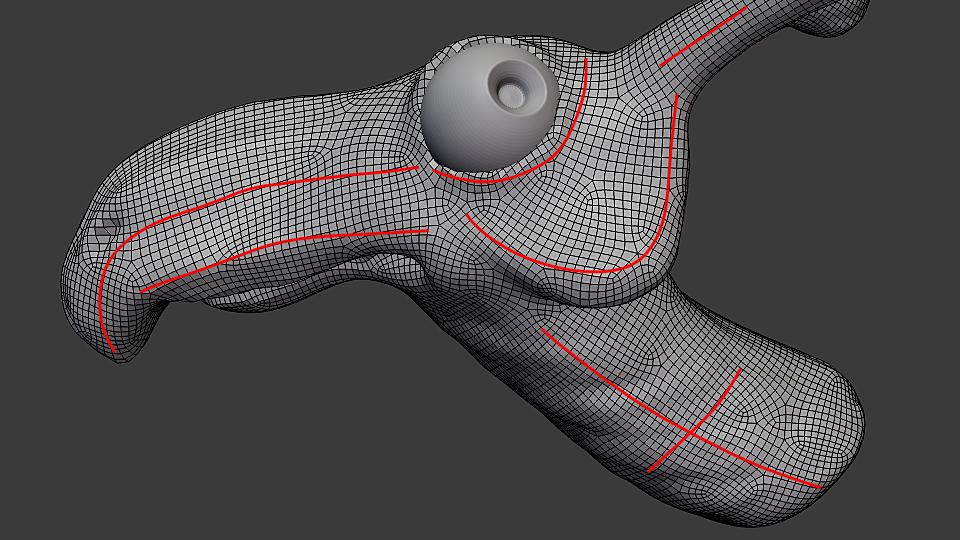
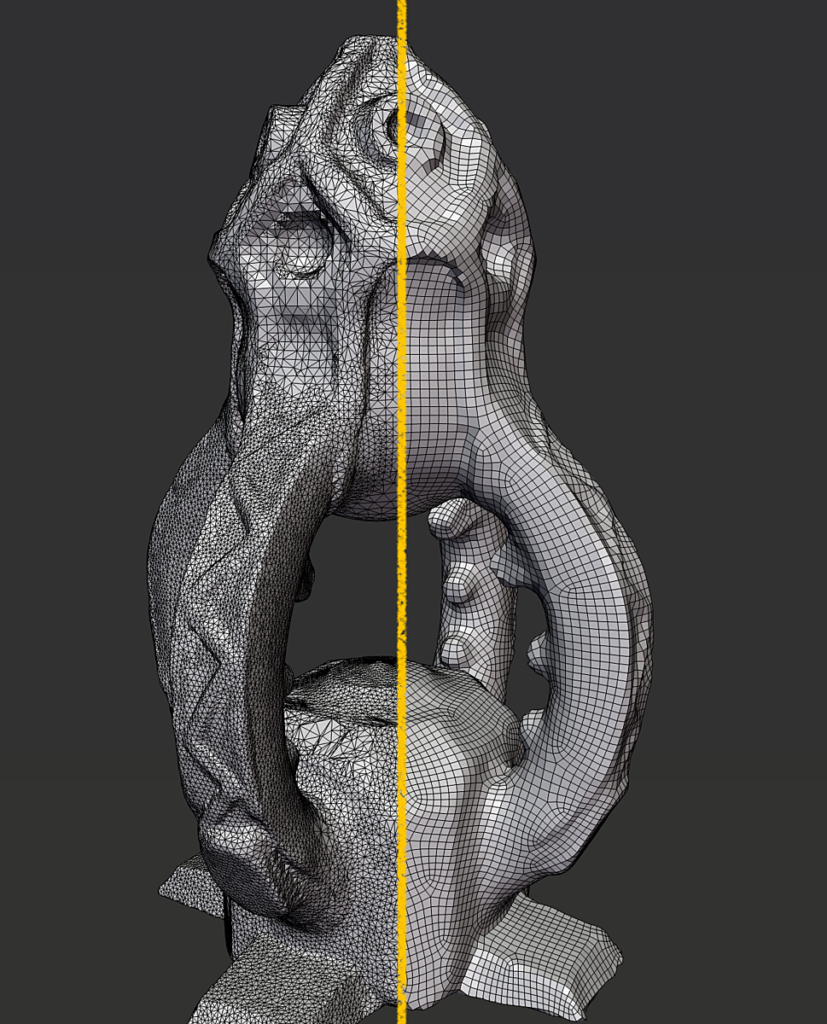
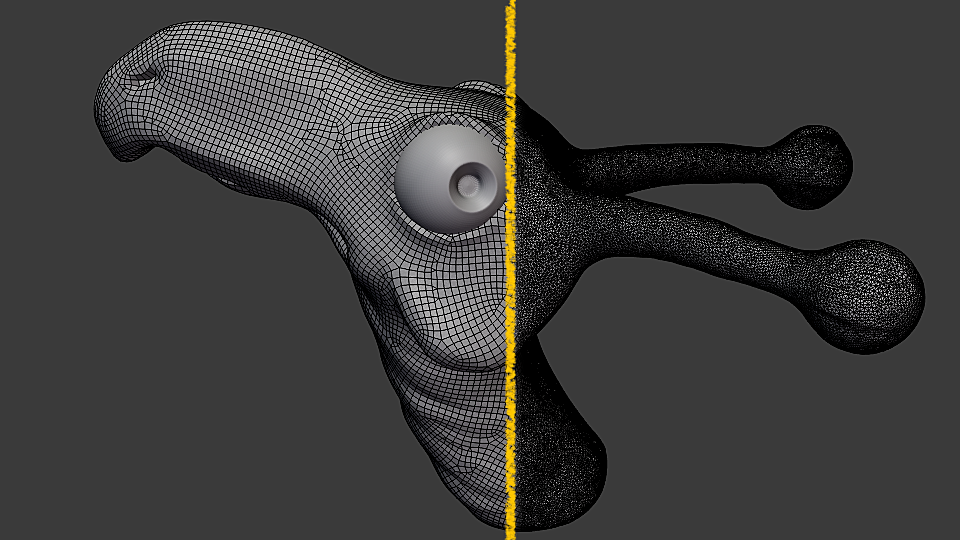
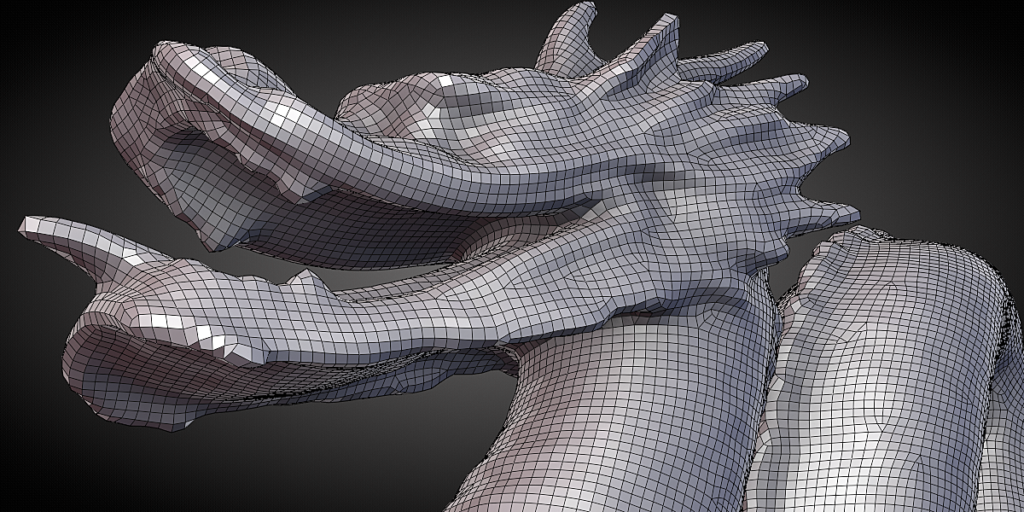
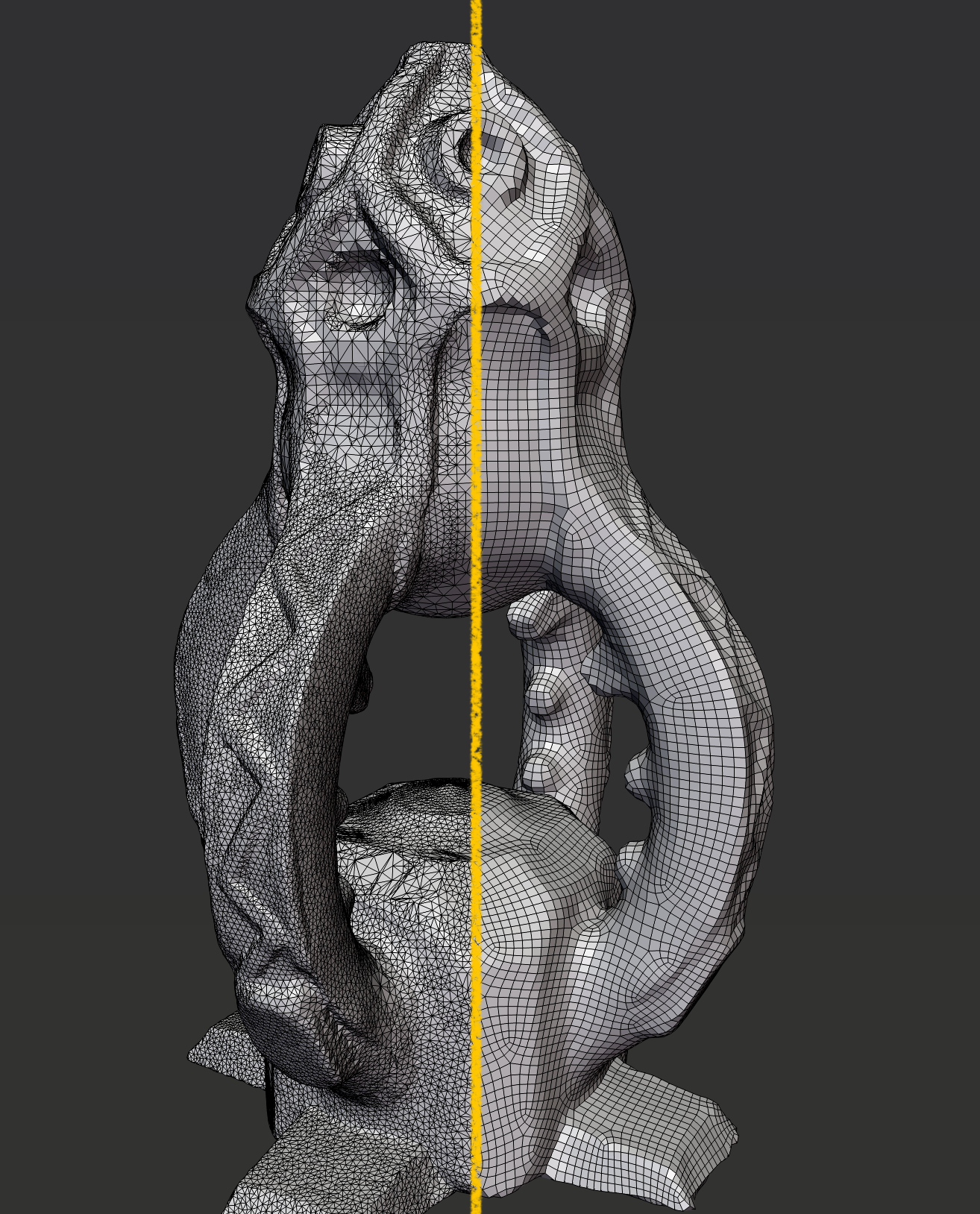
Tesselator is a remeshing addon that helps you create regular quad and triangle meshes easily out of sculpts.
It can create pure quads, pure triangles and quad-dominant meshes with high control over the flow.
Although it’s not exact, it performs pretty well for simple models and can create good looking topology.
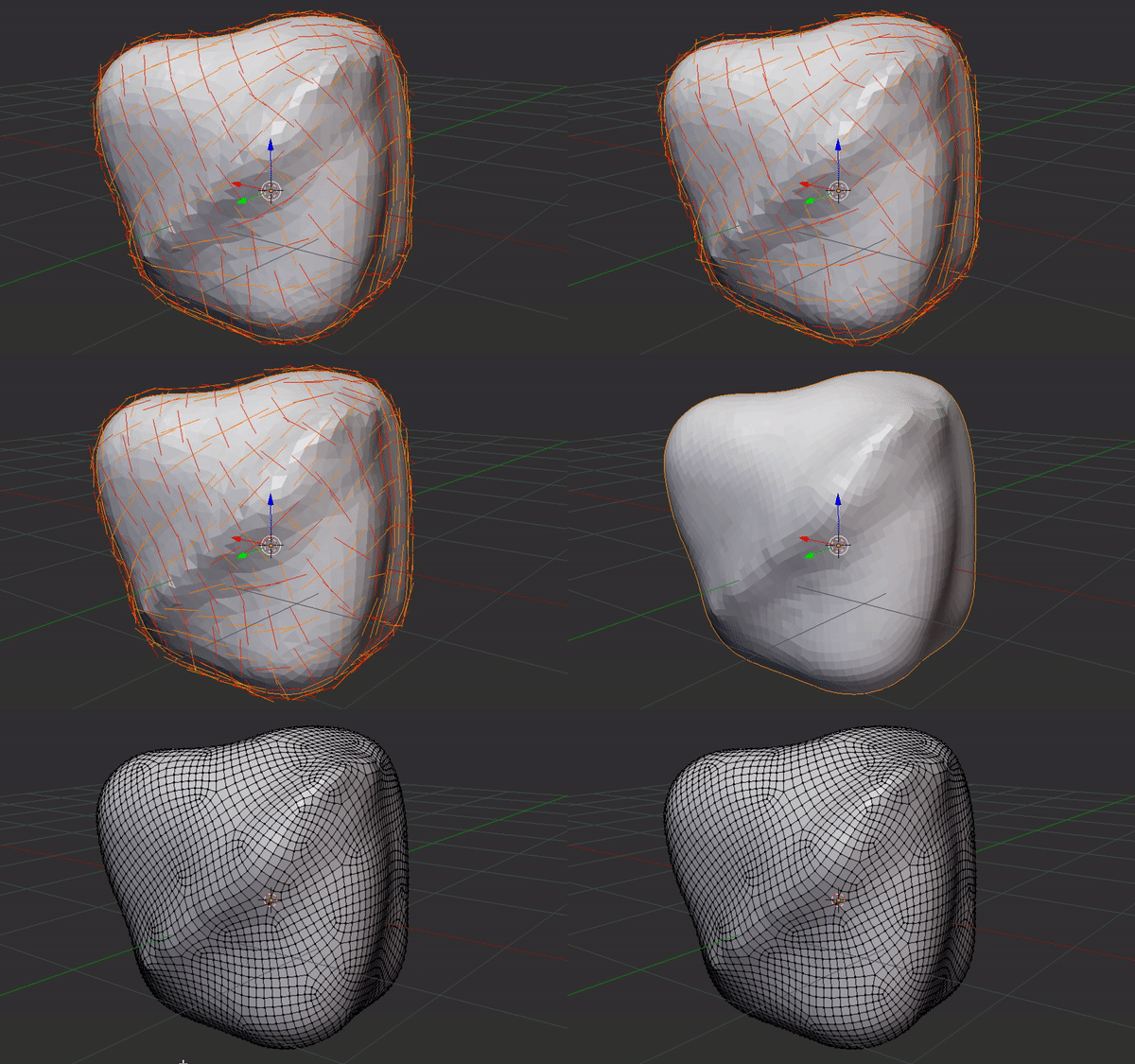
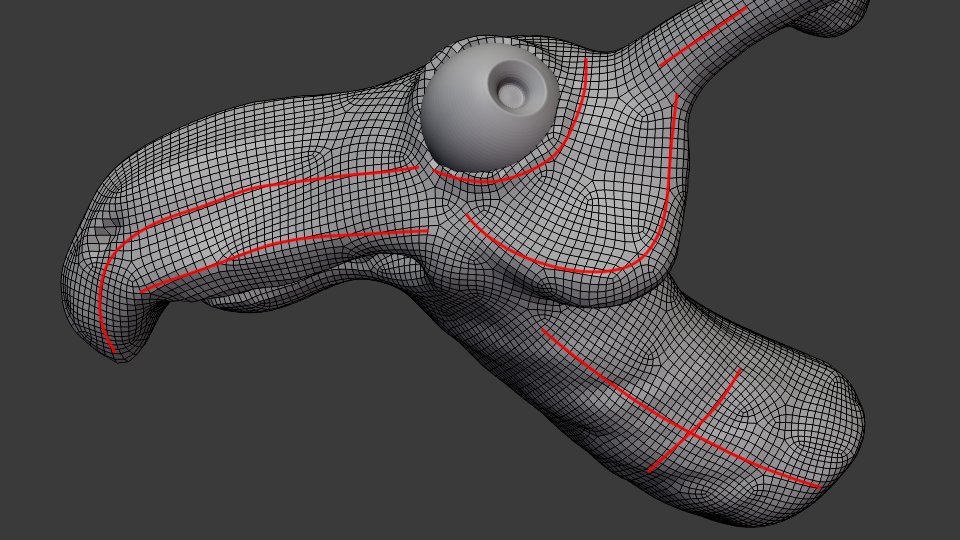
The addon simulate a particle system that can be guided by grease pencil and form a quad and triangle complex for the final mesh
Blender 2.8:
There’s a new version of Tesselator currently being developed for blender 2.8. its called creatively as Tesselator 1.28. It currently has better features and topology and It is already available.
The new Tesselator will have support for masking density, sharp features and a. improved triangle mode. There’s no documentation on its settings yet but here’s a sneak peak of what its capable of.
Read the documentation for details on the old tesselator 1.0.
Supercharge your 3D creation workflow with premium selection of Blender Add-ons. Whether you are modeling intricate characters, sculpting realistic environments, or animating cinematic sequences, the right add-on can transform how you work inside Blender. Our curated collection includes powerful tools for UV unwrapping, procedural texture generation, rigging automation, rendering optimization, and more—each rigorously tested for compatibility with the latest Blender versions. Eliminate tedious manual processes and unlock advanced functionality that lets you focus on what matters most: bringing your creative vision to life. Explore our full range of professional Blender plugins today and take your 3D projects to the next level.
➡️ ➡️ For more Blender Plugins 😀 😀
Reviews
There are no reviews yet.